Change Name Form Application With Database Example
Description
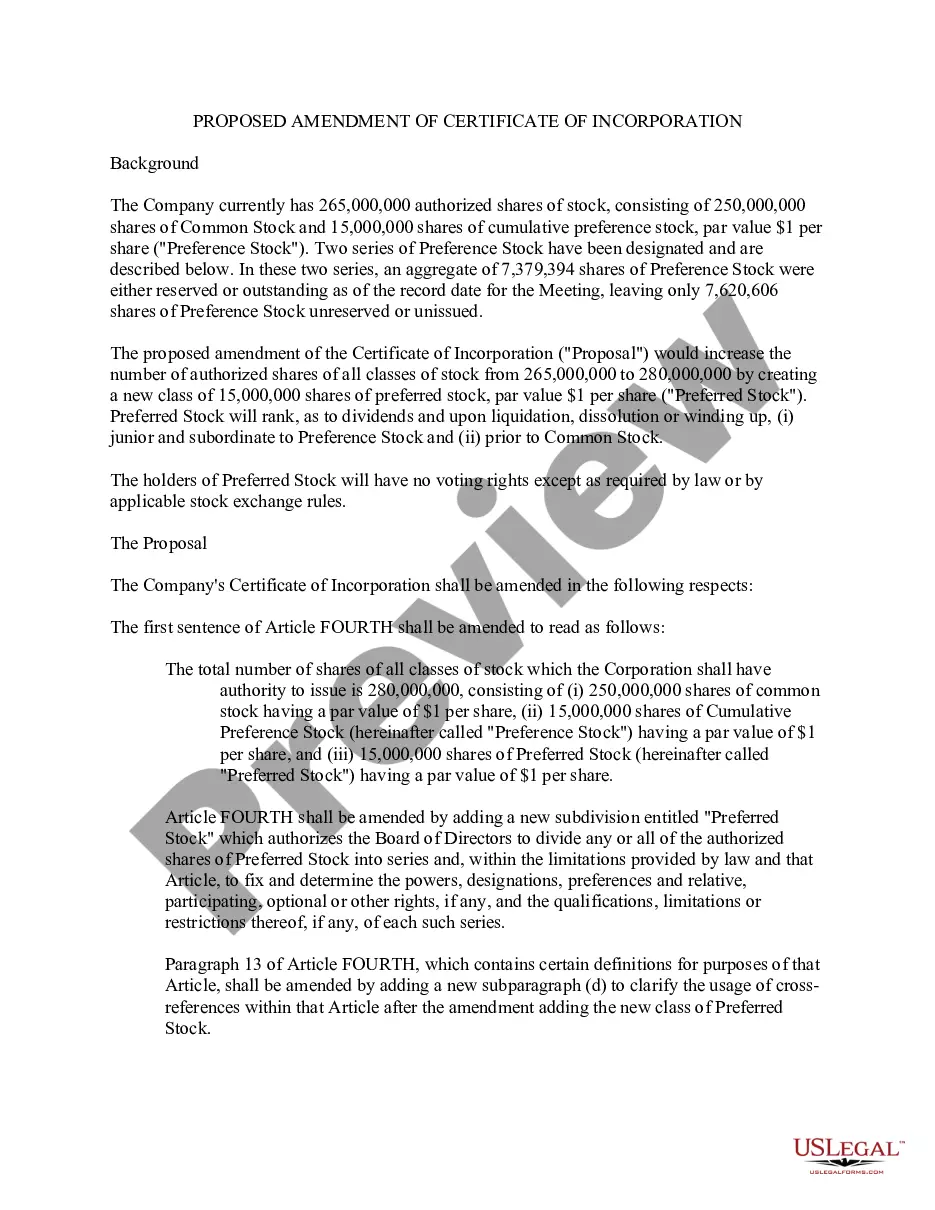
Get your form ready online
Our built-in tools help you complete, sign, share, and store your documents in one place.
Make edits, fill in missing information, and update formatting in US Legal Forms—just like you would in MS Word.
Download a copy, print it, send it by email, or mail it via USPS—whatever works best for your next step.
Sign and collect signatures with our SignNow integration. Send to multiple recipients, set reminders, and more. Go Premium to unlock E-Sign.
If this form requires notarization, complete it online through a secure video call—no need to meet a notary in person or wait for an appointment.
We protect your documents and personal data by following strict security and privacy standards.

Make edits, fill in missing information, and update formatting in US Legal Forms—just like you would in MS Word.

Download a copy, print it, send it by email, or mail it via USPS—whatever works best for your next step.

Sign and collect signatures with our SignNow integration. Send to multiple recipients, set reminders, and more. Go Premium to unlock E-Sign.

If this form requires notarization, complete it online through a secure video call—no need to meet a notary in person or wait for an appointment.

We protect your documents and personal data by following strict security and privacy standards.
Looking for another form?
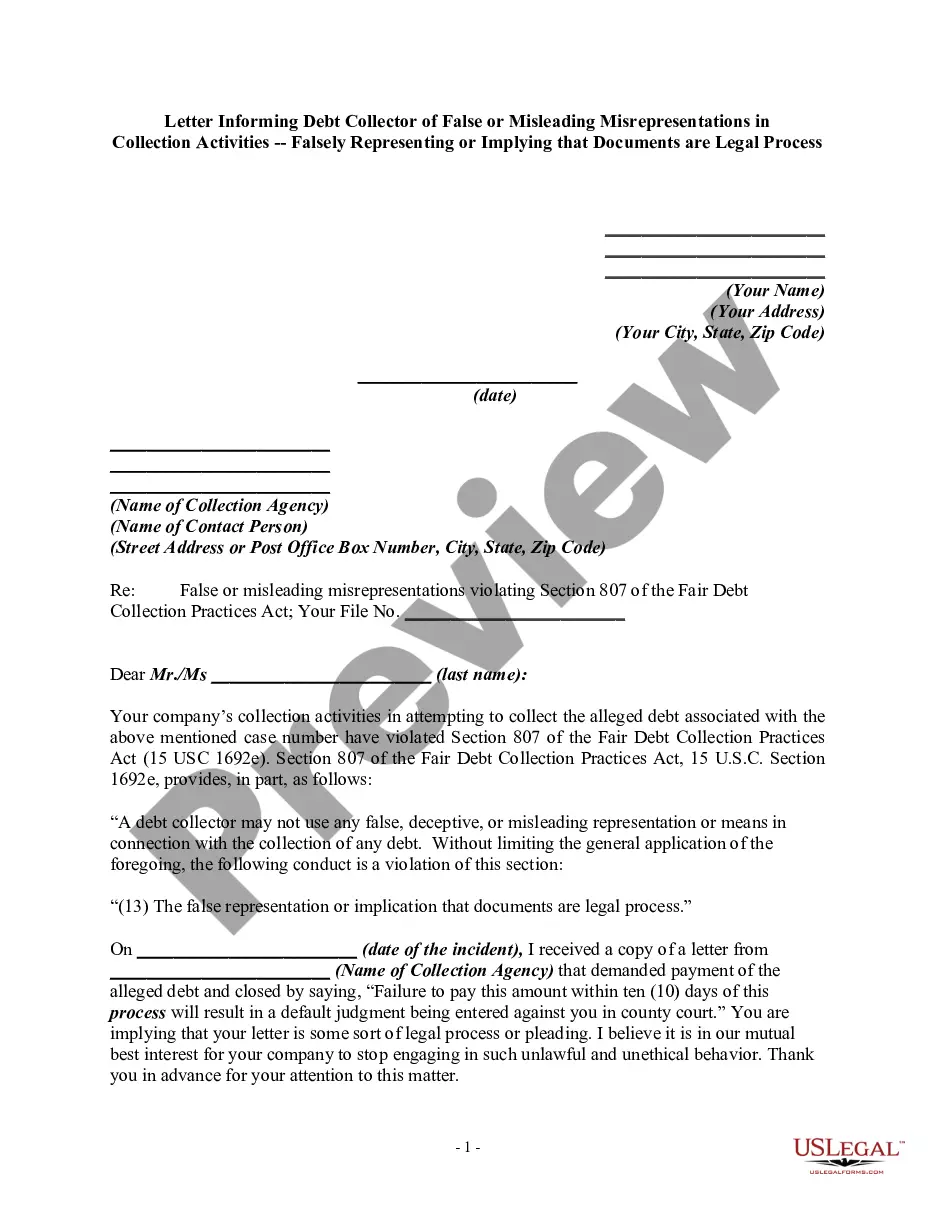
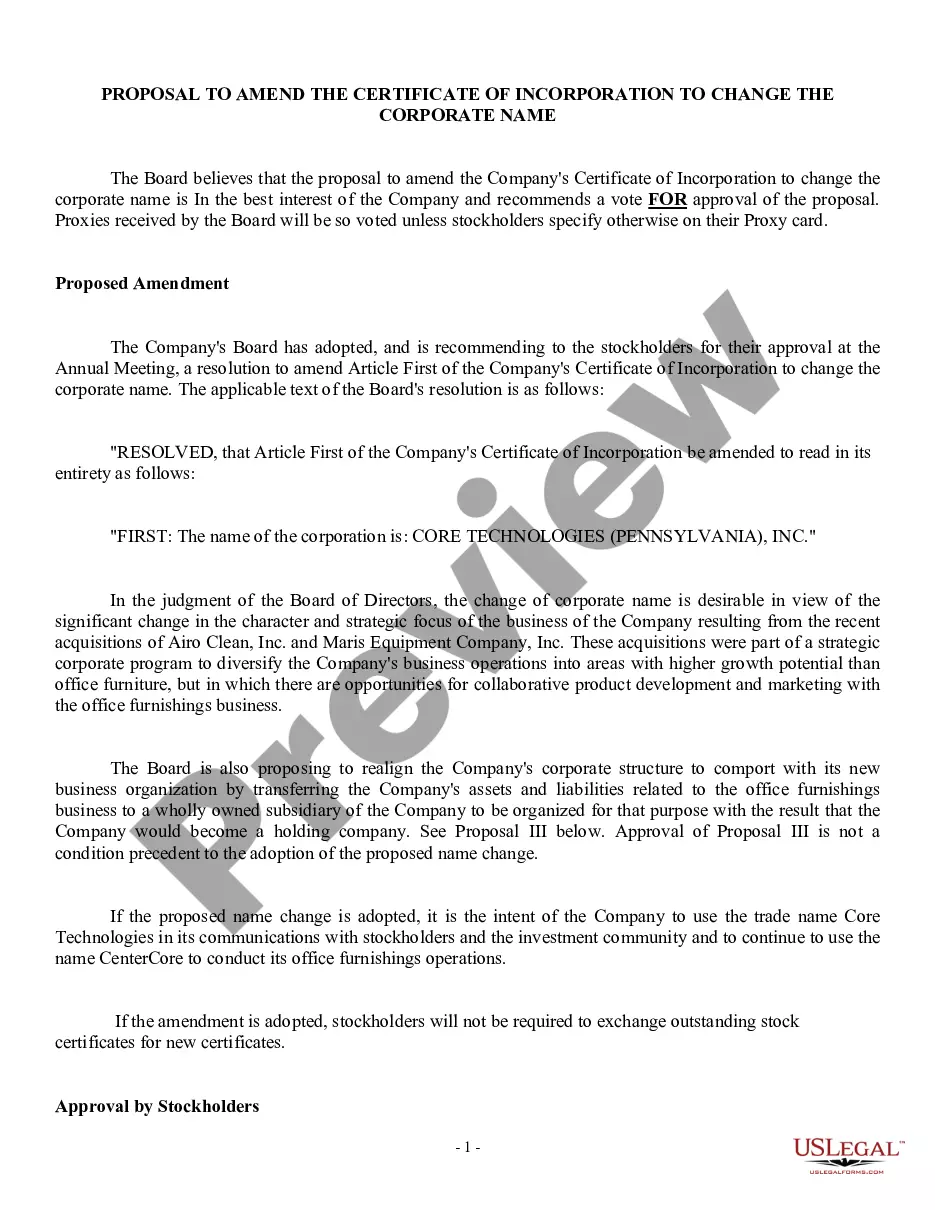
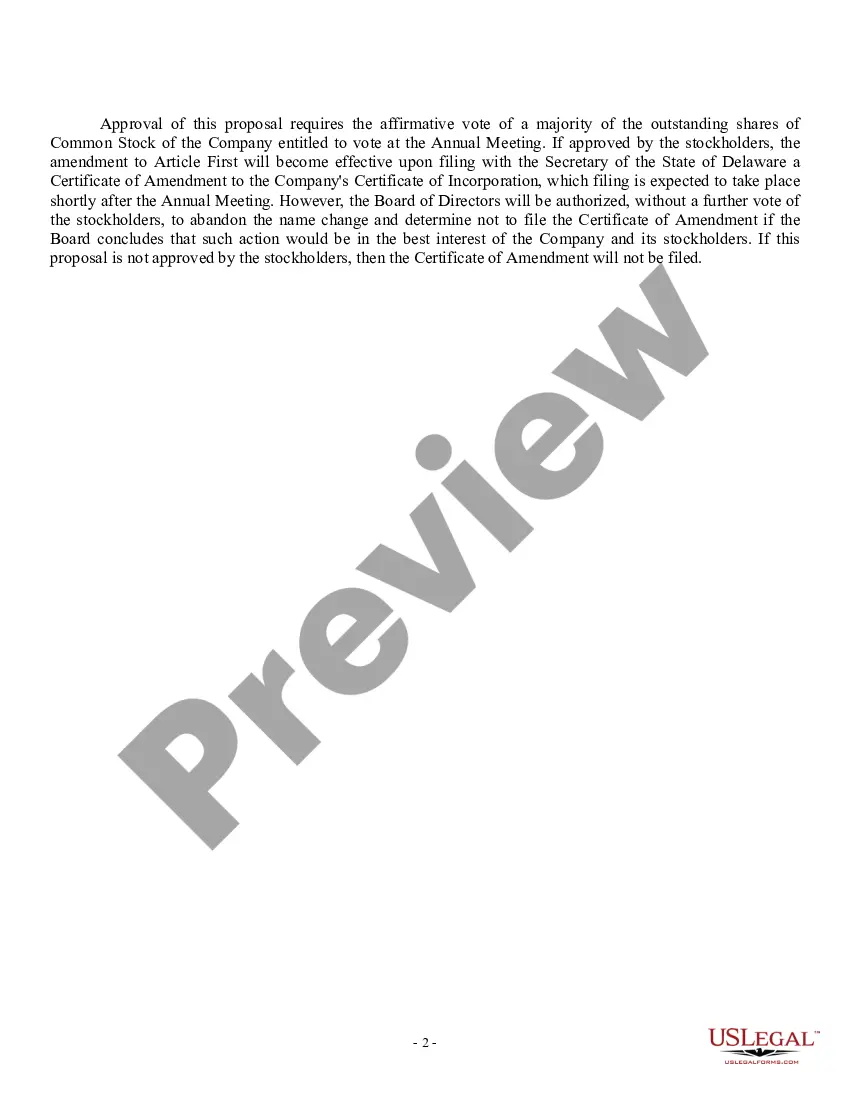
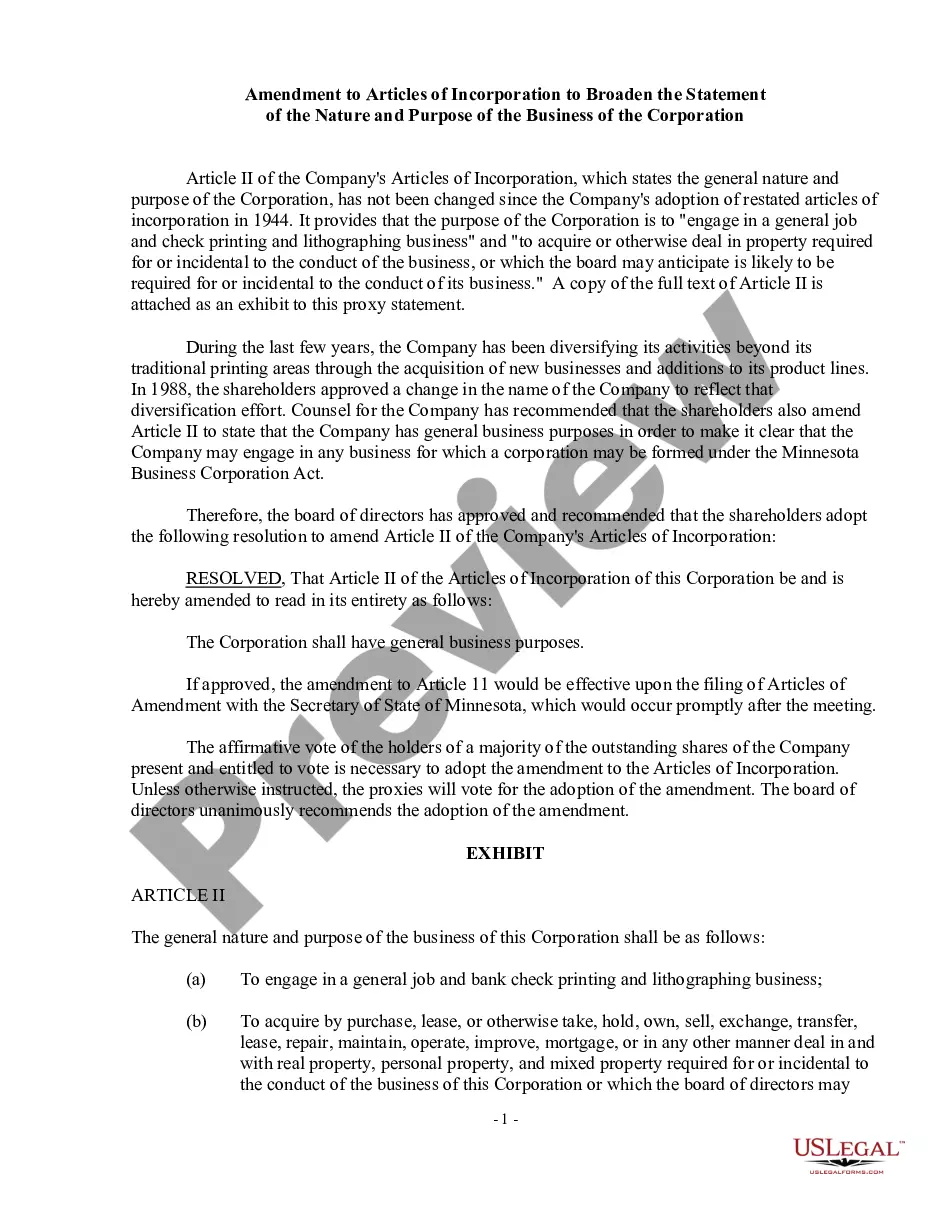
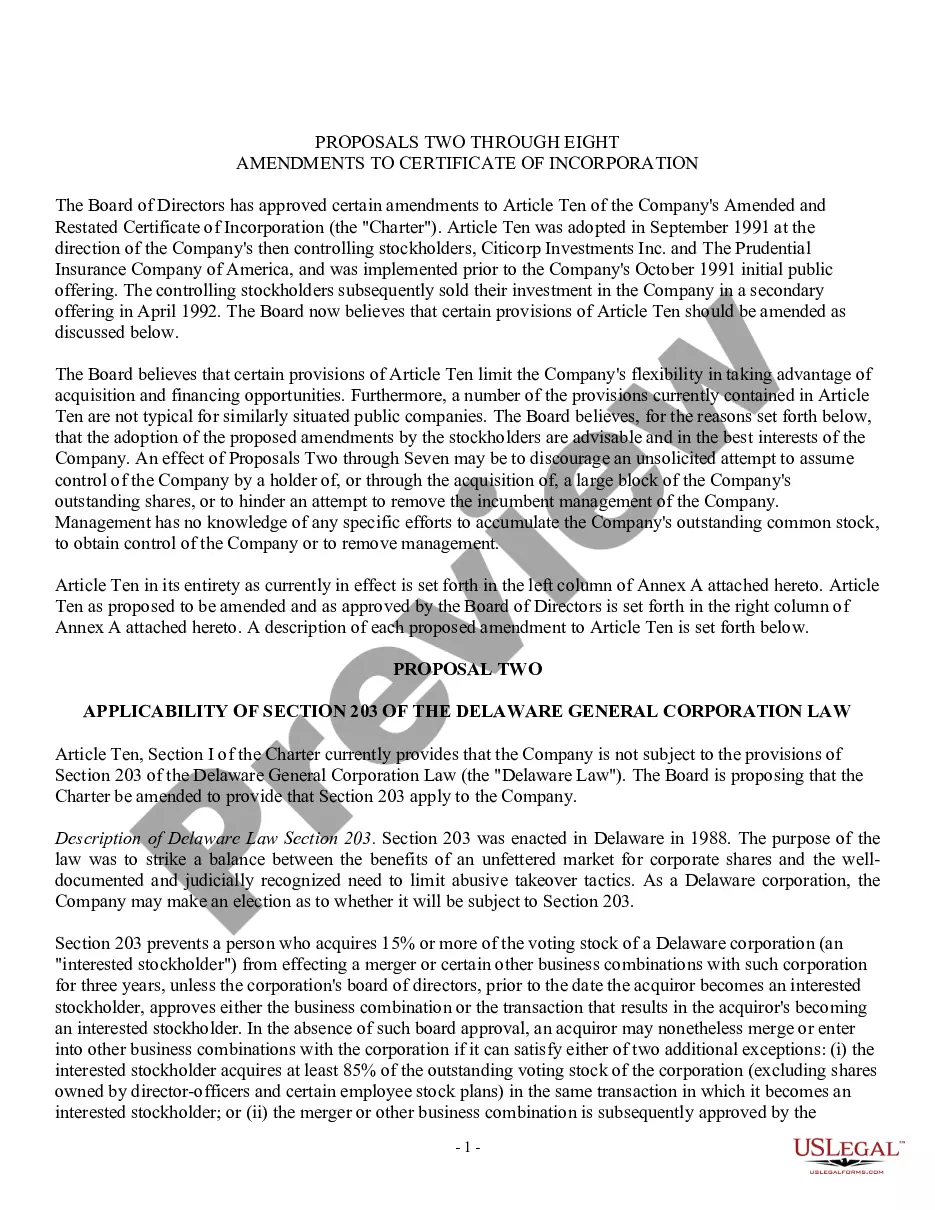
How to fill out Proposal To Amend Certificate Of Incorporation To Change Corporate Name?
The Name Change Form Application Alongside Database Sample displayed on this page is a versatile legal template crafted by expert attorneys in accordance with federal and local regulations.
For over 25 years, US Legal Forms has supplied individuals, organizations, and legal experts with more than 85,000 validated, state-specific documents for any business and personal situation. It’s the quickest, simplest, and most reliable method to acquire the forms you need, as the service ensures top-tier data security and malware protection.
Pick the format you desire for your Name Change Form Application Alongside Database Sample (PDF, Word, RTF) and save the document on your device.
- Search for the document you require and examine it.
- Browse through the file you searched and preview it or review the form description to ensure it meets your specifications. If it doesn't, utilize the search function to find the appropriate one. Click Buy Now when you have located the template you need.
- Register and sign in.
- Select the pricing plan that fits you best and create an account. Use PayPal or a credit card for instant payment. If you already have an account, Log In and verify your subscription to continue.
- Obtain the interactive template.
Form popularity
FAQ
Click Settings > Customize in Access in the upper right corner of your browser window. Note: If you don't see Customize in Access, you either don't have permission to customize the app, or the app has been locked.
Renaming Query Columns Fields in Access Queries - YouTube YouTube Start of suggested clip End of suggested clip Here. Is I can't delete these field names here but what I can do is I can get in. And I can justMoreHere. Is I can't delete these field names here but what I can do is I can get in. And I can just write in before them the actual name or column title that I want. So in this case it might be average.
After creating your database, you need to convert it into a database form layout. You can do that in just two steps. Step 1: Go to the layout change button above the first column of your table and click on +Add View. Step 2: Choose the form layout to open the Stackby drag and drop database form builder.
Select your database table by clicking on it in Access. Click the Create tab at the top, find the Forms section, and select Form. Microsoft Access will create a new form with all the columns of your table as fields.
Finding, Moving, and Renaming a Microsoft Access database - YouTube YouTube Start of suggested clip End of suggested clip And use your Windows Explorer. Find move or rename that database. Thank you.MoreAnd use your Windows Explorer. Find move or rename that database. Thank you.