Change Name Form Application For Employment
Description
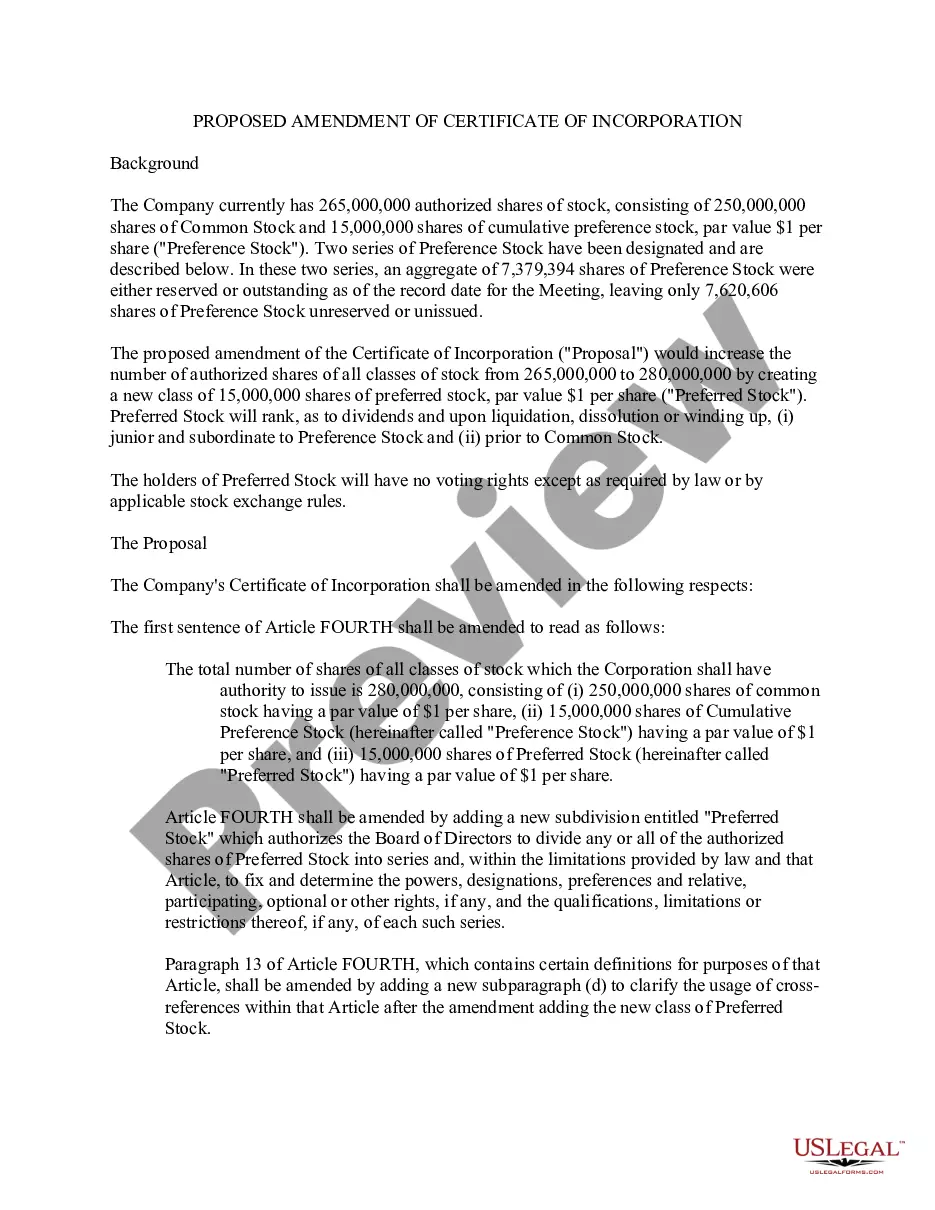
Get your form ready online
Our built-in tools help you complete, sign, share, and store your documents in one place.
Make edits, fill in missing information, and update formatting in US Legal Forms—just like you would in MS Word.
Download a copy, print it, send it by email, or mail it via USPS—whatever works best for your next step.
Sign and collect signatures with our SignNow integration. Send to multiple recipients, set reminders, and more. Go Premium to unlock E-Sign.
If this form requires notarization, complete it online through a secure video call—no need to meet a notary in person or wait for an appointment.
We protect your documents and personal data by following strict security and privacy standards.

Make edits, fill in missing information, and update formatting in US Legal Forms—just like you would in MS Word.

Download a copy, print it, send it by email, or mail it via USPS—whatever works best for your next step.

Sign and collect signatures with our SignNow integration. Send to multiple recipients, set reminders, and more. Go Premium to unlock E-Sign.

If this form requires notarization, complete it online through a secure video call—no need to meet a notary in person or wait for an appointment.

We protect your documents and personal data by following strict security and privacy standards.
Looking for another form?



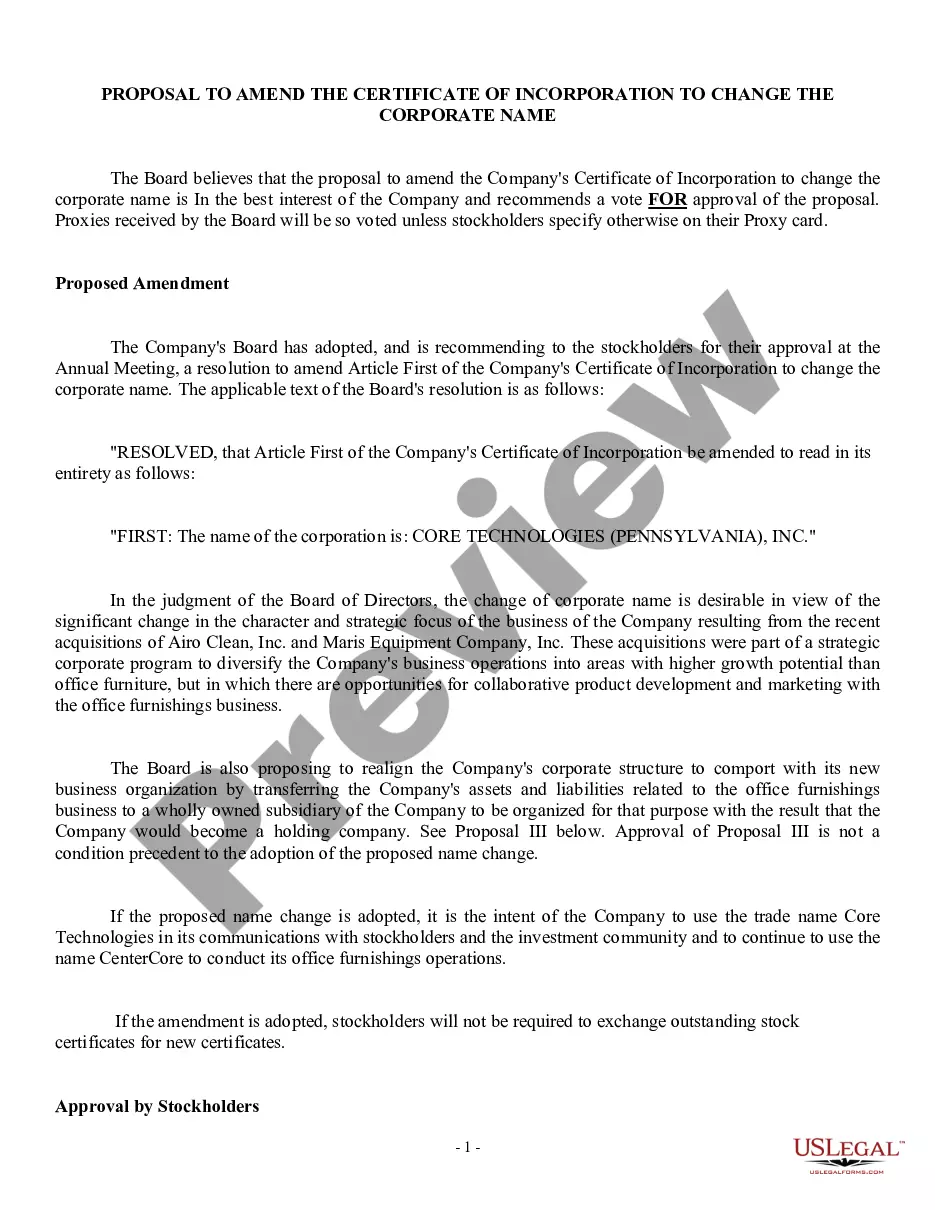
How to fill out Proposal To Amend Certificate Of Incorporation To Change Corporate Name?
It’s well-known that you cannot transform into a legal expert instantly, nor can you swiftly learn to create a Change Name Form Application For Employment without possessing a specialized skill set.
Assembling legal documents is a lengthy endeavor that necessitates certain education and expertise. So why not entrust the preparation of the Change Name Form Application For Employment to professionals.
With US Legal Forms, one of the most comprehensive legal template collections, you can discover everything from court papers to formats for in-office correspondence.
You can regain access to your forms through the My documents tab at any time. If you’re an existing client, you can simply Log In and retrieve and download the template from the same tab.
Regardless of the intention behind your documents—whether financial, legal, or personal—our platform has you covered. Experience US Legal Forms today!
- Locate the document you require using the search bar at the top of the page.
- Examine it (if this feature is available) and review the accompanying description to determine if the Change Name Form Application For Employment meets your needs.
- If you require any other template, restart your search.
- Create a free account and select a subscription plan to purchase the template.
- Click Buy now. Once payment is processed, you can download the Change Name Form Application For Employment, fill it out, print it, and send it or mail it to the necessary parties or organizations.
Form popularity
FAQ
Employees will also need to complete a new W-4. The Internal Revenue Service (IRS) requires that the name on the Social Security card match the name on W-4 and W-2 forms.
U.S. Citizenship and Immigration Services (USCIS) recommends that HR managers record these changes on the Form I-9. In Section 3, which is reserved for reverification and rehiring employees, record the new name and sign the form. You are not required to ask for supporting documents to prove the change.
Request a copy of the employee's new Social Security card to verify their new name. To avoid being flagged for Social Security mismatches, keep the employee's former name in your payroll system until they update it with the Social Security Administration and provide you with proof via their Social Security card.
If your company has an HR office, talk to them. Otherwise, just talk to your supervisor. If you're changing the way you'd like to be addressed, including any new pronouns, you'll also need to address this with your supervisor. HR may be able to assist you with that, too.
If an employee informs you their legal name has changed, first ensure they have recorded their legal name change with the Social Security Administration. You can do so by asking to see their new Social Security Card that shows the name change (it typically takes 14 days for them to receive their new card).