Change Corporate Name Template With Social Security
Description
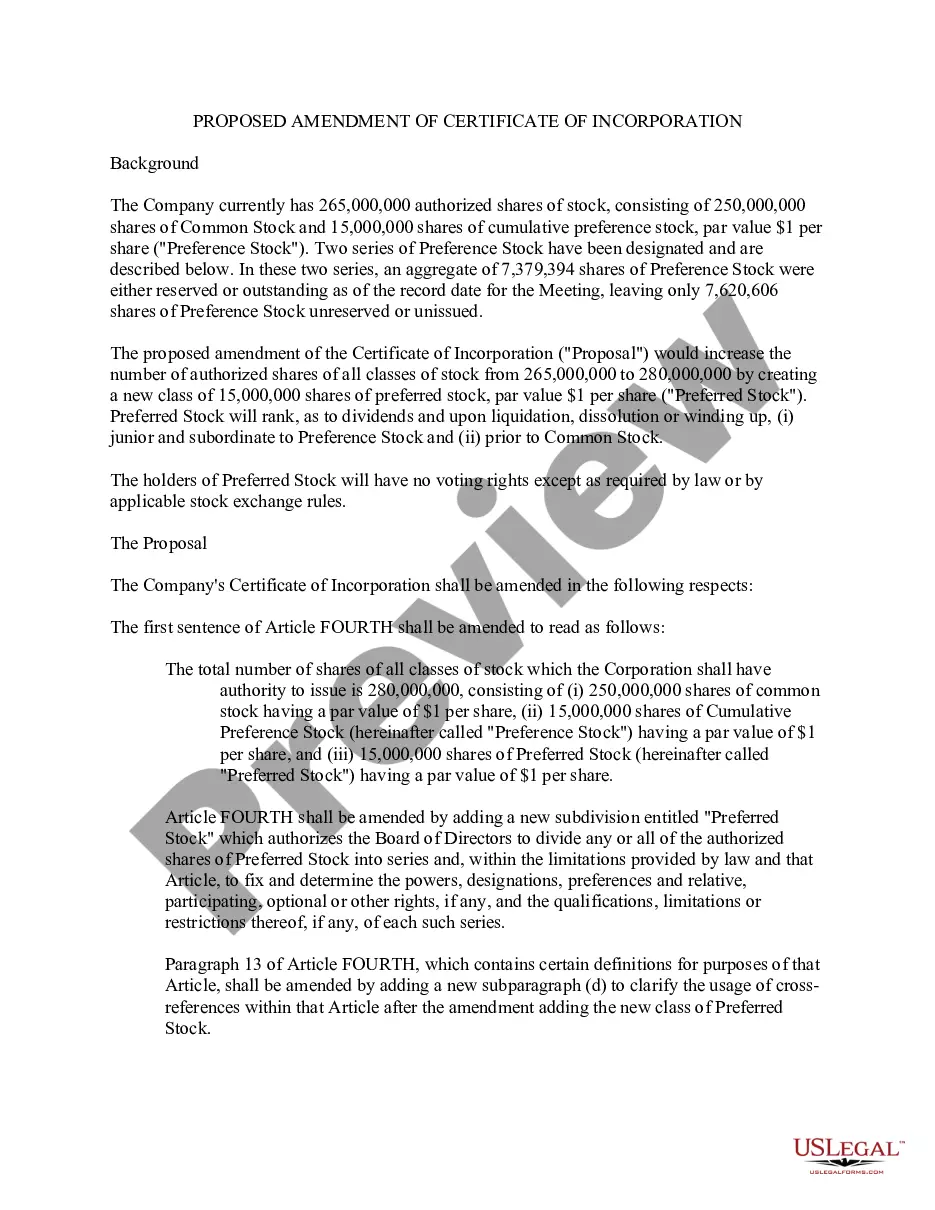
Get your form ready online
Our built-in tools help you complete, sign, share, and store your documents in one place.
Make edits, fill in missing information, and update formatting in US Legal Forms—just like you would in MS Word.
Download a copy, print it, send it by email, or mail it via USPS—whatever works best for your next step.
Sign and collect signatures with our SignNow integration. Send to multiple recipients, set reminders, and more. Go Premium to unlock E-Sign.
If this form requires notarization, complete it online through a secure video call—no need to meet a notary in person or wait for an appointment.
We protect your documents and personal data by following strict security and privacy standards.

Make edits, fill in missing information, and update formatting in US Legal Forms—just like you would in MS Word.

Download a copy, print it, send it by email, or mail it via USPS—whatever works best for your next step.

Sign and collect signatures with our SignNow integration. Send to multiple recipients, set reminders, and more. Go Premium to unlock E-Sign.

If this form requires notarization, complete it online through a secure video call—no need to meet a notary in person or wait for an appointment.

We protect your documents and personal data by following strict security and privacy standards.
Looking for another form?
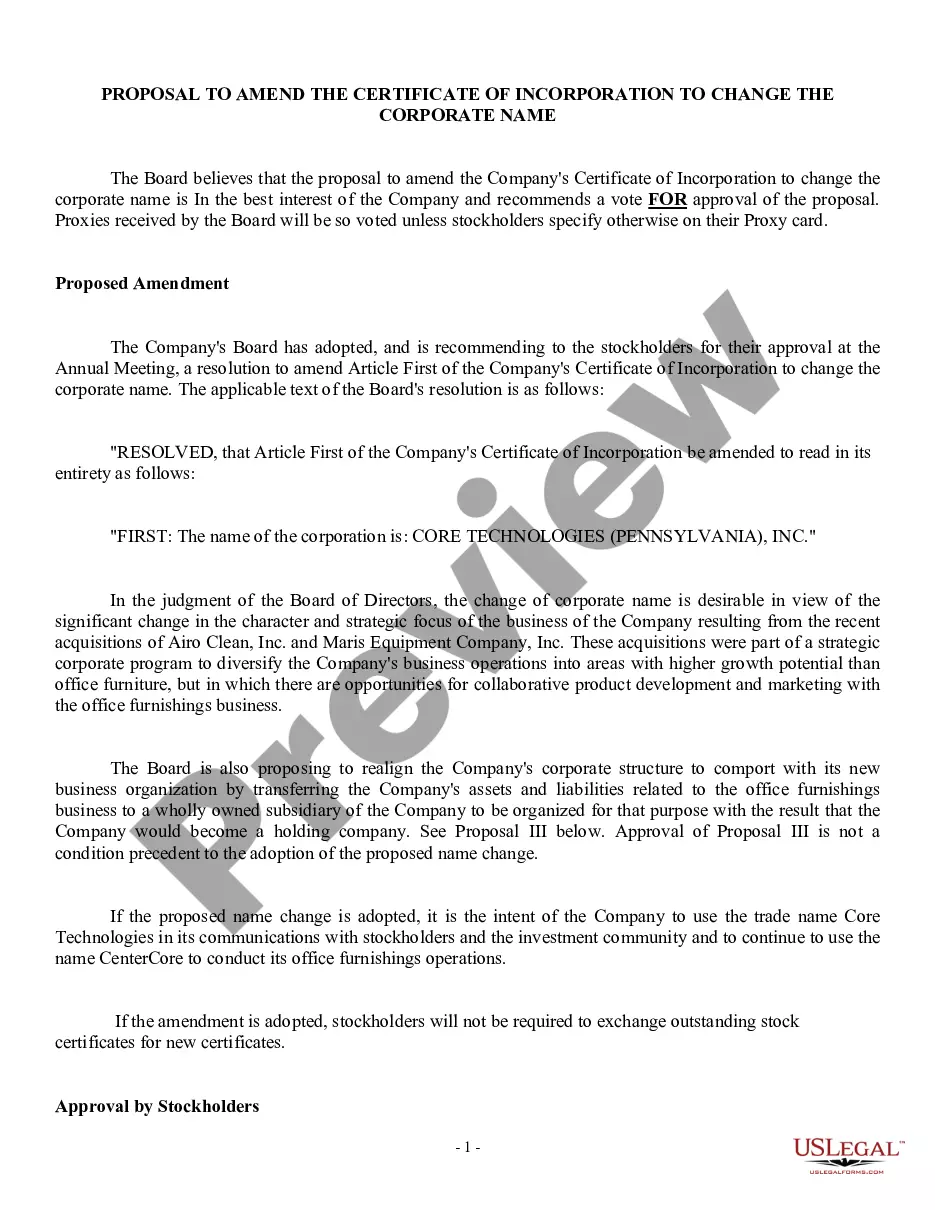
How to fill out Proposal To Amend Certificate Of Incorporation To Change Corporate Name?
Securing a reliable source for obtaining the latest and most pertinent legal templates is a significant part of navigating bureaucracy.
Identifying the proper legal documents demands accuracy and meticulousness, which is why it is crucial to source the Change Corporate Name Template With Social Security solely from reputable providers, such as US Legal Forms. An incorrect template can squander your time and hinder your current situation.
Once you have the form on your device, you can modify it using the editor or print it out and fill it in by hand. Eliminate the stress associated with your legal documents. Browse through the extensive US Legal Forms collection to locate legal templates, assess their applicability to your situation, and download them immediately.
- Utilize the library navigation or search bar to find your document.
- Check the form’s description to determine if it meets the stipulations of your state and locality.
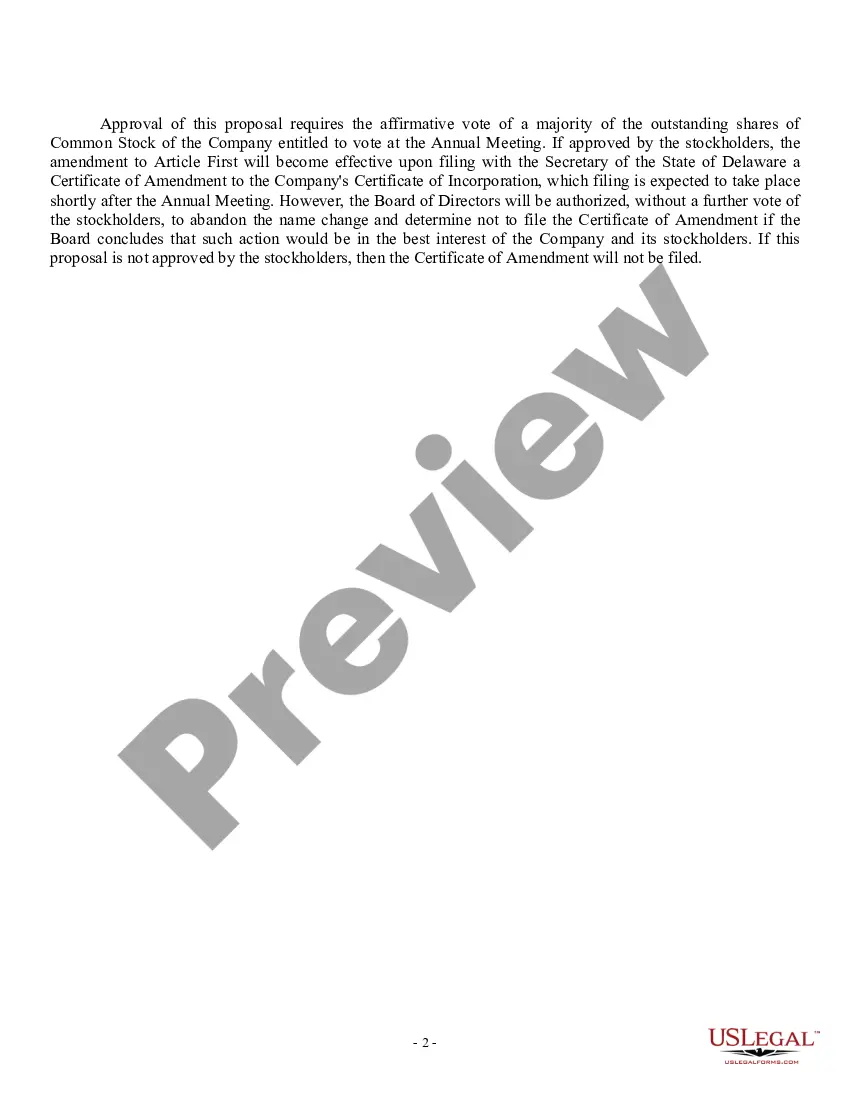
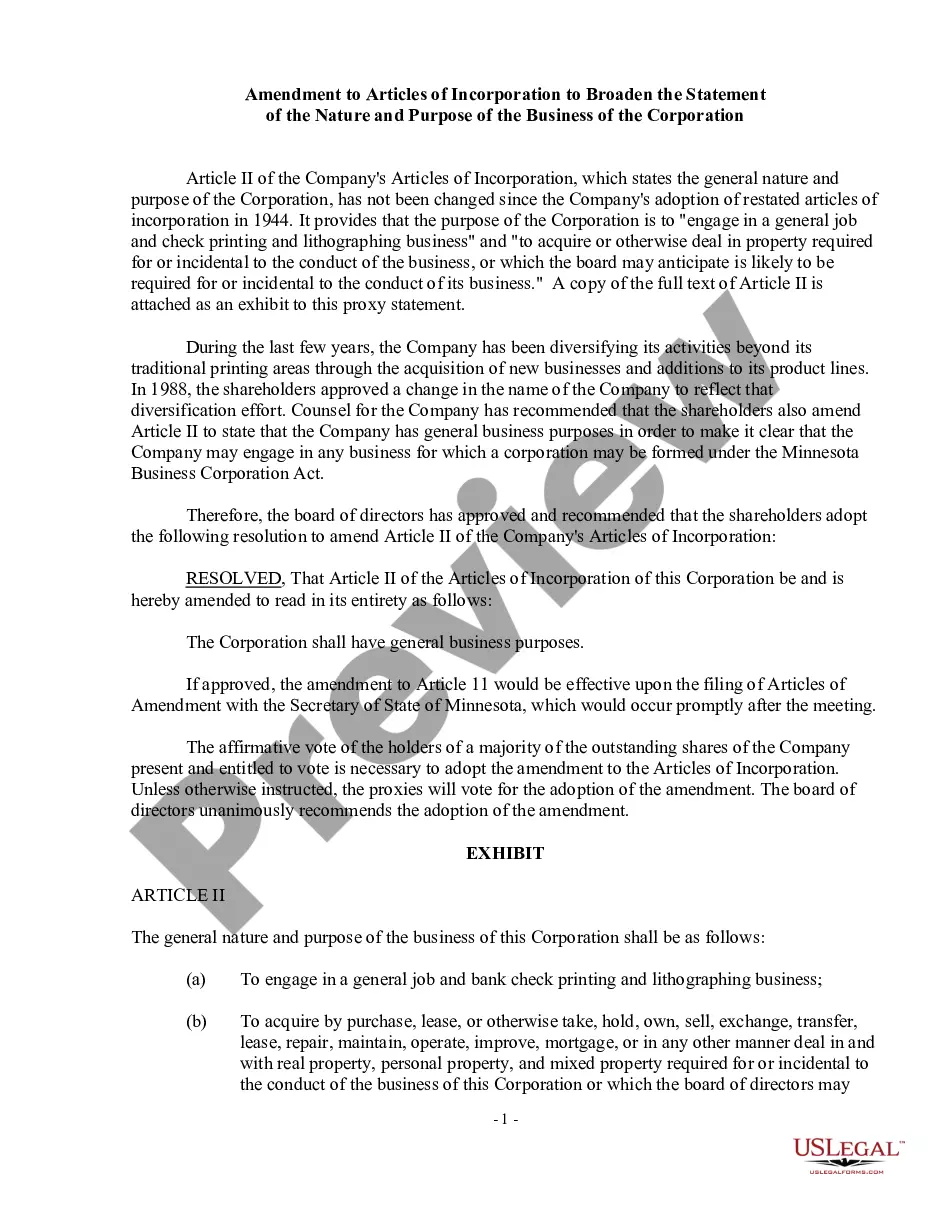
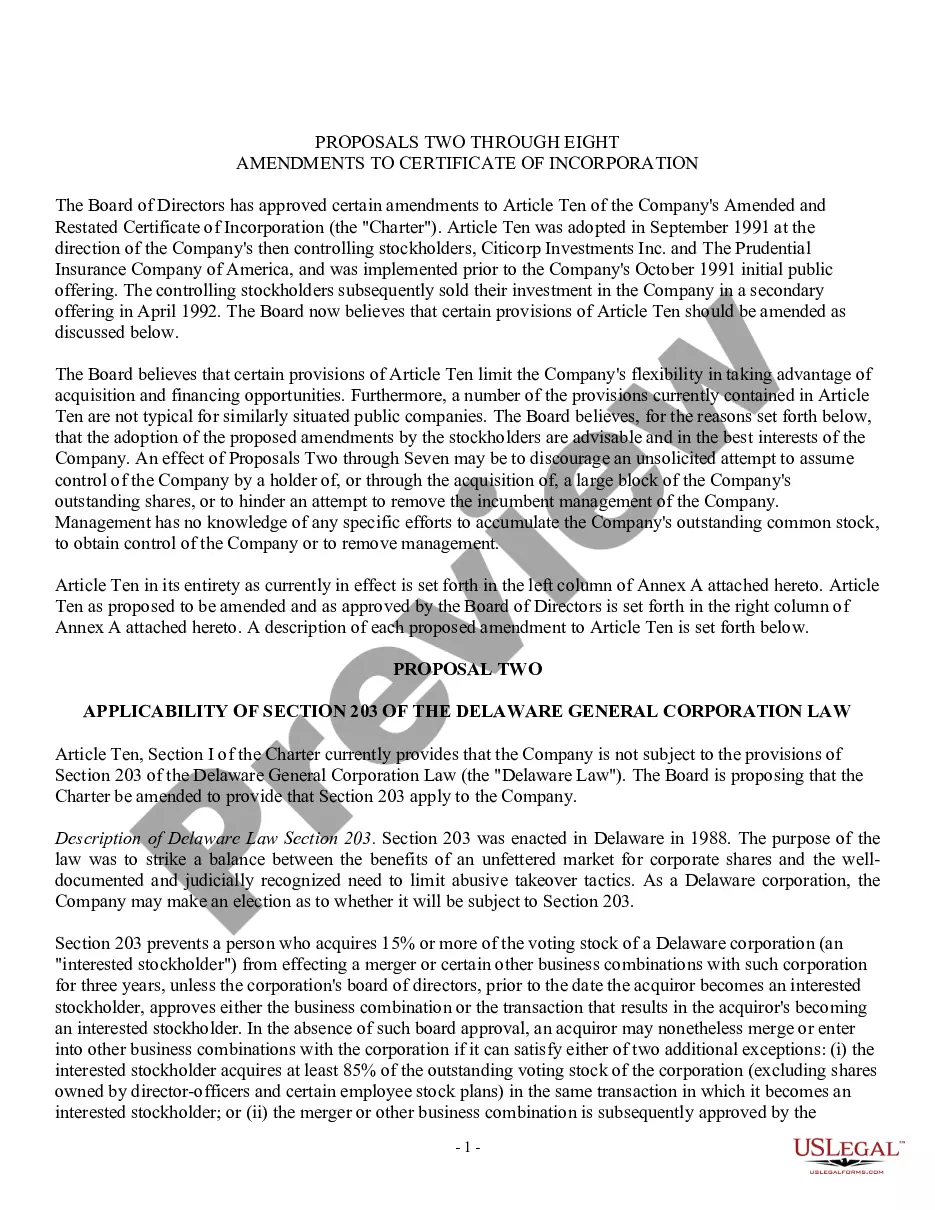
- Examine the form preview, if accessible, to confirm that it is indeed the document you need.
- Continue your search and find the appropriate form if the Change Corporate Name Template With Social Security does not fulfill your requirements.
- Once you are certain about the form’s applicability, download it.
- If you are a registered user, click Log in to verify and access your selected forms in My documents.
- If you don’t have an account yet, click Buy now to acquire the template.
- Choose the payment plan that accommodates your needs.
- Proceed to register to complete your order.
- Finalize your purchase by selecting a payment method (credit card or PayPal).
- Select the file format for downloading Change Corporate Name Template With Social Security.
Form popularity
FAQ
To update your Social Security information following a name change, you must complete an application for a new Social Security card. You will need to provide proof of your identity and legal name change, such as a marriage certificate or court order. The Change corporate name template with social security can assist you in preparing the necessary documents, making this process easier and ensuring you meet all requirements.
When processing an employee name change, inform your HR department as soon as possible to update internal records. You will typically need to provide documentation supporting the name change, such as a marriage certificate or court order. Utilizing the Change corporate name template with social security can help guide you through updating your records while ensuring compliance with legal requirements.
To change the name of your corporation, you must first check the availability of your desired new name with your state’s business registry. After confirming availability, you can complete the necessary paperwork, which may include a name change amendment to your articles of incorporation. Using the Change corporate name template with social security can simplify this process, ensuring all documentation is completed accurately and efficiently.
Typically, changing your name with the Social Security office can take about 10 to 14 business days after you submit your application. However, processing times may vary based on volume and other factors. It’s important to plan ahead, especially if you need the name change for specific reasons. Utilizing a change corporate name template with social security can help expedite your understanding of the timelines involved.
Filling out a Social Security application for a name change begins with obtaining Form SS-5. Provide detailed information such as your previous name, new name, and Social Security number. Be certain to include original documents that verify your legal name change. Using the change corporate name template with social security can help ensure that all required information is accurately delivered to the office.
To inform Social Security of a name change, you must submit your completed Form SS-5 along with the required documentation. This form can be mailed or taken to your local Social Security office. Be sure to provide proof of your identity and legal name change. Using our change corporate name template with social security can simplify this process by providing a clear outline of what you need.
To fill out the Social Security name change, you will need to complete Form SS-5, the application for a Social Security card. In this form, indicate your old name, your new name, and provide your Social Security number. It’s essential to include supporting documents that confirm your name change, such as a marriage certificate or court order. Using the change corporate name template with social security can guide you on how to submit the necessary details correctly.
Form 7050 is used to request a replacement Social Security card, particularly when your name has changed. When you fill out this form, ensure you attach proof of your name change and other required documentation. By utilizing the Change Corporate Name template with Social Security available on uslegalforms, you can streamline this process. This ensures that your personal and corporate records are updated promptly and accurately.
To change your name with the Social Security office, you will need to complete the necessary form and provide proof of your name change. Typically, this includes submitting documents such as a marriage certificate or a court order. You can download the Change Corporate Name template with Social Security from uslegalforms, fill it out, and submit it either by mail or in person. It's important to ensure all information is accurate to avoid delays.