Change Corporate Name Template With Irs
Description
Get your form ready online
Our built-in tools help you complete, sign, share, and store your documents in one place.
Make edits, fill in missing information, and update formatting in US Legal Forms—just like you would in MS Word.
Download a copy, print it, send it by email, or mail it via USPS—whatever works best for your next step.
Sign and collect signatures with our SignNow integration. Send to multiple recipients, set reminders, and more. Go Premium to unlock E-Sign.
If this form requires notarization, complete it online through a secure video call—no need to meet a notary in person or wait for an appointment.
We protect your documents and personal data by following strict security and privacy standards.

Make edits, fill in missing information, and update formatting in US Legal Forms—just like you would in MS Word.

Download a copy, print it, send it by email, or mail it via USPS—whatever works best for your next step.

Sign and collect signatures with our SignNow integration. Send to multiple recipients, set reminders, and more. Go Premium to unlock E-Sign.

If this form requires notarization, complete it online through a secure video call—no need to meet a notary in person or wait for an appointment.

We protect your documents and personal data by following strict security and privacy standards.
Looking for another form?



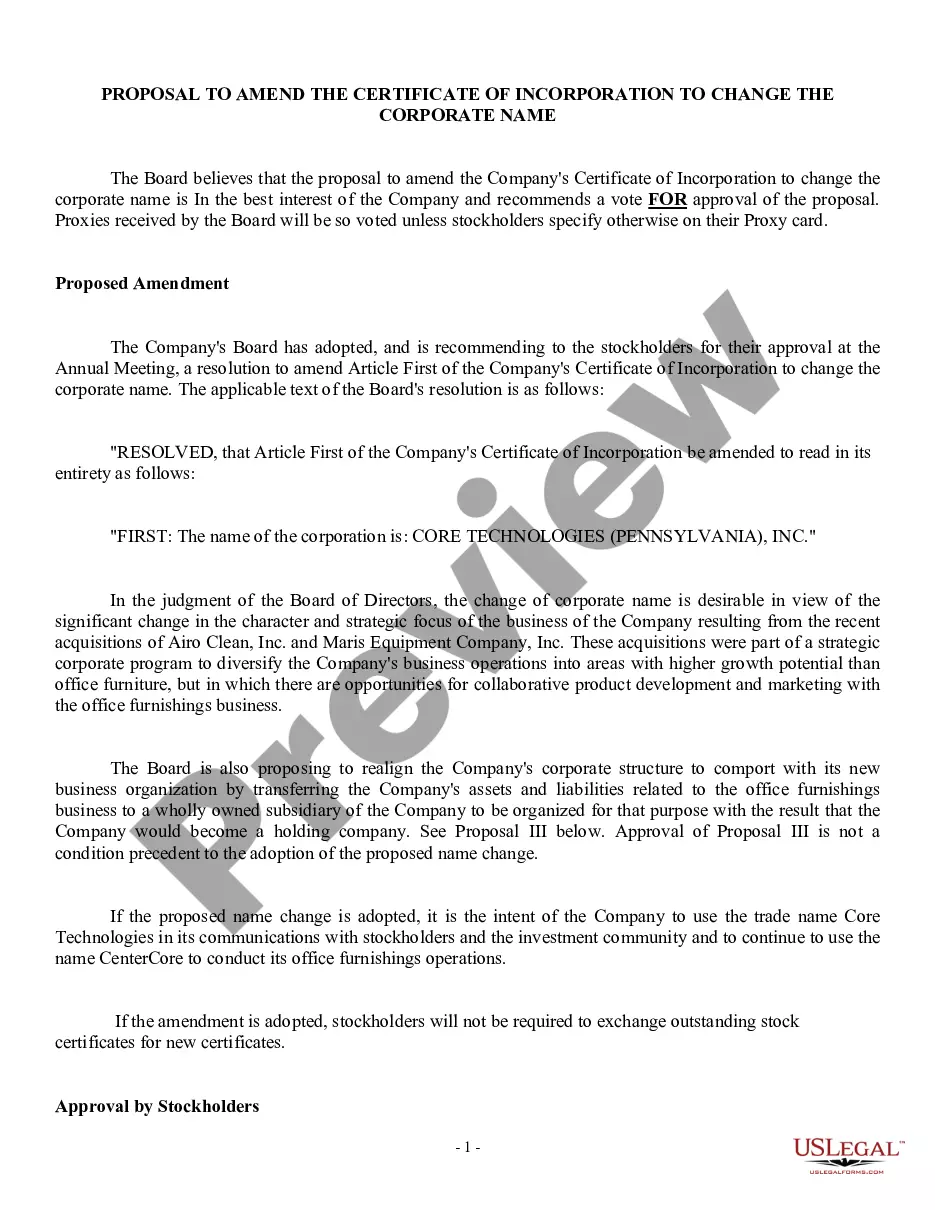
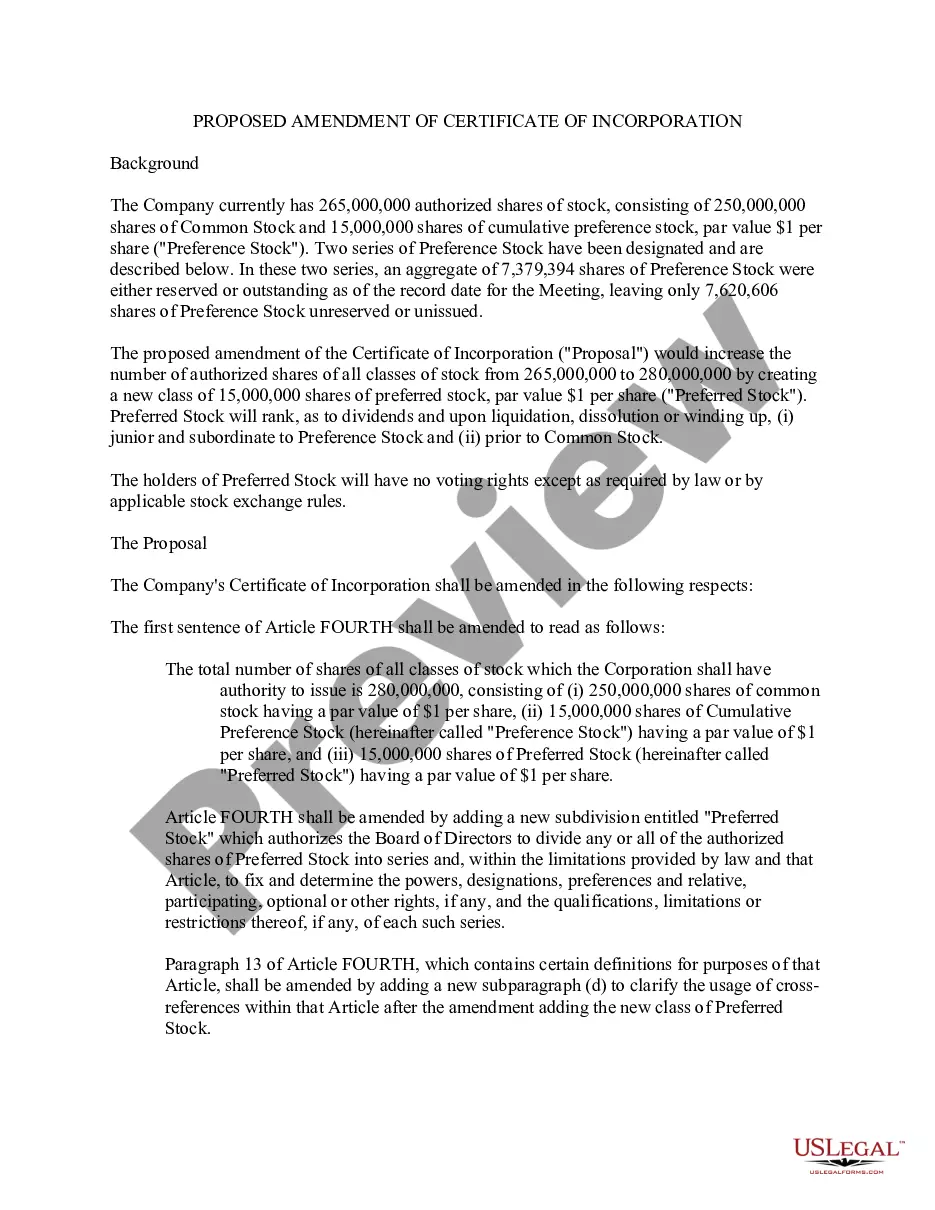
How to fill out Proposal To Amend Certificate Of Incorporation To Change Corporate Name?
It’s well-known that you cannot become a legal authority instantly, nor can you understand how to rapidly prepare the Change Corporate Name Template With Irs without possessing a distinct set of abilities.
Drafting legal documents is a lengthy procedure that necessitates specific training and expertise. So why not entrust the development of the Change Corporate Name Template With Irs to the professionals.
With US Legal Forms, one of the most comprehensive collections of legal templates, you can find everything from court documents to templates for internal corporate communication. We understand how essential compliance and adherence to federal and state regulations are.
You can regain access to your documents from the My documents tab at any time. If you’re an existing client, you can simply Log In, and find and download the template from the same tab.
Regardless of the purpose of your documents—whether financial, legal, or personal—our platform has you covered. Try US Legal Forms today!
- Find the document you need using the search bar at the top of the page.
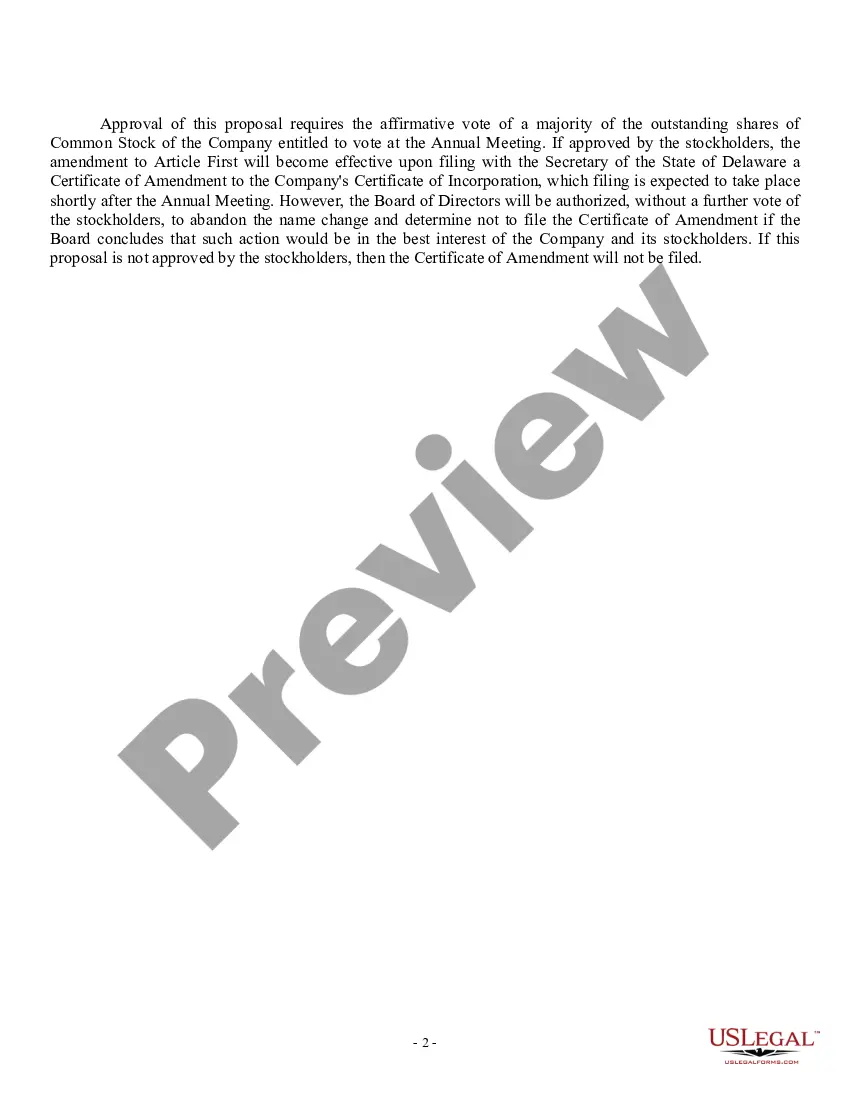
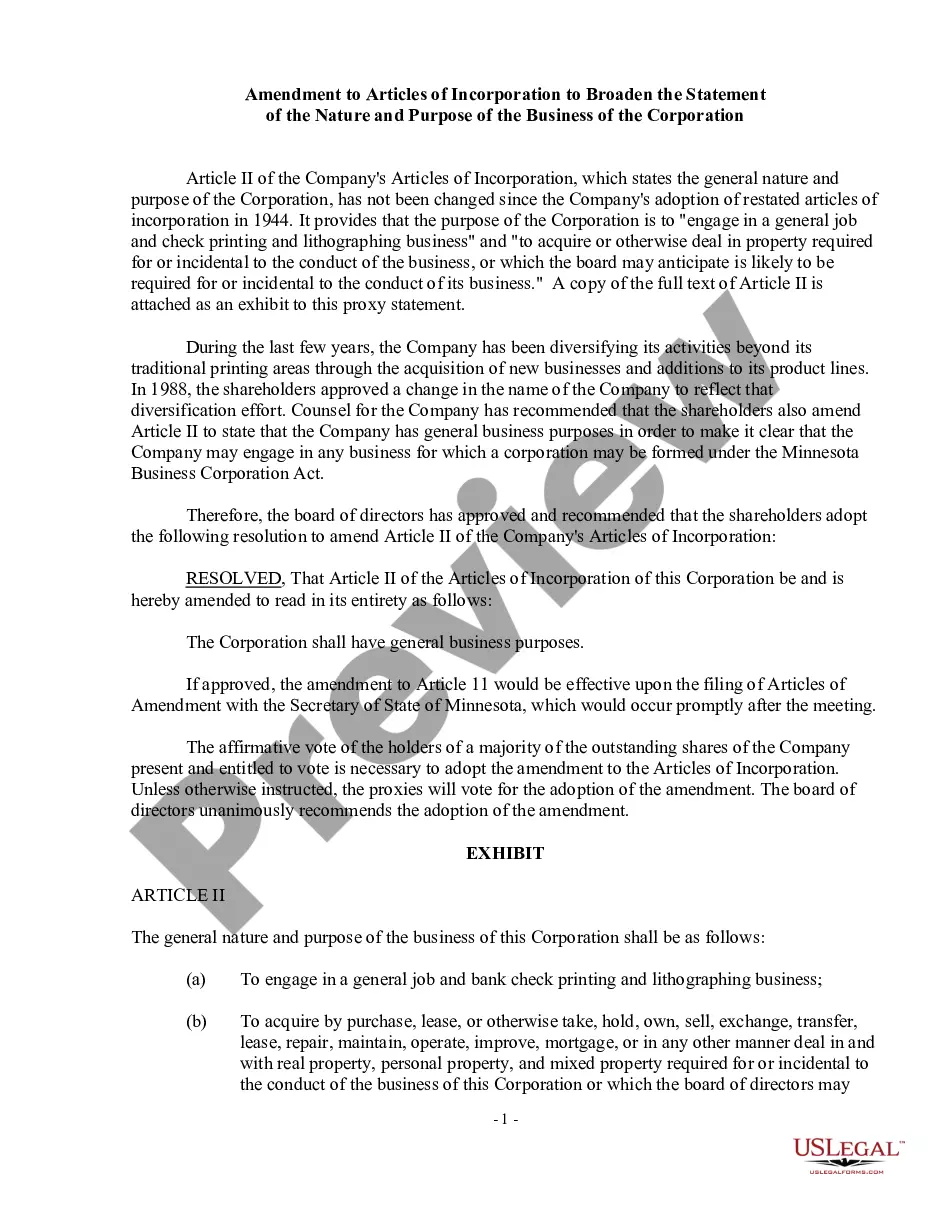
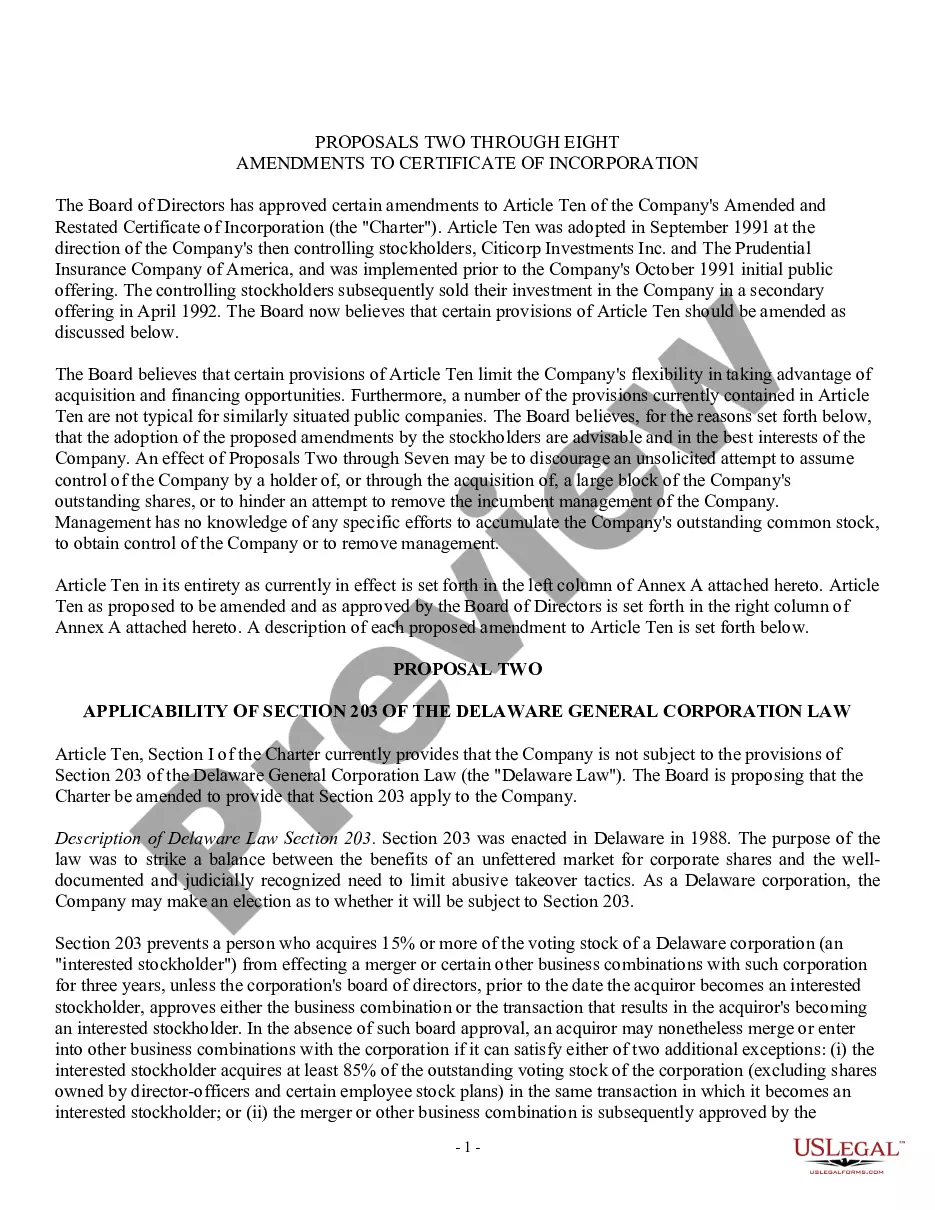
- Preview it (if this option is available) and read the accompanying description to determine if the Change Corporate Name Template With Irs is what you’re looking for.
- If you require a different form, restart your search.
- Create a free account and select a subscription plan to purchase the form.
- Select Buy now. Once the payment is completed, you can download the Change Corporate Name Template With Irs, fill it out, print it, and deliver it or send it by mail to the appropriate individuals or organizations.
Form popularity
FAQ
To change your corporate name with the IRS, you need to complete the appropriate form, typically Form 1120 or Form 1120-S for corporations. Ensure that you use the change corporate name template with IRS to provide the necessary information about your new name. After filling out the form, submit it along with your tax return for the year in which the name change occurs. Additionally, it is a good idea to notify any other relevant authorities or institutions about your new corporate name.
Changing your corporate name involves several steps. First, check your state’s requirements for name changes, which may include a board resolution or filing an amendment. After that, you will need to update your corporate records, including the IRS, with your change corporate name template with IRS. US Legal Forms offers convenient templates to help you navigate this process easily.
To notify the IRS of a corporate name change, you should complete the appropriate form, typically Form 8822-B, which is specifically designed for this purpose. You can include this form when you file your next tax return, or you can send it separately. It's essential to ensure that your change corporate name template with IRS is accurate to avoid any confusion. If you need assistance, consider using US Legal Forms for a streamlined process.
To report a corporate name change to the IRS, you can either send a letter or complete Form 8822-B. Ensure you include your old and new business names, along with your EIN for accurate processing. To make this task easier, consider using a change corporate name template with IRS to ensure all necessary details are covered.
To write a letter informing of a change in company name, start with your business's old name and include the new name along with your EIN. Clearly express your intent to update the IRS records and provide a brief explanation if necessary. A change corporate name template with IRS can provide a structured format to ensure your letter meets all requirements.
The form commonly used for notifying the IRS of a company name change is Form 8822-B. This form allows you to update your business information, including the new name. If you prefer a more streamlined approach, consider using a change corporate name template with IRS to guide you through the form-filling process.
To notify the IRS of a business name change, you can submit a letter directly to the IRS or use Form 8822-B. Include your old business name, new name, and EIN in your notification. Utilizing a change corporate name template with IRS can simplify this process and help you avoid common mistakes.
A sample letter to the IRS for a business name change typically includes your business's old name, the new name, and your Employer Identification Number (EIN). In the letter, clearly state your request to change the corporate name and provide any relevant details. Using a change corporate name template with IRS can help ensure you include all necessary information.
When writing a letter to the IRS, start with your business name, EIN, and contact information at the top. Clearly explain the purpose of your letter, such as notifying them of a name change, and include the relevant details. Finally, sign and date your letter before sending it. A change corporate name template with IRS can offer you a helpful example for crafting your letter.
To update your name change with the IRS, you need to complete Form 8822-B. This form serves as the official notification of your business name change. Once you fill it out, send it to the IRS address specified on the form. Using a change corporate name template with IRS can help ensure you include all necessary information.