Work Related Order Within A Company
Description
Get your form ready online
Our built-in tools help you complete, sign, share, and store your documents in one place.
Make edits, fill in missing information, and update formatting in US Legal Forms—just like you would in MS Word.
Download a copy, print it, send it by email, or mail it via USPS—whatever works best for your next step.
Sign and collect signatures with our SignNow integration. Send to multiple recipients, set reminders, and more. Go Premium to unlock E-Sign.
If this form requires notarization, complete it online through a secure video call—no need to meet a notary in person or wait for an appointment.
We protect your documents and personal data by following strict security and privacy standards.

Make edits, fill in missing information, and update formatting in US Legal Forms—just like you would in MS Word.

Download a copy, print it, send it by email, or mail it via USPS—whatever works best for your next step.

Sign and collect signatures with our SignNow integration. Send to multiple recipients, set reminders, and more. Go Premium to unlock E-Sign.

If this form requires notarization, complete it online through a secure video call—no need to meet a notary in person or wait for an appointment.

We protect your documents and personal data by following strict security and privacy standards.
Looking for another form?


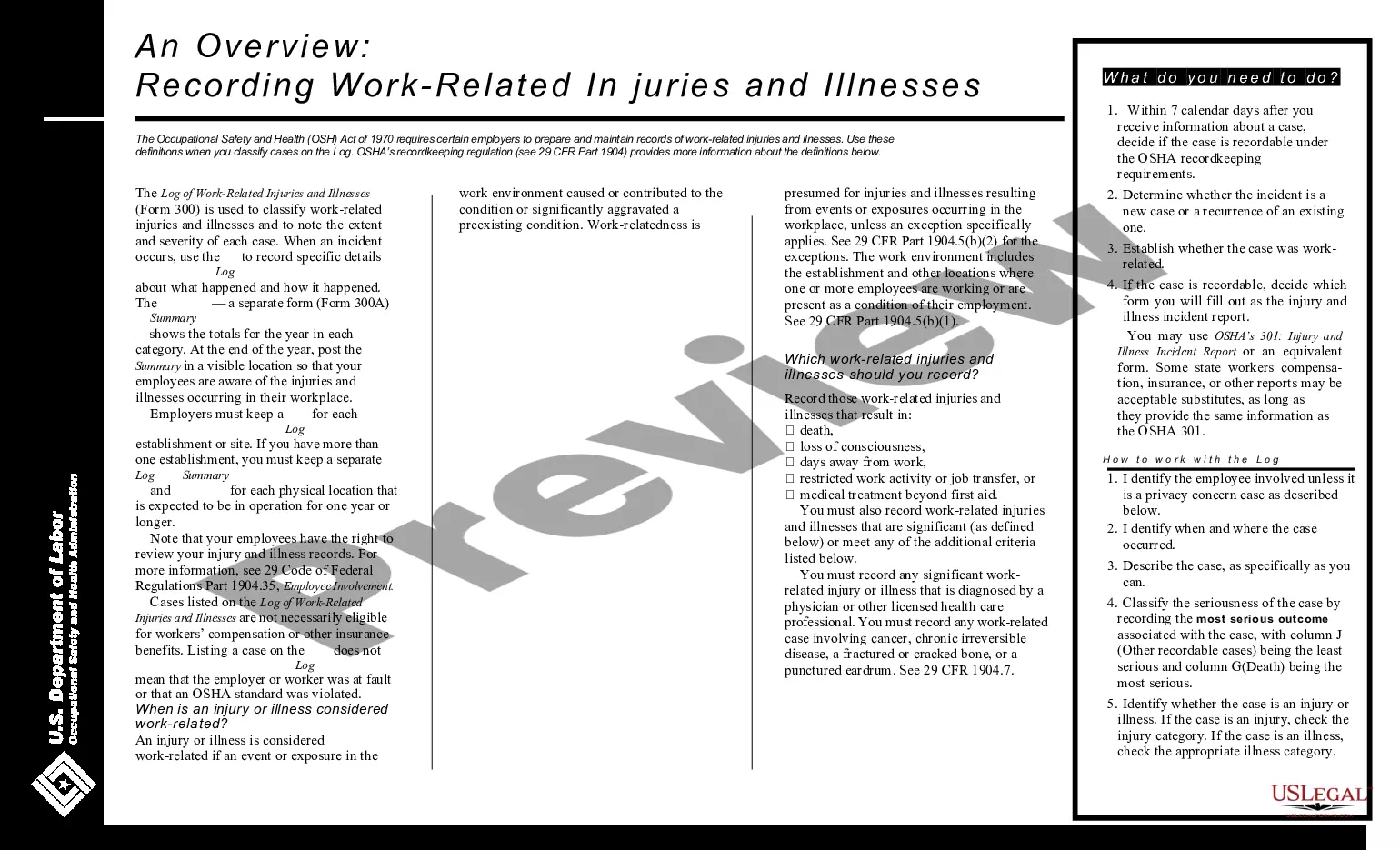
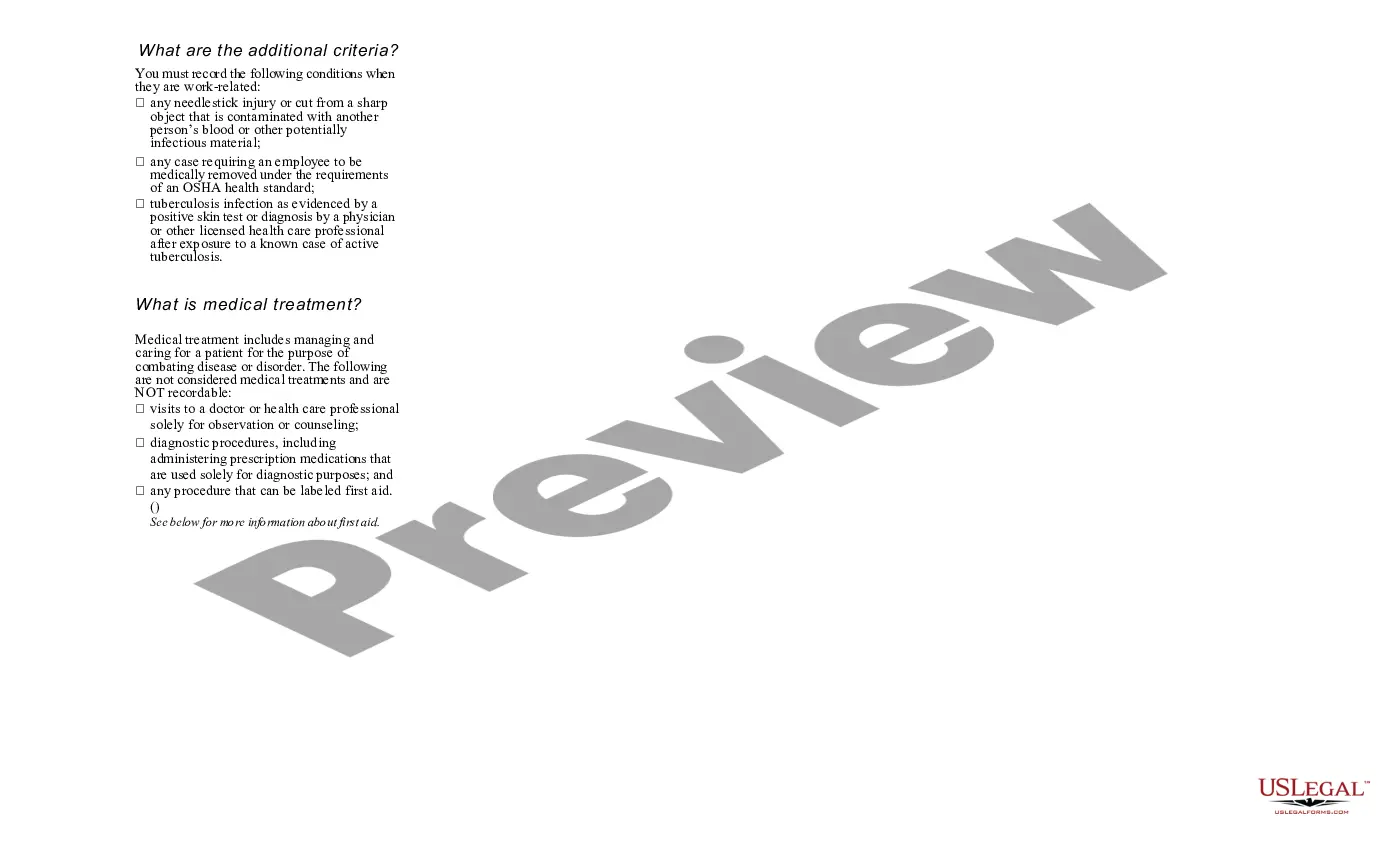
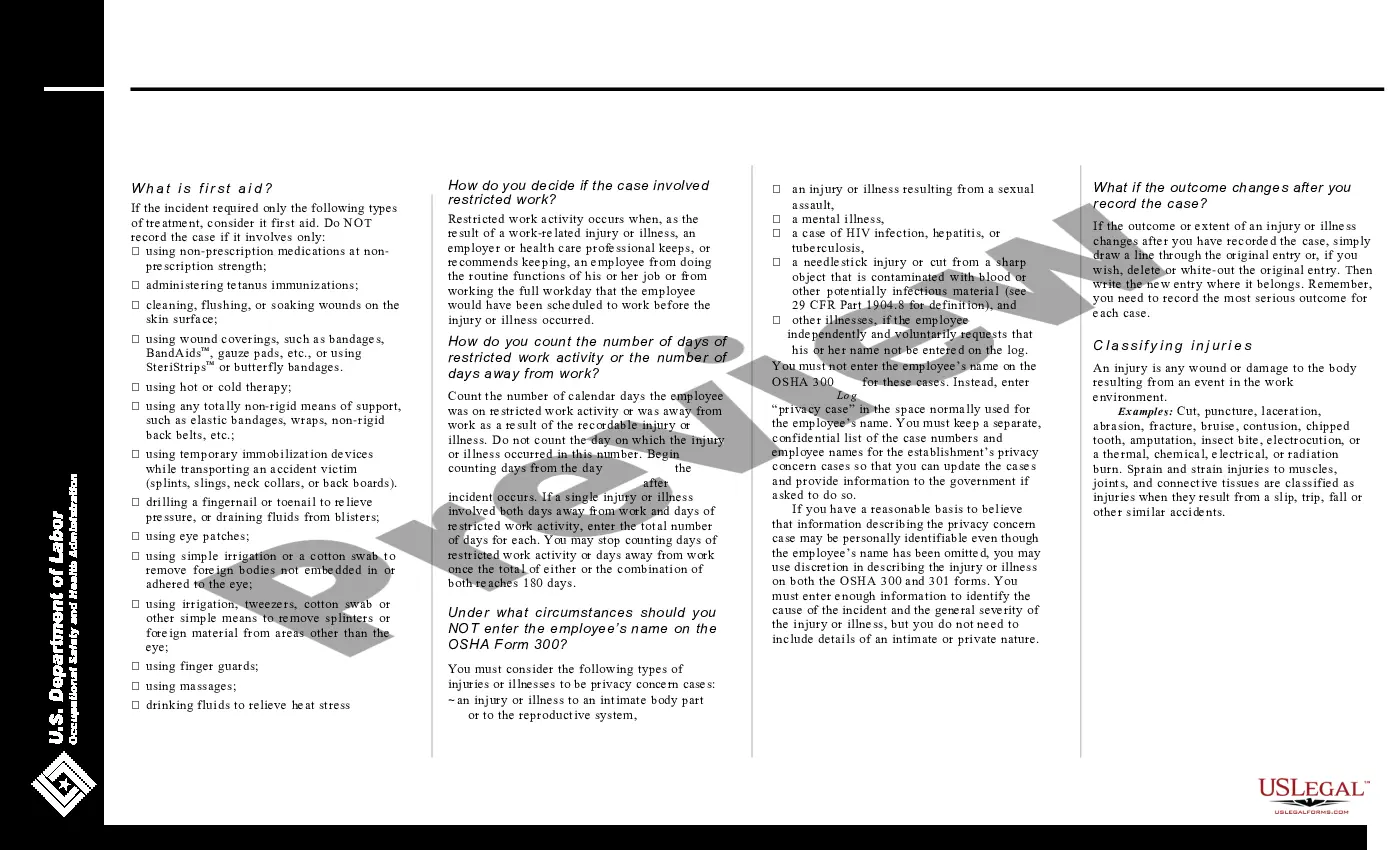
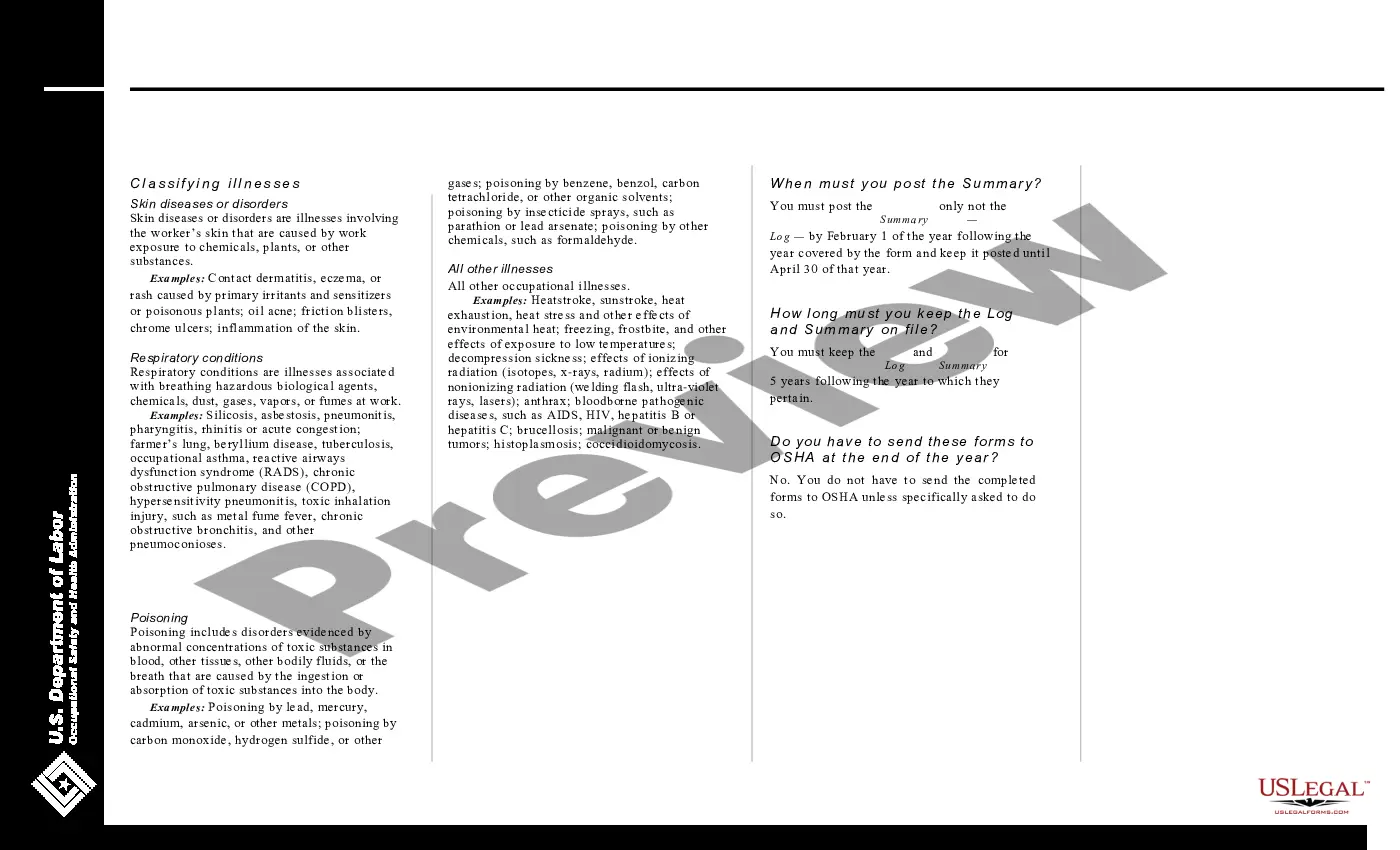
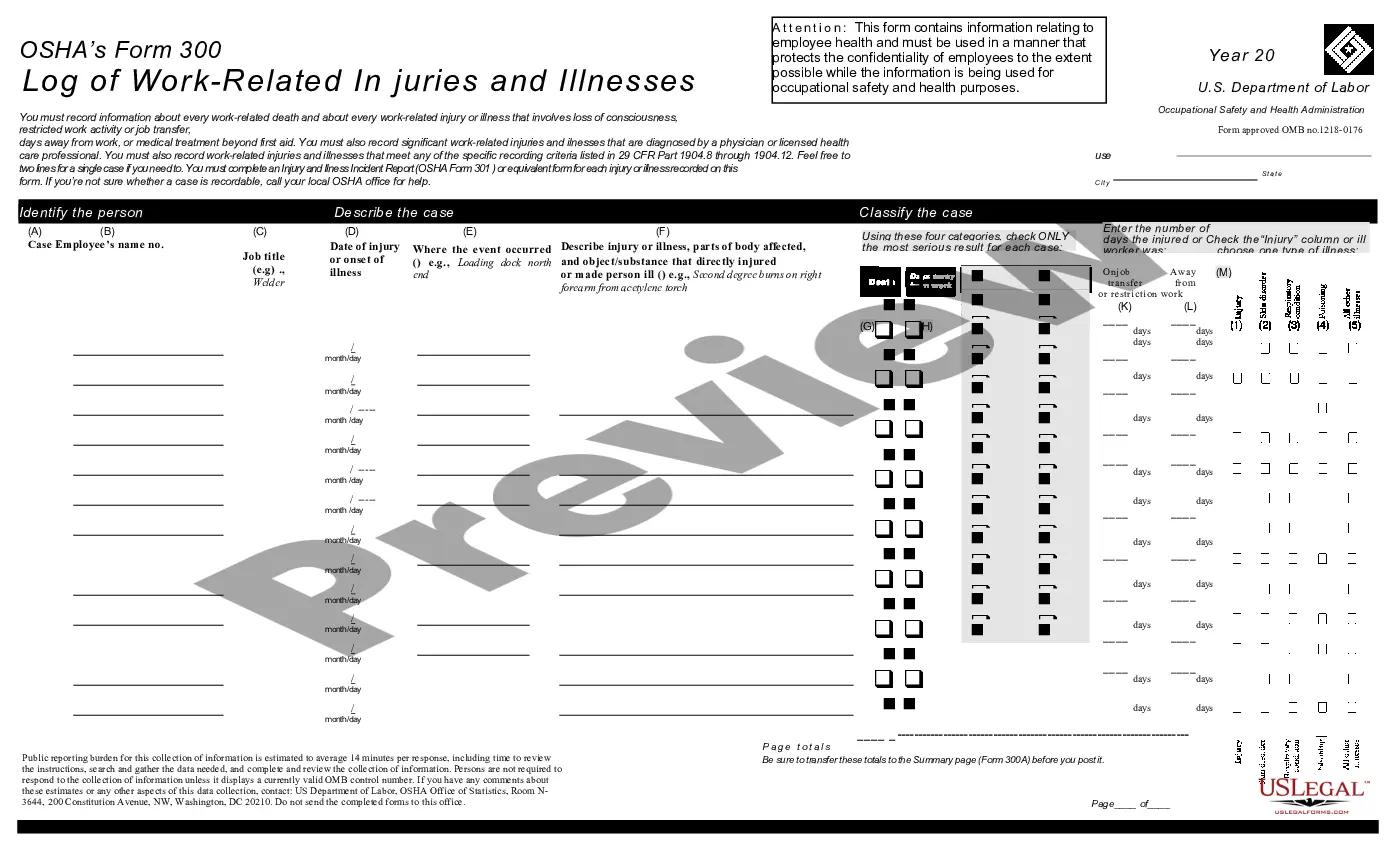
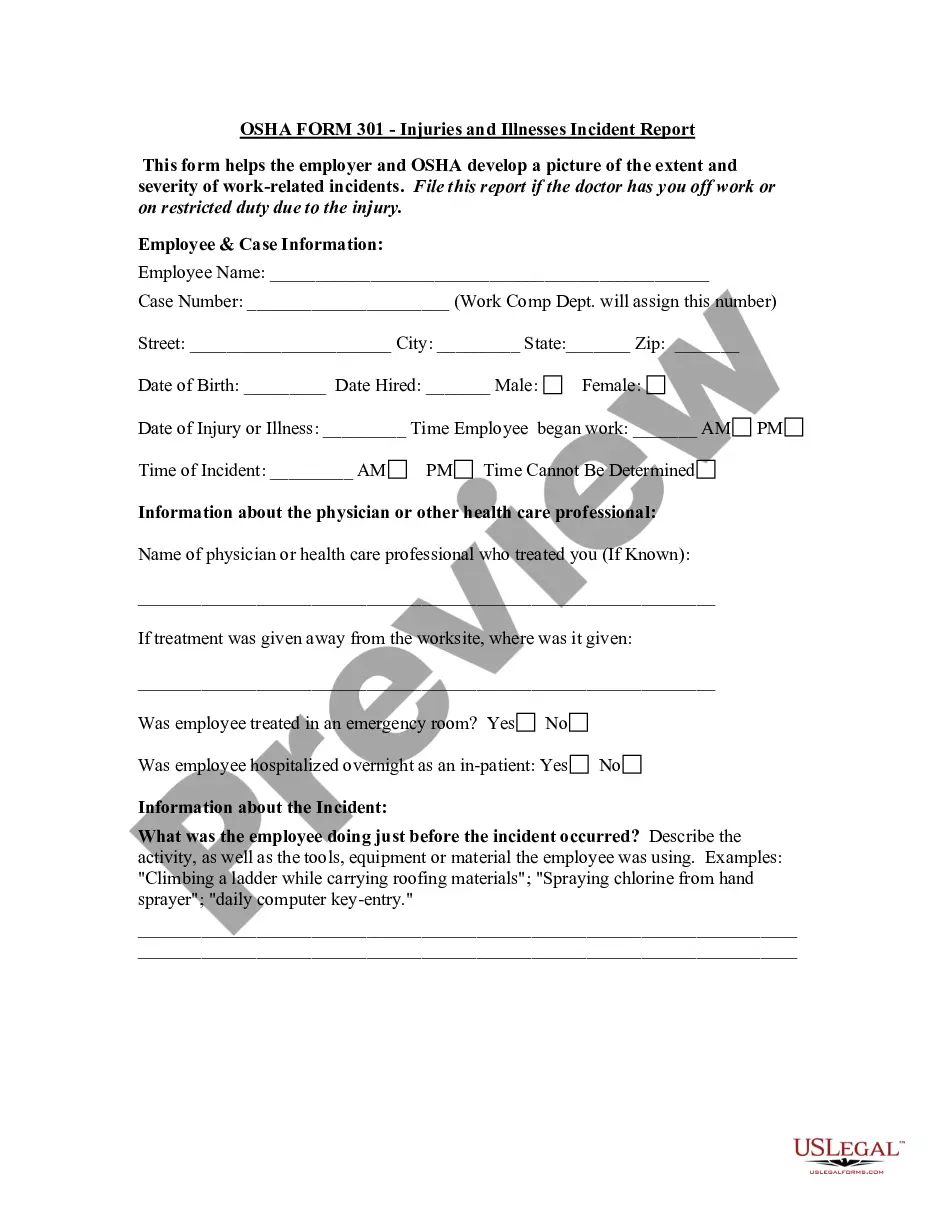
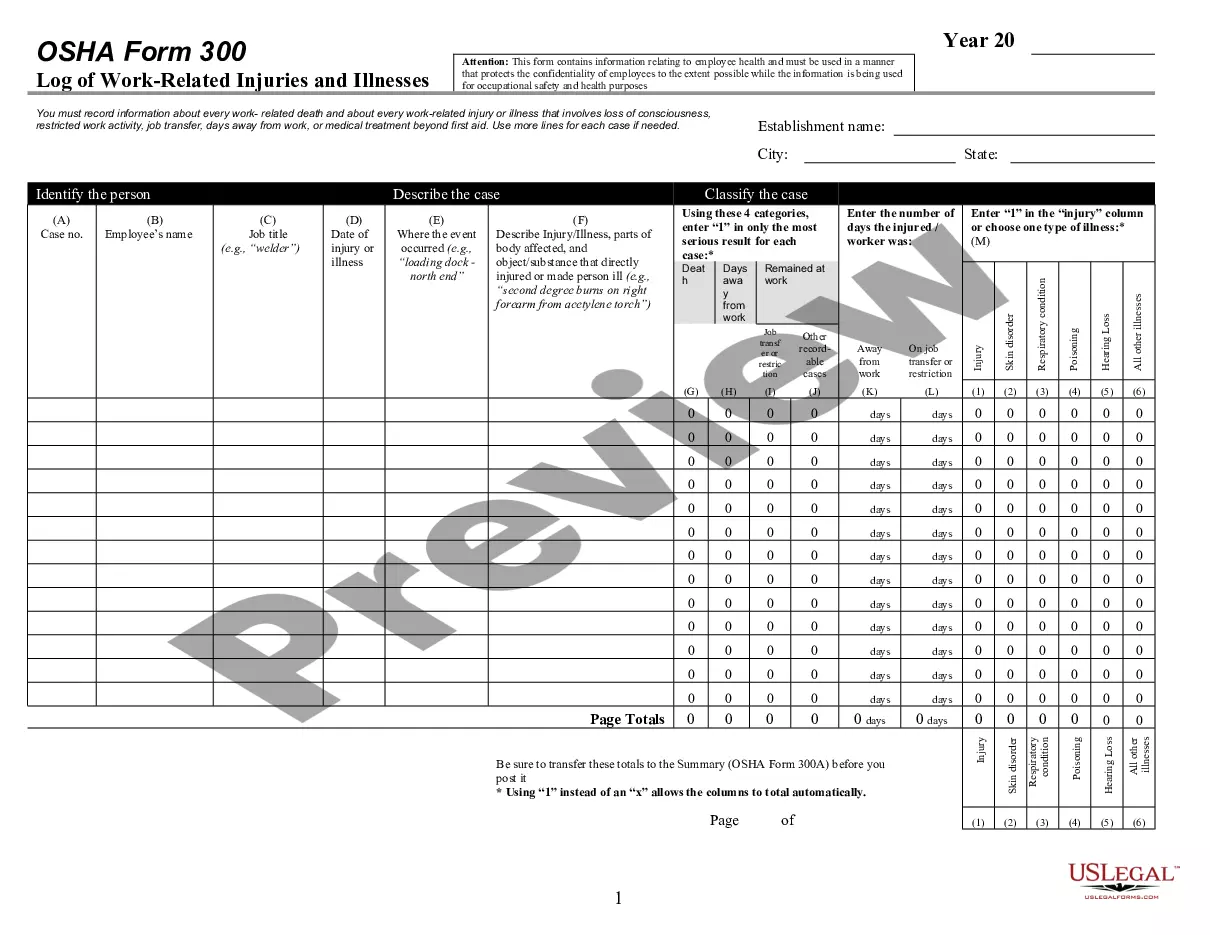
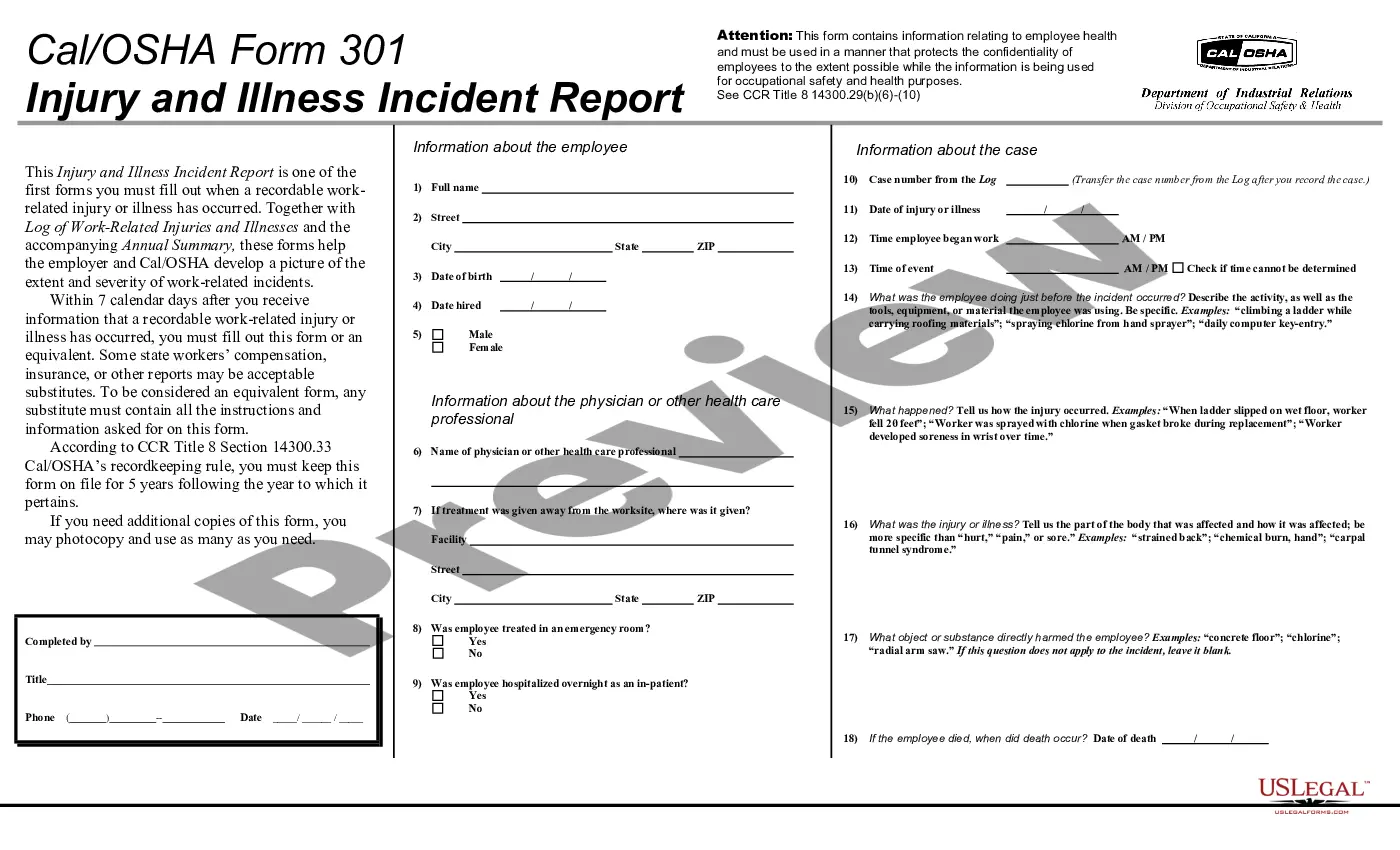
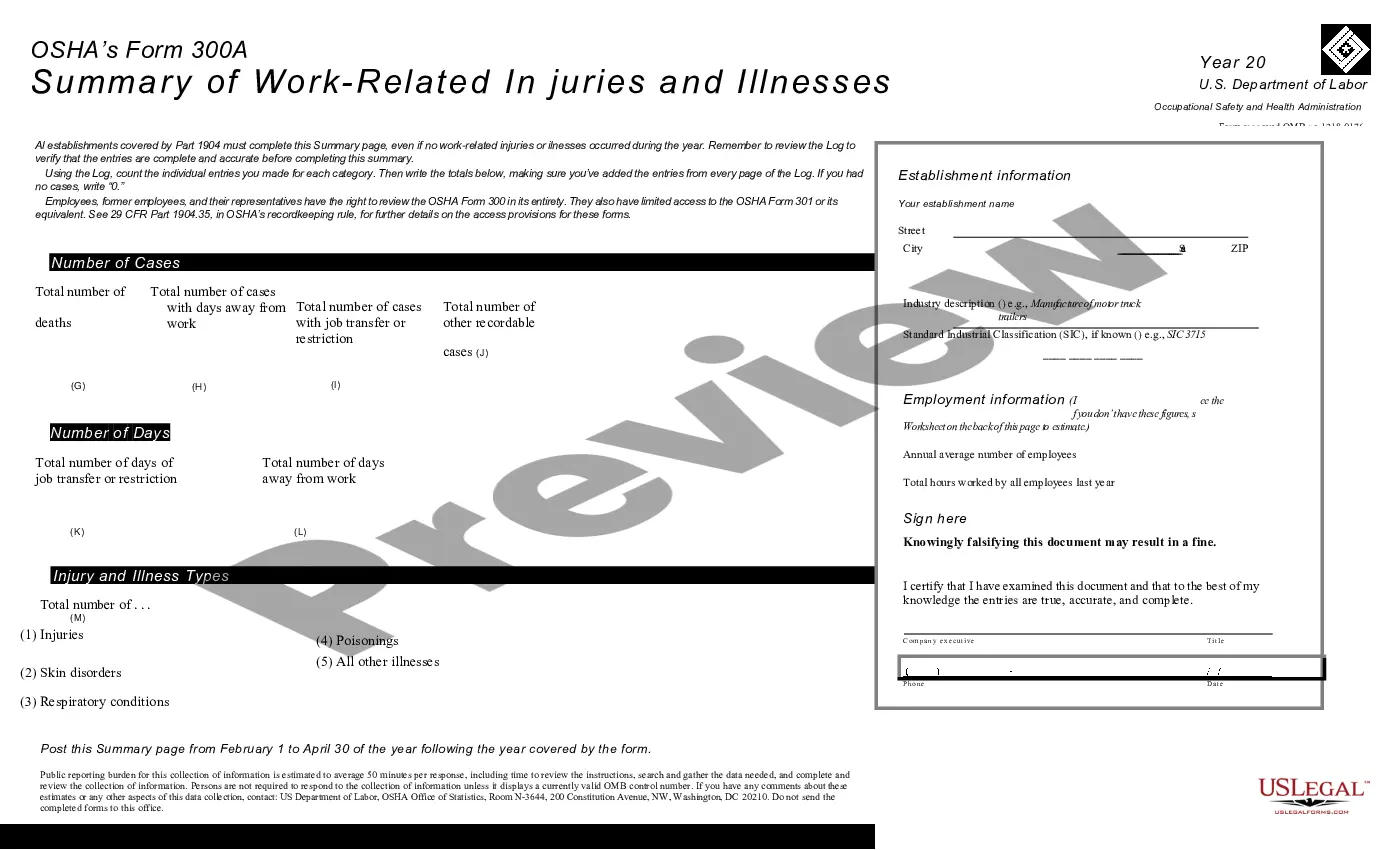
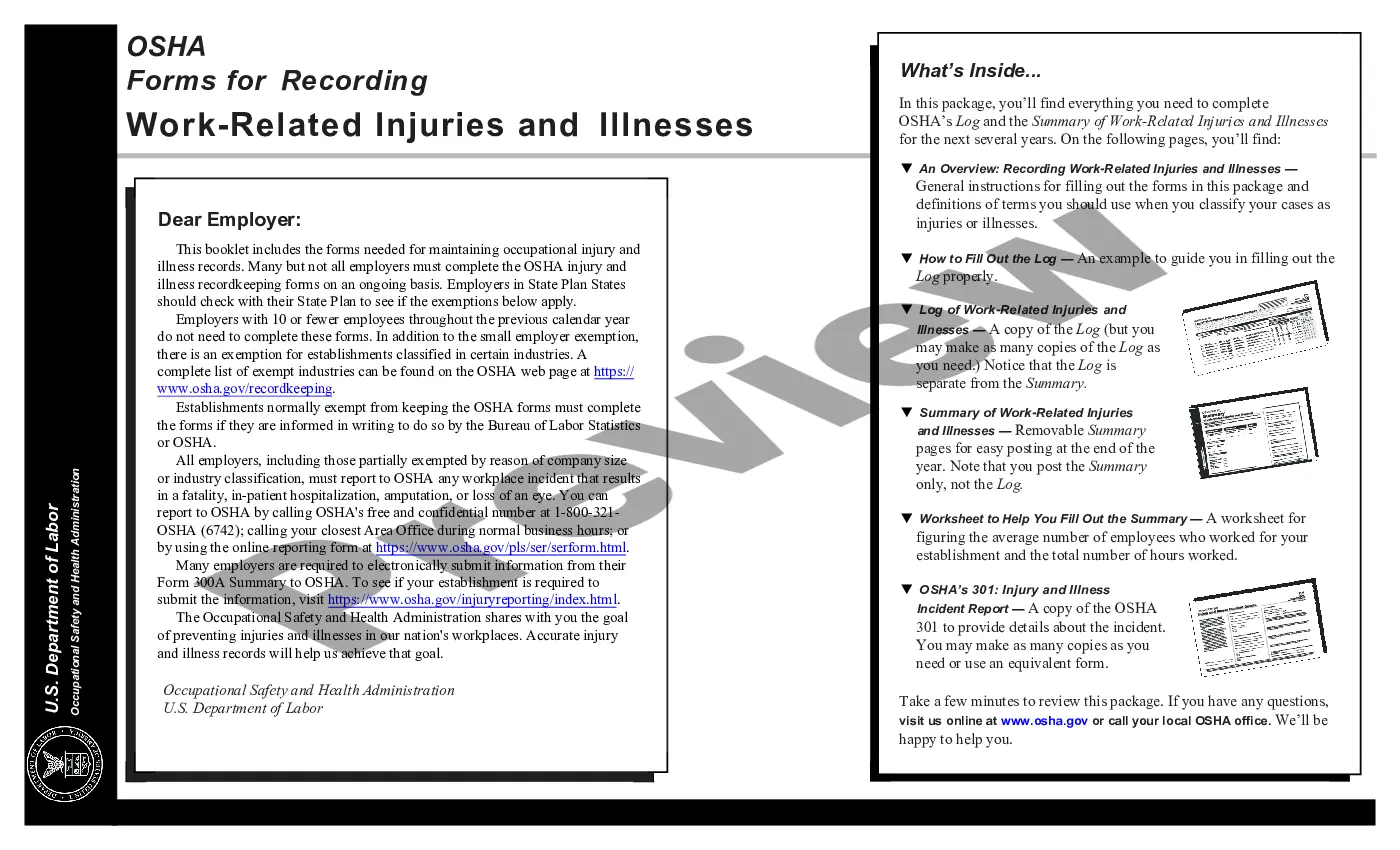
How to fill out Log Of Work Related Injuries And Illnesses (OSHA 300)?
Creating legal documents from the ground up can occasionally be somewhat daunting. Certain situations might require extensive research and significant financial investment.
If you’re looking for a simpler and more cost-effective method of preparing Work Related Order Within A Company or any other documents without the hassle of navigating through obstacles, US Legal Forms is always available to assist you.
Our online collection of over 85,000 current legal forms covers nearly every facet of your financial, legal, and personal affairs. With just a few clicks, you can promptly access state- and county-compliant templates meticulously assembled for you by our legal professionals.
Utilize our website whenever you require dependable and trustworthy services through which you can effortlessly locate and download the Work Related Order Within A Company. If you’re a returning user and have previously set up an account with us, simply Log In to your account, choose the template and download it or re-download it anytime in the My documents section.
US Legal Forms has a strong reputation and over 25 years of experience. Join us today and make document execution a seamless and efficient process!
- Don’t have an account? No worries. It only takes a few minutes to register and browse the library.
- Before diving straight into downloading Work Related Order Within A Company, keep these pointers in mind.
- Review the document preview and descriptions to confirm that you are on the form you need.
- Ensure that the template you select complies with the laws and regulations of your state and county.
- Select the appropriate subscription plan to obtain the Work Related Order Within A Company.
Form popularity
FAQ
Work Order vs Purchase Order The difference between a work order and a purchase order (PO) is how they're used in connection with maintenance work order workflows. While work orders detail specific tasks or services to be carried out, purchase orders itemize materials or products required to complete a WO.
What to include in the Work Order Format? 1: Company Name. Start with your company's name, which should be in one of the top corners. ... 2: Company Address. Add your address under the company name. ... 3: Work Order Number. Submit the work order number. ... 4: Work Order Title. ... 5: Work Location. ... 6: Worker's Name. ... 7: Sender's Name.
You should include the following information in your work order letter: Company name. Start with your company name, typically in one of the upper corners. ... Company address. Below the company name, include your address. ... Work order number. ... Work order title. ... Work order description. ... Priority level. ... Work location. ... Worker's name.
It's important to ensure these details are a part of the work order: Name and contact number of the requestor and creator. Date and time the requested issue first occurred and when the work order was requested. Estimated cost for repairs and time of completion.