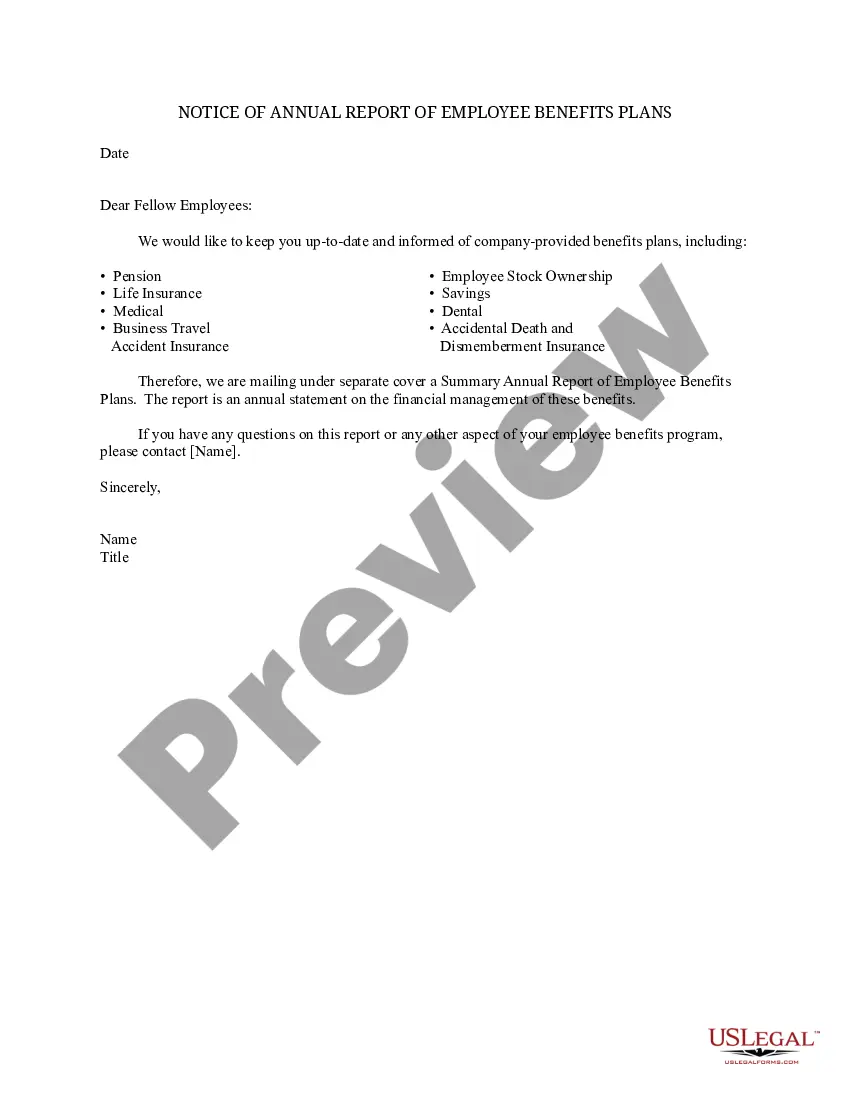
Annual Report Form Template With Logo
Description
Get your form ready online
Our built-in tools help you complete, sign, share, and store your documents in one place.
Make edits, fill in missing information, and update formatting in US Legal Forms—just like you would in MS Word.
Download a copy, print it, send it by email, or mail it via USPS—whatever works best for your next step.
Sign and collect signatures with our SignNow integration. Send to multiple recipients, set reminders, and more. Go Premium to unlock E-Sign.
If this form requires notarization, complete it online through a secure video call—no need to meet a notary in person or wait for an appointment.
We protect your documents and personal data by following strict security and privacy standards.

Make edits, fill in missing information, and update formatting in US Legal Forms—just like you would in MS Word.

Download a copy, print it, send it by email, or mail it via USPS—whatever works best for your next step.

Sign and collect signatures with our SignNow integration. Send to multiple recipients, set reminders, and more. Go Premium to unlock E-Sign.

If this form requires notarization, complete it online through a secure video call—no need to meet a notary in person or wait for an appointment.

We protect your documents and personal data by following strict security and privacy standards.
Looking for another form?


How to fill out Notice Of Annual Report Of Employee Benefits Plans?
Creating legal documents from the ground up can frequently be somewhat daunting.
Certain cases may entail numerous hours of investigation and a significant amount of money invested.
If you're seeking a simpler and more cost-effective method of preparing the Annual Report Form Template With Logo or any other paperwork without having to navigate through obstacles, US Legal Forms is always accessible.
Our online collection of over 85,000 current legal documents encompasses nearly every facet of your financial, legal, and personal matters. With just a few clicks, you can quickly access state- and county-compliant templates meticulously crafted for you by our legal professionals.
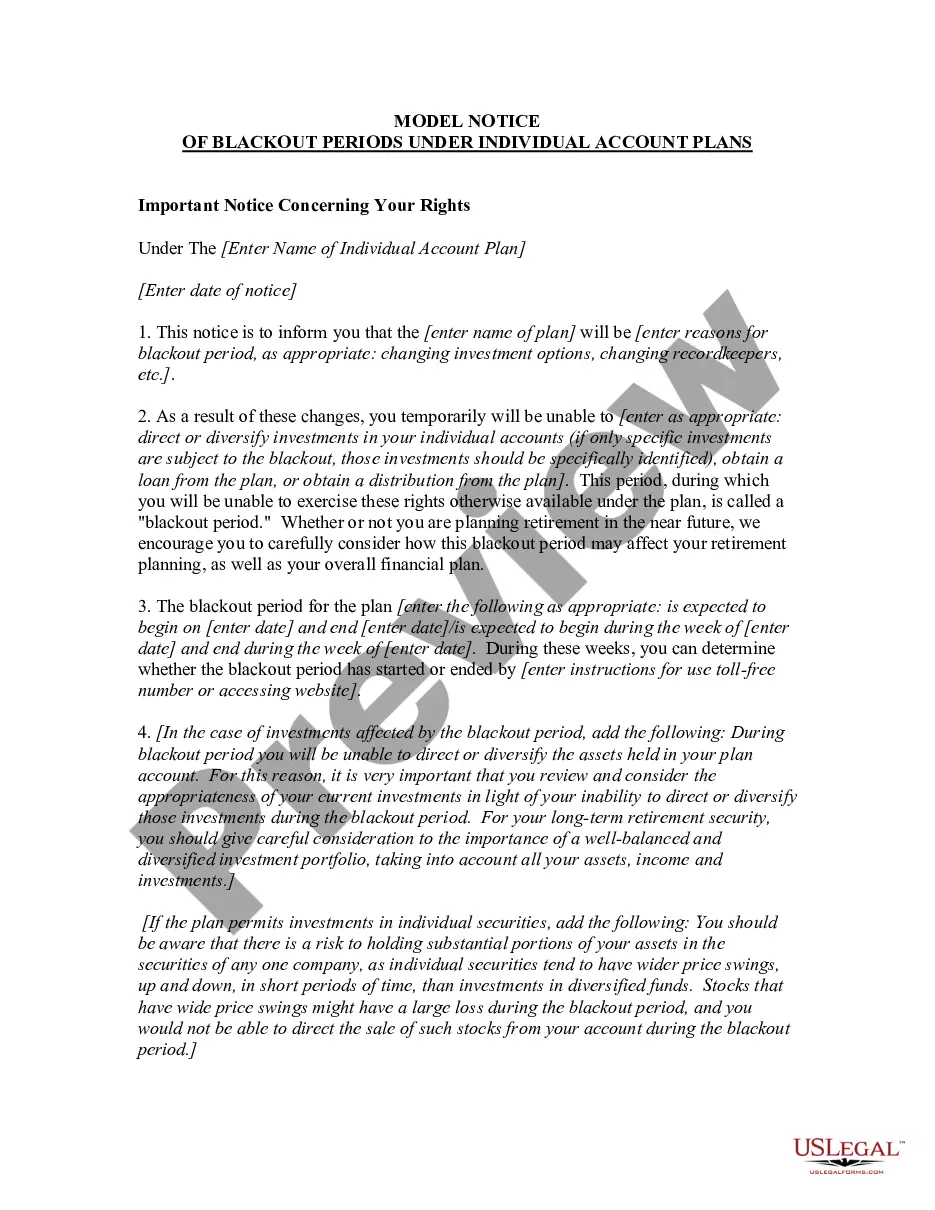
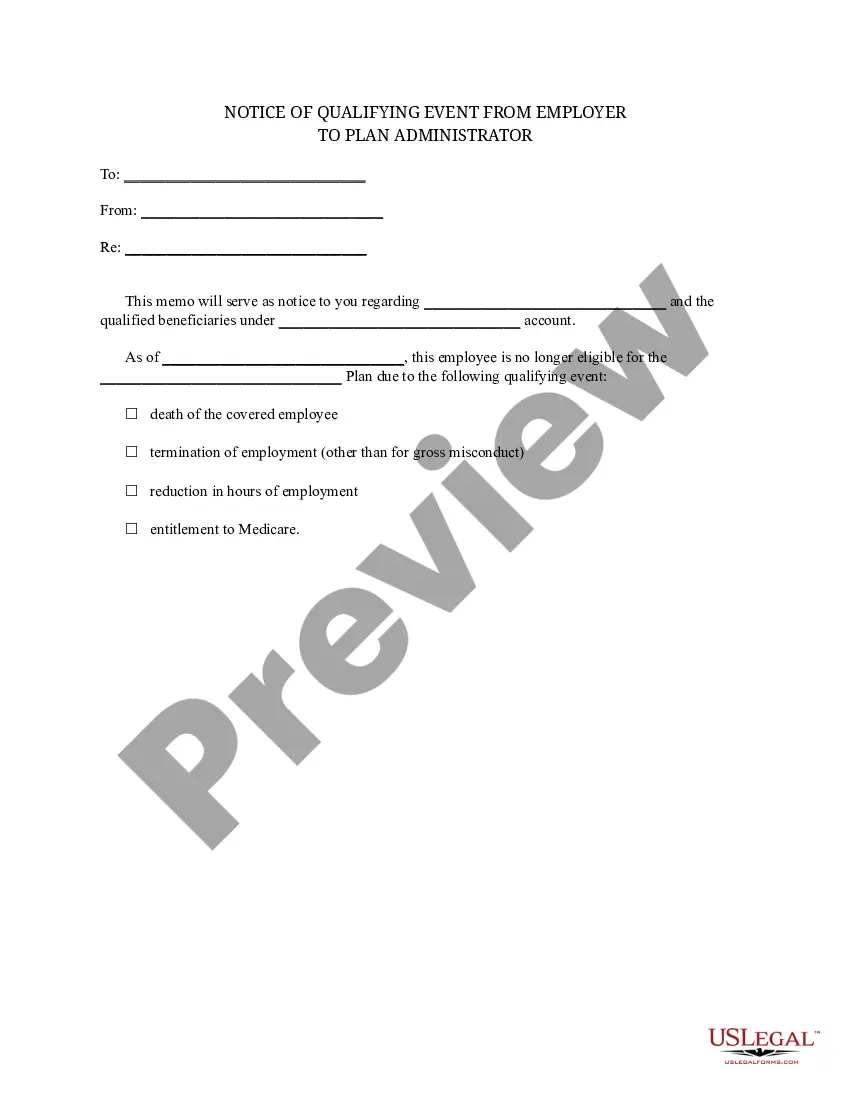
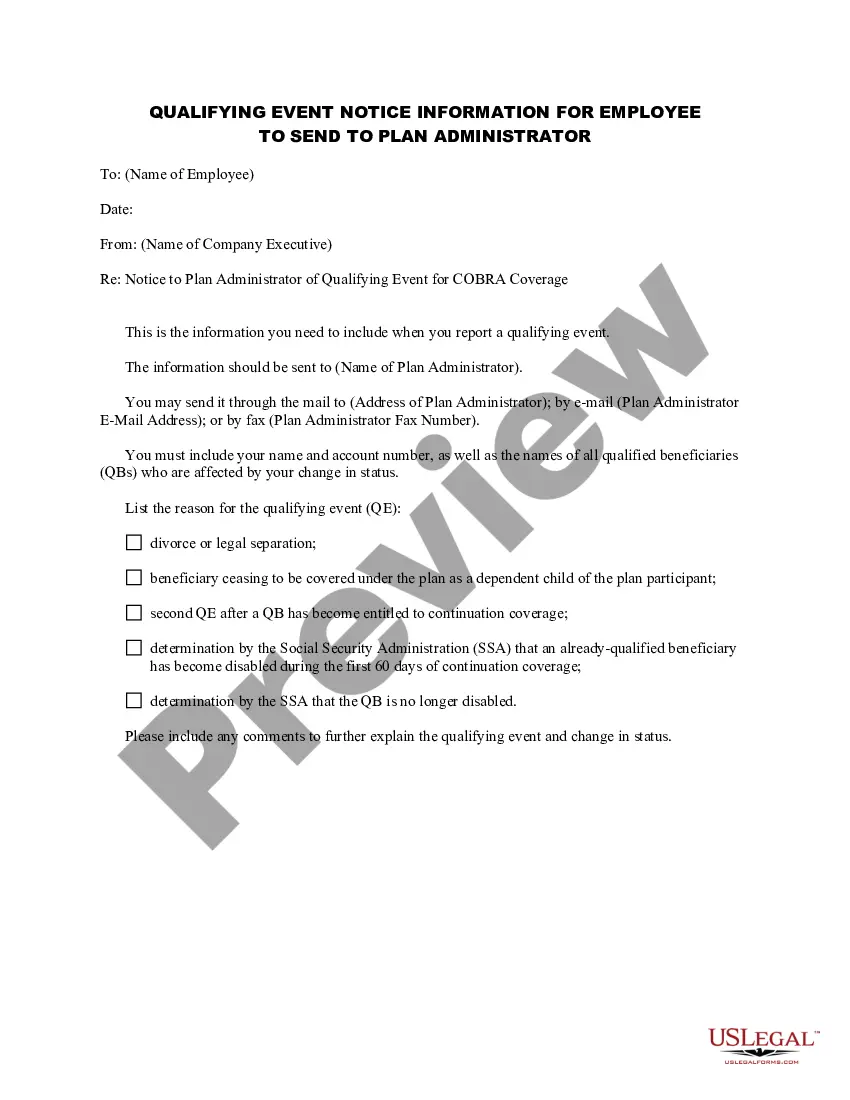
Review the document preview and descriptions to confirm that you’ve located the form you need.
- Utilize our platform whenever you require reliable and trustworthy services to easily locate and download the Annual Report Form Template With Logo.
- If you’re already familiar with our website and have set up an account, simply Log In to your profile, select the form and download it, or access it again later in the My documents section.
- Don’t have an account? No problem. Registering takes hardly any time and allows you to explore the library.
- However, before rushing to download the Annual Report Form Template With Logo, adhere to these guidelines.
Form popularity
FAQ
Vibrant and bold brand colors breathe life into any Annual Report. By using a bright and bold color palette, not only are you enhancing the brand's visual style but making it more attractive to the audience. Additionally, bold colors can be used to highlight important points and grab the audience's attention quickly.
Use visuals to capture the attention of your audience and clearly separate different sections. Choose typography that makes the report easy to read and understand. Simple fonts are best. Use white space to add clarity and emphasize the most important points.
More Tips for Annual Report Design Tell the right story. Follow these tips to create a compelling annual report. Learn how to design data. Good data visualization isn't about making things pretty. ... Use your brand identity. To bring your story to life, you need to add a little personality. ... Get more inspiration.
How to Create a Great Annual Report 1) Choose the right format. 2) Craft a narrative. 3) Demonstrate your impact. 4) Humanize your work. 5) Visualize the numbers. 6) Follow design best practices. 7) Surprise your readers.
Generally, these are the 7 must-have pages: Cover Page. Table of content. Note From CEO, Chief Operating Officer, or Director. Executive Summary. Financial Overview. Project Overview. Projections.