Annual Report Form Template With Drop Down List
Description
Get your form ready online
Our built-in tools help you complete, sign, share, and store your documents in one place.
Make edits, fill in missing information, and update formatting in US Legal Forms—just like you would in MS Word.
Download a copy, print it, send it by email, or mail it via USPS—whatever works best for your next step.
Sign and collect signatures with our SignNow integration. Send to multiple recipients, set reminders, and more. Go Premium to unlock E-Sign.
If this form requires notarization, complete it online through a secure video call—no need to meet a notary in person or wait for an appointment.
We protect your documents and personal data by following strict security and privacy standards.

Make edits, fill in missing information, and update formatting in US Legal Forms—just like you would in MS Word.

Download a copy, print it, send it by email, or mail it via USPS—whatever works best for your next step.

Sign and collect signatures with our SignNow integration. Send to multiple recipients, set reminders, and more. Go Premium to unlock E-Sign.

If this form requires notarization, complete it online through a secure video call—no need to meet a notary in person or wait for an appointment.

We protect your documents and personal data by following strict security and privacy standards.
Looking for another form?
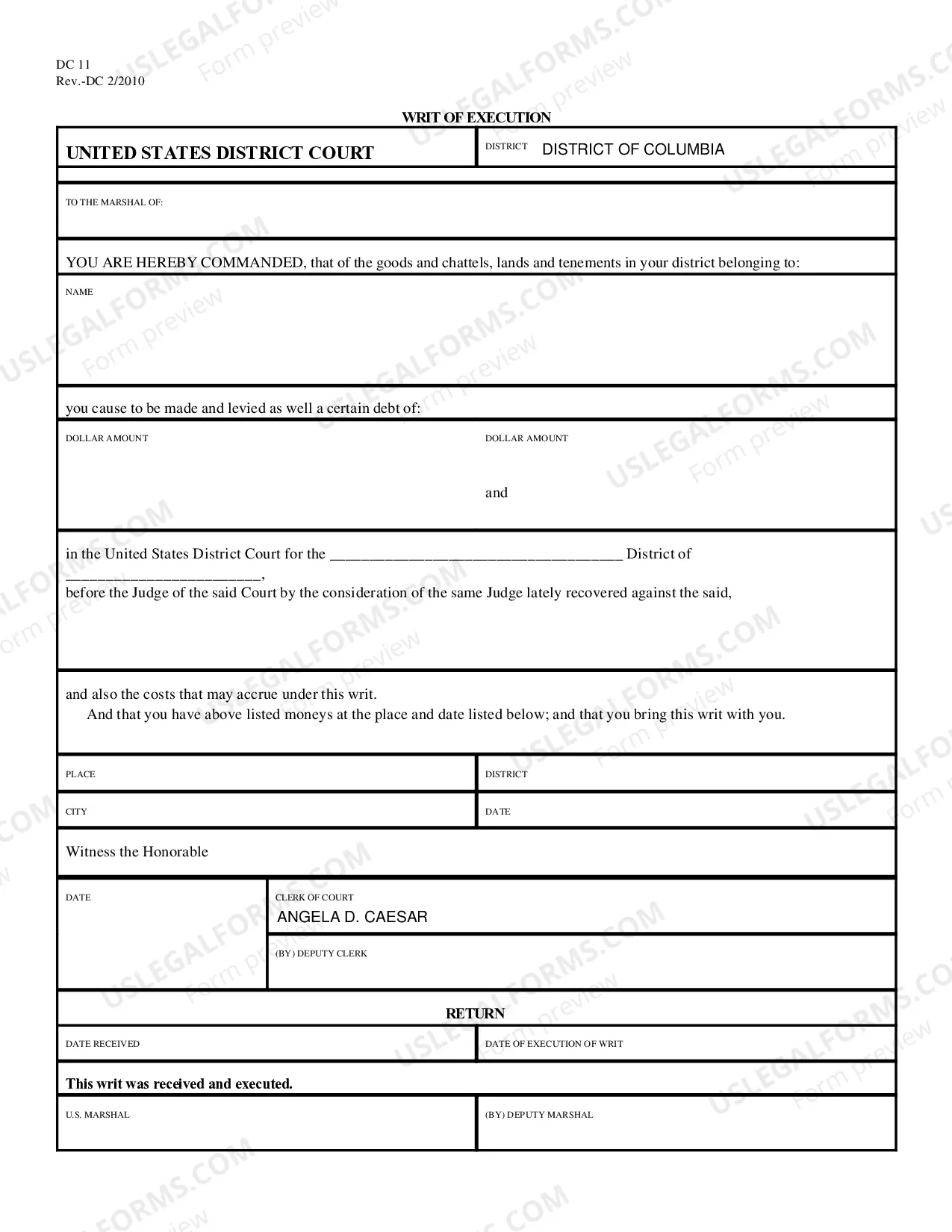


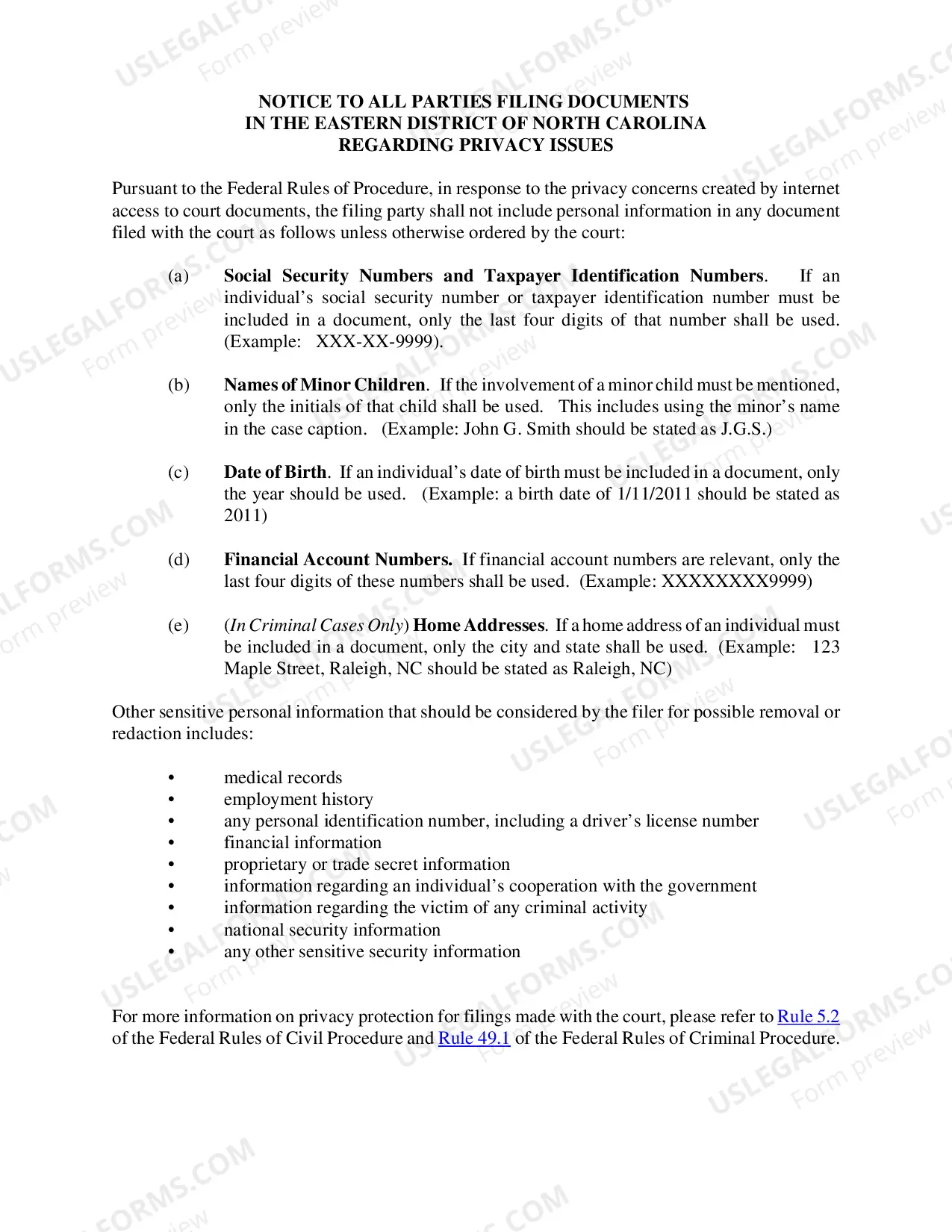


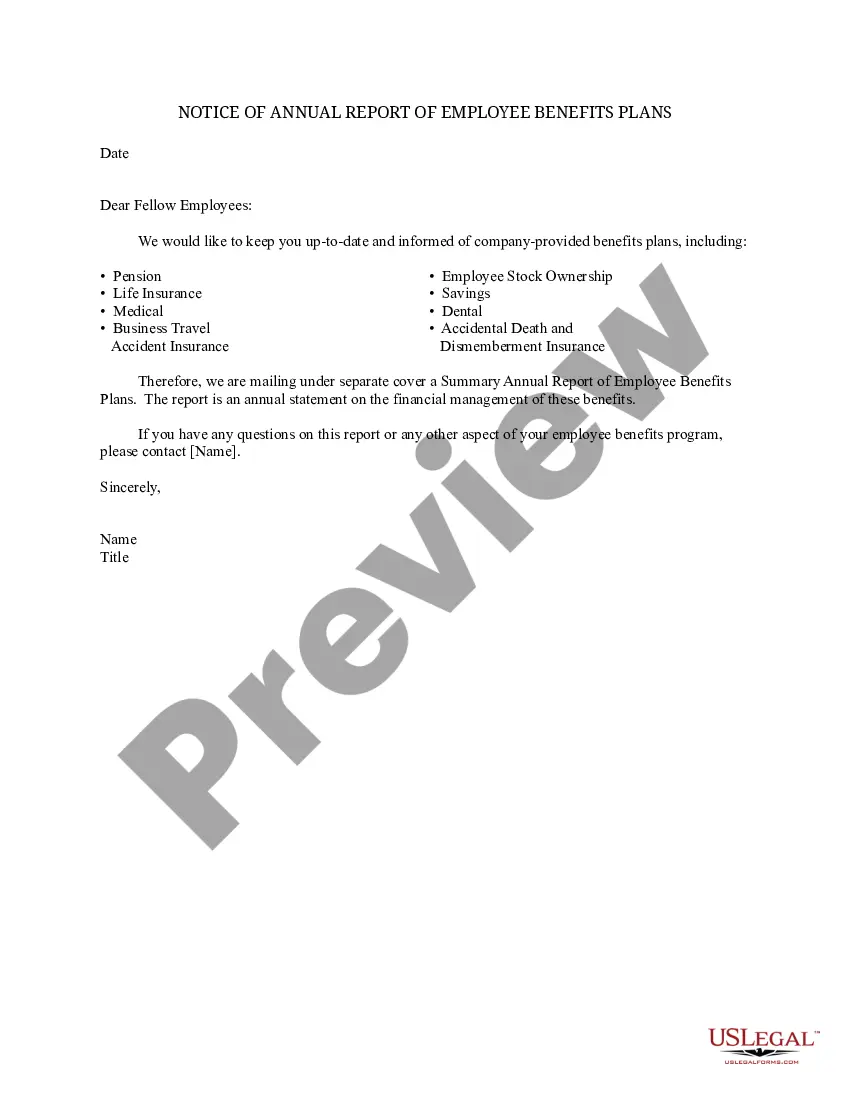
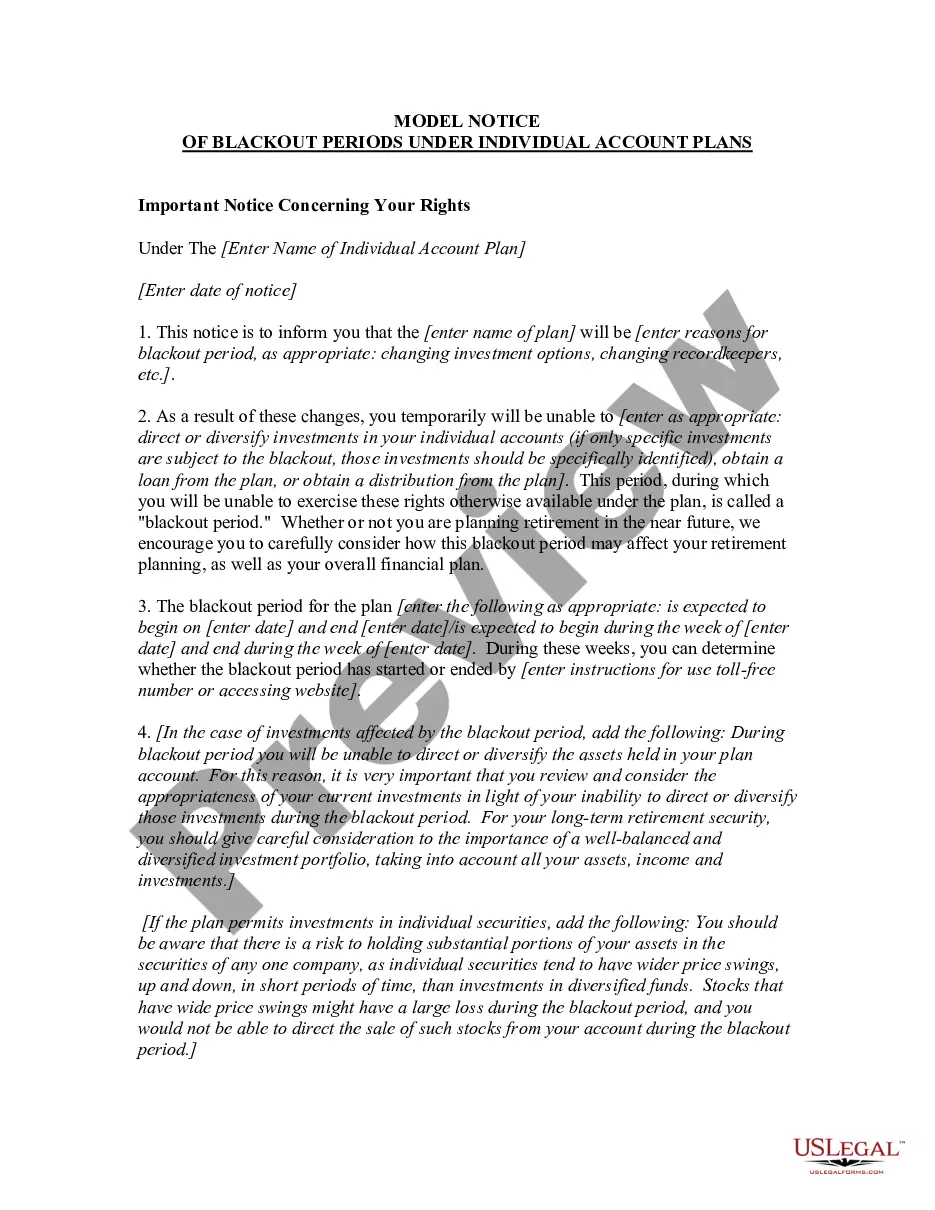
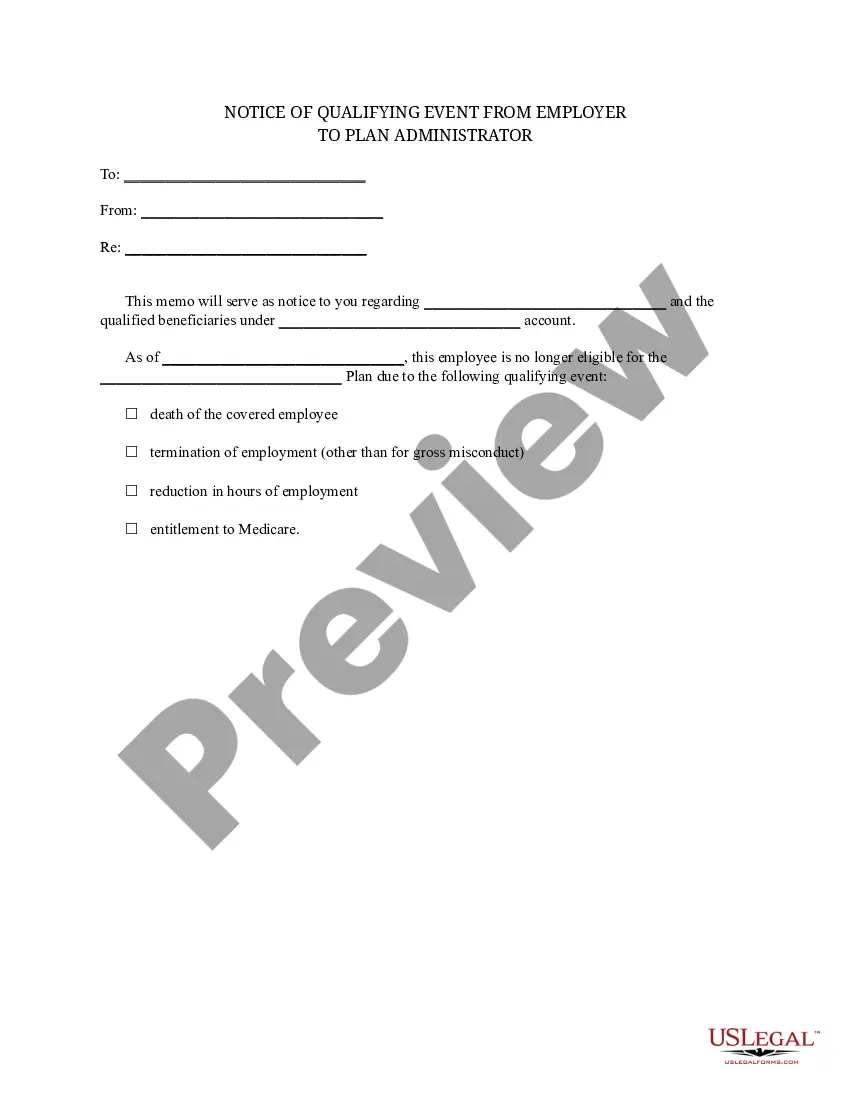
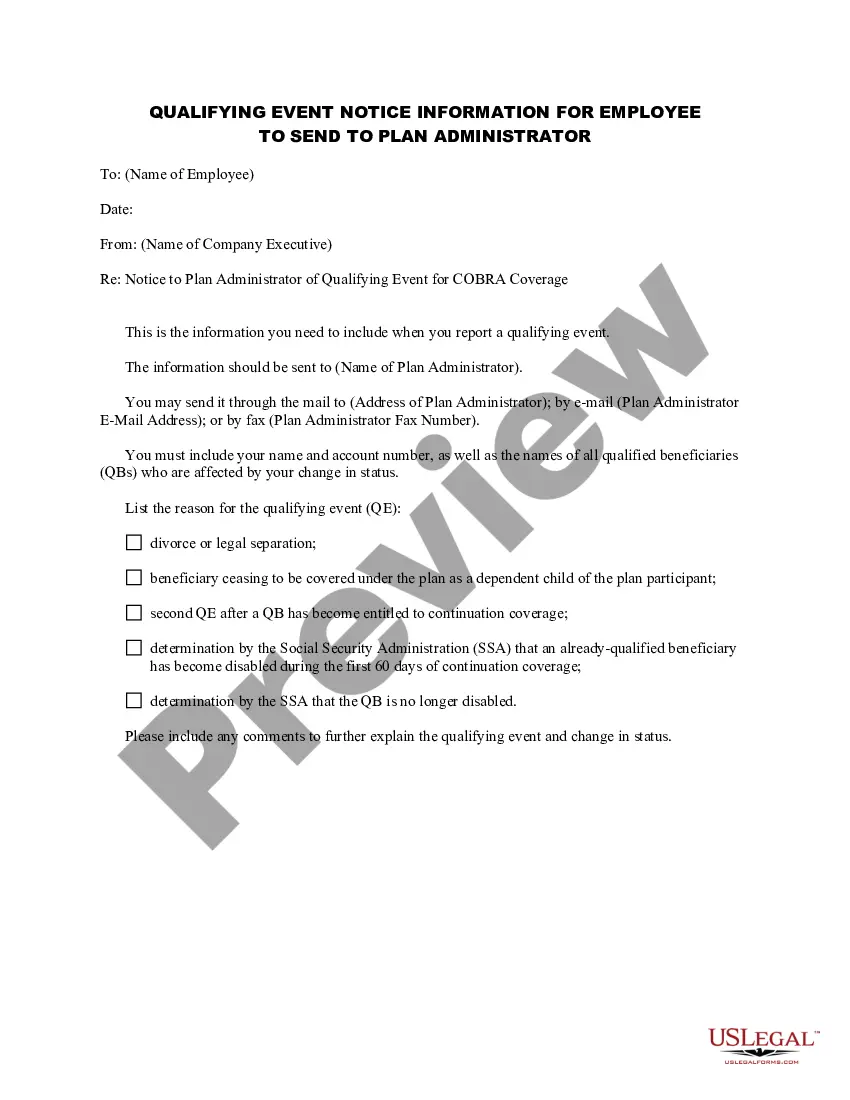
How to fill out Notice Of Annual Report Of Employee Benefits Plans?
Regardless of whether it is for corporate needs or personal matters, each individual must handle legal issues at some point in their life.
Completing legal paperwork requires meticulous focus, starting from choosing the right form template.
Once downloaded, you can fill out the form using editing software or print it and complete it manually.
With an extensive catalog at US Legal Forms, you do not need to waste time searching for the correct example across the web.
Utilize the library's easy navigation to find the suitable template for any purpose.
- For instance, if you select an incorrect version of the Annual Report Form Template With Drop Down List, it will be rejected upon submission.
- Hence, it is crucial to have a dependable source for legal documents such as US Legal Forms.
- If you are looking to obtain an Annual Report Form Template With Drop Down List template, follow these straightforward steps.
- Utilize the search bar or browse the catalog for the example you require.
- Review the description of the form to ensure it is suitable for your situation, jurisdiction, and county.
- Click on the preview of the form to view it.
- If it is the incorrect form, return to the search feature to locate the Annual Report Form Template With Drop Down List you need.
- Download the document if it satisfies your requirements.
- If you already possess a US Legal Forms account, simply click Log in to access previously saved files in My documents.
- If you do not yet have an account, you can acquire the form by clicking Buy now.
- Choose the appropriate pricing option.
- Complete the profile registration form.
- Select your preferred payment method: bank card or PayPal account.
- Choose the document format you wish and download the Annual Report Form Template With Drop Down List.
Form popularity
FAQ
It is not possible to insert a multiple-selection list box in Word using the built-in features of the program. However, you can achieve this by using a Word add-in or macro. One popular add-in that allows you to create multiple-selection list boxes in Word is called "Combo Box".
It is not possible to insert a multiple-selection list box in Word using the built-in features of the program. However, you can achieve this by using a Word add-in or macro. One popular add-in that allows you to create multiple-selection list boxes in Word is called "Combo Box".
Insert a combo box or a drop-down list Go to Developer > Combo Box Content Control or Drop-Down List Content Control . Select the content control, and then select Properties. To create a list of choices, select Add under Drop-Down List Properties. Type a choice in Display Name, such as Yes, No, or Maybe.
How to Create a Drop-Down List in Microsoft Word - YouTube YouTube Start of suggested clip End of suggested clip Then I go to the developer tab on the ribbon. And in the controls group there's a button called dropMoreThen I go to the developer tab on the ribbon. And in the controls group there's a button called drop down list content control. So you click on that. And then you click on this properties. Button.
Create a drop-down list Select the cells that you want to contain the lists. On the ribbon, select DATA > Data Validation. In the dialog box, set Allow to List. Click in Source, type the text or numbers (separated by commas, for a comma-delimited list) that you want in your drop-down list, and select OK.