Report Employee New With Sss Online
Description
Get your form ready online
Our built-in tools help you complete, sign, share, and store your documents in one place.
Make edits, fill in missing information, and update formatting in US Legal Forms—just like you would in MS Word.
Download a copy, print it, send it by email, or mail it via USPS—whatever works best for your next step.
Sign and collect signatures with our SignNow integration. Send to multiple recipients, set reminders, and more. Go Premium to unlock E-Sign.
If this form requires notarization, complete it online through a secure video call—no need to meet a notary in person or wait for an appointment.
We protect your documents and personal data by following strict security and privacy standards.

Make edits, fill in missing information, and update formatting in US Legal Forms—just like you would in MS Word.

Download a copy, print it, send it by email, or mail it via USPS—whatever works best for your next step.

Sign and collect signatures with our SignNow integration. Send to multiple recipients, set reminders, and more. Go Premium to unlock E-Sign.

If this form requires notarization, complete it online through a secure video call—no need to meet a notary in person or wait for an appointment.

We protect your documents and personal data by following strict security and privacy standards.
Looking for another form?
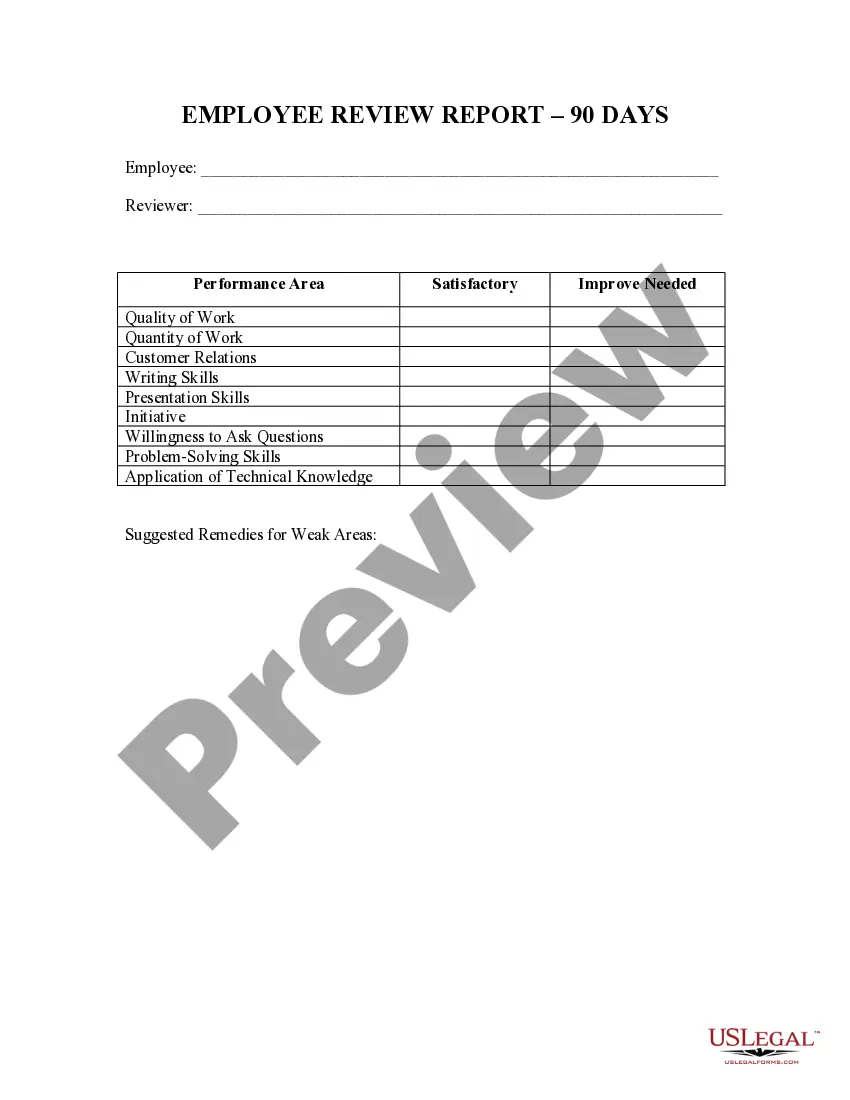
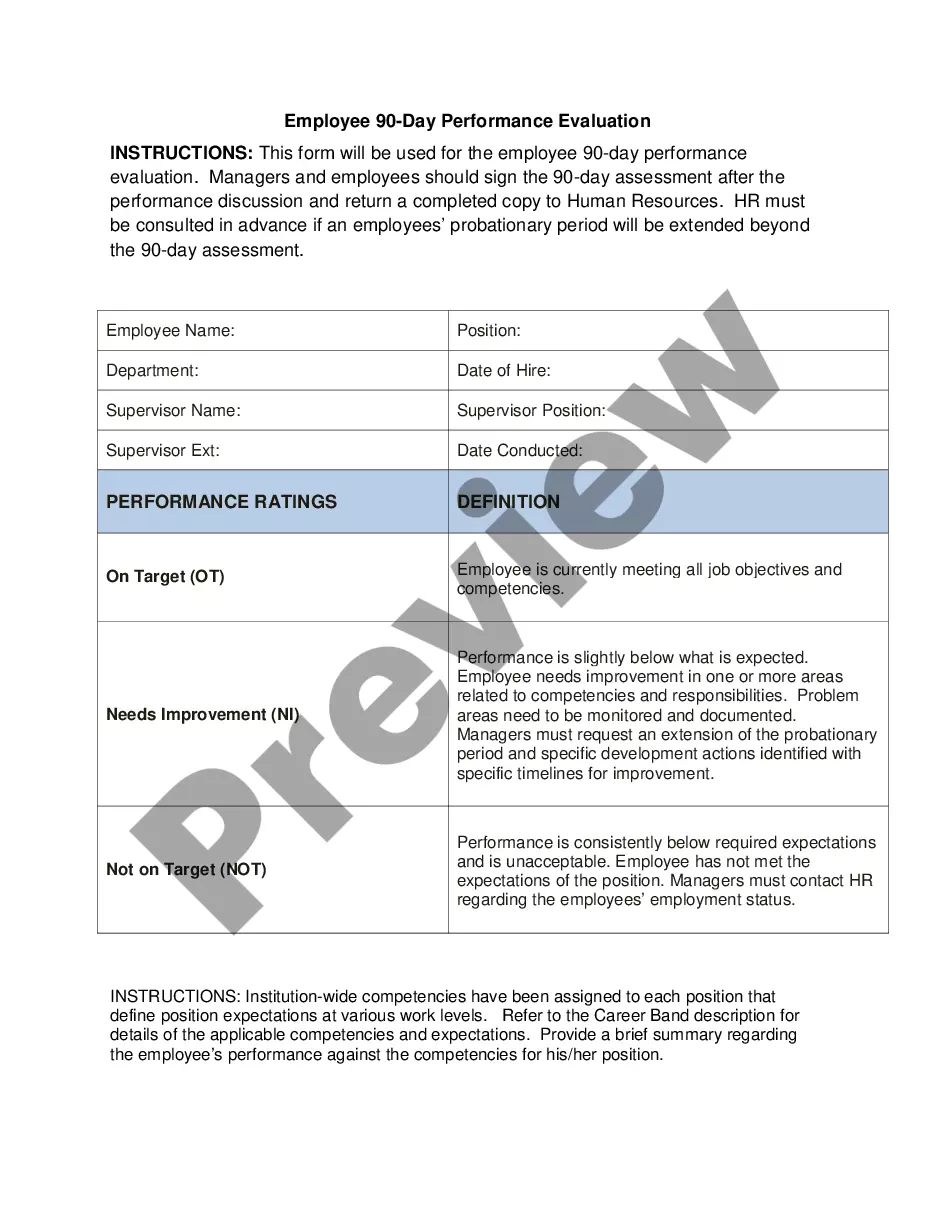
How to fill out Employee 90 Day Review Report?
Managing legal papers and tasks can be a lengthy addition to your schedule.
Report Employee New With Sss Online and similar forms typically necessitate that you locate them and comprehend how to fill them out efficiently.
Hence, whether you are dealing with financial, legal, or personal issues, having a comprehensive and accessible online repository of forms at your disposal will significantly help.
US Legal Forms is the leading online service for legal templates, featuring over 85,000 state-specific forms and various tools to facilitate the effortless completion of your documents.
Is this your first time using US Legal Forms? Register and set up your account in just a few minutes, granting you access to the form library and Report Employee New With Sss Online. After that, follow the steps outlined below to complete your form: Ensure you have found the correct form by utilizing the Preview feature and reviewing the form description. Click Buy Now when ready, and select the monthly subscription plan that suits you best. Click Download, then fill out, eSign, and print the form. US Legal Forms has twenty-five years of experience helping clients manage their legal documents. Get the form you need today and streamline any process effortlessly.
- Explore the collection of relevant documents available with just one click.
- US Legal Forms offers you forms specific to states and counties that are ready for download anytime.
- Safeguard your document management practices with premium services that allow you to create any form within minutes without extra or hidden costs.
- Simply sign in to your account, locate Report Employee New With Sss Online, and obtain it instantly from the My documents section.
- You can also access previously saved forms.
Form popularity
FAQ
How to request member data changes in My. SSS Log in to your My. ... Click ?Request for Member Data Changes (Simple Correction)? under the E-services tab. Choose one data change request from the following: ... Supply needed information and upload the required supporting document/s.
Submit immediately a copy of validated "Contributions Payment Form" or "Contributions Payment Form" with Special Bank Receipt (SBR) together with the corresponding "Contributions Collection List" or "Contributions Collection List" in electronic media device to the nearest SSS branch.
You can log into your SSS account to do this. After generating the PRN, you can submit it along with the payment amount through any partner center. Employers can make SSS online payments through BancNet's eGov portal, which has 19 participating banks.
The 14 percent is composed of 9.5 % Employer Share and 4.5% Employee Share while the minimum Monthly Salary Credit (MSC) will be increased from P3,000 to P4,000 and the maximum MSC from P25,000 to P30,000. The 1 % increase is to be shouldered by the employer and employee's share remains at 4.5%.
4. How to register a new employee in SSS online? Go to employer.sss.gov.ph. Log in to your employer account. Select the E-Services > Submit Employment Report (R1a). Enter your new employee's SSS number as well as personal and employment information. Click the Add button and then the Submit button.