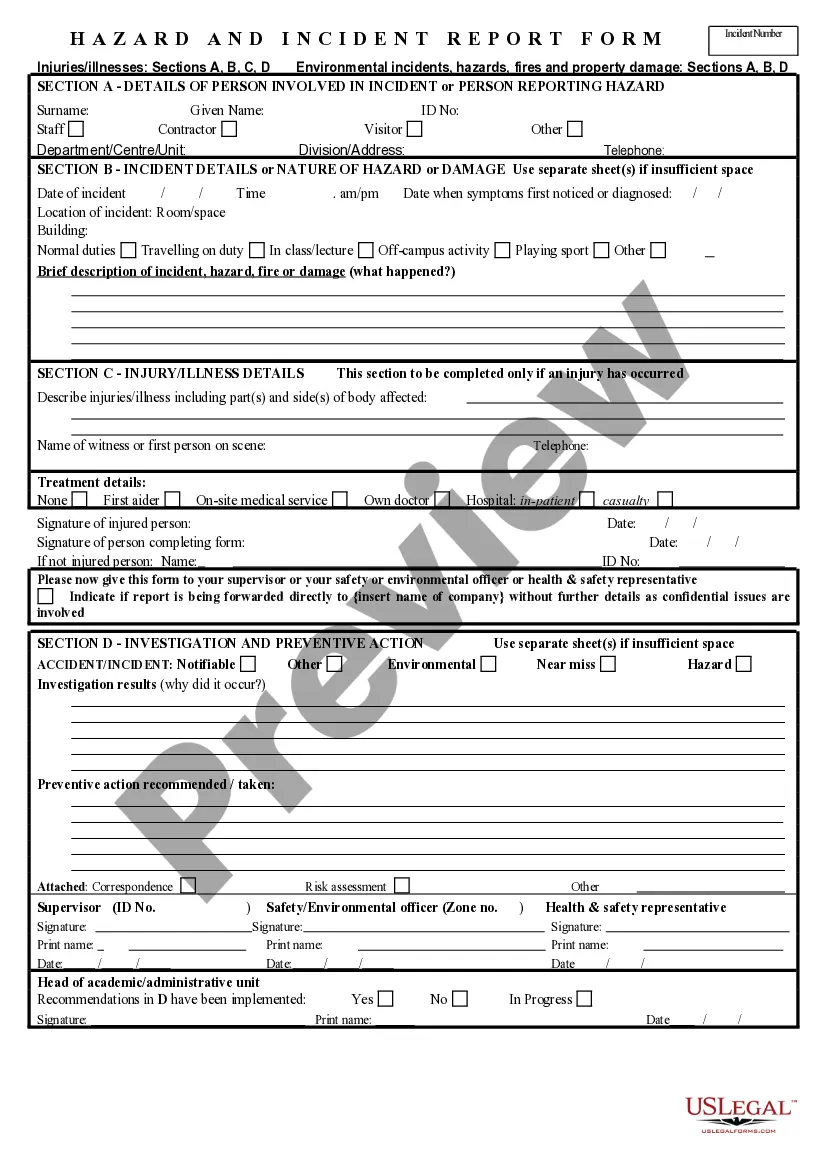
Incident Report Form With Body Diagram
Description

Get your form ready online
Our built-in tools help you complete, sign, share, and store your documents in one place.
Make edits, fill in missing information, and update formatting in US Legal Forms—just like you would in MS Word.
Download a copy, print it, send it by email, or mail it via USPS—whatever works best for your next step.
Sign and collect signatures with our SignNow integration. Send to multiple recipients, set reminders, and more. Go Premium to unlock E-Sign.
If this form requires notarization, complete it online through a secure video call—no need to meet a notary in person or wait for an appointment.
We protect your documents and personal data by following strict security and privacy standards.

Make edits, fill in missing information, and update formatting in US Legal Forms—just like you would in MS Word.

Download a copy, print it, send it by email, or mail it via USPS—whatever works best for your next step.

Sign and collect signatures with our SignNow integration. Send to multiple recipients, set reminders, and more. Go Premium to unlock E-Sign.

If this form requires notarization, complete it online through a secure video call—no need to meet a notary in person or wait for an appointment.

We protect your documents and personal data by following strict security and privacy standards.
Looking for another form?


How to fill out Hazard And Incident Report Form?
Managing legal documents can be daunting, even for experienced professionals.
When seeking an Incident Report Form With Body Diagram and unable to devote time to find the right and updated version, the experience can become stressful.
US Legal Forms caters to any needs you may have, from personal to commercial documents, all conveniently located in one platform.
Utilize cutting-edge tools to create and manage your Incident Report Form With Body Diagram.
Once you've accessed your desired form, follow these steps.
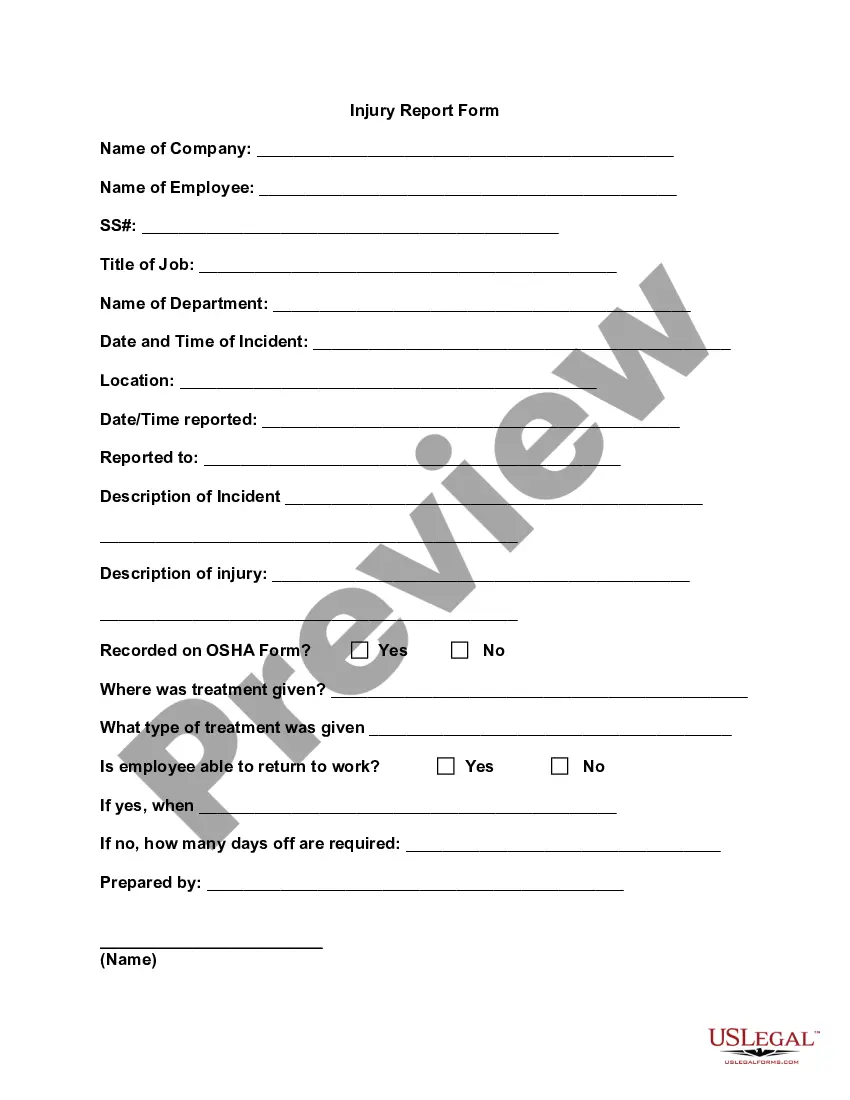
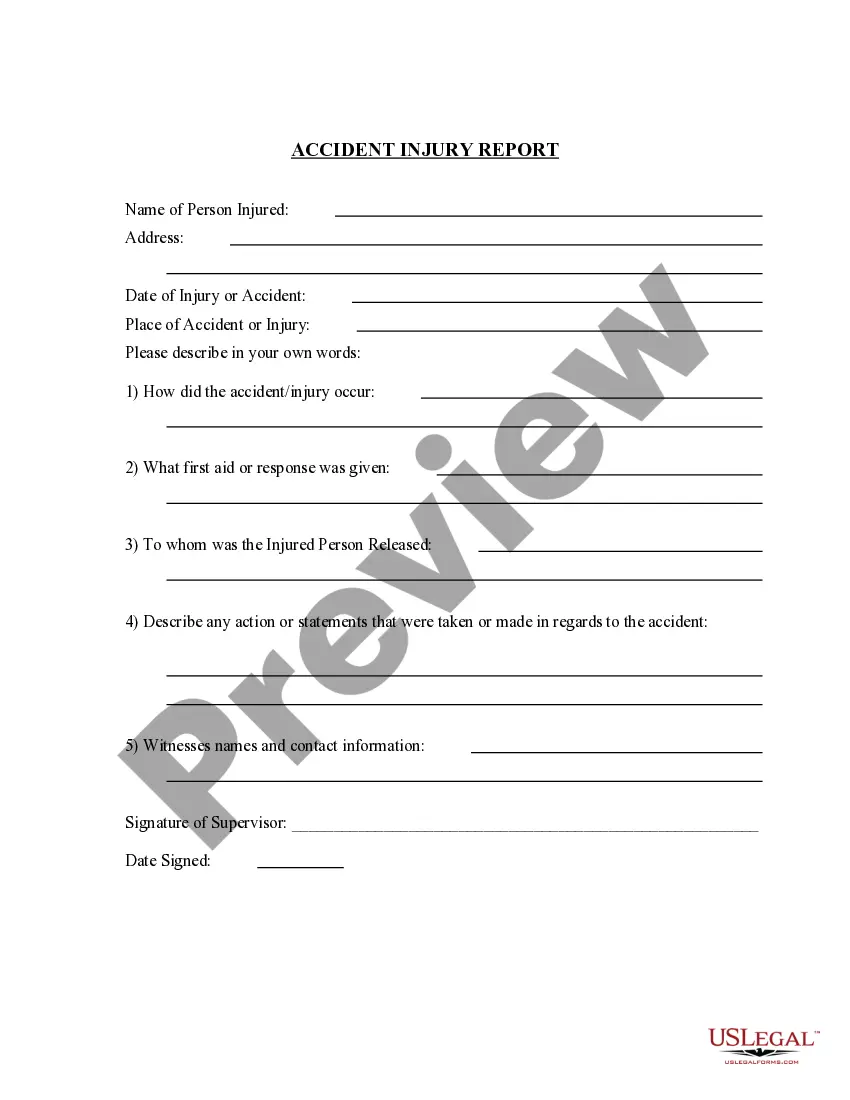
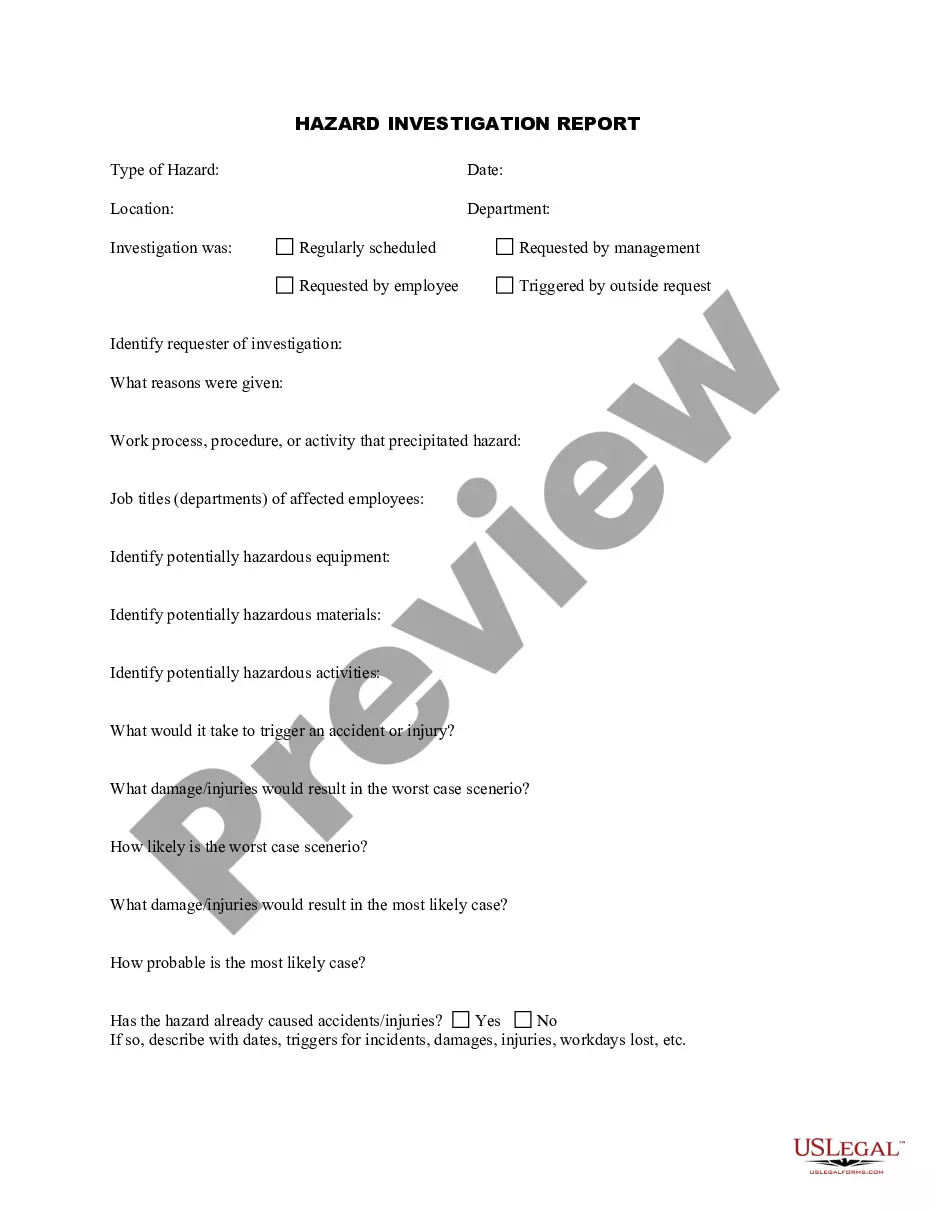
Verify this is the appropriate form by previewing and reviewing its information.
Confirm that the sample is recognized in your state or county.
- Access a comprehensive repository of articles, guides, manuals, and resources related to your needs and situation.
- Save time and energy searching for the necessary documents by utilizing US Legal Forms' advanced search and Preview option to obtain and download the Incident Report Form With Body Diagram.
- If you possess a monthly subscription, Log In to your US Legal Forms account, locate the form, and download it.
- Check your My documents section to view previously saved documents and manage your folders as desired.
- If you're new to US Legal Forms, create a free account and gain unlimited access to the entire library's benefits.
Click Buy Now when ready.
Select a monthly subscription option.
Choose your preferred format and Download, complete, eSign, print, and dispatch your documents.
Leverage the US Legal Forms online catalog, backed by 25 years of expertise and reliability. Upgrade your daily document management into a seamless and user-friendly experience today.
- A robust online form directory could revolutionize the way individuals handle these situations effectively.
- US Legal Forms is a frontrunner in the realm of online legal documents, boasting over 85,000 state-specific legal forms available 24/7.
- With US Legal Forms, you can access state- or county-specific legal and business forms.
Form popularity
FAQ
Trademark vs. Service Mark. The bottom line is that a trademark represents a product produced by a business while a service mark represents a service offered by the business. A single business can register both trademarks and service marks to brand themselves.
If you produce goods, you would be applying for a trademark. If you ?produce? or provide a service, you would be applying for a service mark. For example, say there is a business called DCCA, Inc. (a corporation), or DCCA Co.
A trademark is used for goods, while a service mark is used for services. A trademark: Identifies the source of your goods or services. Provides legal protection for your brand.
To update your business address information that is currently on file, you will need to complete a Registration Change Request Form 126 Document, email us at businesstaxregister@dor.mo.gov or call 573-751-5860.
A service mark is a brand name or logo that identifies a business. Service marks can consist of words, phrases, symbols, designs, or some combination of these elements, which are all a form of intellectual property. Service marks identify a brand and the quality associated with it.
The Missouri LLC name change form is called the Amendment of Articles of Organization. (It's called this because you're amending your Missouri Articles of Organization. Your company's initial Articles of Organization is the Missouri Limited Liability Company form that creates the business entity.)
Like a trademark, a service mark does not need to be registered. Using the mark establishes common law rights. However, a federal registration may provide more benefits to the owner if litigation arises and damages are sought in court. Most states have rules for state registration of service marks too.
The Google trademark is owned by Google LLC.