Signature Name Form Format
Description


Get your form ready online
Our built-in tools help you complete, sign, share, and store your documents in one place.
Make edits, fill in missing information, and update formatting in US Legal Forms—just like you would in MS Word.
Download a copy, print it, send it by email, or mail it via USPS—whatever works best for your next step.
Sign and collect signatures with our SignNow integration. Send to multiple recipients, set reminders, and more. Go Premium to unlock E-Sign.
If this form requires notarization, complete it online through a secure video call—no need to meet a notary in person or wait for an appointment.
We protect your documents and personal data by following strict security and privacy standards.

Make edits, fill in missing information, and update formatting in US Legal Forms—just like you would in MS Word.

Download a copy, print it, send it by email, or mail it via USPS—whatever works best for your next step.

Sign and collect signatures with our SignNow integration. Send to multiple recipients, set reminders, and more. Go Premium to unlock E-Sign.

If this form requires notarization, complete it online through a secure video call—no need to meet a notary in person or wait for an appointment.

We protect your documents and personal data by following strict security and privacy standards.
Looking for another form?





How to fill out Signature And Name Affidavit?
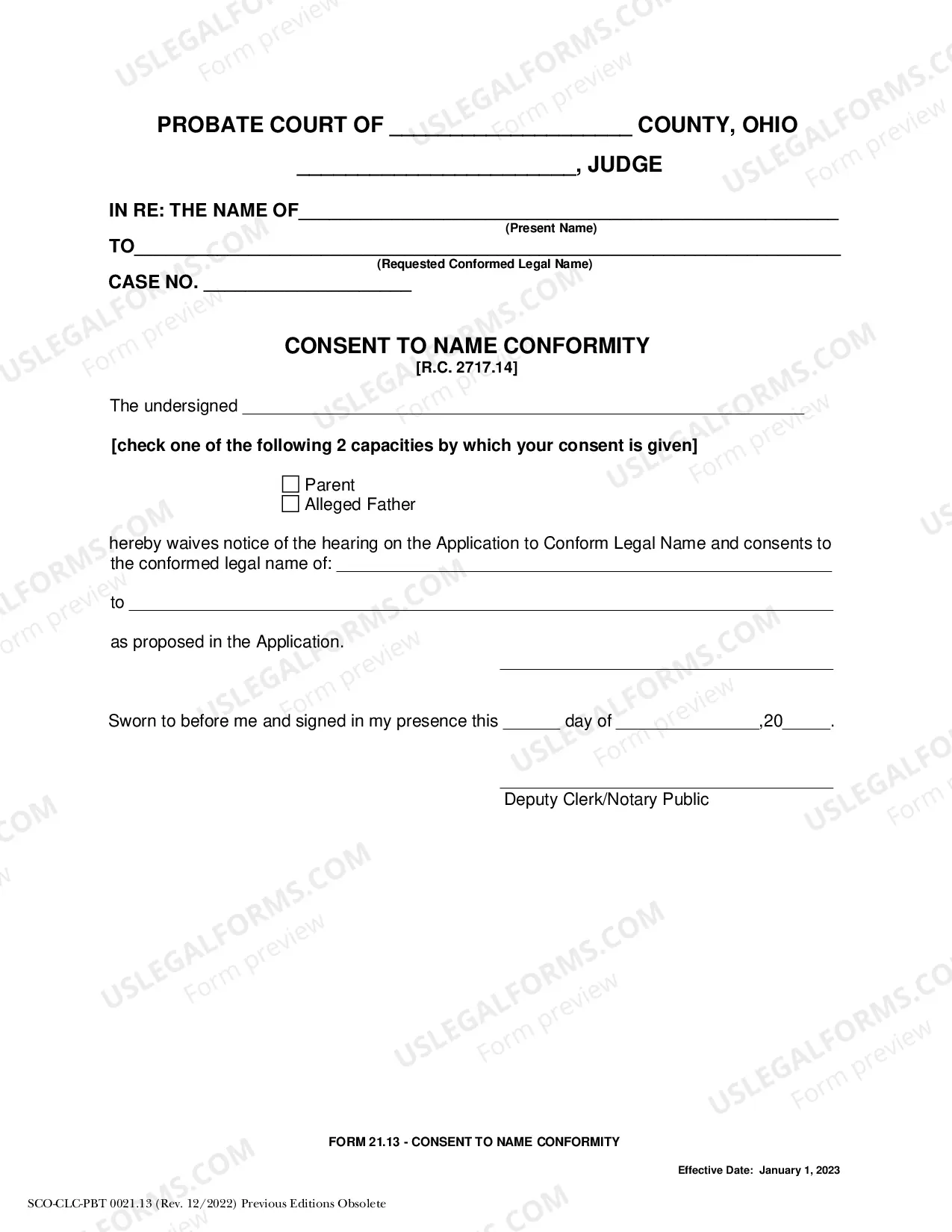
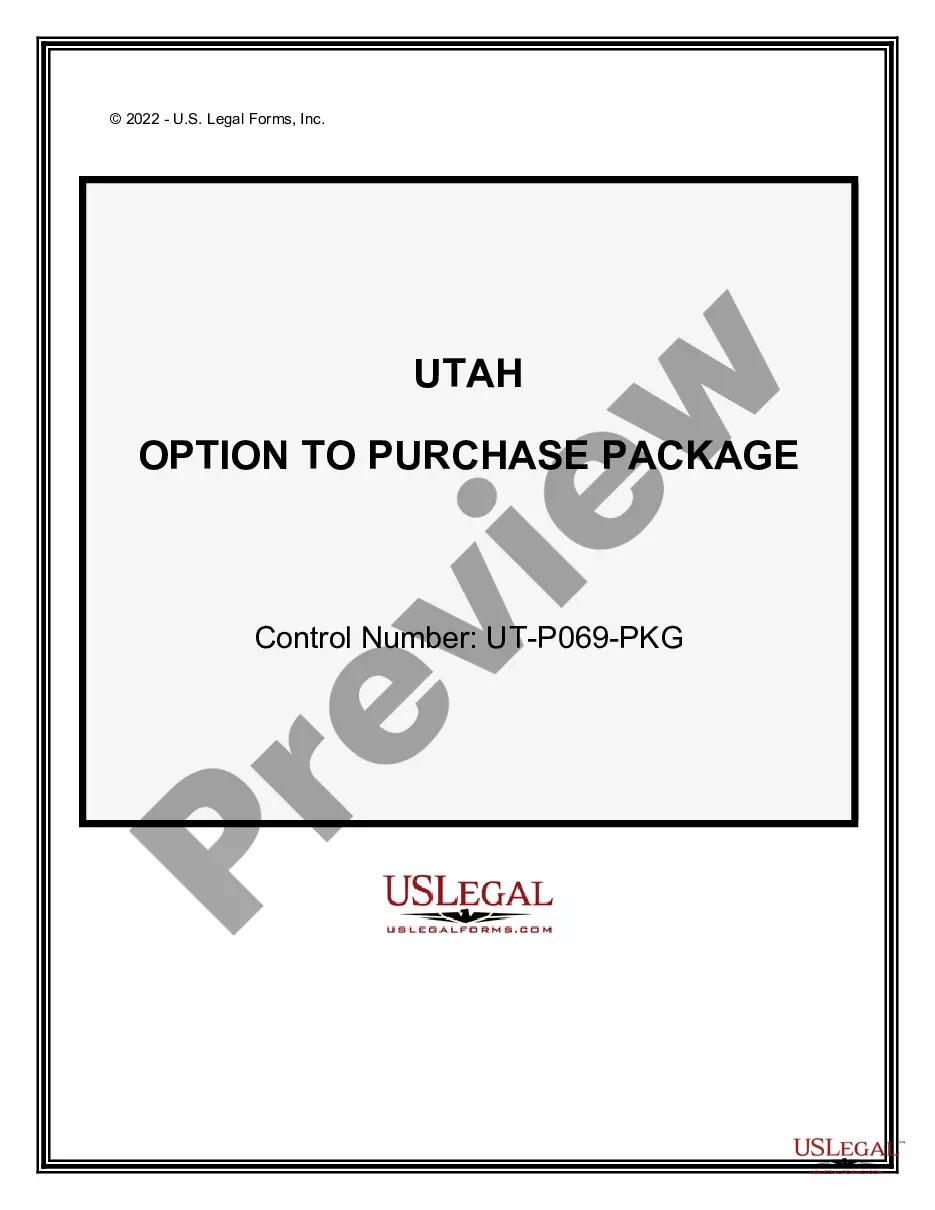
The Signature Name Form Format displayed on this page is a versatile legal template crafted by experienced attorneys in accordance with federal and local regulations.
For over 25 years, US Legal Forms has supplied individuals, businesses, and lawyers with more than 85,000 validated, state-specific documents for various business and personal situations. It’s the quickest, simplest, and most dependable method to obtain the necessary paperwork, as the service ensures the utmost level of data protection and anti-malware safeguards.
Select the format you desire for your Signature Name Form Format (PDF, Word, RTF) and save the document on your device.
- Search for the document you require and examine it.
- Browse through the sample you looked for and preview it or review the form description to confirm it meets your needs. If it does not, use the search bar to find the correct one. Click Buy Now once you have located the template you require.
- Register and Log In.
- Choose the pricing plan that fits you and set up an account. Use PayPal or a credit card for a quick transaction. If you already possess an account, Log In and check your subscription to move forward.
- Obtain the editable template.
Form popularity
FAQ
Creating a signature for a form is simple with US Legal Forms. First, select the correct signature name form format that your form requires. You can either create a digital signature directly on the platform or upload a handwritten signature. This flexibility allows you to choose a signature style that suits your needs, ensuring your form looks professional and is ready for submission.
To create your unique name signature style, consider experimenting with different writing tools and styles. Using the signature name form format, you can try various fonts and designs available on US Legal Forms. This allows you to visualize your signature in different styles, ensuring it represents your personality. Play around with size and slant until you find a style that you love.
Creating a handwritten signature is straightforward with US Legal Forms. You can sketch your signature on paper, then scan it or take a photo of it. Once you upload this image, you can adjust it to fit the signature name form format required for your documents. This method preserves the personal touch of your signature while ensuring it meets digital requirements.
To generate your digital signature, you can use an online platform like US Legal Forms. Simply choose a signature name form format option, and follow the prompts to create your signature. You can draw your signature using a mouse or stylus, or upload a scanned image of your handwritten signature. This process ensures that your digital signature is unique and secure for various documents.
Creating your name signature can be an enjoyable process. Start by writing your name in various styles until you find one that resonates with you. Practice this signature until it feels natural, and then consider using it in official documents. You can use platforms like uslegalforms to create and format your name signature in a signature name form format, ensuring it meets legal requirements.
To create a handwritten signature, first, draw several versions of your name on paper to explore different designs. Focus on the flow and legibility, ensuring that it feels authentic to you. Once you have a design you are happy with, consider practicing it multiple times for consistency. Using a signature name form format can help you incorporate your signature into digital documents seamlessly.
Creating a signature for your name involves selecting a style that reflects your personality. Begin by experimenting with different styles, such as cursive or block letters, until you find one you like. You can also utilize online tools for generating a signature name form format, which can help streamline the process. The key is to ensure that it is unique and easily recognizable.
To create your handwritten signature, start by using a blank piece of paper and a pen. Write your name in a way that feels comfortable and natural to you. Remember, the goal is to capture your style, so don’t rush. Once you have a design you like, you can scan it or take a photo, and then use it in a signature name form format.
Inserting a signature into a fillable form can easily be done using digital tools. First, upload your fillable form to a platform like US Legal Forms, then select the option to add a signature. You can either draw your signature, upload your signature file, or use a pre-saved signature in a signature name form format. This method enhances the professionalism of your documents and speeds up the signing process.
To convert a PDF into a signable document, you can use online platforms like US Legal Forms. These services allow you to upload your PDF, add signature fields, and then save it in a signature name form format. Once completed, you can share the document with others for signing. This process simplifies document management and ensures that all signatures are collected efficiently.
