List Of Medical Laws
Description

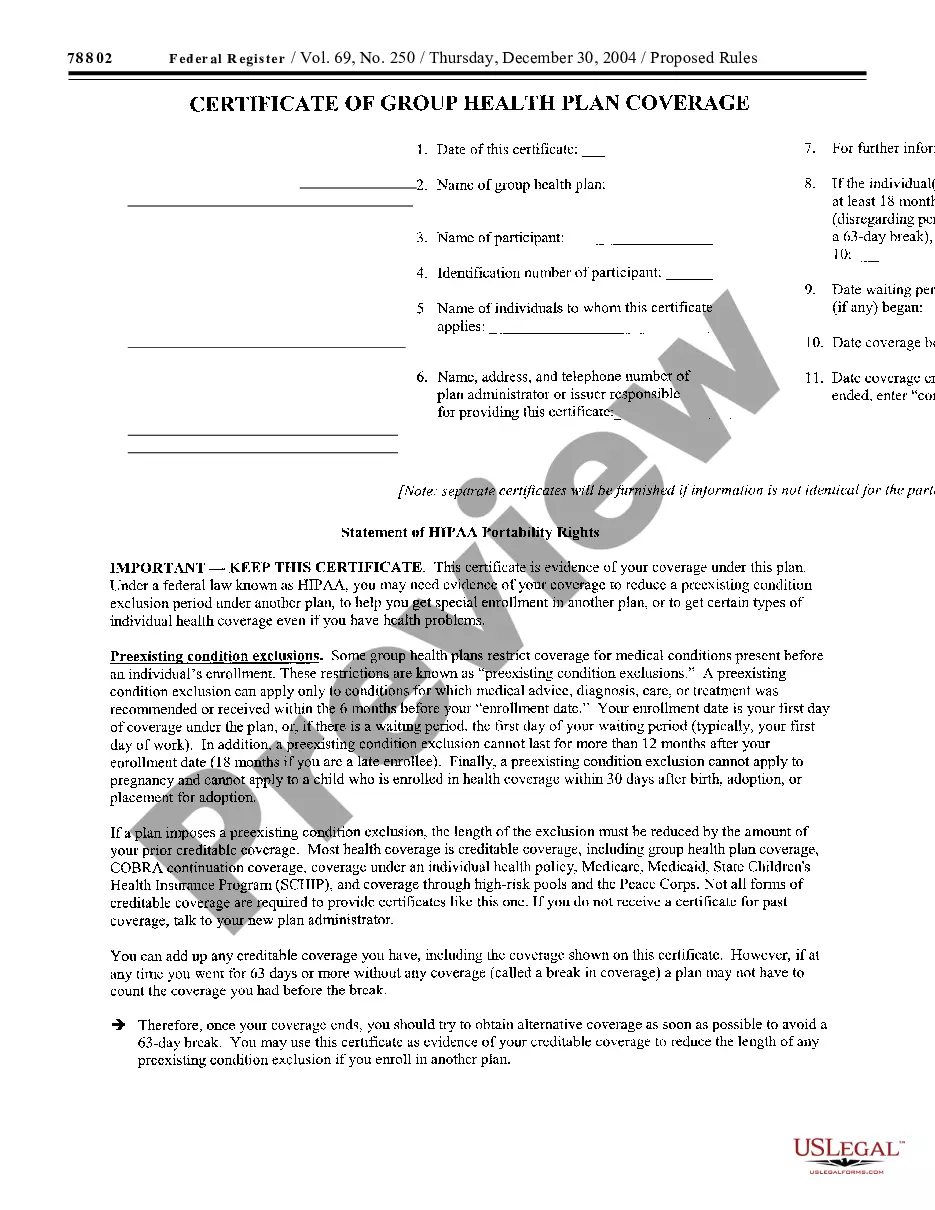
Get your form ready online
Our built-in tools help you complete, sign, share, and store your documents in one place.
Make edits, fill in missing information, and update formatting in US Legal Forms—just like you would in MS Word.
Download a copy, print it, send it by email, or mail it via USPS—whatever works best for your next step.
Sign and collect signatures with our SignNow integration. Send to multiple recipients, set reminders, and more. Go Premium to unlock E-Sign.
If this form requires notarization, complete it online through a secure video call—no need to meet a notary in person or wait for an appointment.
We protect your documents and personal data by following strict security and privacy standards.

Make edits, fill in missing information, and update formatting in US Legal Forms—just like you would in MS Word.

Download a copy, print it, send it by email, or mail it via USPS—whatever works best for your next step.

Sign and collect signatures with our SignNow integration. Send to multiple recipients, set reminders, and more. Go Premium to unlock E-Sign.

If this form requires notarization, complete it online through a secure video call—no need to meet a notary in person or wait for an appointment.

We protect your documents and personal data by following strict security and privacy standards.
Looking for another form?
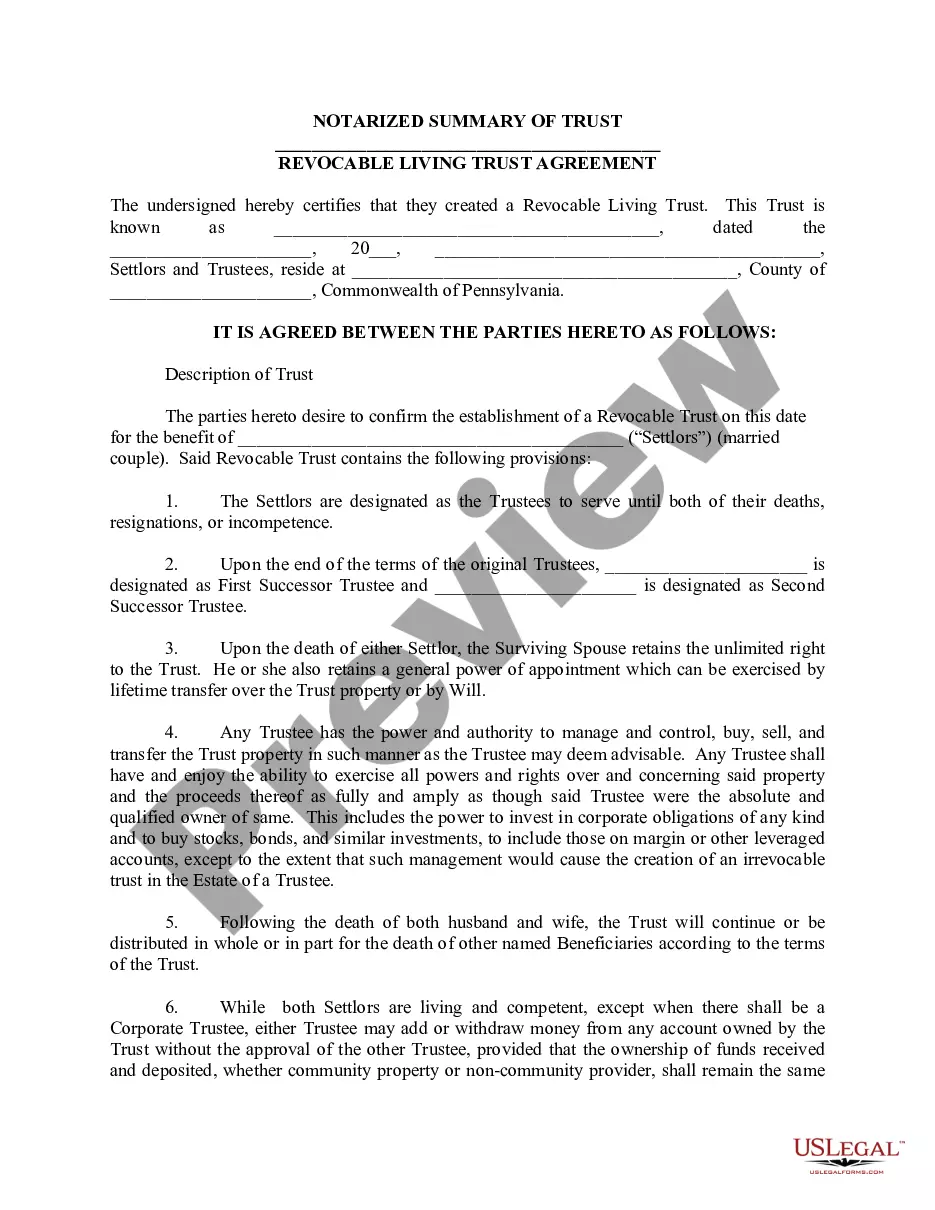
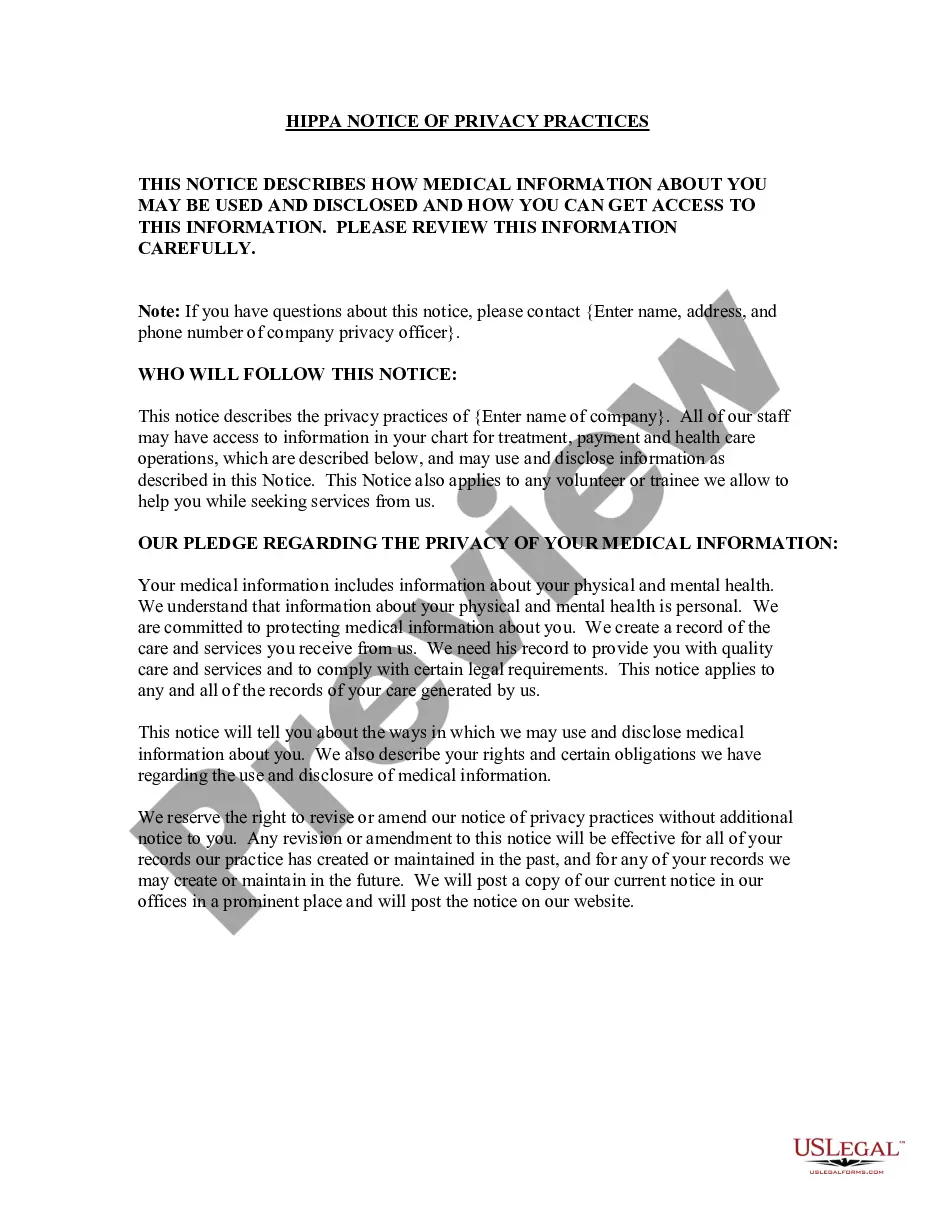
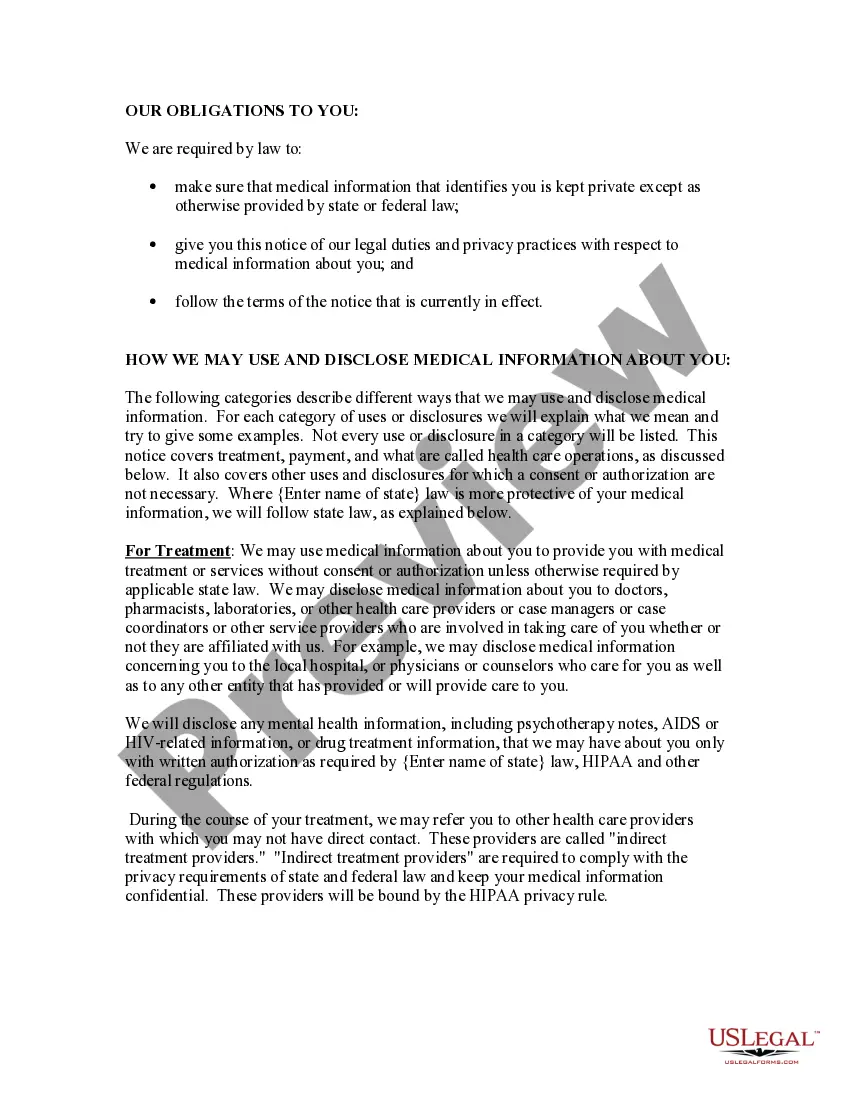
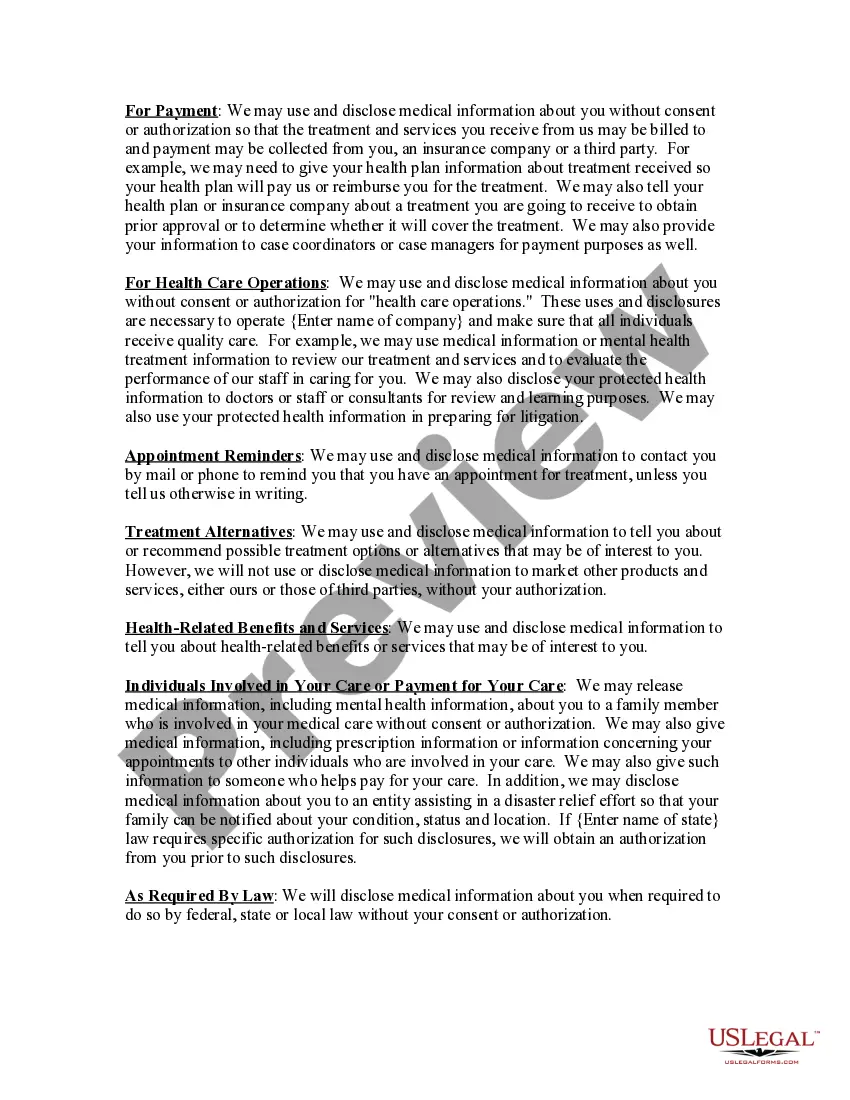
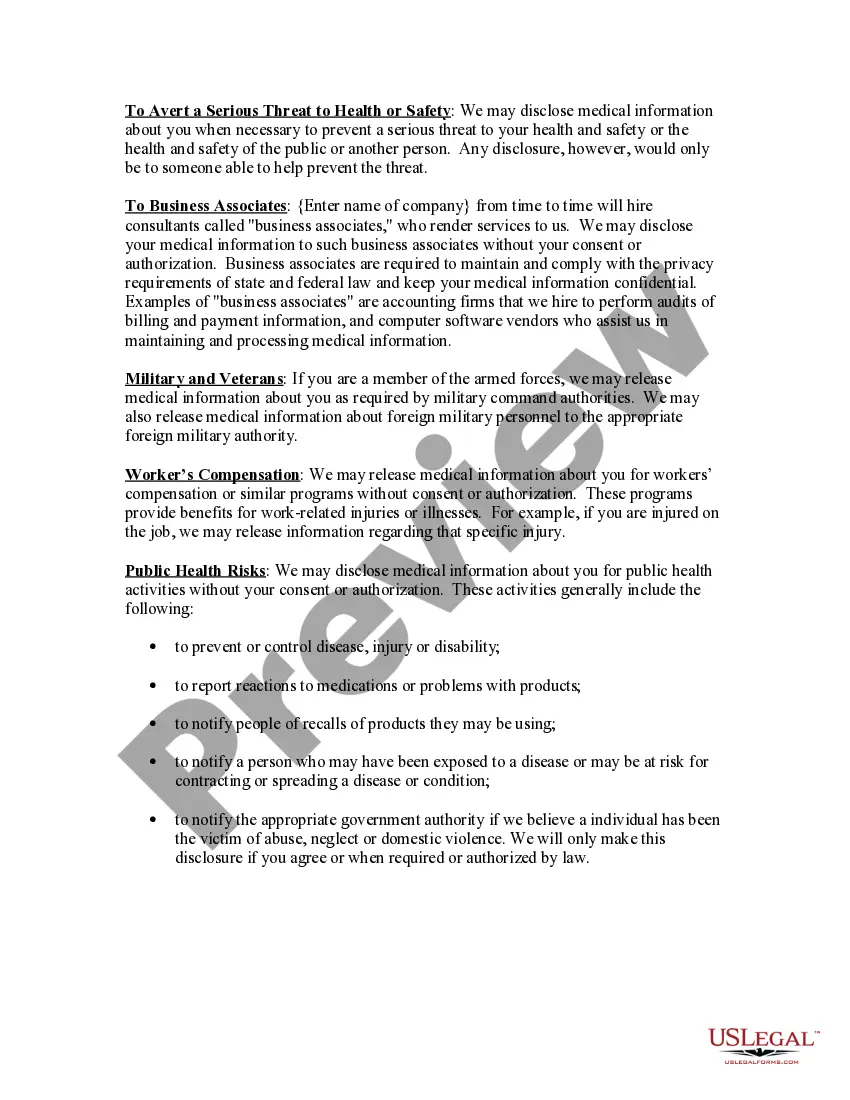
How to fill out HIPAA Notice Of Privacy Practices?
Managing legal documents can be daunting, even for the most seasoned professionals.
When you're looking for a Catalog of Medical Regulations and lack the time to search for the correct and current version, the process can become overwhelming.
US Legal Forms accommodates any needs you may have, from personal to corporate documents, all in one place.
Utilize cutting-edge tools to complete and manage your Catalog of Medical Regulations.
Here are the steps to follow after accessing the form you need: Verify it is the correct form by previewing it and reviewing its details. Ensure that the example is accepted in your state or county. Select Buy Now when you are ready. Choose a monthly subscription plan. Find the file format you require, and Download, complete, sign, print, and send your document. Take advantage of the US Legal Forms online library, supported by 25 years of experience and reliability. Improve your daily document management in a seamless and user-friendly manner today.
- Access a knowledge base of articles, guides, and manuals related to your situation and requirements.
- Save time and effort searching for the documents you need, and use US Legal Forms' advanced search and Review feature to find Catalog of Medical Regulations and acquire it.
- If you have a monthly subscription, Log In to your US Legal Forms account, search for the form, and obtain it.
- Check your My documents tab to review the documents you previously saved and manage your folders as you wish.
- If this is your first time with US Legal Forms, create an account and gain unlimited access to all the platform's benefits.
- A comprehensive online form repository could revolutionize how individuals handle these matters efficiently.
- US Legal Forms is a leading provider in online legal documents, offering over 85,000 state-specific legal forms accessible to you at any time.
- With US Legal Forms, you can access region-specific legal and business documents.
Form popularity
FAQ
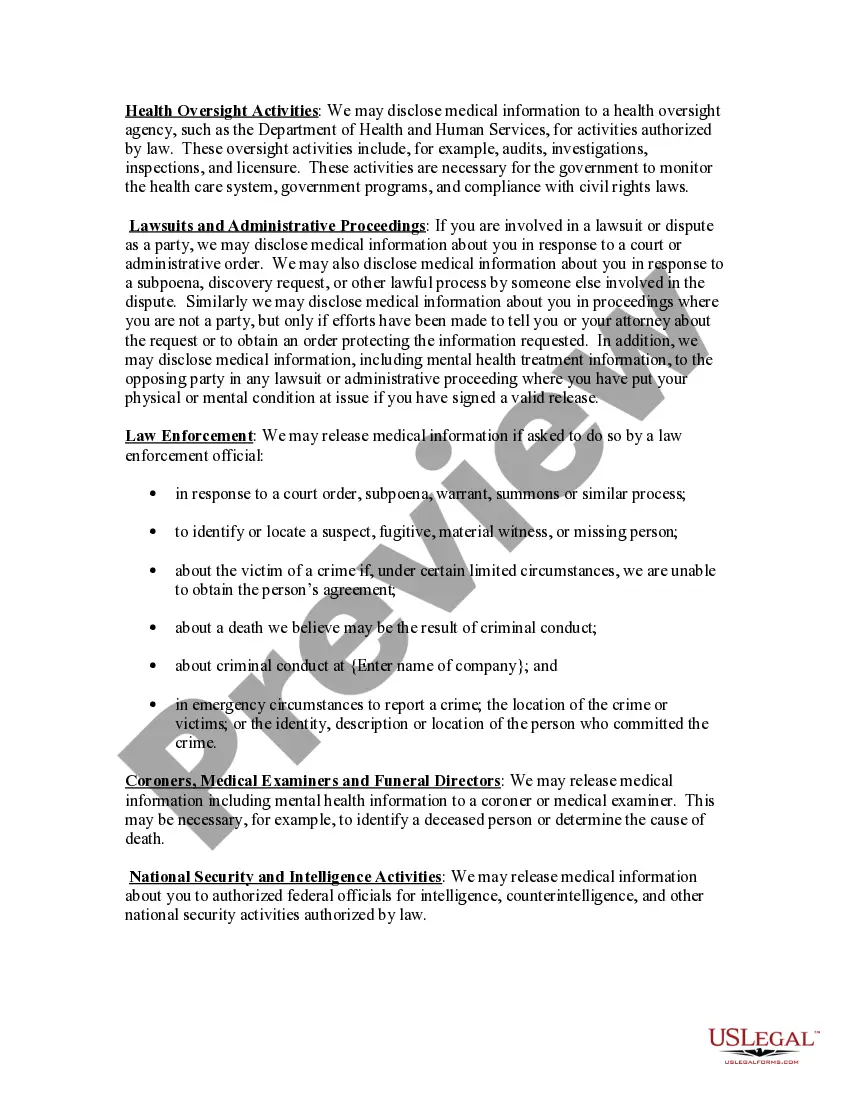
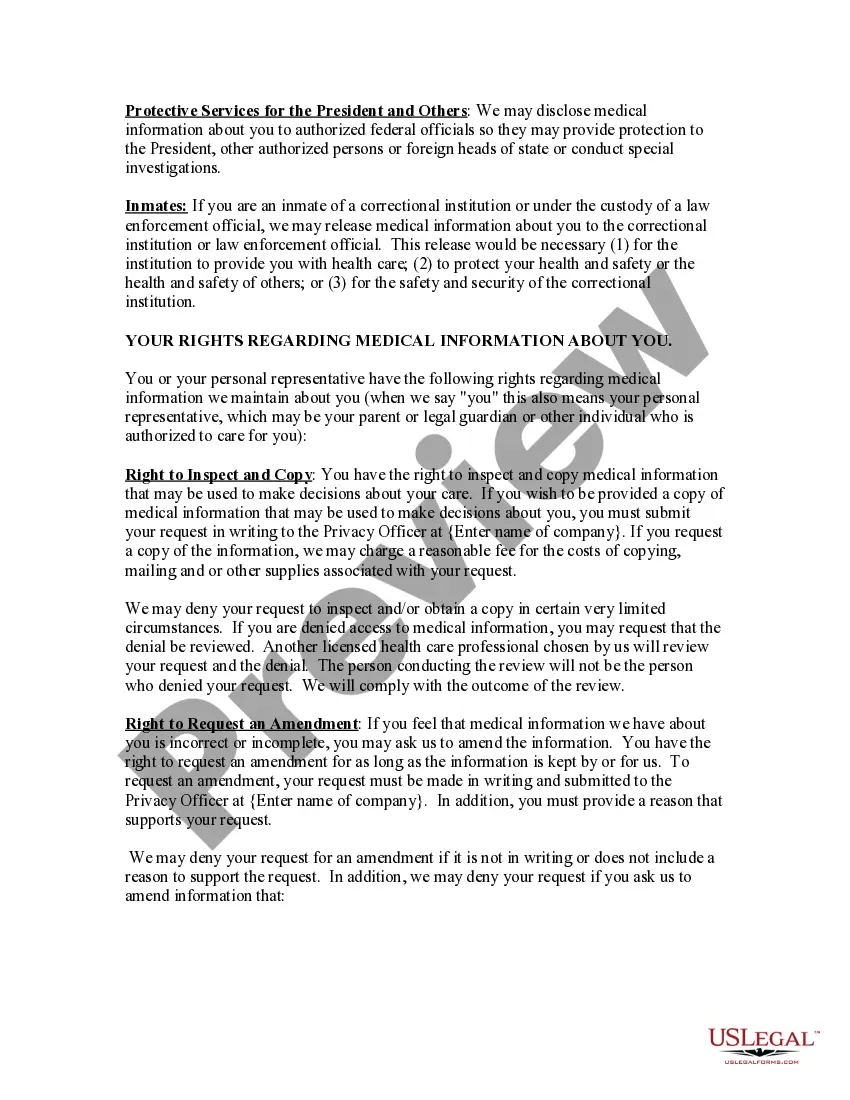
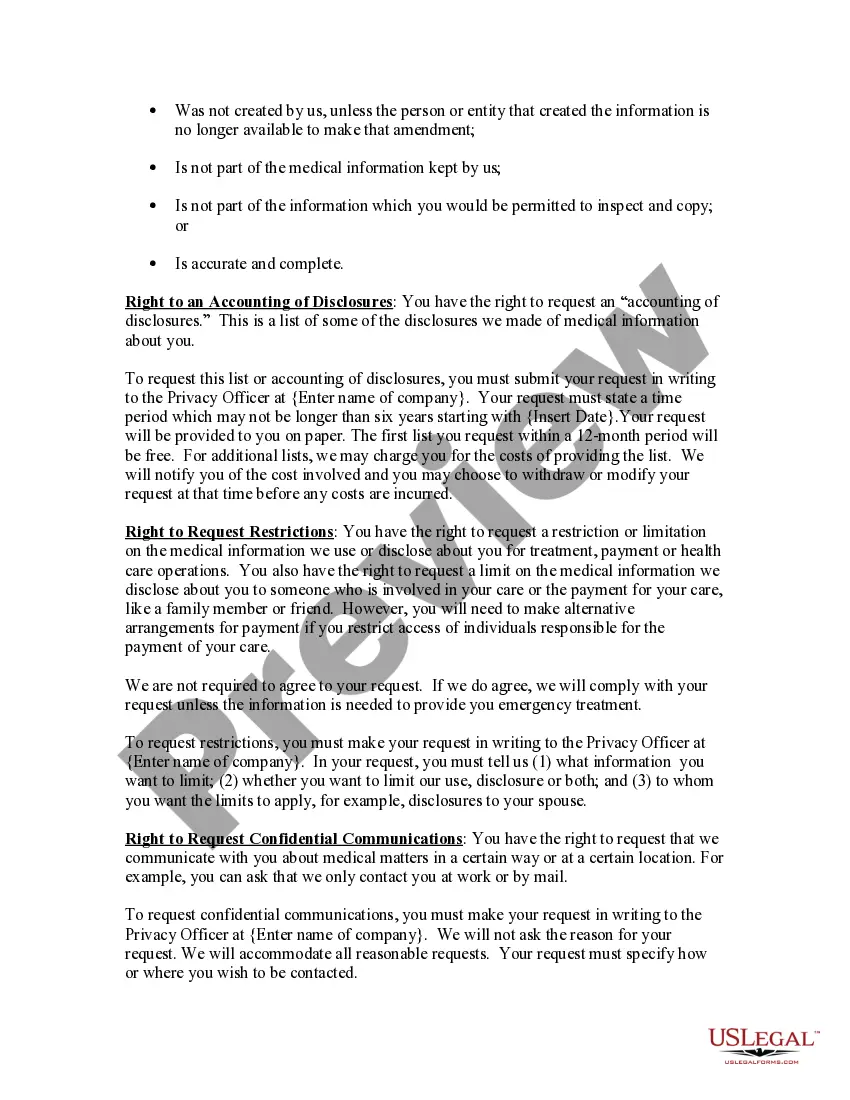
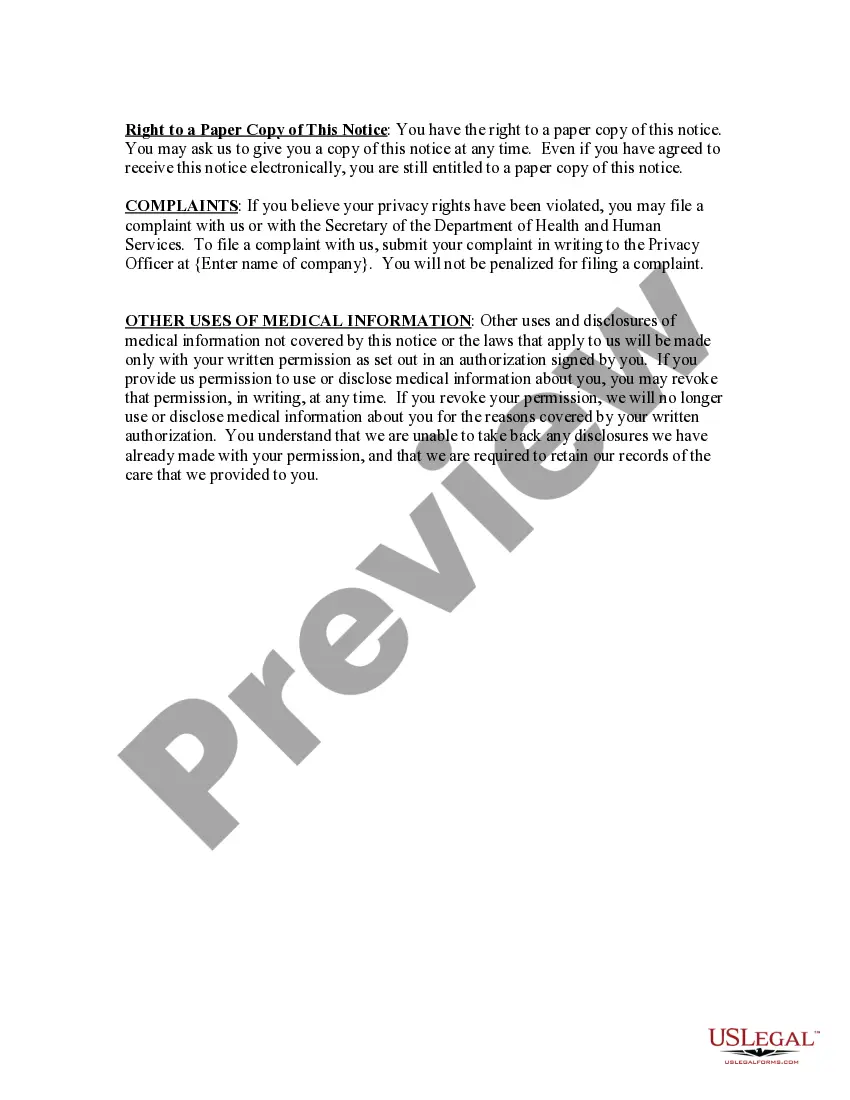
The Health Insurance Portability and Accountability Act (HIPAA) Rules provide federal protections for patient health information held by Covered Entities (CEs) and Business Associates (BAs) and give patients an array of rights with respect to that information.
The U.S. Department of Health and Human Services: The Health Insurance Portability and Accountability Act (HIPAA) passed in 1996 includes multiple rules regarding patient privacy and recordkeeping. The DHS is responsible for enforcing those laws.
Sources of law necessary for public health practice will include: constitutions, statutes, administrative law, and common (case) law.
Major Health Laws & Regulations Americans with Disabilities Act. 42 U.S.C. ... EMTALA. Emergency Medical Treatment and Active Labor Act, 42 U.S.C. ... ERISA. Employee Retirement and Income Security Act, 29 U.S.C. ... Family and Medical Leave Act. ... Family and Medical Leave Act. ... Food, Drug, and Cosmetic Act. ... HIPAA. ... Medicaid.
The Health Insurance Portability and Accountability Act of 1996 (HIPAA) is a federal law that required the creation of national standards to protect sensitive patient health information from being disclosed without the patient's consent or knowledge.