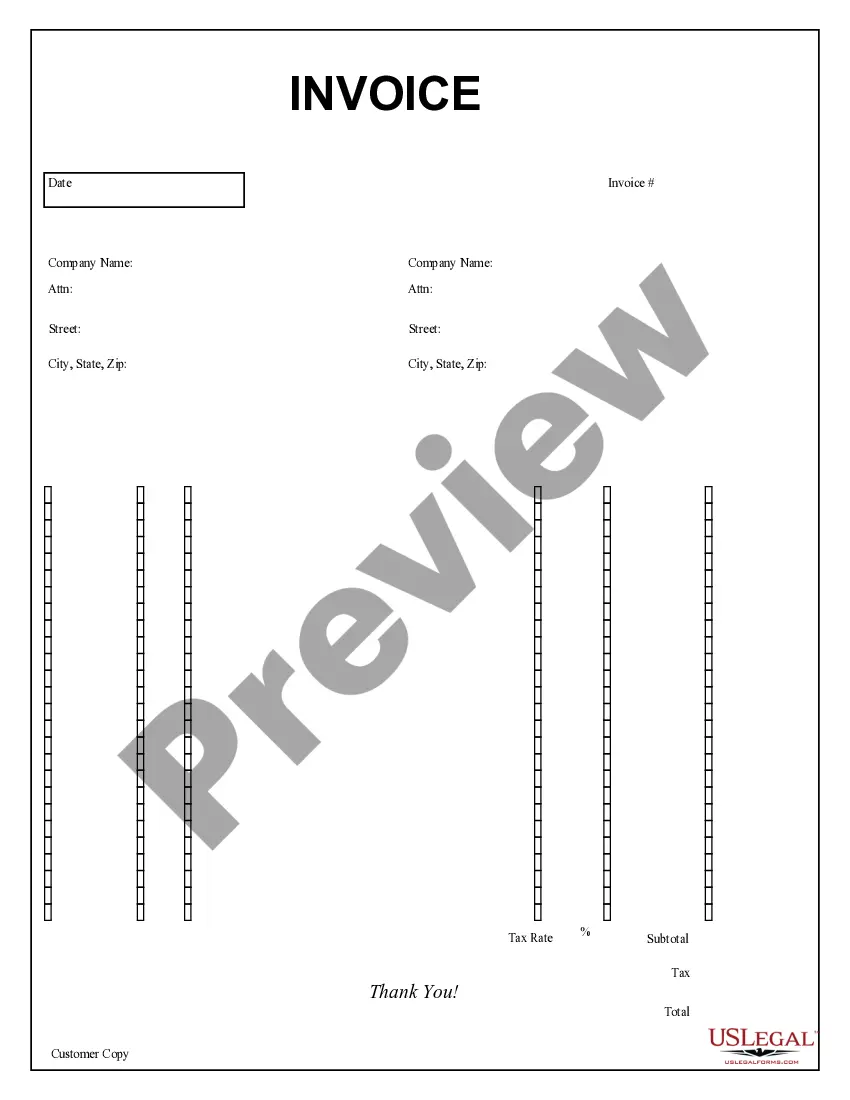
Customs Invoice For Dhl
Description



How to fill out Purchase Invoice?
Whether for corporate reasons or personal issues, everyone must handle legal matters at some stage in their life.
Filling out legal documents requires meticulous care, beginning with selecting the appropriate form template.
With an extensive US Legal Forms catalog available, you do not have to waste time searching for the correct template online. Utilize the library’s user-friendly navigation to find the right form for any circumstance.
- For instance, if you select an incorrect version of the Customs Invoice For Dhl, it will be rejected once submitted.
- Thus, it is vital to have a dependable source of legal documents like US Legal Forms.
- If you need to acquire a Customs Invoice For Dhl template, follow these simple steps.
- Obtain the form you require by utilizing the search bar or catalog browsing.
- Review the form’s description to ensure it aligns with your situation, state, and county.
- Click on the form’s preview to examine it.
- If it is the incorrect document, return to the search tool to find the Customs Invoice For Dhl template you need.
- Download the template if it corresponds with your specifications.
- If you possess a US Legal Forms account, click Log in to access previously saved documents in My documents.
- If you do not have an account yet, you can obtain the form by clicking Buy now.
- Choose the suitable pricing option.
- Complete the profile registration form.
- Select your payment method: use a credit card or PayPal account.
- Choose the document format you desire and download the Customs Invoice For Dhl.
- After it is saved, you can fill out the form using editing software or print it and complete it by hand.
Form popularity
FAQ
Specify the reason for shipping, it is best to indicate the intended end purpose of the shipment. SHIPPER & RECEIVER. Indicate the details of the sender. ... INCOTERM. Indicate the shipping terms between shipper and receiver. ... SHIP TO. Indicate the details of the receiver. DESCRIPTION OF GOODS. ... BILL TO. ... REASON FOR EXPORT.
Essential Information in a Commercial Invoice Bank Details, Shipper and Receiver Details. ... Goods Description. ... Commodity Code. ... Origin Country. ... Invoice Total Declared Value. ... Type of Export. ... Terms of Trade (Incoterms) ... Reason for export.
Customs authorities use customs invoice details as an essential part of the customs clearance process. When you create international shipments with DHL Express, you include customs invoice (Commercial/Proforma) details, such as information about the goods you are shipping.
Begin by creating a shipment, following your usual process. After selecting Packages, select whether you will create your invoice on MyDHL+ or use your own. If you choose to create your customs invoice on MyDHL+, select the purpose of the shipment and then enter the details of each item in your shipment.
You can choose to pay with a credit card or transfer bank funds for all of your DHL Express export or import accounts. Online bill pay with DHL MyBill is the fastest, easiest way to receive, review and pay all of your export and import account invoices from one solution.