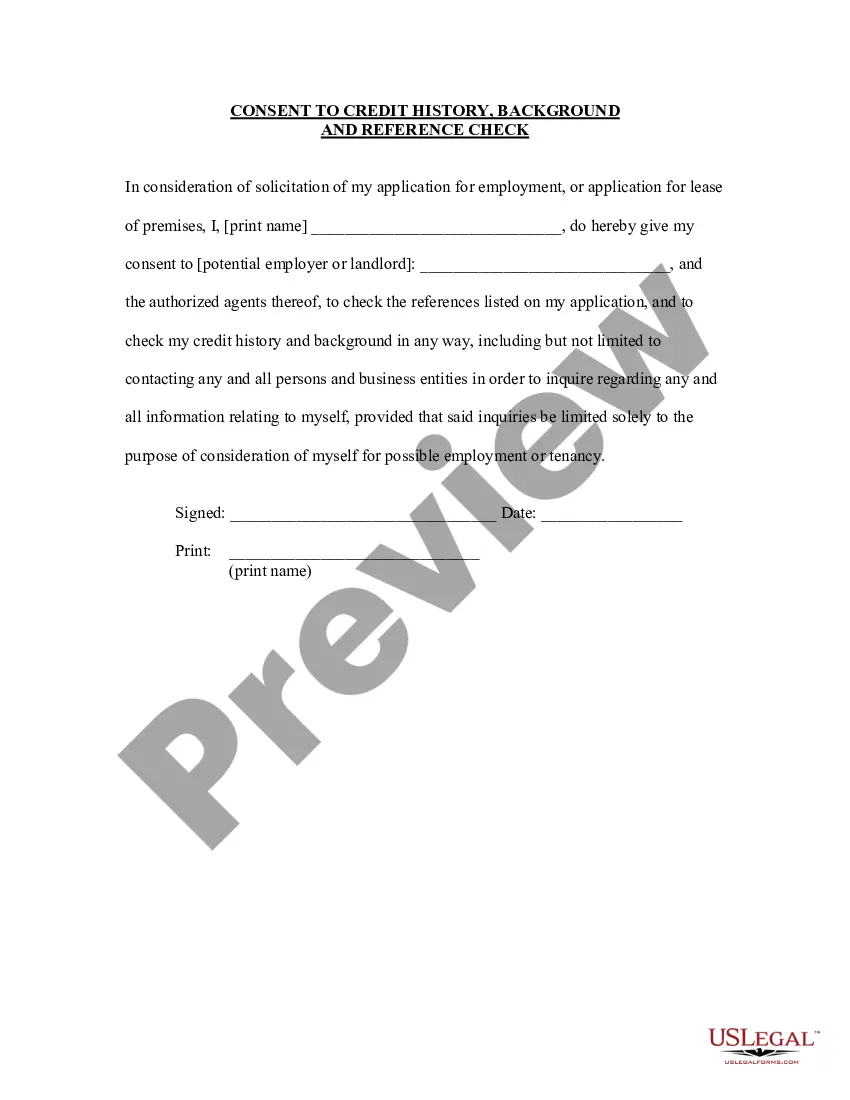
Employment References In
Description
Get your form ready online
Our built-in tools help you complete, sign, share, and store your documents in one place.
Make edits, fill in missing information, and update formatting in US Legal Forms—just like you would in MS Word.
Download a copy, print it, send it by email, or mail it via USPS—whatever works best for your next step.
Sign and collect signatures with our SignNow integration. Send to multiple recipients, set reminders, and more. Go Premium to unlock E-Sign.
If this form requires notarization, complete it online through a secure video call—no need to meet a notary in person or wait for an appointment.
We protect your documents and personal data by following strict security and privacy standards.

Make edits, fill in missing information, and update formatting in US Legal Forms—just like you would in MS Word.

Download a copy, print it, send it by email, or mail it via USPS—whatever works best for your next step.

Sign and collect signatures with our SignNow integration. Send to multiple recipients, set reminders, and more. Go Premium to unlock E-Sign.

If this form requires notarization, complete it online through a secure video call—no need to meet a notary in person or wait for an appointment.

We protect your documents and personal data by following strict security and privacy standards.
Looking for another form?

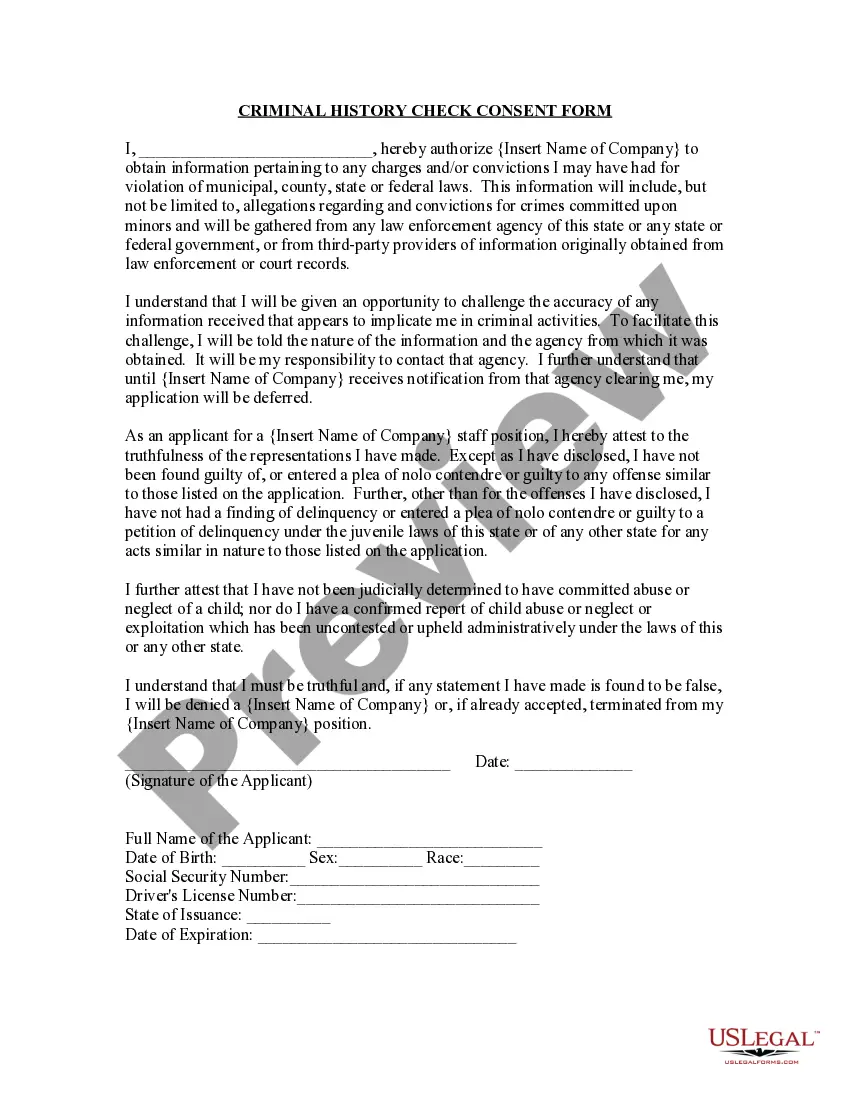
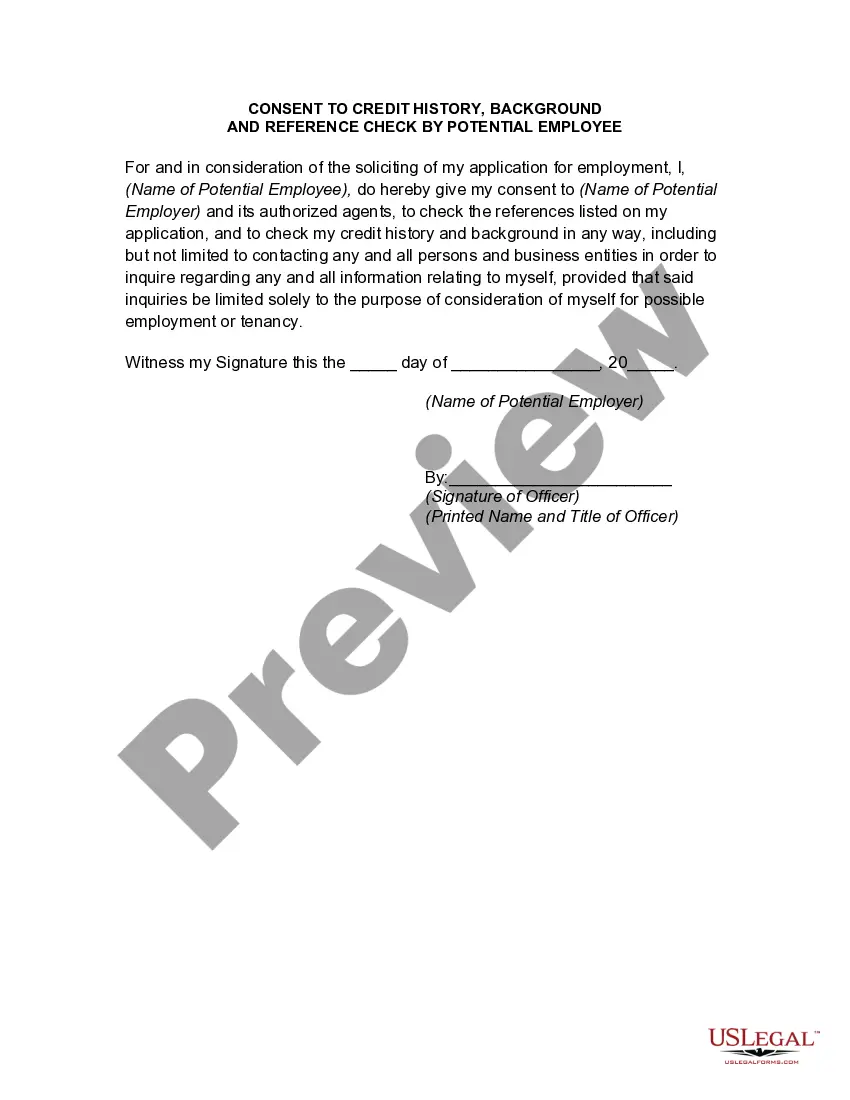
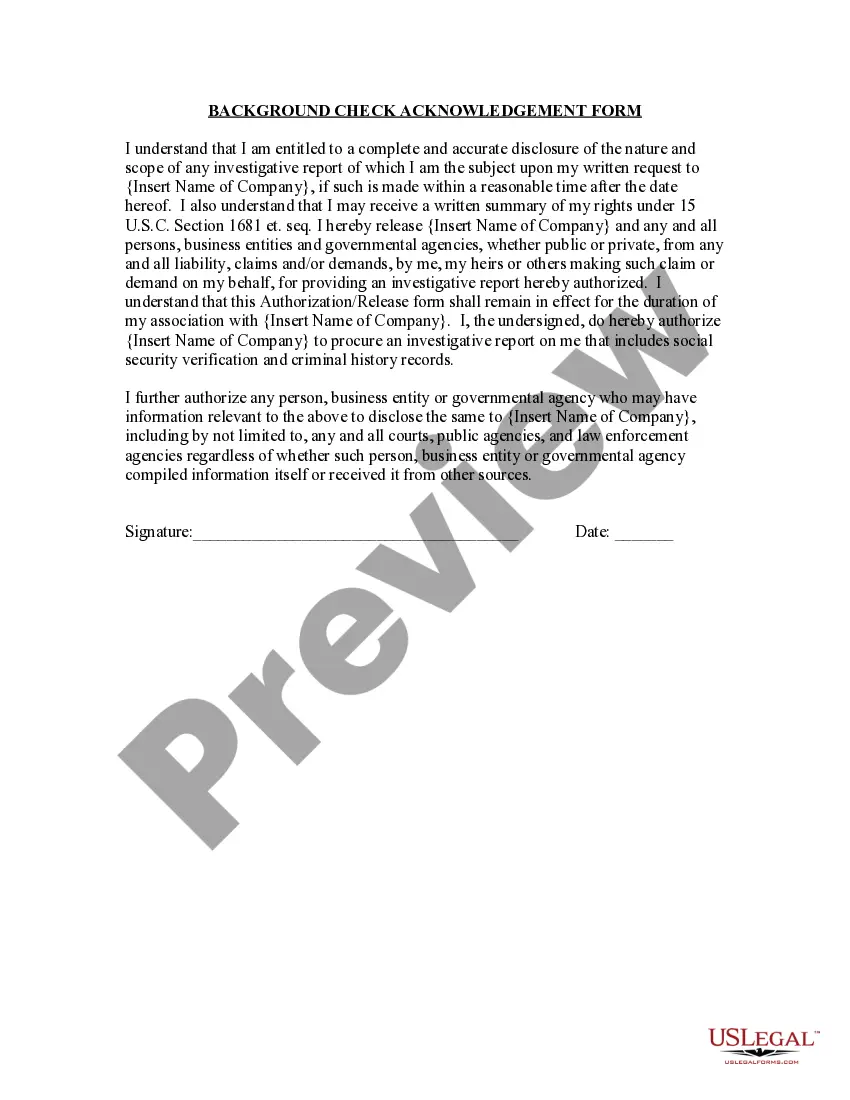
How to fill out Criminal History Check Consent Form?
Finding a reliable location to obtain the most up-to-date and suitable legal templates is a significant part of navigating bureaucracy.
Selecting the appropriate legal documents requires precision and careful consideration, which is why it’s crucial to source Employment References In exclusively from trustworthy providers like US Legal Forms. An incorrect template can squander your time and prolong your situation. With US Legal Forms, you have minimal concerns. You can access and review all the details regarding the document’s application and relevance for your circumstance and in your area.
Eliminate the hassle that comes with your legal paperwork. Explore the extensive US Legal Forms library to find legal templates, verify their applicability to your scenario, and download them instantly.
- Utilize the catalog navigation or search bar to locate your template.
- Examine the form’s description to verify if it aligns with the requirements of your state and locality.
- View the form preview, if available, to confirm that the form is the one you need.
- Return to the search and find the appropriate template if the Employment References In does not fit your criteria.
- If you are confident about the form’s applicability, download it.
- As an authorized user, click Log in to verify your identity and access your chosen forms in My documents.
- If you haven't created a profile yet, click Buy now to acquire the form.
- Choose the pricing plan that meets your needs.
- Proceed with the registration to complete your transaction.
- Conclude your purchase by selecting a payment method (credit card or PayPal).
- Choose the document format for downloading Employment References In.
- Once you have the form on your device, you can edit it with the editor or print it and complete it manually.
Form popularity
FAQ
Tips and tricks for creating a reference sheet No personal info. Only include your reference's professional contact information, like a company email, address, and phone number. ... Keep it short and professional. Keep relationship descriptions short and sweet and avoid personal anecdotes or oversharing. ... Provide variety.
Key Points To Include in a Reference Job title. Salary. Your relationship to the candidate. Length of employment. Roles and responsibilities. Strengths and achievements. Professional conduct. Examples of good performance.
Providing a potential employer with an enthusiastic reference can help you secure your next great professional opportunity. Sometimes, however, getting the most recent and relevant reference?one from your current employer?means revealing you're looking for a new job before you'd otherwise be ready.
Relationship: Briefly explain your relationship to the reference (e.g., "Former Supervisor" or "Colleague"). Contact Information: Provide a phone number and email address where the reference can be reached. Make sure to ask for permission before sharing someone's contact information.
However, sometimes employers do ask for references in their job posting. If so, it is fine to omit your current employer. The reason is obvious: You do not want to let your current employer know you are looking until you are serious that 1) you want the job and 2) the employer is serious about wanting you.