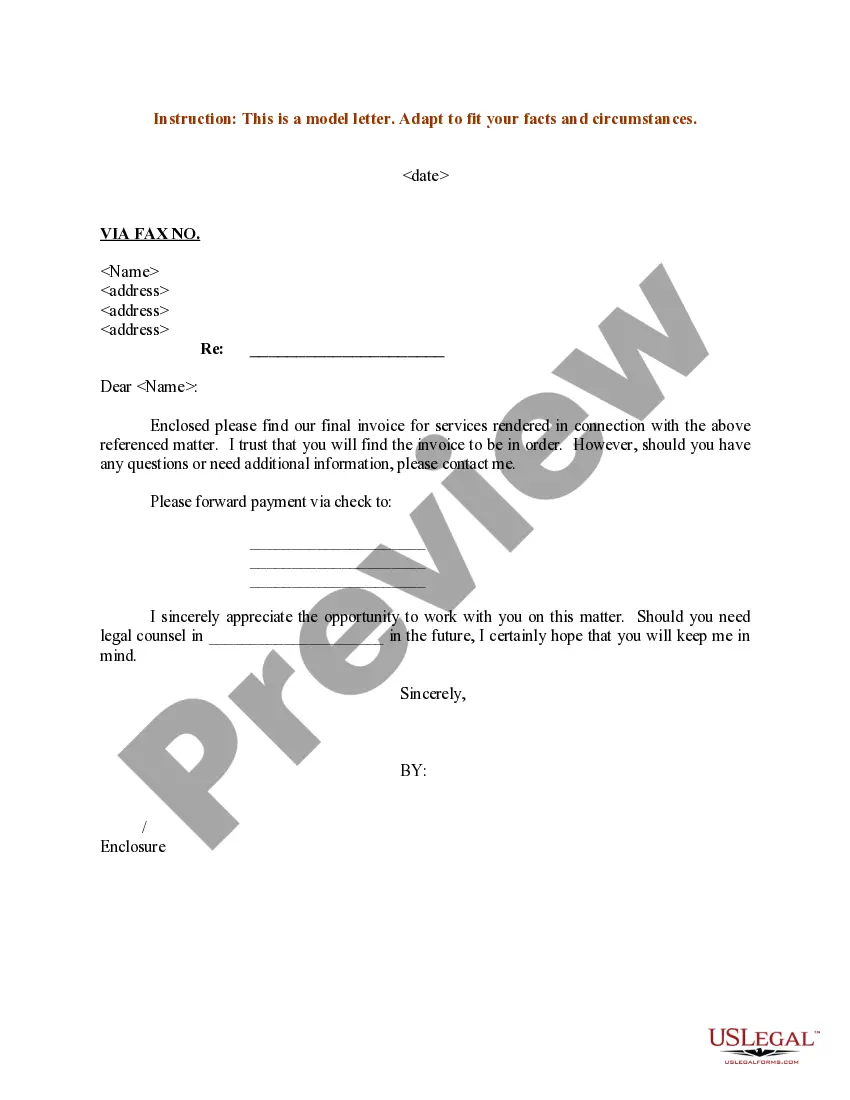
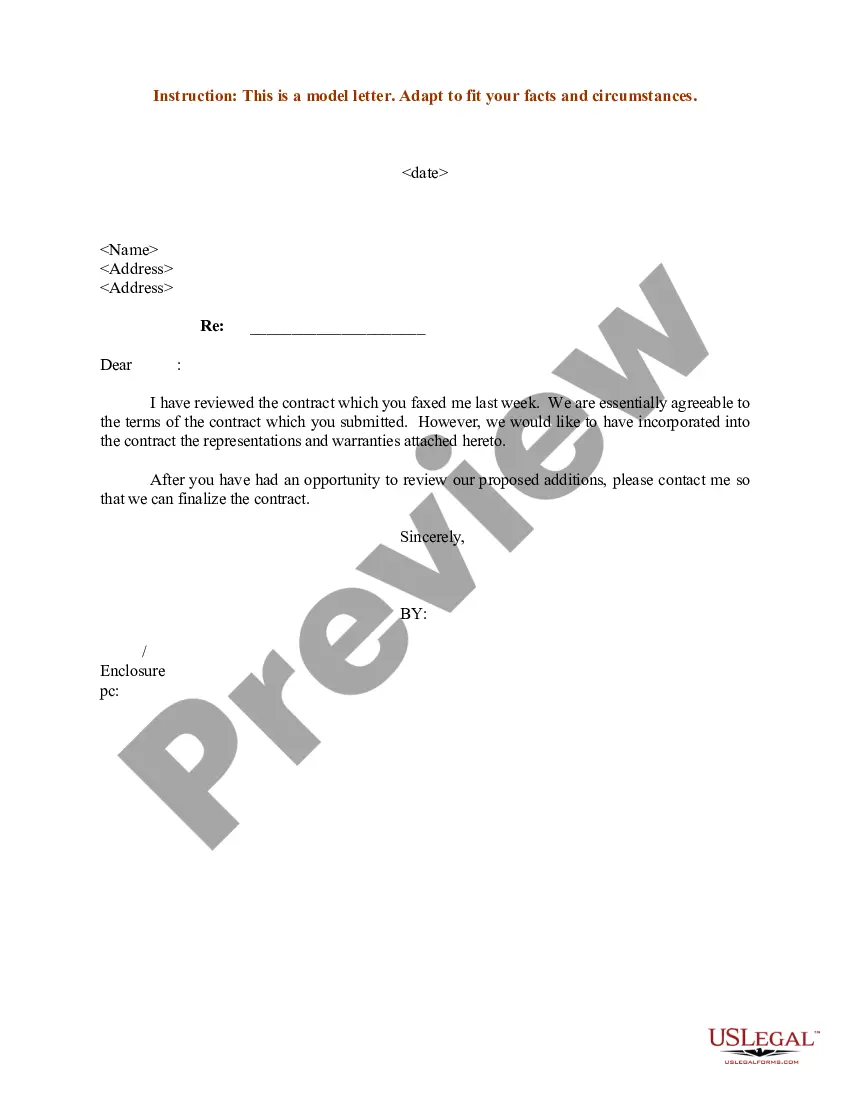
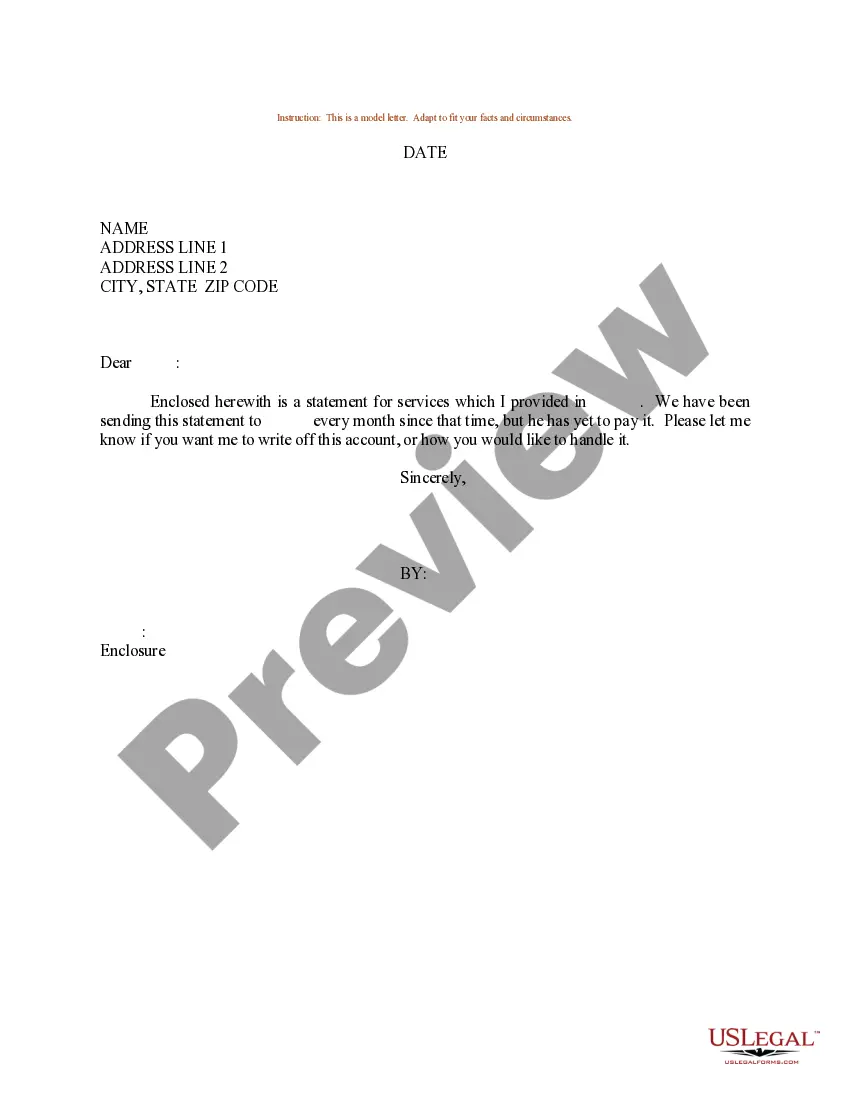
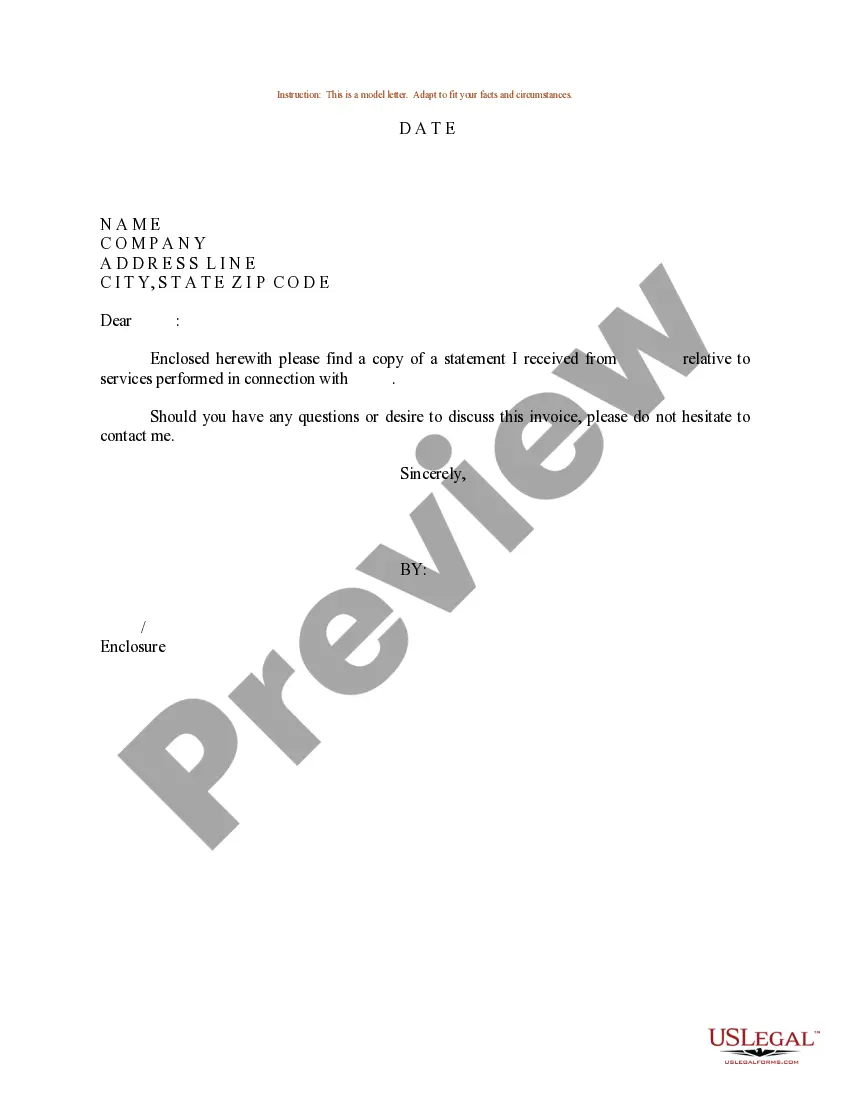
Services Rendered Form For Clients
Description
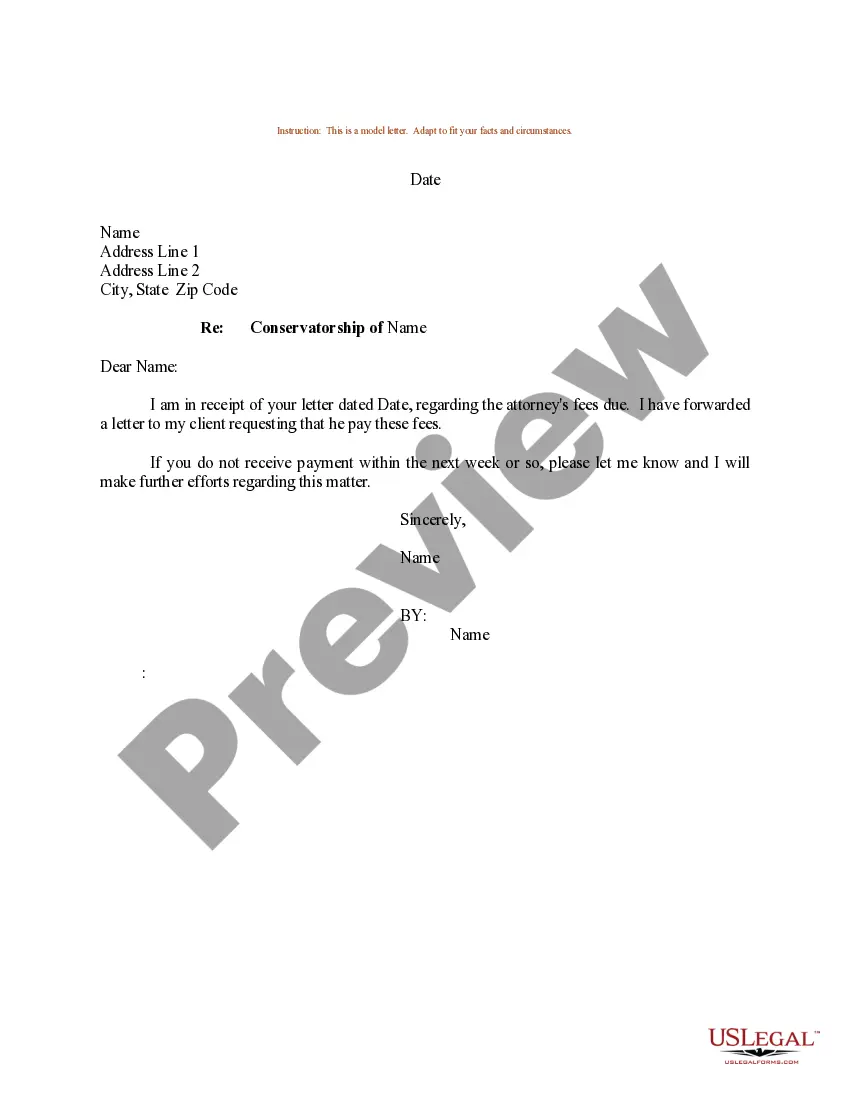
Get your form ready online
Our built-in tools help you complete, sign, share, and store your documents in one place.
Make edits, fill in missing information, and update formatting in US Legal Forms—just like you would in MS Word.
Download a copy, print it, send it by email, or mail it via USPS—whatever works best for your next step.
Sign and collect signatures with our SignNow integration. Send to multiple recipients, set reminders, and more. Go Premium to unlock E-Sign.
If this form requires notarization, complete it online through a secure video call—no need to meet a notary in person or wait for an appointment.
We protect your documents and personal data by following strict security and privacy standards.

Make edits, fill in missing information, and update formatting in US Legal Forms—just like you would in MS Word.

Download a copy, print it, send it by email, or mail it via USPS—whatever works best for your next step.

Sign and collect signatures with our SignNow integration. Send to multiple recipients, set reminders, and more. Go Premium to unlock E-Sign.

If this form requires notarization, complete it online through a secure video call—no need to meet a notary in person or wait for an appointment.

We protect your documents and personal data by following strict security and privacy standards.
Looking for another form?
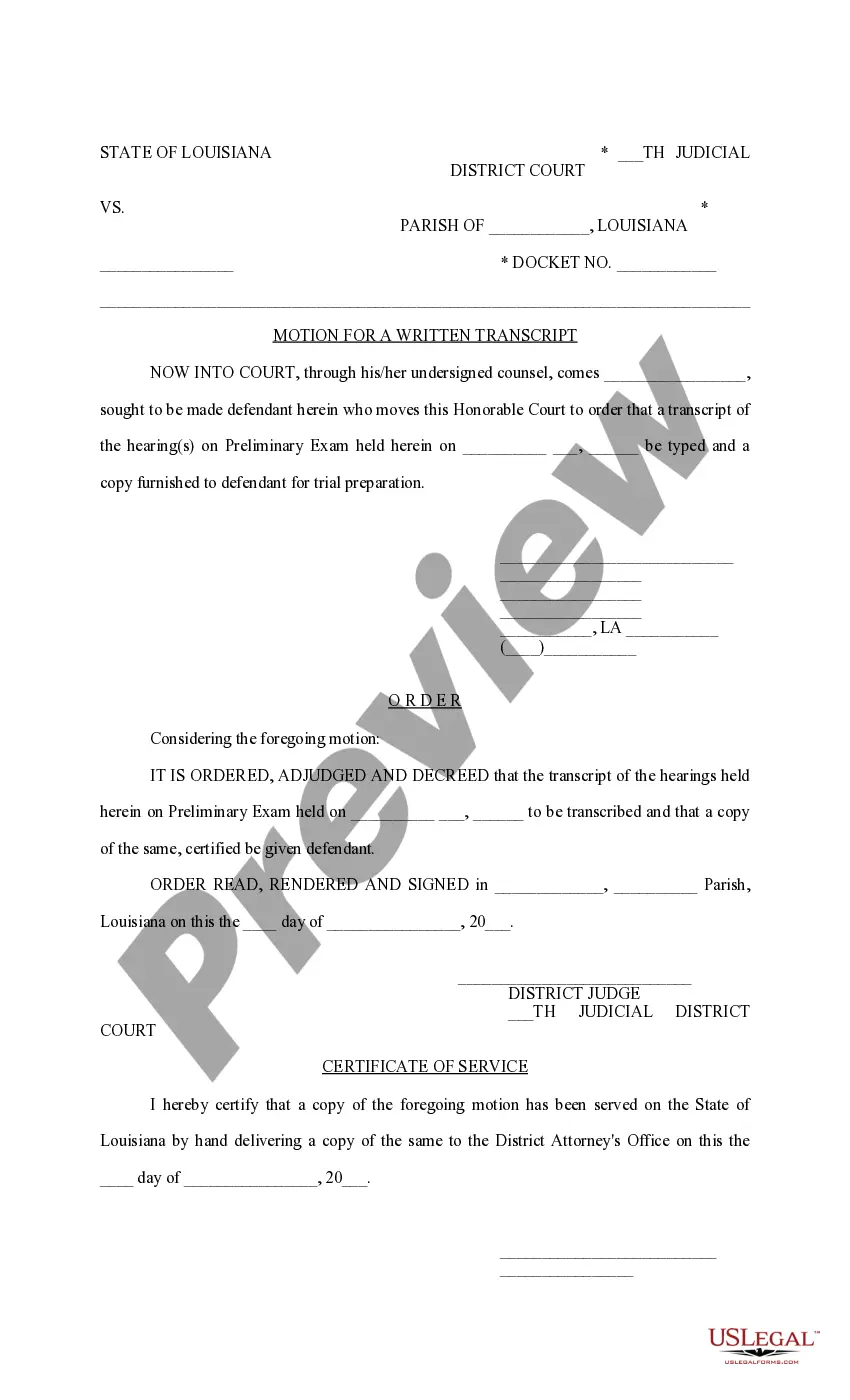


How to fill out Sample Letter Regarding Invoice For Services Rendered?
Dealing with legal papers and operations could be a time-consuming addition to your entire day. Services Rendered Form For Clients and forms like it usually require you to look for them and understand how you can complete them effectively. For that reason, regardless if you are taking care of financial, legal, or personal matters, having a thorough and convenient web catalogue of forms at your fingertips will greatly assist.
US Legal Forms is the number one web platform of legal templates, featuring more than 85,000 state-specific forms and a number of tools that will help you complete your papers easily. Check out the catalogue of appropriate papers available with just a single click.
US Legal Forms gives you state- and county-specific forms offered by any moment for downloading. Safeguard your papers administration procedures having a high quality services that allows you to make any form within a few minutes without any extra or hidden charges. Just log in in your account, identify Services Rendered Form For Clients and acquire it immediately in the My Forms tab. You can also access formerly downloaded forms.
Could it be your first time making use of US Legal Forms? Sign up and set up an account in a few minutes and you will get access to the form catalogue and Services Rendered Form For Clients. Then, stick to the steps listed below to complete your form:
- Be sure you have discovered the right form using the Preview feature and looking at the form information.
- Choose Buy Now as soon as all set, and choose the subscription plan that is right for you.
- Choose Download then complete, sign, and print the form.
US Legal Forms has twenty five years of expertise helping consumers manage their legal papers. Get the form you require today and improve any process without breaking a sweat.
Form popularity
FAQ
A typical invoice should include a business name, date, description of services, unique invoice number, and payment method. An invoice may also include payment terms that can stipulate things like a 30 day payment period and late fee.
Here's what every invoice should include: Invoice number. Business name and contact information. Recipient's name and contact information. Description of services rendered (itemized list of services optional) Total price (including any additional fees, if applicable)
How to create invoices for a service-based business Start with your company logo. ... Clearly label the document as an "invoice" ... List your business name and contact information. ... Add your client's name and contact information. ... Assign a unique invoice number. ... Record the invoice date. ... Provide a list of all services rendered.
Make sure you include at least the following information in every invoice: Your business contact information. The client's contact information. Invoice date and number. Each product sold or service rendered. Total amount due. Payment terms.
How to Ask for Payments for Services Rendered When a Customer Doesn't Pay Step 1: Set expectations upfront. ... Step 2: Don't jump to conclusions. ... Step 3: Get all the details in order. ... Step 4: Send a friendly follow-up via text or email. ... Step 5: Pick up the phone. ... Step 6: Send another email or a formal letter/notice in the mail.