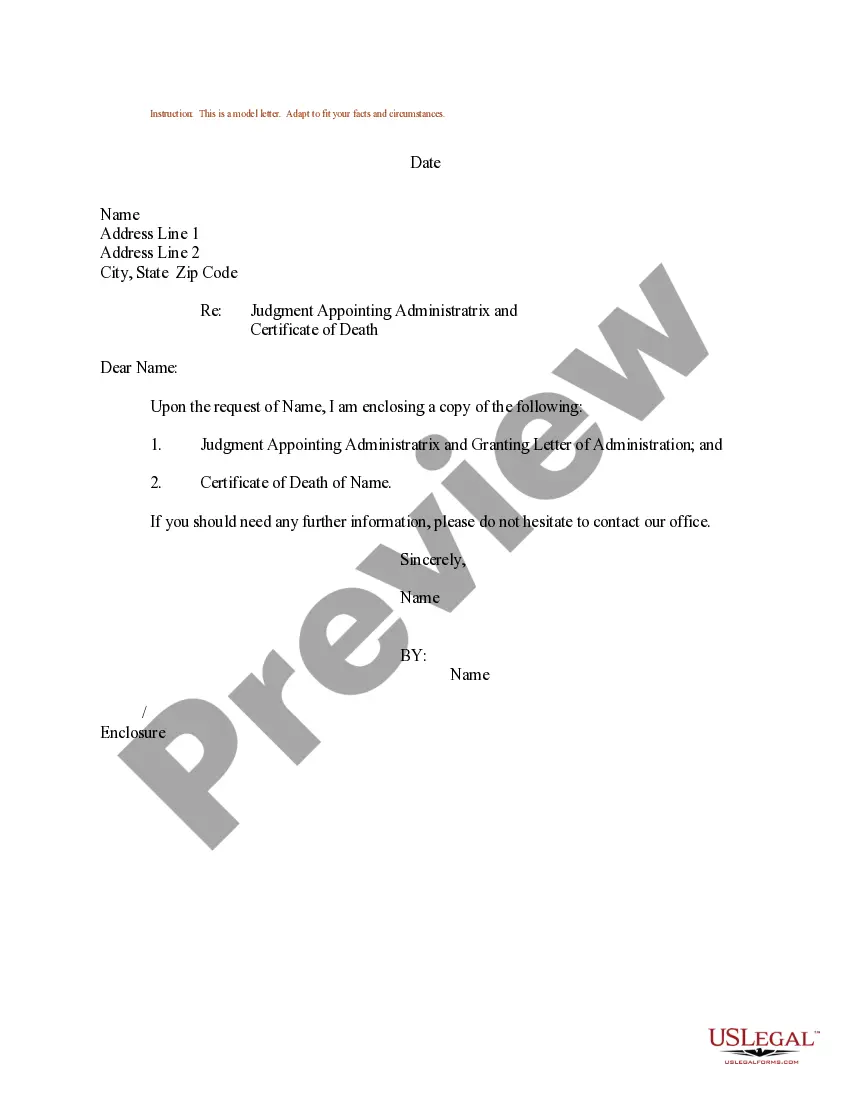
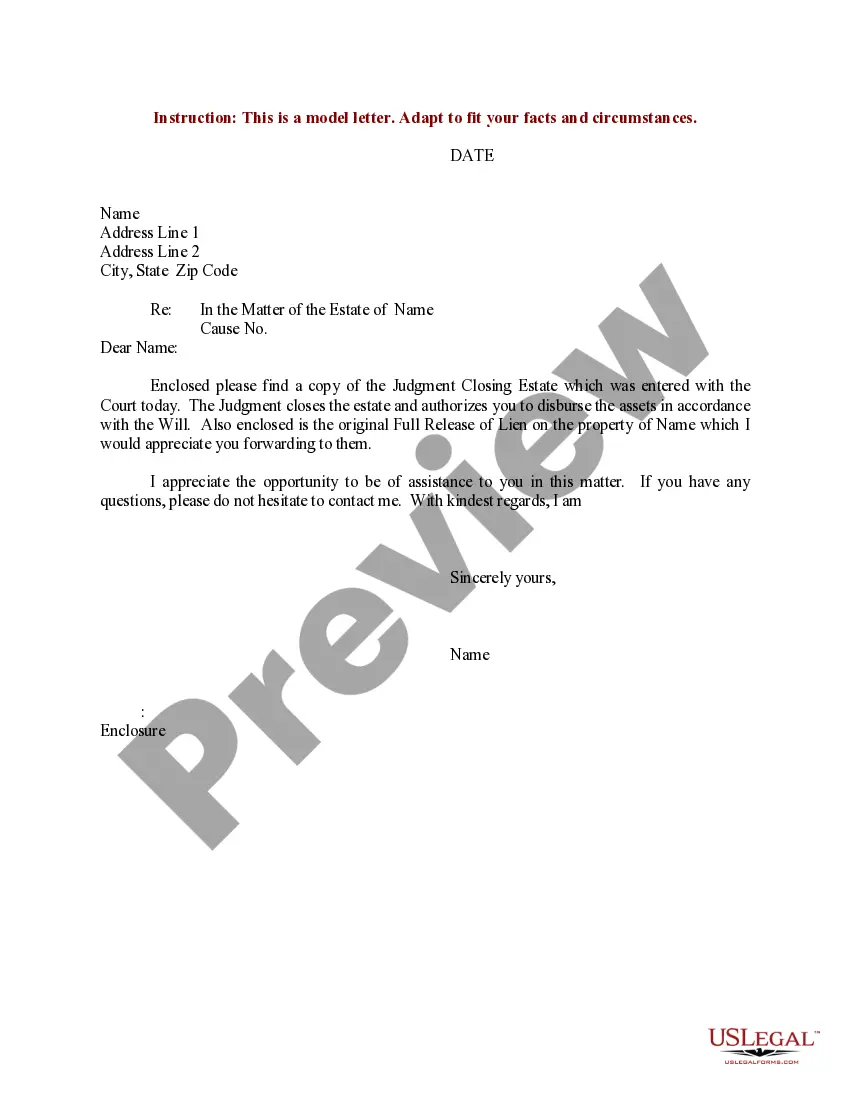
Certificate Death Blank With Border
Description



Get your form ready online
Our built-in tools help you complete, sign, share, and store your documents in one place.
Make edits, fill in missing information, and update formatting in US Legal Forms—just like you would in MS Word.
Download a copy, print it, send it by email, or mail it via USPS—whatever works best for your next step.
Sign and collect signatures with our SignNow integration. Send to multiple recipients, set reminders, and more. Go Premium to unlock E-Sign.
If this form requires notarization, complete it online through a secure video call—no need to meet a notary in person or wait for an appointment.
We protect your documents and personal data by following strict security and privacy standards.

Make edits, fill in missing information, and update formatting in US Legal Forms—just like you would in MS Word.

Download a copy, print it, send it by email, or mail it via USPS—whatever works best for your next step.

Sign and collect signatures with our SignNow integration. Send to multiple recipients, set reminders, and more. Go Premium to unlock E-Sign.

If this form requires notarization, complete it online through a secure video call—no need to meet a notary in person or wait for an appointment.

We protect your documents and personal data by following strict security and privacy standards.
Looking for another form?


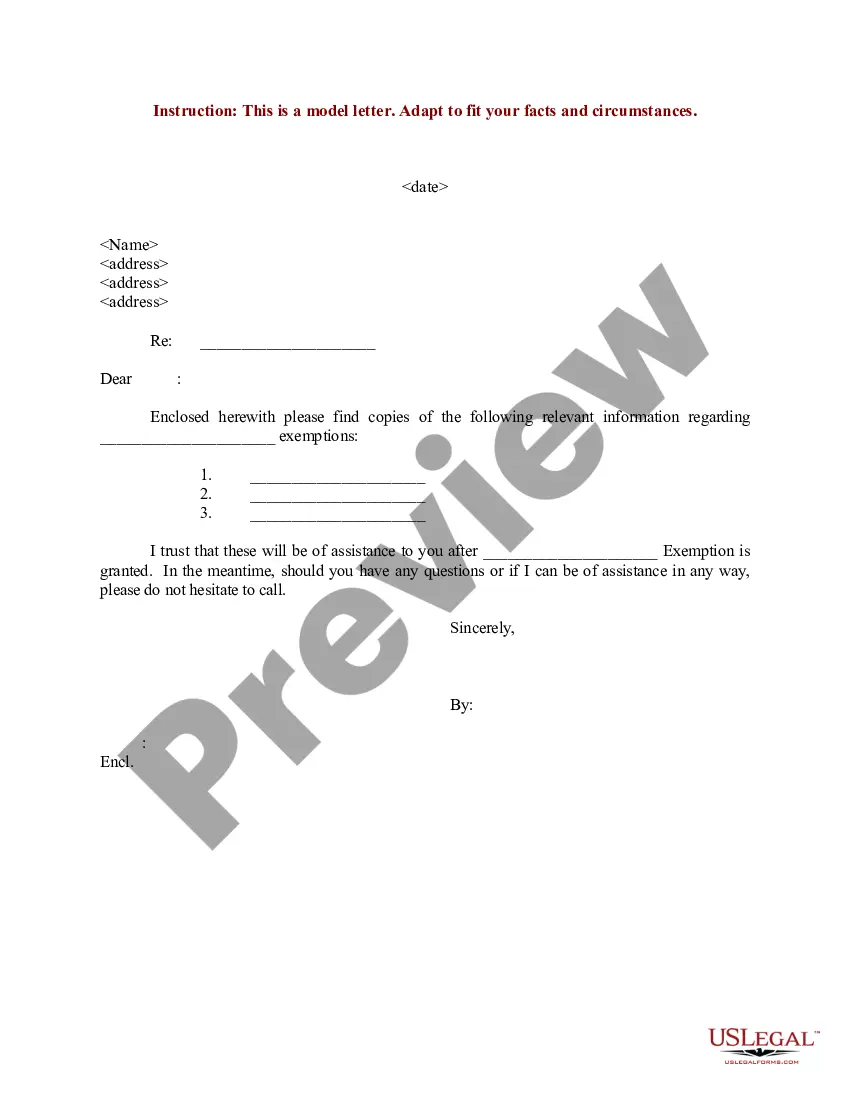
How to fill out Sample Letter Regarding Judgment Appoint Administratrix - Certificate Of Death?
The Certificate Death Blank With Border you see on this page is a reusable legal template drafted by professional lawyers in compliance with federal and regional laws. For more than 25 years, US Legal Forms has provided people, companies, and attorneys with more than 85,000 verified, state-specific forms for any business and personal situation. It’s the quickest, simplest and most trustworthy way to obtain the documents you need, as the service guarantees bank-level data security and anti-malware protection.
Acquiring this Certificate Death Blank With Border will take you only a few simple steps:
- Look for the document you need and review it. Look through the sample you searched and preview it or check the form description to verify it suits your needs. If it does not, utilize the search bar to get the appropriate one. Click Buy Now when you have found the template you need.
- Sign up and log in. Select the pricing plan that suits you and create an account. Use PayPal or a credit card to make a quick payment. If you already have an account, log in and check your subscription to continue.
- Get the fillable template. Select the format you want for your Certificate Death Blank With Border (PDF, DOCX, RTF) and download the sample on your device.
- Complete and sign the paperwork. Print out the template to complete it manually. Alternatively, utilize an online multi-functional PDF editor to rapidly and accurately fill out and sign your form with a legally-binding] {electronic signature.
- Download your papers again. Utilize the same document once again whenever needed. Open the My Forms tab in your profile to redownload any previously downloaded forms.
Sign up for US Legal Forms to have verified legal templates for all of life’s circumstances at your disposal.
Form popularity
FAQ
Yes, copies of the IMM 5669 form are required for each individual applicant included in your immigration application. Each applicant, including the principal applicant, spouse or common-law partner, and dependent children over 18 years of age, should fill out their respective forms.
There are two steps to having a death certificate authenticated: Make sure the death certificate is an original official death certificate issued by the Province. ... Submit the original official death certificate to Global Affairs Canada's JLAC section for authentication.
What should I do with the passport of a deceased person? Include a copy of the death certificate and a letter telling us if we should destroy the cancelled passport or return it to you. You don't need to return an expired passport.
Currently only physicians, coroners and, in prescribed circumstances, RN(EC)s are permitted to certify deaths in Ontario. The act of completing and signing a medical certificate constitutes ?certifying? the death, and the person signing is the ?certifier?.
In addition as per the IMM 5669 guide, this application form must be completed by: the principal candidate. the principal candidate's spouse or common-law partner and. the principle candidate's children who are aged over 18 or older.