Steps In Chapter 13 Bankruptcy
Description
Get your form ready online
Our built-in tools help you complete, sign, share, and store your documents in one place.
Make edits, fill in missing information, and update formatting in US Legal Forms—just like you would in MS Word.
Download a copy, print it, send it by email, or mail it via USPS—whatever works best for your next step.
Sign and collect signatures with our SignNow integration. Send to multiple recipients, set reminders, and more. Go Premium to unlock E-Sign.
If this form requires notarization, complete it online through a secure video call—no need to meet a notary in person or wait for an appointment.
We protect your documents and personal data by following strict security and privacy standards.

Make edits, fill in missing information, and update formatting in US Legal Forms—just like you would in MS Word.

Download a copy, print it, send it by email, or mail it via USPS—whatever works best for your next step.

Sign and collect signatures with our SignNow integration. Send to multiple recipients, set reminders, and more. Go Premium to unlock E-Sign.

If this form requires notarization, complete it online through a secure video call—no need to meet a notary in person or wait for an appointment.

We protect your documents and personal data by following strict security and privacy standards.
Looking for another form?
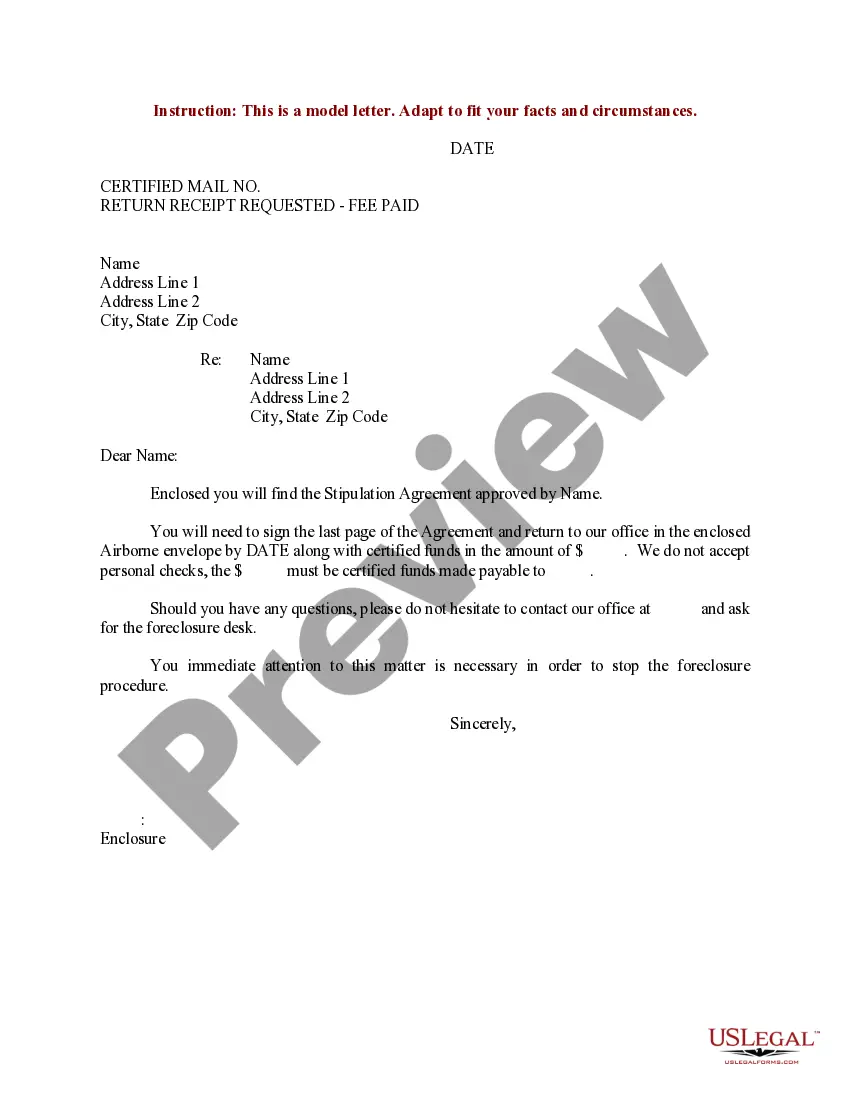
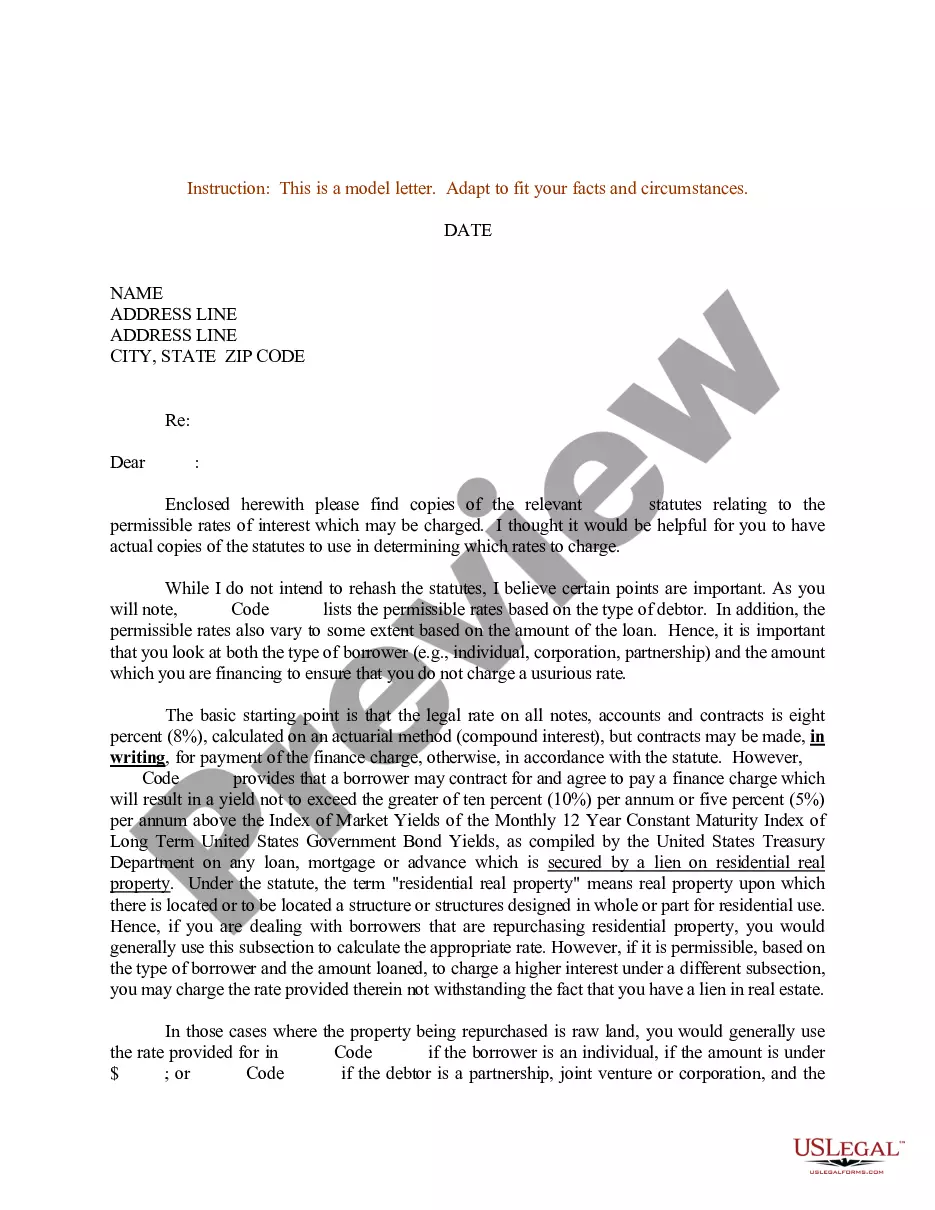
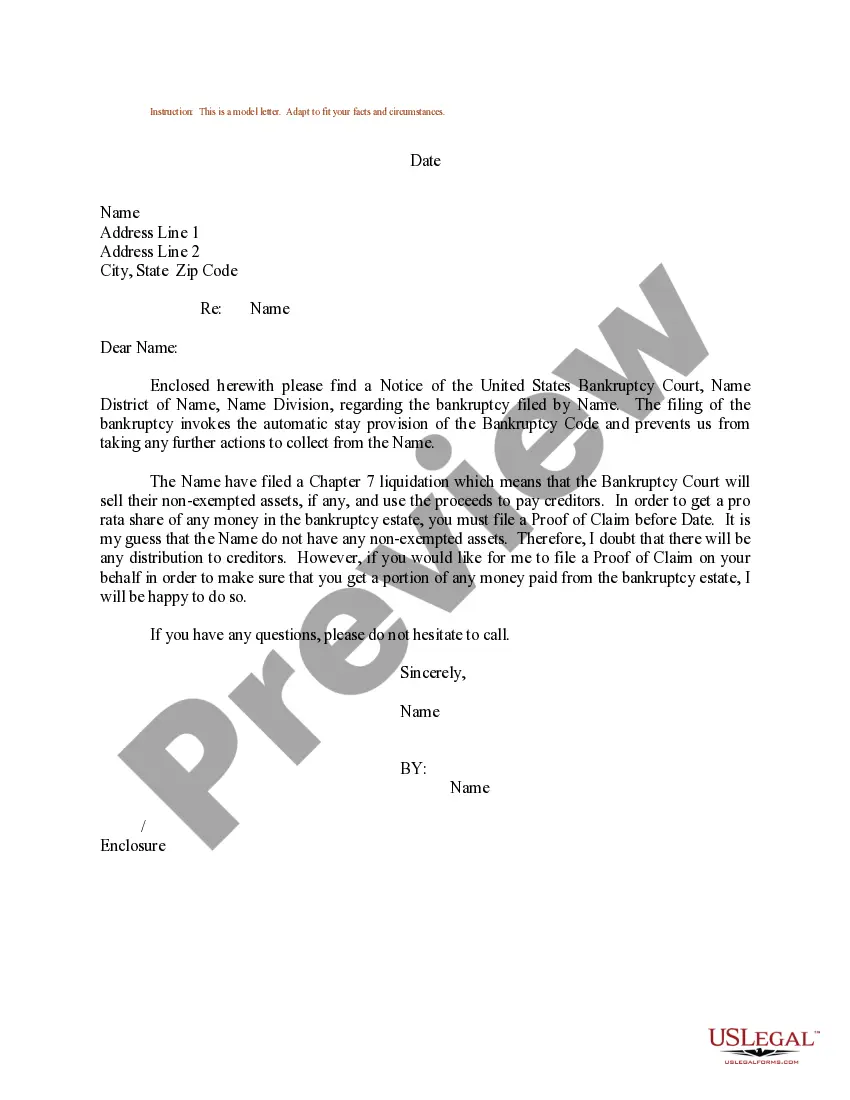
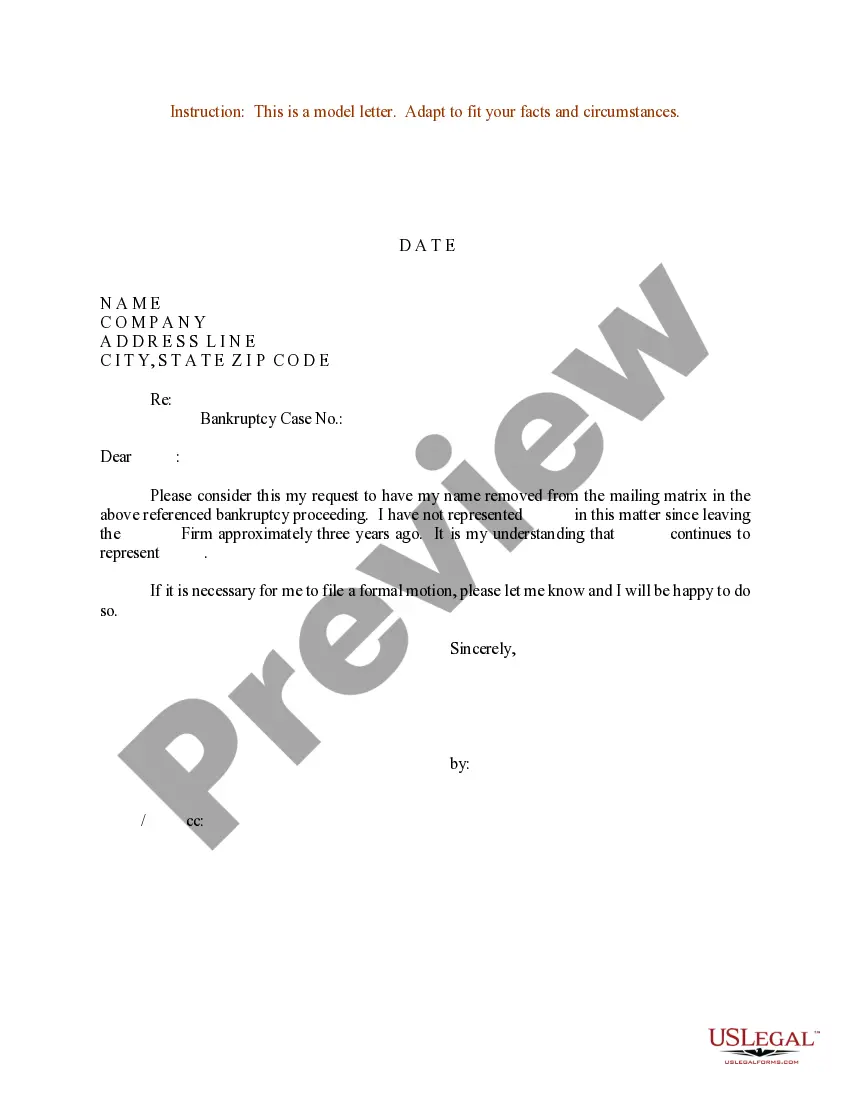
How to fill out Sample Letter For Pro Rata Share Of Bankruptcy Estate?
Engaging with legal documents and protocols can be a lengthy addition to your entire day.
Procedures In Chapter 13 Bankruptcy and similar forms frequently necessitate that you search for them and comprehend how to finalize them correctly.
Consequently, if you are managing financial, legal, or personal issues, possessing a comprehensive and user-friendly online repository of forms readily available will greatly assist you.
US Legal Forms is the premier online service for legal templates, featuring over 85,000 state-specific documents and an array of resources to help you finalize your paperwork effortlessly.
Is this your first time using US Legal Forms? Sign up and create your account in a few moments, and you’ll gain access to the form library and Procedures In Chapter 13 Bankruptcy. Then, follow the steps below to finish your form.
- Browse the collection of pertinent documents accessible to you with just one click.
- US Legal Forms provides you with state- and county-specific forms available for download at any moment.
- Protect your document management processes using a high-quality service that enables you to prepare any form within minutes without any extra or hidden fees.
- Simply Log In to your account, locate Procedures In Chapter 13 Bankruptcy and download it immediately from the My documents tab.
- You can also retrieve previously downloaded forms.
Form popularity
FAQ
What are the basic steps in filing a lawsuit? File the Summons and Complaint. The person starting the case is called the Petitioner or Plaintiff. ... File the Answer. The person being sued is either called the Defendant or the Respondent. ... Prepare the case. ... The judge holds a hearing. ... The judge makes a decision.
Any information on courts and court cases in South Dakota can be found on the state's administrator of the courts website also known as the court reference website. The state has established a system for obtaining court records in South Dakota.
Federal case files are maintained electronically and are available through the internet-based Public Access to Court Electronic Records (PACER) service. PACER allows anyone with an account to search and locate appellate, district, and bankruptcy court case and docket information.
Getting Help Filing Your South Dakota Divorce If you'd like to DIY your divorce, the state has information, instructions, and forms available online. You can also get forms from your court clerk.
Records of divorce proceedings since 1905 are kept by the State Department of Health. To order a copy of a divorce record, follow the instructions on the South Dakota Department of Health website. For information about earlier divorce records, write to the clerk of courts in the county where the divorce took place.
For civil record searches and questions regarding criminal and civil record searches, you can send an e-mail to: USJPARupport@ujs.state.sd.us. Criminal and protection order searches are available on the Public Access System or PARS at: . There is a $20 fee for each submitted search.
In compliance with the South Dakota Sunshine Law, residents of the state have the right to access, inspect, or obtain any public government record except in instances where records are confidential, protected by law, or sealed by a court order.