Appointment Letter With Doctor
Description
Get your form ready online
Our built-in tools help you complete, sign, share, and store your documents in one place.
Make edits, fill in missing information, and update formatting in US Legal Forms—just like you would in MS Word.
Download a copy, print it, send it by email, or mail it via USPS—whatever works best for your next step.
Sign and collect signatures with our SignNow integration. Send to multiple recipients, set reminders, and more. Go Premium to unlock E-Sign.
If this form requires notarization, complete it online through a secure video call—no need to meet a notary in person or wait for an appointment.
We protect your documents and personal data by following strict security and privacy standards.

Make edits, fill in missing information, and update formatting in US Legal Forms—just like you would in MS Word.

Download a copy, print it, send it by email, or mail it via USPS—whatever works best for your next step.

Sign and collect signatures with our SignNow integration. Send to multiple recipients, set reminders, and more. Go Premium to unlock E-Sign.

If this form requires notarization, complete it online through a secure video call—no need to meet a notary in person or wait for an appointment.

We protect your documents and personal data by following strict security and privacy standards.
Looking for another form?

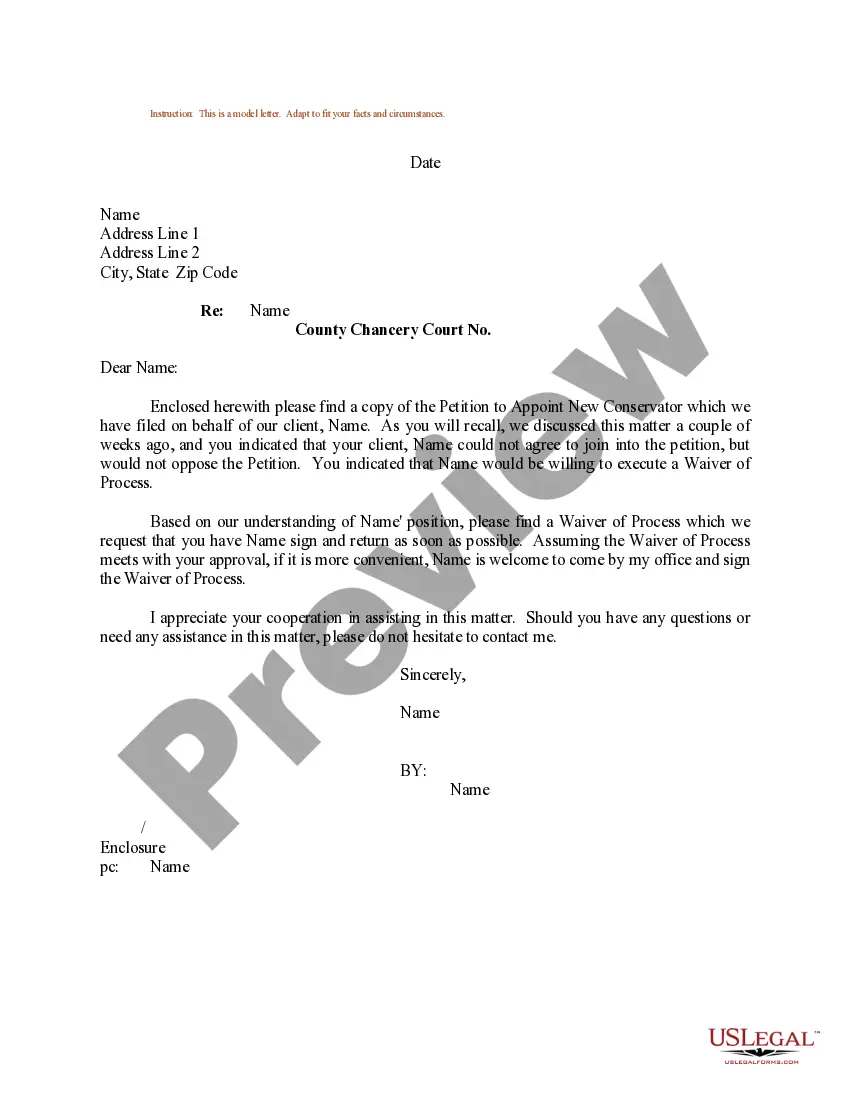
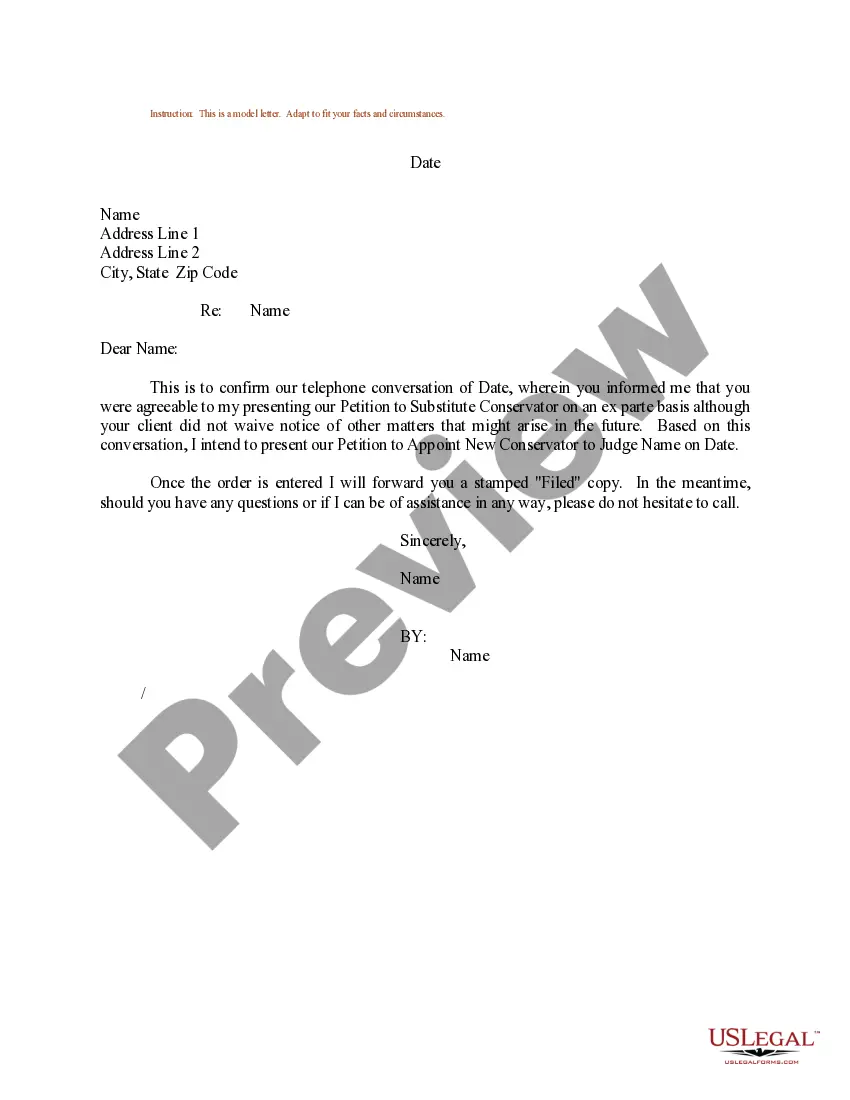
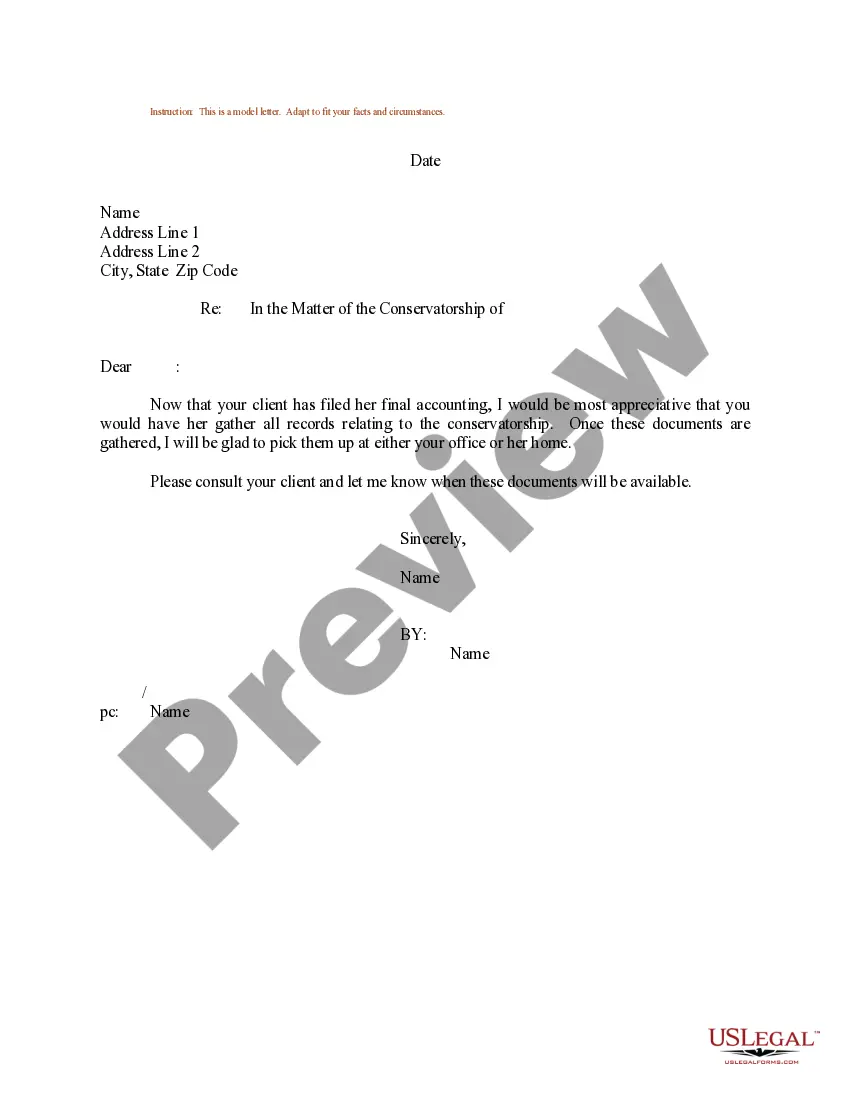
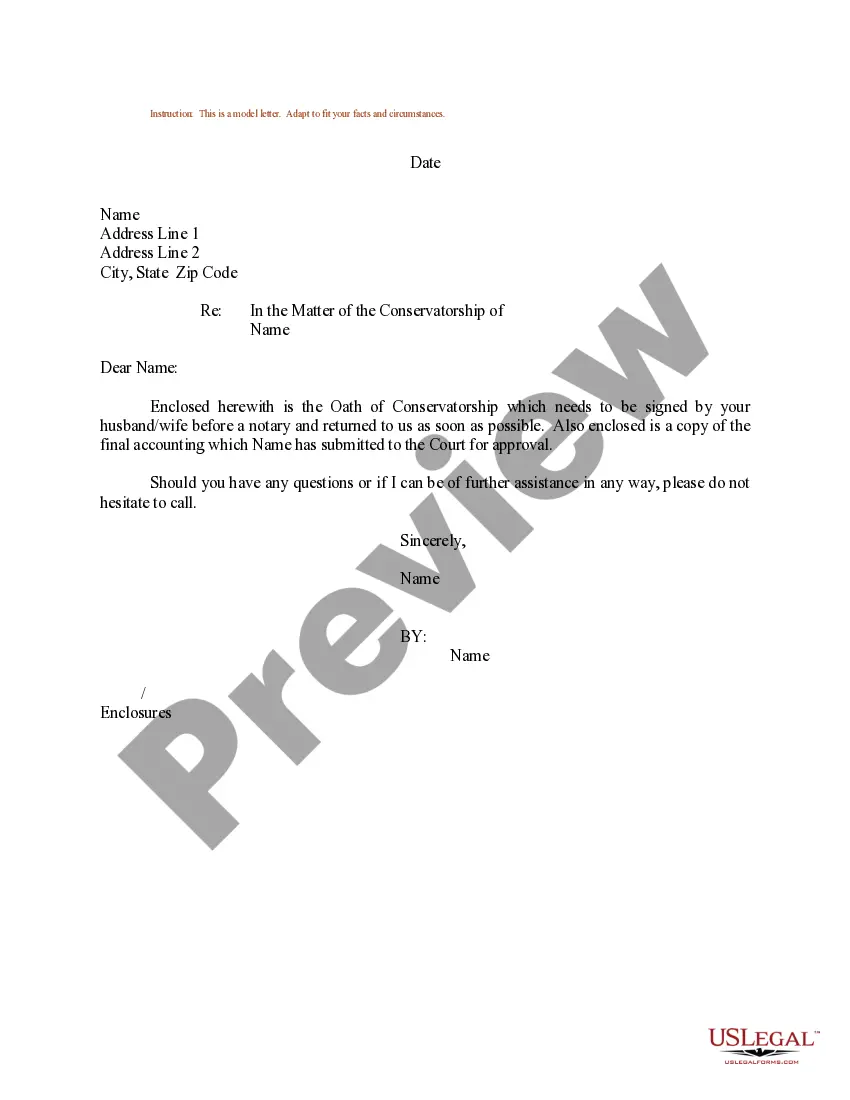
How to fill out Sample Letter Regarding Petition To Appoint New Conservator?
It’s clear that you cannot become a legal expert instantly, nor can you swiftly learn how to draft an Appointment Letter With Doctor without possessing a distinct skill set.
Compiling legal documents is a lengthy procedure that demands a particular education and expertise. Therefore, why not entrust the preparation of the Appointment Letter With Doctor to professionals.
With US Legal Forms, one of the most comprehensive legal template repositories, you can find everything from court documents to in-office communication templates. We recognize how vital compliance and adherence to federal and local laws and regulations are.
You can regain access to your forms from the My documents tab at any time. If you’re an existing customer, you can simply Log In, and locate and download the template from the same tab.
Regardless of the purpose of your documents—whether financial and legal or personal—our platform accommodates your needs. Give US Legal Forms a try now!
- Locate the document you require using the search bar at the top of the webpage.
- View it (if this option is available) and read the accompanying description to determine if Appointment Letter With Doctor is what you need.
- Commence your search again if you require a different template.
- Create a free account and select a subscription plan to purchase the form.
- Click Buy now. Once the payment is processed, you can download the Appointment Letter With Doctor, fill it out, print it, and send it via mail to the essential individuals or entities.
Form popularity
FAQ
Here are all of the steps: Write a clear subject line. An email should have ?glance-value?. ... Use a salutation. ... Introduce yourself (if necessary). ... Explain why you want to meet. ... Be flexible about time and place. ... Request a reply or confirmation. ... Send a reminder.
[RECIPIENT NAME], I am writing this letter to request an appointment with you on [DATE 1] [TIME]. I have had a severe backache for several weeks now and have recently visited my regular physician. I had some relief in my back after several days of treatment but, for some reason, it has returned.
An appointment letter should include the following: The date on which the appointment letter is issued. The name, address and contact details of the selected candidate. The salutation. The body of the letter stating the job title, emoluments, job location, probation period and other details.
Appointment letters are usually provided after offer letter on the first day of the candidate starting work. The appointment letter describes in length the position offered, salary, benefits, confidentiality policy, work policy, starting date, and important information about the employment.
I'm calling to book an appointment with Dr [name of GP] as soon as possible please. Thanks, I'd like to come at 3pm on Tuesday. Thanks, Goodbye. If you need a mental health care plan or you have a lot of mental health concerns to discuss with a GP you'll need to book a long appointment.