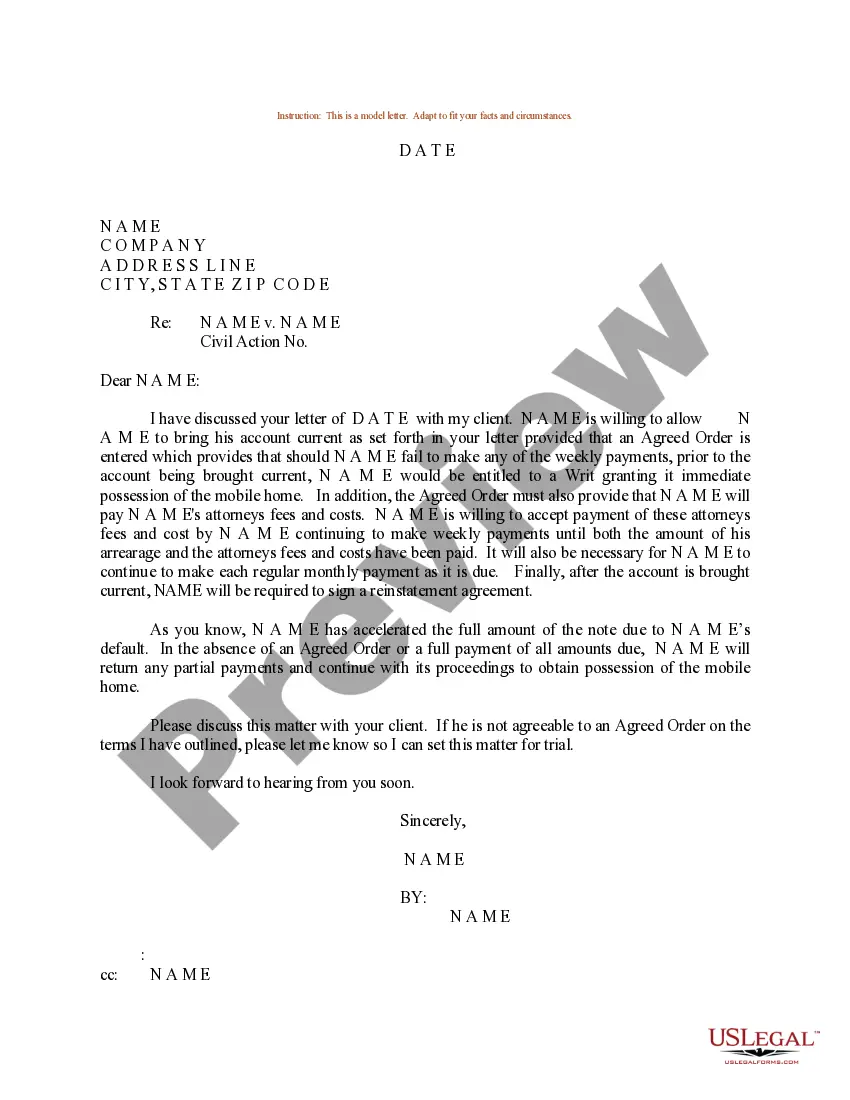
Bring Account Current With Google Account
Description
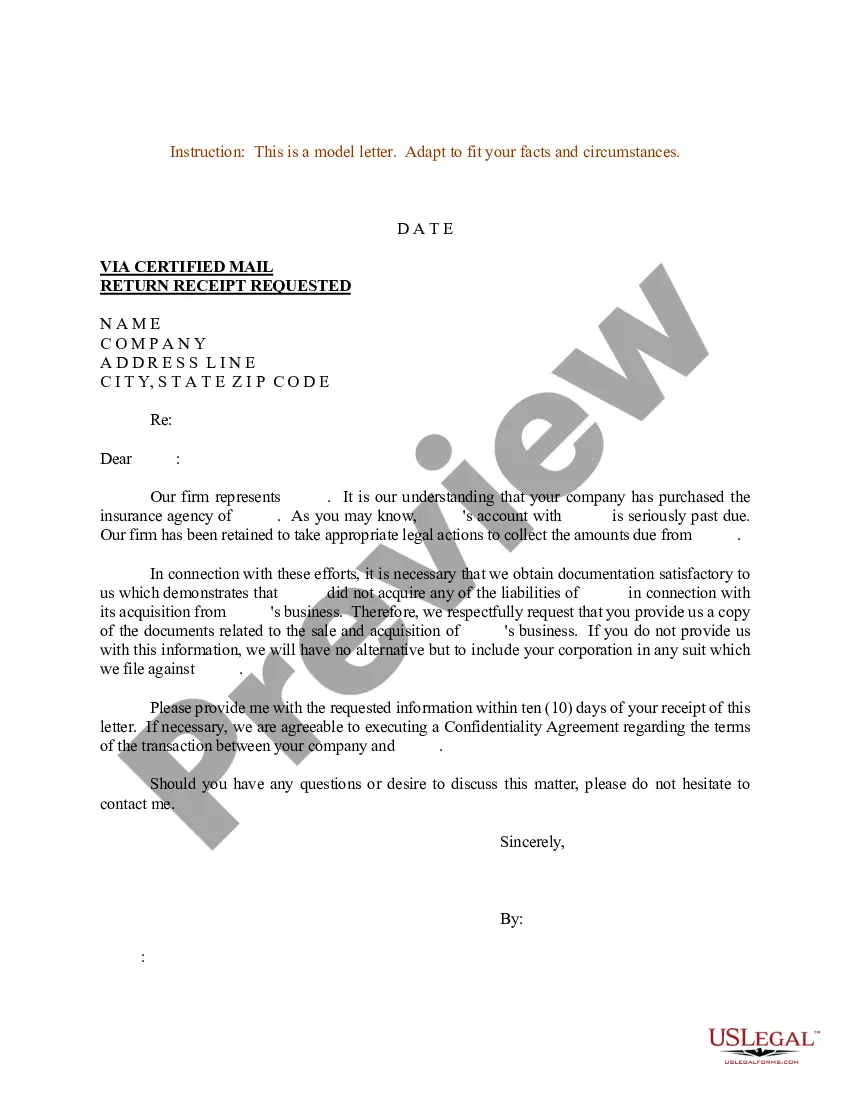
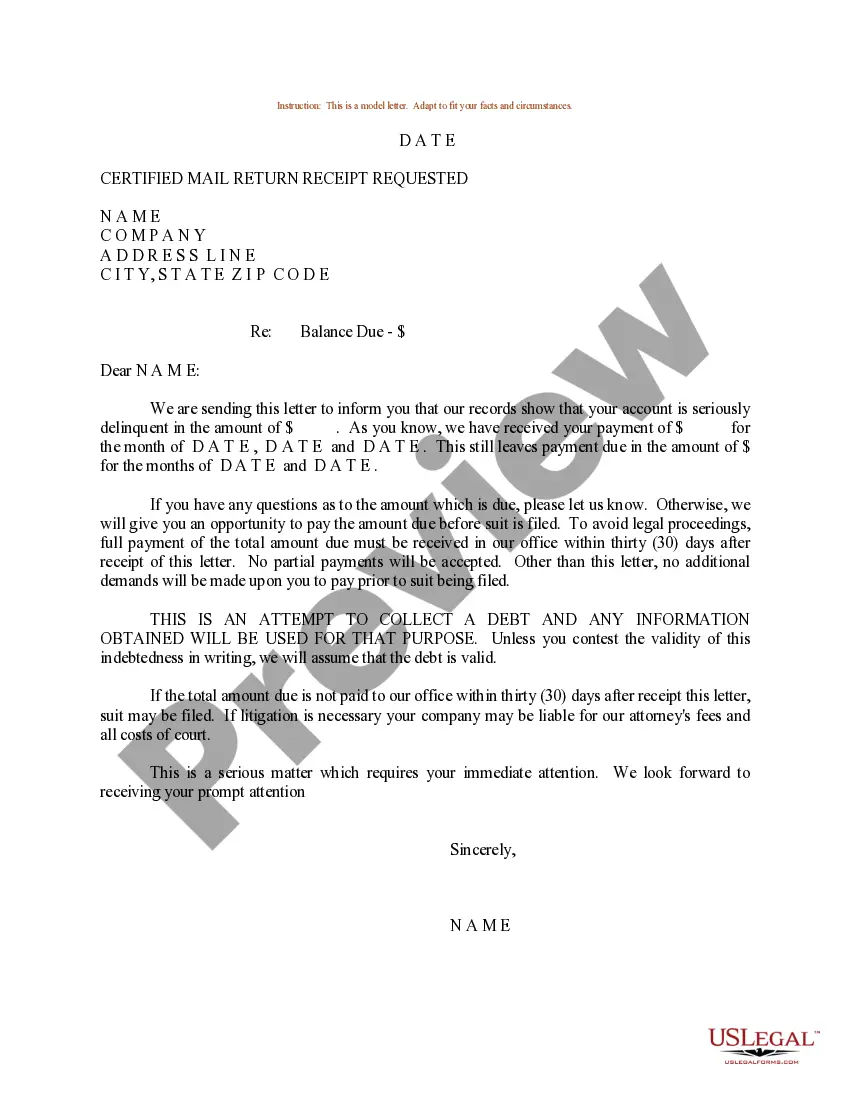
Get your form ready online
Our built-in tools help you complete, sign, share, and store your documents in one place.
Make edits, fill in missing information, and update formatting in US Legal Forms—just like you would in MS Word.
Download a copy, print it, send it by email, or mail it via USPS—whatever works best for your next step.
Sign and collect signatures with our SignNow integration. Send to multiple recipients, set reminders, and more. Go Premium to unlock E-Sign.
If this form requires notarization, complete it online through a secure video call—no need to meet a notary in person or wait for an appointment.
We protect your documents and personal data by following strict security and privacy standards.

Make edits, fill in missing information, and update formatting in US Legal Forms—just like you would in MS Word.

Download a copy, print it, send it by email, or mail it via USPS—whatever works best for your next step.

Sign and collect signatures with our SignNow integration. Send to multiple recipients, set reminders, and more. Go Premium to unlock E-Sign.

If this form requires notarization, complete it online through a secure video call—no need to meet a notary in person or wait for an appointment.

We protect your documents and personal data by following strict security and privacy standards.
Looking for another form?
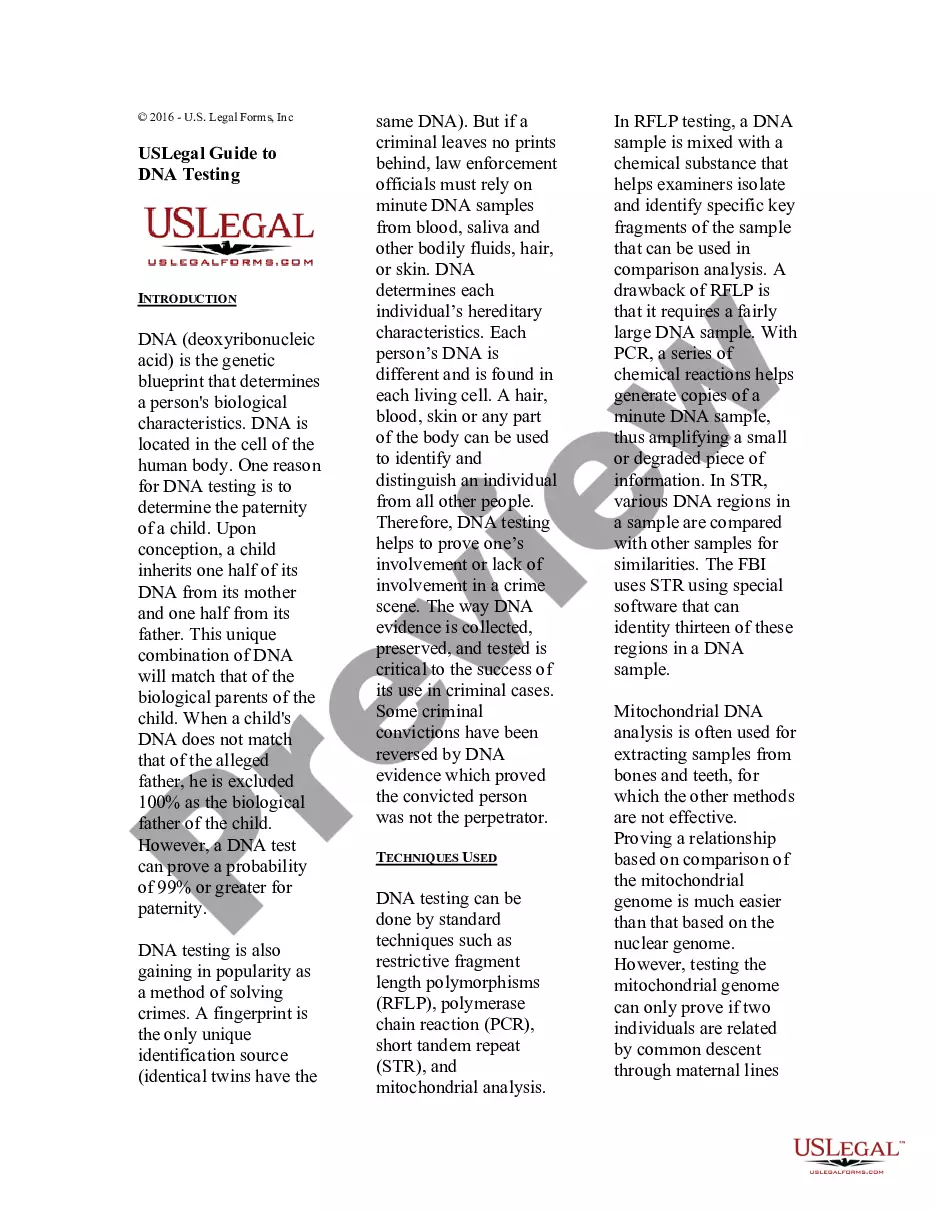
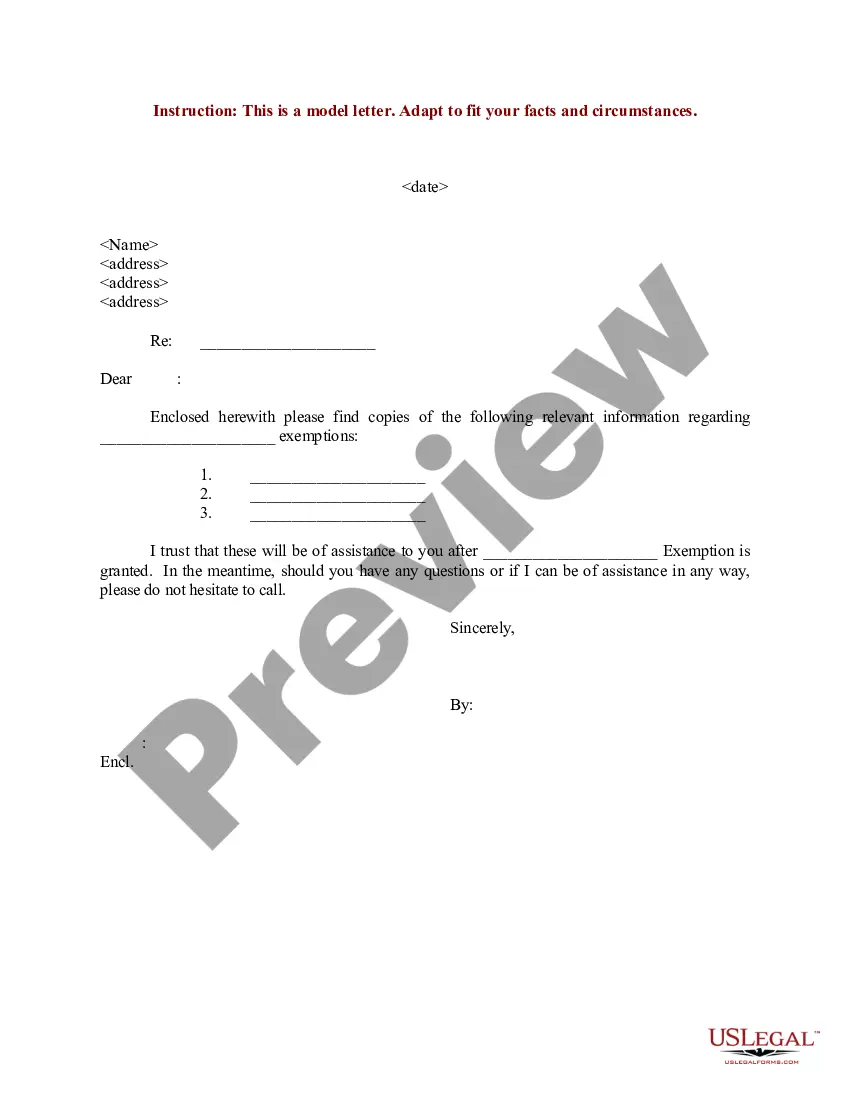
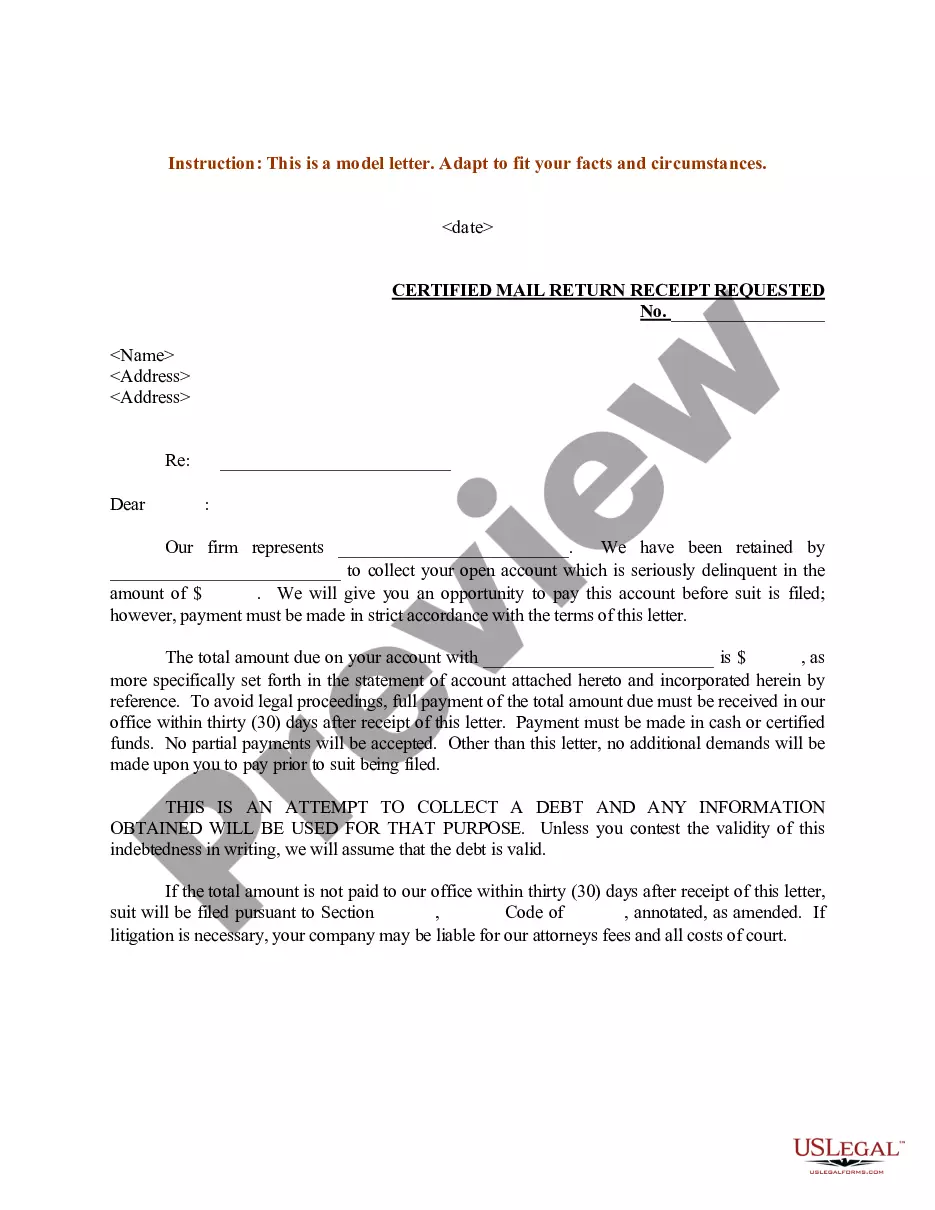
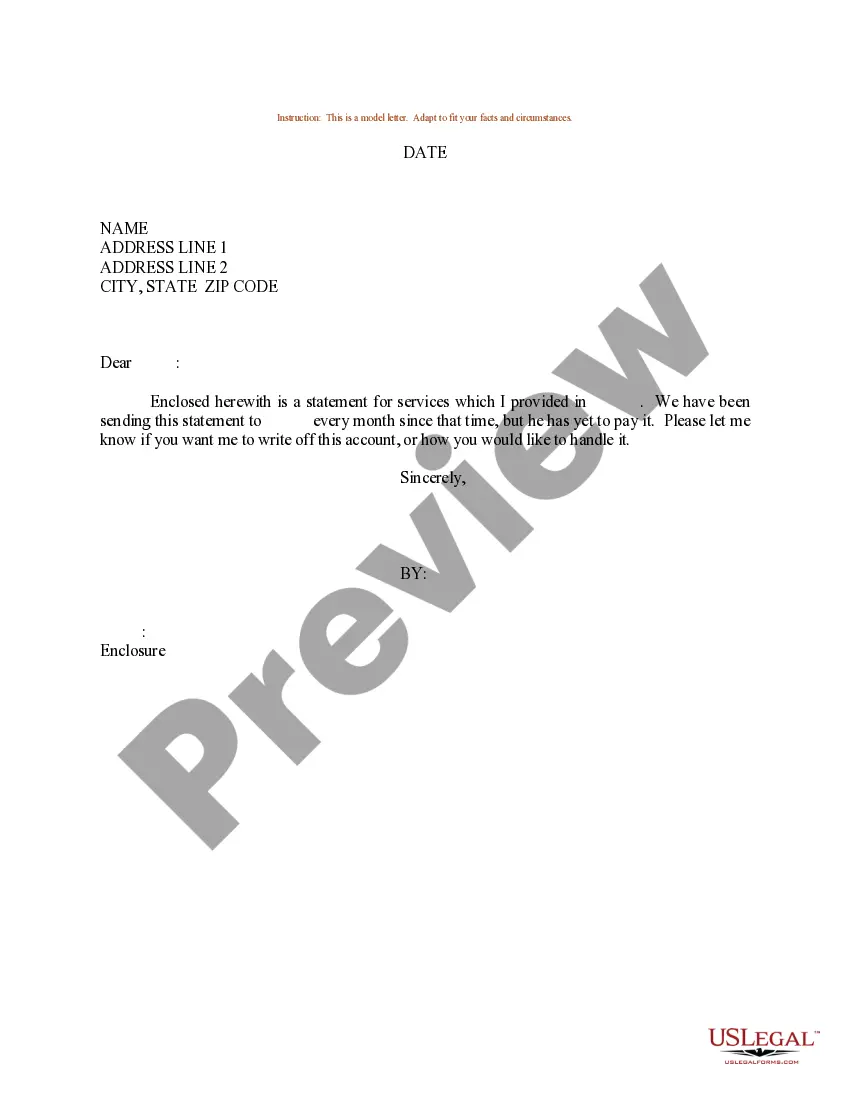
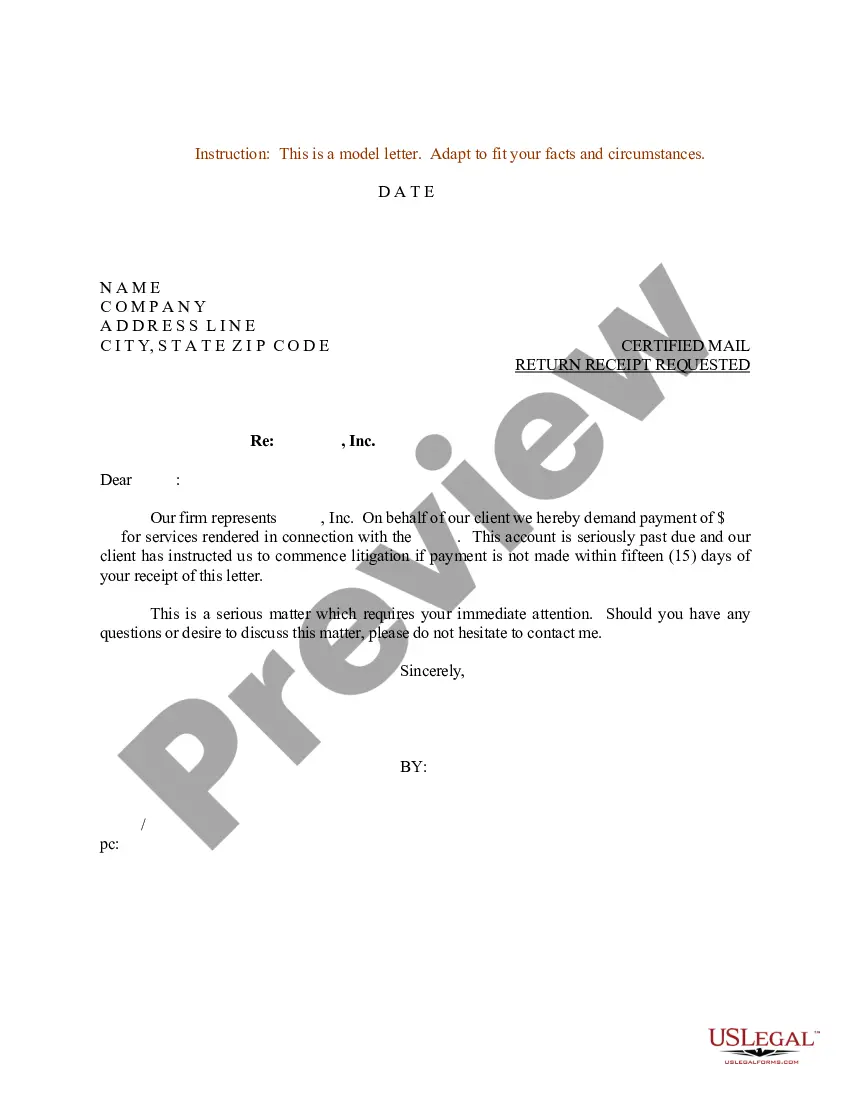
How to fill out Sample Letter For Bringing Account Current?
Handling legal documents and processes can be an exhausting addition to your whole day.
Bringing Account Current With Google Account and similar forms often necessitate that you search for them and comprehend the most effective way to fill them out successfully.
Therefore, whether you are managing financial, legal, or personal affairs, utilizing a comprehensive and functional online catalog of forms readily available will significantly help.
US Legal Forms is the top online resource for legal documents, offering over 85,000 state-specific templates and various tools that will enable you to complete your paperwork swiftly.
Simply Log In to your account, find Bring Account Current With Google Account, and download it instantly within the My documents section. You can also access previously saved forms. Is this your first experience with US Legal Forms? Register and create an account in just a few minutes, and you'll gain access to the form catalog and Bring Account Current With Google Account. Then, follow these steps to fill out your form: Ensure you have the correct form using the Preview feature and reviewing the form details. Click Buy Now when ready, and choose the subscription plan that fits your requirements. Click Download, then fill out, sign, and print the form. US Legal Forms boasts 25 years of experience helping users navigate their legal documents. Get the form you need today and streamline any process effortlessly.
- Explore the catalog of pertinent documents accessible to you with just one click.
- US Legal Forms provides state- and county-specific forms ready for downloading at any time.
- Protect your document management processes with a quality service that allows you to prepare any form within minutes without extra or hidden fees.
Form popularity
FAQ
To complete the Google verification process, first, log into your Google account. Then, follow the prompts to verify your identity, which may include receiving a verification code via SMS or email. Completing this process is essential to bring your account current with your Google account, ensuring your access to all features. If you encounter any issues, consider using the US Legal Forms platform for additional resources and guidance.
To find all accounts in your name, start by checking your personal records and documents. Look for any accounts linked to your social security number, email address, or phone number. Additionally, you can use online tools or services that specialize in account recovery. If you need help, consider using USLegalForms, which can assist you in gathering necessary information to bring account current with Google account.
To claim ownership of a Google page, start by visiting the Google My Business website. Once there, search for your business name. If you find it, follow the prompts to verify your identity. This process ensures that you can manage your Google page effectively and bring your account current with your Google account, allowing you to update your information and connect with customers.
Yes, you can link your bank account to Google Wallet to make managing your finances easier. By linking your account, you can seamlessly transfer funds and make payments directly from your bank. This helps you bring your account current with your Google account, allowing for greater financial control. If you need assistance with this process, consider using USLegalForms for reliable legal document solutions.
If you need to recover your Gmail password without a phone number or recovery email, you can still initiate the recovery process through the Google Account Recovery page. Enter your email address and choose the option for 'forgot password'. Follow the on-screen instructions and answer the security questions to help bring your account current with your Google account. US Legal Forms can assist with resources to further simplify your recovery process.
To bring your account current with your Google account, start by visiting the Google Account Recovery page. Fill in the required information, such as your email address or phone number associated with the account. Follow the prompts to verify your identity, and provide as much accurate information as possible. For more guidance, consider using US Legal Forms to help streamline the process.
Transferring everything to a new Google Account requires a few steps to bring account current with Google Account. Begin by backing up your data, such as emails and files, from your existing account. Then, log into your new account and use Google’s import tools to transfer your emails and content seamlessly. To make this process easier, consider using US Legal Forms, which can help you navigate the details and ensure everything is correctly moved.
To bring account current with Google Account, start by visiting the Google Account recovery page. Enter your primary email address or phone number linked to your account, and follow the prompts to verify your identity. Once you regain access, you can update your information to ensure that everything is current and functioning properly. If you're having trouble, consider utilizing US Legal Forms for guidance and support in managing your account.
To bring your account current with Google account, you can easily switch to another account by signing out of your current session. Simply click on your profile picture in the top right corner and select 'Sign out.' After signing out, click on 'Sign in' and enter the credentials for the other Google account you wish to use. If you need assistance in managing documents or organizing your files associated with this transition, consider using US Legal Forms to streamline the process.
Connecting your bank account to Google can help you bring your account current with your Google account for payment services. To link your bank account, navigate to the payment settings in your Google Account. There, select 'Add Payment Method' and follow the prompts to securely enter your bank information. This allows you to easily manage transactions using your Google services.