Bring Account Current With Google
Description
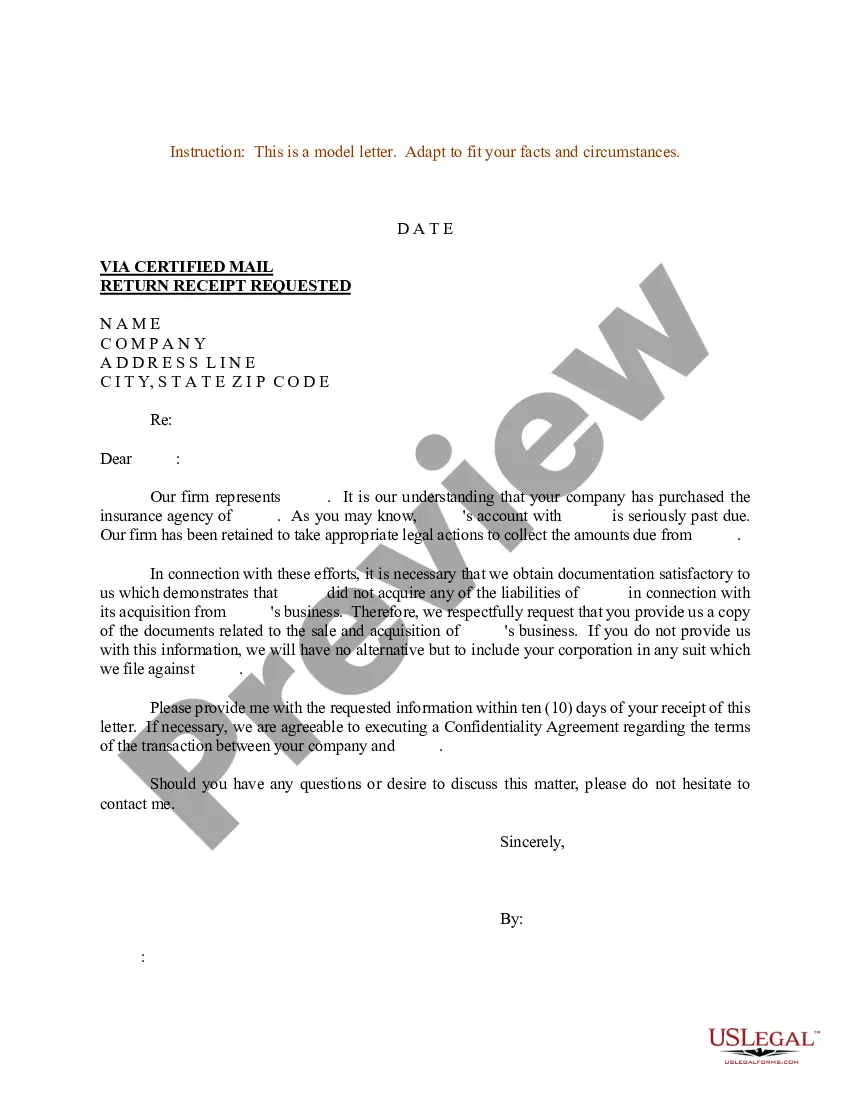
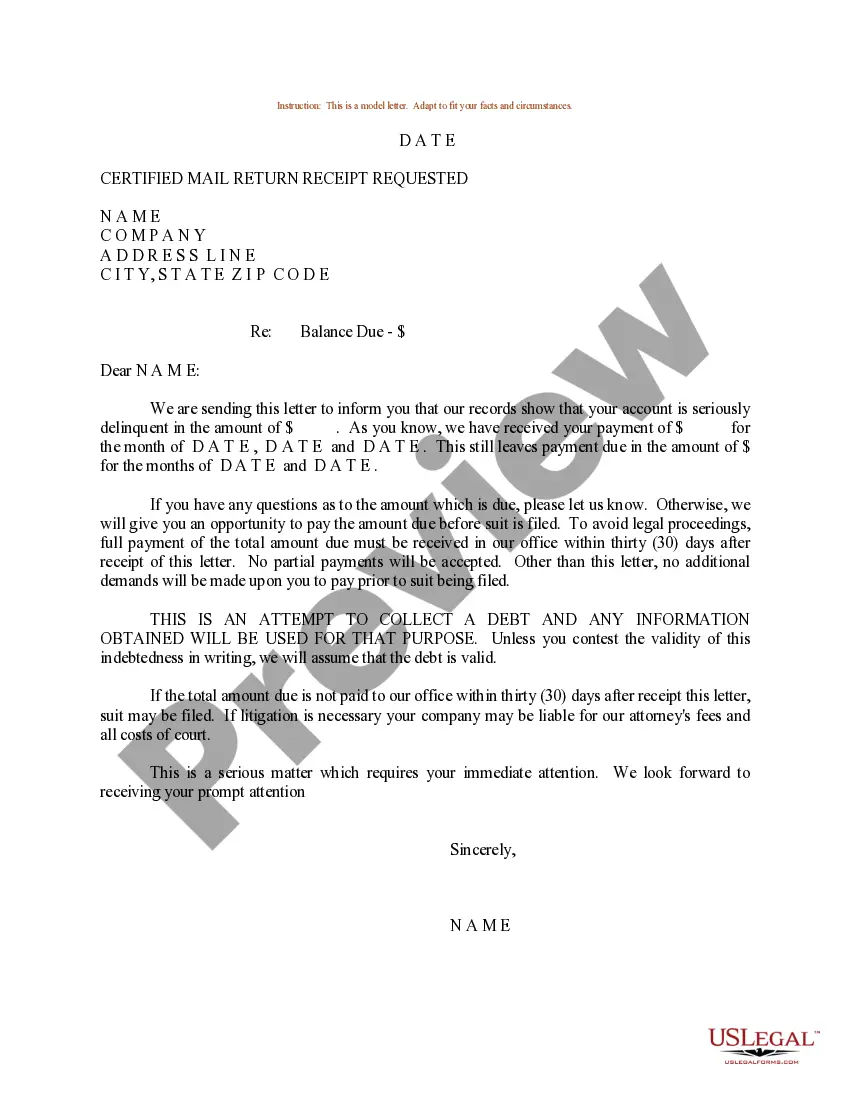
Get your form ready online
Our built-in tools help you complete, sign, share, and store your documents in one place.
Make edits, fill in missing information, and update formatting in US Legal Forms—just like you would in MS Word.
Download a copy, print it, send it by email, or mail it via USPS—whatever works best for your next step.
Sign and collect signatures with our SignNow integration. Send to multiple recipients, set reminders, and more. Go Premium to unlock E-Sign.
If this form requires notarization, complete it online through a secure video call—no need to meet a notary in person or wait for an appointment.
We protect your documents and personal data by following strict security and privacy standards.

Make edits, fill in missing information, and update formatting in US Legal Forms—just like you would in MS Word.

Download a copy, print it, send it by email, or mail it via USPS—whatever works best for your next step.

Sign and collect signatures with our SignNow integration. Send to multiple recipients, set reminders, and more. Go Premium to unlock E-Sign.

If this form requires notarization, complete it online through a secure video call—no need to meet a notary in person or wait for an appointment.

We protect your documents and personal data by following strict security and privacy standards.
Looking for another form?
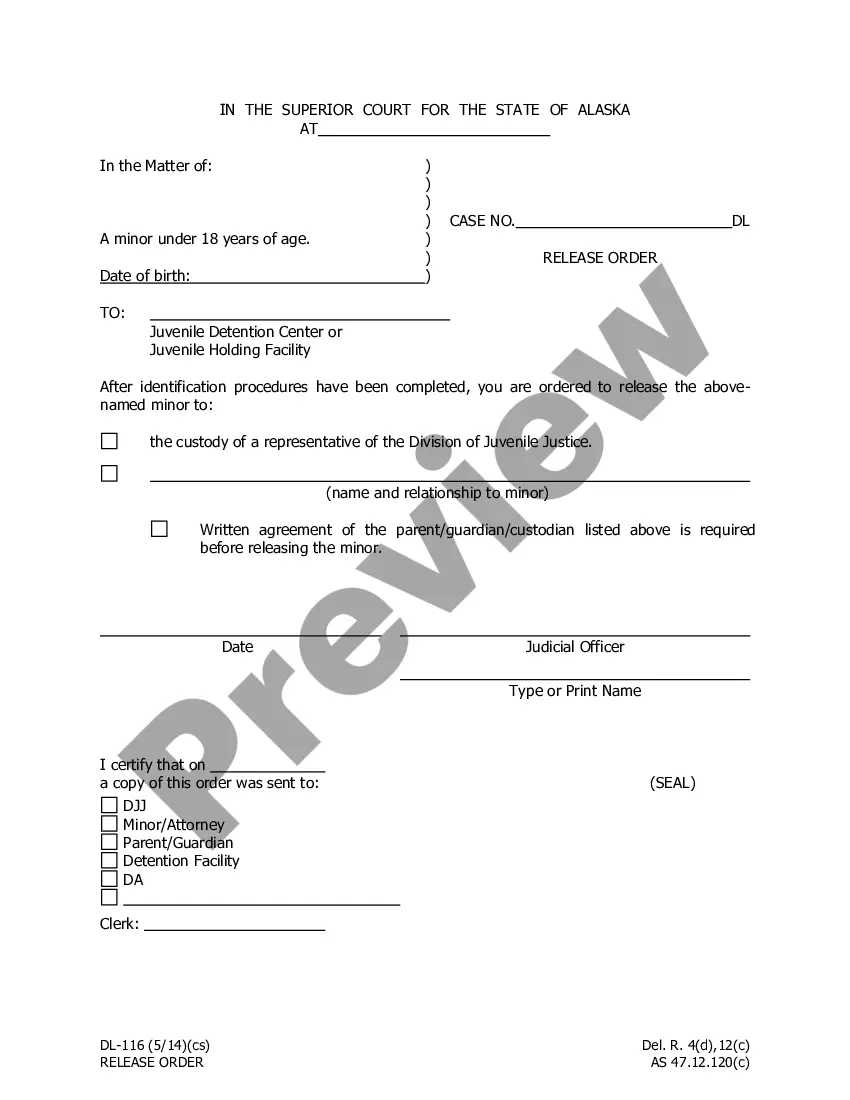

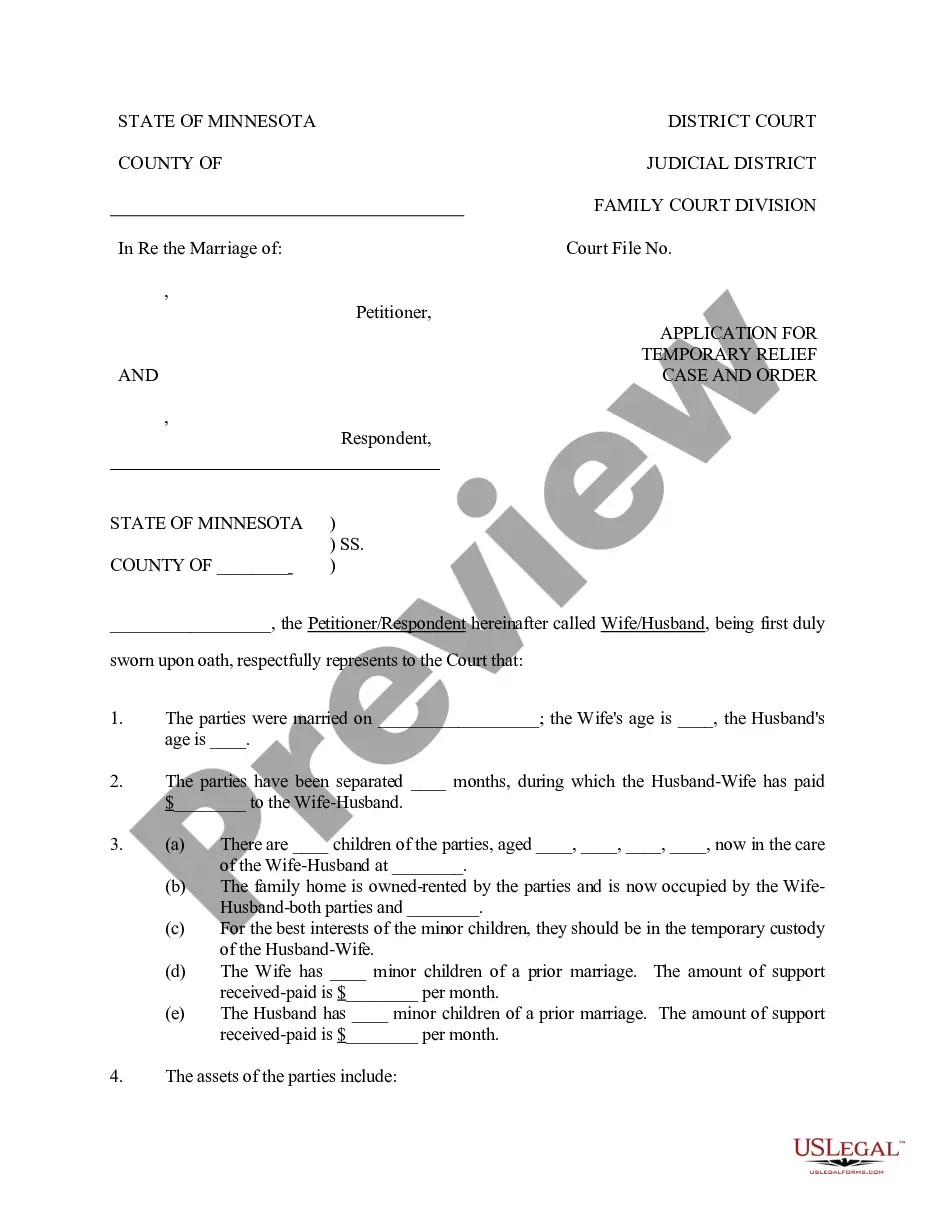


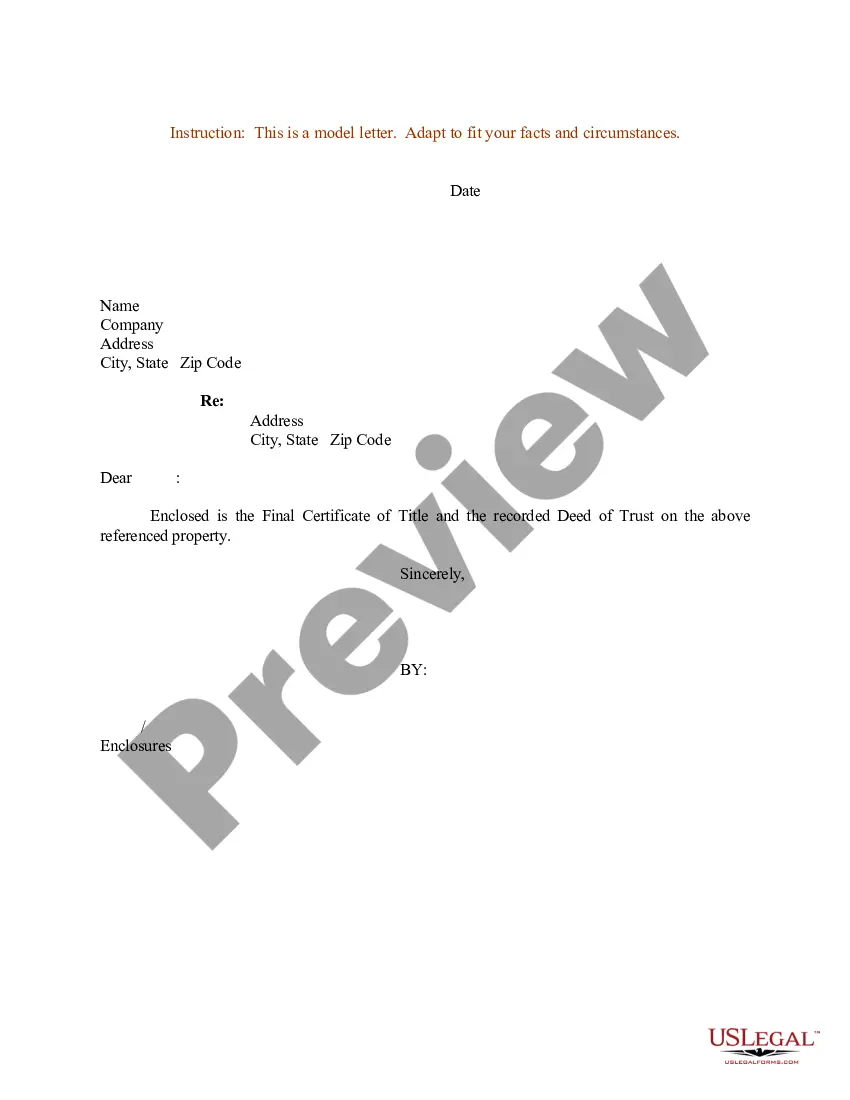
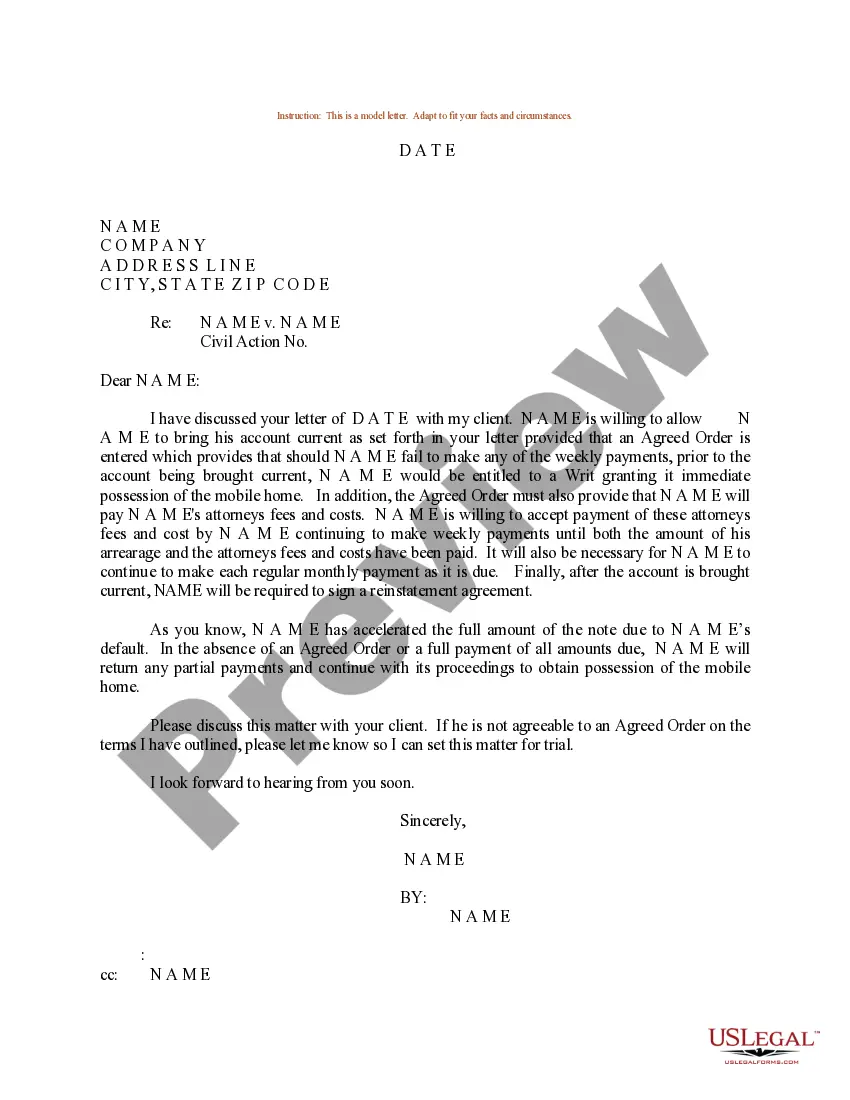
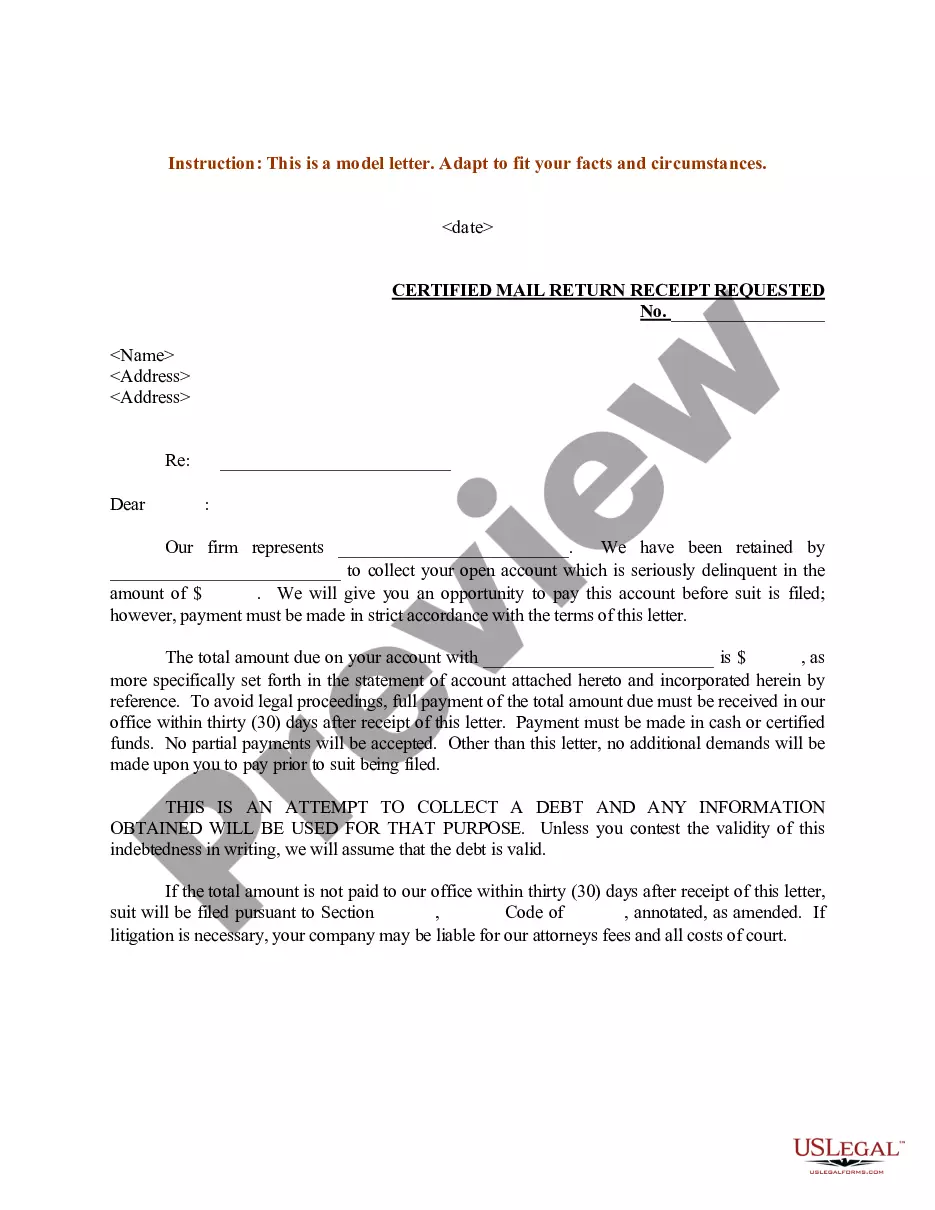
How to fill out Sample Letter For Bringing Account Current?
Creating legal documents from the ground up can frequently be overwhelming. Certain situations may require numerous hours of investigation and significant financial resources.
If you’re seeking a more straightforward and economical method of producing Bring Account Current With Google or any other documents without the hassle, US Legal Forms is always accessible to you.
Our online library of over 85,000 current legal forms encompasses nearly every aspect of your financial, legal, and personal matters. With only a few clicks, you can quickly obtain state- and county-specific templates diligently prepared for you by our legal professionals.
Utilize our platform whenever you require a dependable and trustworthy service through which you can effortlessly find and download the Bring Account Current With Google. If you’re already familiar with our services and have set up an account with us before, simply Log In to your account, find the template, and download it, or re-download it anytime later in the My documents section.
US Legal Forms is well-regarded and boasts over 25 years of expertise. Join us today and transform document completion into a seamless and efficient process!
- Review the form preview and descriptions to ensure you have discovered the correct form.
- Confirm that the form you select adheres to the regulations and laws of your respective state and county.
- Choose the most appropriate subscription plan to obtain the Bring Account Current With Google.
- Download the form. Subsequently, fill it out, verify, and print it.
Form popularity
FAQ
To bring up your Google Account, open your preferred web browser and go to the Google homepage. Click on the profile icon at the top right corner. If you are logged in to multiple accounts, select the one you want to view, or log in to the desired account to bring account current with Google. This process allows easy access to your settings, emails, and other features associated with your account.
To make your current Google Account the default, start by signing into the Google Account you wish to set as default. Once you are logged in, navigate to your account settings. From there, select the option to manage your accounts and choose the current account as your default. This ensures that whenever you sign in, your preferred account is always active, helping you bring account current with Google.
You can easily check which accounts are linked to Google by accessing your Google Account settings. Once logged in, go to the 'Security' section where you will find options to view connected apps and sites. This helps you manage and bring your account current with Google by disconnecting accounts that you no longer use.
To find your current Google Account and bring it current with Google, visit the Google Account sign-in page. Here, you can enter your email address or phone number associated with your account. If you’re logged in on your device, check the settings under 'Accounts' where your Google Account will be displayed.
To bring your account current with Google after a factory reset, go to your device's settings. Navigate to the 'Accounts' section and select your Google Account. You can then choose the option to remove it. This process will help ensure that your device is linked only to the necessary accounts.
Transferring ownership of a Google account involves navigating to Google Account settings. After signing in, find 'Account' and then select 'Add or Remove Users.' Here, you can grant ownership to another user. Keeping your account updated and managing ownership properly are vital to bring your account current with Google.
To claim ownership of a Google account, you need to verify that you have rights to the account. If you are the owner, sign in with your credentials. If not, follow the recovery process available on the Google homepage. This is an essential step to bring your account current with Google, allowing you to regain access and manage settings.
Claiming ownership of a Google page requires you to verify your connection to the business. Visit Google My Business, sign in, and search for your page. After locating it, click 'Claim this business' and follow the verification steps. This process helps you bring your account current with Google and ensures you can manage your online presence effectively.
To change the primary owner of your Google account, start by accessing the Google Admin console. You need to select 'Users,' find the user whose ownership you want to transfer, and click on their profile. Next, select 'Account' and change the role to 'Primary Owner.' Remember, bringing your account current with Google ensures that you have full control and access to your Google services.