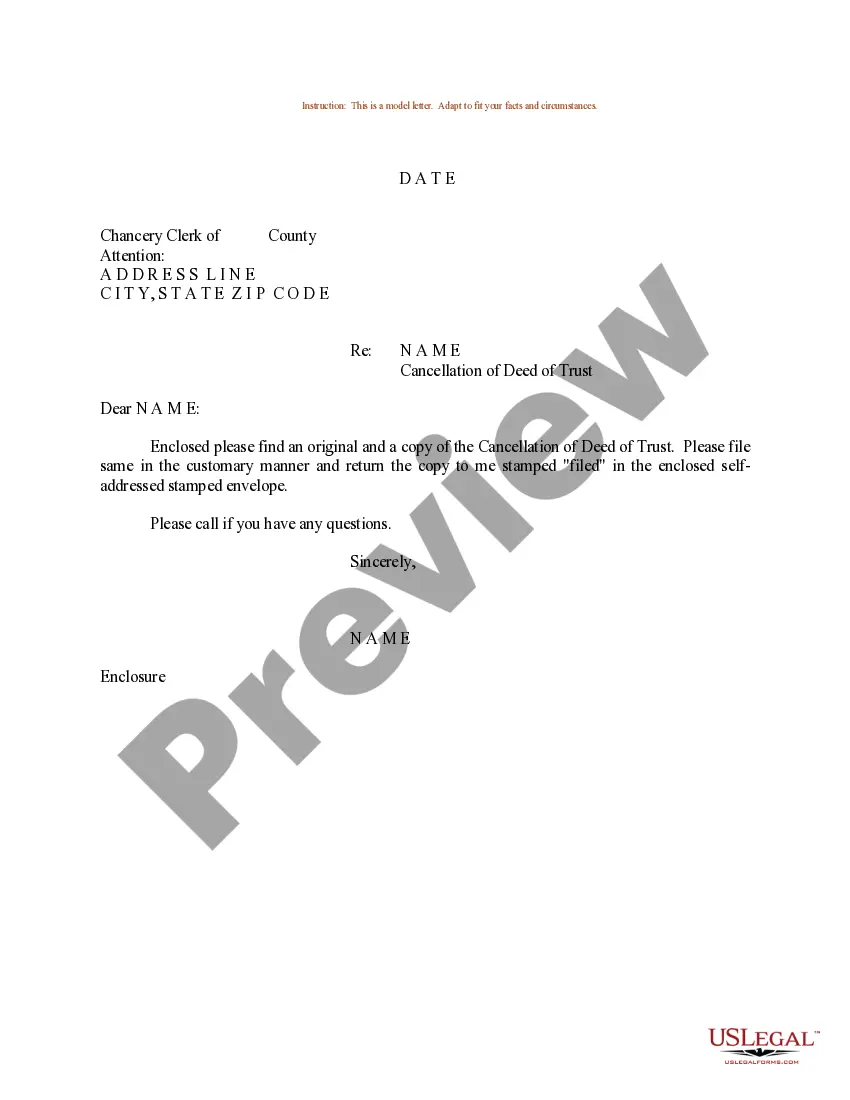
Cancellation Of Trust Registration
Description
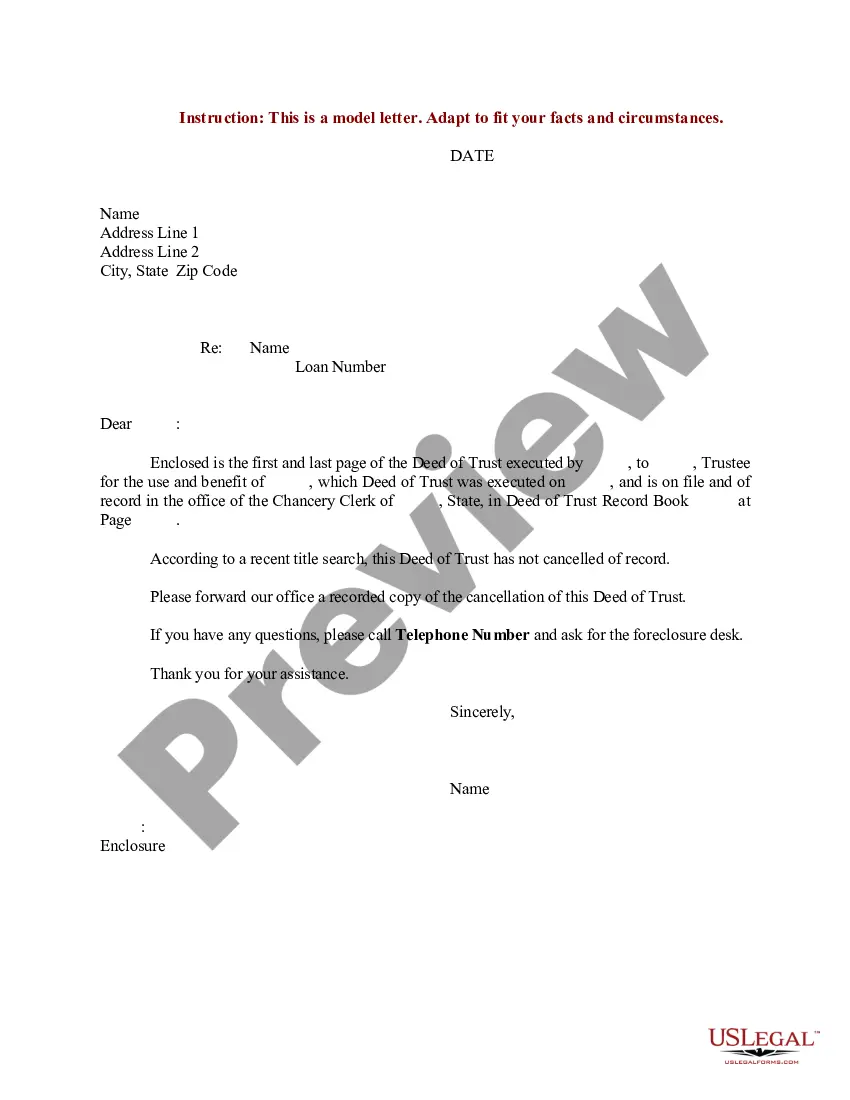
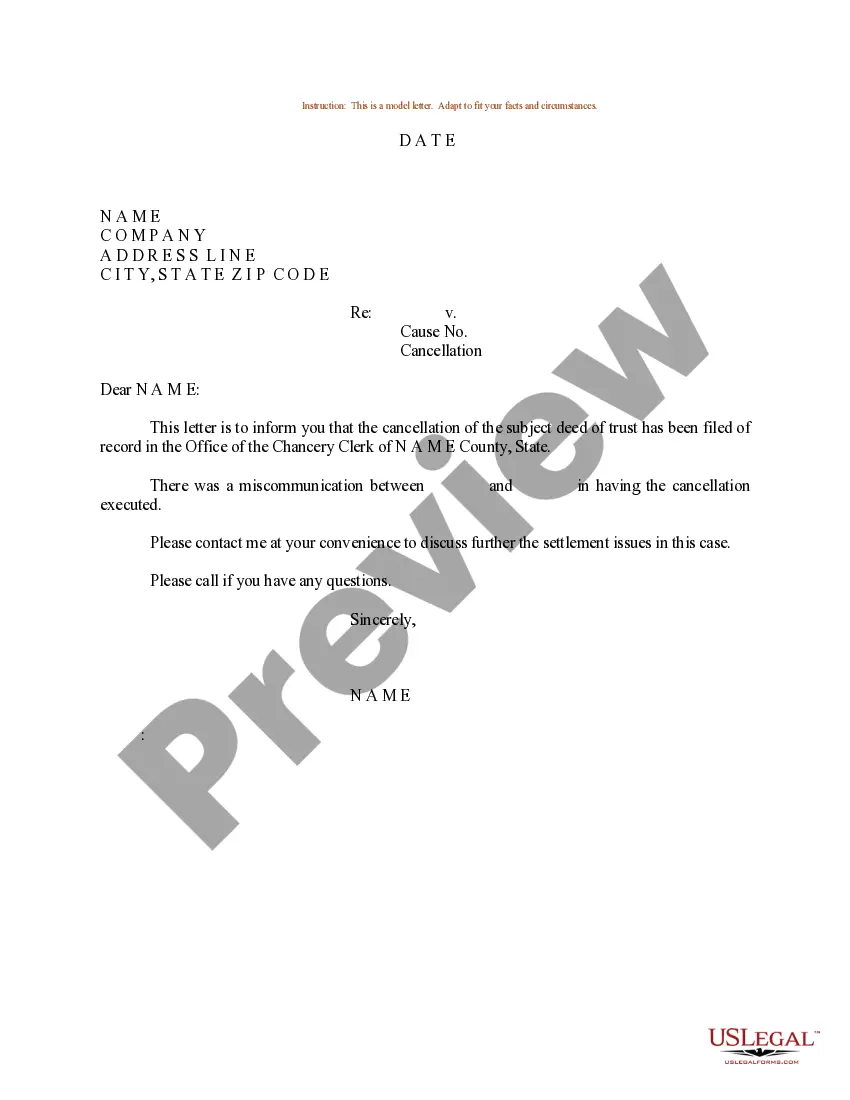
Get your form ready online
Our built-in tools help you complete, sign, share, and store your documents in one place.
Make edits, fill in missing information, and update formatting in US Legal Forms—just like you would in MS Word.
Download a copy, print it, send it by email, or mail it via USPS—whatever works best for your next step.
Sign and collect signatures with our SignNow integration. Send to multiple recipients, set reminders, and more. Go Premium to unlock E-Sign.
If this form requires notarization, complete it online through a secure video call—no need to meet a notary in person or wait for an appointment.
We protect your documents and personal data by following strict security and privacy standards.

Make edits, fill in missing information, and update formatting in US Legal Forms—just like you would in MS Word.

Download a copy, print it, send it by email, or mail it via USPS—whatever works best for your next step.

Sign and collect signatures with our SignNow integration. Send to multiple recipients, set reminders, and more. Go Premium to unlock E-Sign.

If this form requires notarization, complete it online through a secure video call—no need to meet a notary in person or wait for an appointment.

We protect your documents and personal data by following strict security and privacy standards.
Looking for another form?
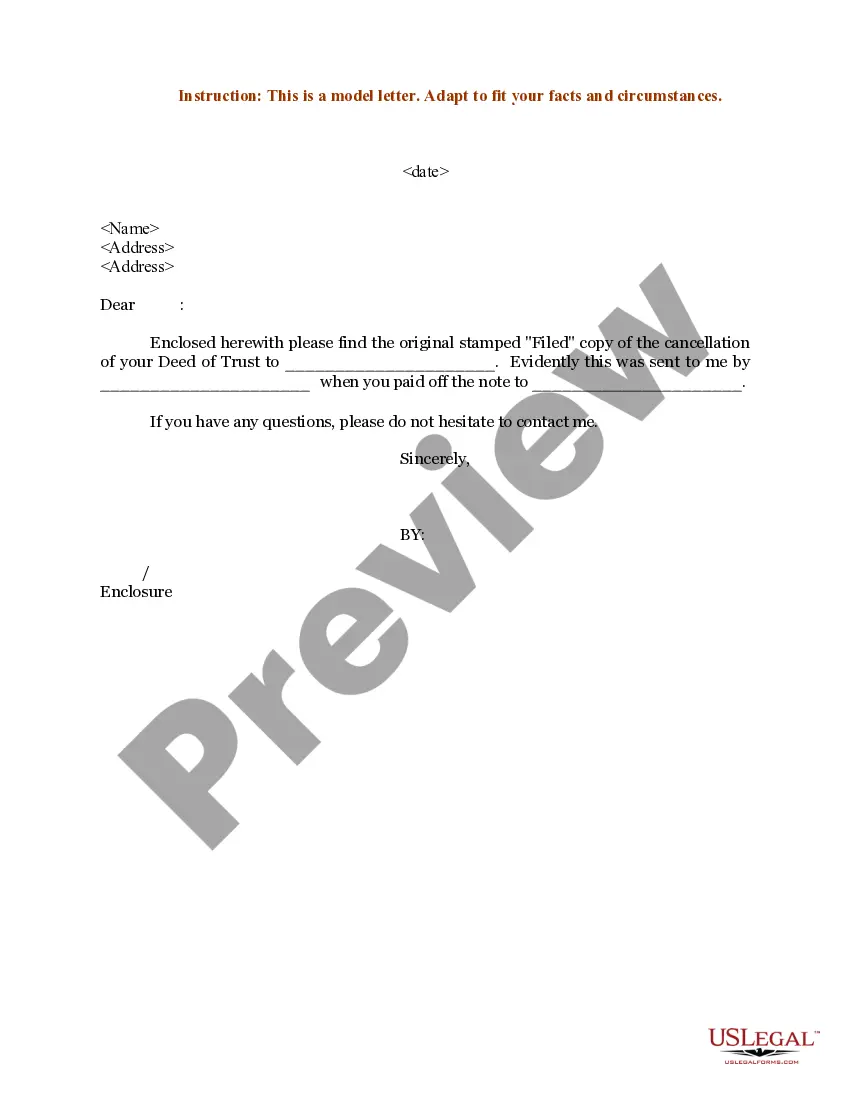
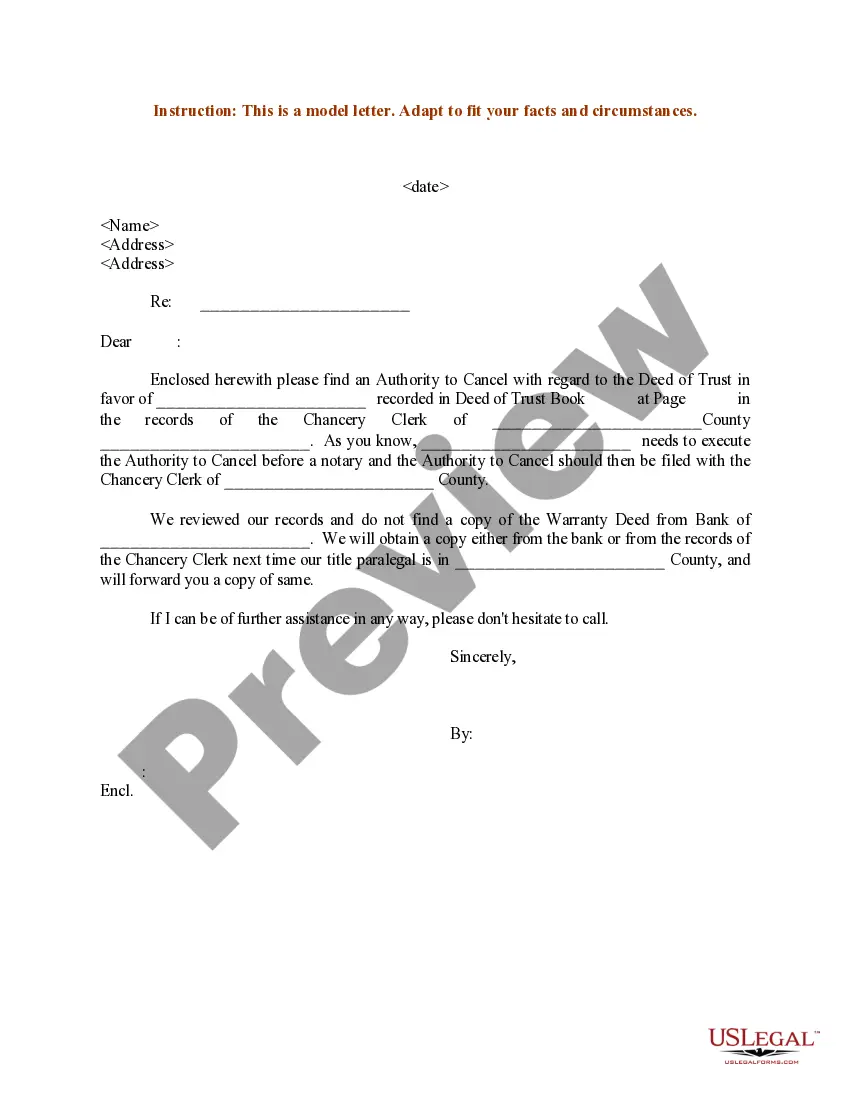
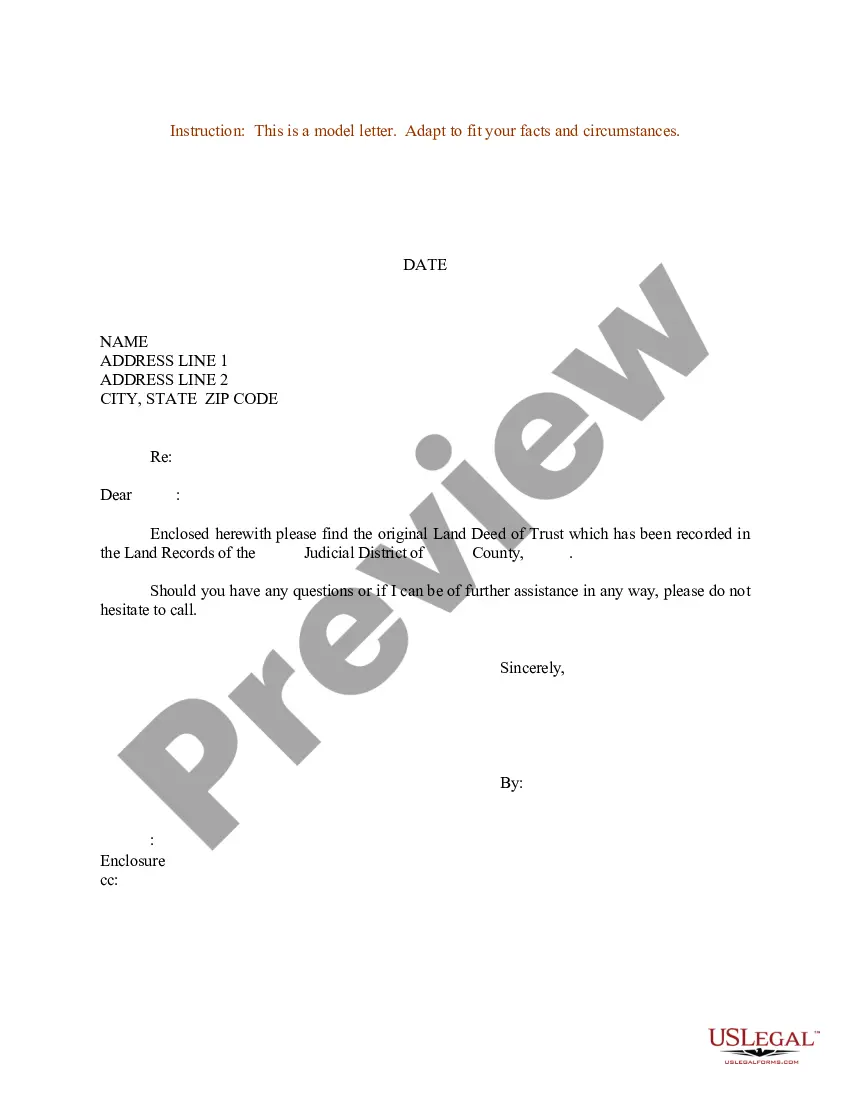
How to fill out Sample Letter Regarding Cancellation Of Deed Of Trust?
Dealing with legal documentation and tasks can be a lengthy addition to your whole day.
Cancellation Of Trust Registration and similar forms generally necessitate you to locate them and figure out how you can fill them out correctly.
Thus, if you are managing financial, legal, or personal issues, utilizing a comprehensive and user-friendly online directory of forms when required will greatly assist.
US Legal Forms is the top online platform for legal documents, providing over 85,000 state-specific forms and a variety of tools to help you complete your paperwork with ease.
Is this your first experience with US Legal Forms? Register and set up your account in a few minutes to gain access to the form directory and Cancellation Of Trust Registration. Next, follow the instructions below to complete your form.
- Browse the selection of pertinent documents available with just a single click.
- US Legal Forms supplies you with state- and county-specific forms available for download at any time.
- Protect your document management processes using a high-quality service that allows you to create any form within a few minutes without incurring extra or concealed charges.
- Simply Log In to your account, find Cancellation Of Trust Registration, and obtain it immediately in the My documents section.
- You can also retrieve forms you’ve downloaded previously.
Form popularity
FAQ
An irrevocable trust can get revoked with the consent of both the settlor/trustor and the beneficiary. If the trustor/settlor dies, the beneficiary's consent is required, which should be done in the court of law.
The first step in dissolving a revocable trust is to remove all the assets that have been transferred into it. The second step is to fill out a formal revocation form, stating the grantor's desire to dissolve the trust.
The process for dissolving a trust through the consent of beneficiaries is as follows: the beneficiaries together agree to dissolve the trust; the beneficiaries discharge the trustee; trust property is directed to the beneficiaries; and. it is recorded that the trust is terminated.
A charitable trust board applying to be dissolved must confirm that it: is no longer operating. has no assets ? all surplus assets have been disposed of as required by the trust deed/rules and the Charitable Trusts Act 1957. has no liabilities (debts) including contingent liabilities.
If your charitable trust board is no longer operating, you can apply to us to have it dissolved and removed from the register. Before requesting that a charitable trust board be dissolved, you must deal with any outstanding assets and/or liabilities in the manner specified in its rules or trust deed.