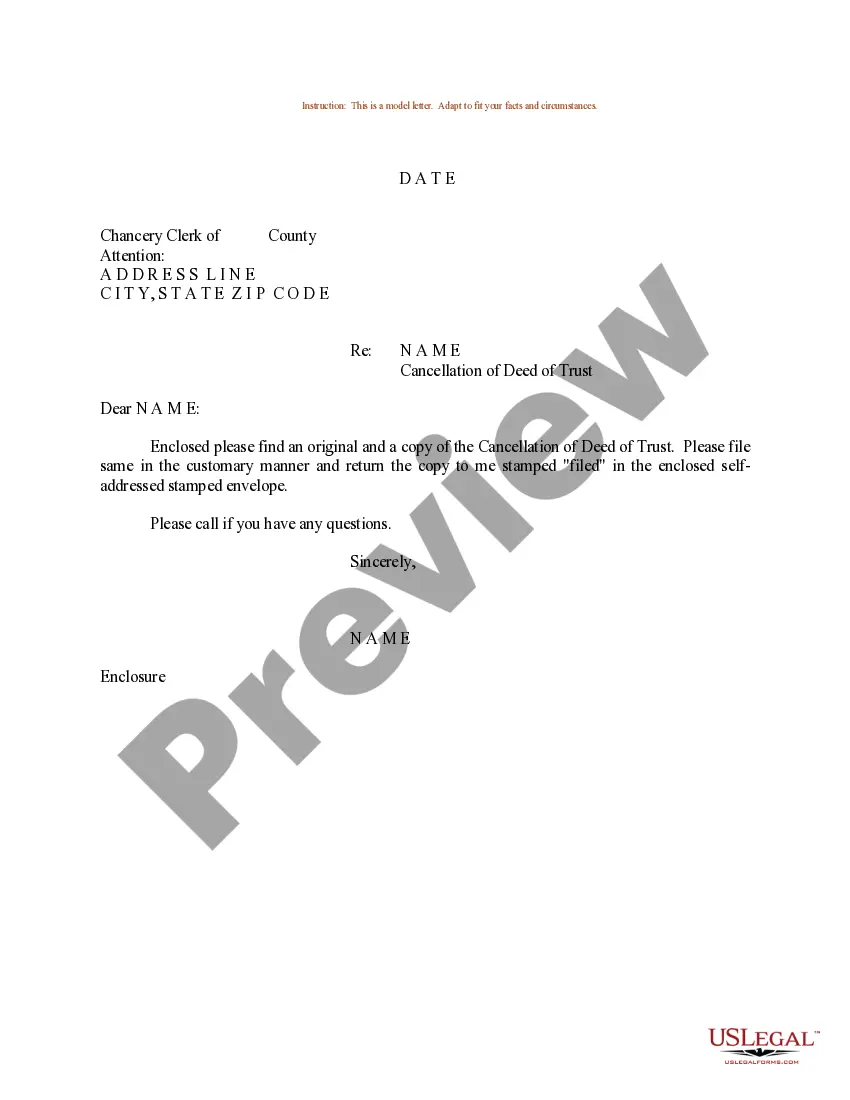
Cancellation Of Trust
Description
Get your form ready online
Our built-in tools help you complete, sign, share, and store your documents in one place.
Make edits, fill in missing information, and update formatting in US Legal Forms—just like you would in MS Word.
Download a copy, print it, send it by email, or mail it via USPS—whatever works best for your next step.
Sign and collect signatures with our SignNow integration. Send to multiple recipients, set reminders, and more. Go Premium to unlock E-Sign.
If this form requires notarization, complete it online through a secure video call—no need to meet a notary in person or wait for an appointment.
We protect your documents and personal data by following strict security and privacy standards.

Make edits, fill in missing information, and update formatting in US Legal Forms—just like you would in MS Word.

Download a copy, print it, send it by email, or mail it via USPS—whatever works best for your next step.

Sign and collect signatures with our SignNow integration. Send to multiple recipients, set reminders, and more. Go Premium to unlock E-Sign.

If this form requires notarization, complete it online through a secure video call—no need to meet a notary in person or wait for an appointment.

We protect your documents and personal data by following strict security and privacy standards.
Looking for another form?
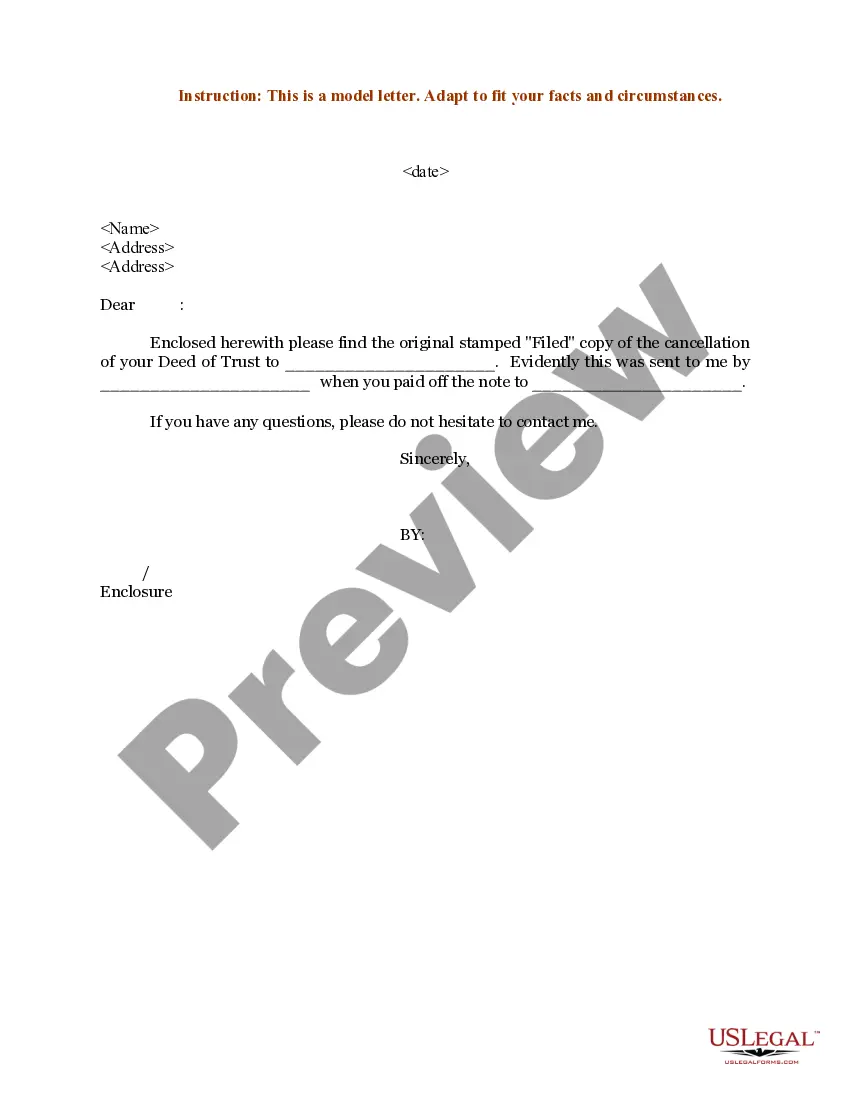
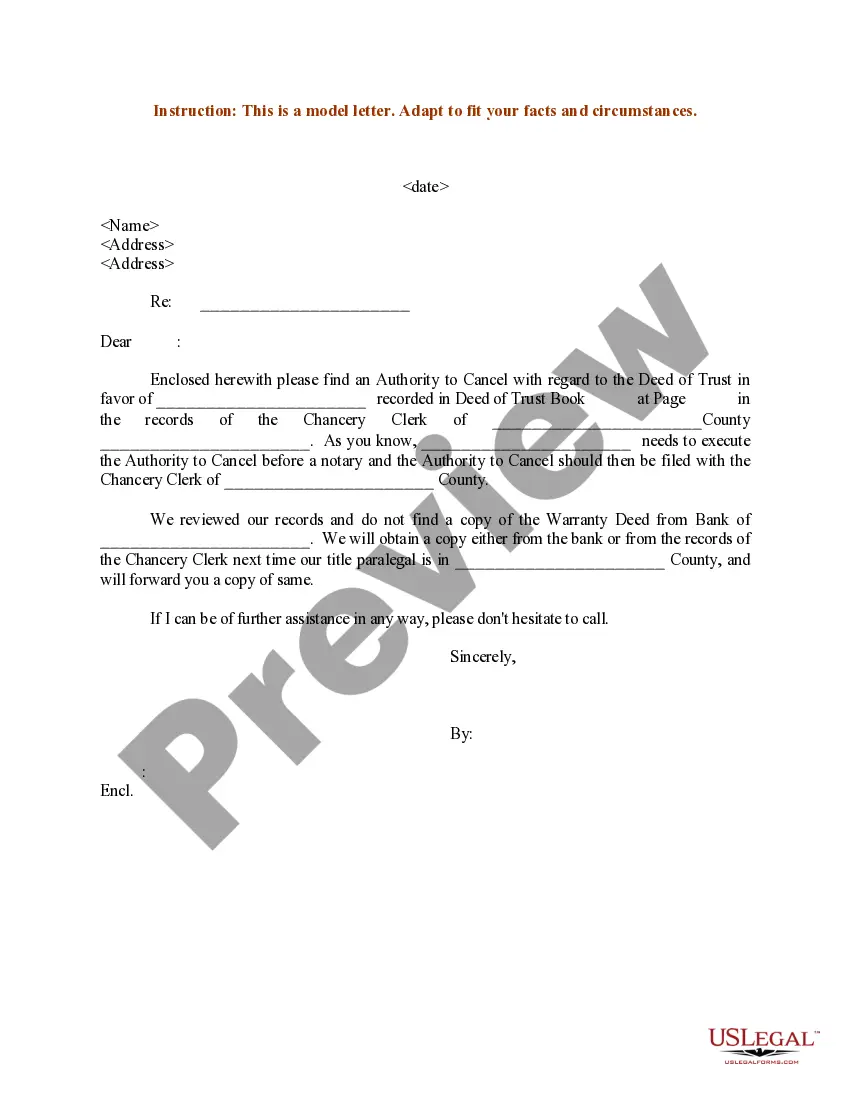
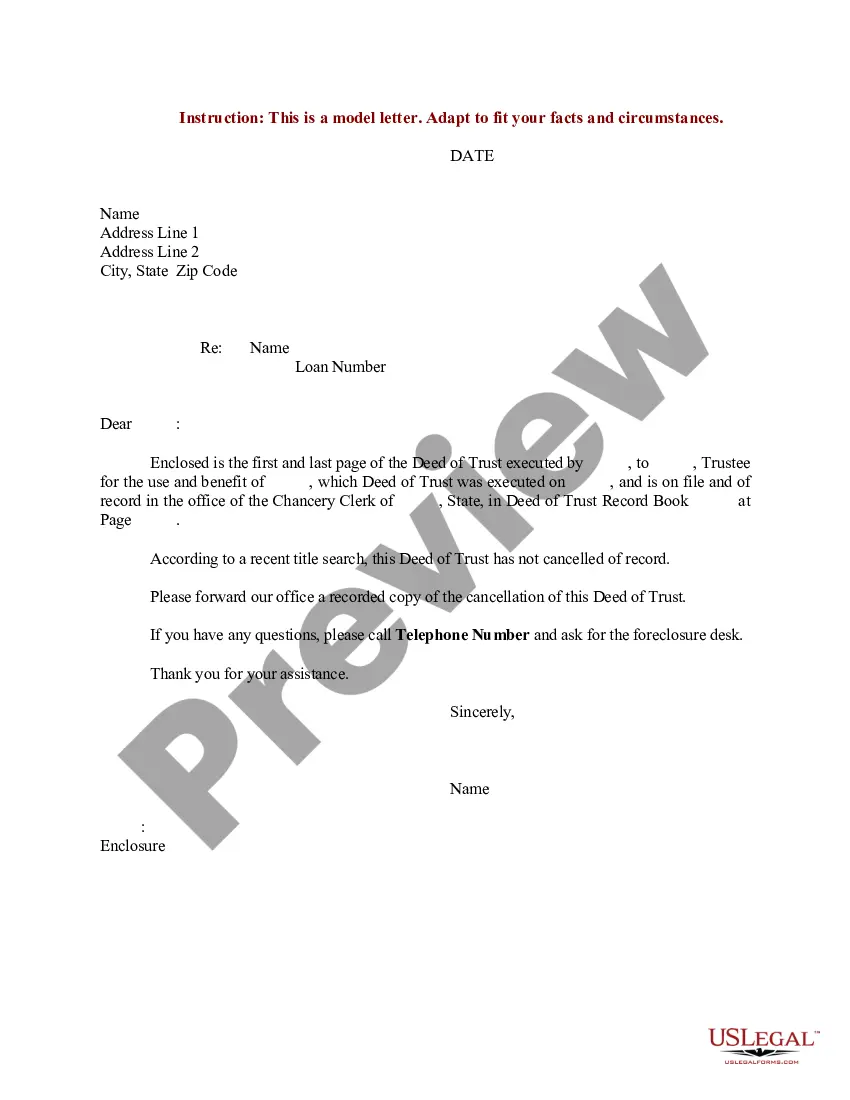
How to fill out Sample Letter Regarding Cancellation Of Deed Of Trust?
Whether for corporate objectives or personal matters, everyone must handle legal issues at some stage in their life.
Filling out legal paperwork requires meticulous care, starting with choosing the appropriate template.
With a vast collection of US Legal Forms available, you won’t have to waste time searching for the correct template online. Utilize the library’s straightforward navigation to locate the suitable document for any occasion.
- Obtain the template you require using the search bar or catalog navigation.
- Review the document’s details to verify it suits your situation, state, and locality.
- Click on the document’s preview to inspect it.
- If it is the wrong file, return to the search tool to find the Cancellation Of Trust template you need.
- Acquire the document when it aligns with your needs.
- If you already hold a US Legal Forms account, simply click Log in to access previously saved documents in My documents.
- If you do not possess an account yet, you can obtain the document by clicking Buy now.
- Choose the appropriate pricing option.
- Complete the profile registration form.
- Select your payment method: you can use a credit card or PayPal account.
- Choose the document format you desire and download the Cancellation Of Trust.
- Once it is saved, you can fill out the form using editing software or print it and complete it manually.
Form popularity
FAQ
A beneficiary can renounce their interest from the trust and, upon the consent of other beneficiaries, be allowed to exit. A trustee cannot remove a beneficiary from an irrevocable trust. A grantor can remove a beneficiary from a revocable trust by going back to the trust deed codes that allow for the same.
A petition for removal of a trustee can be filed by either a co-trustee or a beneficiary. The petition may also seek financial damages from the trustee. Sufficient evidence needs to be submitted to show the court that the trustee violated the terms of the trust agreement or their fiduciary duty.
You can dissolve a revocable trust by removing assets from the trust, and signing the proper legal document, called a trust dissolution form, which you can find online or hire a lawyer to write for you.
Irrevocable trusts cannot be modified, amended, or terminated without permission from the grantor's beneficiaries or by court order. The grantor transfers all ownership of assets into the trust and legally removes all of their ownership rights to the assets and the trust.
To close the trust, the trustee must: determine all the assets of the trust; determine how to deal with each asset (for example, transferring an asset to a beneficiary or selling it and distributing the net proceeds to beneficiaries); discharge all the liabilities of the trust, including tax liabilities;