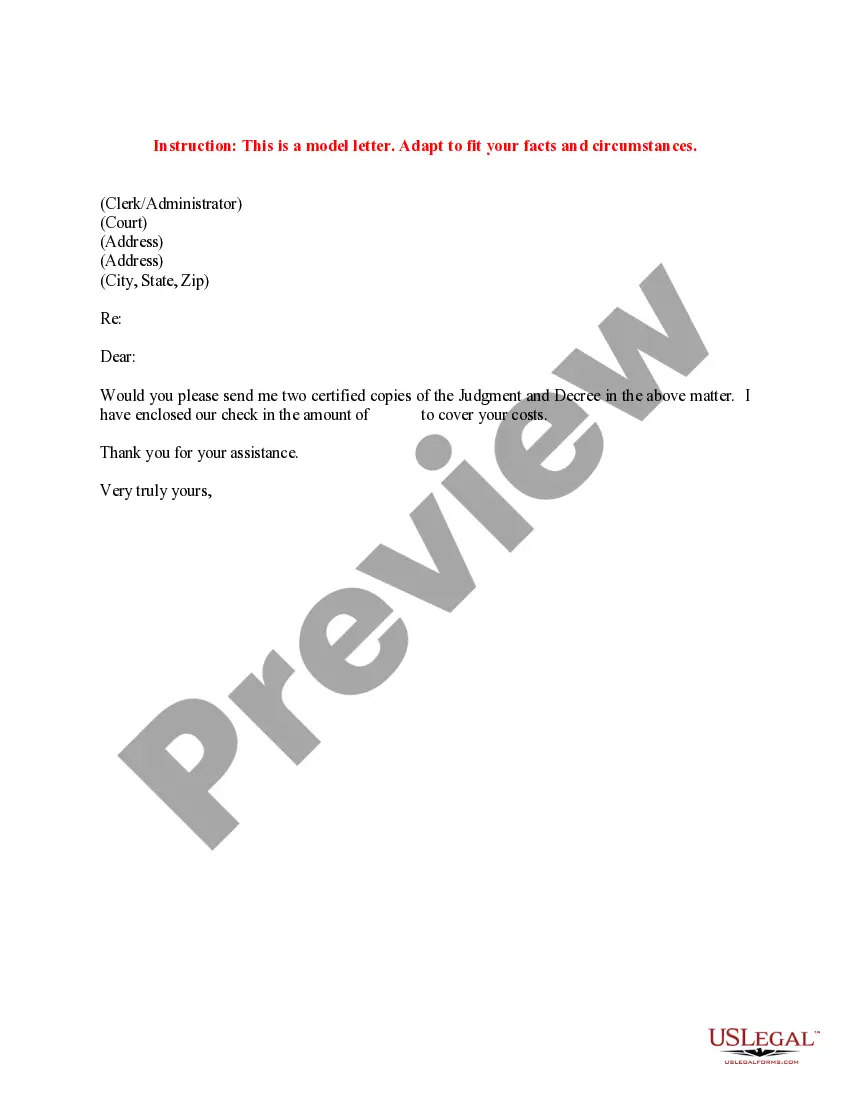
Certified Copy Document By
Description


Get your form ready online
Our built-in tools help you complete, sign, share, and store your documents in one place.
Make edits, fill in missing information, and update formatting in US Legal Forms—just like you would in MS Word.
Download a copy, print it, send it by email, or mail it via USPS—whatever works best for your next step.
Sign and collect signatures with our SignNow integration. Send to multiple recipients, set reminders, and more. Go Premium to unlock E-Sign.
If this form requires notarization, complete it online through a secure video call—no need to meet a notary in person or wait for an appointment.
We protect your documents and personal data by following strict security and privacy standards.

Make edits, fill in missing information, and update formatting in US Legal Forms—just like you would in MS Word.

Download a copy, print it, send it by email, or mail it via USPS—whatever works best for your next step.

Sign and collect signatures with our SignNow integration. Send to multiple recipients, set reminders, and more. Go Premium to unlock E-Sign.

If this form requires notarization, complete it online through a secure video call—no need to meet a notary in person or wait for an appointment.

We protect your documents and personal data by following strict security and privacy standards.
Looking for another form?


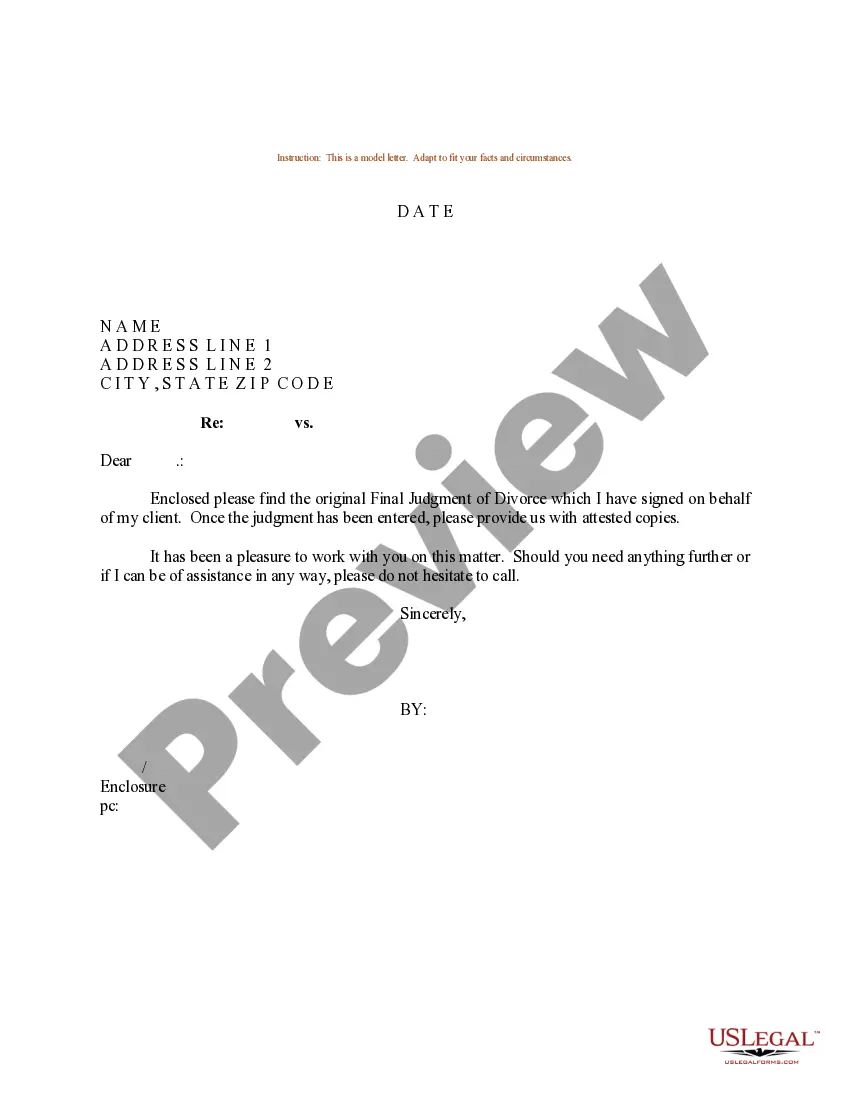
How to fill out Sample Letter Requesting Certified Copies Of Judgment And Decree?
Handling legal documents can be cumbersome, even for seasoned professionals.
When you are looking for a Certified Copy Document By and lack the time to dedicate to finding the correct and latest version, the process can be overwhelming.
Gain entry to a collection of articles, tutorials, manuals, and materials related to your situation and requirements.
Save time and energy searching for the documents you need, utilizing US Legal Forms' advanced search and Review feature to find Certified Copy Document By and obtain it.
Experience the US Legal Forms online catalog, supported by 25 years of expertise and trustworthiness. Transform your daily document management into a seamless and user-friendly experience today.
- If you have a monthly subscription, Log In to your US Legal Forms account, search for the form, and download it.
- Check the My documents section to view the documents you have previously saved and to organize your folders as needed.
- If this is your first experience with US Legal Forms, create an account and enjoy unlimited access to all platform benefits.
- After downloading the form you desire, verify it is the correct document by reviewing it and reading its description.
- Confirm that the template is authorized in your state or county.
- Click Buy Now when you are ready.
- Choose a monthly subscription option.
- Select your preferred format, and Download, complete, sign, print, and submit your document.
- Access state- or county-specific legal and business documents.
- US Legal Forms accommodates any requirements you may have, from personal to business paperwork, all in one place.
- Leverage cutting-edge tools to create and manage your Certified Copy Document By.
Form popularity
FAQ
The certifier will then write or stamp the copy with the words: ?Certified to be a true copy of the original seen by me.? They will sign and date the copy, and write or stamp their: name.
Certify your document at the clerk of court then the secretary of state. Using a notary commissioned by the state? Certify your document at the secretary of state.
Certified True Copies To make a Certified True Copy of your document, you will need to bring the original and a photocopy to a Canadian Notary Public. The notary will compare the copy to the original and will certify the copy by placing their signature and seal directly on the copy.
Identity is critical. The notary must be certain that the person appearing before him/her is who that person claims to be. Personal appearance before the notary is required. A notary cannot notarize a document by video or remotely.
If you need a certified copy of either document type, you must bring the original document and the copy to the notary public. The notary will closely compare the original and copy. Once satisfied that the copy is a true copy, they will verify and certify by dating, stamping and signing the document as a true copy.