Pastor Form Template For Employees
Description

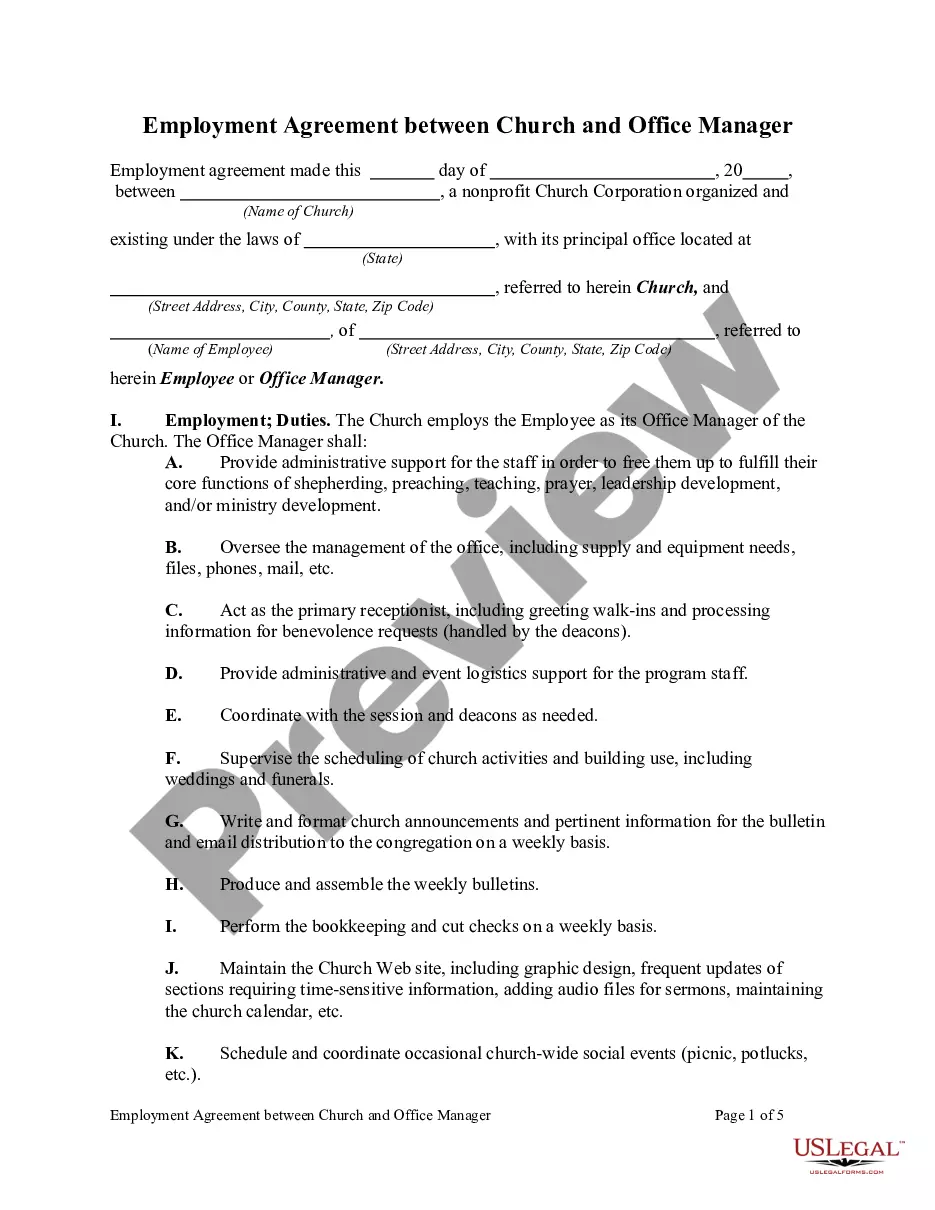
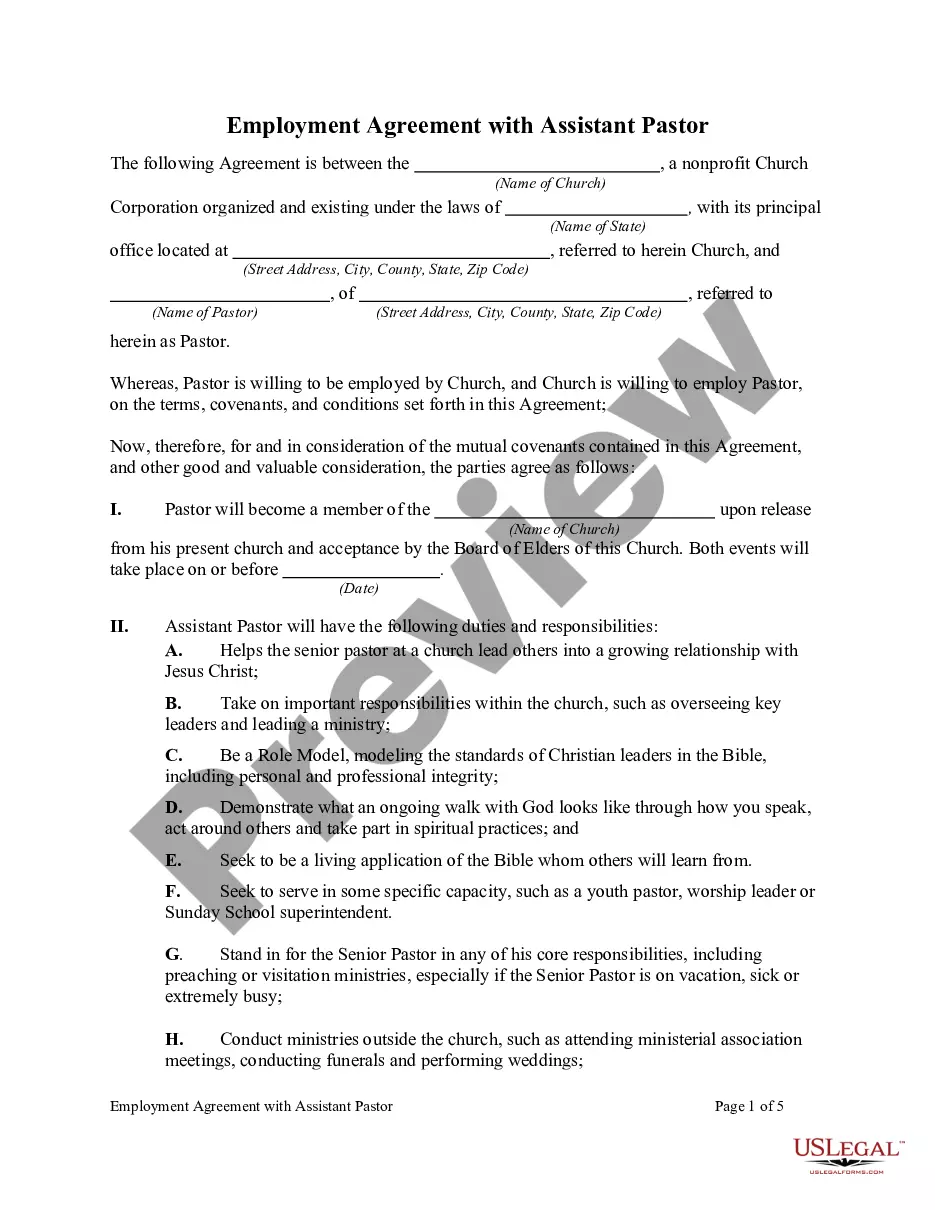
Get your form ready online
Our built-in tools help you complete, sign, share, and store your documents in one place.
Make edits, fill in missing information, and update formatting in US Legal Forms—just like you would in MS Word.
Download a copy, print it, send it by email, or mail it via USPS—whatever works best for your next step.
Sign and collect signatures with our SignNow integration. Send to multiple recipients, set reminders, and more. Go Premium to unlock E-Sign.
If this form requires notarization, complete it online through a secure video call—no need to meet a notary in person or wait for an appointment.
We protect your documents and personal data by following strict security and privacy standards.

Make edits, fill in missing information, and update formatting in US Legal Forms—just like you would in MS Word.

Download a copy, print it, send it by email, or mail it via USPS—whatever works best for your next step.

Sign and collect signatures with our SignNow integration. Send to multiple recipients, set reminders, and more. Go Premium to unlock E-Sign.

If this form requires notarization, complete it online through a secure video call—no need to meet a notary in person or wait for an appointment.

We protect your documents and personal data by following strict security and privacy standards.
Looking for another form?
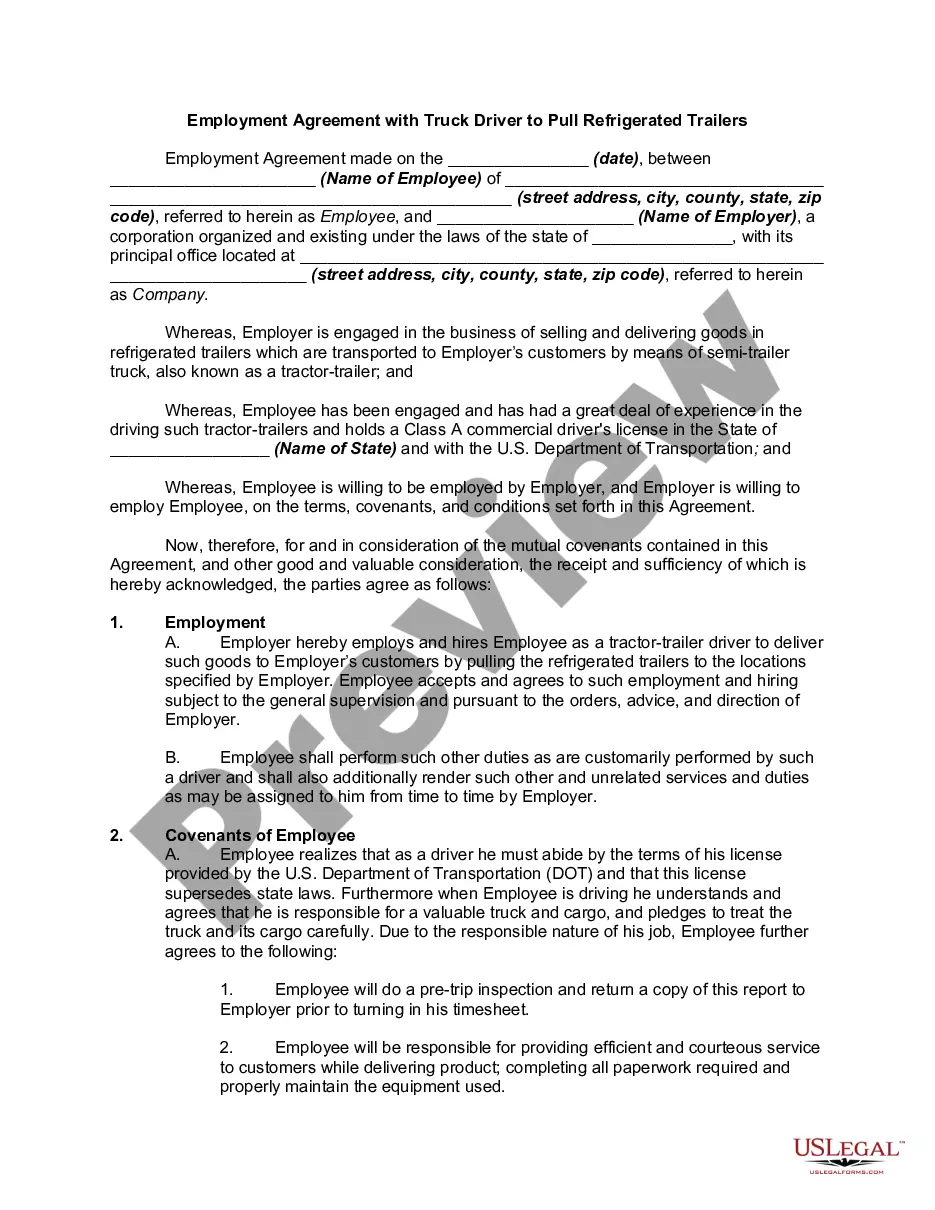
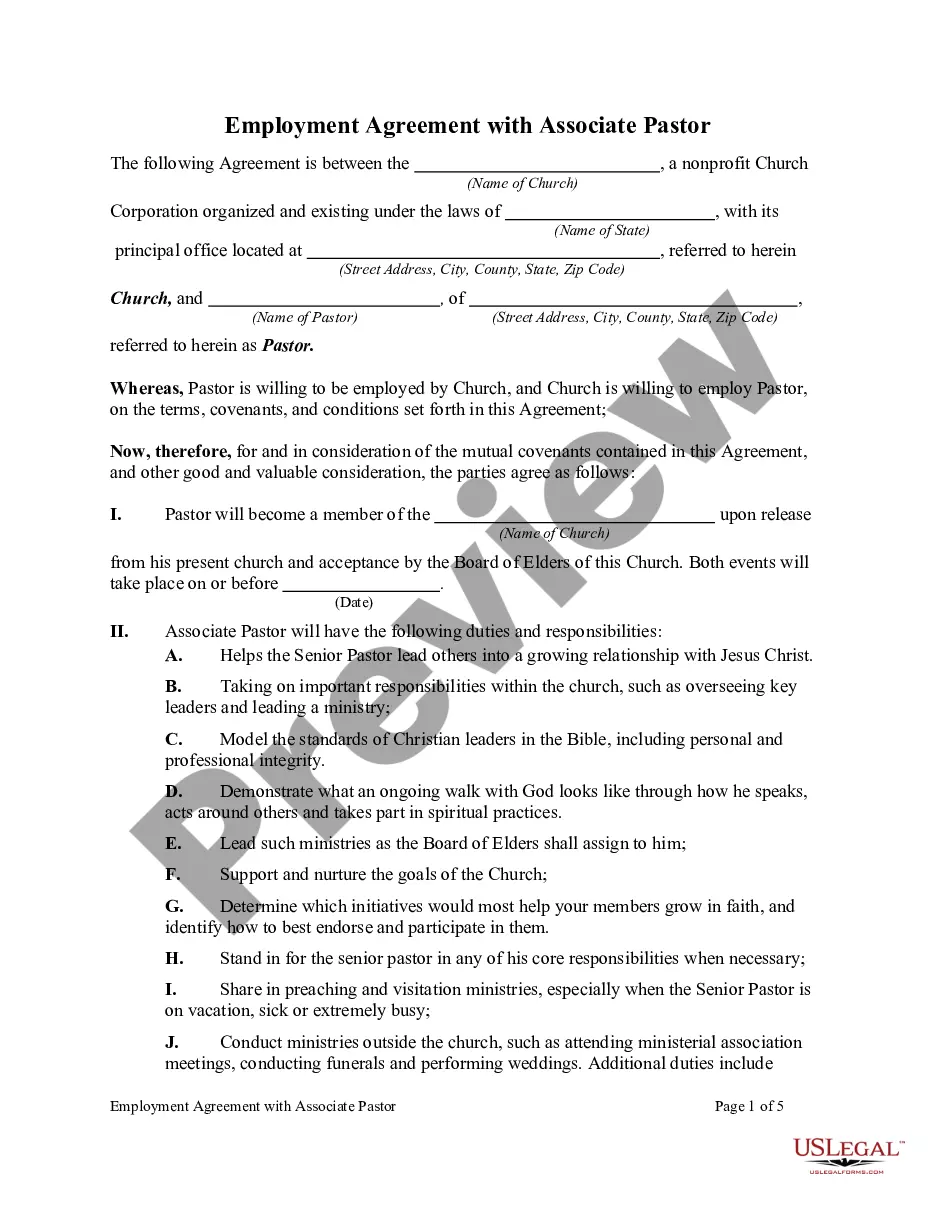
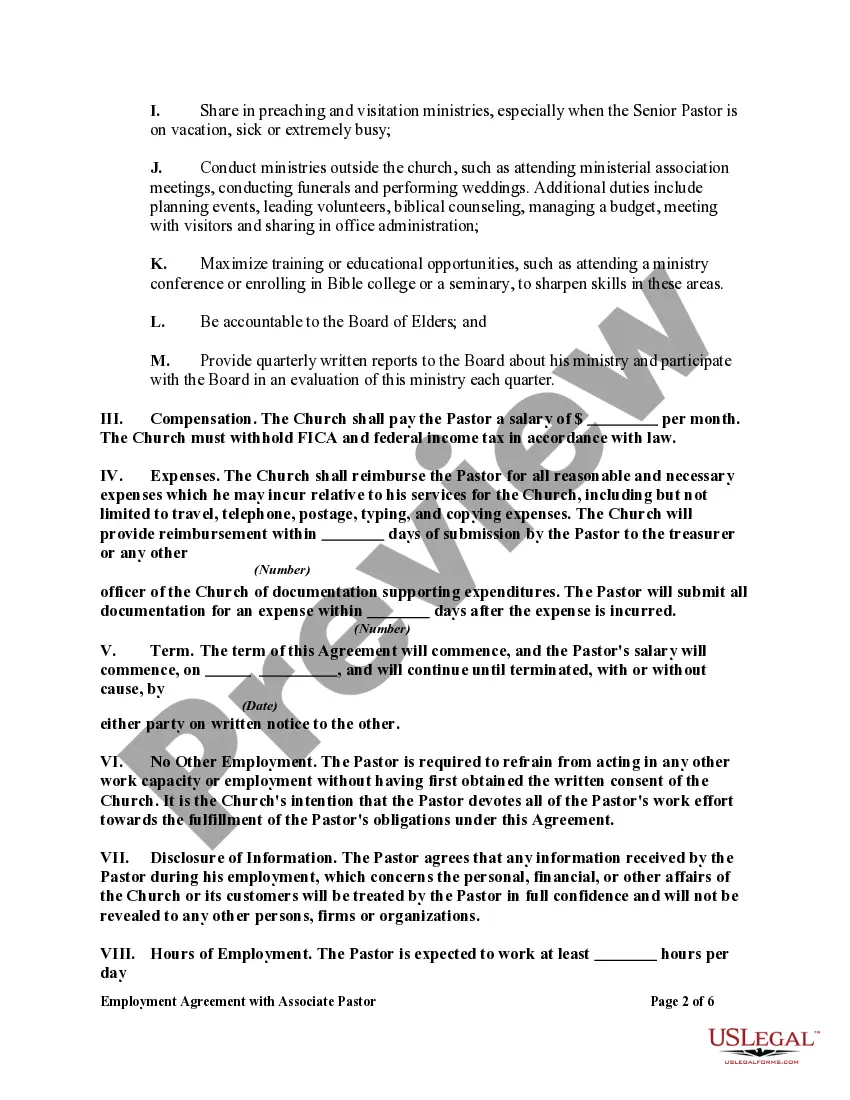
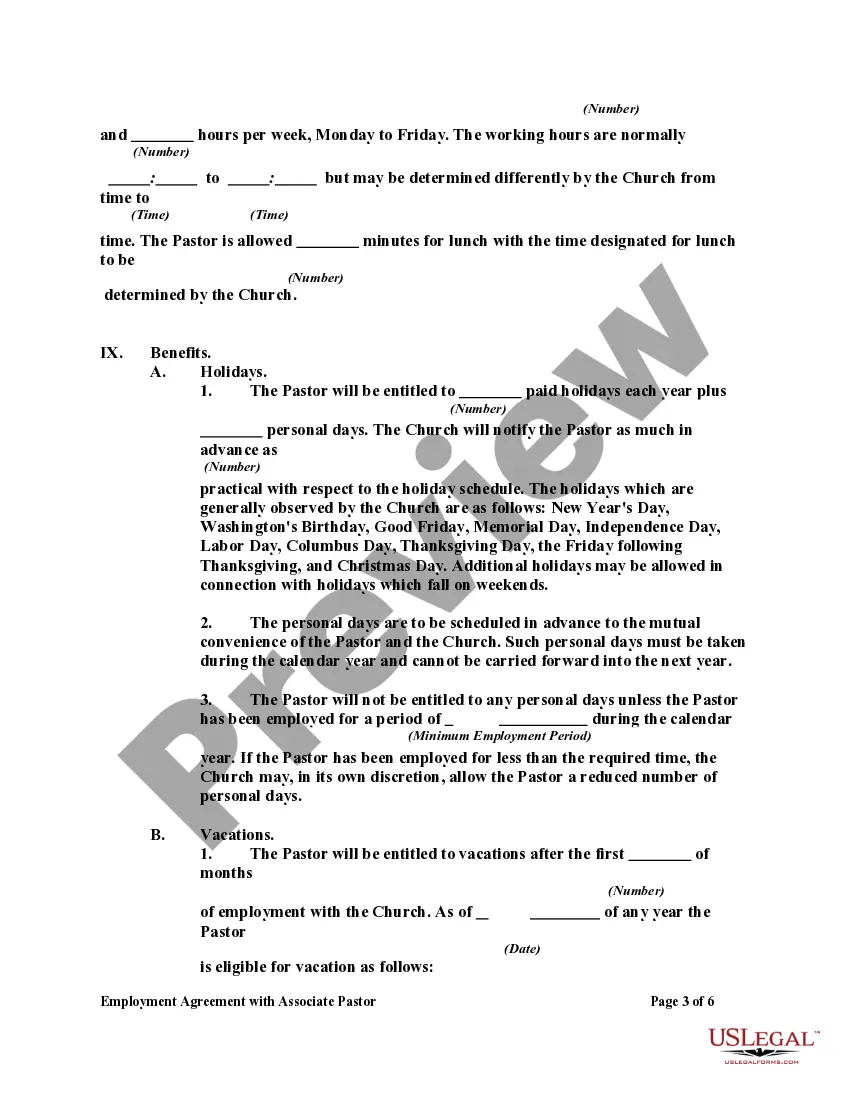
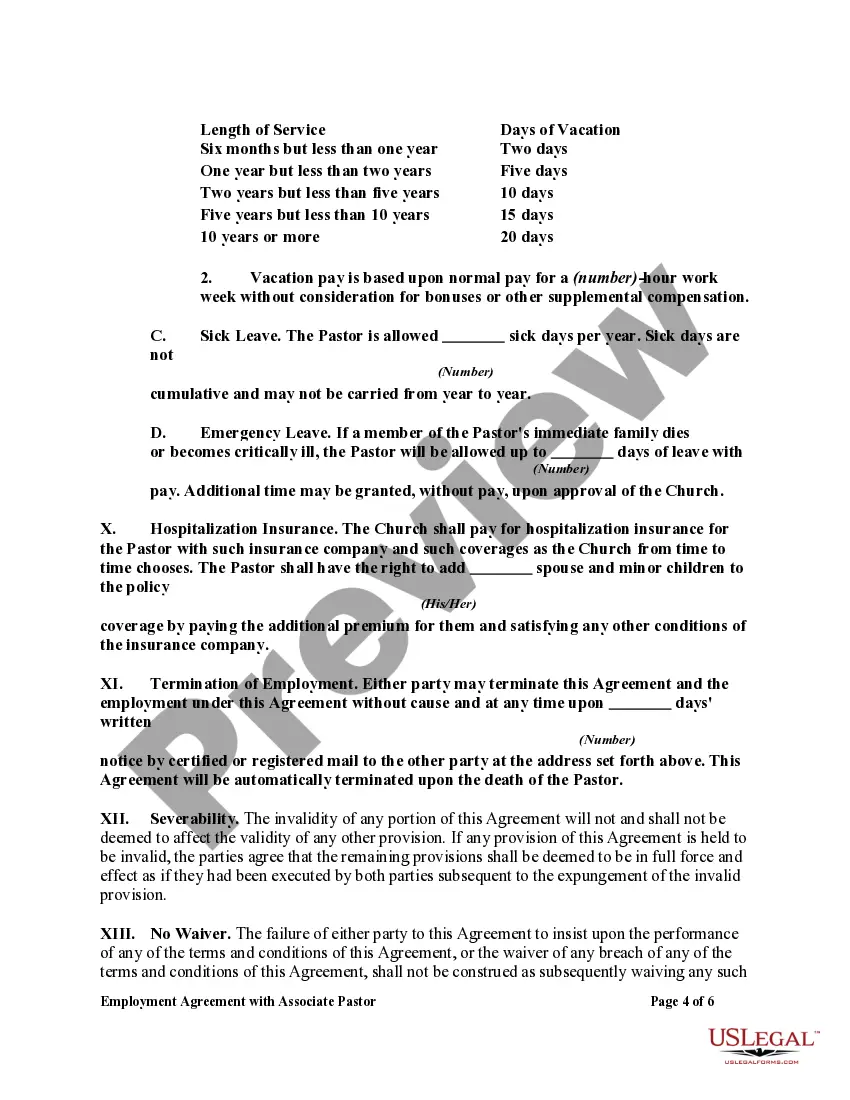
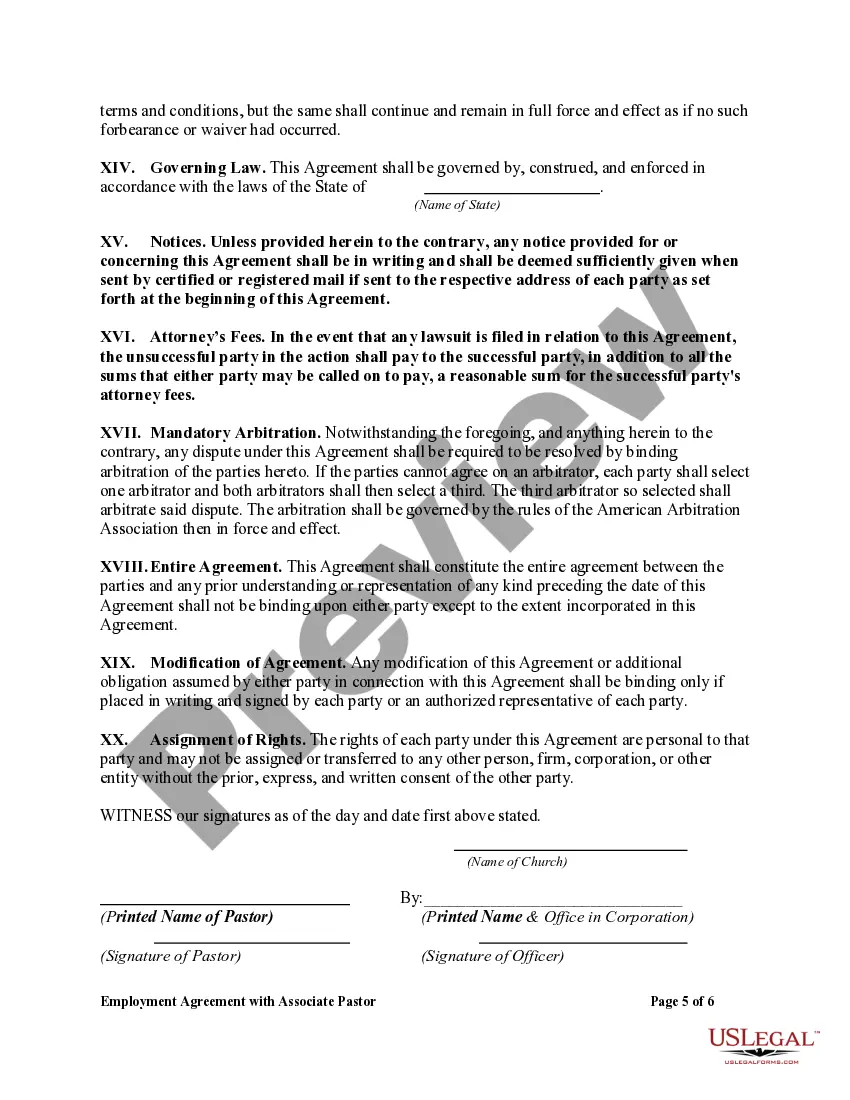
How to fill out Employment Agreement With Associate Pastor?
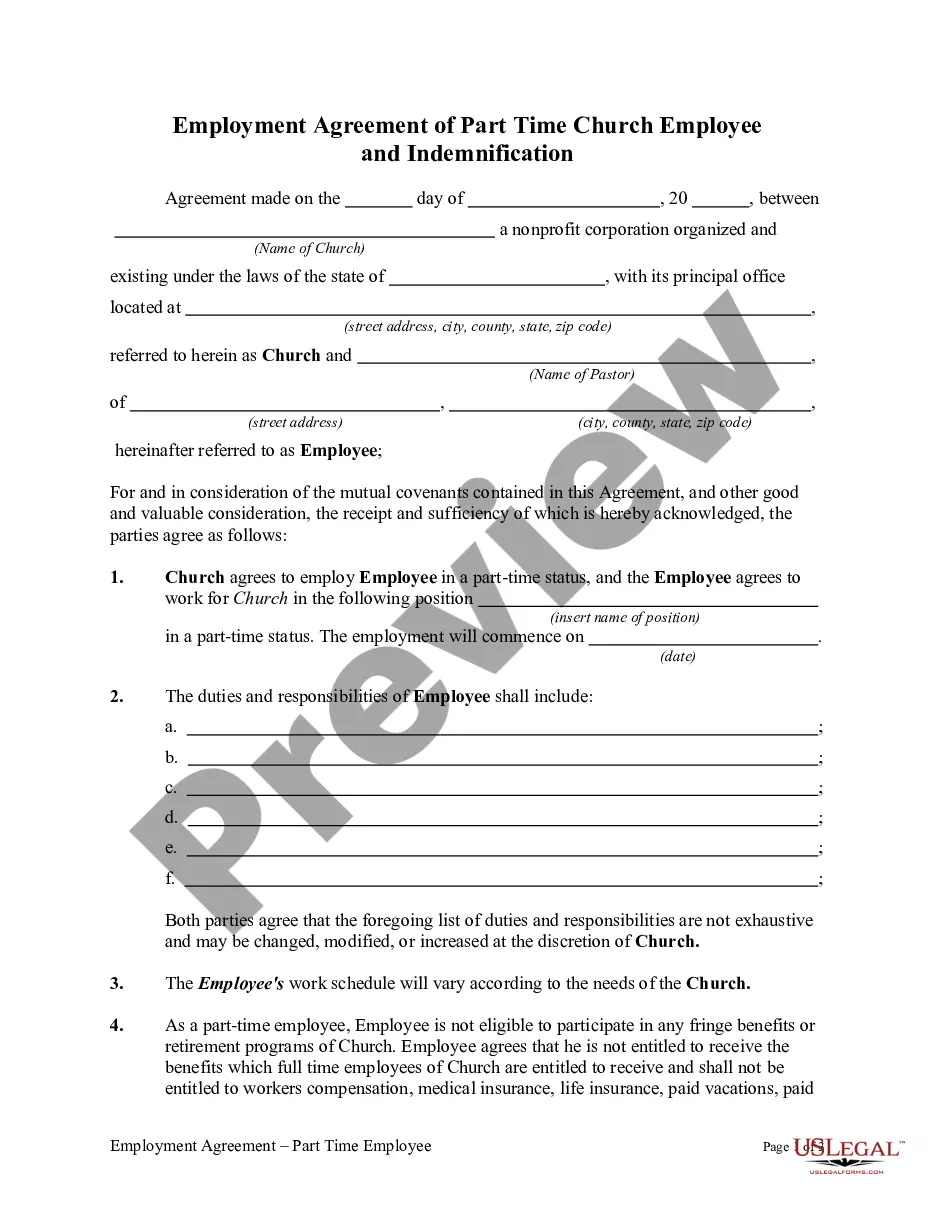
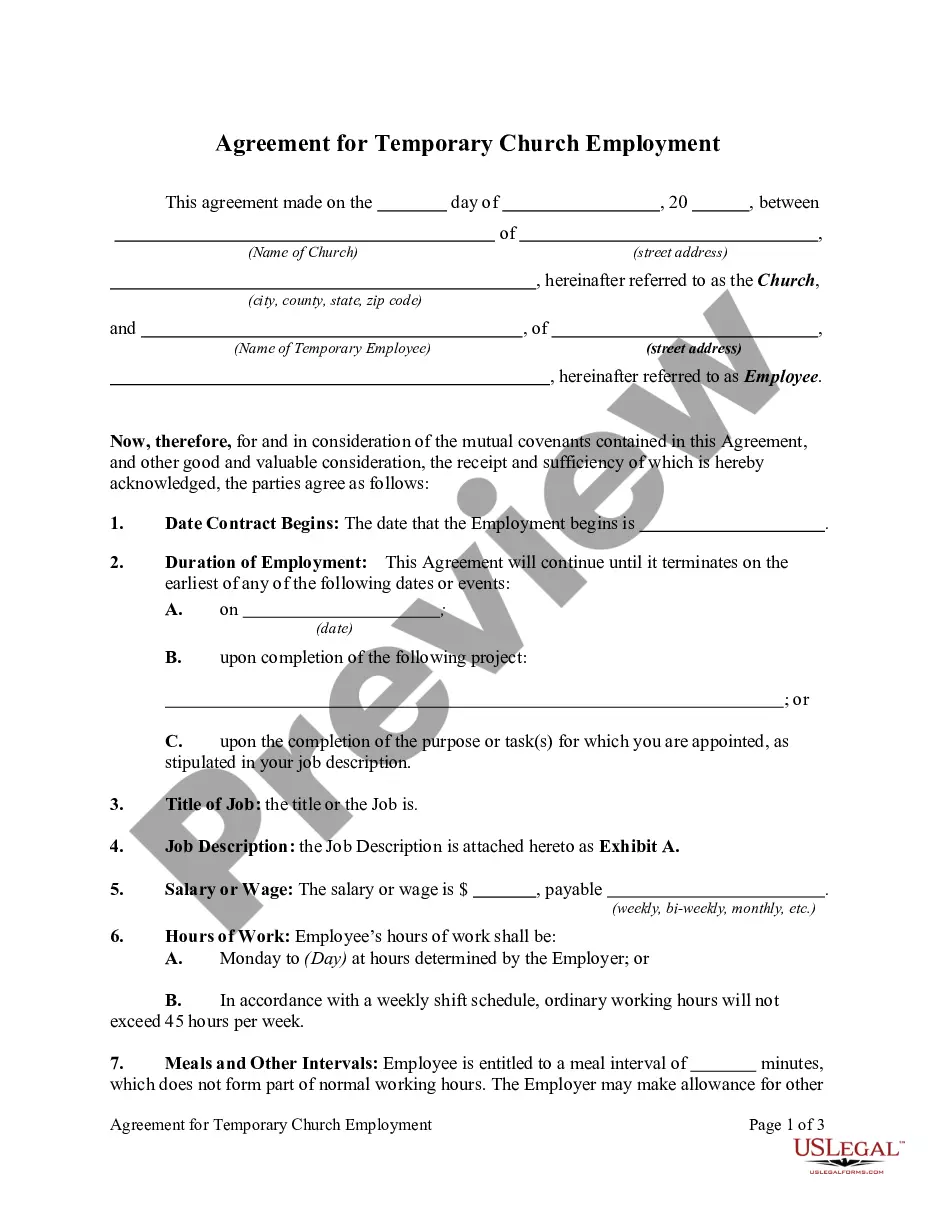
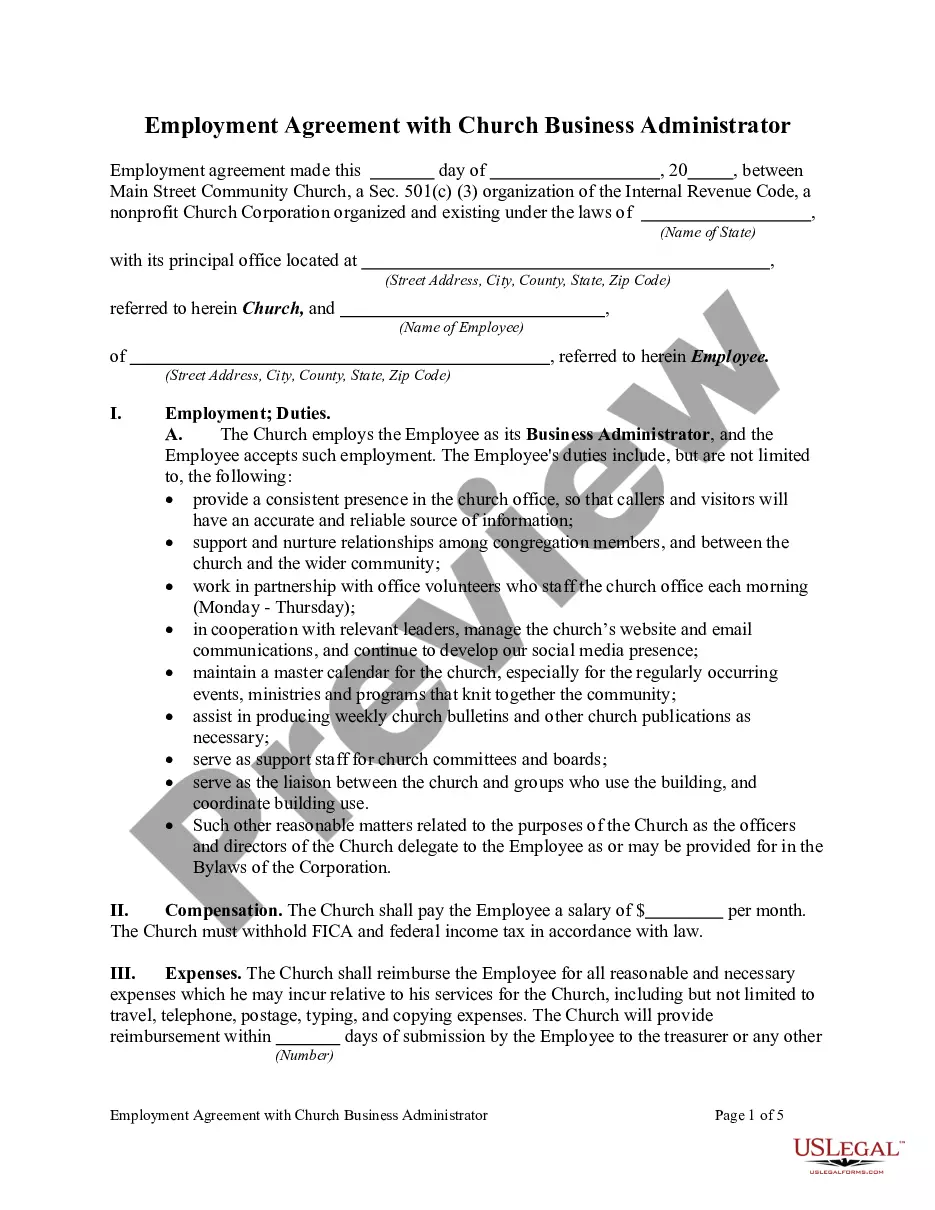
The Pastor Form Template For Employees displayed on this page is a reusable formal document crafted by expert attorneys in compliance with federal and state laws.
For over 25 years, US Legal Forms has supplied individuals, businesses, and legal experts with upwards of 85,000 authenticated, state-specific forms suitable for any corporate and personal scenario.
Select your preferred format for the Pastor Form Template For Employees (PDF, Word, RTF) and download the example to your device. Fill out and sign the document. Print the template to fill it by hand. Alternatively, use an online all-in-one PDF editor to promptly and accurately complete and sign your form with a valid signature. Re-download your documents whenever necessary. Access the My documents tab in your profile to retrieve any previously saved forms. Subscribe to US Legal Forms to have authentic legal templates for every aspect of life at your fingertips.
- Explore the document you require and examine it.
- Search through the file you sought and preview or review the form description to ensure it meets your needs. If it doesn't, use the search feature to find the appropriate one. Click Buy Now once you have found the template you seek.
- Register and Log In.
- Choose the pricing option that best fits you and create an account. Use PayPal or a credit card for a quick payment. If you possess an account already, Log In and verify your subscription to proceed.
- Retrieve the editable template.
Form popularity
FAQ
Probate is required for most estates in Oregon, and the type of probate process depends largely on the value of the assets that are in your name when you pass away.
Since 1859 the probate judge in each county has had jurisdiction over wills and the disposition of estates. Although some records are in the circuit court, the majority are kept by the clerk of each county court.
Personal property in the estate must have a value less than $75,000. Real property in the estate must have a fair market value less than $200,000.
You may contact the Probate Department by phone at 541.682. 4033 to see if the will has been filed or is involved in an estate proceeding.
You will need photo identification. Sign the Affidavit in the presence of the notary or clerk. ? You will need the death certificate and the will (if any) o You need a certified copy of the death certificate. You can get the death certificate from the funeral home or the Office of Vital Statistics.
Probate can be started immediately after death and takes a minimum of four months. If the estate includes property that takes a while to sell, or if there are complicated tax or other matters, probate can last much longer. A small estate proceeding cannot be filed until 30 days after death and is complete upon filing.
While probate can complete in as little as 5 months, in Oregon this process typically takes 6-9 months. Once the four-month discovery and notice period is complete, the probate court and PR begin overseeing the settling of the estate.