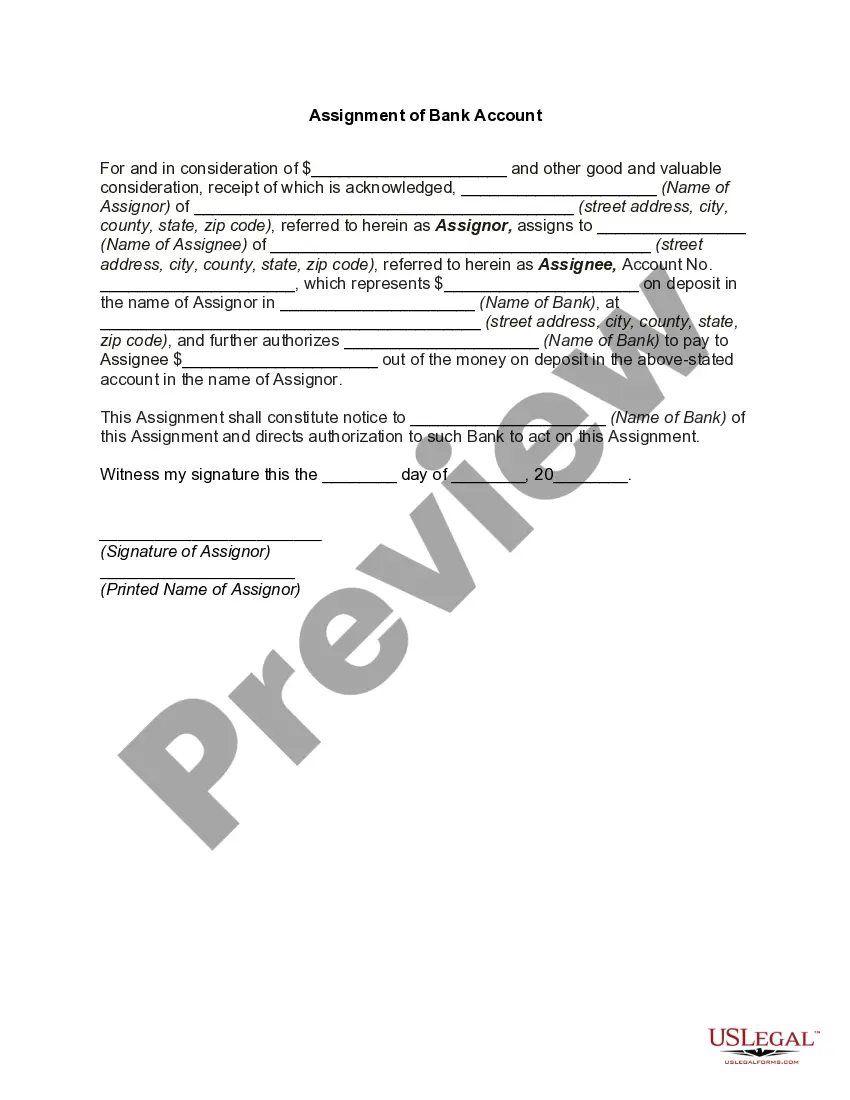
Bank Assignment Account Without Confirmation
Description

Get your form ready online
Our built-in tools help you complete, sign, share, and store your documents in one place.
Make edits, fill in missing information, and update formatting in US Legal Forms—just like you would in MS Word.
Download a copy, print it, send it by email, or mail it via USPS—whatever works best for your next step.
Sign and collect signatures with our SignNow integration. Send to multiple recipients, set reminders, and more. Go Premium to unlock E-Sign.
If this form requires notarization, complete it online through a secure video call—no need to meet a notary in person or wait for an appointment.
We protect your documents and personal data by following strict security and privacy standards.

Make edits, fill in missing information, and update formatting in US Legal Forms—just like you would in MS Word.

Download a copy, print it, send it by email, or mail it via USPS—whatever works best for your next step.

Sign and collect signatures with our SignNow integration. Send to multiple recipients, set reminders, and more. Go Premium to unlock E-Sign.

If this form requires notarization, complete it online through a secure video call—no need to meet a notary in person or wait for an appointment.

We protect your documents and personal data by following strict security and privacy standards.
Looking for another form?

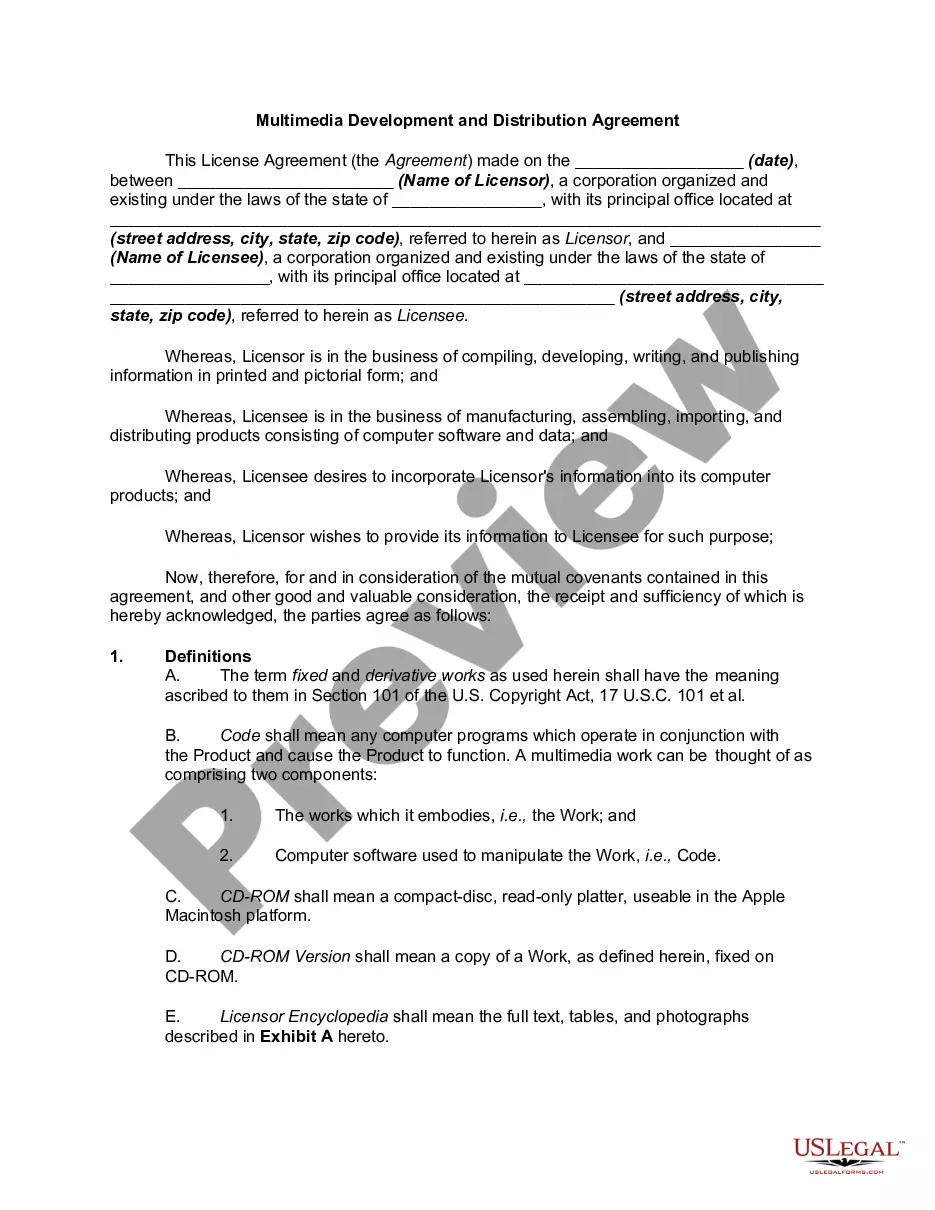
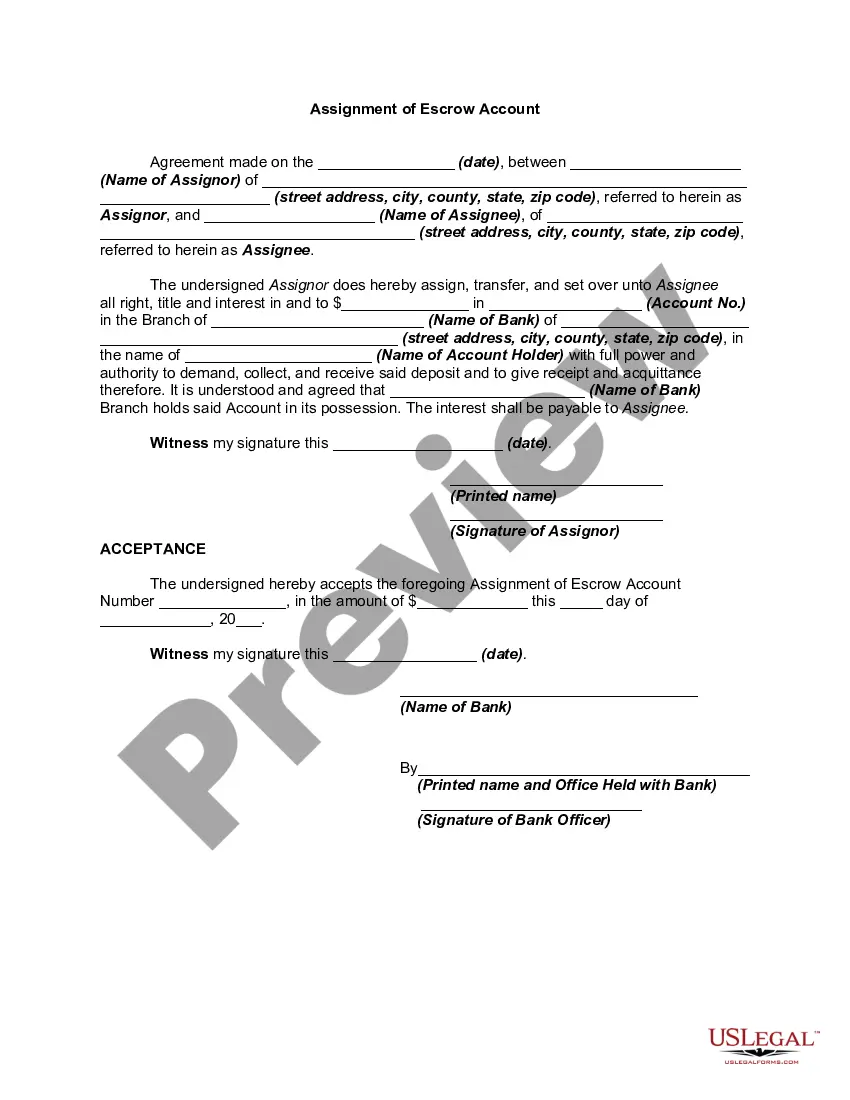
How to fill out Assignment Of Bank Account?
Dealing with legal documents and processes can be an exhausting addition to your schedule.
Forms like the Bank Assignment Account Without Confirmation typically necessitate searching for them and comprehending how to fill them out properly.
Therefore, whether managing financial, legal, or personal affairs, having an extensive and user-friendly online repository of forms at your disposal will be extremely beneficial.
US Legal Forms is the leading online resource for legal templates, boasting over 85,000 state-specific forms and various tools that facilitate effortless completion of your documents.
Is it your first time using US Legal Forms? Register and establish your account in just a few minutes to access the form library and the Bank Assignment Account Without Confirmation. Then, follow these steps to complete your document: Make sure to identify the correct form using the Review option and examining the form description. Click Buy Now when you're ready, and choose the subscription plan that suits you best. Hit Download, then fill out, sign, and print the form. US Legal Forms has 25 years of experience helping individuals handle their legal documents. Find the form you need today and streamline any process without breaking a sweat.
- Explore the collection of pertinent documents accessible with a single click.
- US Legal Forms provides state- and county-specific documents available for download at any time.
- Safeguard your document management processes with high-quality service that permits you to create any document in minutes with no added or concealed charges.
- Simply Log In to your account, find the Bank Assignment Account Without Confirmation, and download it immediately from the My documents section.
- You can also access previously saved documents.
Form popularity
FAQ
If you are Changing your Bank Details, you will need to complete a Change of Bank Details form which can be found on the NHS Professionals Website and attached to your Email. If you need to claim SSP Pay, you will need to fill in the SSP form from Gov Website.
A bank reconciliation statement summarizes banking and business activity, comparing the bank's account balance with internal financial records. Bank reconciliation statements confirm that payments have been processed and cash collections have been deposited into a bank account.
To become a full member of the NHSP Bank, you must complete a full registration, which you can start online today. We screen your application to ensure you meet the basic membership criteria; e.g. you must have gained six months experience in the UK, within the last two years.
How to Do Bank Reconciliation? Acquire Bank Statements. ... Aggregate Business Records. ... Match Deposits and Withdrawals to the Balance Sheet. ... Check Income and Expenses. ... Identify Errors with Check Deposits. ... Check for Other Transactions. ... Adjust Balances. ... Final Check.
The four steps in the bank reconciliation process is as follows: Compare the deposits. Adjust the bank statements. Adjust the cash account. Compare the balances.