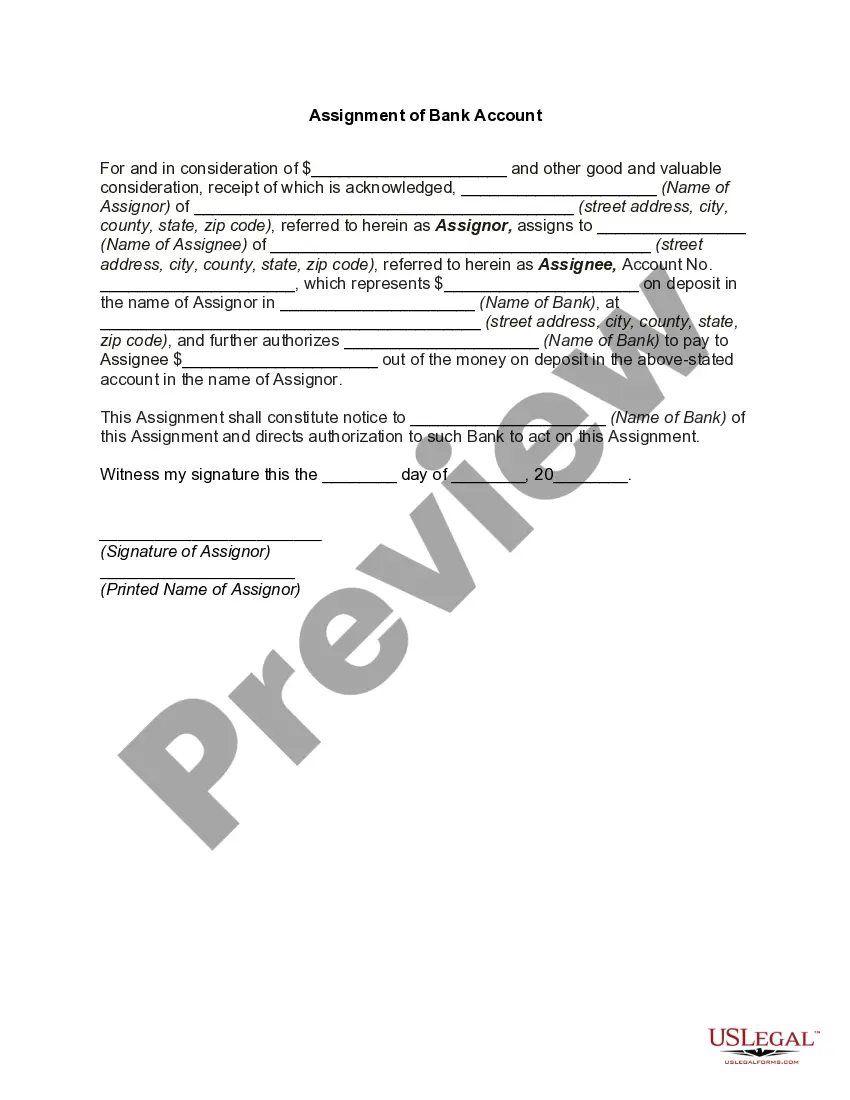
Bank Assignment Account For Non Valuated Material
Description

Get your form ready online
Our built-in tools help you complete, sign, share, and store your documents in one place.
Make edits, fill in missing information, and update formatting in US Legal Forms—just like you would in MS Word.
Download a copy, print it, send it by email, or mail it via USPS—whatever works best for your next step.
Sign and collect signatures with our SignNow integration. Send to multiple recipients, set reminders, and more. Go Premium to unlock E-Sign.
If this form requires notarization, complete it online through a secure video call—no need to meet a notary in person or wait for an appointment.
We protect your documents and personal data by following strict security and privacy standards.

Make edits, fill in missing information, and update formatting in US Legal Forms—just like you would in MS Word.

Download a copy, print it, send it by email, or mail it via USPS—whatever works best for your next step.

Sign and collect signatures with our SignNow integration. Send to multiple recipients, set reminders, and more. Go Premium to unlock E-Sign.

If this form requires notarization, complete it online through a secure video call—no need to meet a notary in person or wait for an appointment.

We protect your documents and personal data by following strict security and privacy standards.
Looking for another form?

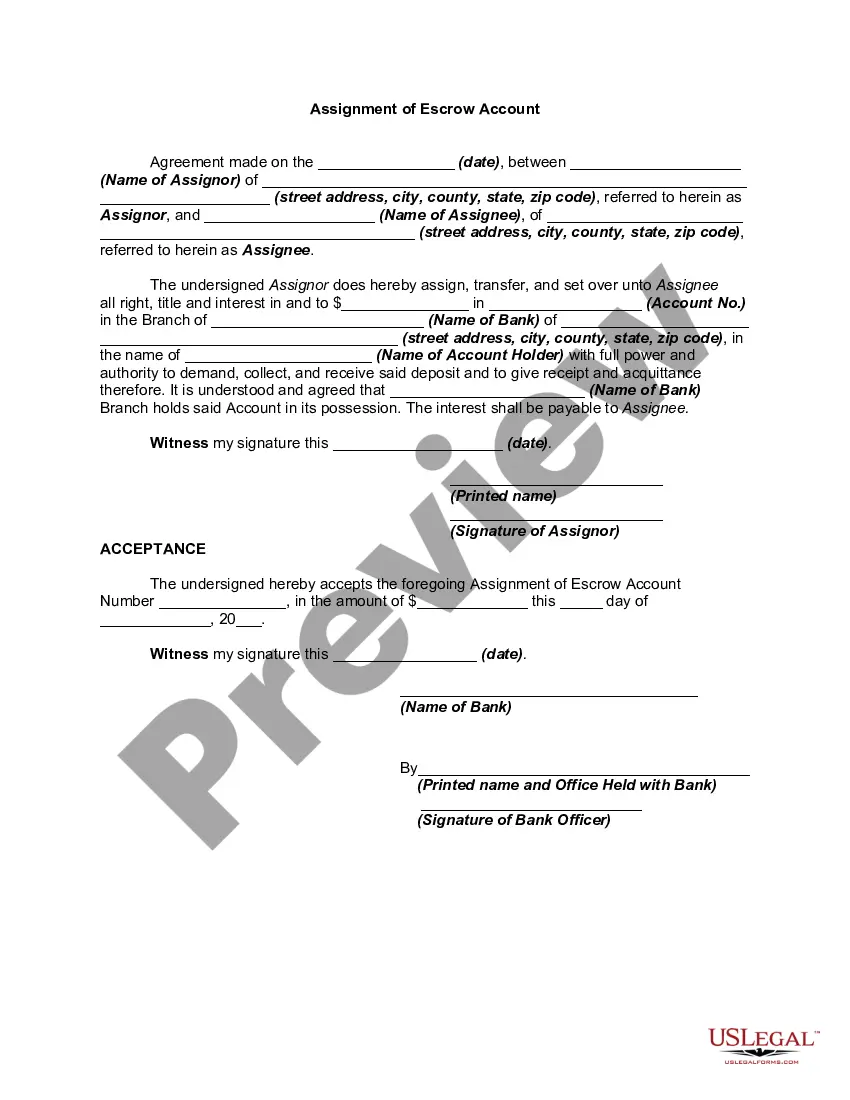
How to fill out Assignment Of Bank Account?
Regardless of whether for commercial reasons or personal matters, everyone encounters legal issues at some stage in their life.
Filling out legal documents requires meticulous focus, beginning with selecting the correct form template.
With an extensive US Legal Forms catalog available, you no longer have to waste time looking for the right template online. Take advantage of the library’s user-friendly navigation to find the suitable template for any circumstance.
- Search for the template you require using the search box or browse through the catalog.
- Review the form’s description to ensure it aligns with your circumstances, state, and locality.
- Click on the form’s preview to inspect it.
- If it is the wrong form, return to the search function to locate the Bank Assignment Account For Non Valuated Material sample you seek.
- Obtain the template if it fulfills your requirements.
- If you already possess a US Legal Forms account, simply click Log in to access your previously saved documents in My documents.
- If you don’t yet have an account, you can download the form by clicking Buy now.
- Choose the suitable pricing option.
- Complete the profile registration form.
- Select your payment method: utilize a credit card or PayPal account.
- Choose the file format you desire and download the Bank Assignment Account For Non Valuated Material.
- Once saved, you can complete the form using editing software or print it and finalize it manually.
Form popularity
FAQ
Activities To do this, choose the display variant Acct assignment - asset, order for the invoice items. If you want to display or change the account assignment information, click on Mult. ... The account assignment screen appears. ... If you can change the account assignments, the fields on the screen are ready for input.
Non-valuated materials are managed on a quantity basis, but not by value. When you enter an invoice, you can change the account assignment as long as the goods receipt was Non-valuated (Because There is no accounting entries at the time of GR).
UNBW (non-valuated materials) Non-valuated materials are managed on a quantity basis, but not by value, so there is no need to maintain accounting view for UNBW as it is a non valuvated meterial. NLAG (non-stock material)(you need to maintain the Accounting view)
Nonvaluated are those materials which are directly used for consumption which have very low value and are used in bulk like screws, pins, washers. These materials are directly consumed to their respective cost centers. Valuated and Non Valuated stock | SAP Community - SAP Answers sap.com ? questions ? valuated-and-non-... sap.com ? questions ? valuated-and-non-...
Non-Valuated materials are those materials for which no accounting effect is required. For such materials, no accounting view in material master is maintained.