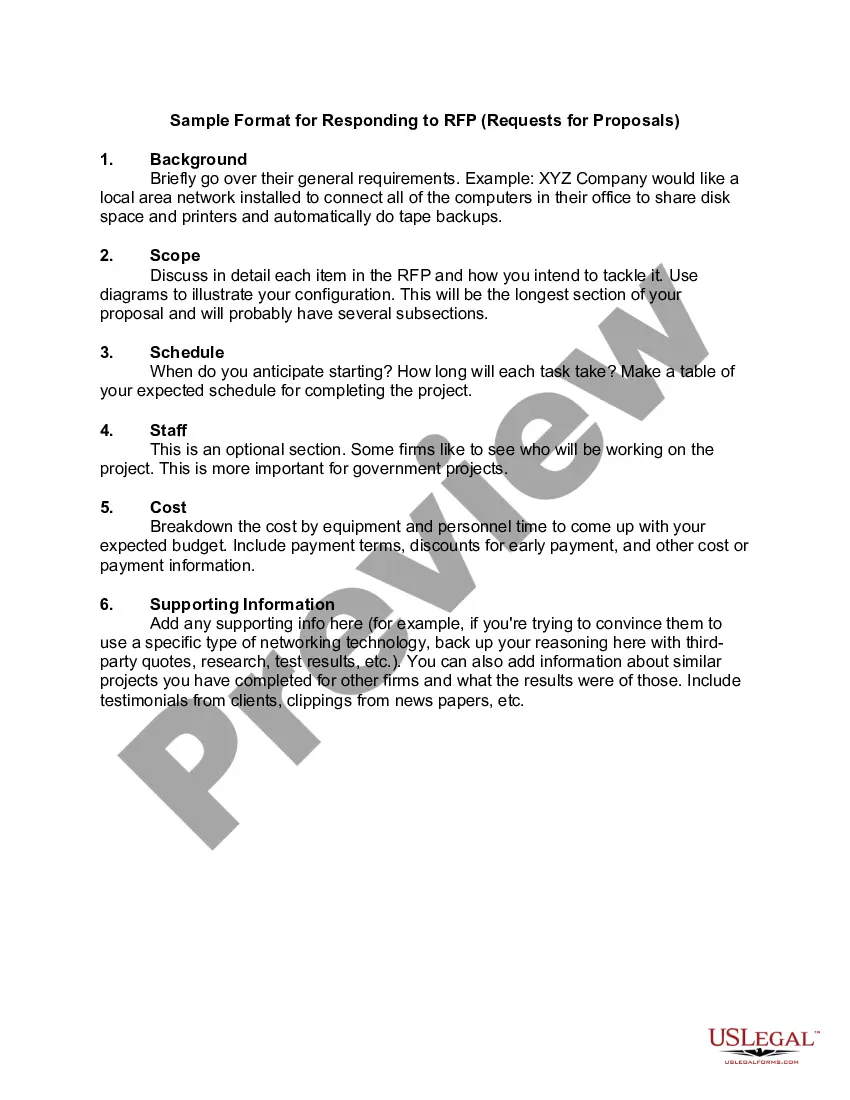
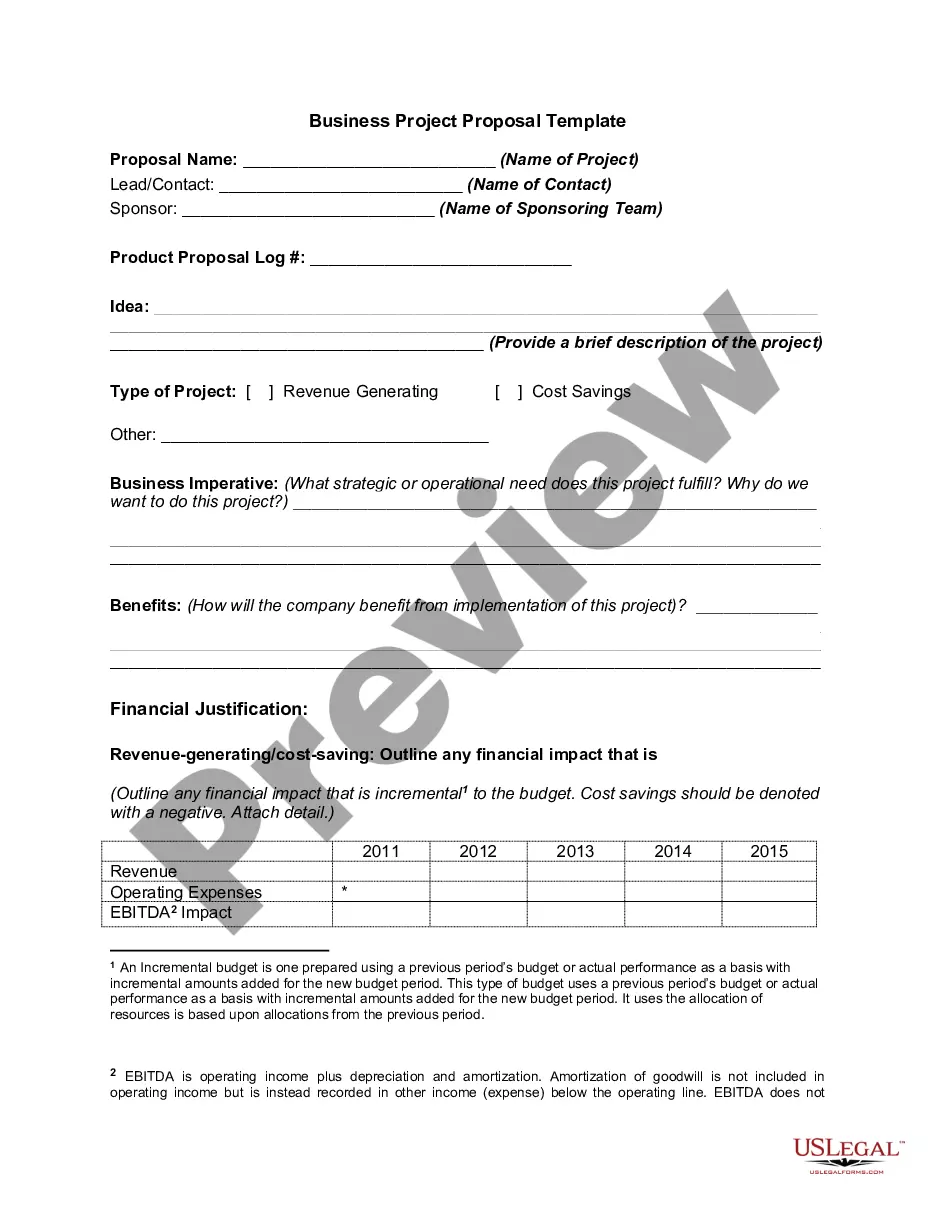
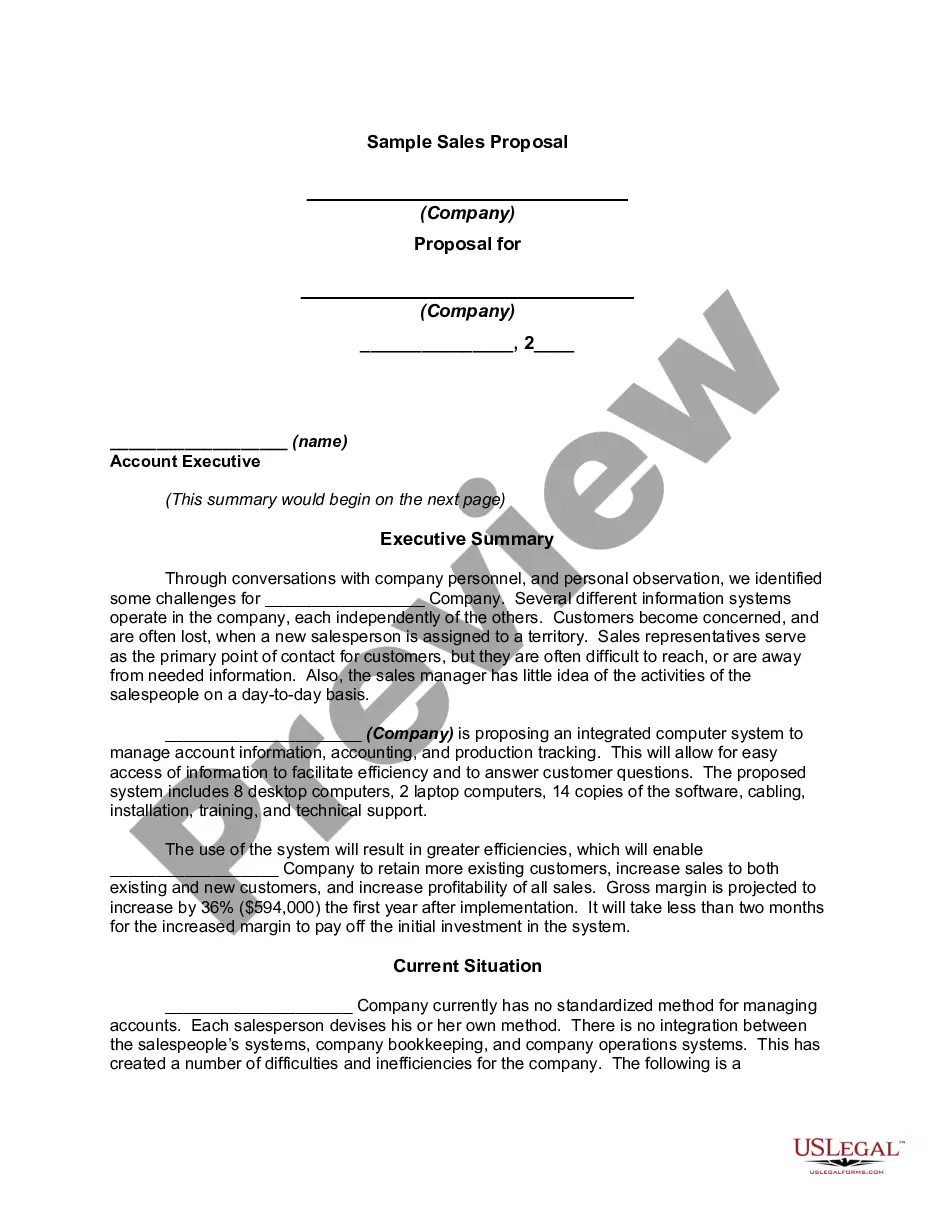
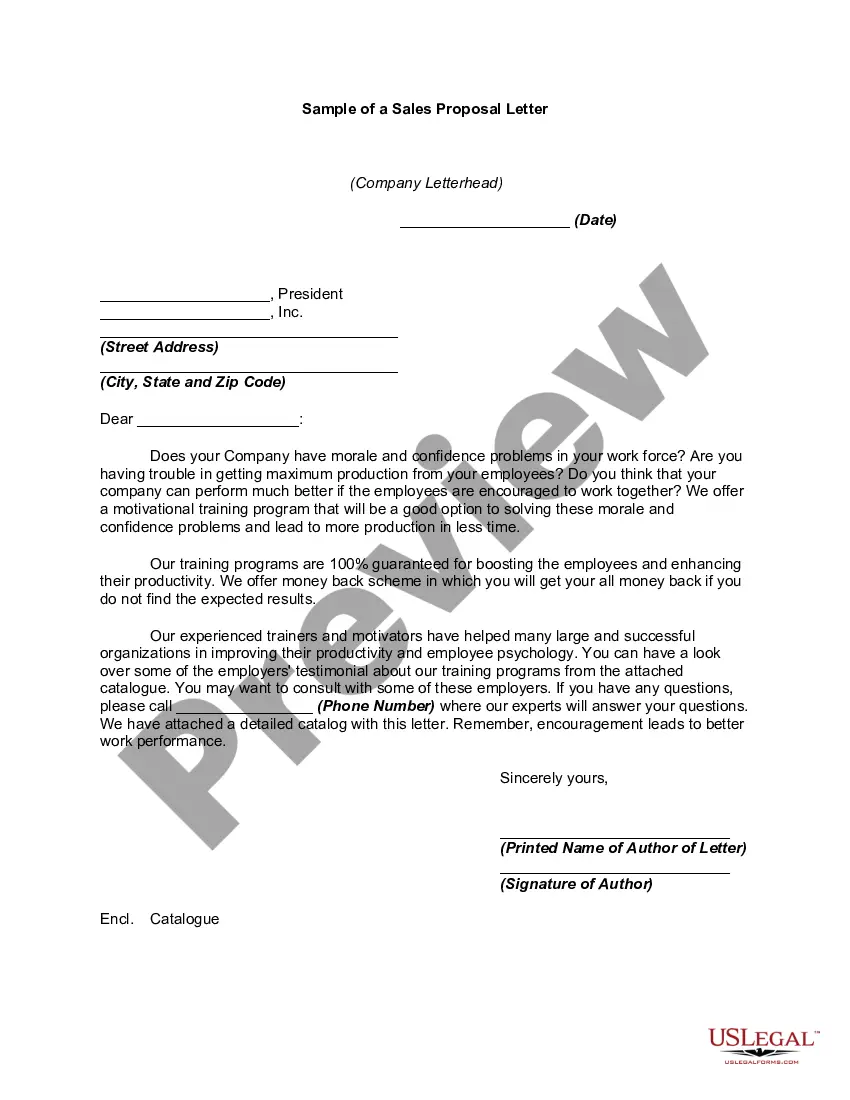
Sample Request For Proposal Email
Description
Get your form ready online
Our built-in tools help you complete, sign, share, and store your documents in one place.
Make edits, fill in missing information, and update formatting in US Legal Forms—just like you would in MS Word.
Download a copy, print it, send it by email, or mail it via USPS—whatever works best for your next step.
Sign and collect signatures with our SignNow integration. Send to multiple recipients, set reminders, and more. Go Premium to unlock E-Sign.
If this form requires notarization, complete it online through a secure video call—no need to meet a notary in person or wait for an appointment.
We protect your documents and personal data by following strict security and privacy standards.

Make edits, fill in missing information, and update formatting in US Legal Forms—just like you would in MS Word.

Download a copy, print it, send it by email, or mail it via USPS—whatever works best for your next step.

Sign and collect signatures with our SignNow integration. Send to multiple recipients, set reminders, and more. Go Premium to unlock E-Sign.

If this form requires notarization, complete it online through a secure video call—no need to meet a notary in person or wait for an appointment.

We protect your documents and personal data by following strict security and privacy standards.
Looking for another form?

How to fill out Sample Format For Responding To RFP - Requests For Proposals?
Whether for business purposes or for personal affairs, everyone has to handle legal situations at some point in their life. Completing legal paperwork demands careful attention, starting with picking the appropriate form sample. For example, if you choose a wrong edition of a Sample Request For Proposal Email, it will be turned down when you send it. It is therefore crucial to have a dependable source of legal documents like US Legal Forms.
If you have to obtain a Sample Request For Proposal Email sample, follow these simple steps:
- Find the sample you need using the search field or catalog navigation.
- Look through the form’s information to ensure it suits your case, state, and region.
- Click on the form’s preview to examine it.
- If it is the incorrect form, get back to the search function to locate the Sample Request For Proposal Email sample you require.
- Get the template if it matches your needs.
- If you already have a US Legal Forms profile, click Log in to access previously saved documents in My Forms.
- If you do not have an account yet, you can obtain the form by clicking Buy now.
- Pick the proper pricing option.
- Complete the profile registration form.
- Choose your transaction method: use a bank card or PayPal account.
- Pick the document format you want and download the Sample Request For Proposal Email.
- After it is downloaded, you are able to complete the form by using editing applications or print it and complete it manually.
With a substantial US Legal Forms catalog at hand, you don’t need to spend time seeking for the right sample across the web. Utilize the library’s simple navigation to find the proper template for any situation.
Form popularity
FAQ
How to write an effective response to an RFP in 5 steps Write a formal cover letter. ... Include an executive summary of your proposal. ... Add information about your implementation plan. ... Discuss partnership contract. ... Highlight references or proven results from your work.
Introduce yourself and provide background information. ... State your purpose for the proposal. ... Define your goals and objectives. ... Highlight what sets you apart. ... Briefly discuss budget and how funds will be used. ... Finish with a call to action and request a follow-up. ... Close the letter and provide contact details.
A request for proposal (RFP) is a business document that announces a project, describes it, and solicits bids from qualified contractors to complete it. Most organizations prefer to launch their projects using RFPs, and many governments always use them.
Key takeaways: Include your buyer persona, needs analysis, objectives, timeline, proposal scope and costs. Ensure your email is professional and easy to read including all information requested by the recipient. Include any required next steps or a call to action requesting a specific action from your audience.
How to write an RFP that will get a response Define your project and needs. Write an introduction. Explain your company's and project's history. Describe your project's requirements. Explain how vendors should respond. Outline your selection criteria. Note your timelines. Proofread and revise your RFP.