Encumbrance Certificate For Property
Description


Get your form ready online
Our built-in tools help you complete, sign, share, and store your documents in one place.
Make edits, fill in missing information, and update formatting in US Legal Forms—just like you would in MS Word.
Download a copy, print it, send it by email, or mail it via USPS—whatever works best for your next step.
Sign and collect signatures with our SignNow integration. Send to multiple recipients, set reminders, and more. Go Premium to unlock E-Sign.
If this form requires notarization, complete it online through a secure video call—no need to meet a notary in person or wait for an appointment.
We protect your documents and personal data by following strict security and privacy standards.

Make edits, fill in missing information, and update formatting in US Legal Forms—just like you would in MS Word.

Download a copy, print it, send it by email, or mail it via USPS—whatever works best for your next step.

Sign and collect signatures with our SignNow integration. Send to multiple recipients, set reminders, and more. Go Premium to unlock E-Sign.

If this form requires notarization, complete it online through a secure video call—no need to meet a notary in person or wait for an appointment.

We protect your documents and personal data by following strict security and privacy standards.
Looking for another form?
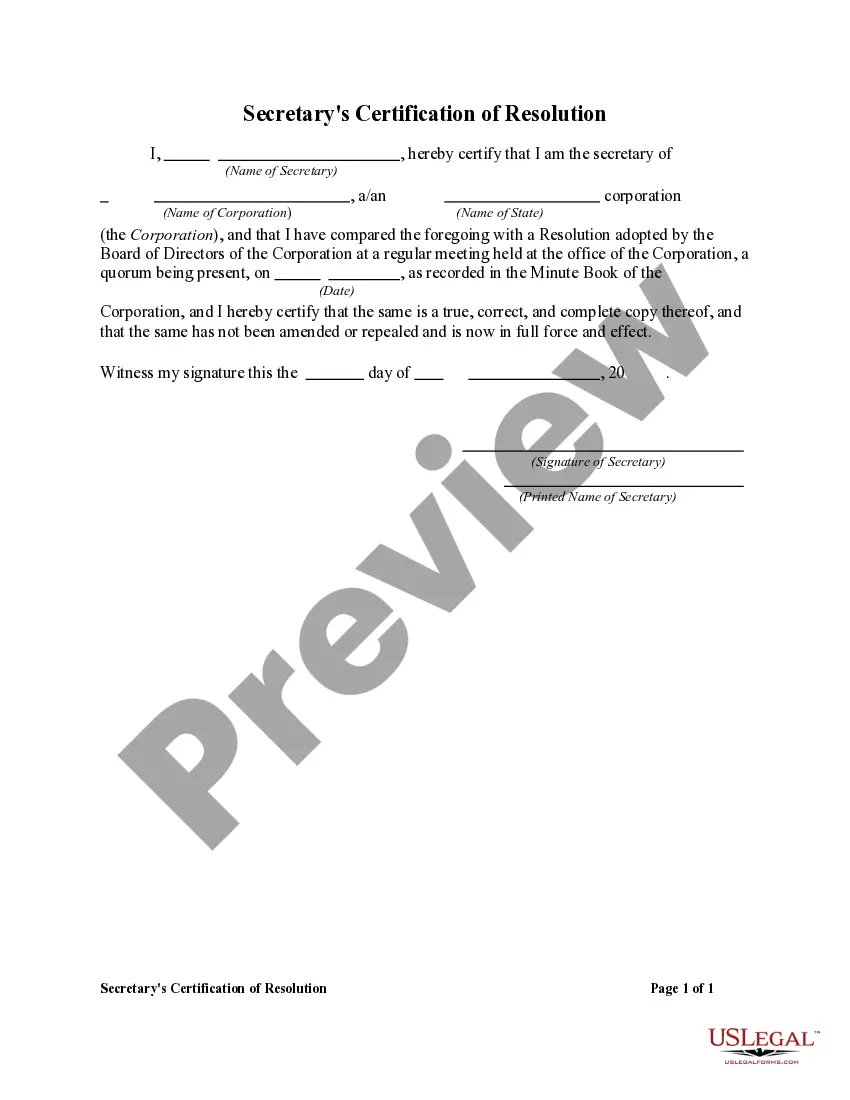
How to fill out Secretary's Certification Of Resolution?
It's well-known that you cannot transform into a legal expert in an instant, nor can you swiftly master how to prepare an Encumbrance Certificate For Property without possessing a specialized background.
Drafting legal documents is a labor-intensive endeavor that demands specific training and expertise. So why not entrust the preparation of the Encumbrance Certificate For Property to the professionals.
With US Legal Forms, one of the largest legal template repositories, you can find everything from court documents to templates for internal communication.
If you need another template, start your search again.
Create a free account and choose a subscription plan to purchase the template. Click Buy now. After the transaction is complete, you can obtain the Encumbrance Certificate For Property, complete it, print it, and send or mail it to the appropriate individuals or organizations.
- We understand the importance of compliance and adherence to federal and state regulations.
- That’s why, on our site, all templates are location-specific and current.
- Here’s how to get started with our website and obtain the form you require in just a few minutes.
- Identify the document you need by utilizing the search feature at the top of the page.
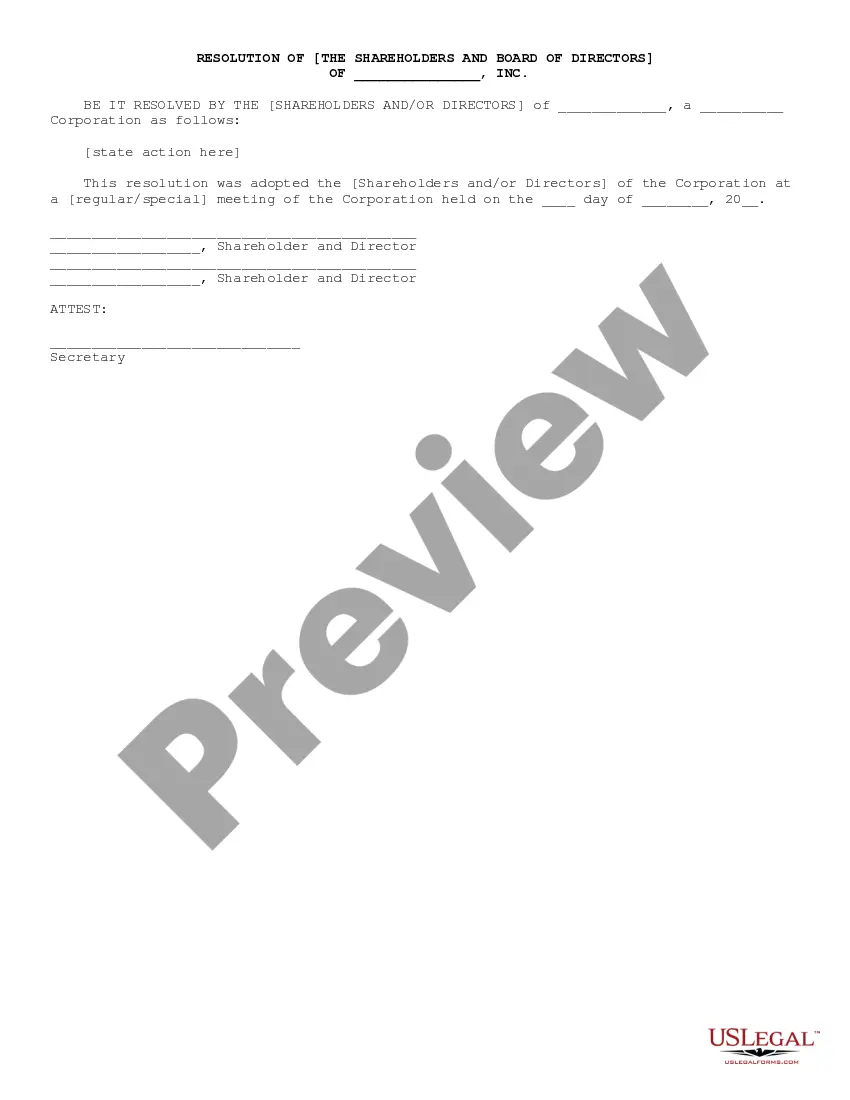
- View it (if this option is available) and read the accompanying description to confirm whether the Encumbrance Certificate For Property is what you're looking for.
Form popularity
FAQ
Share Step 1: Open the website Kaveri online. ... Step 2: New users should register. ... Step 3: Fill the registration form. ... Step 4: Login and Click online EC (Black circled in below image) Step 5: An EC application form can be filled either by property number or party name (Buyer or seller).
What is the cost of EC in Tamil Nadu? The application fee for EC in Tamil Nadu is ? 1 and a computerised fee of ? 100. A general search for the 1st year costs ? 15 with ? 5 added every subsequent year. The application fee for EC in Tamil Nadu is ? 1 and a computerised fee of ? 100.
The process for getting a digitally signed copy of an encumbrance certificate for land in Tamilnadu has been simplified. To do so, go to the .tnreginet.com portal and select 'E-services' from the drop-down menu. Click on 'Search and Apply EC' after selecting 'Encumbrance Certificate.
The process for getting a digitally signed copy of an encumbrance certificate for land in Tamilnadu has been simplified. To do so, go to the .tnreginet.com portal and select 'E-services' from the drop-down menu. Click on 'Search and Apply EC' after selecting 'Encumbrance Certificate.
Step 1: Visit pearl.registration.kerala.gov.in. Step 2: Click the 'Certificates' tab and choose the 'Application for Encumbrance Certificate' option. Step 3: Fill out the application form, and give your basic details, property-related information, and required documents.