Appointment Letter Format With Ctc
Description
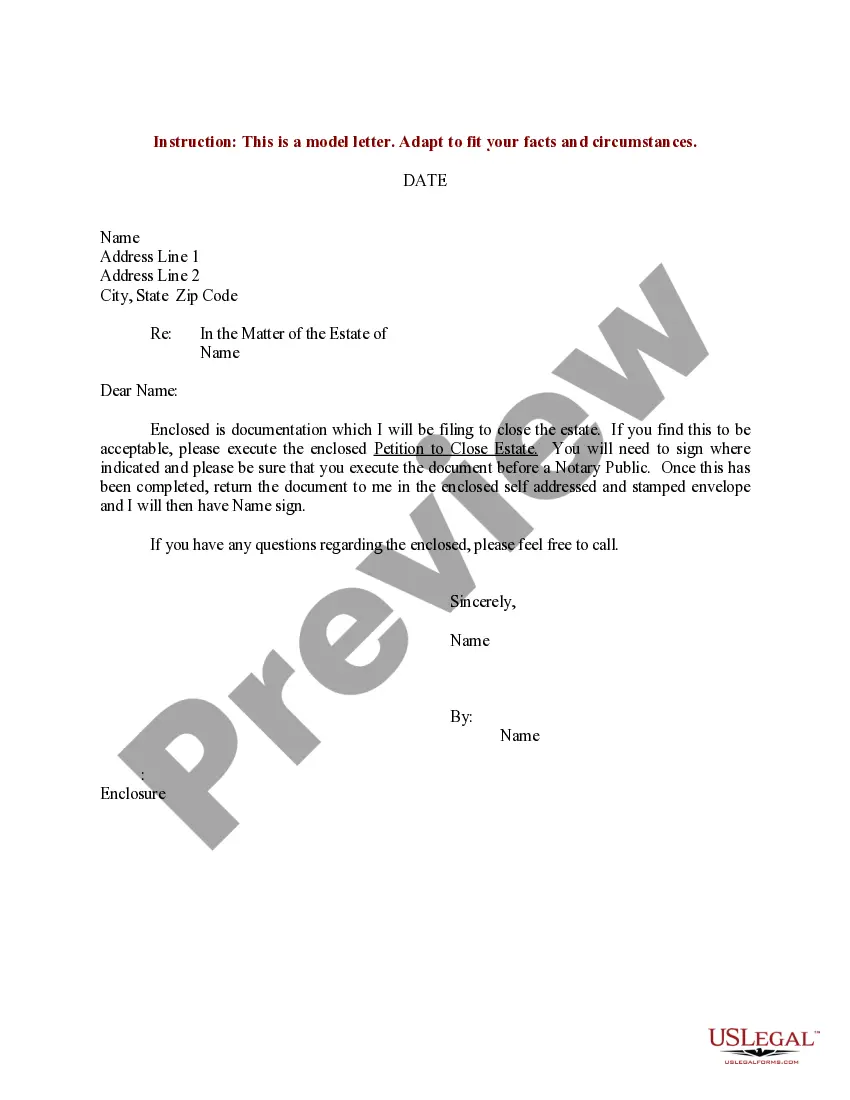
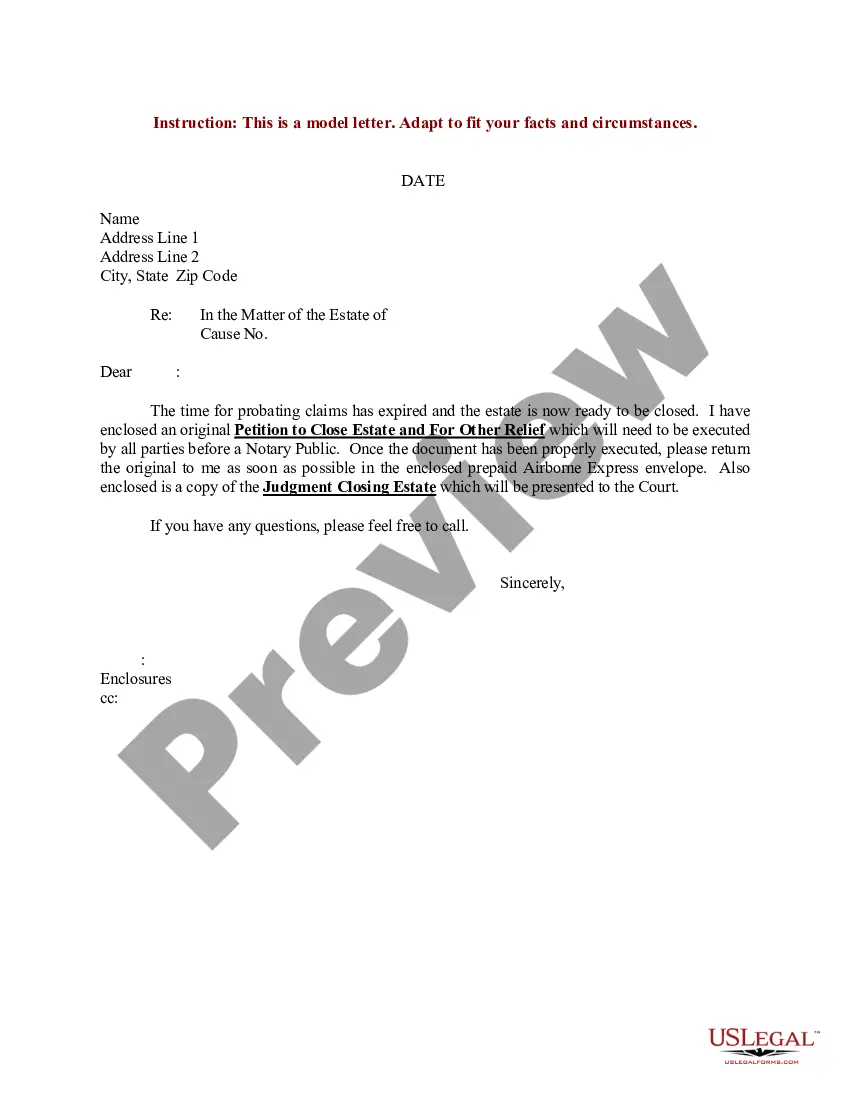

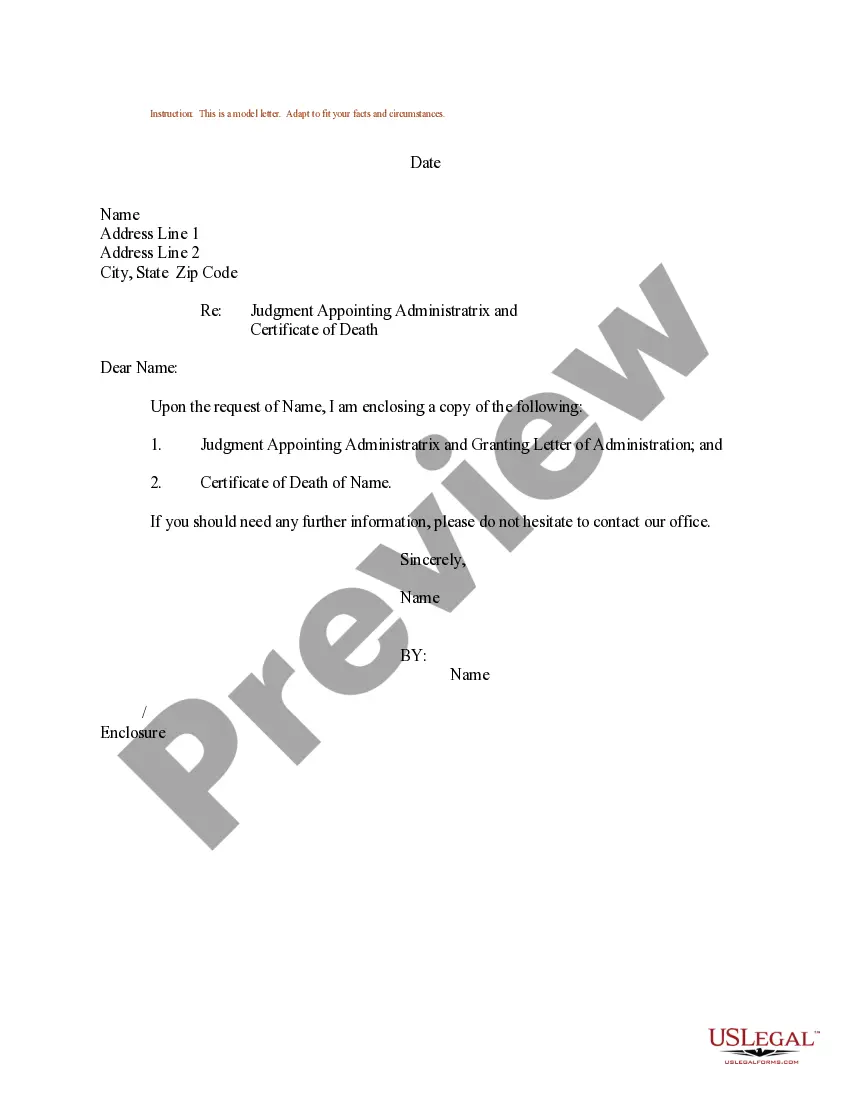
Get your form ready online
Our built-in tools help you complete, sign, share, and store your documents in one place.
Make edits, fill in missing information, and update formatting in US Legal Forms—just like you would in MS Word.
Download a copy, print it, send it by email, or mail it via USPS—whatever works best for your next step.
Sign and collect signatures with our SignNow integration. Send to multiple recipients, set reminders, and more. Go Premium to unlock E-Sign.
If this form requires notarization, complete it online through a secure video call—no need to meet a notary in person or wait for an appointment.
We protect your documents and personal data by following strict security and privacy standards.

Make edits, fill in missing information, and update formatting in US Legal Forms—just like you would in MS Word.

Download a copy, print it, send it by email, or mail it via USPS—whatever works best for your next step.

Sign and collect signatures with our SignNow integration. Send to multiple recipients, set reminders, and more. Go Premium to unlock E-Sign.

If this form requires notarization, complete it online through a secure video call—no need to meet a notary in person or wait for an appointment.

We protect your documents and personal data by following strict security and privacy standards.
Looking for another form?

How to fill out Sample Letter For Petition To Appoint Administratrix?
The Appointment Letter Template With Ctc you observe on this site is a reusable legal model crafted by expert attorneys in compliance with national and local laws.
For over 25 years, US Legal Forms has supplied individuals, enterprises, and legal experts with more than 85,000 validated, state-specific documents for any commercial and personal situation. It’s the fastest, simplest, and most dependable method to secure the documentation you require, as the service assures bank-level data protection and anti-malware safeguards.
Complete and sign the documents. Print out the template to finish it manually. Alternatively, use an online versatile PDF editor to quickly and accurately complete and sign your form with a valid signature. Download your documents again. Use the same file again whenever necessary. Open the My documents tab in your profile to redownload any previously purchased documents. Subscribe to US Legal Forms to have validated legal templates for all of life’s situations at your fingertips.
- Search for the document you require and review it.
- Examine the sample you sought and preview it or check the form description to confirm it meets your requirements. If it doesn't, utilize the search feature to locate the right one. Click Buy Now when you have found the template you seek.
- Select and Log In.
- Choose the pricing option that fits you and create an account. Use PayPal or a credit card to make a swift payment. If you already possess an account, Log In and verify your subscription to continue.
- Obtain the editable template.
- Select the format you desire for your Appointment Letter Template With Ctc (PDF, DOCX, RTF) and download the sample to your device.
Form popularity
FAQ
Appointment letters are usually provided after offer letter on the first day of the candidate starting work. The appointment letter describes in length the position offered, salary, benefits, confidentiality policy, work policy, starting date, and important information about the employment.
Include the base salary or hourly wage and payment schedule, a summary of company benefits, any bonus structure, and applicable work options (such as telecommuting or flex time). At-will status. Make it clear that the company may terminate their employment for any lawful reason and at any time.
What does an offer letter look like? Job title and description. Salary or wage range (and annualized salary) Benefits (including health insurance) and other perks (like paid time off or bonuses) Signing bonus amount (if applicable) Start date (and any other scheduling details like vacation time or a training schedule)
An appointment letter should include the following: The date on which the appointment letter is issued. The name, address and contact details of the selected candidate. The salutation. The body of the letter stating the job title, emoluments, job location, probation period and other details.
An appointment letter should include the following: The date on which the appointment letter is issued. The name, address and contact details of the selected candidate. The salutation. The body of the letter stating the job title, emoluments, job location, probation period and other details.
