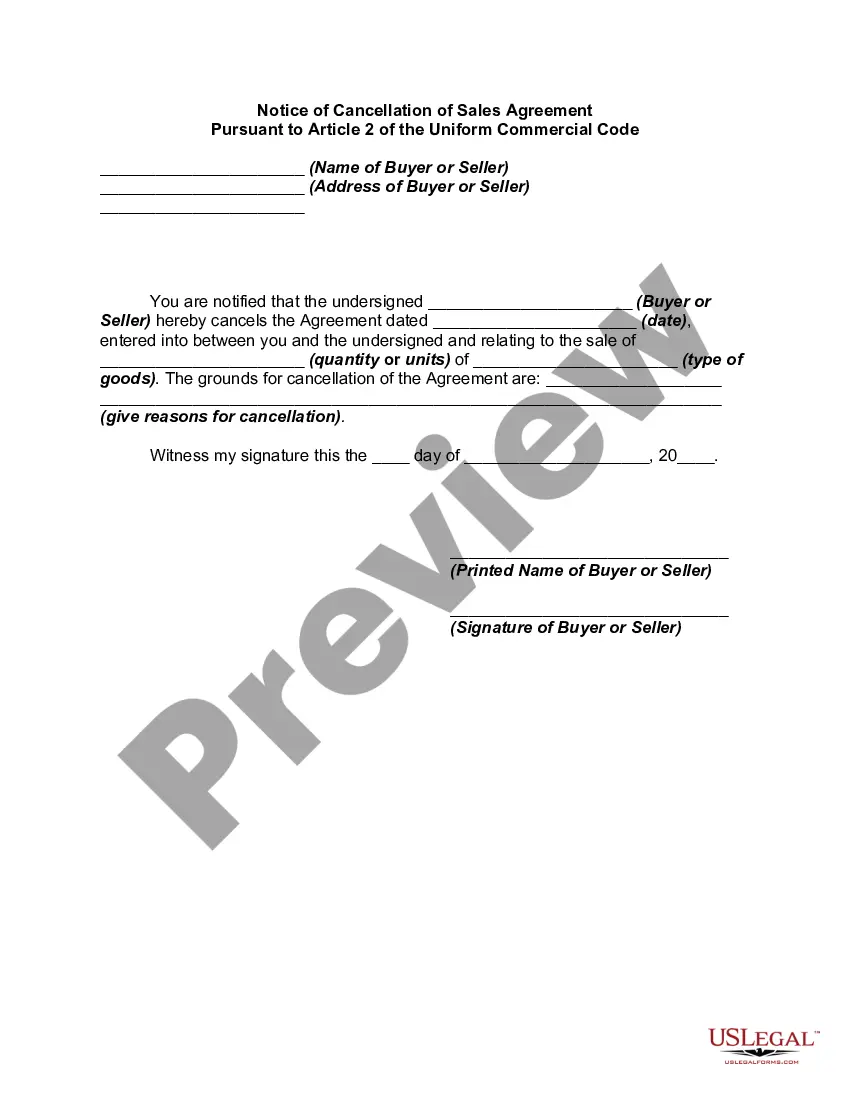
Notice Cancel Order With Afterpay
Description
Get your form ready online
Our built-in tools help you complete, sign, share, and store your documents in one place.
Make edits, fill in missing information, and update formatting in US Legal Forms—just like you would in MS Word.
Download a copy, print it, send it by email, or mail it via USPS—whatever works best for your next step.
Sign and collect signatures with our SignNow integration. Send to multiple recipients, set reminders, and more. Go Premium to unlock E-Sign.
If this form requires notarization, complete it online through a secure video call—no need to meet a notary in person or wait for an appointment.
We protect your documents and personal data by following strict security and privacy standards.

Make edits, fill in missing information, and update formatting in US Legal Forms—just like you would in MS Word.

Download a copy, print it, send it by email, or mail it via USPS—whatever works best for your next step.

Sign and collect signatures with our SignNow integration. Send to multiple recipients, set reminders, and more. Go Premium to unlock E-Sign.

If this form requires notarization, complete it online through a secure video call—no need to meet a notary in person or wait for an appointment.

We protect your documents and personal data by following strict security and privacy standards.
Looking for another form?



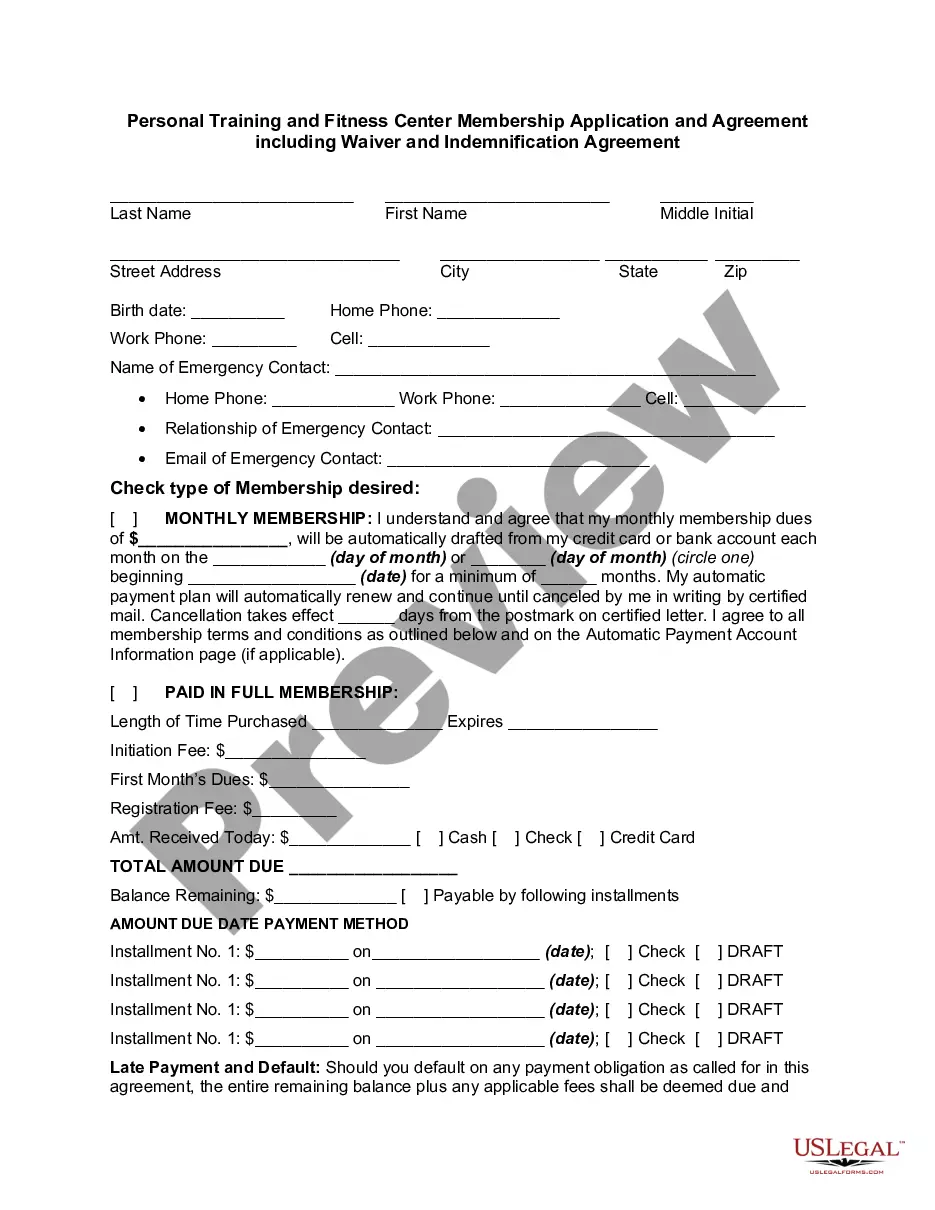
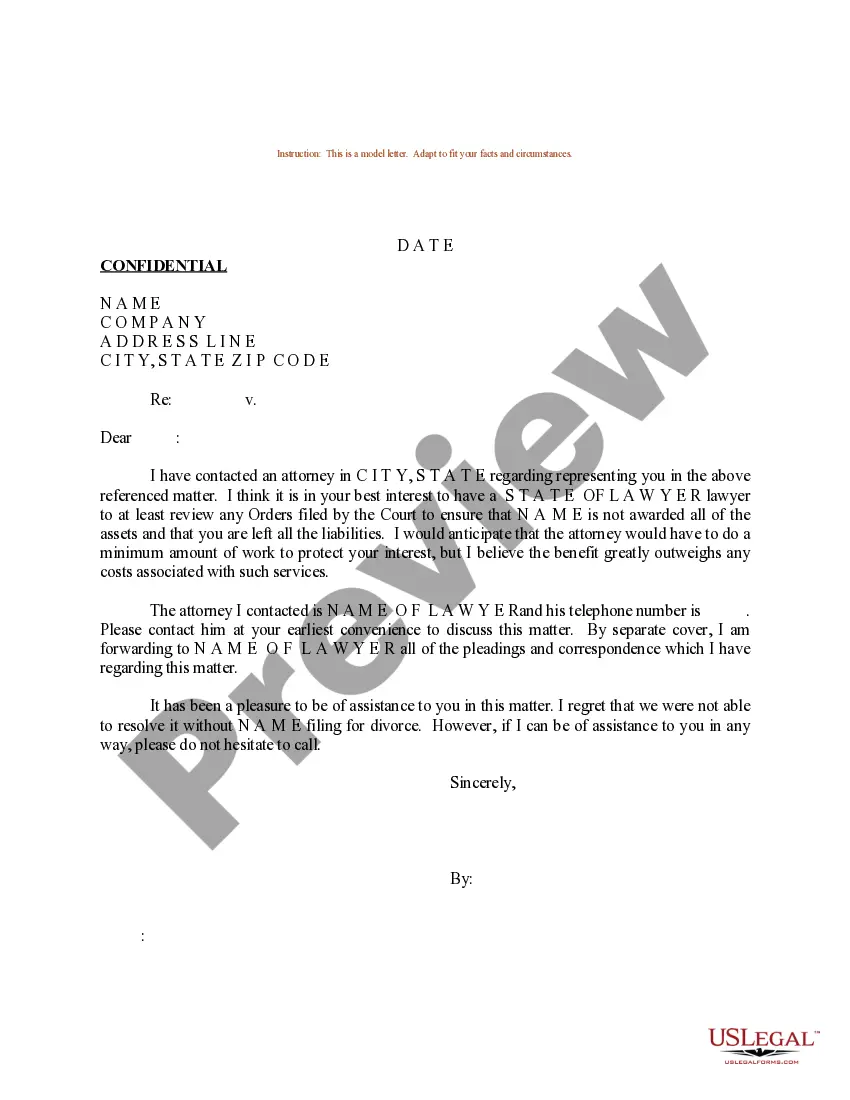


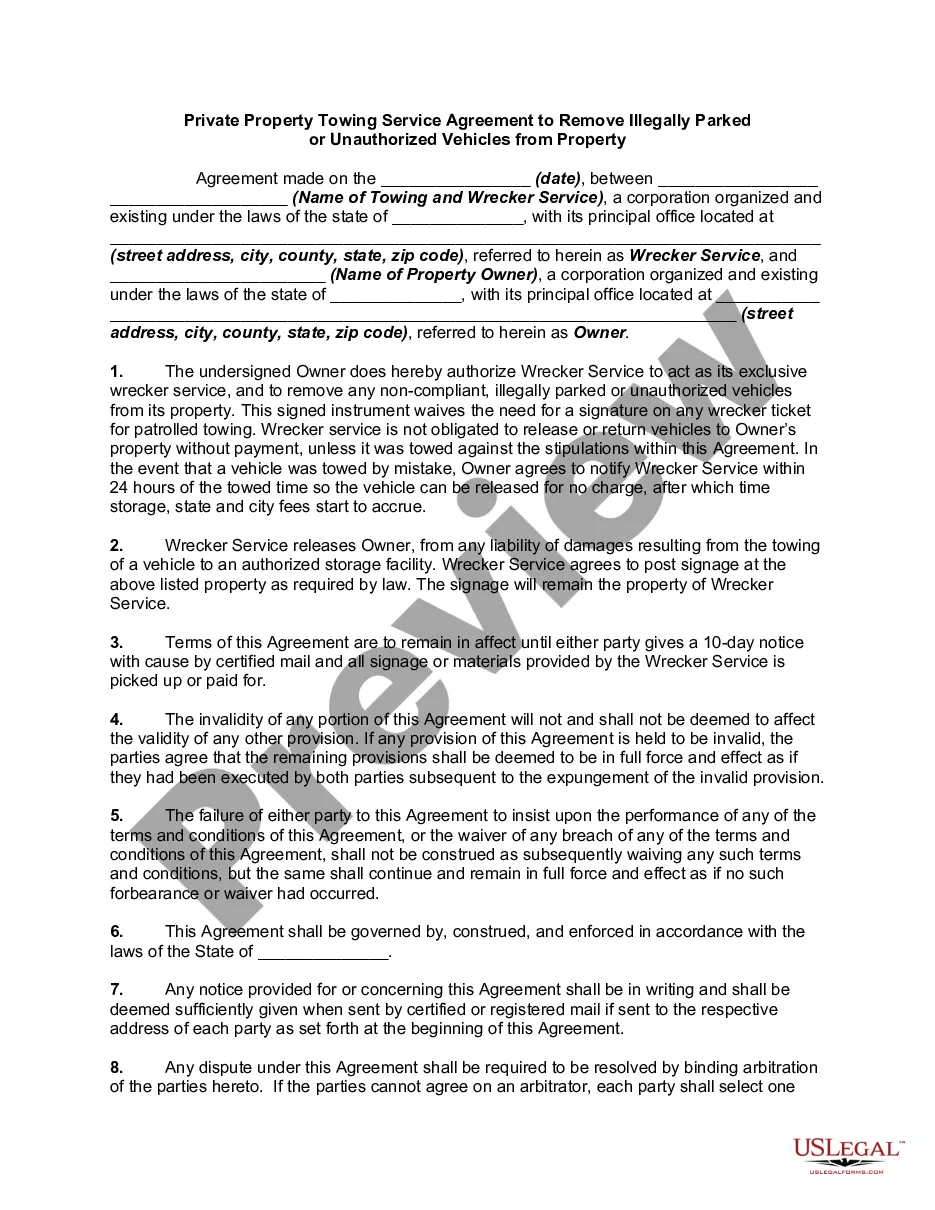

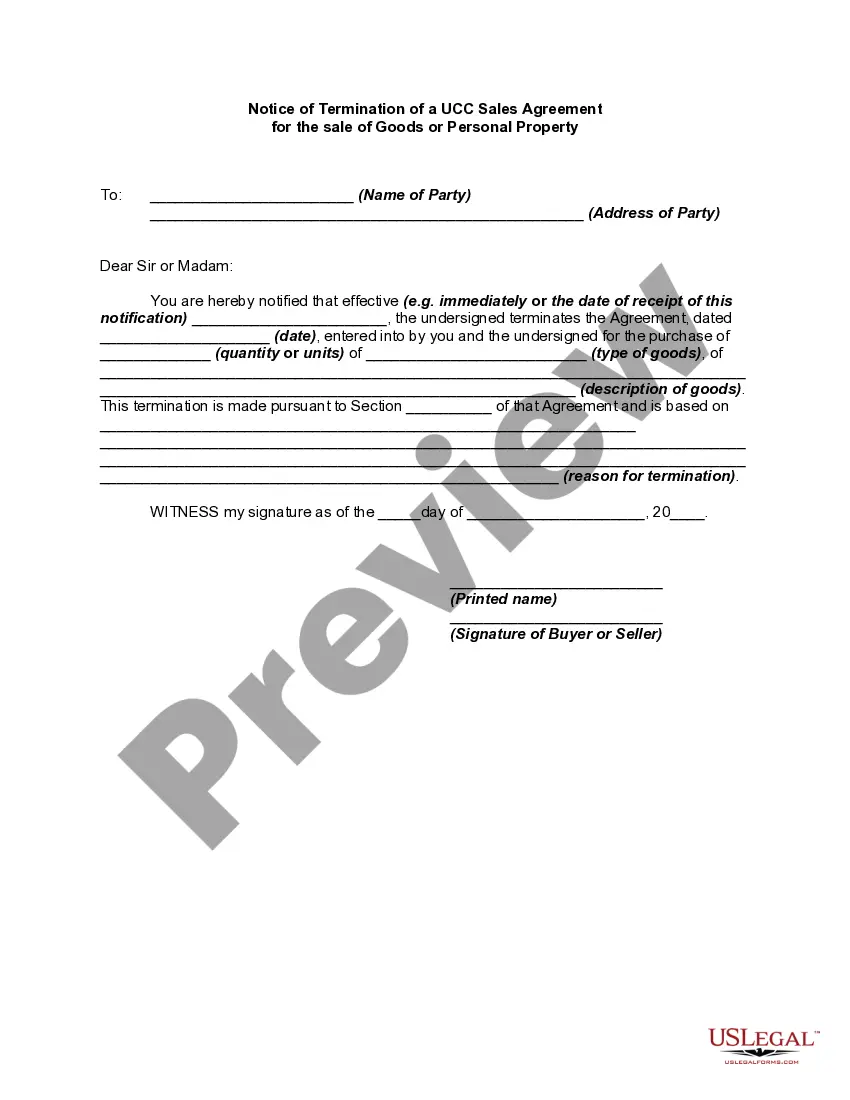
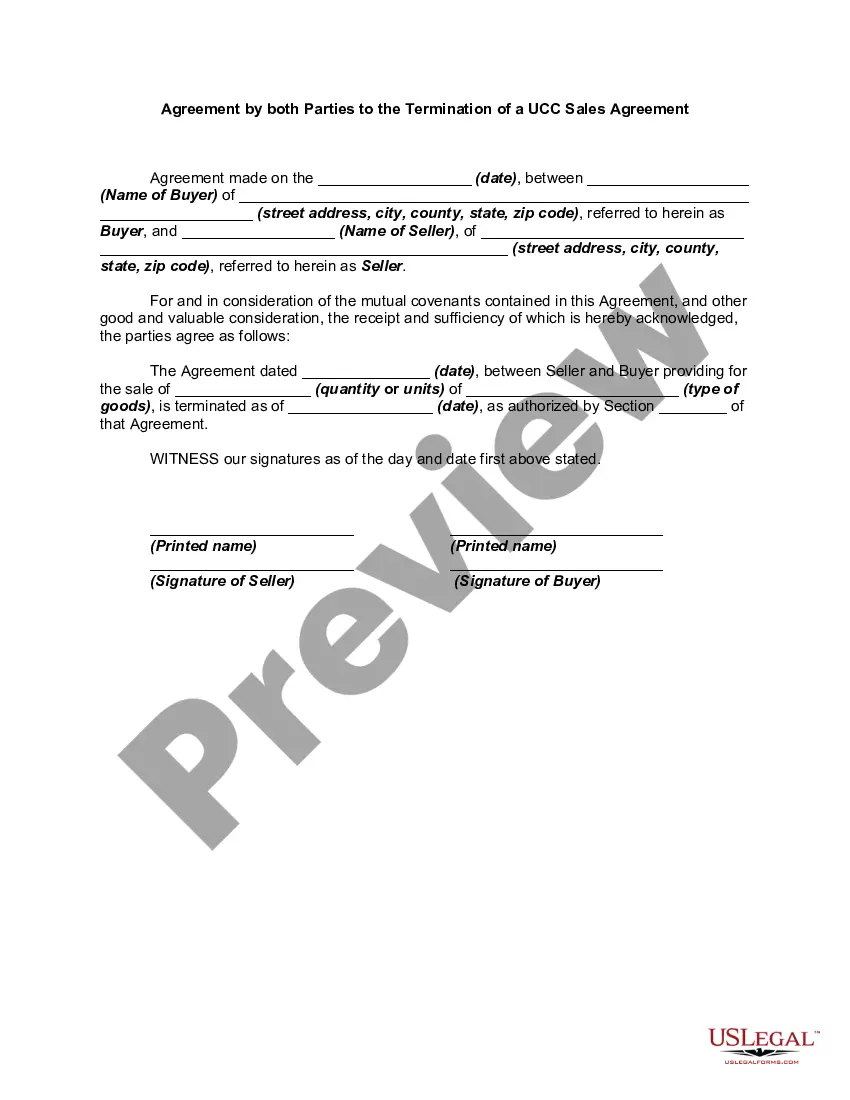
How to fill out Notice Of Cancellation Of Sales Agreement Pursuant To Article 2 Of The Uniform Commercial Code?
Regardless of whether it is for commercial intentions or personal affairs, everyone eventually encounters legal circumstances in their life.
Completing legal paperwork necessitates meticulous care, starting with selecting the appropriate form template.
With a broad US Legal Forms inventory available, you don’t need to waste time searching for the correct template online. Utilize the library’s straightforward navigation to find the right template for any situation.
- Acquire the template you require by using the search bar or catalog browsing.
- Review the details of the form to ensure that it aligns with your situation, state, and locality.
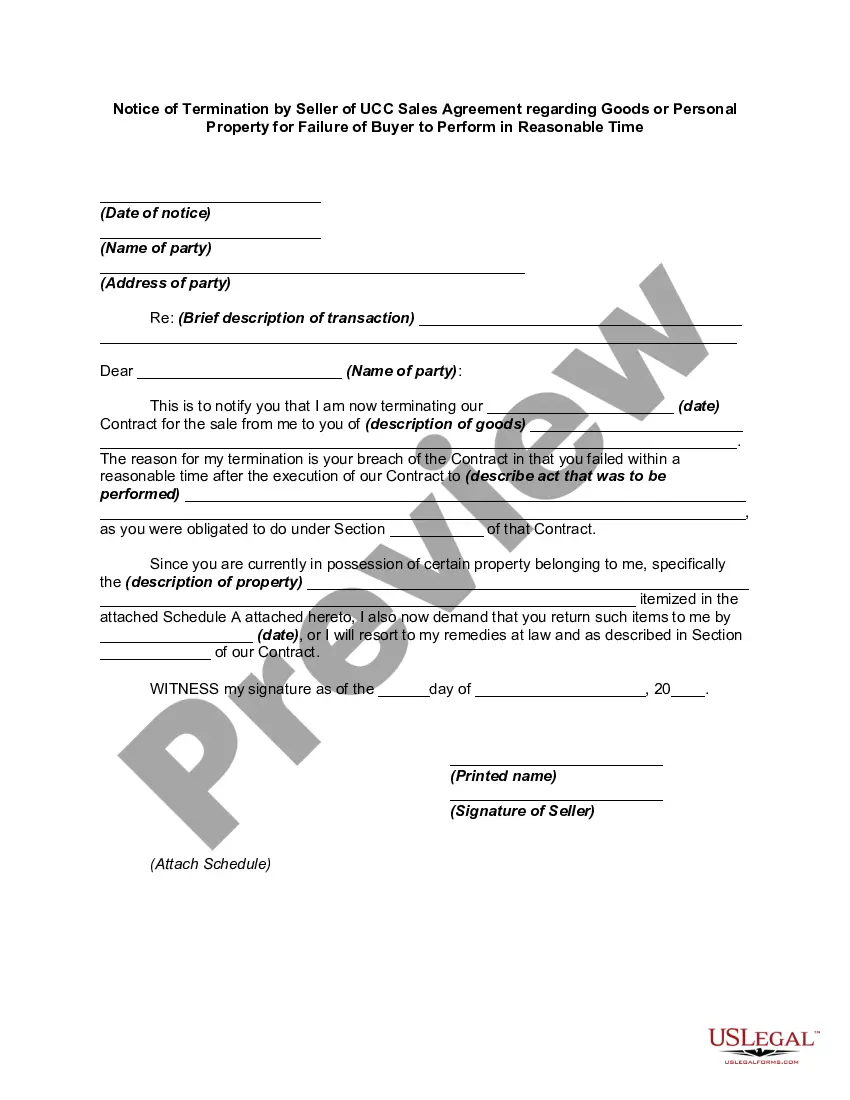
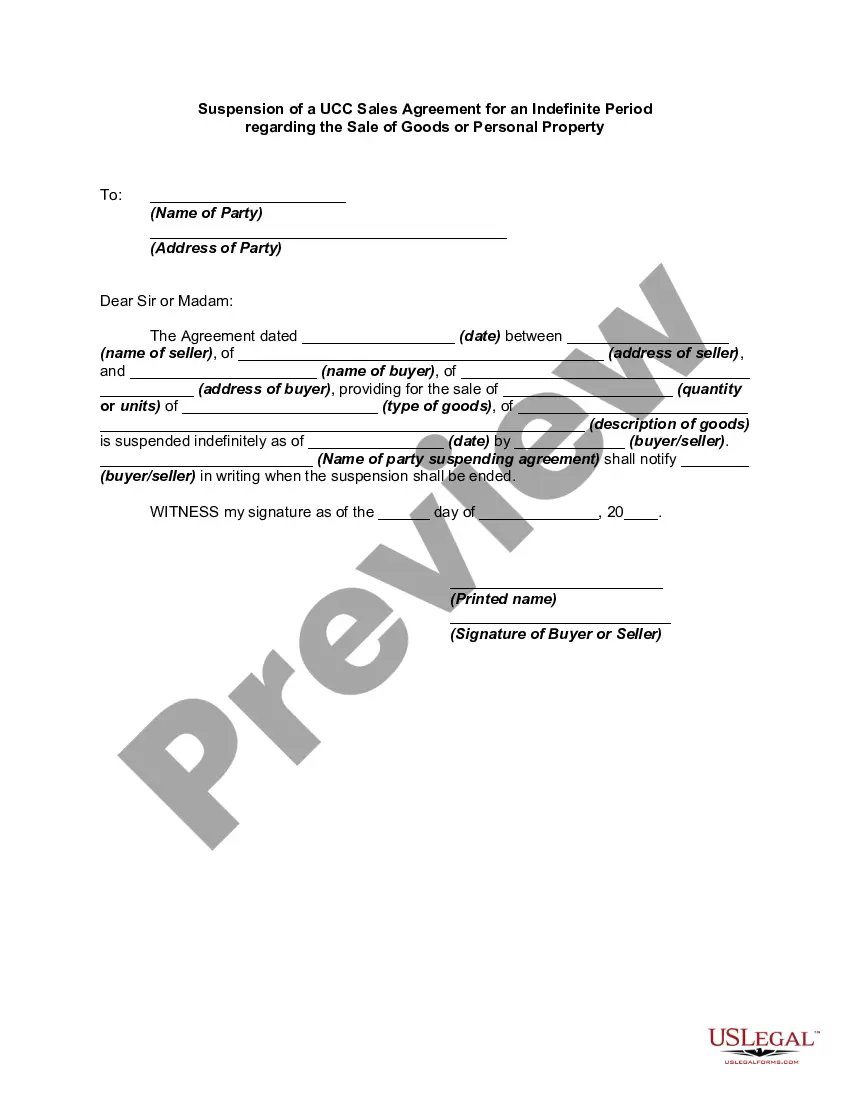
- Click on the form’s preview to scrutinize it.
- If it is not the correct document, return to the search option to locate the Notice Cancel Order With Afterpay template you need.
- Obtain the template if it meets your criteria.
- If you possess a US Legal Forms account, just click Log in to access previously saved documents in My documents.
- In case you do not yet have an account, you can purchase the form by clicking Buy now.
- Choose the appropriate pricing plan.
- Fill out the account registration form.
- Select your payment option: you can utilize a credit card or a PayPal account.
- Choose the document format you desire and download the Notice Cancel Order With Afterpay.
- After downloading, you can complete the form using editing software or print it out and finish it manually.
Form popularity
FAQ
Once the refund is processed by the merchant, it will automatically reflect in your Afterpay app and your payments will be adjusted ing to the amount that has been refunded. In most cases this will be very quick, but in some cases the refund can take 3-5 days to reach your Afterpay order.
The refund will then drop through to reflect on your Afterpay account, and if you're owed a refund back to your card, it will be returned to the card that was used to make the payments. Once processed, the money can take up to 10 business days to be returned to your card/s, depending on your financial institution.
Via the Afterpay App: Log in to your account. Select the ?My Afterpay? tab at the bottom right of your screen. Select the ?Profile details? tab. Select ?Close my account? Select a reason as to why you are wishing to close your account and continue. All done!
If the return is successful, the refund will go back to the Afterpay Card. Afterpay will then refund you and it could take up to 10 days for the refund to be reflected in your Afterpay account. Any paid installments will be returned to your card.