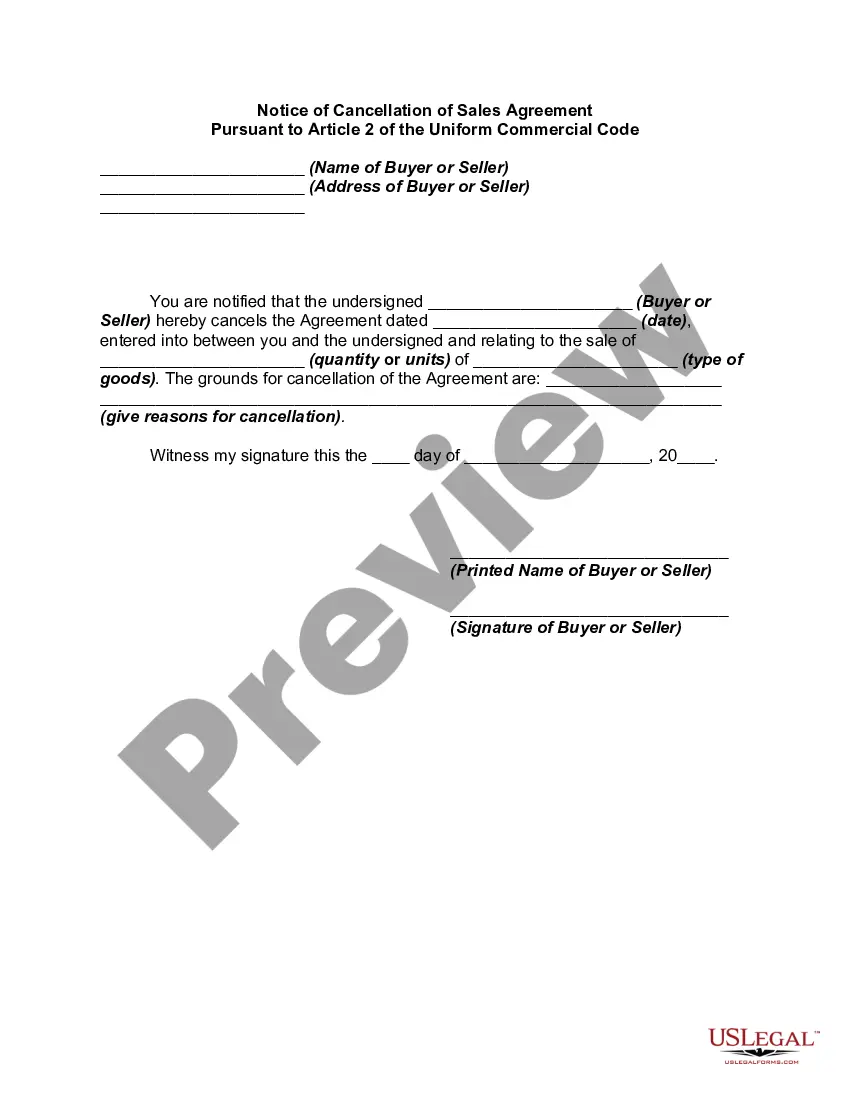
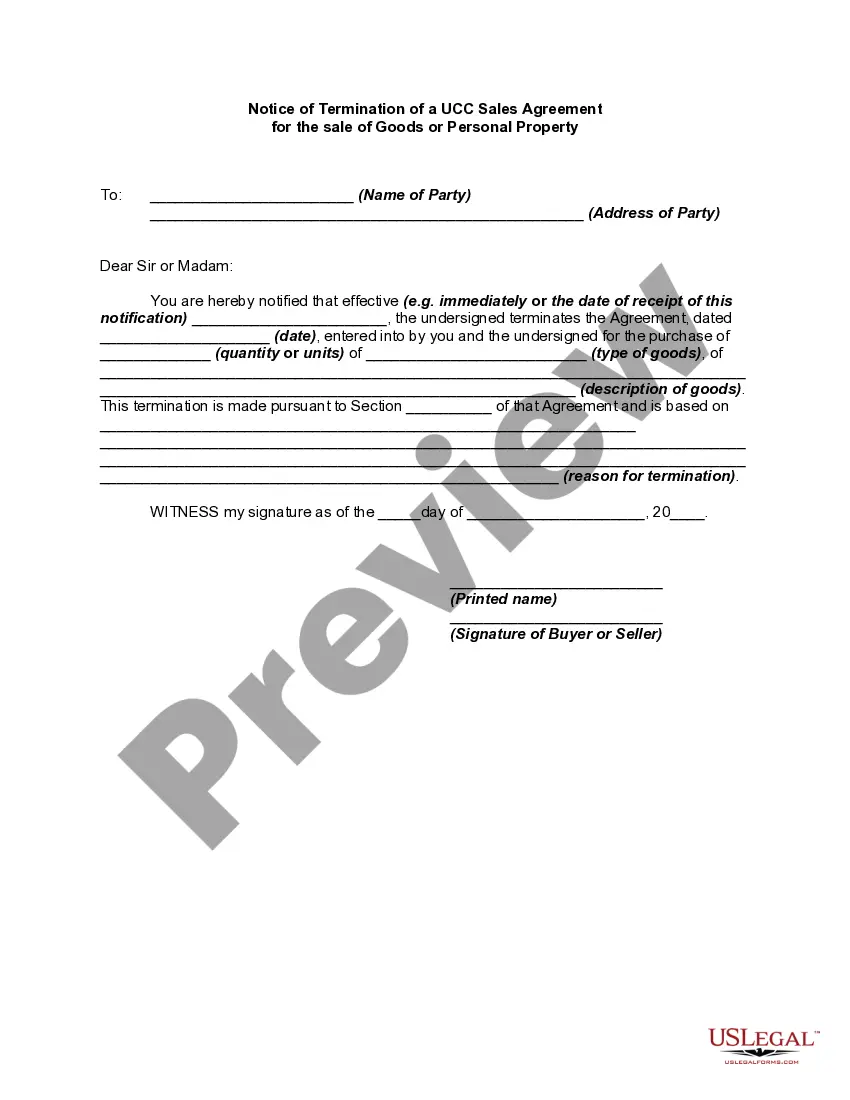
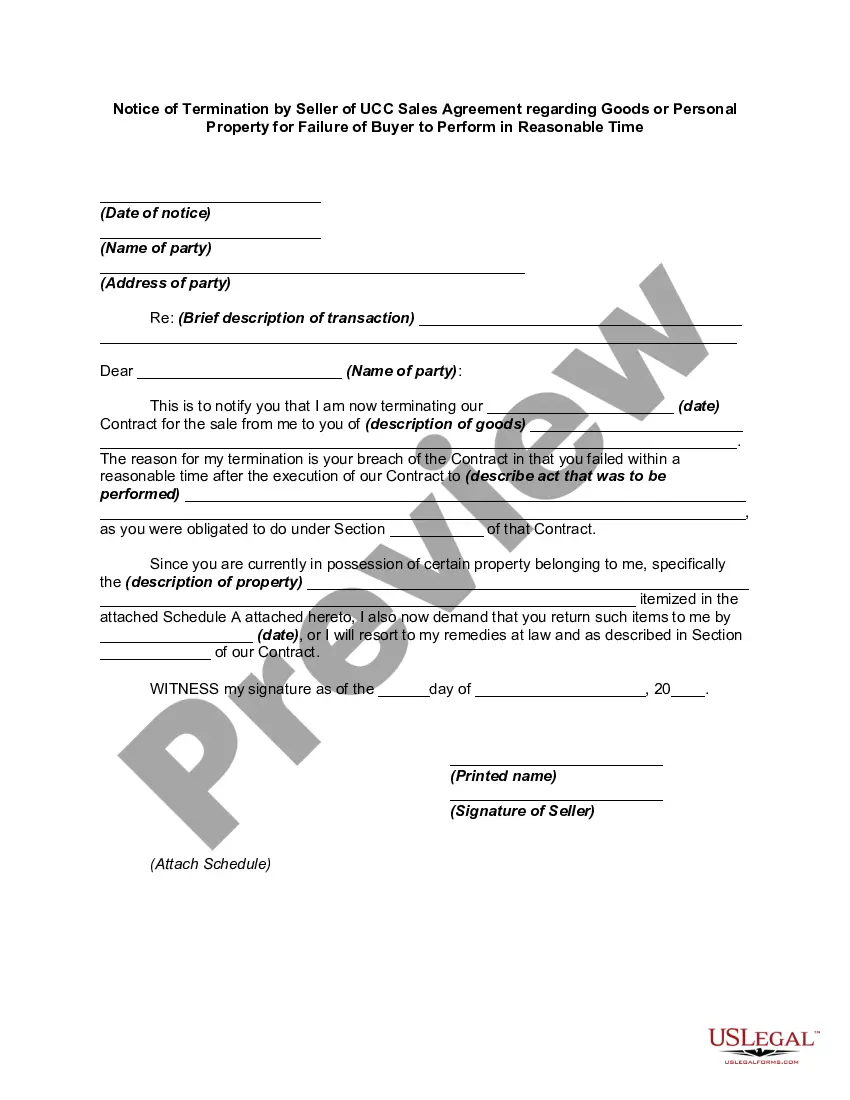
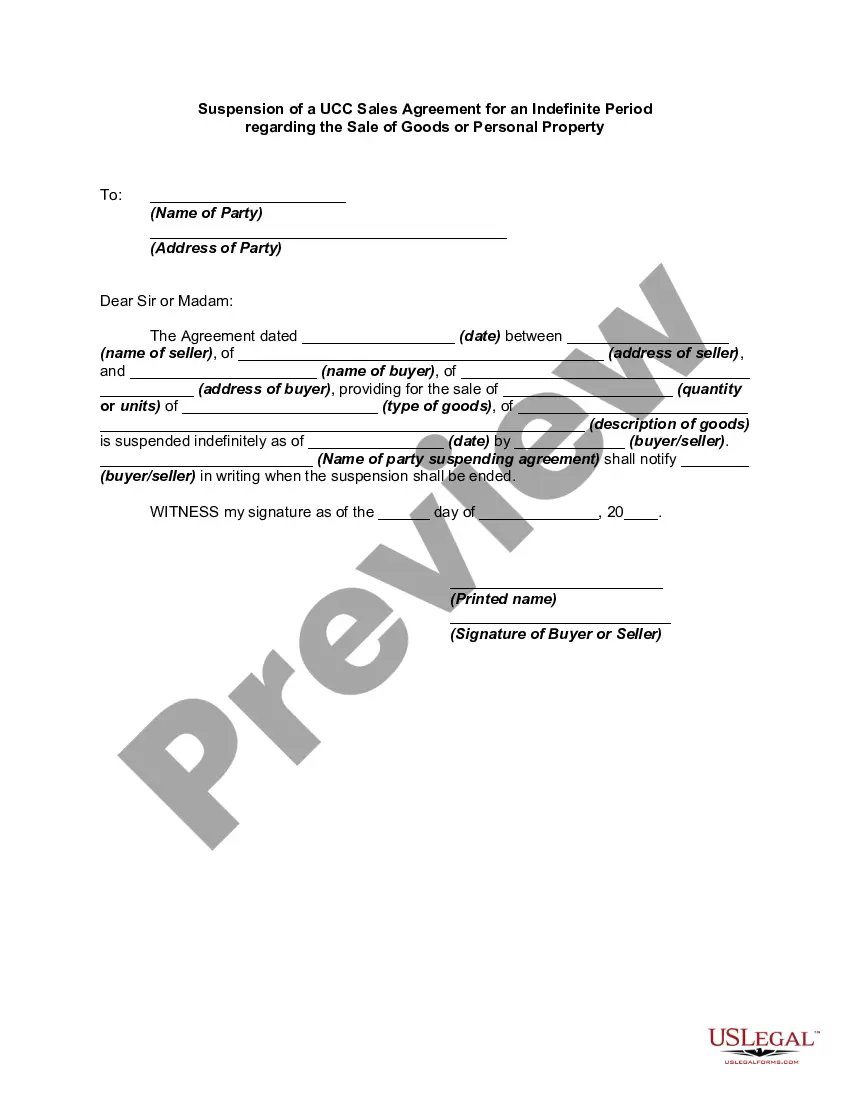
Notice Cancel Order With Affirm
Description
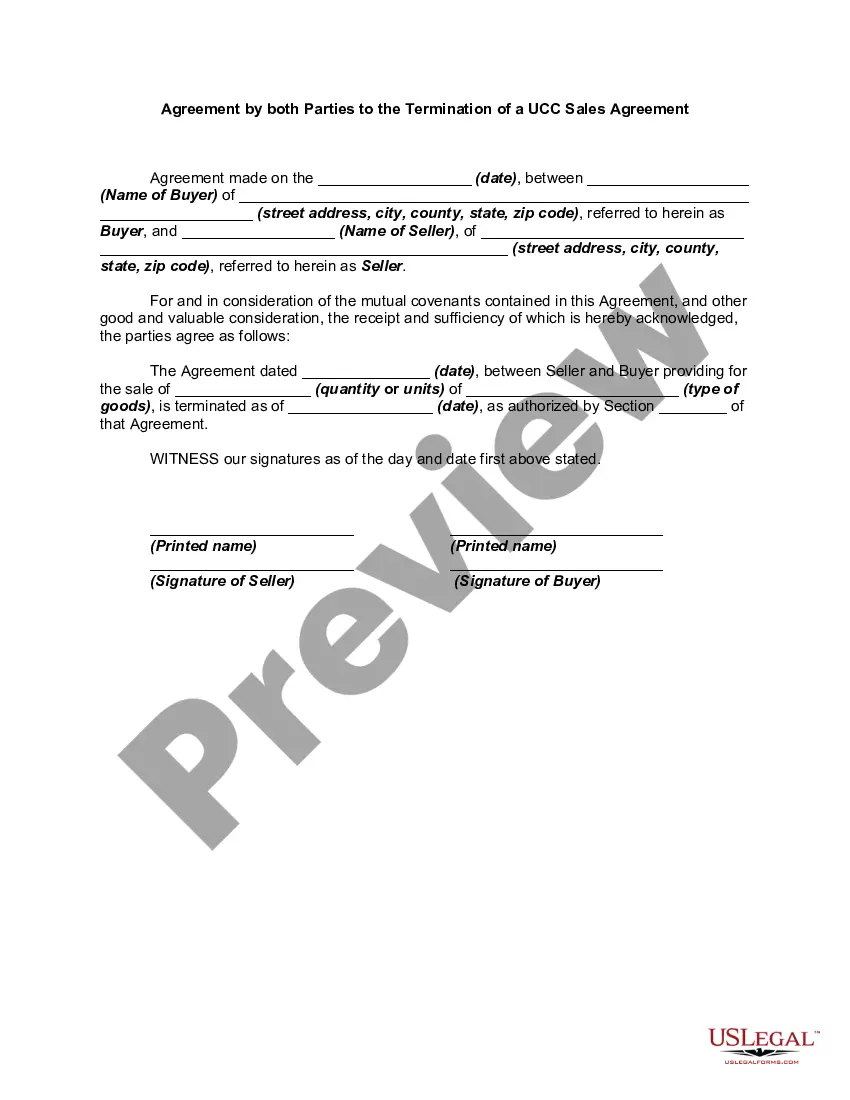
Get your form ready online
Our built-in tools help you complete, sign, share, and store your documents in one place.
Make edits, fill in missing information, and update formatting in US Legal Forms—just like you would in MS Word.
Download a copy, print it, send it by email, or mail it via USPS—whatever works best for your next step.
Sign and collect signatures with our SignNow integration. Send to multiple recipients, set reminders, and more. Go Premium to unlock E-Sign.
If this form requires notarization, complete it online through a secure video call—no need to meet a notary in person or wait for an appointment.
We protect your documents and personal data by following strict security and privacy standards.

Make edits, fill in missing information, and update formatting in US Legal Forms—just like you would in MS Word.

Download a copy, print it, send it by email, or mail it via USPS—whatever works best for your next step.

Sign and collect signatures with our SignNow integration. Send to multiple recipients, set reminders, and more. Go Premium to unlock E-Sign.

If this form requires notarization, complete it online through a secure video call—no need to meet a notary in person or wait for an appointment.

We protect your documents and personal data by following strict security and privacy standards.
Looking for another form?

How to fill out Notice Of Cancellation Of Sales Agreement Pursuant To Article 2 Of The Uniform Commercial Code?
Securing a reliable location to find the latest and most suitable legal templates is a significant part of navigating bureaucratic processes. Finding the correct legal documents requires precision and meticulousness, which is why it is essential to obtain samples of Notice Cancel Order With Affirm exclusively from trusted sources, such as US Legal Forms. An incorrect template may squander your time and delay the situation you are facing. With US Legal Forms, you have minimal concerns. You can access and verify all the information regarding the document’s application and suitability for your situation and in your jurisdiction.
Follow these steps to finalize your Notice Cancel Order With Affirm.
Eliminate the hassle associated with your legal documentation. Explore the extensive catalog of US Legal Forms to locate legal samples, assess their pertinence to your situation, and download them right away.
- Use the catalog navigation or search bar to find your template.
- Review the form’s description to confirm it meets the requirements of your state and county.
- Check the form preview, if available, to ensure the form aligns with your search.
- Return to the search to find the correct template if the Notice Cancel Order With Affirm doesn’t fulfill your needs.
- If you are confident about the form’s applicability, download it.
- If you are a registered user, click Log in to verify and access your selected forms in My documents.
- If you do not have an account yet, click Buy now to acquire the form.
- Choose the pricing option that best suits your needs.
- Proceed with the registration to finalize your purchase.
- Complete your transaction by selecting a payment method (credit card or PayPal).
- Select the document format for downloading Notice Cancel Order With Affirm.
- After obtaining the form on your device, you can edit it with the editor or print it out and complete it manually.
Form popularity
FAQ
How do I cancel my order? All order cancellations have to be done through the retailer. Please contact the partner store to request cancellation. If your order has already been canceled, we'll cancel your loan automatically within 21 business days.
You can't use loans through Affirm for: Illegal items and activities. Weapons, including firearms, ammunition, certain firearm parts or accessories, and certain knives or other weapons regulated under applicable law. Narcotics and drug paraphernalia. Currency, including cryptocurrency.
Affirm is not eligible for certain purchases, such as Whole Foods Market or Amazon Fresh orders, digital purchases like movies or Kindle books, gift cards, and carts under $50. Affirm will not be available on Amazon checkout for purchases that aren't eligible.
Affirm loans are made by Cross River Bank, a New Jersey State Chartered Commercial Bank, Member FDIC. For specific questions regarding financing or if you have issues with your Affirm account, please email Affirm directly at help@affirm.com or call (855) 423-3729.
Returns for items purchased with Affirm are always subject to the merchant's return policy. To start a return, visit returns.embrlabs.com within 60 days of your order's ship date. After we issue your refund, Affirm will credit your loan balance for the amount of the refund within 3?45 business days.