Agreement Between Two Contract Formats
Description
Get your form ready online
Our built-in tools help you complete, sign, share, and store your documents in one place.
Make edits, fill in missing information, and update formatting in US Legal Forms—just like you would in MS Word.
Download a copy, print it, send it by email, or mail it via USPS—whatever works best for your next step.
Sign and collect signatures with our SignNow integration. Send to multiple recipients, set reminders, and more. Go Premium to unlock E-Sign.
If this form requires notarization, complete it online through a secure video call—no need to meet a notary in person or wait for an appointment.
We protect your documents and personal data by following strict security and privacy standards.

Make edits, fill in missing information, and update formatting in US Legal Forms—just like you would in MS Word.

Download a copy, print it, send it by email, or mail it via USPS—whatever works best for your next step.

Sign and collect signatures with our SignNow integration. Send to multiple recipients, set reminders, and more. Go Premium to unlock E-Sign.

If this form requires notarization, complete it online through a secure video call—no need to meet a notary in person or wait for an appointment.

We protect your documents and personal data by following strict security and privacy standards.
Looking for another form?


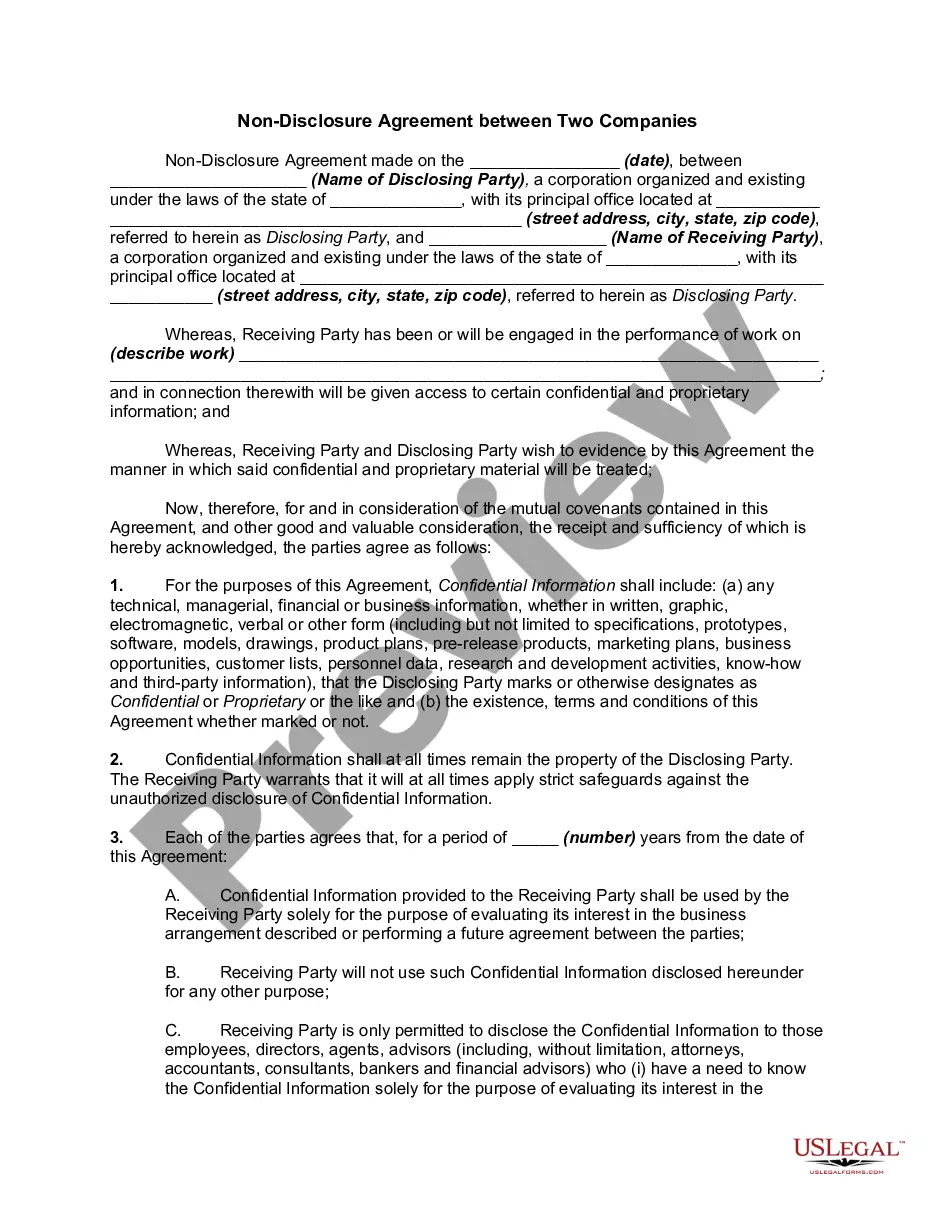
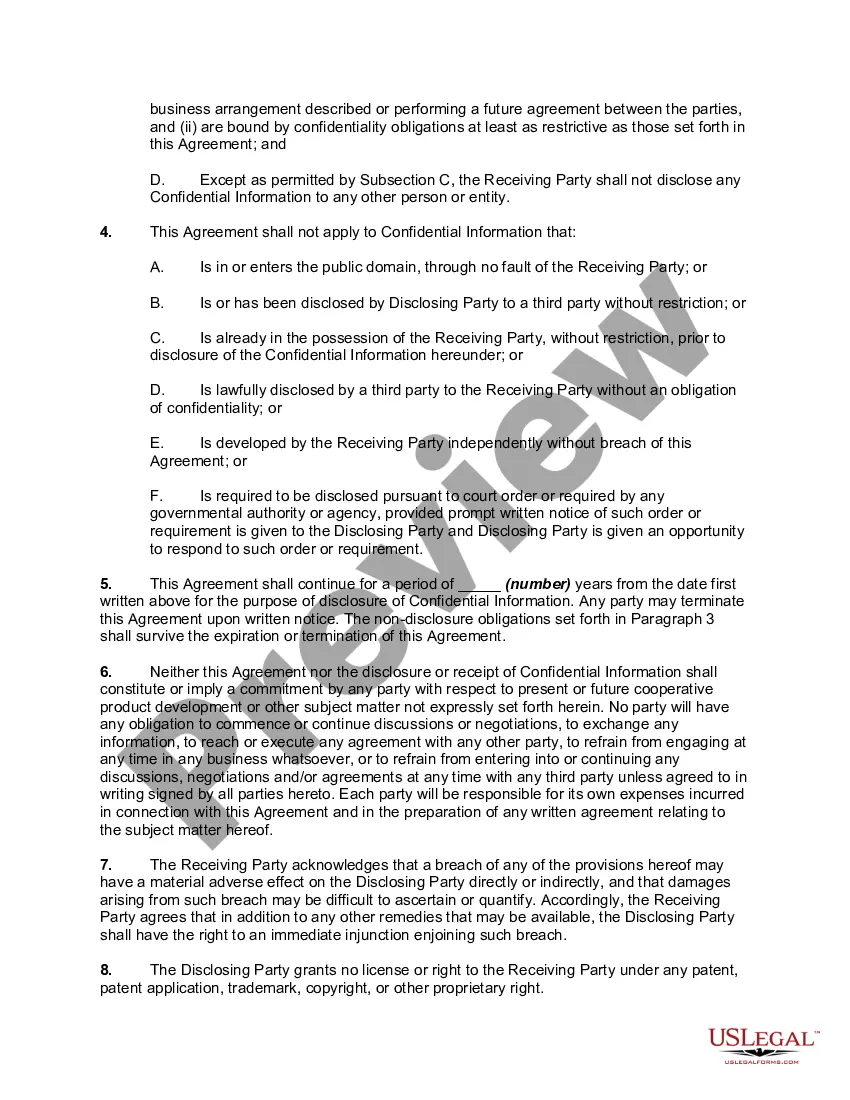
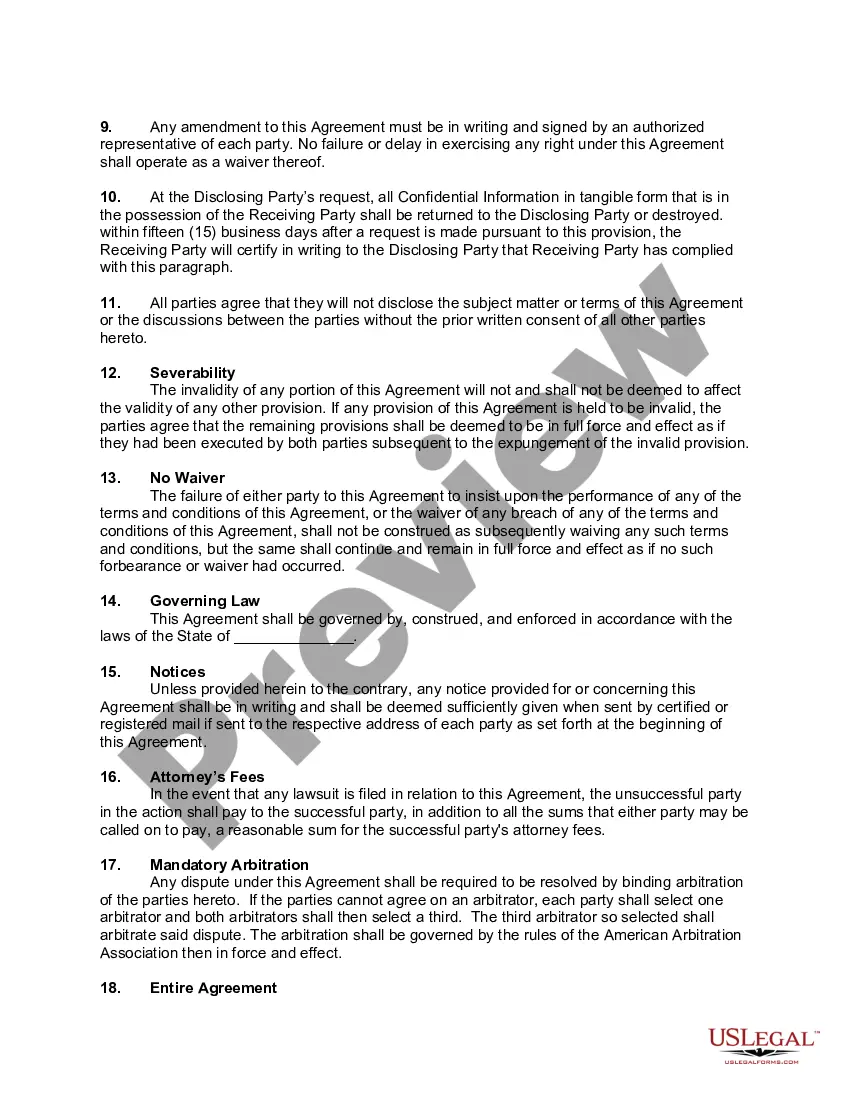
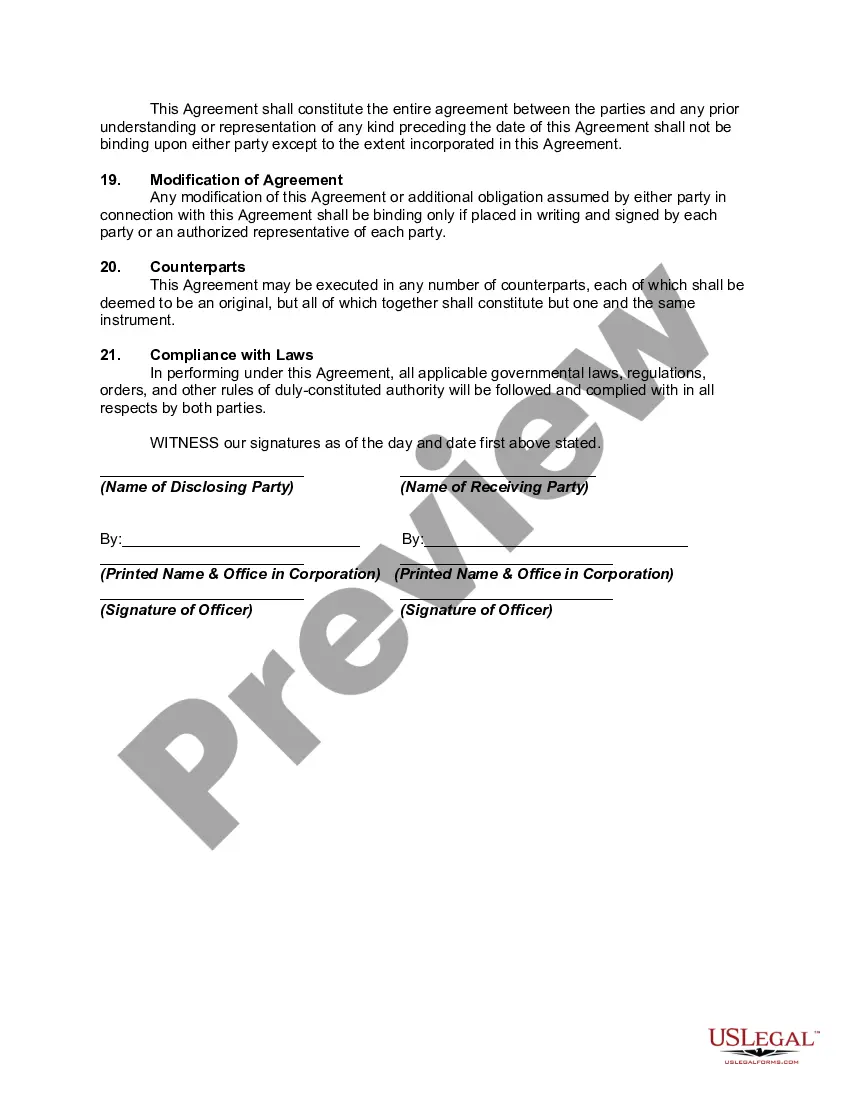
How to fill out Non-Disclosure Agreement Between Two Companies?
Managing legal paperwork can be perplexing, even for the most experienced professionals.
If you're looking for an Agreement Between Two Contract Formats and lack the time to search for the correct and current version, the process can be stressful.
US Legal Forms meets all your requirements, whether for personal or business purposes, providing everything in one location.
Utilize sophisticated tools to complete and manage your Agreement Between Two Contract Formats.
Here are the steps to follow after obtaining the form you need: Confirm it is the correct form by previewing and reviewing its description. Ensure the sample is recognized in your state or county. Select Buy Now when you’re ready. Choose a monthly subscription plan. Locate the format you require, and Download, complete, eSign, print, and send your document. Benefit from the US Legal Forms online library, backed by 25 years of expertise and reliability. Streamline your daily document management into a simple and user-friendly process today.
- Tap into a valuable resource library filled with articles, guides, and materials pertinent to your circumstances and requirements.
- Conserve time and energy searching for the documents you require, using US Legal Forms' advanced search and Review tool to locate and download Agreement Between Two Contract Formats.
- If you have a monthly subscription, Log Into your US Legal Forms account to find and download your form.
- Visit the My documents tab to access previously downloaded documents and manage your folders as needed.
- If it’s your first experience with US Legal Forms, create a complimentary account to gain unlimited access to all platform features.
- A comprehensive online form repository can be a significant advantage for anyone aiming to navigate these situations successfully.
- US Legal Forms stands out as a top provider of online legal documents, offering over 85,000 state-specific legal forms at your convenience.
- With US Legal Forms, you can access documents tailored to your state or county needs.
Form popularity
FAQ
Simply put, yes, you can write your own legal contract. You just need to be sure to include key components such as an offer, an acceptance, an exchange of value, and the willingness of both parties to enter into a contract. Legally binding contracts can be done both in writing or orally.
While your agreement should fit your unique circumstances, there are a few essential elements every payment agreement should include: Payment timeline. Payment method. Interest rate. Terms and conditions. Parties involved. Contact information. Dispute resolution policy. Signatures.
How to write a letter of agreement Title the document. Add the title at the top of the document. ... List your personal information. ... Include the date. ... Add the recipient's personal information. ... Address the recipient. ... Write an introduction paragraph. ... Write your body. ... Conclude the letter.
How to draft a contract agreement Check out the parties. Come to an agreement on the terms. Specify the length of the contract. Spell out the consequences. Determine how you would resolve any disputes. Think about confidentiality. Check the contract's legality. Open it up to negotiation.
Write the contract in six steps Start with a contract template. ... Open with the basic information. ... Describe in detail what you have agreed to. ... Include a description of how the contract will be ended. ... Write into the contract which laws apply and how disputes will be resolved. ... Include space for signatures.