Mortgage Form Statement Format In Excel
Description
Get your form ready online
Our built-in tools help you complete, sign, share, and store your documents in one place.
Make edits, fill in missing information, and update formatting in US Legal Forms—just like you would in MS Word.
Download a copy, print it, send it by email, or mail it via USPS—whatever works best for your next step.
Sign and collect signatures with our SignNow integration. Send to multiple recipients, set reminders, and more. Go Premium to unlock E-Sign.
If this form requires notarization, complete it online through a secure video call—no need to meet a notary in person or wait for an appointment.
We protect your documents and personal data by following strict security and privacy standards.

Make edits, fill in missing information, and update formatting in US Legal Forms—just like you would in MS Word.

Download a copy, print it, send it by email, or mail it via USPS—whatever works best for your next step.

Sign and collect signatures with our SignNow integration. Send to multiple recipients, set reminders, and more. Go Premium to unlock E-Sign.

If this form requires notarization, complete it online through a secure video call—no need to meet a notary in person or wait for an appointment.

We protect your documents and personal data by following strict security and privacy standards.
Looking for another form?

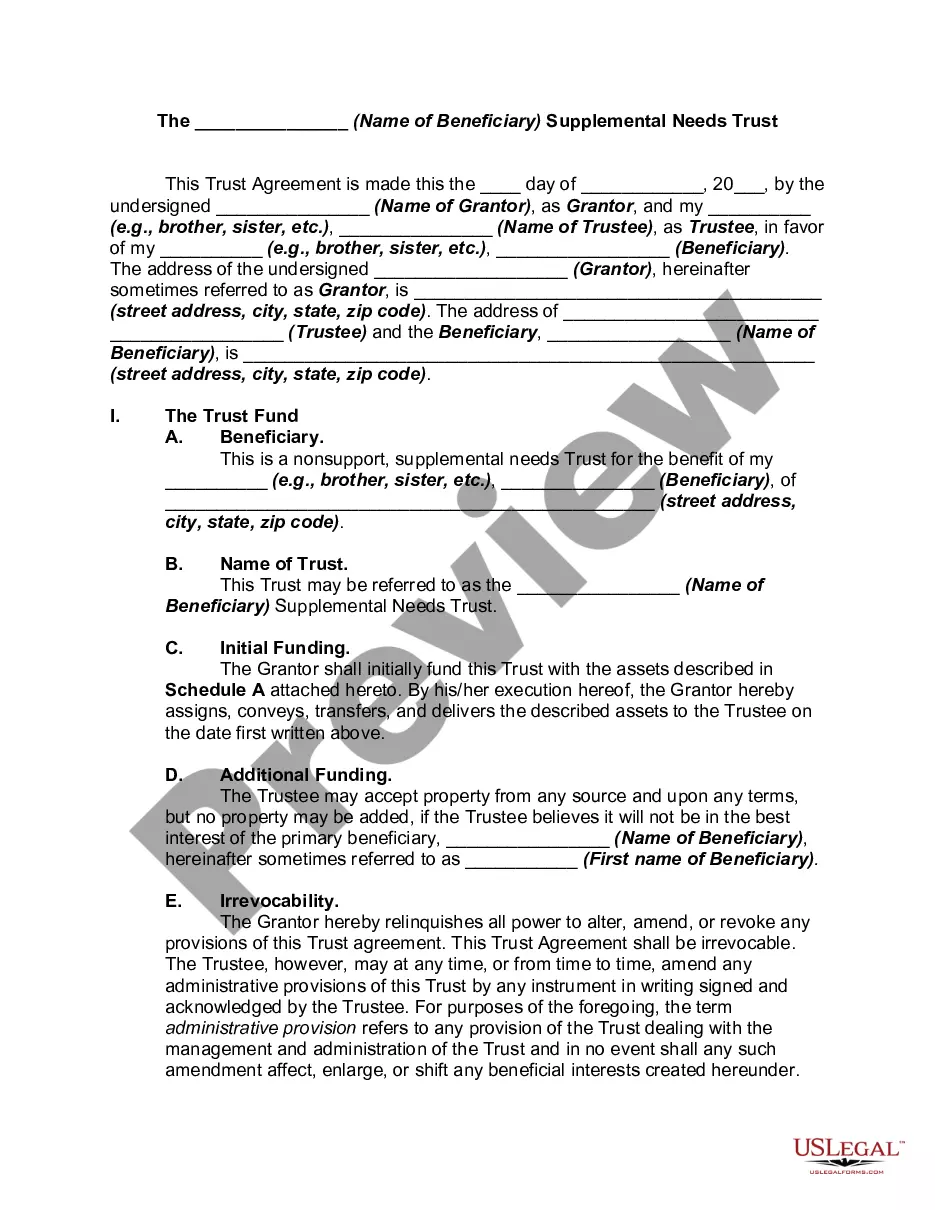



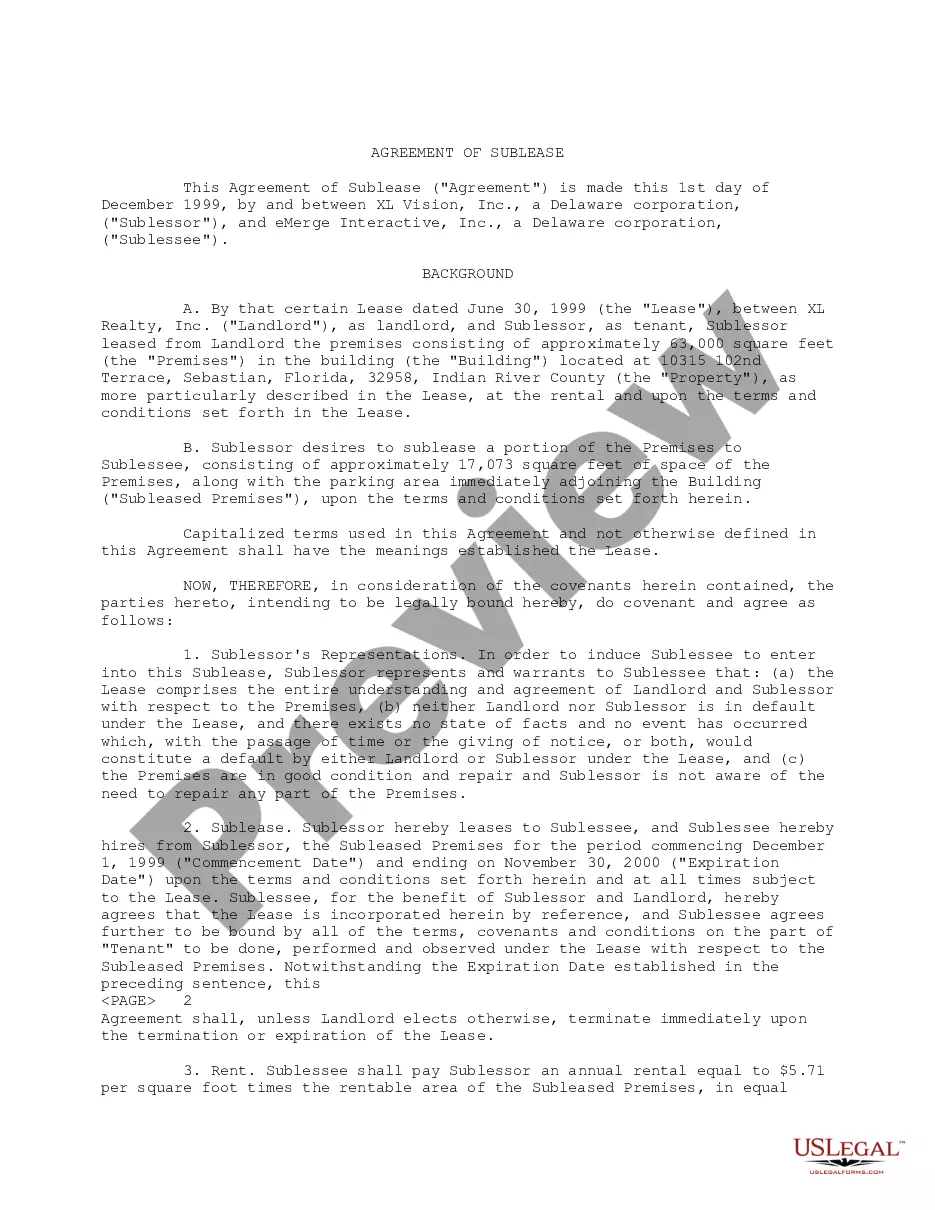



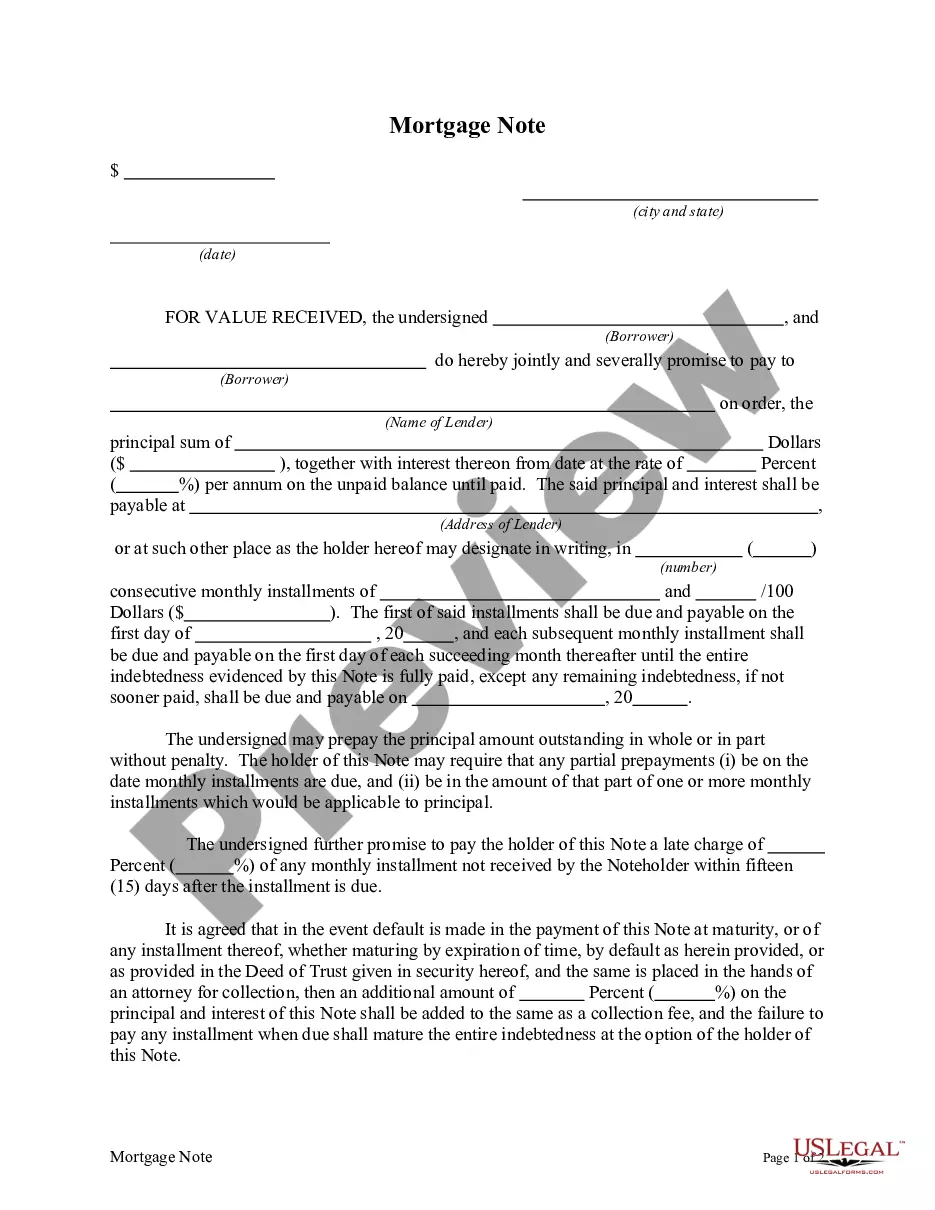
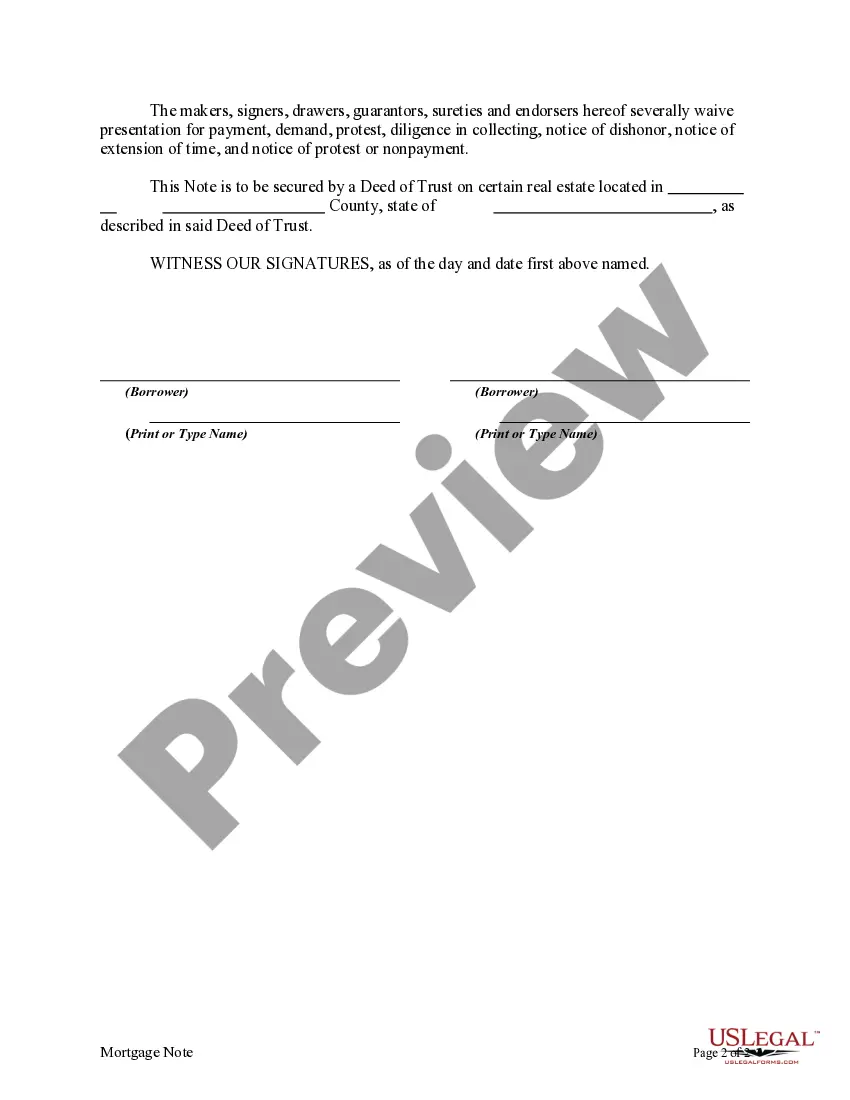
How to fill out Mortgage Note?
It’s well-known that you cannot become a legal authority instantly, nor can you comprehend how to swiftly create Mortgage Form Statement Format In Excel without possessing a specific set of expertise.
Crafting legal documents is a lengthy endeavor that necessitates particular education and abilities. Therefore, why not entrust the preparation of the Mortgage Form Statement Format In Excel to the specialists.
With US Legal Forms, one of the most comprehensive legal document repositories, you can find everything from court forms to templates for in-office correspondence.
You can revisit your forms from the My documents tab at any moment. If you’re an existing client, you can simply Log In and find and download the template from the same tab.
Regardless of your paperwork's purpose—be it financial, legal, or personal—our platform has you taken care of. Explore US Legal Forms today!
- Identify the document you require by utilizing the search feature at the top of the page.
- Preview it (if this option is available) and review the accompanying description to ascertain if Mortgage Form Statement Format In Excel is what you’re looking for.
- Initiate your search again if you need a different template.
- Register for a complimentary account and select a subscription plan to purchase the template.
- Select Buy now. Once the payment is processed, you can download the Mortgage Form Statement Format In Excel, fill it out, print it, and send or mail it to the appropriate individuals or organizations.
Form popularity
FAQ
A: Yes. Excel has a range of financial templates, including income statements, cash flow statements, and balance sheets.
Follow these steps to make an income statement in Excel: Prepare your Excel file. ... Determine the categories. ... Choose the subcategories. ... Input the categories and subcategories. ... Set up the formulas. ... Input the data. ... Consider additional formatting. ... Finalize the document.
The law specifies several items that must be included: The principal loan amount. The current interest rate. The date on which the interest rate may next reset. A description of any late payment fees and any prepayment fee to be charged. Information about housing counselors.
Now, let's go through the process step-by-step. Set up the amortization table. For starters, define the input cells where you will enter the known components of a loan: ... Calculate total payment amount (PMT formula) ... Calculate interest (IPMT formula) ... Find principal (PPMT formula) ... Get the remaining balance.
The syntax for the Excel function to calculate the periodic payment is: PMT(rate, nper, pv, [fv], [type]). With the following notations: PMT: the periodic payment of the loan. Nper: the total number of periods of the loan.