Minutes Meeting Board Form Sample With Members
Description


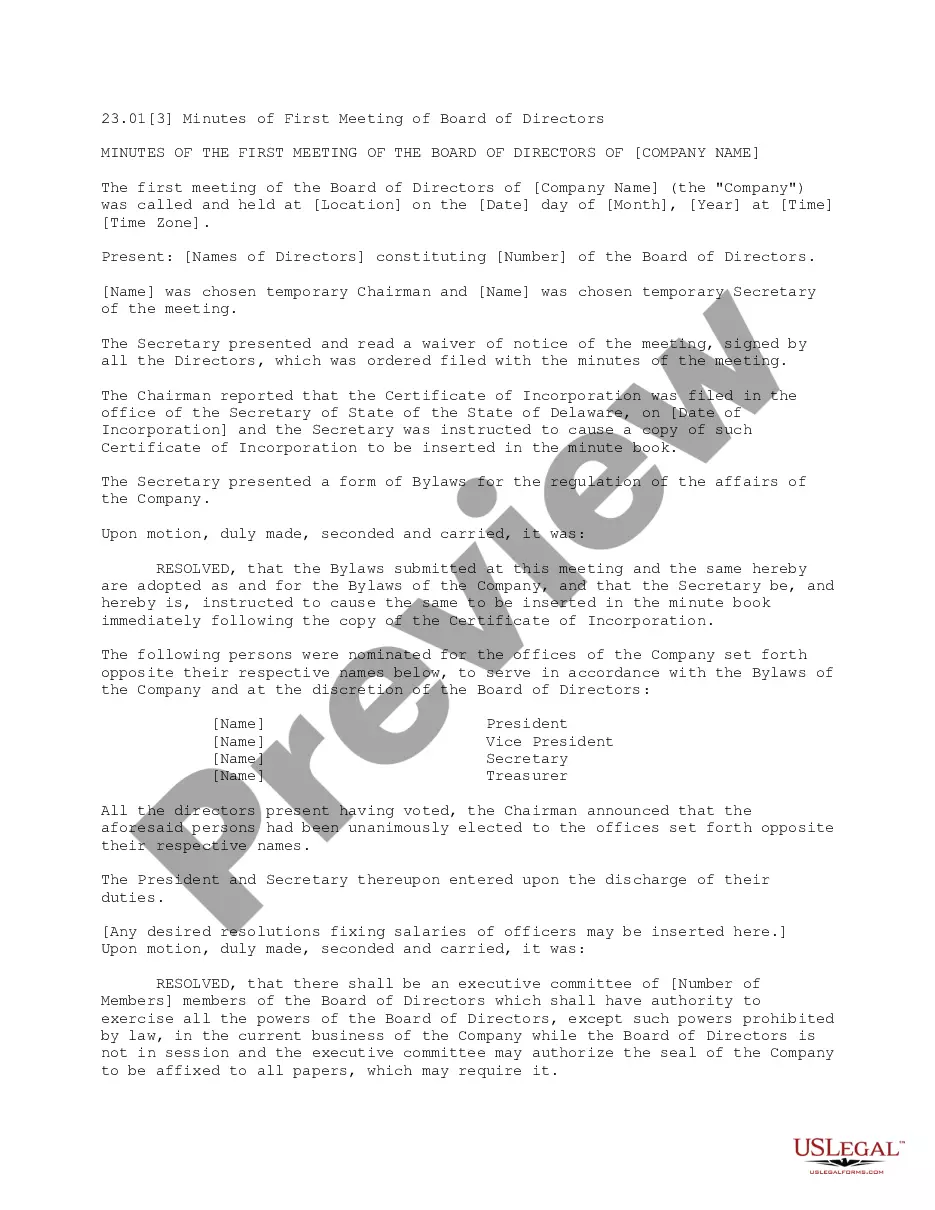
Get your form ready online
Our built-in tools help you complete, sign, share, and store your documents in one place.
Make edits, fill in missing information, and update formatting in US Legal Forms—just like you would in MS Word.
Download a copy, print it, send it by email, or mail it via USPS—whatever works best for your next step.
Sign and collect signatures with our SignNow integration. Send to multiple recipients, set reminders, and more. Go Premium to unlock E-Sign.
If this form requires notarization, complete it online through a secure video call—no need to meet a notary in person or wait for an appointment.
We protect your documents and personal data by following strict security and privacy standards.

Make edits, fill in missing information, and update formatting in US Legal Forms—just like you would in MS Word.

Download a copy, print it, send it by email, or mail it via USPS—whatever works best for your next step.

Sign and collect signatures with our SignNow integration. Send to multiple recipients, set reminders, and more. Go Premium to unlock E-Sign.

If this form requires notarization, complete it online through a secure video call—no need to meet a notary in person or wait for an appointment.

We protect your documents and personal data by following strict security and privacy standards.
Looking for another form?
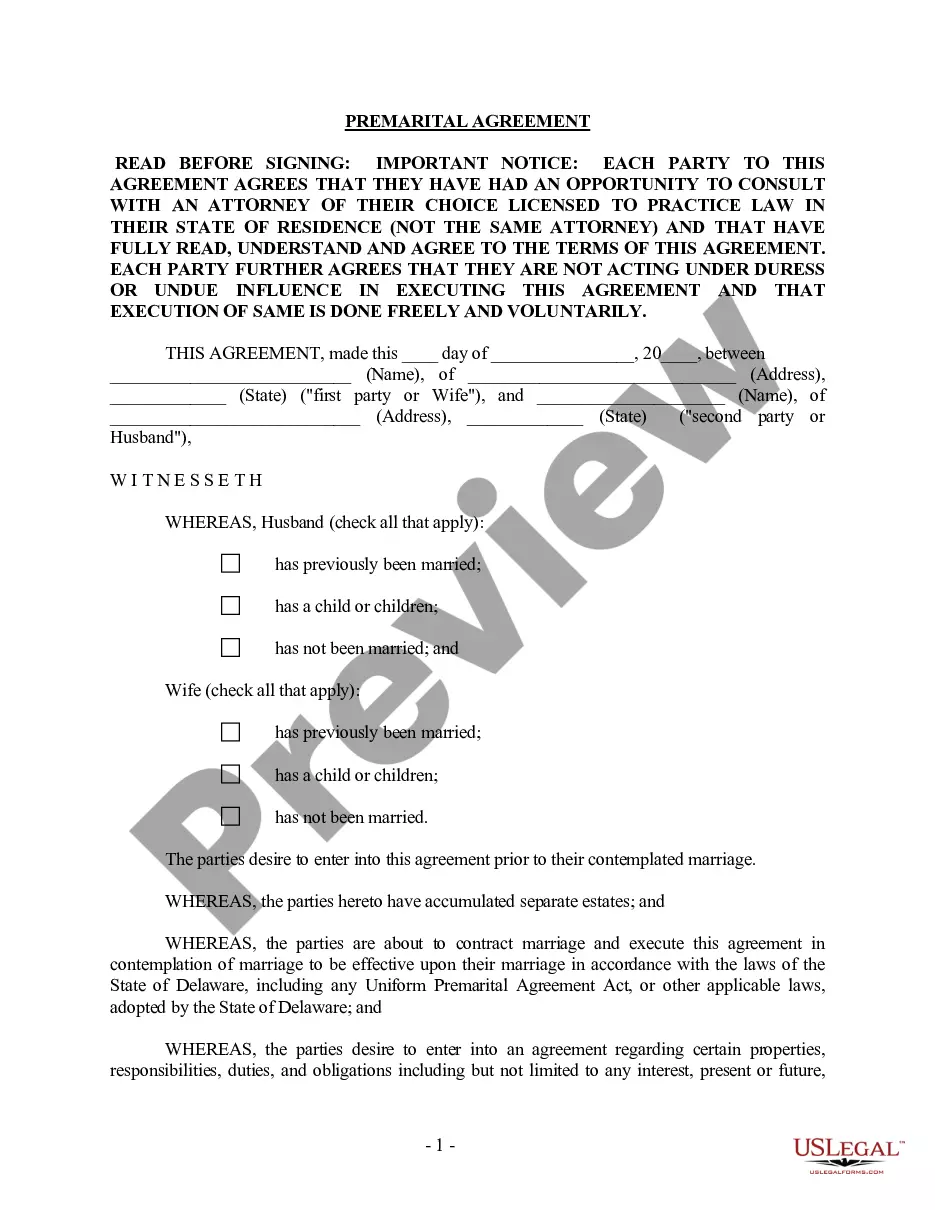


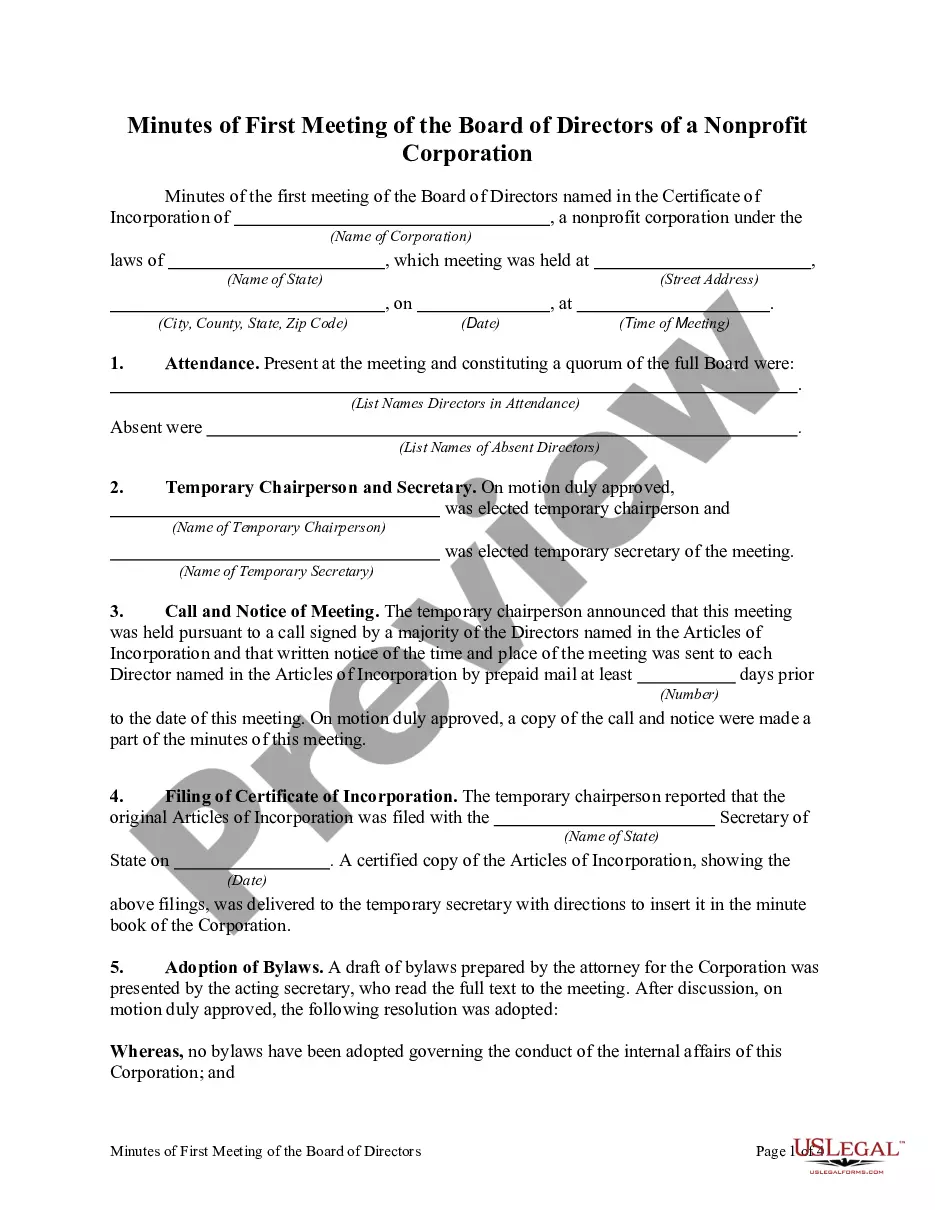
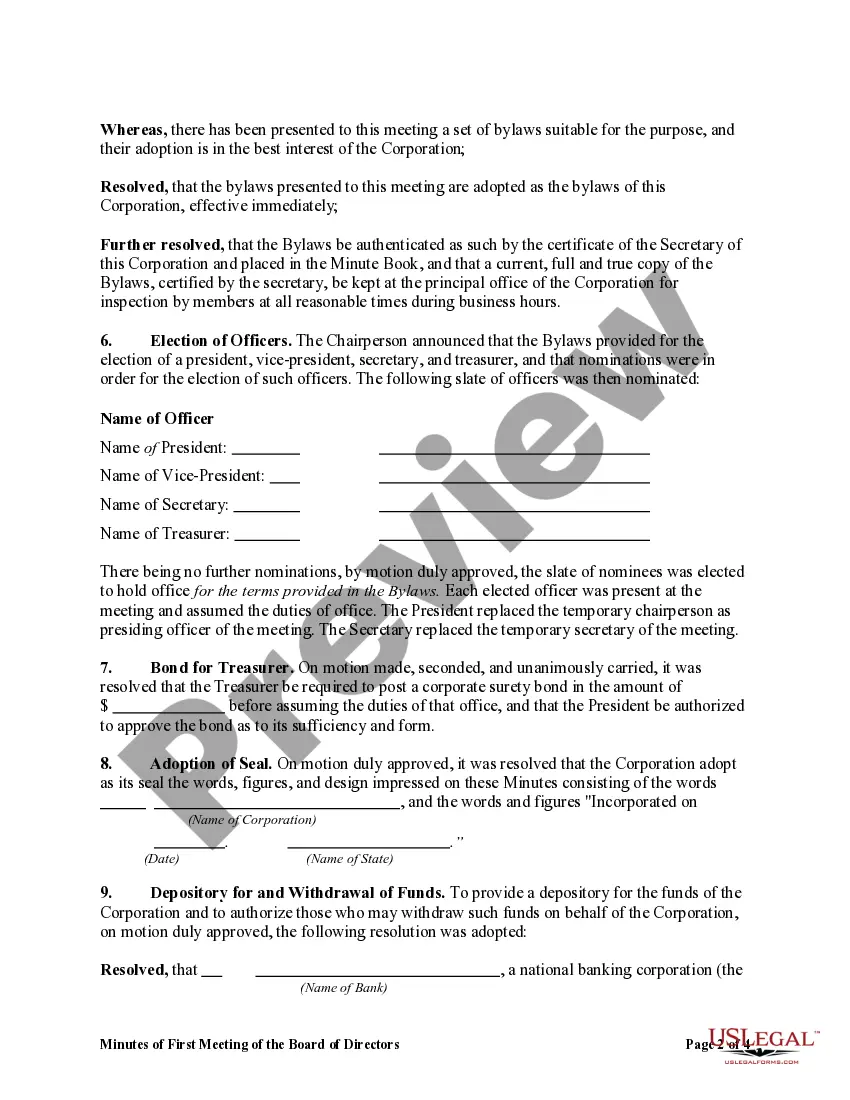
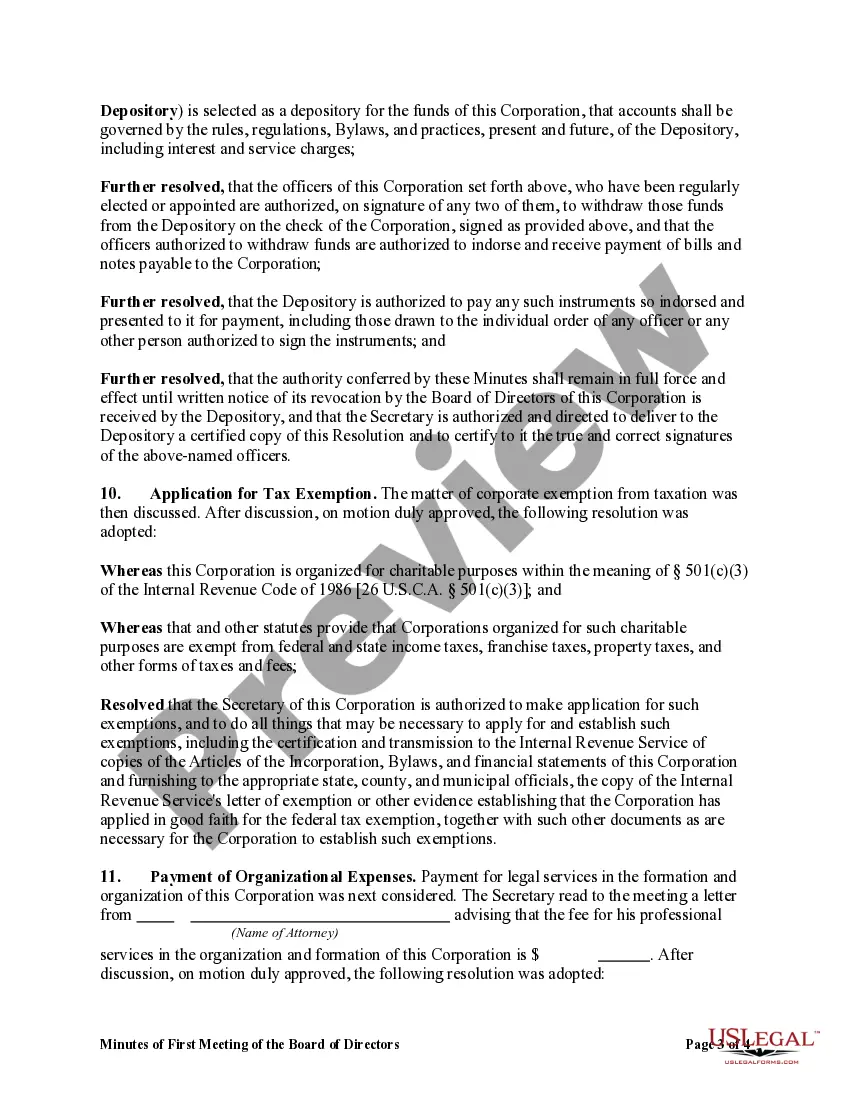
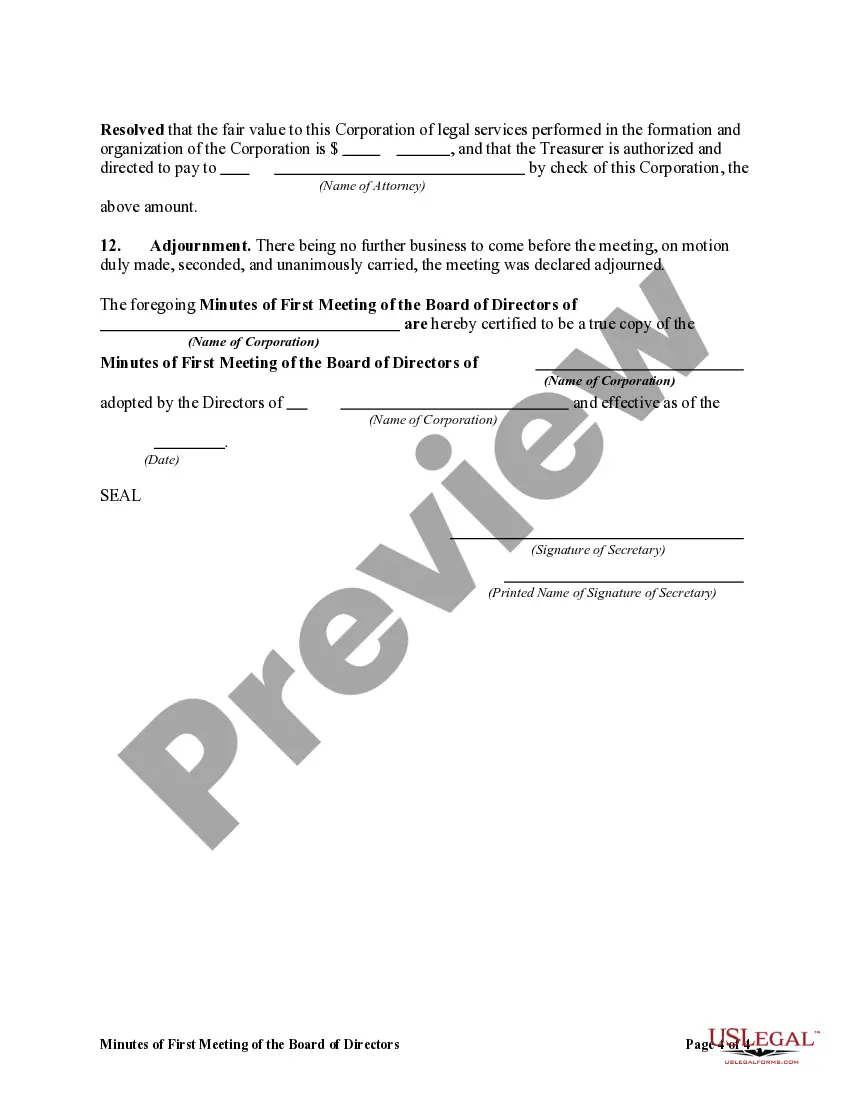
How to fill out Minutes Of First Meeting Of The Board Of Directors Of A Nonprofit Corporation?
Managing legal documents can be perplexing, even for experienced professionals.
If you’re in search of a Minutes Meeting Board Form Sample With Members and lack the time to seek the correct and updated version, the process can become arduous.
US Legal Forms accommodates any requirements you may have, from personal to business documents, all in one place.
Utilize sophisticated tools to fill out and manage your Minutes Meeting Board Form Sample With Members.
Here are the steps to follow after finding the form you need: Validate that it is the correct form by previewing it and reviewing its description. Confirm that the sample is accepted in your state or county. Click Buy Now when you are prepared. Choose a subscription plan. Select the file format you require, then Download, complete, sign, print, and send your document. Take advantage of the US Legal Forms online catalog, supported by 25 years of experience and dependability. Streamline your daily document management into a seamless and user-friendly experience today.
- Tap into a valuable collection of articles, guides, and resources relevant to your situation and needs.
- Conserve time and effort searching for the documents you require, and use US Legal Forms’ enhanced search and Preview feature to find the Minutes Meeting Board Form Sample With Members and obtain it.
- If you hold a monthly subscription, Log In to your US Legal Forms account, search for the form, and download it.
- Check your My documents section to view documents you have previously saved and manage your folders as needed.
- If you are new to US Legal Forms, create a free account and gain unlimited access to all the library’s resources.
- A comprehensive online form repository could be a pivotal solution for anyone aiming to handle these matters effectively.
- US Legal Forms is a frontrunner in online legal documents, offering over 85,000 state-specific legal forms available at any moment.
- With US Legal Forms, you can access forms tailored to your state or county.
Form popularity
FAQ
To create effective board meeting minutes, start by preparing a Minutes meeting board form sample with members as a template. Record key information, such as the date, attendees, and agenda items. Summarize discussions, decisions made, and action items clearly. Utilizing tools from US Legal Forms can simplify this process, allowing you to focus on the content rather than the format.
ChatGPT can indeed assist in writing minutes of a meeting. By inputting the main points and discussions, you can obtain a Minutes meeting board form sample with members that is clear and organized. This can be especially useful if you want to ensure that all members’ contributions are documented accurately. However, always review the generated content to ensure it meets your specific needs.
Yes, you can use AI to write meeting minutes. AI tools, like those offered by US Legal Forms, can help you generate a Minutes meeting board form sample with members quickly and accurately. By providing key details and decisions made during the meeting, AI can streamline the process and ensure you capture everything important. This allows you to focus more on the meeting discussion rather than on note-taking.
To write the minutes of a board meeting, start with the basic details such as the meeting date, time, and location. Record the names of all board members present and absent, followed by a summary of discussions and decisions made on each agenda item. Highlight any action items along with the responsible members and deadlines. Using a Minutes meeting board form sample with members from USLegalForms can streamline your process, ensuring you capture all necessary information efficiently.
Writing minutes of meetings starts with a structured approach. Begin by outlining the meeting agenda and taking notes during the discussion. Each item should reflect the key points, decisions, and assignments clearly. For an effective Minutes meeting board form sample with members, consider using templated formats available on platforms like USLegalForms, which can guide you through the process and provide examples to follow.
Minutes of a meeting should capture essential details to provide a clear record. Include the date, time, and location of the meeting, as well as a list of attendees, including members present and absent. Document the agenda items discussed, decisions made, and any actions assigned to members. Lastly, ensure you note the next meeting's date and any important follow-up items.
Record attendance Create a list of participants and their roles: Who called the meeting to order, who is the notetaker, who is the timekeeper, etc. Also include colleagues who were absent, and why they couldn't attend. This will help you remember who to share the minutes with after the meeting is over.
The date, time, and location of the meeting. A list of attendees, including nonvoting participants with their names, titles, and reasons for attending. When the meeting was called to order and when it was adjourned. A record of motions, seconds, and whether or not the motion passed.
Following are 10 steps that can help you compose an effective meeting minutes report: Make an outline. ... Include factual information. ... Write down the purpose. ... Record decisions made. ... Add details for the next meeting. ... Be concise. ... Consider recording. ... Edit and proofread.
2. What Should Be Included in Meeting Minutes? Date and time of the meeting. Names of the meeting participants and those unable to attend (e.g., ?regrets?) Acceptance or corrections/amendments to previous meeting minutes. Decisions made about each agenda item, for example: Actions taken or agreed to be taken. Next steps.