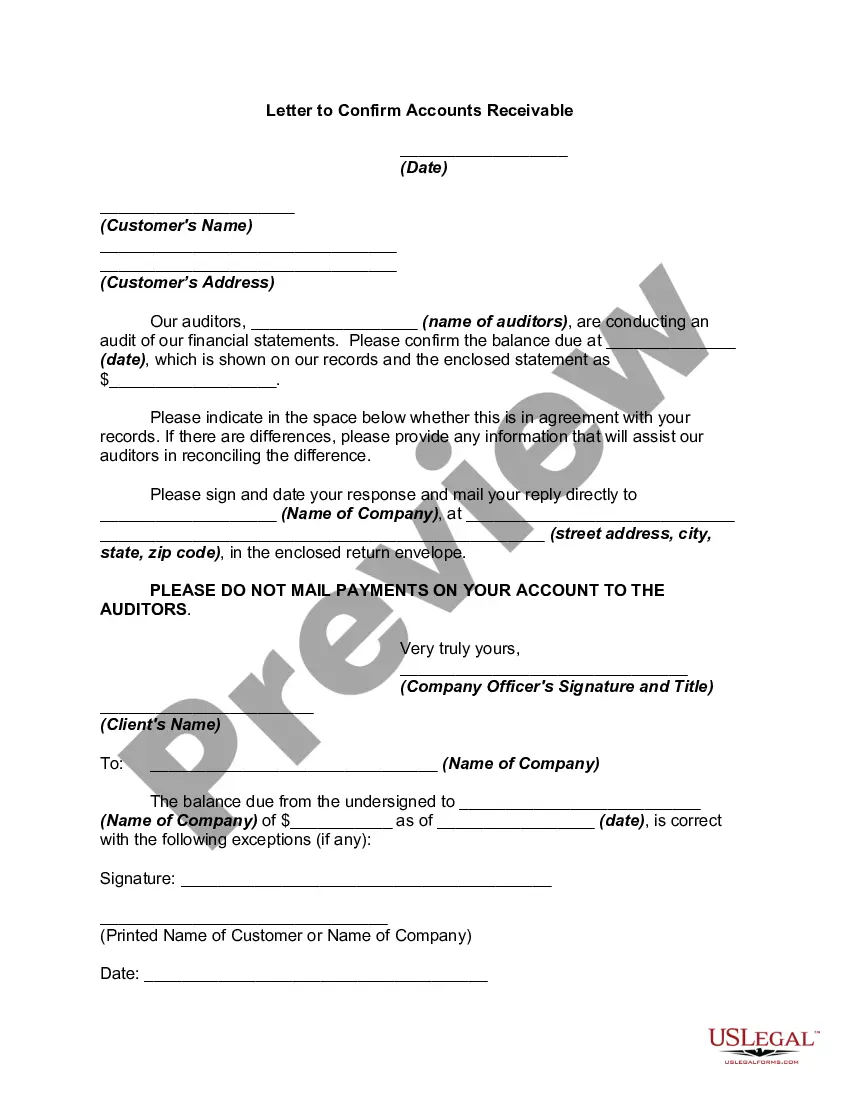
Accounts Receivable Confirmation Email Template With No Response
Description
Get your form ready online
Our built-in tools help you complete, sign, share, and store your documents in one place.
Make edits, fill in missing information, and update formatting in US Legal Forms—just like you would in MS Word.
Download a copy, print it, send it by email, or mail it via USPS—whatever works best for your next step.
Sign and collect signatures with our SignNow integration. Send to multiple recipients, set reminders, and more. Go Premium to unlock E-Sign.
If this form requires notarization, complete it online through a secure video call—no need to meet a notary in person or wait for an appointment.
We protect your documents and personal data by following strict security and privacy standards.

Make edits, fill in missing information, and update formatting in US Legal Forms—just like you would in MS Word.

Download a copy, print it, send it by email, or mail it via USPS—whatever works best for your next step.

Sign and collect signatures with our SignNow integration. Send to multiple recipients, set reminders, and more. Go Premium to unlock E-Sign.

If this form requires notarization, complete it online through a secure video call—no need to meet a notary in person or wait for an appointment.

We protect your documents and personal data by following strict security and privacy standards.
Looking for another form?




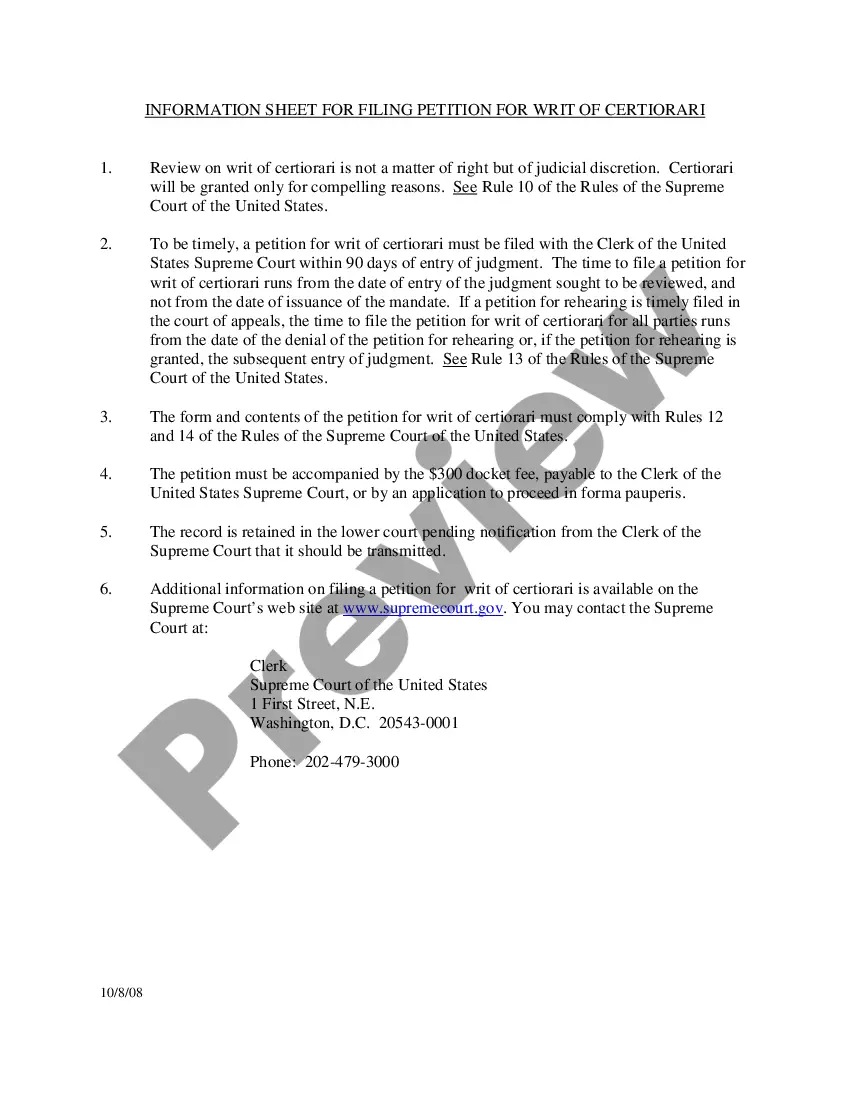



How to fill out Letter To Confirm Accounts Receivable?
Engaging with legal documents and processes can be a lengthy addition to your day.
Accounts Receivable Confirmation Email Template Without Response and similar forms frequently require you to search for them and comprehend how to fill them out correctly.
Thus, whether you are managing financial, legal, or personal affairs, having a comprehensive and user-friendly online repository of forms readily available will prove beneficial.
US Legal Forms is the premier online platform for legal templates, providing over 85,000 state-specific forms along with various resources to assist you in efficiently completing your documents.
Simply Log In to your account, locate Accounts Receivable Confirmation Email Template Without Response, and download it immediately from the My documents section. You can also access forms you have previously downloaded.
- Uncover the collection of pertinent documents accessible to you with a single click.
- US Legal Forms offers state- and county-specific documents available for download at any time.
- Secure your document management procedures using a high-quality service that allows you to create any form within minutes without any additional or hidden fees.
Form popularity
FAQ
To professionally say you haven't gotten a response, begin by addressing the recipient with respect. Phrase your message to include a gentle reminder of your last communication while asking for an update. Using an Accounts receivable confirmation email template with no response can assist you in conveying your message while keeping it professional and courteous.
We recommend that you use a dedicated email address such as accountspayable@yourdomain.com. This makes it easier than using a staff member's email address and helps to avoid emails getting lost or being sent to the spam folder.
This notice is to inform you that your account is now [number of days] past due the payment date. The outstanding balance is [amount]. We kindly request that you take action to resolve this matter as soon as possible. If you have any questions or concerns, please let us know, and we'll be happy to assist you.
What to include in a follow-up email after no response? your name. the topic of business. how you contacted the recipient previously and when. your documents/attachments/portfolio/website. call to action. contact details.
After the client has stopped responding: Attempt to communicate with your client at least 2-3 times before assuming they are unresponsive. After you consider them unresponsive, send a ?kind but firm? warning. Be short and direct, stating the timeframe by which they need to respond.
I'm writing to follow up on the proposal/quote for the [product/service] that you requested. We have not received a response from you yet, and I wanted to check in to see if you had any questions or concerns. I understand that you are likely busy and may need more time to review the proposal or make a decision.