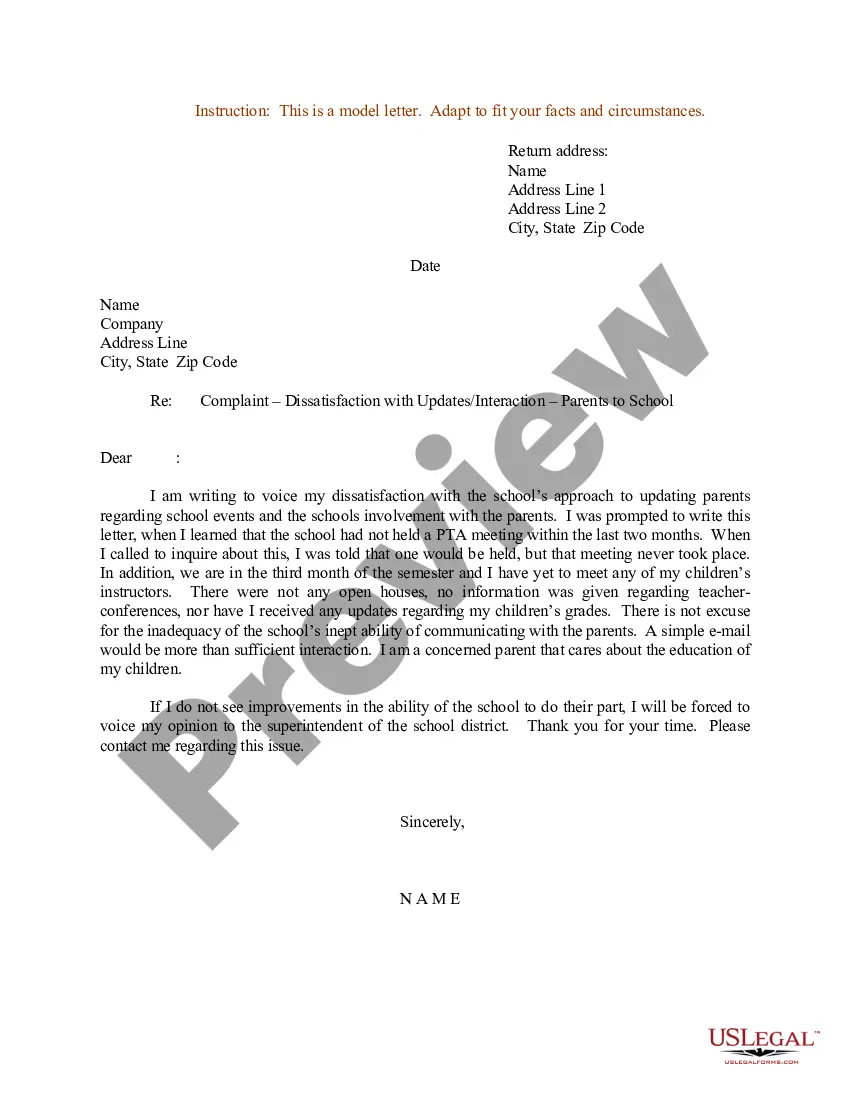
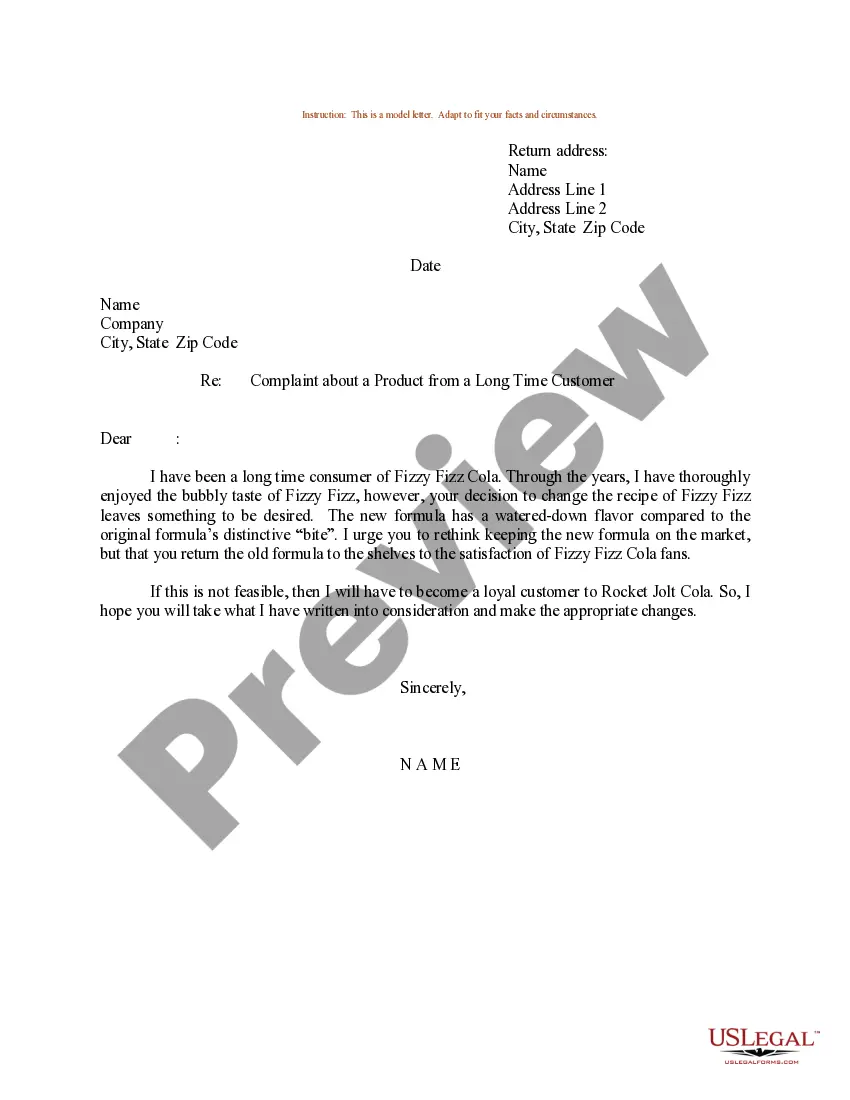
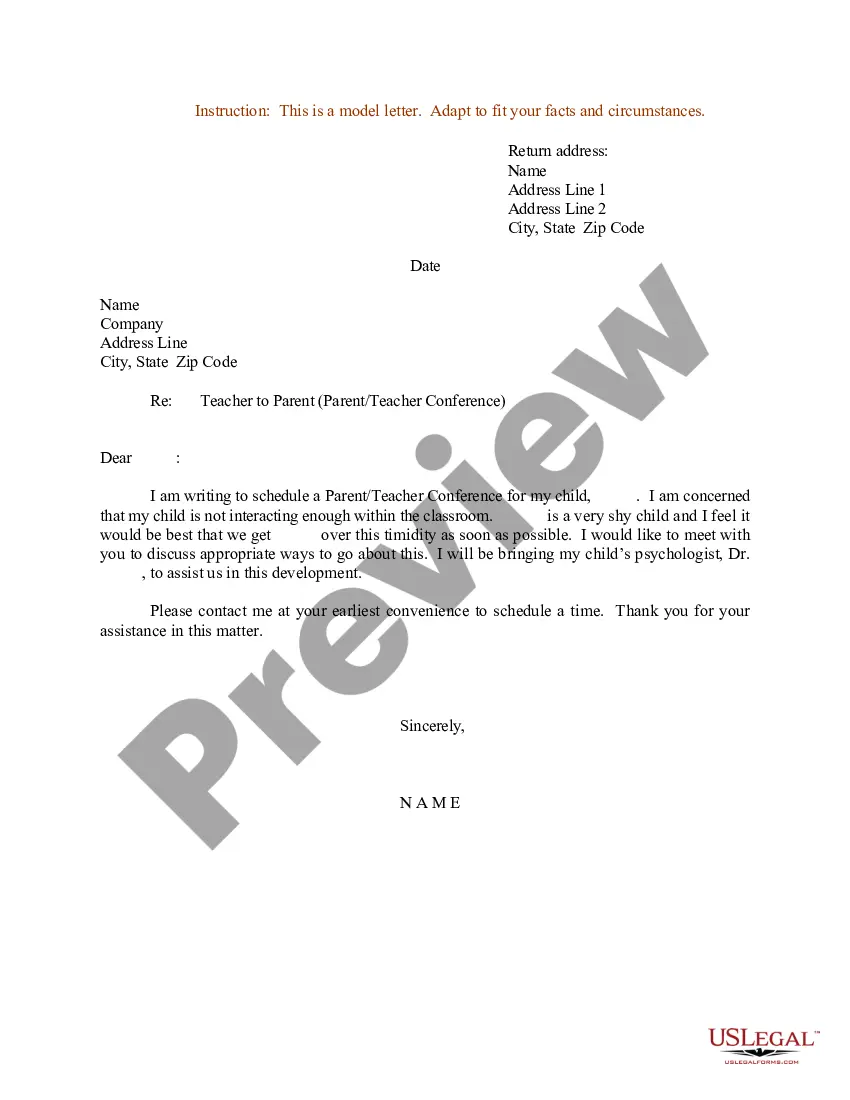
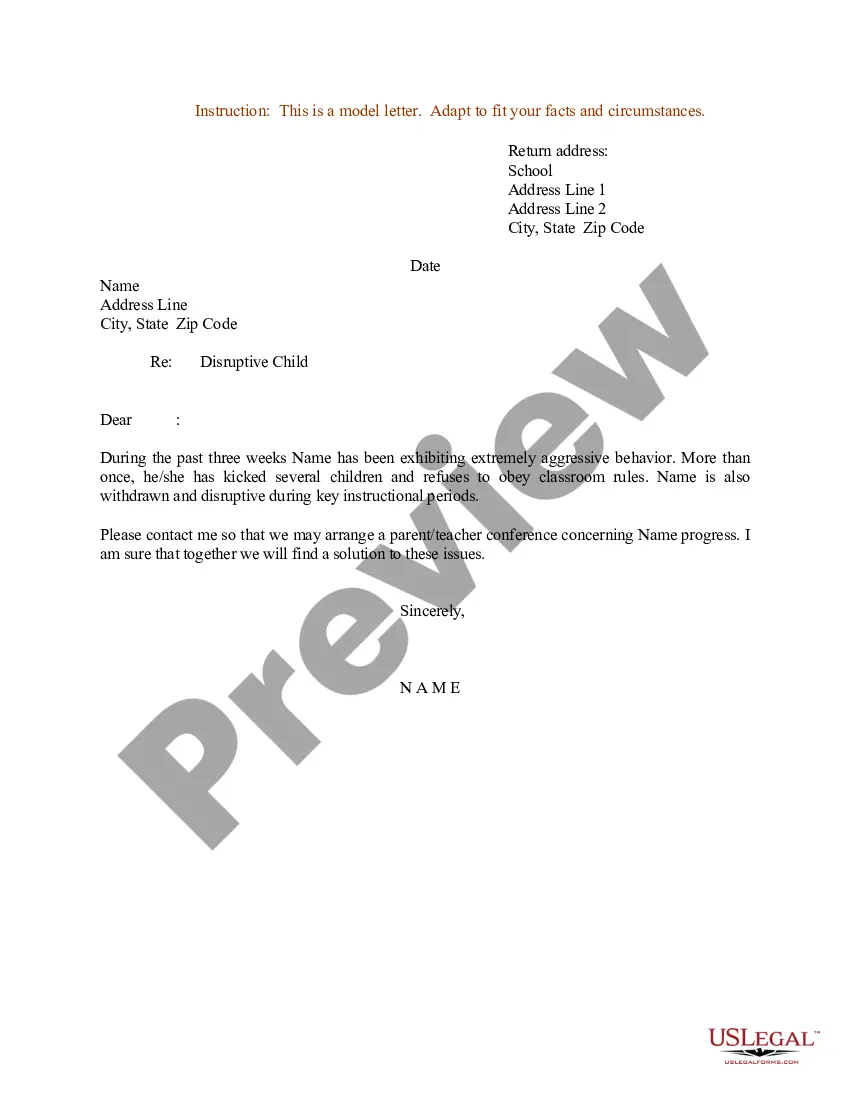
Address Regarding Letter With Name
Description
Get your form ready online
Our built-in tools help you complete, sign, share, and store your documents in one place.
Make edits, fill in missing information, and update formatting in US Legal Forms—just like you would in MS Word.
Download a copy, print it, send it by email, or mail it via USPS—whatever works best for your next step.
Sign and collect signatures with our SignNow integration. Send to multiple recipients, set reminders, and more. Go Premium to unlock E-Sign.
If this form requires notarization, complete it online through a secure video call—no need to meet a notary in person or wait for an appointment.
We protect your documents and personal data by following strict security and privacy standards.

Make edits, fill in missing information, and update formatting in US Legal Forms—just like you would in MS Word.

Download a copy, print it, send it by email, or mail it via USPS—whatever works best for your next step.

Sign and collect signatures with our SignNow integration. Send to multiple recipients, set reminders, and more. Go Premium to unlock E-Sign.

If this form requires notarization, complete it online through a secure video call—no need to meet a notary in person or wait for an appointment.

We protect your documents and personal data by following strict security and privacy standards.
Looking for another form?
How to fill out Sample Letter For Complaint - Dissatisfaction With Updates - Interaction - Parents To School?
Managing legal documents and processes can be an extensive addition to your day.
Address Regarding Letter With Name and similar forms frequently require you to locate them and comprehend how to fill them out correctly.
Therefore, if you are overseeing monetary, legal, or personal issues, utilizing a thorough and straightforward online database of forms readily available will significantly help.
US Legal Forms is the leading online platform for legal templates, presenting over 85,000 state-specific documents and various resources to assist you in completing your paperwork seamlessly.
Simply Log In to your account, find Address Regarding Letter With Name and download it instantly from the My documents section. You can also access previously saved forms.
- Investigate the collection of pertinent documents available to you with just one click.
- US Legal Forms provides state- and county-specific forms available for download anytime.
- Protect your document management workflow with a premium service that allows you to assemble any form in minutes with no additional or concealed charges.
Form popularity
FAQ
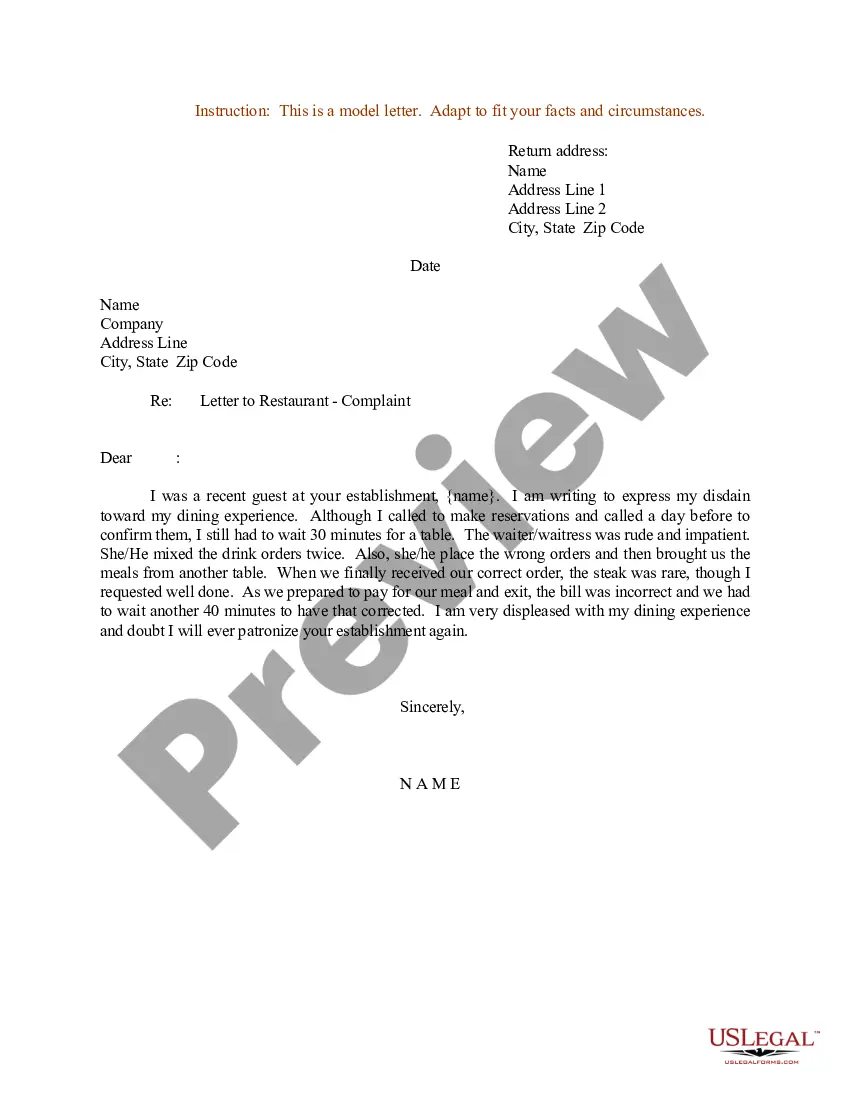
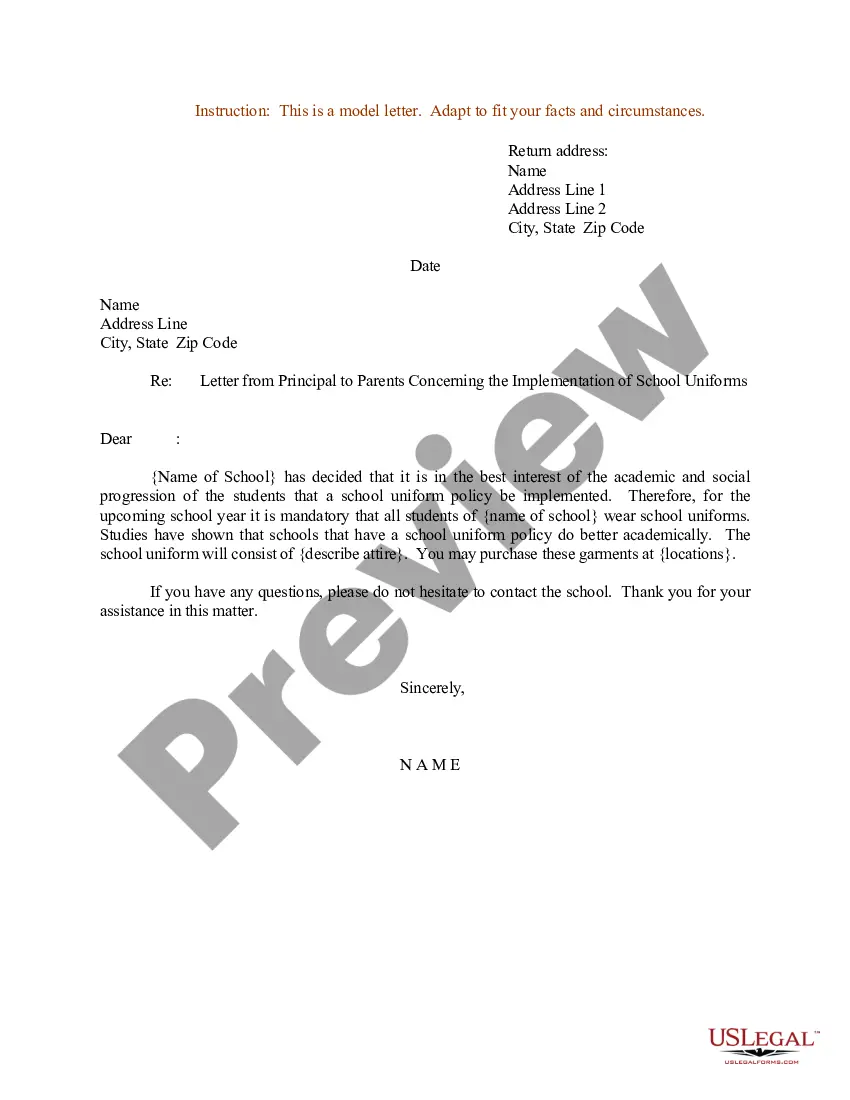
In a formal letter, place your name and address at the top left corner. This should be followed by the date, and then the recipient’s information should follow. Properly positioning your name and address in this manner enhances the professionalism of your letter.
Addresses and date They should be laid out in this way: Your full name should be on the first line. Your full address, including postcode, should be underneath this (using separate lines for each new line of your address). Your email address should then be immediately underneath this.
Here's how to complete their information: Place the recipient's name on the first line. On the second line, write the building number and street name. Include the city, state and ZIP code on the final line.
The most widely used salutation is ?Dear,? and is recommended if you've never met the intended recipient. The salutation is followed by the person's name and punctuated with a colon or comma. If you do not know whether the recipient is a man or a woman, it is safe to use ?Dear Sir or Madam? followed by a colon.
Here's how to complete their information: Place the recipient's name on the first line. On the second line, write the building number and street name. Include the city, state and ZIP code on the final line.
In a formal letter, the name and designation of the person to whom the letter is addressed comes at top left of the letter. The name of the sender comes in the end of the letter. Both the names should be mentioned in the formal letter.