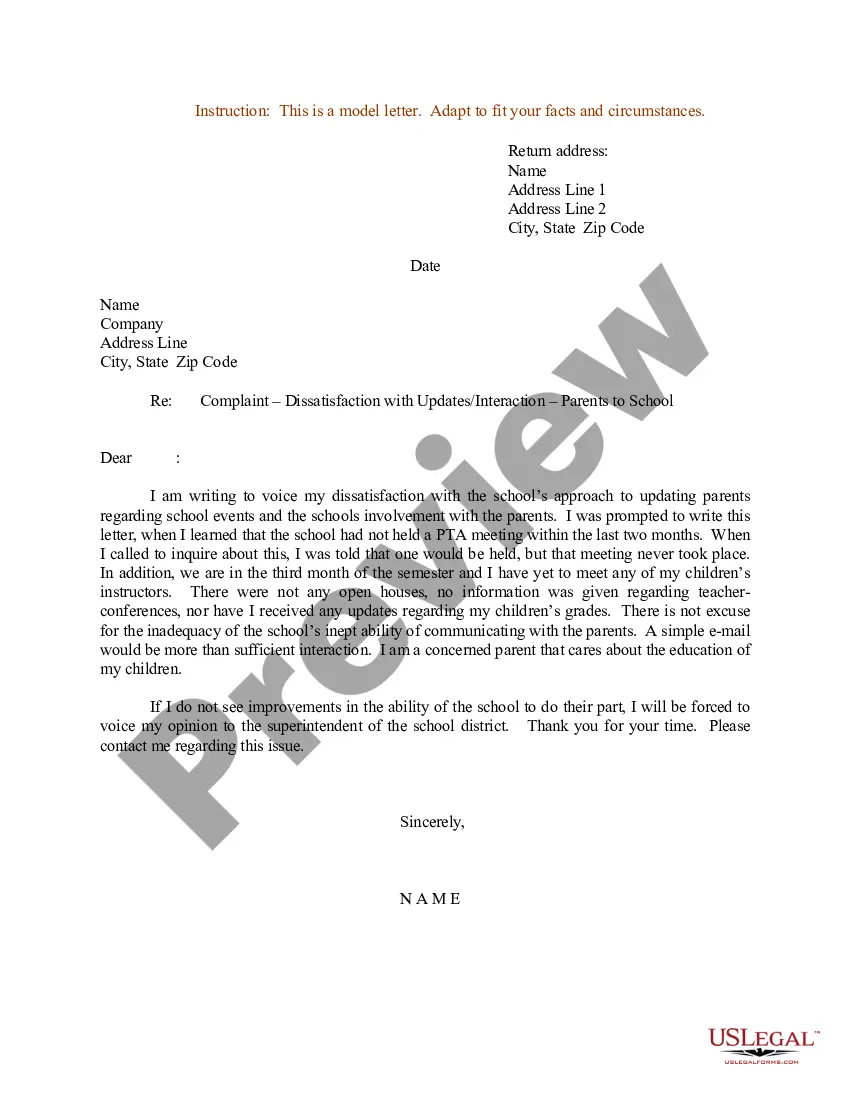
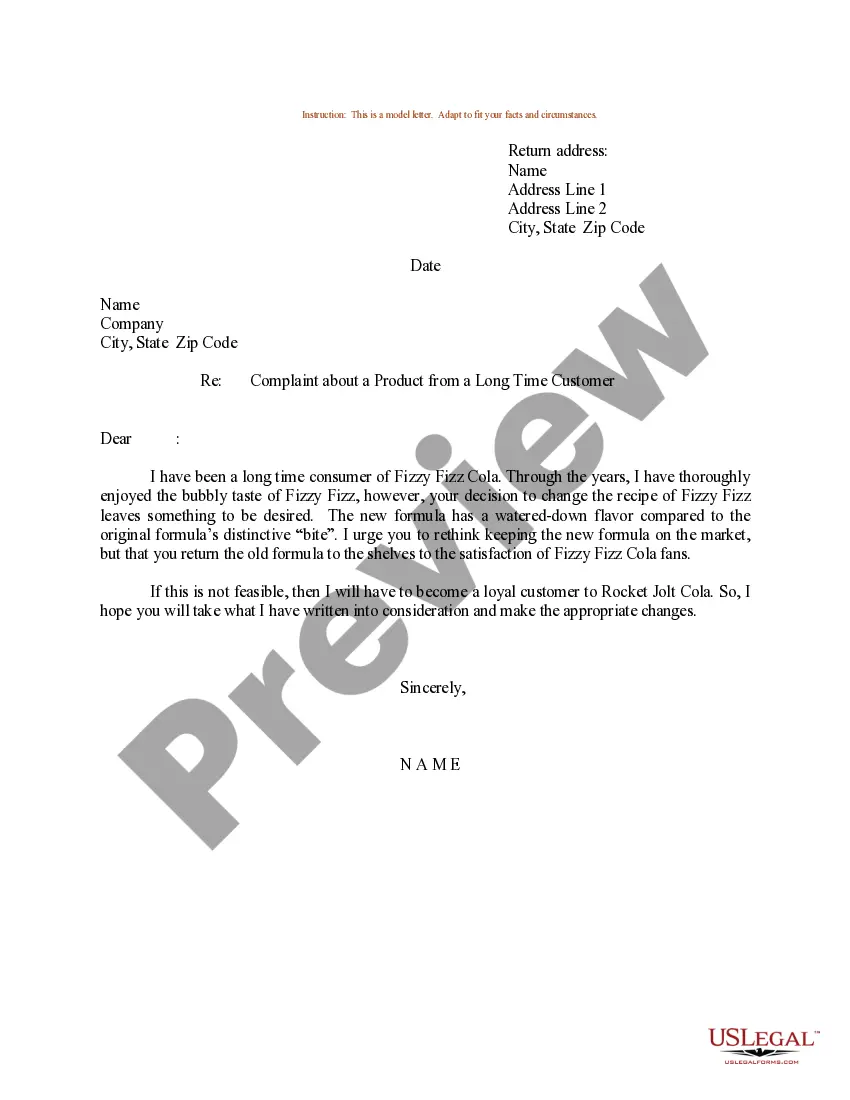
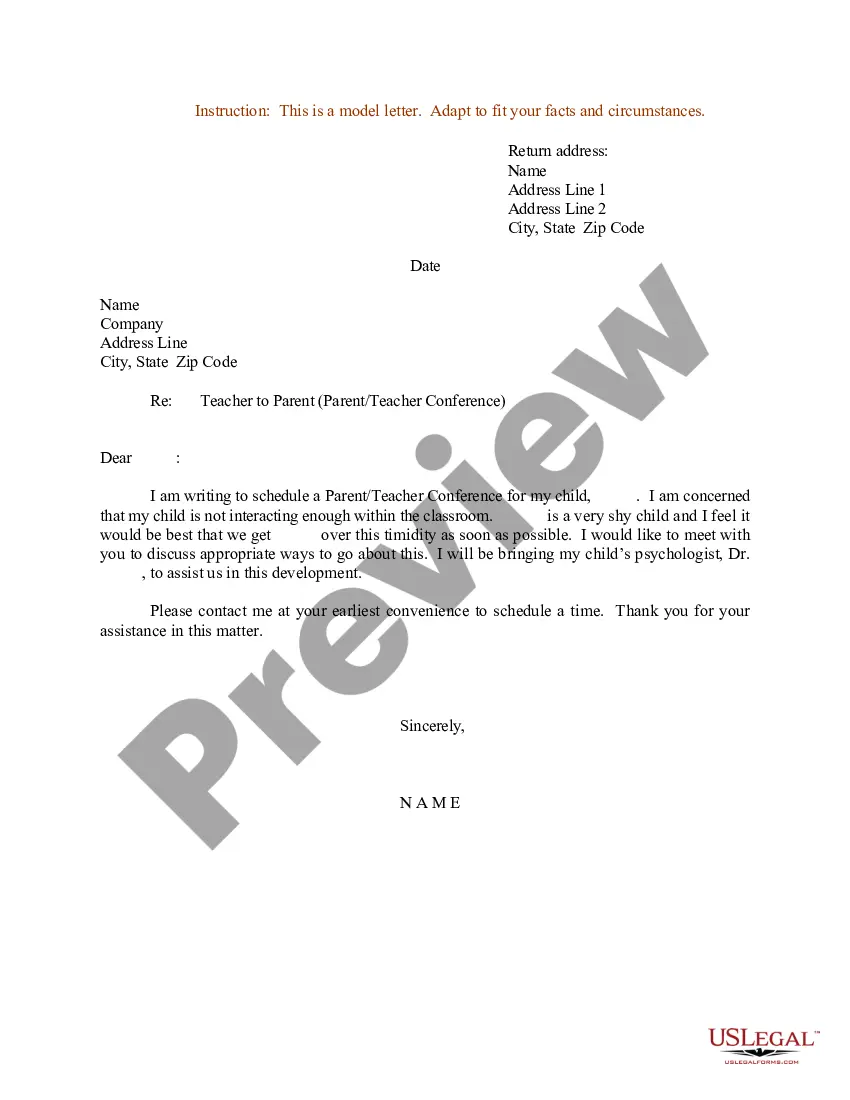
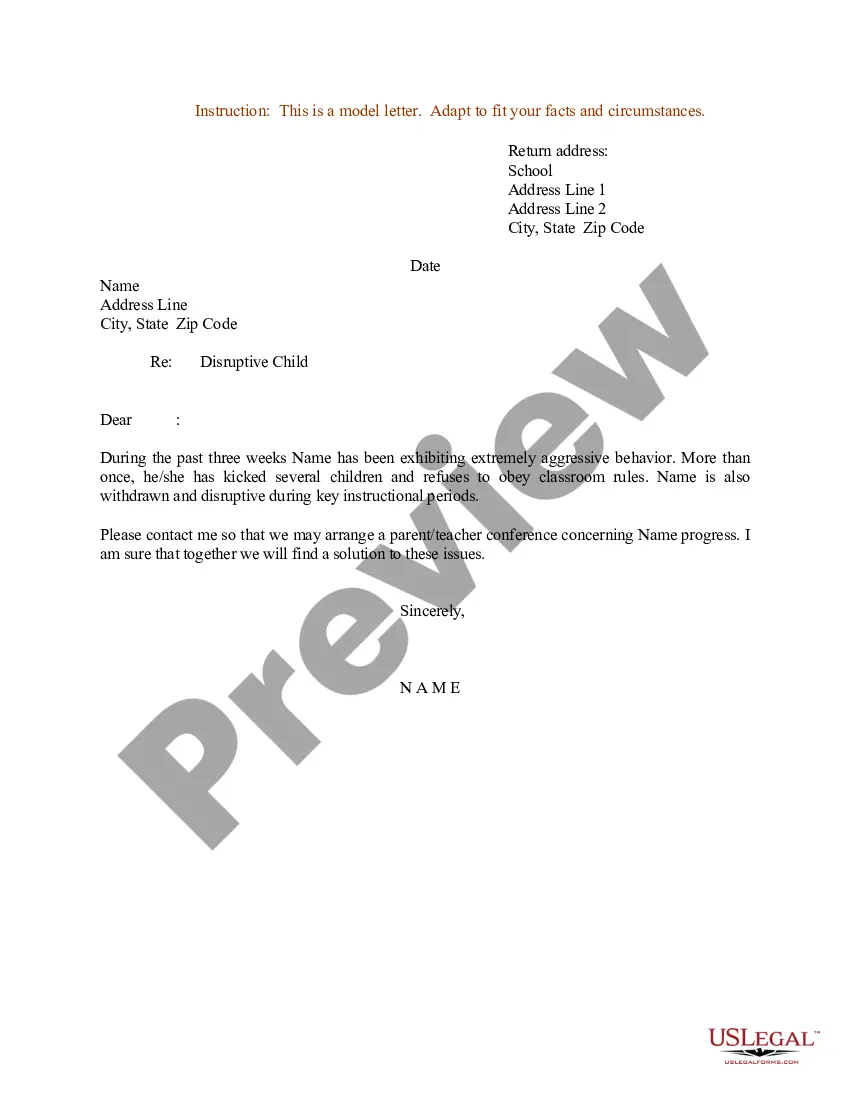
Address On Formal Letter
Description
Get your form ready online
Our built-in tools help you complete, sign, share, and store your documents in one place.
Make edits, fill in missing information, and update formatting in US Legal Forms—just like you would in MS Word.
Download a copy, print it, send it by email, or mail it via USPS—whatever works best for your next step.
Sign and collect signatures with our SignNow integration. Send to multiple recipients, set reminders, and more. Go Premium to unlock E-Sign.
If this form requires notarization, complete it online through a secure video call—no need to meet a notary in person or wait for an appointment.
We protect your documents and personal data by following strict security and privacy standards.

Make edits, fill in missing information, and update formatting in US Legal Forms—just like you would in MS Word.

Download a copy, print it, send it by email, or mail it via USPS—whatever works best for your next step.

Sign and collect signatures with our SignNow integration. Send to multiple recipients, set reminders, and more. Go Premium to unlock E-Sign.

If this form requires notarization, complete it online through a secure video call—no need to meet a notary in person or wait for an appointment.

We protect your documents and personal data by following strict security and privacy standards.
Looking for another form?









How to fill out Sample Letter For Complaint - Dissatisfaction With Updates - Interaction - Parents To School?
Handling legal paperwork can be exasperating, even for the most seasoned experts.
When you're seeking an Address On Formal Letter but lack the time to search for the suitable and current version, the process can be challenging.
US Legal Forms addresses all needs you might have, from individual to organizational documents, all in one location.
Employ advanced tools to fill out and manage your Address On Formal Letter.
Here are the steps to follow after obtaining the form you desire: Confirm it is the correct form by previewing and perusing its description, ensure that the template is valid in your state or county, click Buy Now when you are ready, select a subscription plan, choose the desired file format, and Download, complete, sign, print, and send your document. Leverage the US Legal Forms online catalog, supported by 25 years of expertise and trustworthiness. Streamline your day-to-day document management into a straightforward and user-friendly experience today.
- Access a valuable repository of articles, guides, and materials pertinent to your situation and needs.
- Save time and energy searching for the forms you need, and take advantage of US Legal Forms' sophisticated search and Review tool to find Address On Formal Letter.
- If you hold a monthly subscription, Log In to your US Legal Forms account, search for the form, and obtain it.
- Visit the My documents tab to review the documents you've previously downloaded and manage your folders as necessary.
- If it’s your first encounter with US Legal Forms, create a complimentary account and gain unlimited access to all platform benefits.
- Utilize a powerful online form catalog that can significantly aid anyone wanting to effectively handle these circumstances.
- US Legal Forms stands as a leading provider in online legal forms, offering over 85,000 state-specific legal forms available to you at any time.
- Access localized legal and business forms specific to your state or county.
Form popularity
FAQ
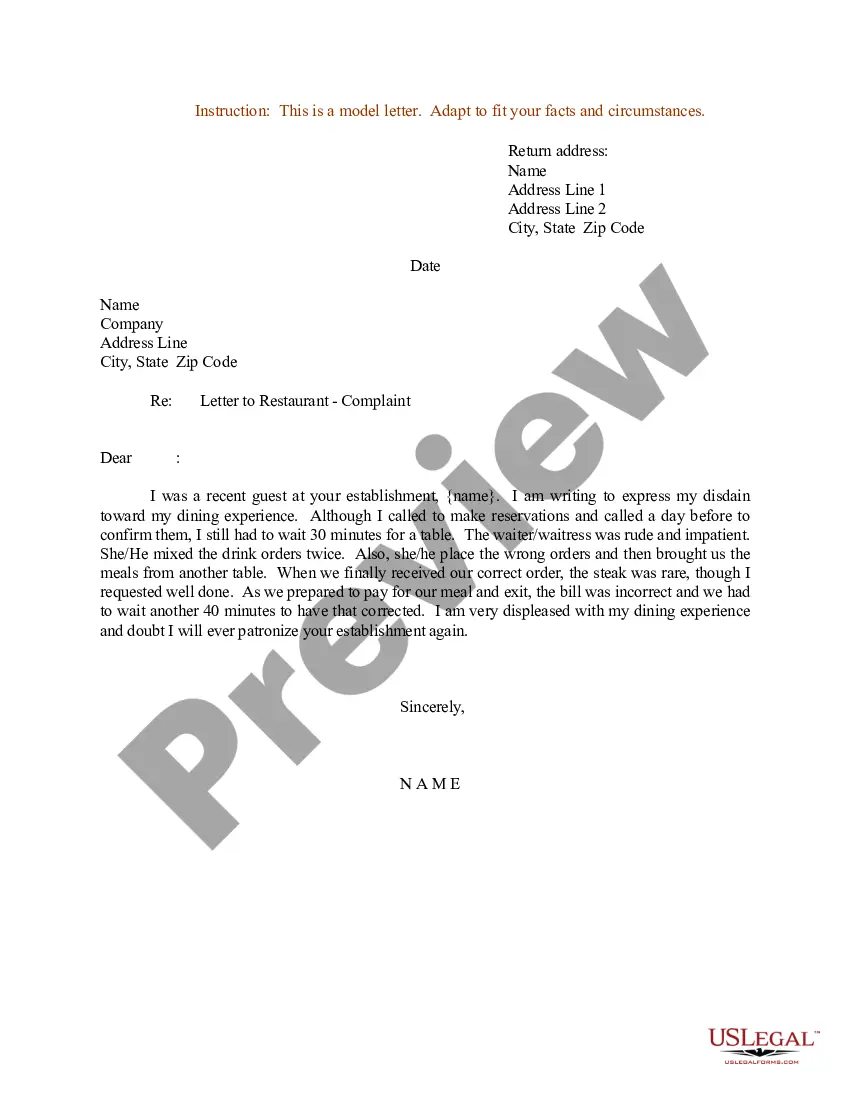
1. Contact information at the top First line: Full name. Second line: Company name. Third line: Street address. Fourth line: City or town, followed by the state name and zip code. ... The address should appear under the sender's name and should be aligned to the left.
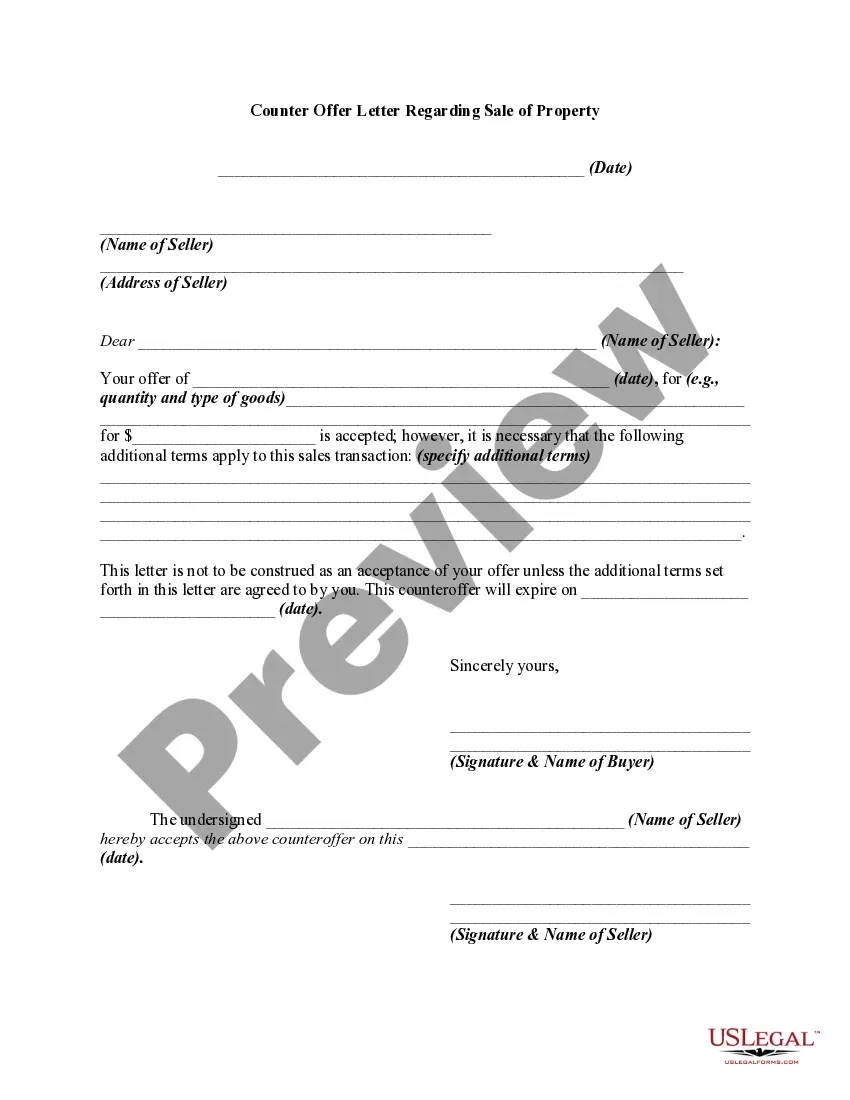
If you're writing the letter in a personal capacity, you need to provide your own address. However, there may also be times when you're sending a formal letter in a professional capacity. In such instances, you can state your name and position, followed by the company's address.
First provide your own address, then skip a line and provide the date, then skip one more line and provide the inside address of the party to whom the letter is addressed. If you are using letterhead that already provides your address, do not retype that information; just begin with the date.
The preferred letter ending phrases for formal, social, or business correspondence are ?Sincerely,? ?Sincerely yours,? ?Very sincerely,? or ?Very sincerely yours.? ?Kind(est) regards,? and ?Warm(est) regards? fill a nice gap between formal and more intimate closings.
First provide your own address, then skip a line and provide the date, then skip one more line and provide the inside address of the party to whom the letter is addressed. If you are using letterhead that already provides your address, do not retype that information; just begin with the date.