Employment Certificate With Salary
Description

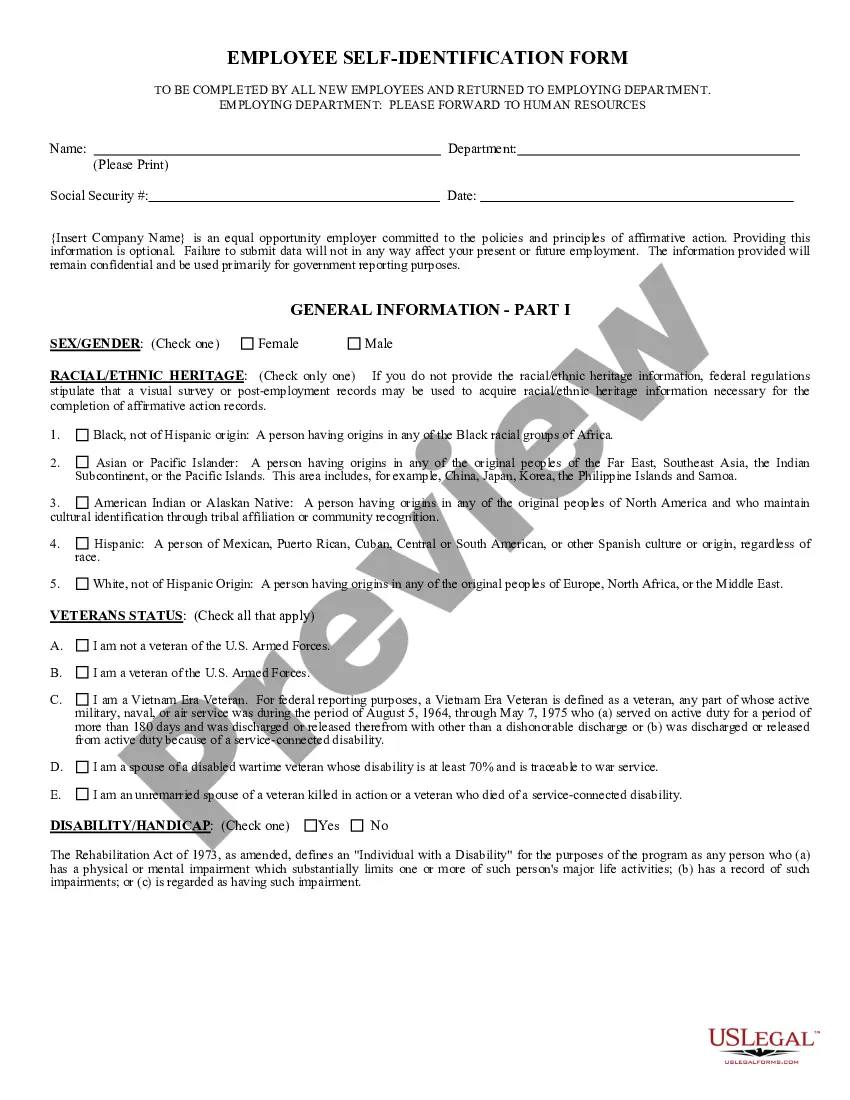
Get your form ready online
Our built-in tools help you complete, sign, share, and store your documents in one place.
Make edits, fill in missing information, and update formatting in US Legal Forms—just like you would in MS Word.
Download a copy, print it, send it by email, or mail it via USPS—whatever works best for your next step.
Sign and collect signatures with our SignNow integration. Send to multiple recipients, set reminders, and more. Go Premium to unlock E-Sign.
If this form requires notarization, complete it online through a secure video call—no need to meet a notary in person or wait for an appointment.
We protect your documents and personal data by following strict security and privacy standards.

Make edits, fill in missing information, and update formatting in US Legal Forms—just like you would in MS Word.

Download a copy, print it, send it by email, or mail it via USPS—whatever works best for your next step.

Sign and collect signatures with our SignNow integration. Send to multiple recipients, set reminders, and more. Go Premium to unlock E-Sign.

If this form requires notarization, complete it online through a secure video call—no need to meet a notary in person or wait for an appointment.

We protect your documents and personal data by following strict security and privacy standards.
Looking for another form?
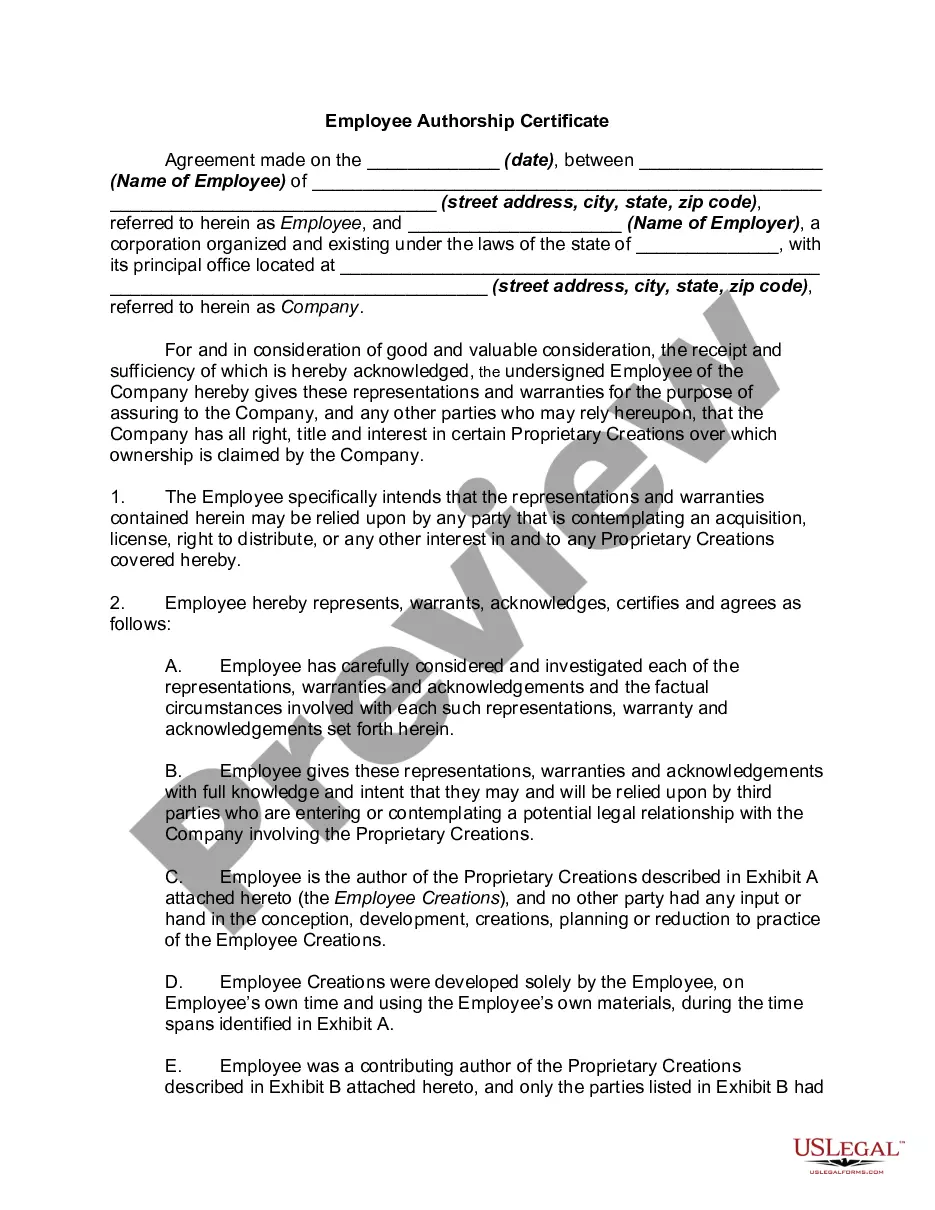
How to fill out Employee Authorship Certificate?
Irrespective of whether it is for corporate reasons or for individual concerns, everyone must confront legal matters at some stage in their lives.
Filling out legal documents necessitates meticulous care, starting with choosing the proper form example.
With a comprehensive US Legal Forms catalog available, you won’t need to waste time searching for the correct template online. Utilize the library’s straightforward navigation to find the suitable form for any scenario.
- Locate the template you need via the search bar or catalog exploration.
- Examine the form’s details to ensure it suits your circumstances, state, and region.
- Select the form’s preview to inspect it.
- If it is the wrong form, return to the search tool to find the Employment Certificate With Salary sample you need.
- Obtain the template when it aligns with your criteria.
- If you possess a US Legal Forms profile, simply click Log in to access previously saved documents in My documents.
- If you haven’t created an account yet, you can secure the form by clicking Buy now.
- Select the appropriate pricing option.
- Complete the account registration form.
- Choose your payment method: you can utilize a credit card or a PayPal account.
- Select the document format you prefer and download the Employment Certificate With Salary.
- After saving it, you can either fill out the form using editing software or print it and complete it manually.
Form popularity
FAQ
To Whom It May Concern, I am writing to verify [your name]'s income. [He/She] has been employed with our company since [date], and [his/her] current job title is [job title]. As of [date], [his/her] annual salary is [$amount], and this includes any bonuses, commissions, or overtime pay.
?Employment verification letters?or proof of employment letters?generally include an employee's hire date, position within the company, and current wages or salary; if terminated, the reason for termination such as involuntary termination, voluntary termination, or layoff,? says Lynn Kitson, SPHR, SHRM-SCP, CEO of Lynk ...
I'm writing to confirm that [employee name] has worked for [company name] for [length of time worked] as an [employee job title]. [Employee name] earns [hourly, monthly or yearly salary or wages]. Please contact me with any questions you may have.
For personnel where the individual is paid through direct deposit the easiest way to show the correct documentation is through a paystub. The paystub shows the routing and bank account number to prove the individual as paid. This step ensure that employees are being paid.
Information that can be provided includes: Dates of employment, Title (job classification), Employment history (all position, dates and salary since date of hire), Gross salary for the past two years, Year to date salary, and. Annual salary.