Sample Reference Paper With Picture Box
Description
Get your form ready online
Our built-in tools help you complete, sign, share, and store your documents in one place.
Make edits, fill in missing information, and update formatting in US Legal Forms—just like you would in MS Word.
Download a copy, print it, send it by email, or mail it via USPS—whatever works best for your next step.
Sign and collect signatures with our SignNow integration. Send to multiple recipients, set reminders, and more. Go Premium to unlock E-Sign.
If this form requires notarization, complete it online through a secure video call—no need to meet a notary in person or wait for an appointment.
We protect your documents and personal data by following strict security and privacy standards.

Make edits, fill in missing information, and update formatting in US Legal Forms—just like you would in MS Word.

Download a copy, print it, send it by email, or mail it via USPS—whatever works best for your next step.

Sign and collect signatures with our SignNow integration. Send to multiple recipients, set reminders, and more. Go Premium to unlock E-Sign.

If this form requires notarization, complete it online through a secure video call—no need to meet a notary in person or wait for an appointment.

We protect your documents and personal data by following strict security and privacy standards.
Looking for another form?
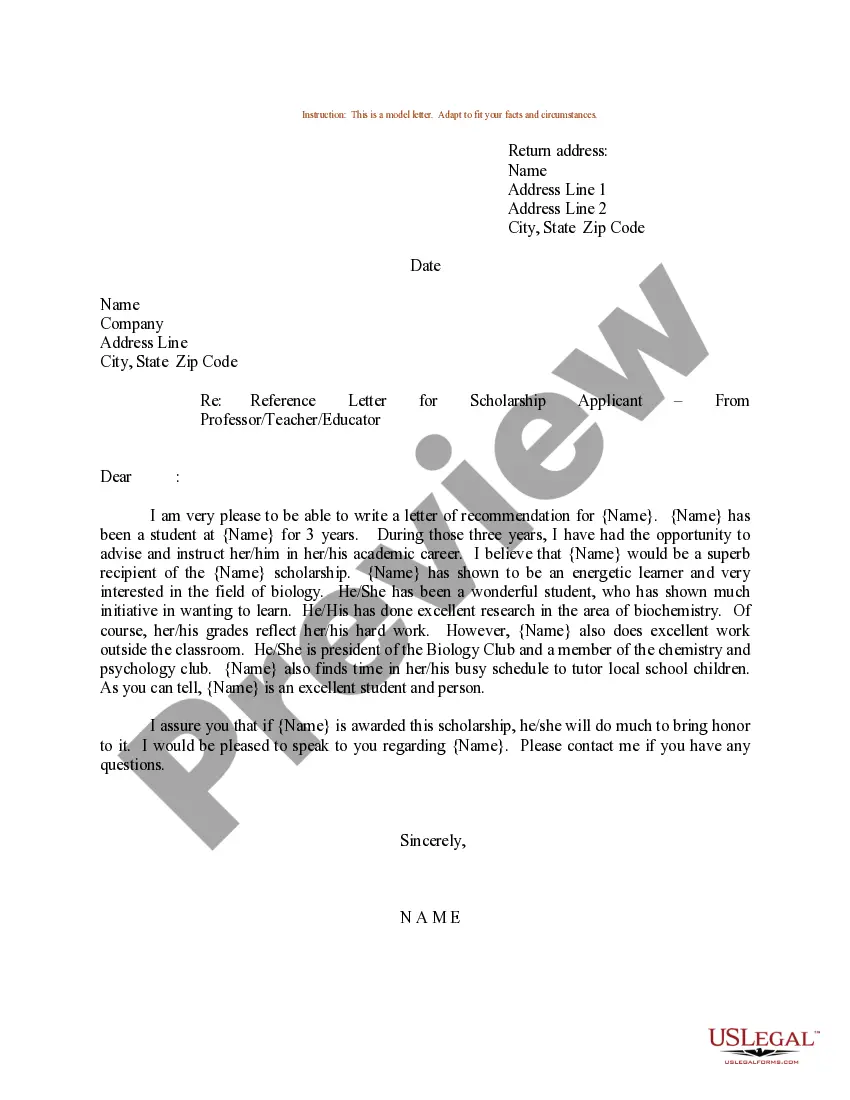
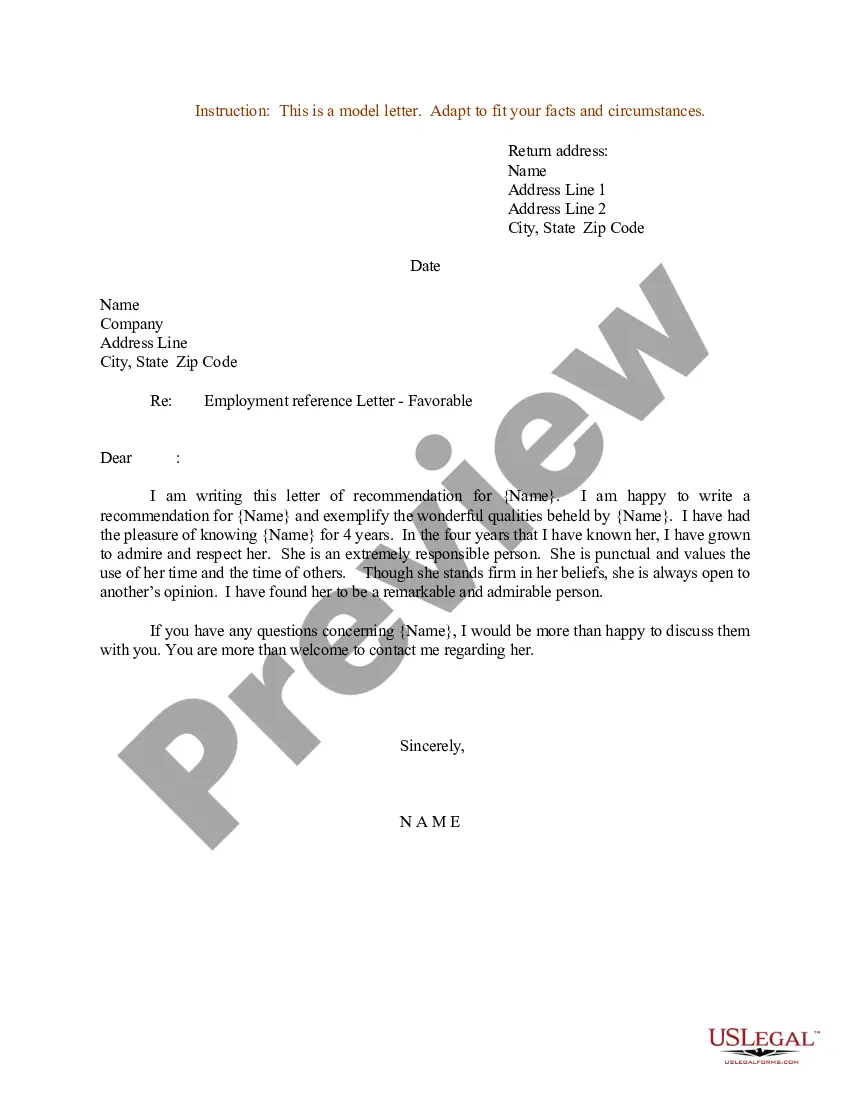
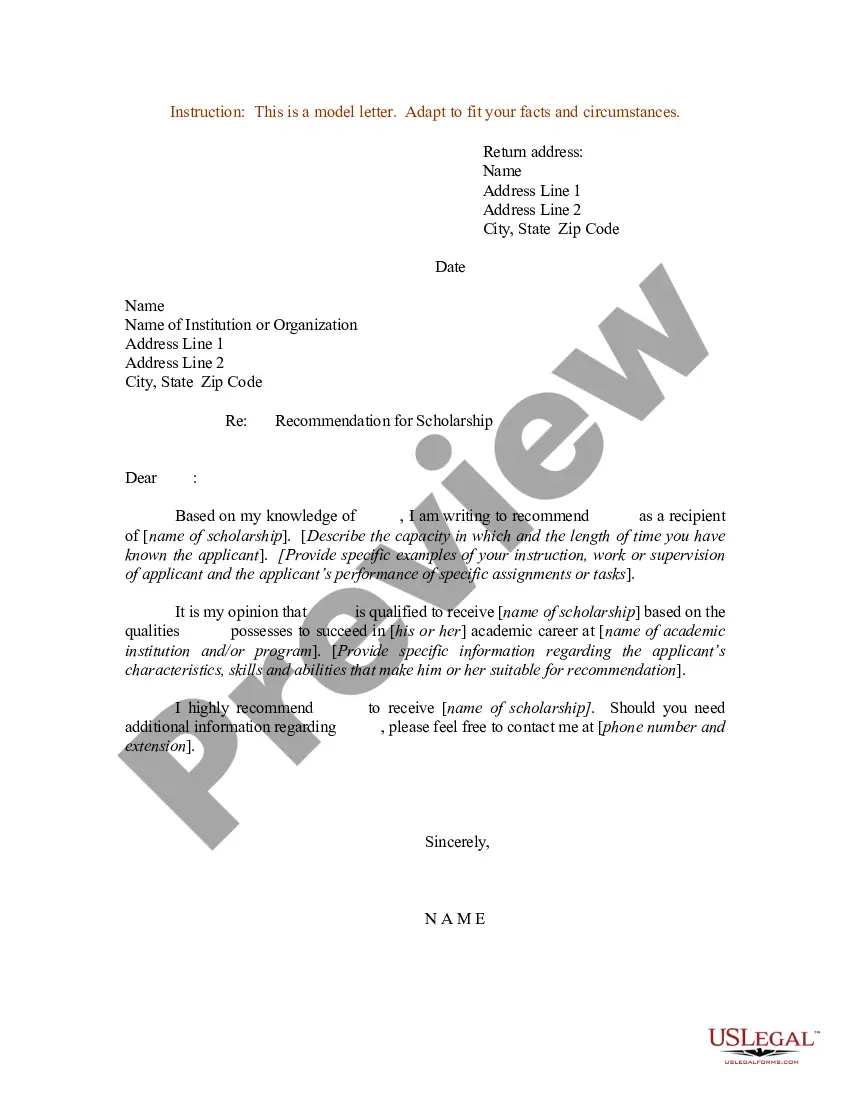
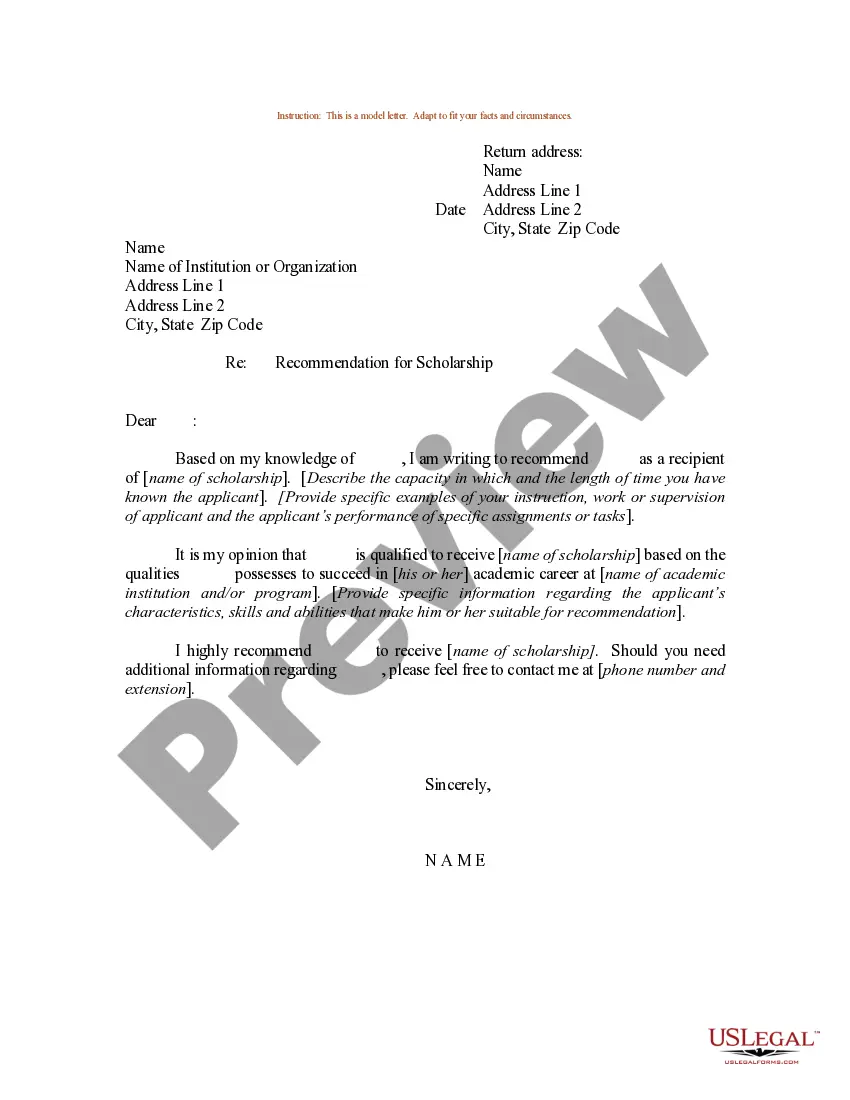
How to fill out Sample Letter For Reference Letter For A School Or College Scholarship Applicant - From Employer?
It’s clear that you cannot transform into a legal expert in a short period, nor can you swiftly learn how to prepare Sample Reference Paper With Picture Box without possessing a specific skill set.
Drafting legal documents is a lengthy procedure that demands specialized training and abilities. So why not entrust the creation of the Sample Reference Paper With Picture Box to the experts.
With US Legal Forms, one of the most extensive libraries for legal documents, you can access everything from court papers to templates for internal corporate communication. We recognize how vital compliance and adherence to federal and local regulations are. For this reason, all templates on our website are location-specific and regularly updated.
You can regain access to your documents from the My documents tab at any point. If you’re a current client, you can easily Log In, and find and download the template from the same tab.
No matter the purpose of your documents—be it financial, legal, or personal—our website has everything you need. Try US Legal Forms today!
- Begin by locating the needed document using the search bar at the top of the page.
- Preview it (if this option is available) and review the supporting description to decide if Sample Reference Paper With Picture Box is what you’re looking for.
- Restart your search if you require a different template.
- Sign up for a free account and select a subscription plan to purchase the form.
- Click Buy now. Once the transaction is completed, you can obtain the Sample Reference Paper With Picture Box, fill it out, print it, and send or post it to the required parties or organizations.
Form popularity
FAQ
Answer: It should be okay to use an image from a previous paper, provided you keep a few things in mind. When using the image, you should remember to cite the source, even if it is your own paper. Additionally, you need to check who holds the copyright of the image.
You can cite images in your research paper either at the end, in between the topics, or in a separate section for all the non-textual elements used in the paper. You can choose to insert images in between texts, but you need to provide the in-text citations for every image that has been used.
When you include the image itself in your paper, it should be properly formatted as an APA figure, with a number, a descriptive title, and an entry in your list of figures if you have one. The title of a figure should appear immediately above the image itself, and will vary ing to the type of image cited.
Insert a picture in Word, PowerPoint, or Excel Click the location in your document where you want to insert a picture. On the Insert tab, click Pictures. Select the option you want to use for inserting pictures.
Table 1 Type of imagePreferred image format in storage and editingPhotographic image.raw, .cr2, .nef, .orf, .srz, .tif, .tiffGrafts, charts, or line diagrams.eps, .crtx, .bmp, .pngMicroscopic or radiographic image. tif, .tiff, .png
