Sample Reference Fill With Fluid
Description
Get your form ready online
Our built-in tools help you complete, sign, share, and store your documents in one place.
Make edits, fill in missing information, and update formatting in US Legal Forms—just like you would in MS Word.
Download a copy, print it, send it by email, or mail it via USPS—whatever works best for your next step.
Sign and collect signatures with our SignNow integration. Send to multiple recipients, set reminders, and more. Go Premium to unlock E-Sign.
If this form requires notarization, complete it online through a secure video call—no need to meet a notary in person or wait for an appointment.
We protect your documents and personal data by following strict security and privacy standards.

Make edits, fill in missing information, and update formatting in US Legal Forms—just like you would in MS Word.

Download a copy, print it, send it by email, or mail it via USPS—whatever works best for your next step.

Sign and collect signatures with our SignNow integration. Send to multiple recipients, set reminders, and more. Go Premium to unlock E-Sign.

If this form requires notarization, complete it online through a secure video call—no need to meet a notary in person or wait for an appointment.

We protect your documents and personal data by following strict security and privacy standards.
Looking for another form?

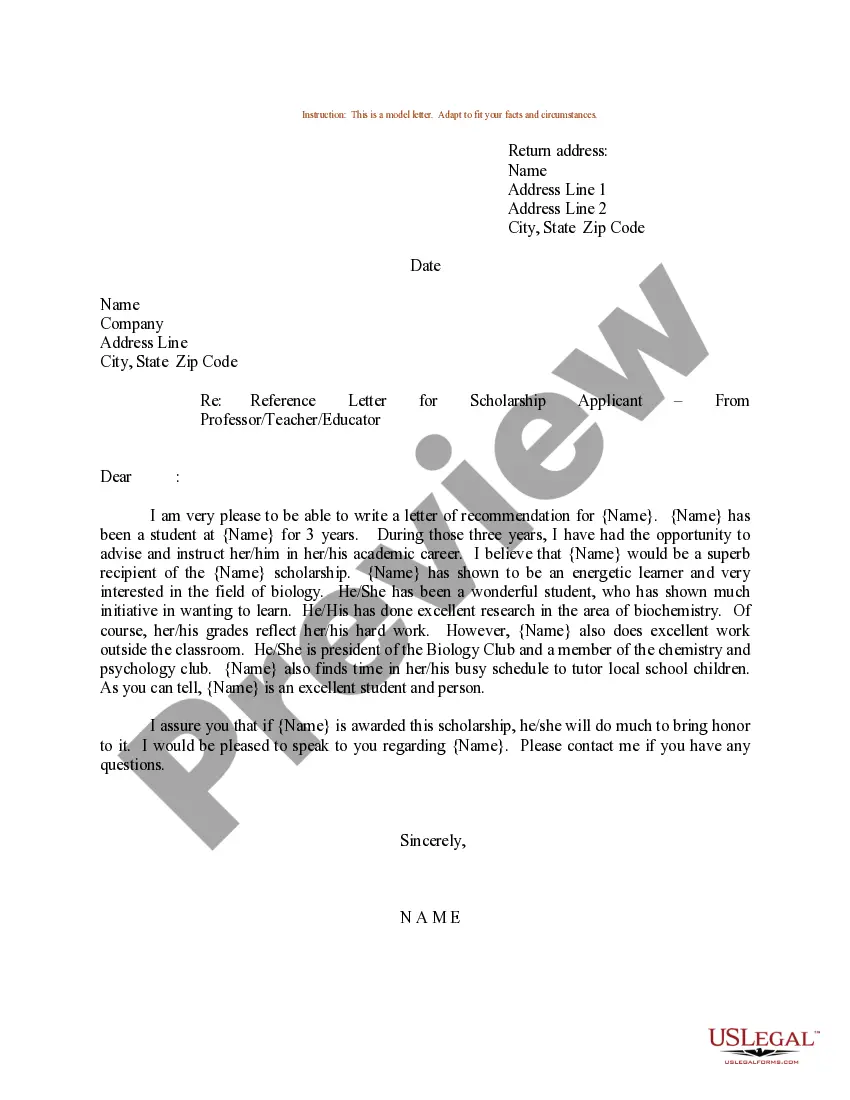
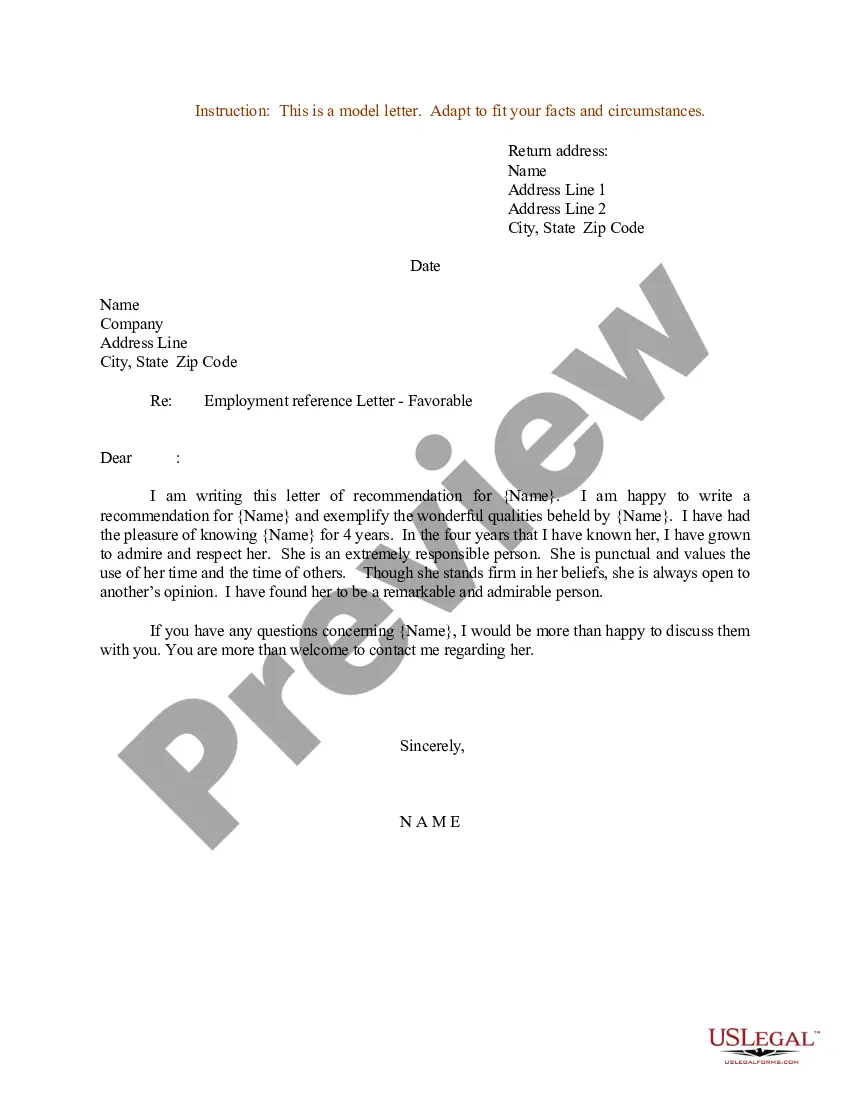
How to fill out Sample Letter For Reference Letter For A School Or College Scholarship Applicant - From Employer?
Finding a go-to place to take the most current and appropriate legal samples is half the struggle of working with bureaucracy. Discovering the right legal documents demands precision and attention to detail, which is why it is important to take samples of Sample Reference Fill With Fluid only from reliable sources, like US Legal Forms. An improper template will waste your time and hold off the situation you are in. With US Legal Forms, you have little to be concerned about. You may access and check all the details regarding the document’s use and relevance for your situation and in your state or county.
Take the listed steps to complete your Sample Reference Fill With Fluid:
- Make use of the catalog navigation or search field to locate your sample.
- View the form’s description to check if it suits the requirements of your state and county.
- View the form preview, if available, to make sure the form is definitely the one you are interested in.
- Go back to the search and find the proper template if the Sample Reference Fill With Fluid does not match your requirements.
- When you are positive about the form’s relevance, download it.
- When you are a registered customer, click Log in to authenticate and gain access to your picked forms in My Forms.
- If you do not have a profile yet, click Buy now to obtain the form.
- Select the pricing plan that suits your preferences.
- Proceed to the registration to complete your purchase.
- Complete your purchase by selecting a transaction method (bank card or PayPal).
- Select the document format for downloading Sample Reference Fill With Fluid.
- When you have the form on your device, you can change it with the editor or print it and finish it manually.
Remove the inconvenience that comes with your legal documentation. Discover the extensive US Legal Forms collection to find legal samples, examine their relevance to your situation, and download them on the spot.
Form popularity
FAQ
20 Best Reference Check questions What was your relationship with the candidate? How long did you work with each other? How would you rate their work? What were their daily duties? What were their main responsibilities? Were they dependable? ... Did they complete the tasks and assignments given to them?
If you aren't getting hired, they (in general) won't waste time checking references. That is usually the last thing done before extending a offer of employment.
Reference check steps Verify the candidate's name. ... Confirm how they know the candidate. ... Ask what makes the candidate a good fit. ... Have the reference rank the candidate. ... Find out the candidate's strengths and weaknesses. ... Ask about the candidate's behavior.
Employers do check references when considering employees to fill an open position at some point during the hiring process. Although not all employers will do so, you should treat your references as if you expect your potential employer to follow through, so that you are well prepared if they do so.
Using a Reference Check Template Business name. Reference's name. Reference's position or title. Reference's contact information. Relationship to the candidate (e.g., supervisor, manager, owner). Date range of employment. Candidate's position or title. Job responsibilities.
