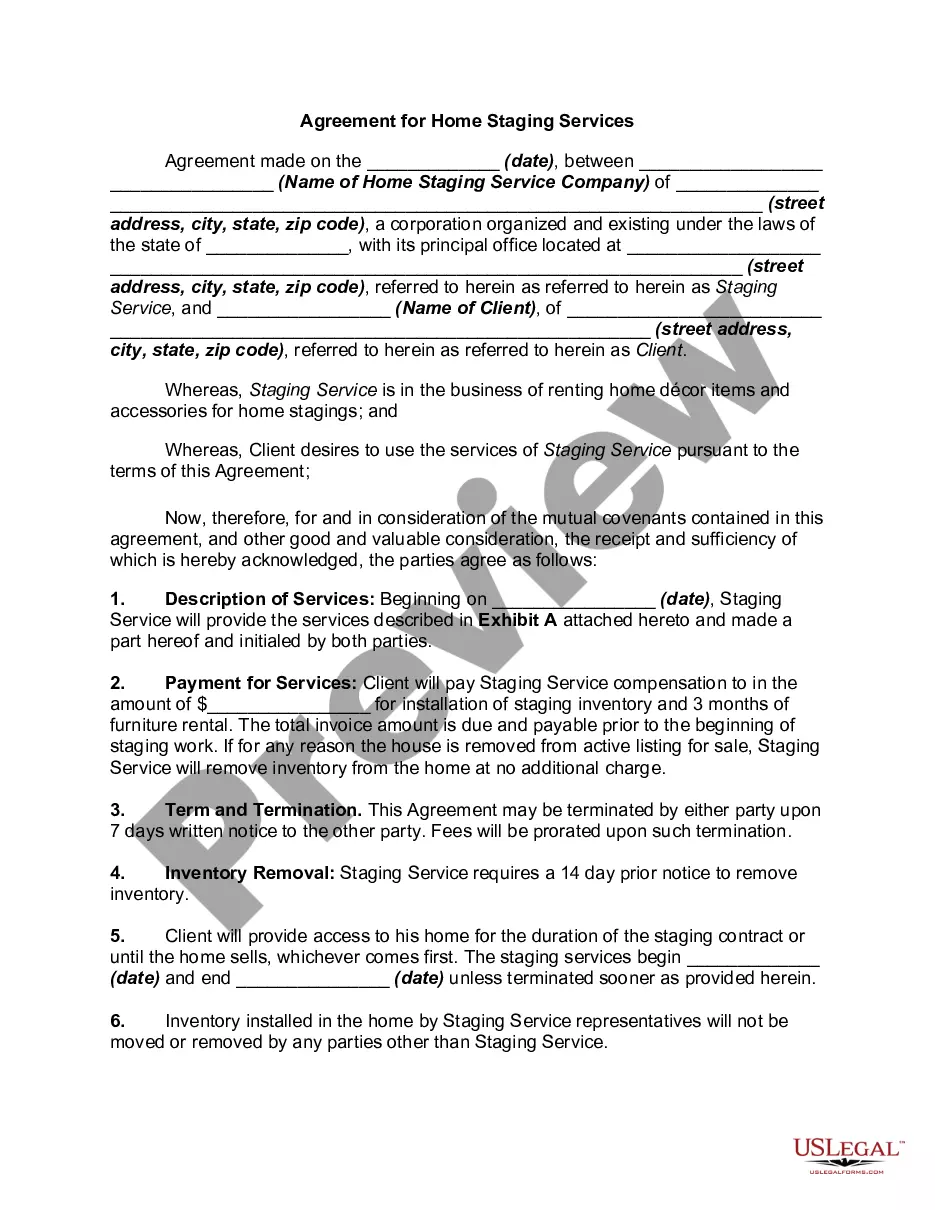
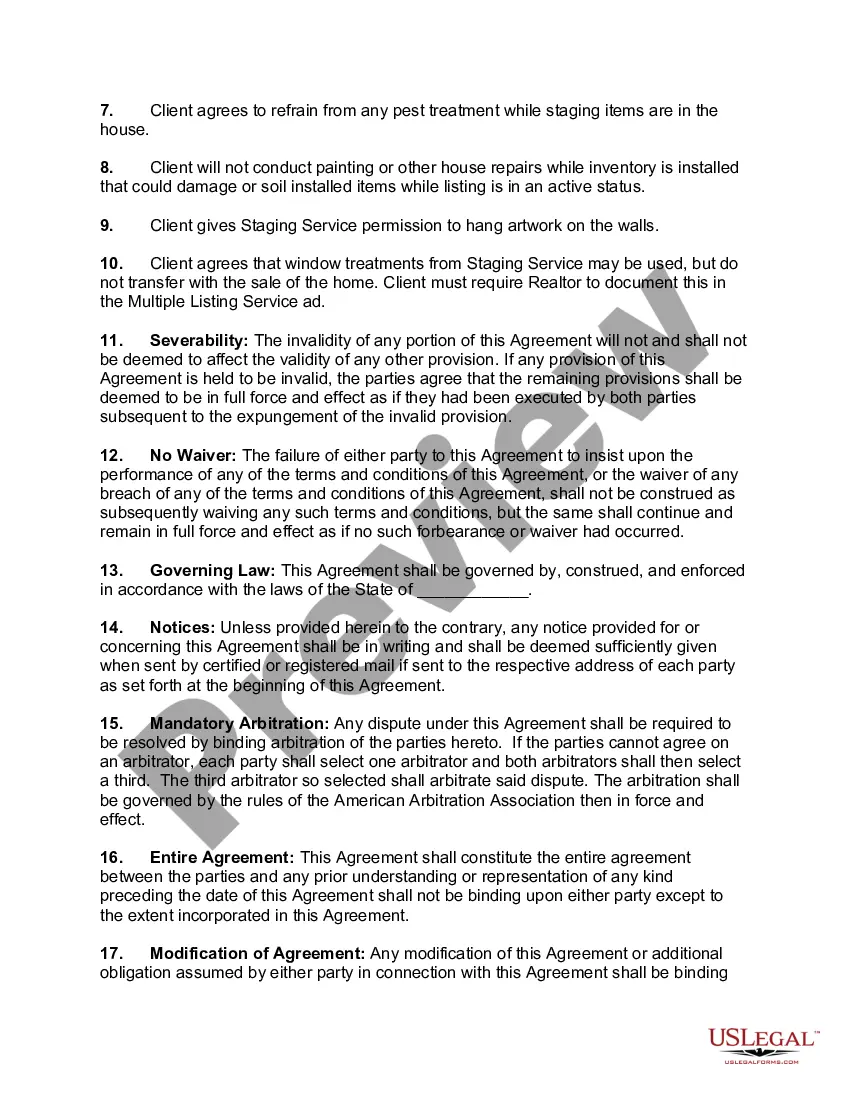
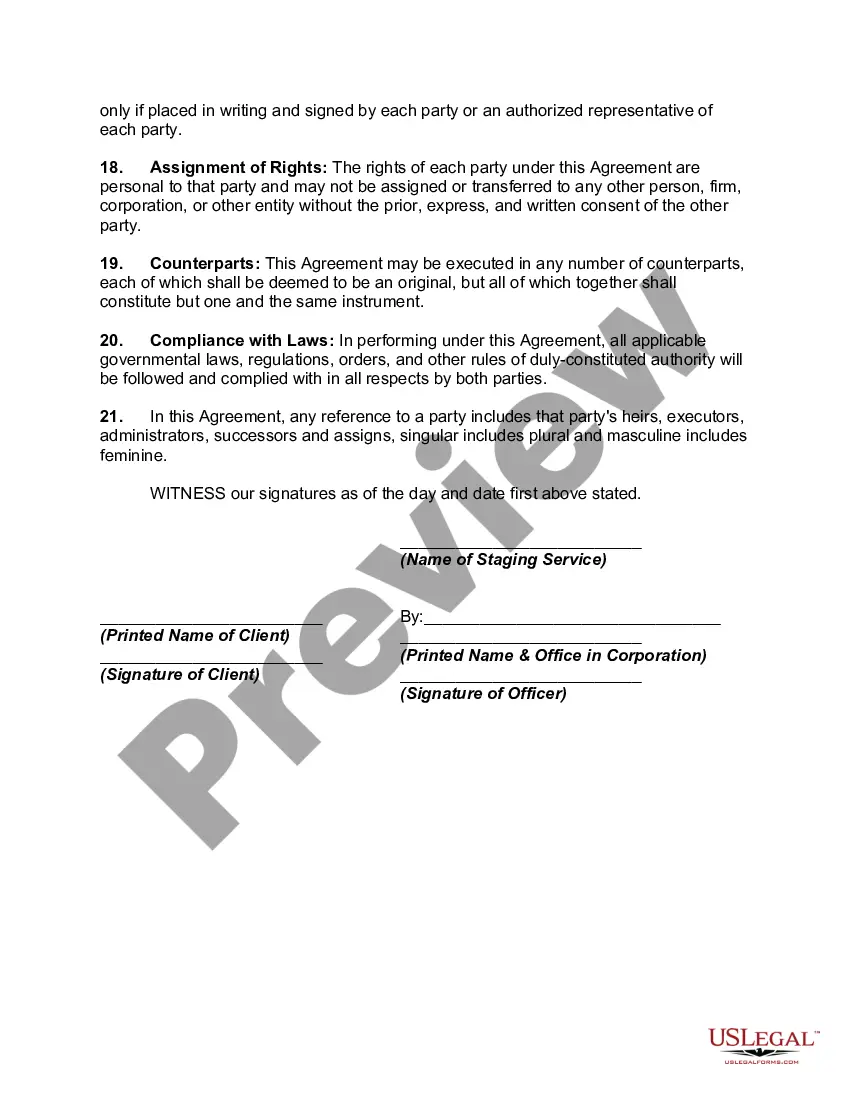
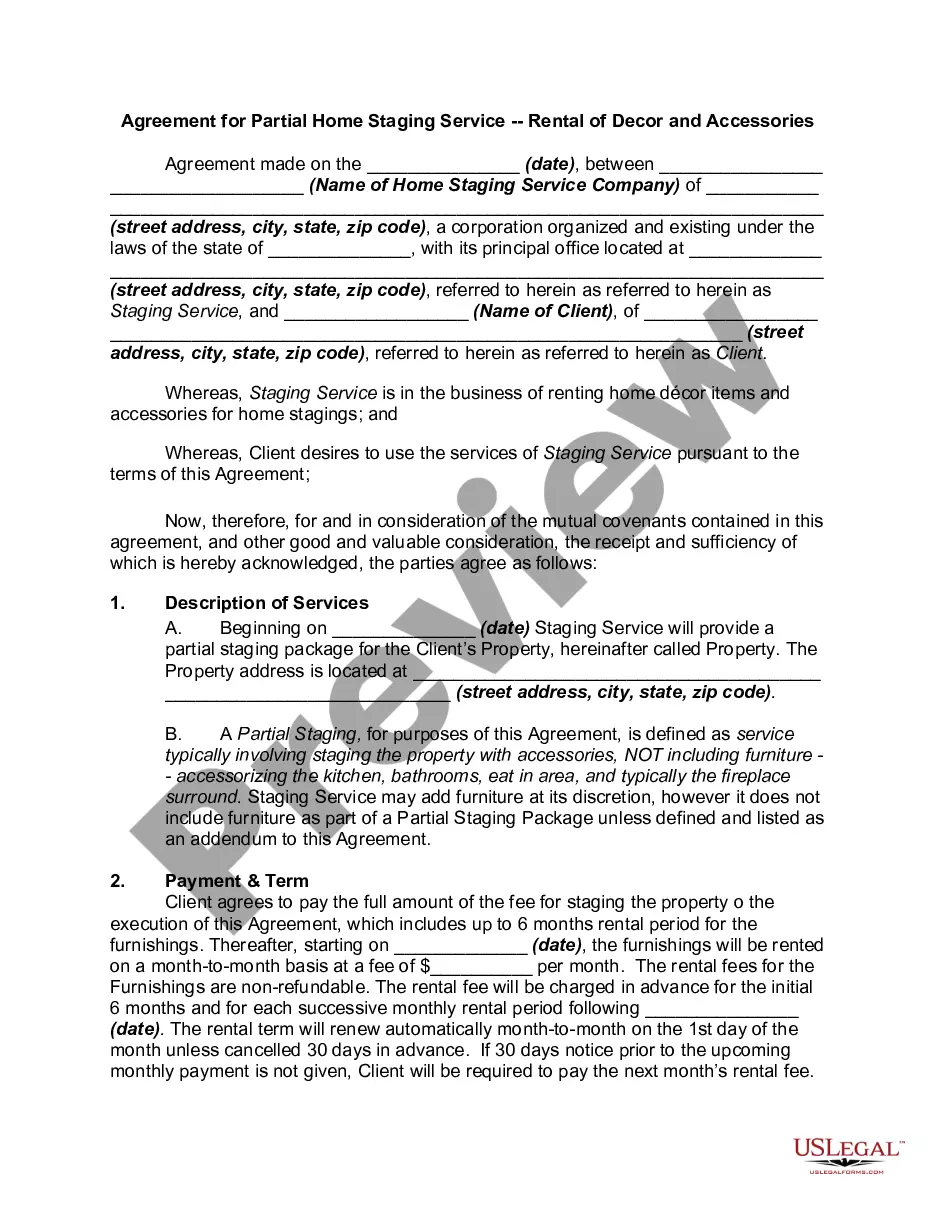
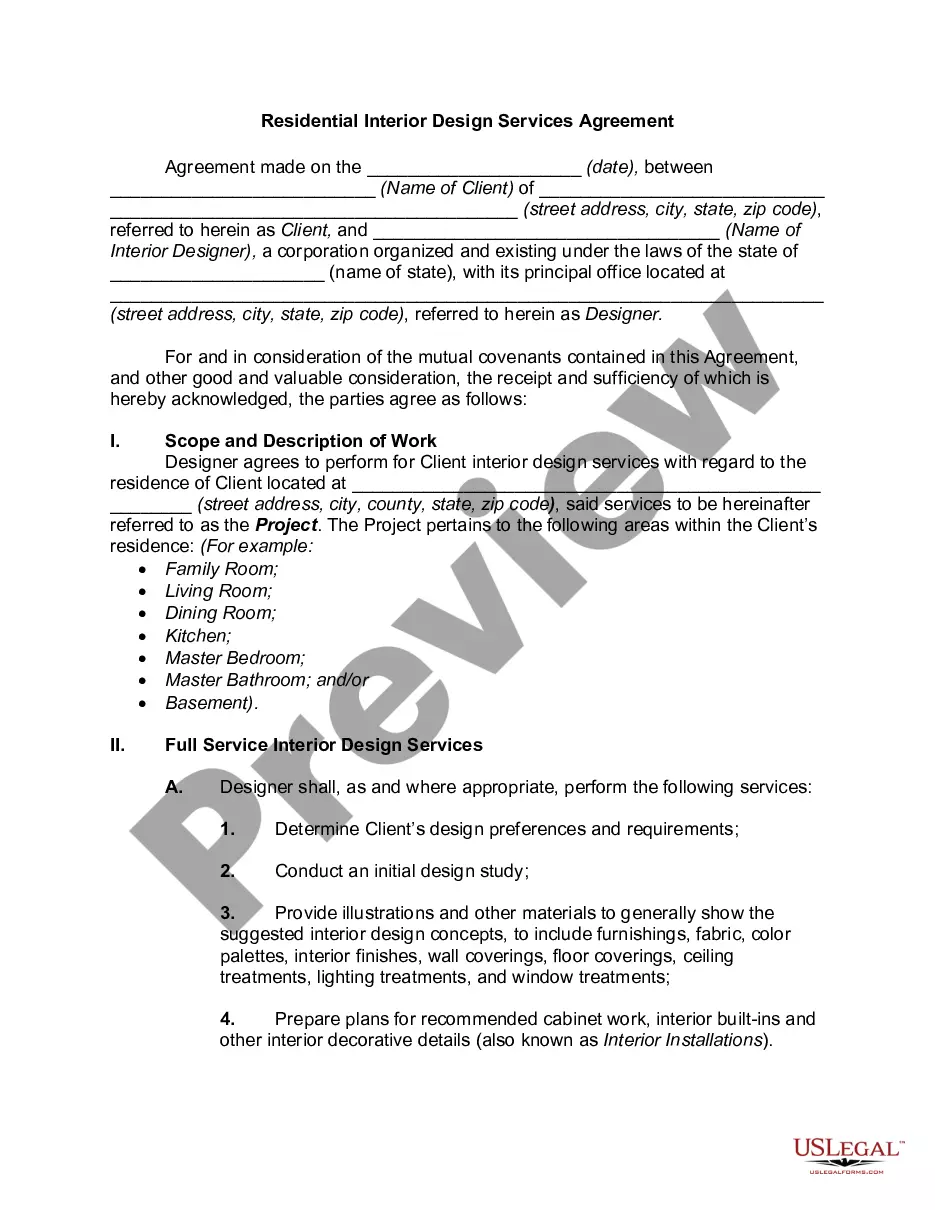
Staging For Real Estate Document For Editing
Description
Get your form ready online
Our built-in tools help you complete, sign, share, and store your documents in one place.
Make edits, fill in missing information, and update formatting in US Legal Forms—just like you would in MS Word.
Download a copy, print it, send it by email, or mail it via USPS—whatever works best for your next step.
Sign and collect signatures with our SignNow integration. Send to multiple recipients, set reminders, and more. Go Premium to unlock E-Sign.
If this form requires notarization, complete it online through a secure video call—no need to meet a notary in person or wait for an appointment.
We protect your documents and personal data by following strict security and privacy standards.

Make edits, fill in missing information, and update formatting in US Legal Forms—just like you would in MS Word.

Download a copy, print it, send it by email, or mail it via USPS—whatever works best for your next step.

Sign and collect signatures with our SignNow integration. Send to multiple recipients, set reminders, and more. Go Premium to unlock E-Sign.

If this form requires notarization, complete it online through a secure video call—no need to meet a notary in person or wait for an appointment.

We protect your documents and personal data by following strict security and privacy standards.
Looking for another form?

How to fill out Agreement For Home Staging Services?
Acquiring legal documents that comply with federal and local regulations is crucial, and the internet presents numerous alternatives to choose from.
However, what's the benefit of spending time searching for the right Staging For Real Estate Document For Editing example online when the US Legal Forms digital repository already consolidates such templates in one location.
US Legal Forms is the largest web-based legal archive featuring over 85,000 fillable forms designed by attorneys for various business and personal situations.
Review the template using the Preview feature or through the text outline to confirm it fulfills your needs.
- Navigating through the files is straightforward, with all documents categorized by state and intended use.
- Our experts stay informed about legal updates, ensuring that the form you obtain is current and compliant.
- Acquiring a Staging For Real Estate Document For Editing is quick and easy for both existing and new users.
- If you possess an account with an active subscription, Log In and save the sample document you need in the desired format.
- For new visitors to our site, follow the instructions provided below.
Form popularity
FAQ
?The Uniform Commercial Code (UCC) division of the Secretary of State's office serves as the state repository for financing statements regarding security interests under Kentucky Revised Statutes Chapter 355, Revised Article 9.
Uniform Commercial Code (UCC) filings allow creditors to notify other creditors about a debtor's assets used as collateral for a secured transaction. UCC liens filed with Secretary of State offices act as a public notice by the "creditor" of the creditor's interest in the property.
3 is used as a way to amend that original lien filing and do things like terminate the UCC, edit any of the details of the lien, or assign your interests to another secured party for the lien.
Ask the lender to terminate the lien upon payoff. A good rule of thumb is to request that your lender file a UCC-3 form with your secretary of state as soon as possible after you pay off your loan. The UCC-3 will terminate the lien on your company's assets (or assets) and remove the UCC-1 filing.
A UCC lien filing remains on your business credit report for 5 years. This has no negative effect on your credit score, however, when someone checks your credit report it is visible and that can play a factor in your ability to be approved for things other than just business funding.
Remember: as long as an asset has a UCC lien filed against it, you're not allowed to transfer, sell, or use it as collateral for any other loan.
Uniform Commercial Code (UCC) filings allow creditors to notify other creditors about a debtor's assets used as collateral for a secured transaction. UCC liens filed with Secretary of State offices act as a public notice by the "creditor" of the creditor's interest in the property.
A UCC filing is the official notice lenders use to indicate that they have a security interest in a borrower's assets or property. The UCC filing establishes a lien against the collateral the borrower uses to secure the loan ? giving the lender the right to claim that collateral as repayment in the case of default.