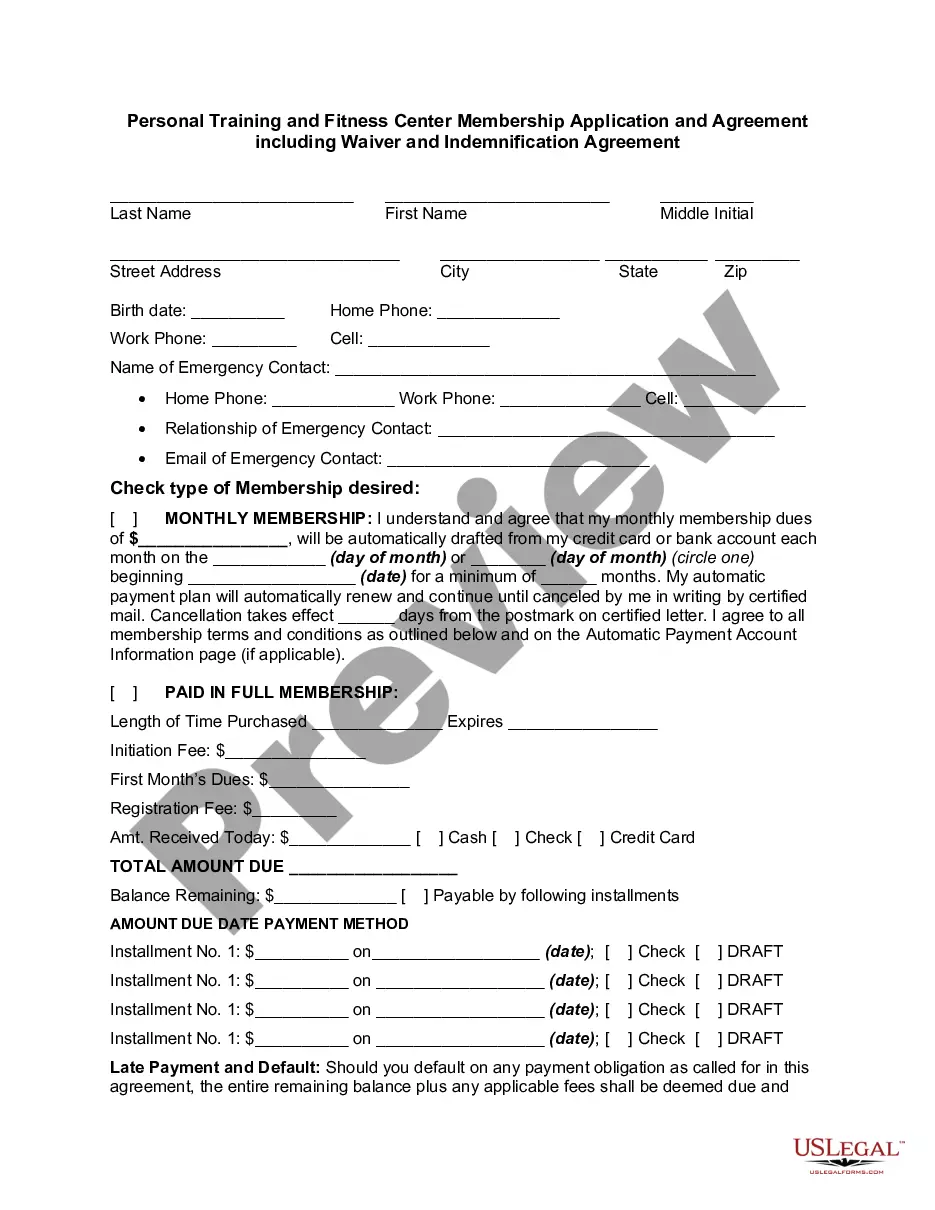
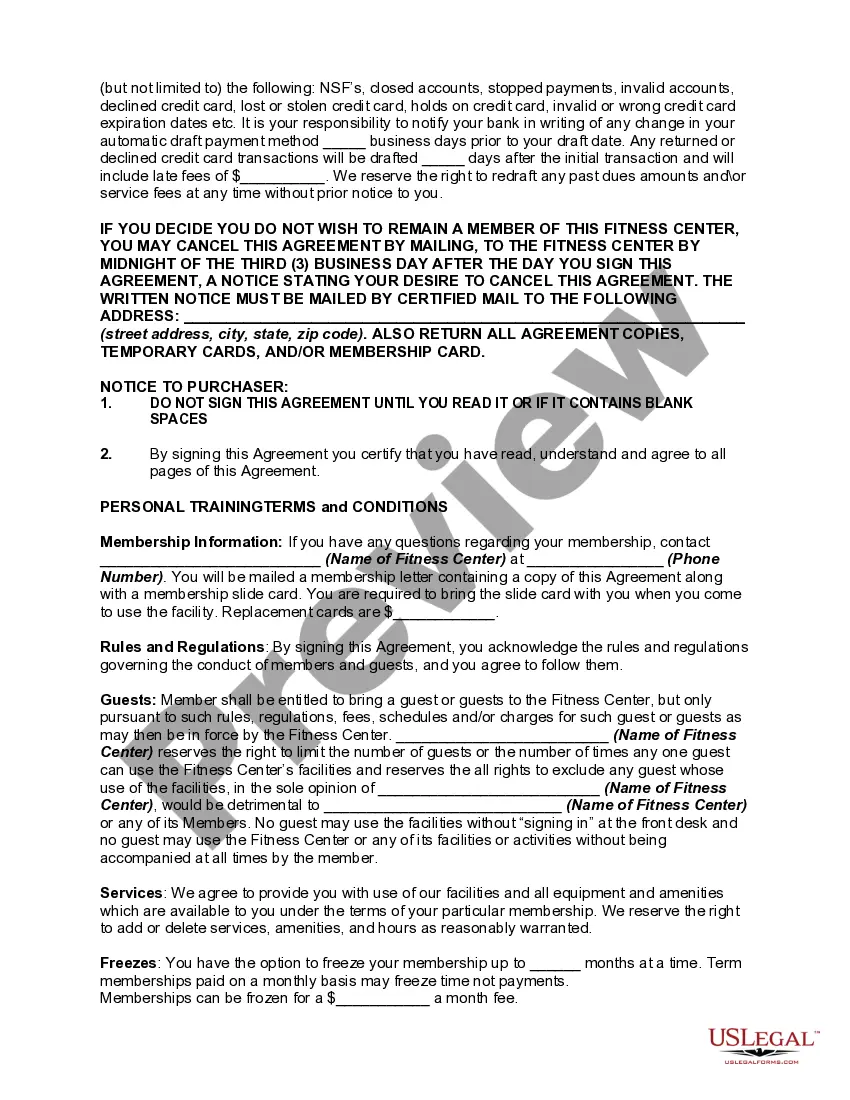
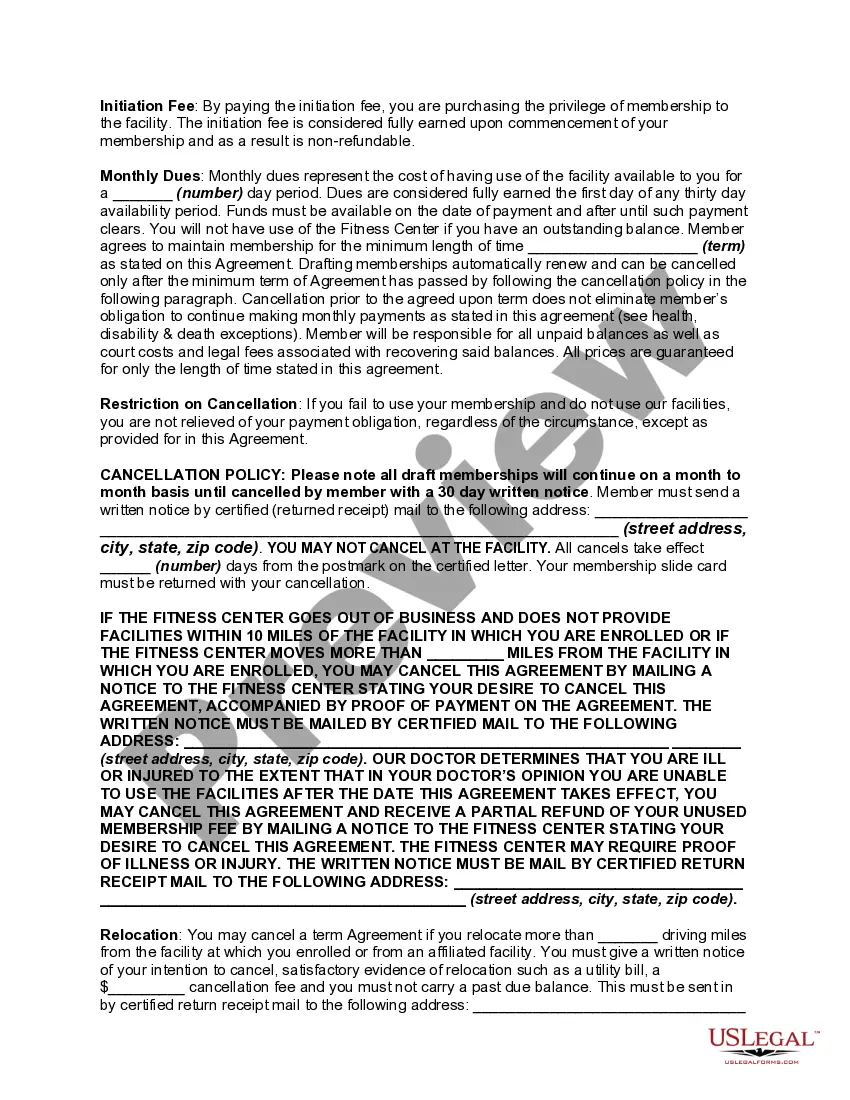
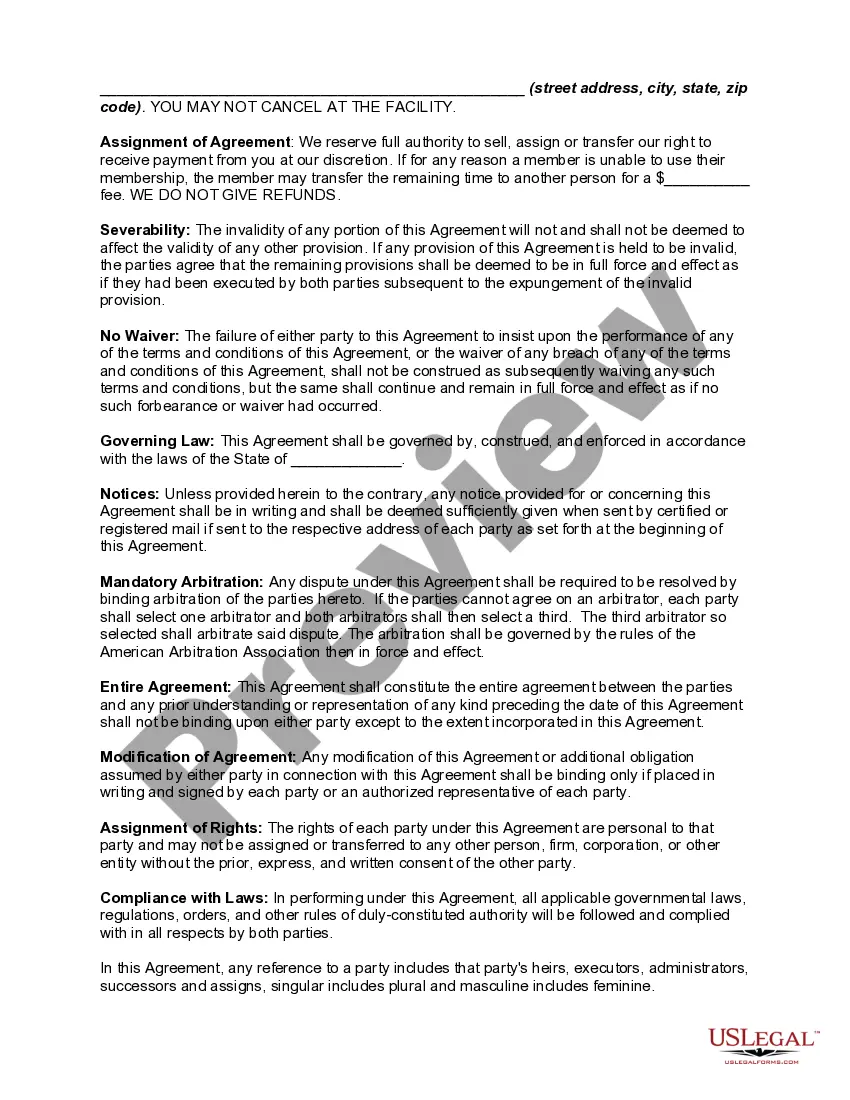
Personal Trainer Fitness Form With Personal
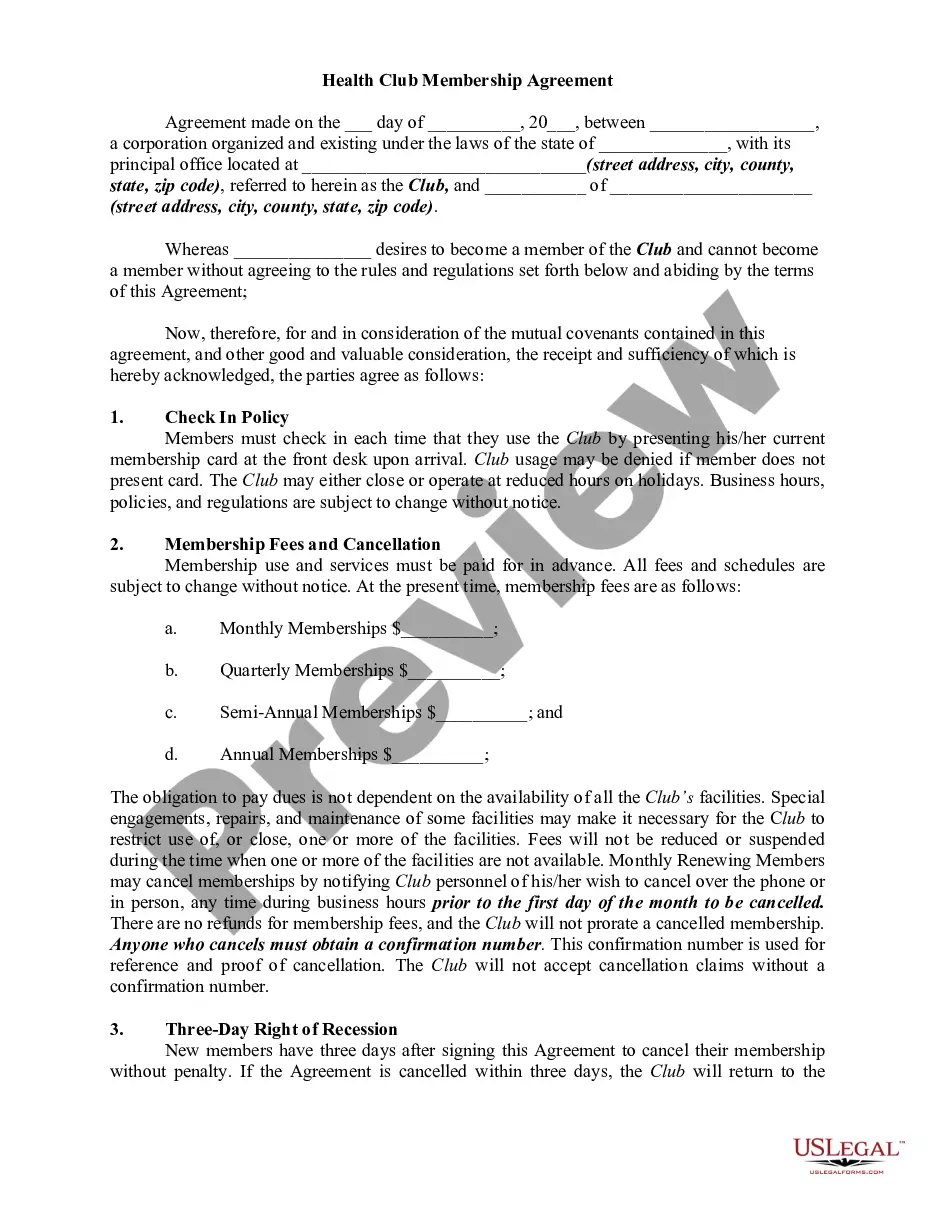
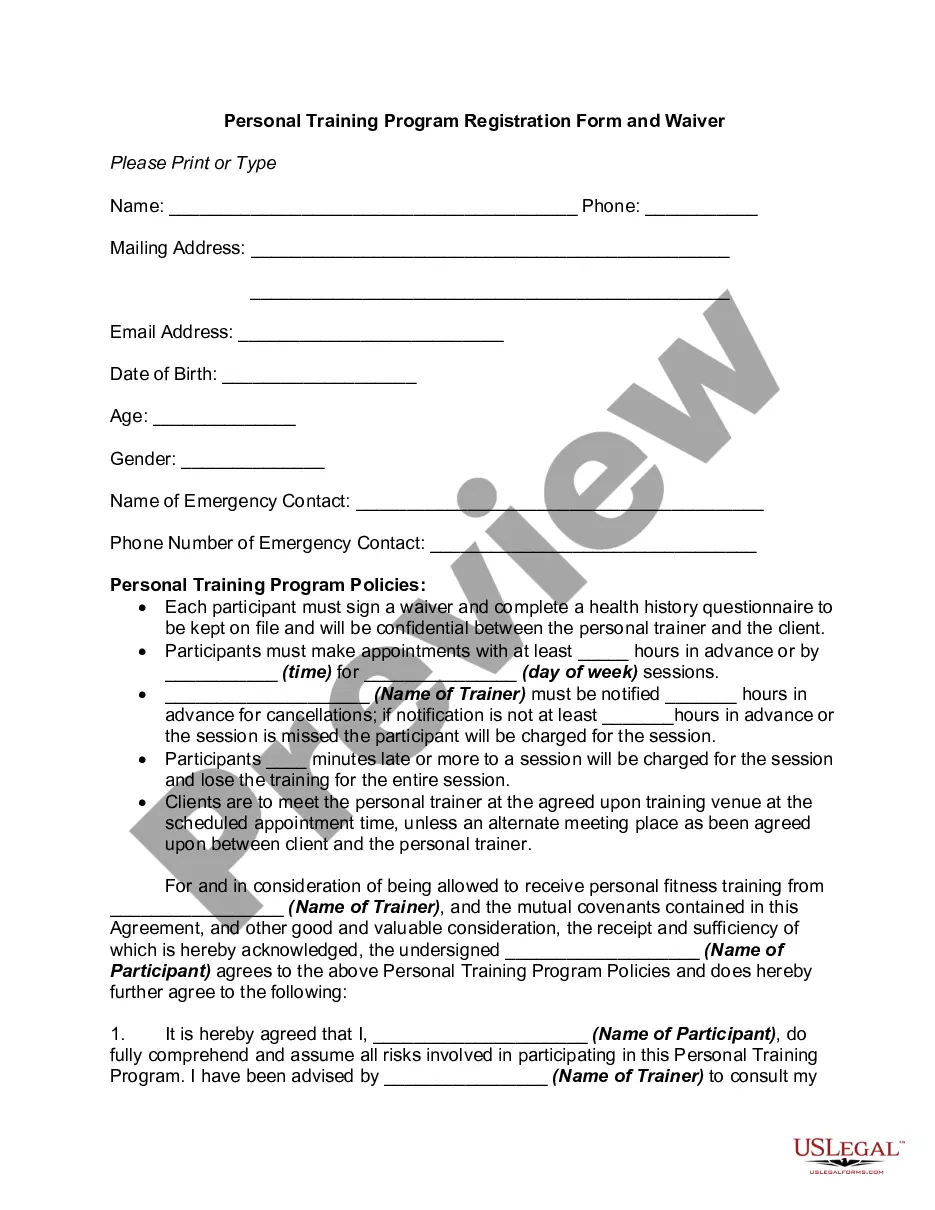
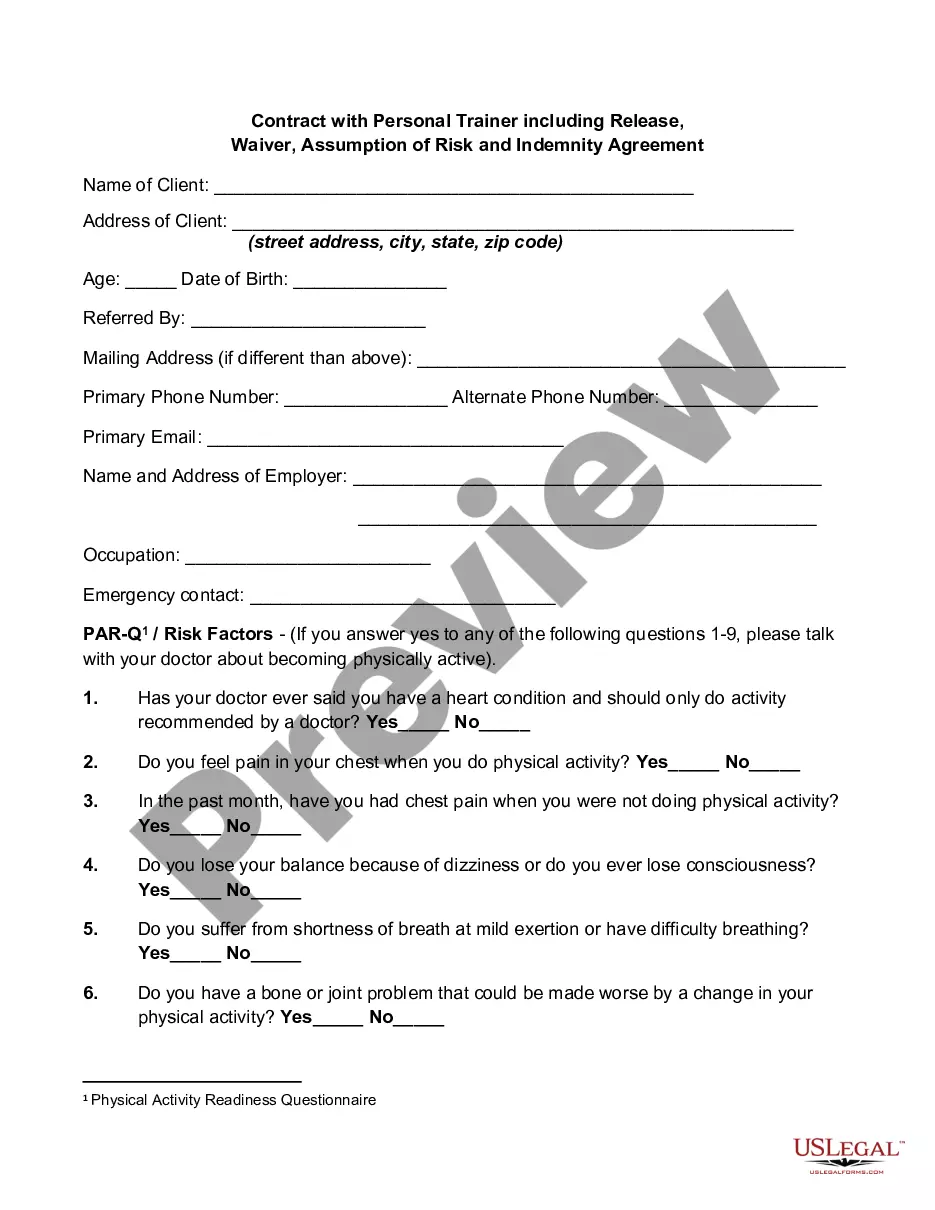
Description
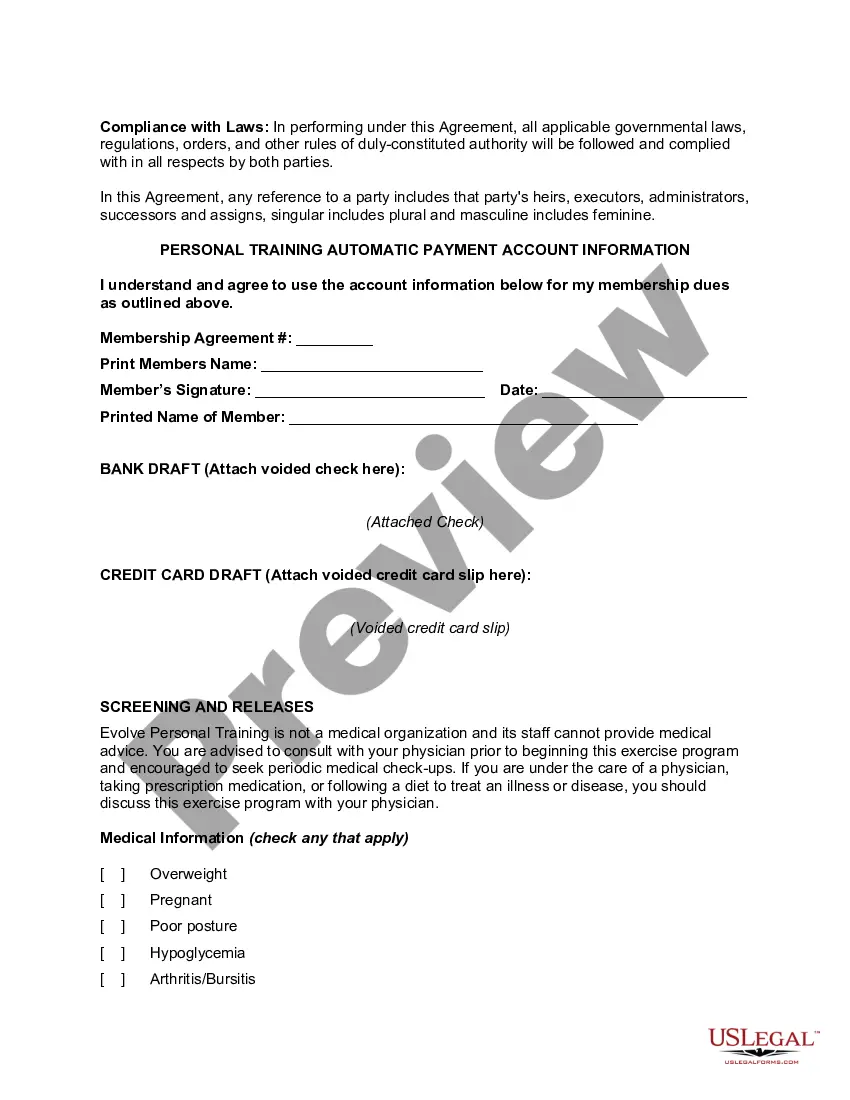
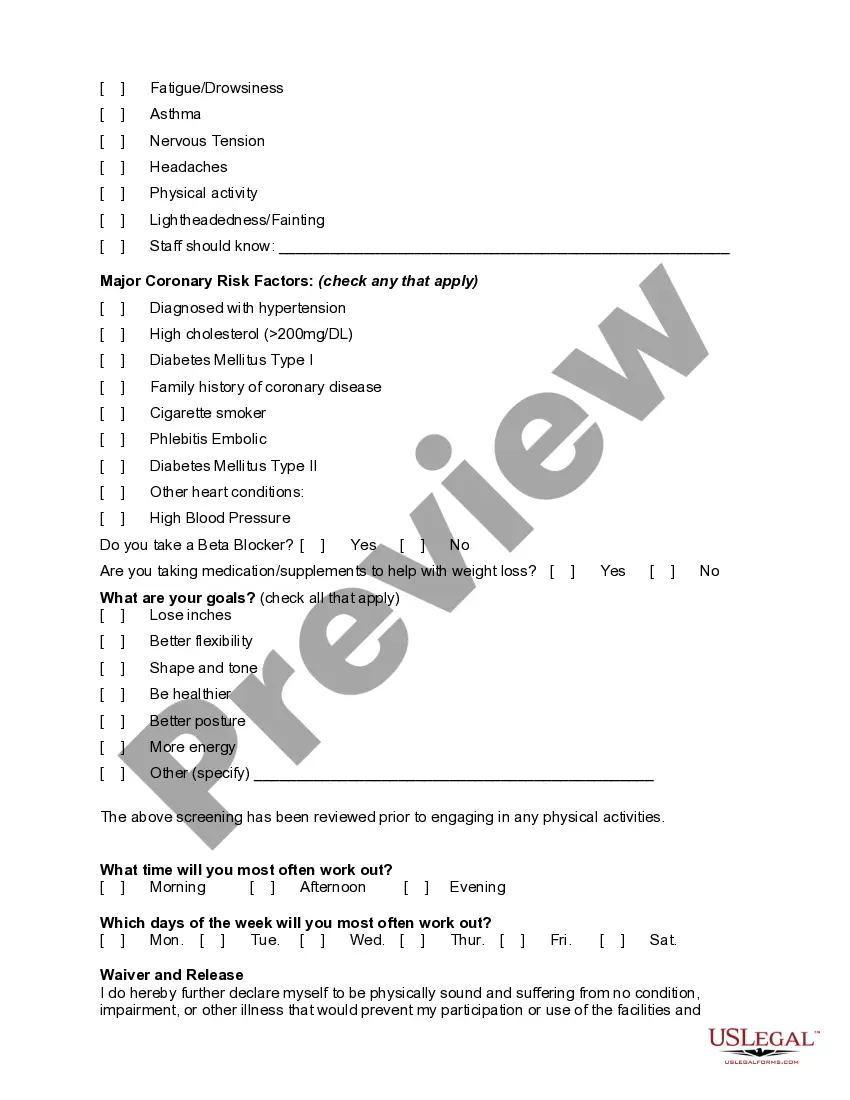
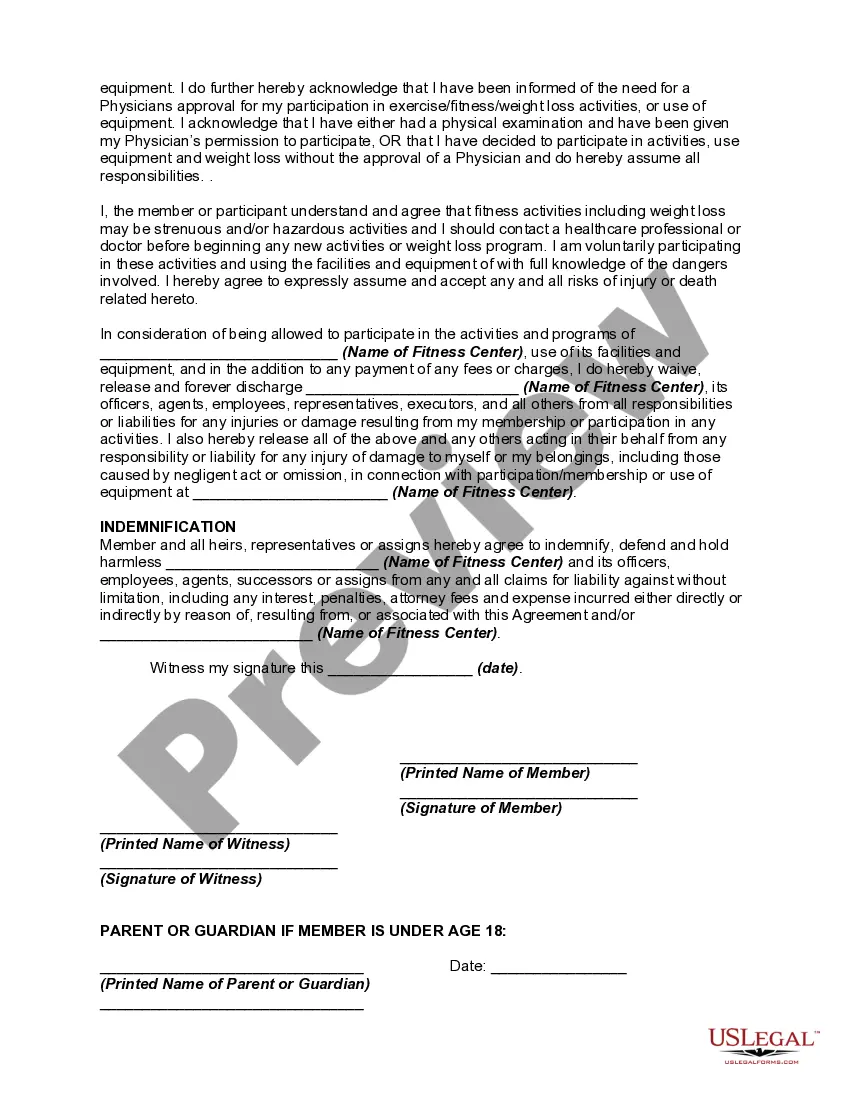
Get your form ready online
Our built-in tools help you complete, sign, share, and store your documents in one place.
Make edits, fill in missing information, and update formatting in US Legal Forms—just like you would in MS Word.
Download a copy, print it, send it by email, or mail it via USPS—whatever works best for your next step.
Sign and collect signatures with our SignNow integration. Send to multiple recipients, set reminders, and more. Go Premium to unlock E-Sign.
If this form requires notarization, complete it online through a secure video call—no need to meet a notary in person or wait for an appointment.
We protect your documents and personal data by following strict security and privacy standards.

Make edits, fill in missing information, and update formatting in US Legal Forms—just like you would in MS Word.

Download a copy, print it, send it by email, or mail it via USPS—whatever works best for your next step.

Sign and collect signatures with our SignNow integration. Send to multiple recipients, set reminders, and more. Go Premium to unlock E-Sign.

If this form requires notarization, complete it online through a secure video call—no need to meet a notary in person or wait for an appointment.

We protect your documents and personal data by following strict security and privacy standards.
Looking for another form?
How to fill out Personal Training Or Trainer And Fitness Center Membership Application And Agreement Including Waiver And Indemnification Agreement?
The Personal Trainer Fitness Document With Personal you see on this page is a versatile legal template crafted by expert attorneys in line with federal and local laws.
For over 25 years, US Legal Forms has supplied individuals, companies, and legal practitioners with more than 85,000 validated, state-specific forms for any business and personal situation. It’s the fastest, easiest, and most reliable method to obtain the documents you require, as the service ensures bank-level data security and anti-malware safeguards.
Select the format you desire for your Personal Trainer Fitness Document With Personal (PDF, DOCX, RTF) and download the sample to your device.
- Search for the document you need and examine it.
- Browse through the file you searched and preview it or review the form description to ensure it meets your needs. If it does not, utilize the search bar to find the correct one. Click Buy Now when you have located the template you require.
- Register and Log In.
- Select the pricing option that fits you and create an account. Use PayPal or a credit card to make a swift payment. If you already have an account, Log In and verify your subscription to proceed.
- Obtain the editable template.
Form popularity
FAQ
You need to choose your words carefully if you want to craft the perfect personal trainer bio. Start by introducing yourself to your potential clients. In your introduction section, you can include your name, specialty, job, passion, and how you got started. Anything that may humanize your bio, be bold about using it.
7 Tips for Writing a Personal Trainer Biography Focus On Your Clients. ... Tell Your Personal Trainer Story. ... Include Your Experience and Credentials. ... Less Is More. ... Write in First Person. ... Put a Face to the Name. ... End With a Call to Action.
5 types of fitness consultation forms PAR-Q+ Forms. ... Waivers of Liability. ... Client agreement and goal-setting forms. ... Medical history forms. ... Referral forms. ... Ask more than just fitness questions. ... Use standardized forms. ... Only collect the necessary info.
Seven Tips to Improve Your Personal Trainer Bio (With Examples) Show you understand what your client thinks, wants, and needs. ... Highlight what you can do for the client. ... Keep your copy lean. ... Share your personal challenges. ... Anticipate your customers' skepticism. ... Sell your strengths by highlighting what makes you different.
Fitness tests, often referred to as fitness evaluations or fitness assessments, involve a series of measurements that help determine the health status and physical fitness of an individual.