Billing Services Agreement Format
Description
Get your form ready online
Our built-in tools help you complete, sign, share, and store your documents in one place.
Make edits, fill in missing information, and update formatting in US Legal Forms—just like you would in MS Word.
Download a copy, print it, send it by email, or mail it via USPS—whatever works best for your next step.
Sign and collect signatures with our SignNow integration. Send to multiple recipients, set reminders, and more. Go Premium to unlock E-Sign.
If this form requires notarization, complete it online through a secure video call—no need to meet a notary in person or wait for an appointment.
We protect your documents and personal data by following strict security and privacy standards.

Make edits, fill in missing information, and update formatting in US Legal Forms—just like you would in MS Word.

Download a copy, print it, send it by email, or mail it via USPS—whatever works best for your next step.

Sign and collect signatures with our SignNow integration. Send to multiple recipients, set reminders, and more. Go Premium to unlock E-Sign.

If this form requires notarization, complete it online through a secure video call—no need to meet a notary in person or wait for an appointment.

We protect your documents and personal data by following strict security and privacy standards.
Looking for another form?
How to fill out Medical Or Dental Billing Services Agreement?
Managing legal paperwork and processes can be a labor-intensive extension to your day.
Billing Services Agreement Template and similar forms frequently necessitate that you search for them and comprehend how to fill them out correctly.
For this reason, whether you are addressing financial, legal, or personal issues, having a thorough and functional online directory of forms readily available will greatly assist.
US Legal Forms is the top online resource for legal templates, providing over 85,000 state-specific documents along with a variety of tools that will facilitate the completion of your paperwork smoothly.
Simply Log In to your account, find the Billing Services Agreement Template, and obtain it instantly in the My documents section. You can also access forms that you have previously saved.
- Browse the selection of pertinent documents accessible to you with a single click.
- US Legal Forms provides state- and county-specific documents available for download at any time.
- Streamline your paperwork handling with premium services that permit you to generate any document in a matter of minutes without extra or concealed costs.
Form popularity
FAQ
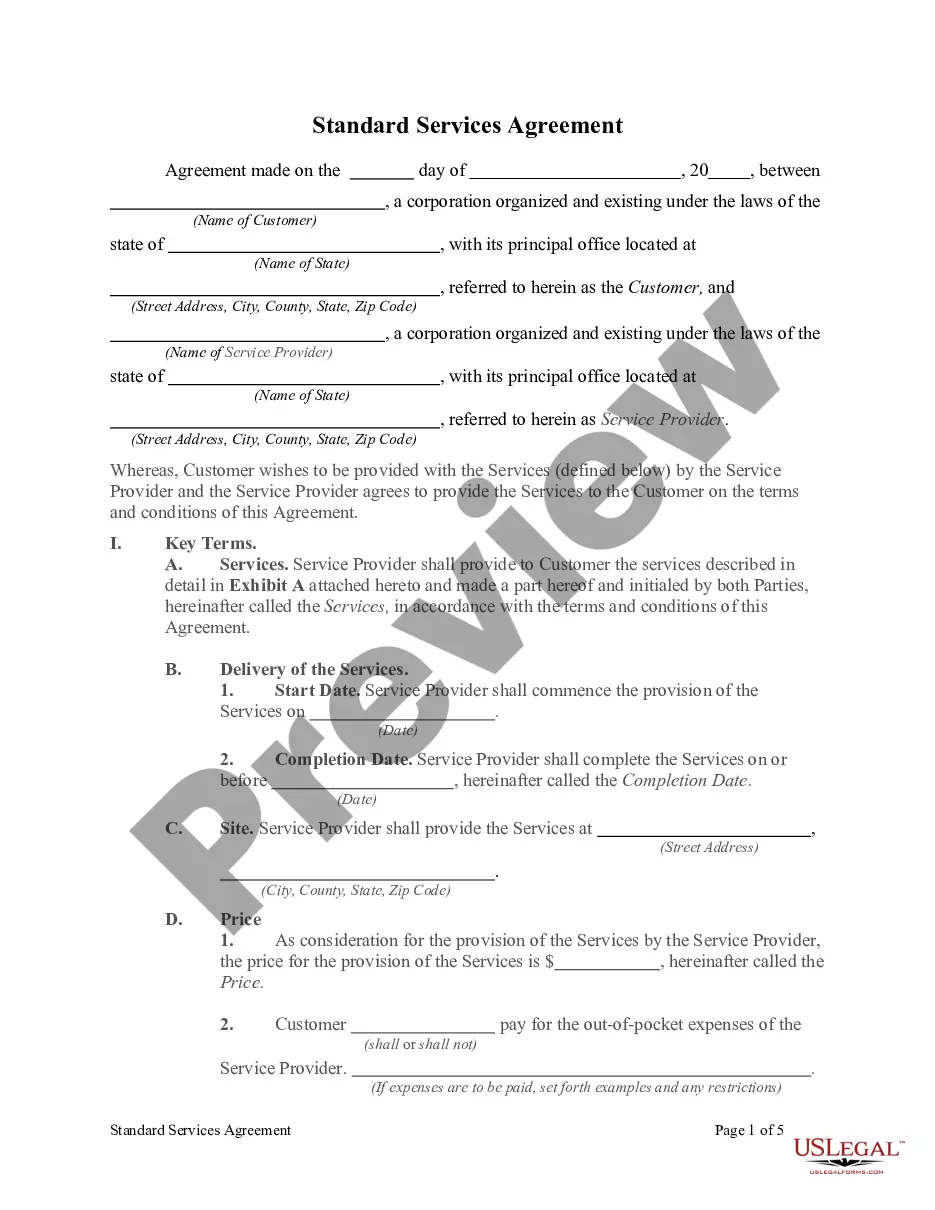
How do you create a service contract? provide both parties' contact information. define the terms and the subject of the project. determine payment terms. make a schedule. determine what happens if a contract is canceled. work out who owns the final exclusive rights of intellectual property. indicate your applicable law.
Simply put, yes, you can write your own legal contract. You just need to be sure to include key components such as an offer, an acceptance, an exchange of value, and the willingness of both parties to enter into a contract. Legally binding contracts can be done both in writing or orally.
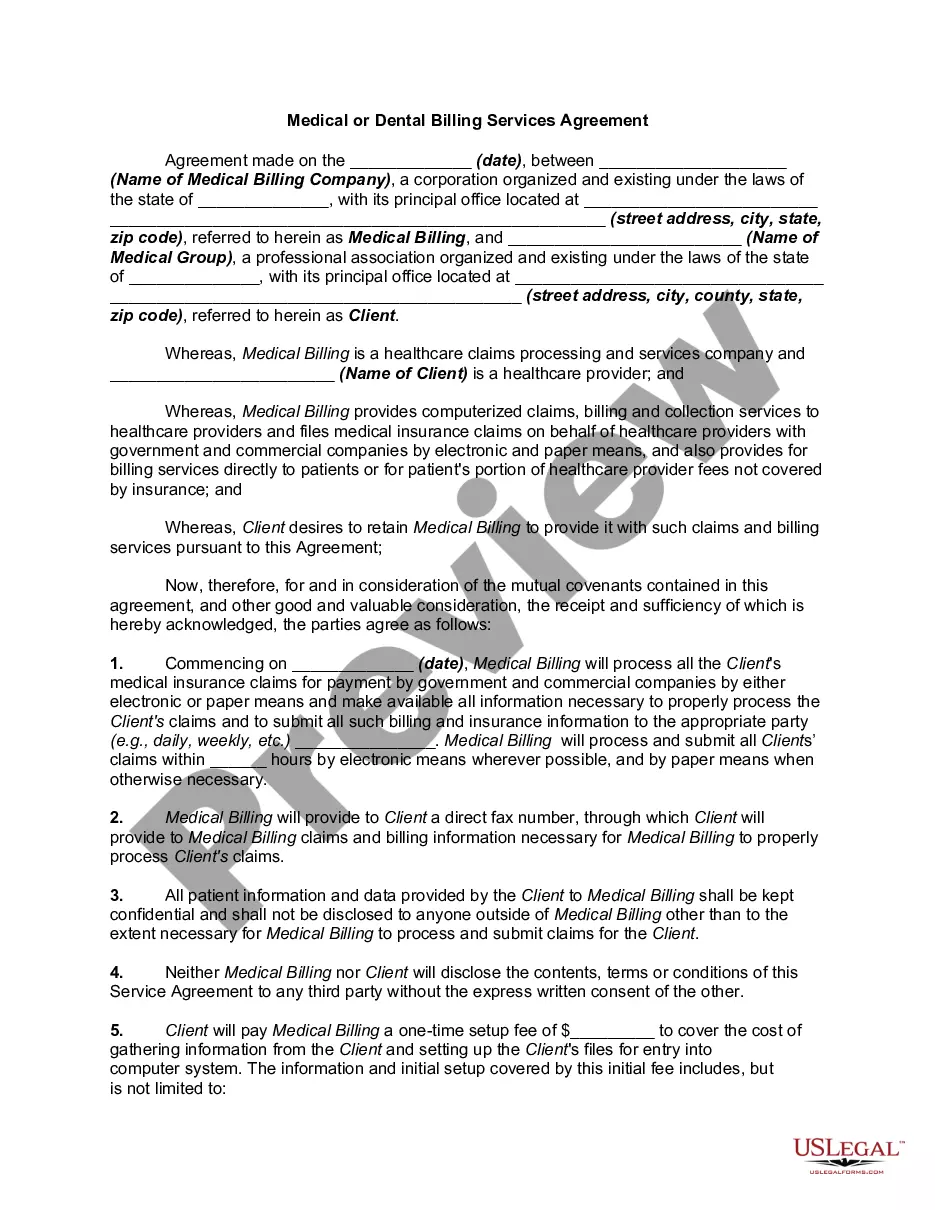
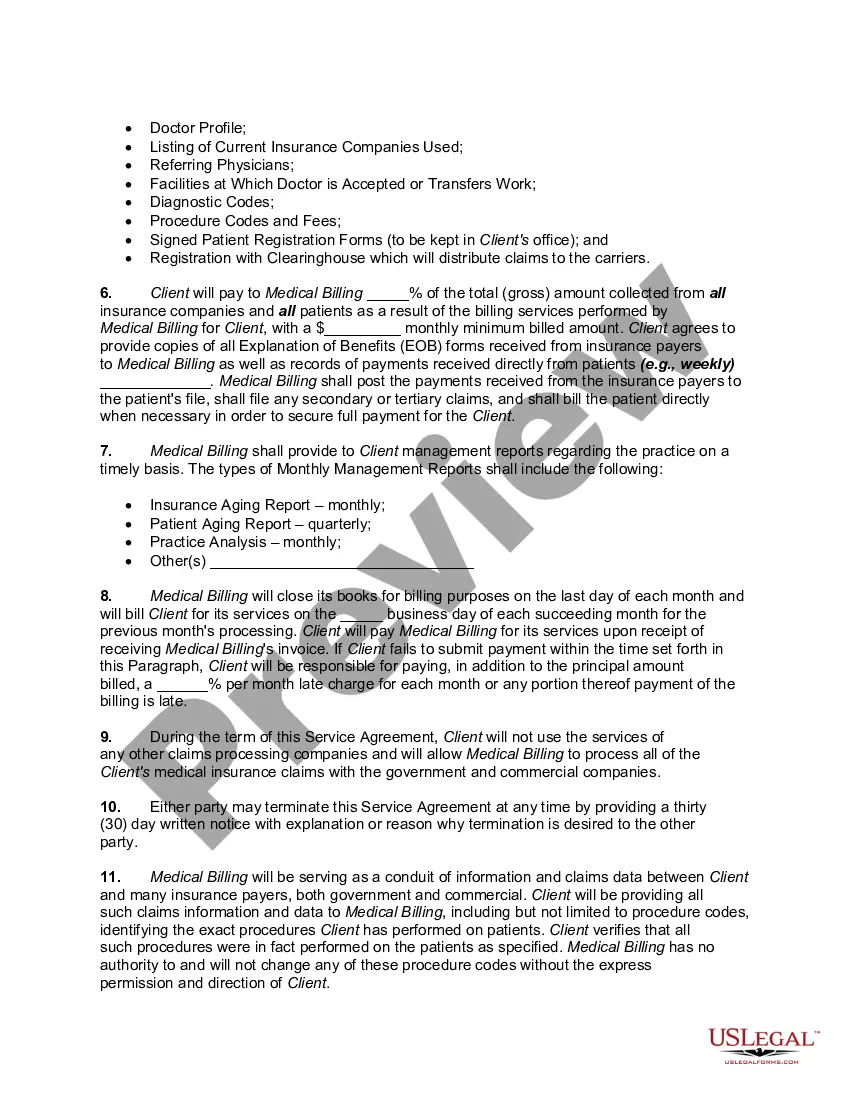
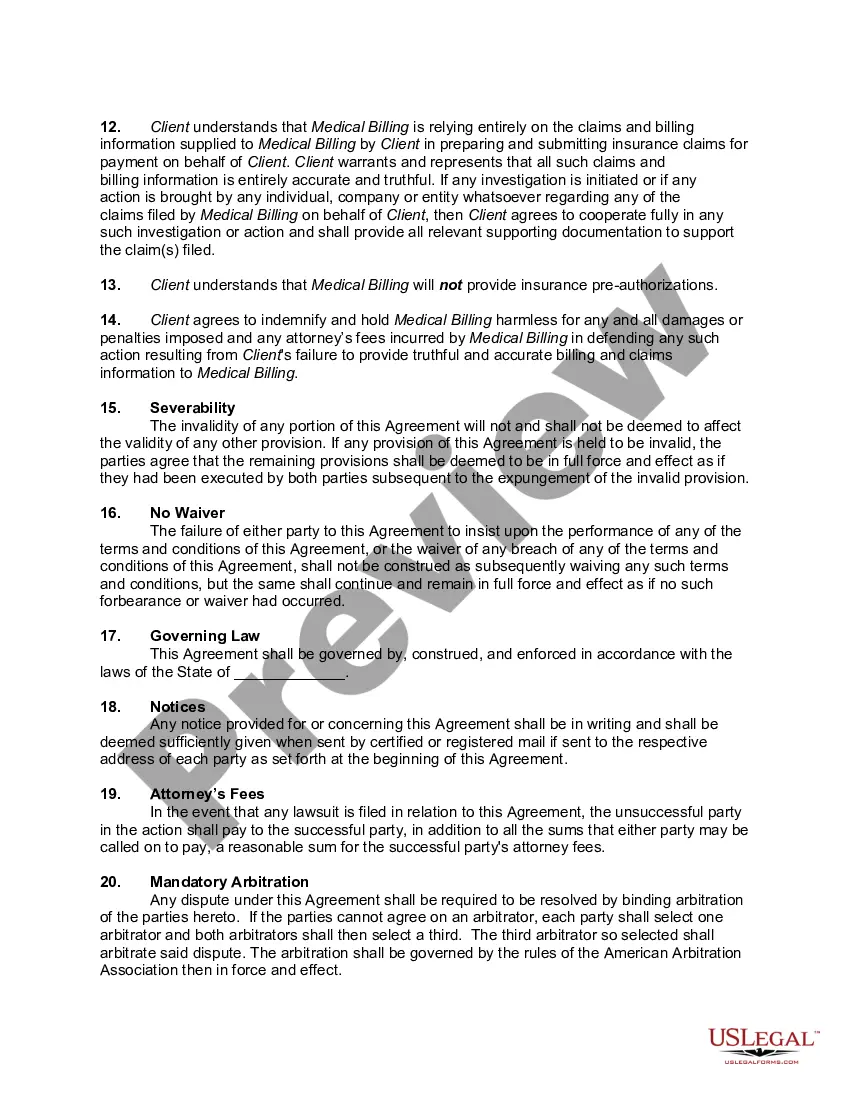
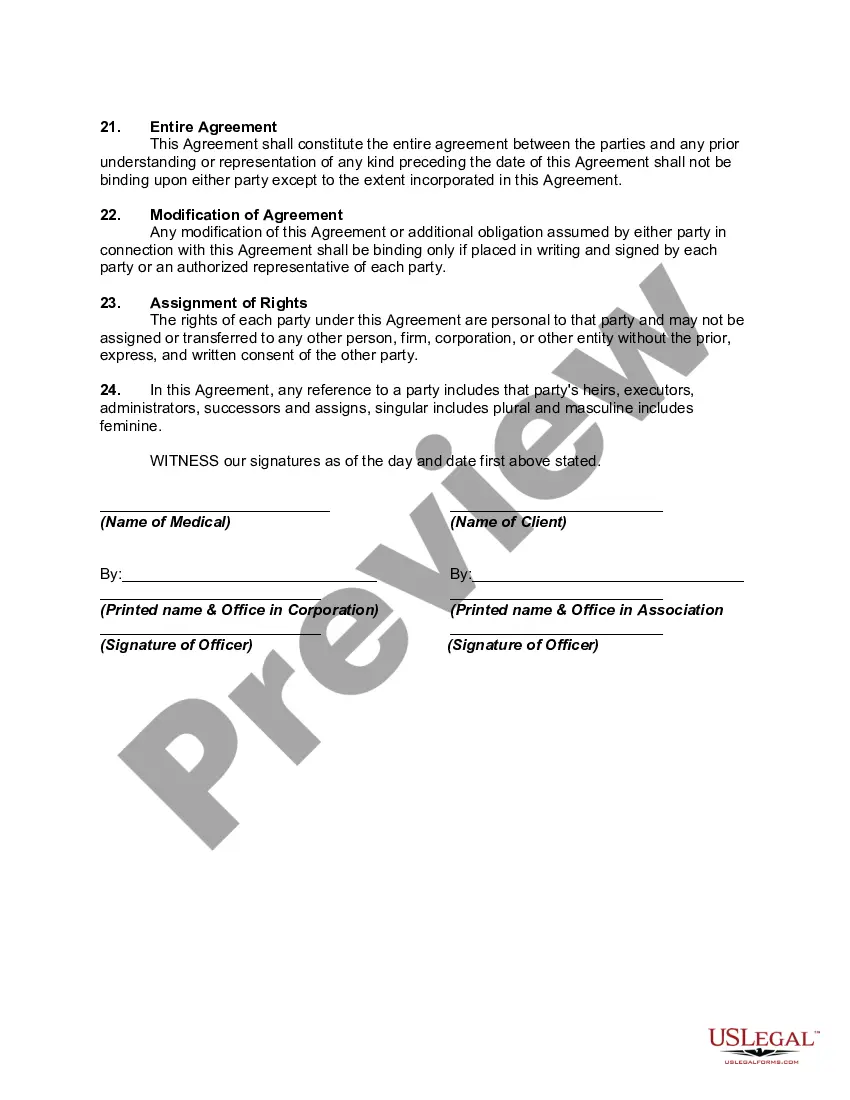
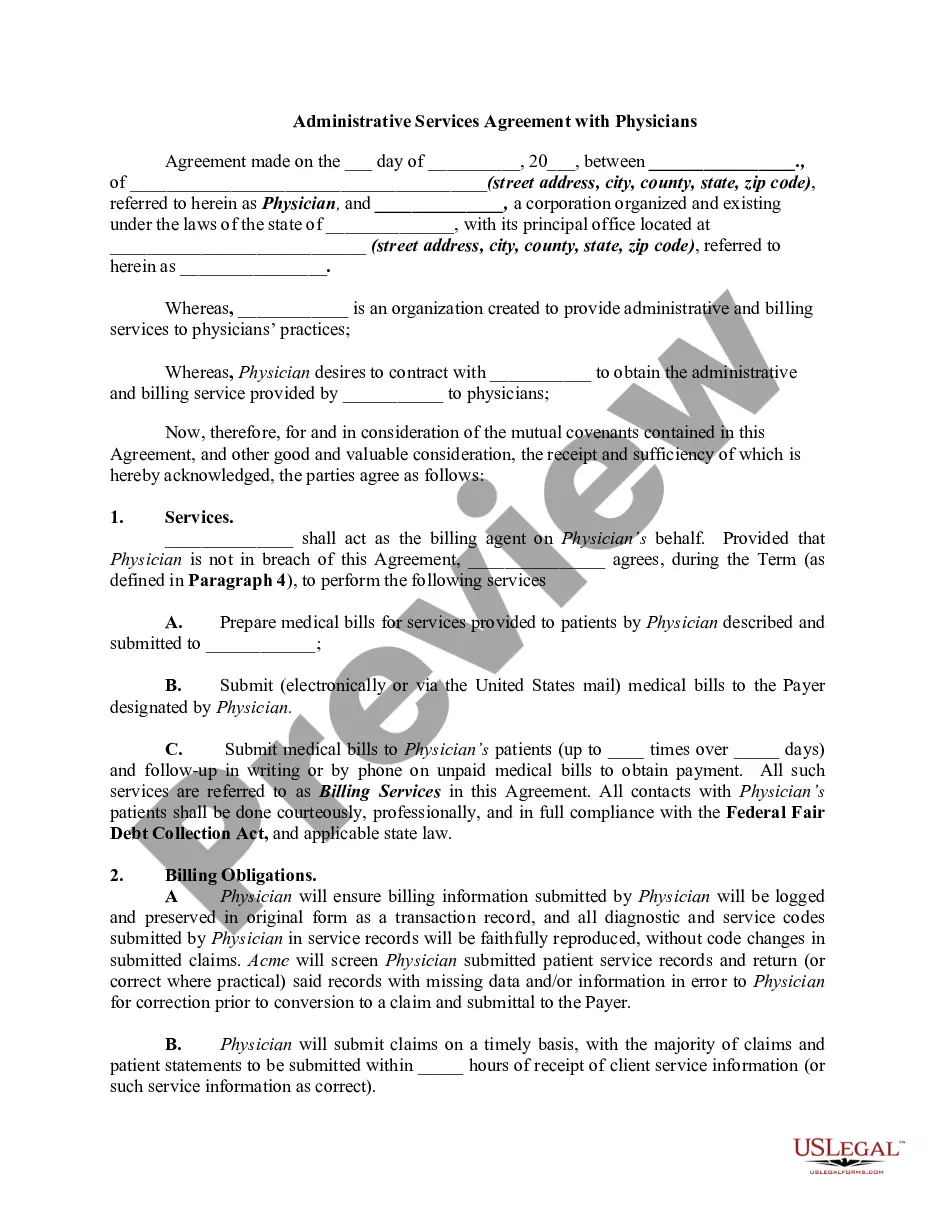
Suitable for use in any state, a Billing Services Contract enables a billing service provider to define the terms and conditions of their arrangements with a client. With signatures from both the billing service provider and the client, this essential contract helps to set expectations.
Write the contract in six steps Start with a contract template. ... Open with the basic information. ... Describe in detail what you have agreed to. ... Include a description of how the contract will be ended. ... Write into the contract which laws apply and how disputes will be resolved. ... Include space for signatures.
How do I write a Service Agreement? State how long the services are needed. ... Include the state where the work is taking place. ... Describe the service being provided. ... Provide the contractor's and client's information. ... Outline the compensation. ... State the agreement's terms. ... Include any additional clauses.