Samplemanager
Description
Get your form ready online
Our built-in tools help you complete, sign, share, and store your documents in one place.
Make edits, fill in missing information, and update formatting in US Legal Forms—just like you would in MS Word.
Download a copy, print it, send it by email, or mail it via USPS—whatever works best for your next step.
Sign and collect signatures with our SignNow integration. Send to multiple recipients, set reminders, and more. Go Premium to unlock E-Sign.
If this form requires notarization, complete it online through a secure video call—no need to meet a notary in person or wait for an appointment.
We protect your documents and personal data by following strict security and privacy standards.

Make edits, fill in missing information, and update formatting in US Legal Forms—just like you would in MS Word.

Download a copy, print it, send it by email, or mail it via USPS—whatever works best for your next step.

Sign and collect signatures with our SignNow integration. Send to multiple recipients, set reminders, and more. Go Premium to unlock E-Sign.

If this form requires notarization, complete it online through a secure video call—no need to meet a notary in person or wait for an appointment.

We protect your documents and personal data by following strict security and privacy standards.
Looking for another form?
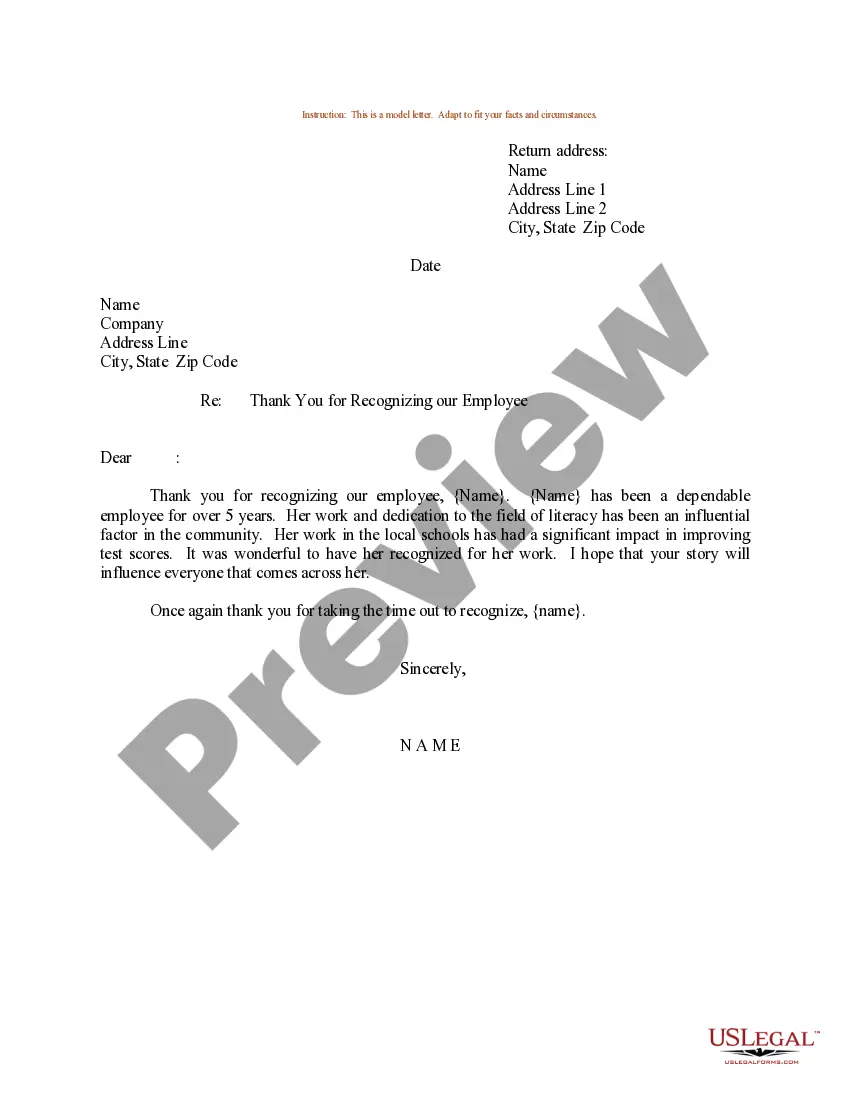
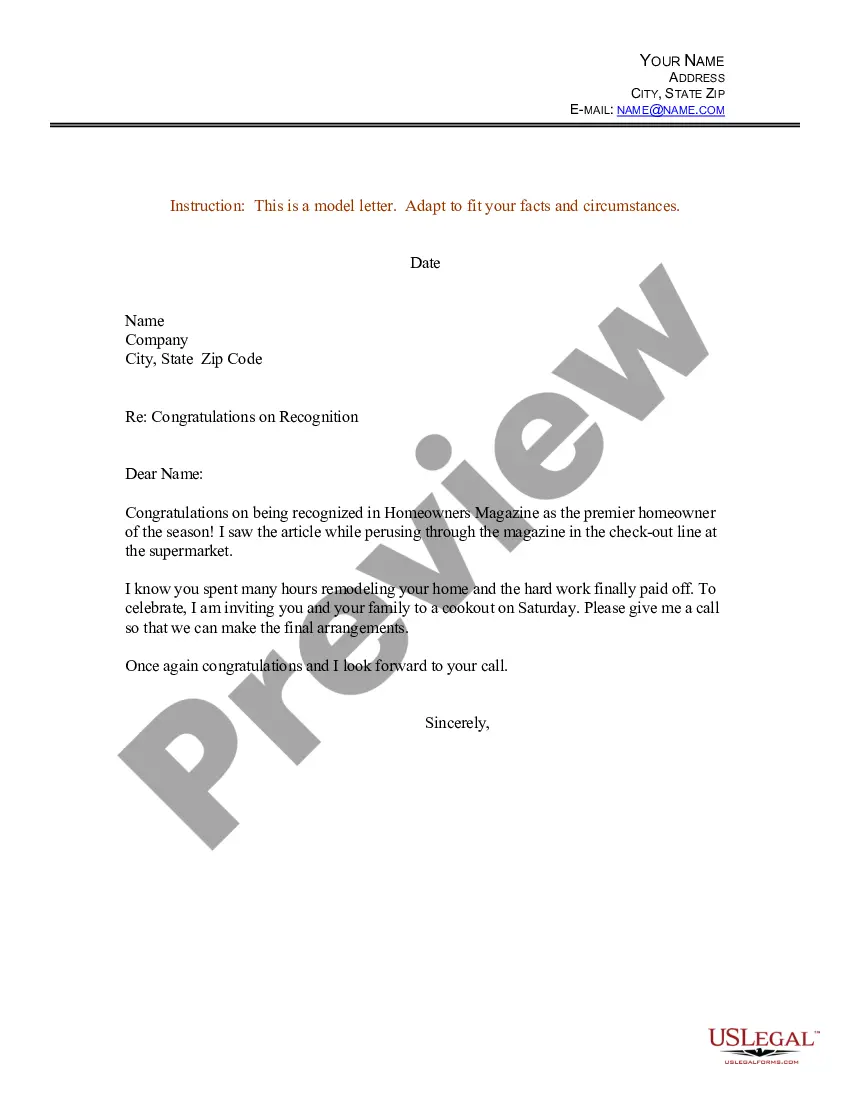
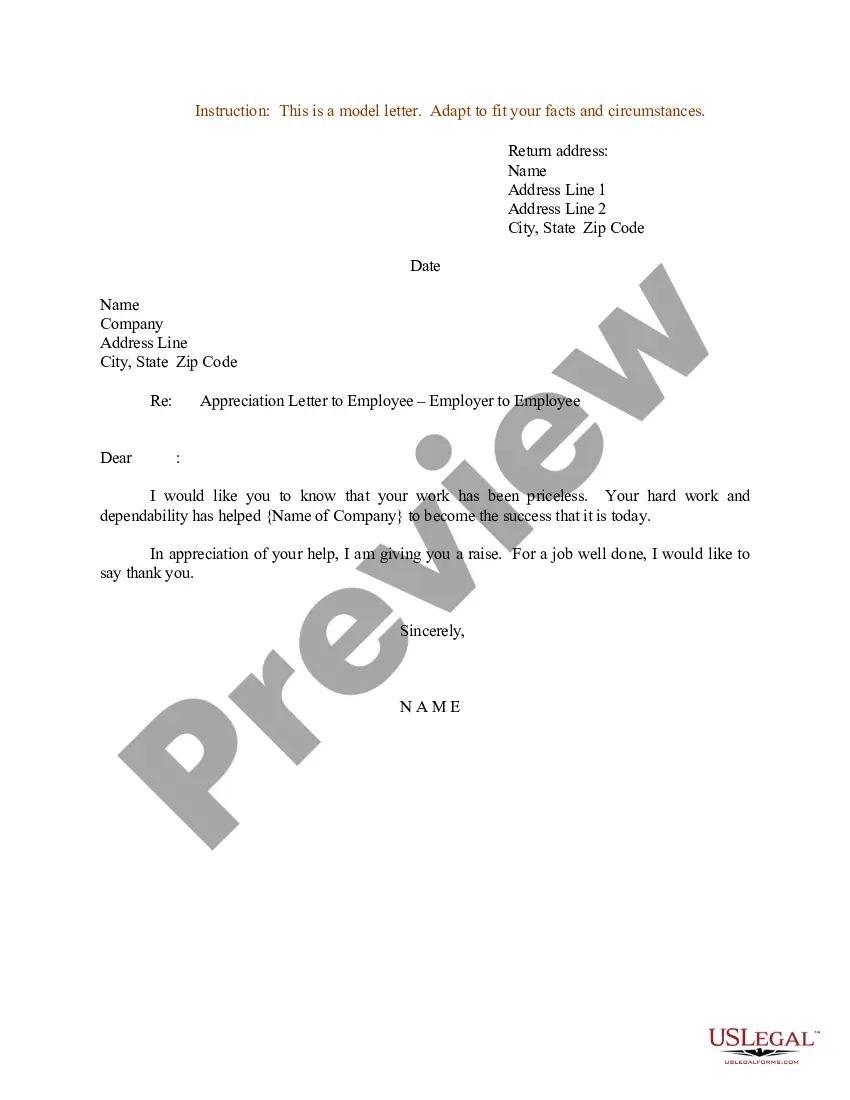
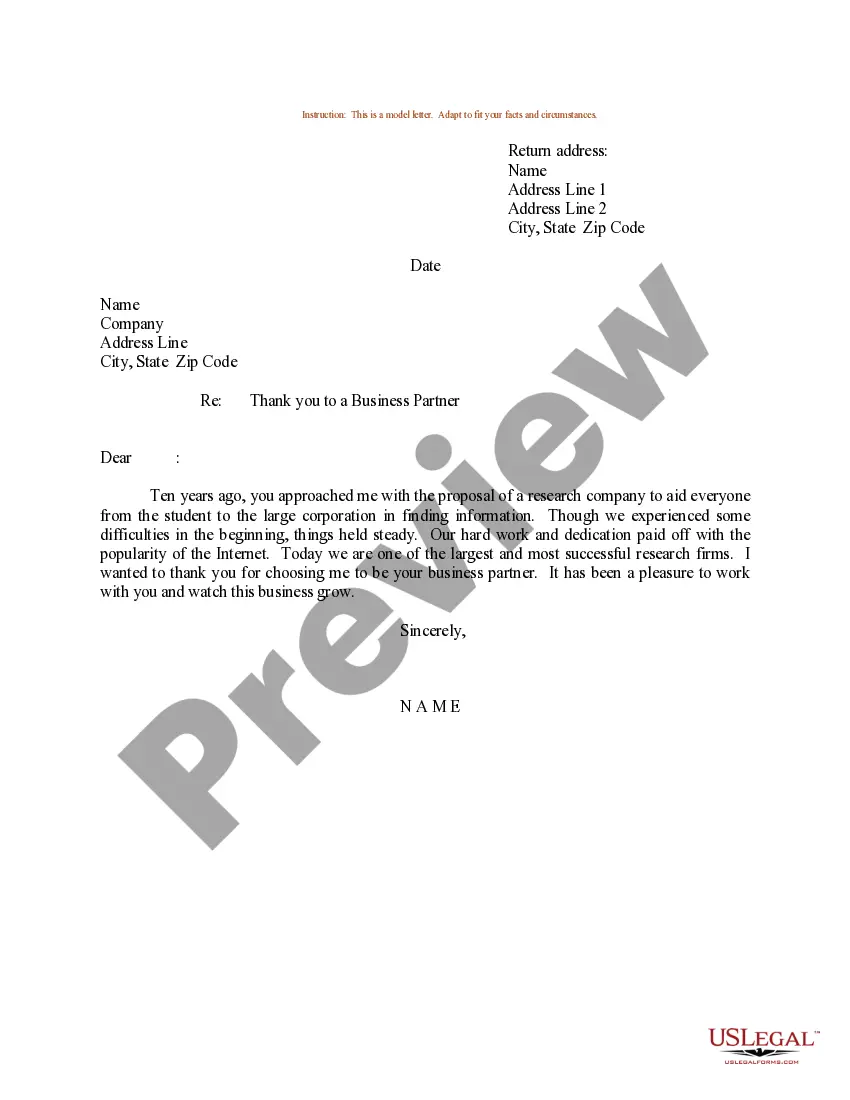
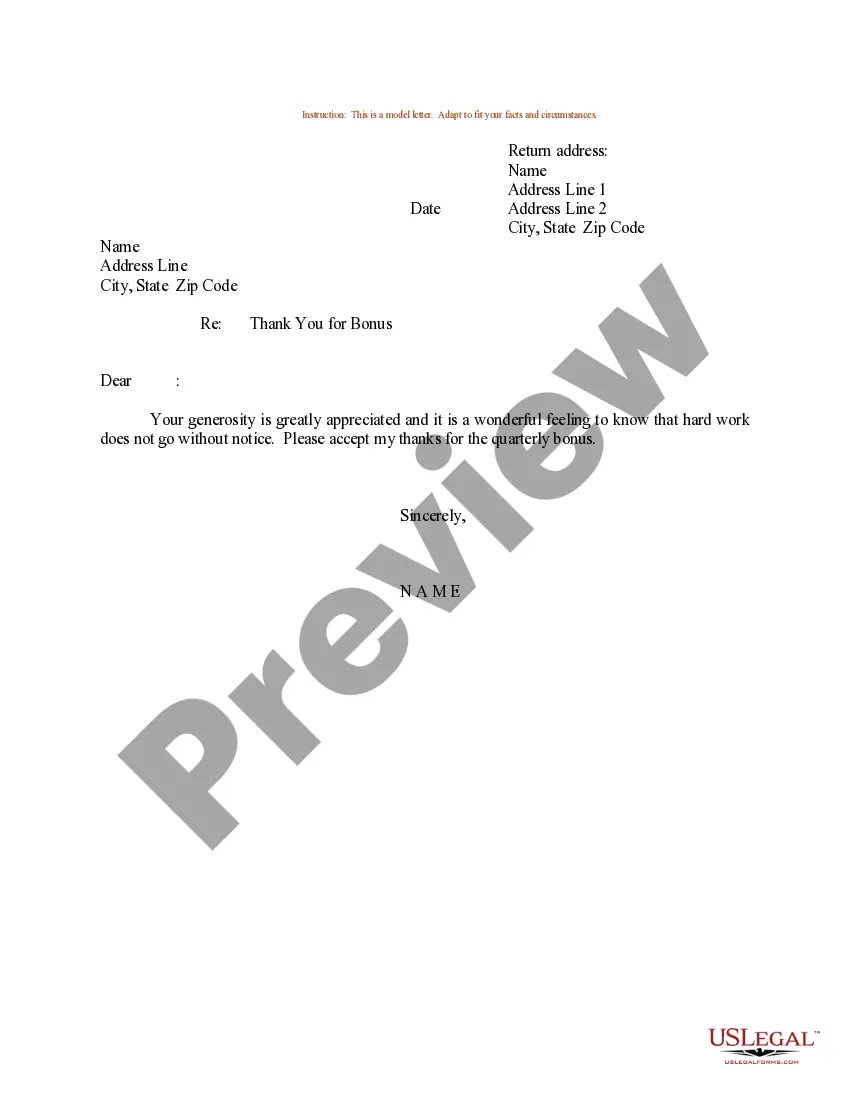
How to fill out Sample Letter For Recognition Of Employee - Thank You?
- Log in to your account if you’ve used US Legal Forms previously, ensuring your subscription is active before downloading any forms.
- For new users, start by exploring the Preview mode and read the form descriptions to verify you have the correct document for your jurisdiction.
- If needed, utilize the Search tab to locate alternative templates ensuring they meet your specific requirements.
- Click 'Buy Now' to select a suitable subscription plan, remembering to create an account beforehand for library access.
- Complete your purchase by entering your credit card details or using PayPal for convenience.
- Finally, download the required document and save it on your device. You can always access it later in the 'My Forms' section of your profile.
By leveraging US Legal Forms and Samplemanager, you ensure access to a vast array of over 85,000 fillable legal documents, alongside expert assistance for completion.
Start your journey with US Legal Forms today and empower your legal document management. Visit their site and discover the difference!
Form popularity
FAQ
A LIMS system is utilized to manage laboratory samples, track data, and facilitate compliance with industry regulations. By implementing a tool like Samplemanager, laboratories can optimize their workflow, automate data collection, and ensure that all processes are well-documented. This ultimately leads to enhanced productivity and better-informed decision-making.
Watson LIMS is a software solution that facilitates the management of laboratory operations. It is designed to improve data management, sample tracking, and reporting. This system, incorporating functions of Samplemanager, allows laboratories to enhance productivity and maintain regulatory compliance effortlessly.
ERP, or Enterprise Resource Planning, focuses on managing business processes and resources, while LIMS, or Laboratory Information Management System, is specifically designed for laboratory management. A Samplemanager enhances LIMS by managing samples, data, and laboratory workflows, ensuring that laboratories operate effectively and meet compliance standards. Both systems serve different purposes but can complement each other in a comprehensive business strategy.
A SampleManager is a powerful tool designed to help laboratories track and manage samples throughout their lifecycle. This system streamlines processes such as sample reception, storage, and testing. By using Samplemanager, laboratories can ensure quality control and compliance while reducing errors and time spent on sample management.
The current version of Watson LIMS offers a range of enhancements over previous iterations, focusing on usability and integration. It includes updated features that improve your laboratory's efficiency and flexibility. With the inclusion of Samplemanager capabilities, users can manage samples with greater accuracy and ease.
Handling samples in a laboratory requires strict adherence to protocols for collection, storage, and analysis. Use labeled containers, ensure proper storage temperatures, and maintain detailed records to guarantee sample integrity. By using Samplemanager, you can effectively manage and automate these processes, leading to higher accuracy and reliability in your laboratory operations.
SDMs focus specifically on sample data, tracking information such as origin and analysis results, while LIMS manages broader laboratory workflows, including sample tracking and compliance. Both systems are crucial for effective laboratory management. Samplemanager merges these functionalities, allowing for comprehensive sample and data management.
A laboratory information system (LIS) primarily manages patient and clinical data, focusing on results from tests and analyses. In contrast, a LIMS is designed for managing samples and laboratory workflows. Understanding these differences helps laboratories select the most appropriate solution, and with Samplemanager, you find a robust tool that accommodates both needs.
SAP stands for Systems, Applications, and Products, which is a leading enterprise resource management software. LIMS, or Laboratory Information Management System, offers tools for managing samples, associated data, and laboratory workflows. Both systems can integrate with tools like Samplemanager, enhancing operational efficiency across different departments.
A sample management system is a specialized software solution that assists laboratories in tracking and managing samples efficiently. This system organizes samples, documents their history, and facilitates retrieval when needed. Implementing Samplemanager allows laboratories to improve workflows and minimize errors, which boosts performance.