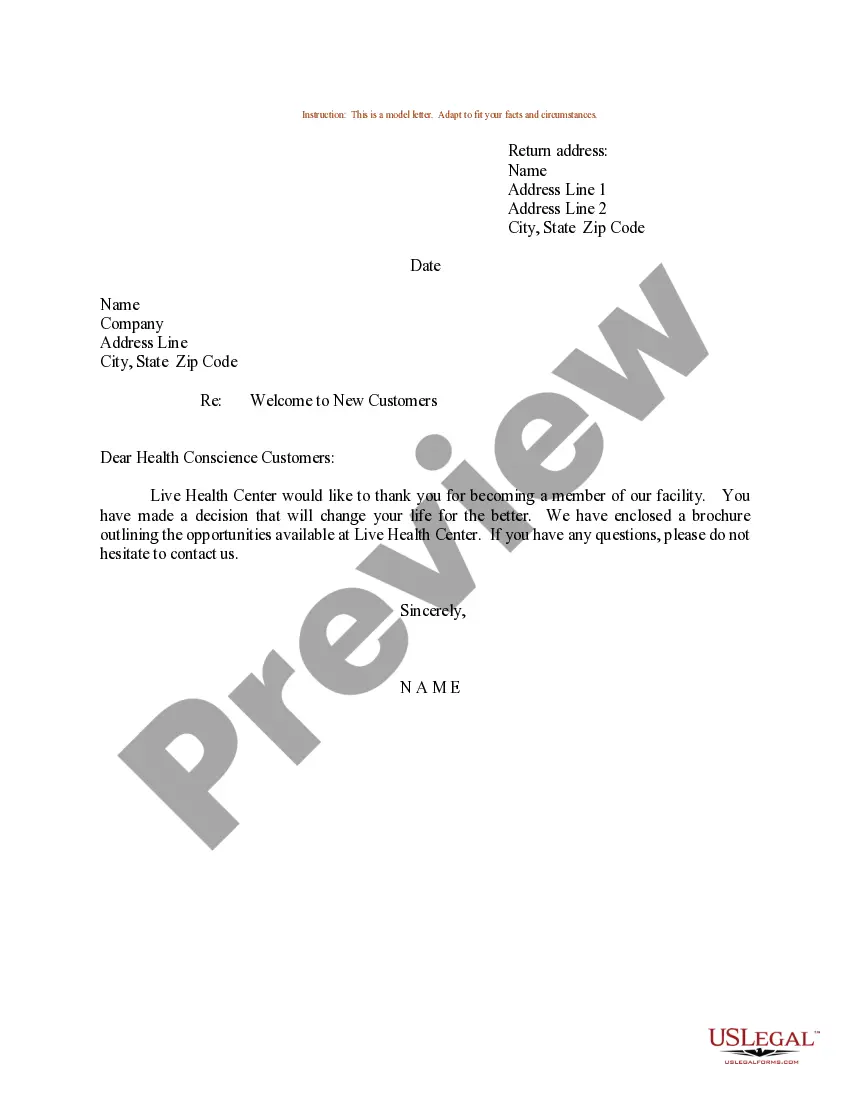
Sample Welcome Form Template With Drop Down List
Description

Get your form ready online
Our built-in tools help you complete, sign, share, and store your documents in one place.
Make edits, fill in missing information, and update formatting in US Legal Forms—just like you would in MS Word.
Download a copy, print it, send it by email, or mail it via USPS—whatever works best for your next step.
Sign and collect signatures with our SignNow integration. Send to multiple recipients, set reminders, and more. Go Premium to unlock E-Sign.
If this form requires notarization, complete it online through a secure video call—no need to meet a notary in person or wait for an appointment.
We protect your documents and personal data by following strict security and privacy standards.

Make edits, fill in missing information, and update formatting in US Legal Forms—just like you would in MS Word.

Download a copy, print it, send it by email, or mail it via USPS—whatever works best for your next step.

Sign and collect signatures with our SignNow integration. Send to multiple recipients, set reminders, and more. Go Premium to unlock E-Sign.

If this form requires notarization, complete it online through a secure video call—no need to meet a notary in person or wait for an appointment.

We protect your documents and personal data by following strict security and privacy standards.
Looking for another form?

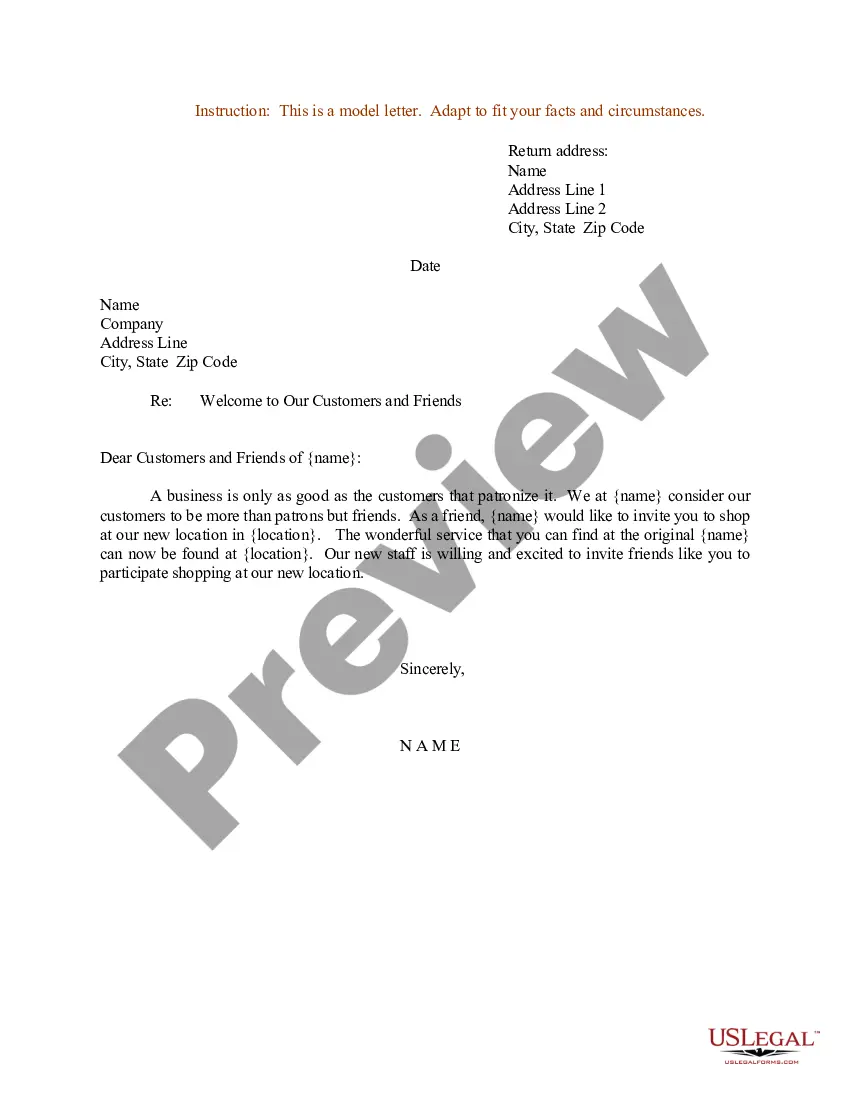
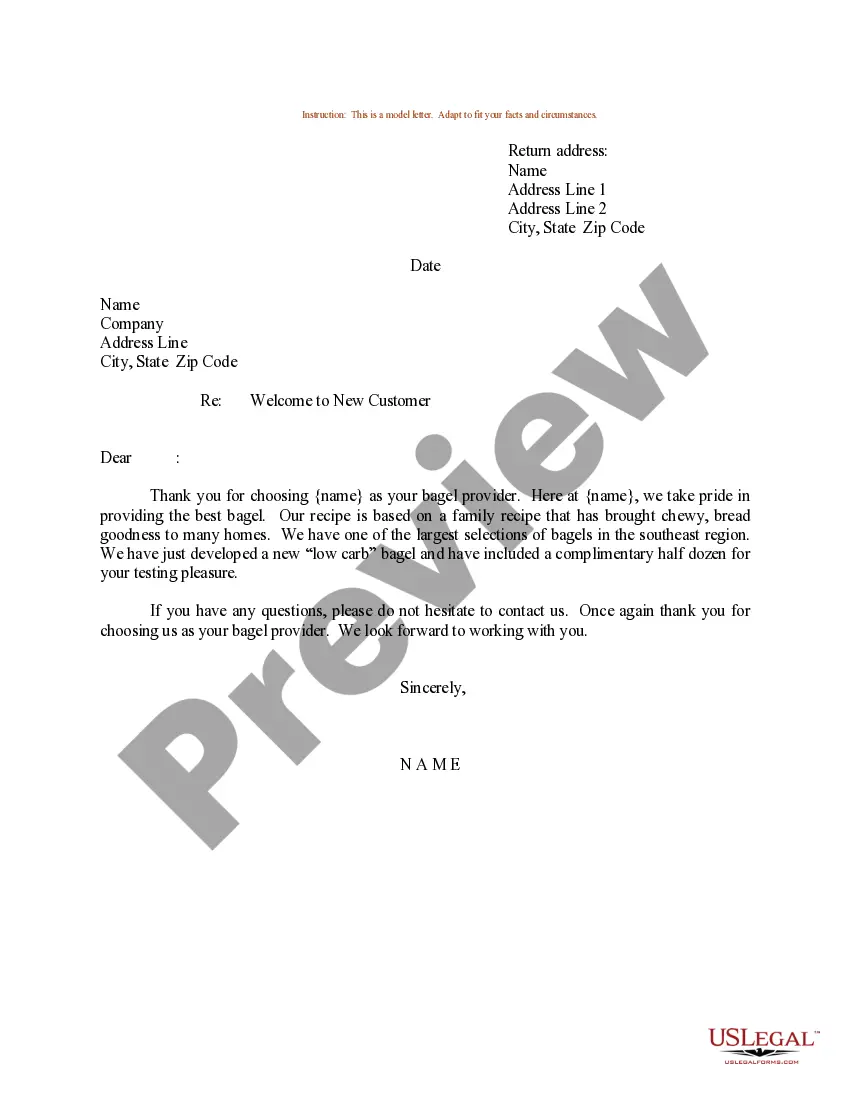
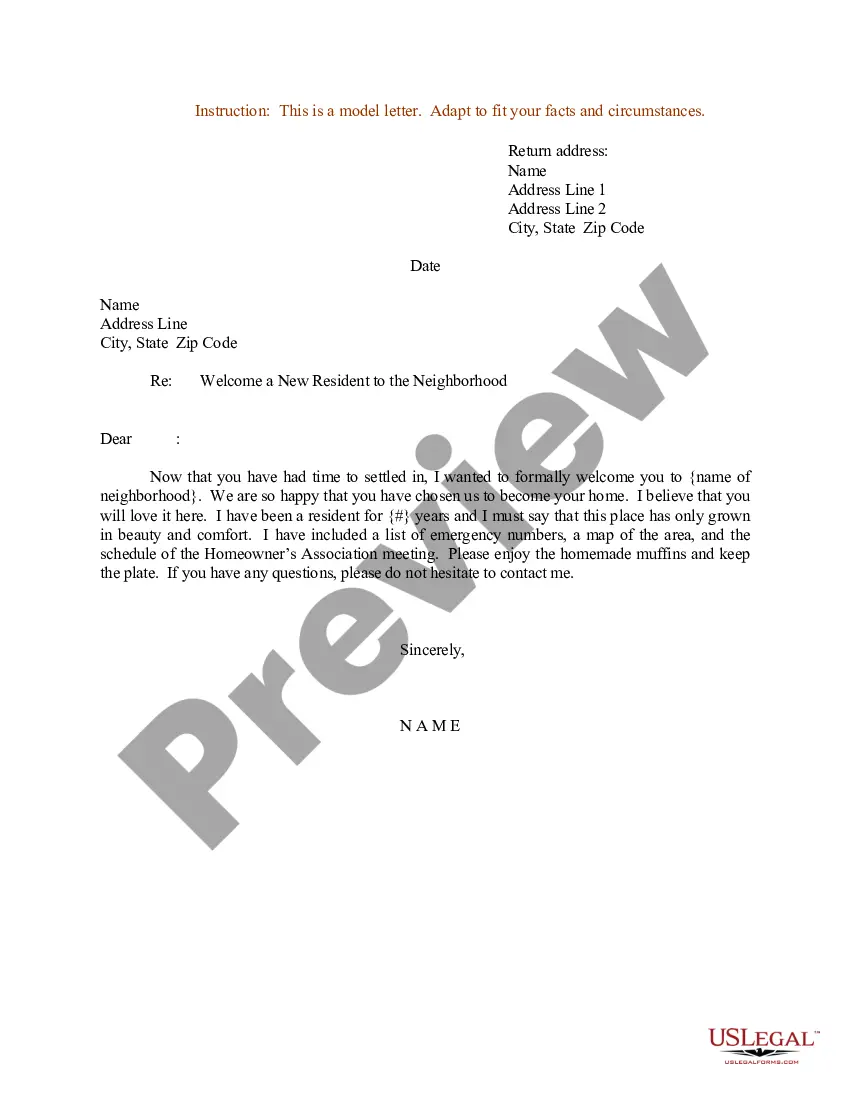
How to fill out Sample Letter For Welcome To New Customers Joining Health Club Or Gym?
Legal documents handling can be exasperating, even for experienced professionals.
When you are looking for a Sample Welcome Form Template With Drop Down List and do not have the opportunity to invest time searching for the suitable and updated version, the process can become challenging.
Access state- or county-specific legal and business documents.
US Legal Forms fulfills any requirements you might have, from personal to business paperwork, all in one place.
If it is your first experience with US Legal Forms, create an account and gain unlimited access to all the benefits of the platform. Here are the steps to follow after downloading the required form: Confirm this is the correct document by previewing it and reviewing its details. Ensure that the sample is recognized in your state or county. Click Buy Now when you are ready. Choose a subscription plan. Select the format you require, and Download, complete, sign, print, and send out your documents. Enjoy the US Legal Forms online library, backed by 25 years of experience and trustworthiness. Revolutionize your everyday document management into a simple and user-friendly process today.
- Utilize advanced tools to complete and manage your Sample Welcome Form Template With Drop Down List.
- Access a valuable resource library of articles, guides, and manuals related to your circumstances and requirements.
- Save time and energy searching for the documents you need, and use US Legal Forms’ sophisticated search and Review feature to find the Sample Welcome Form Template With Drop Down List and download it.
- If you have a monthly subscription, Log In to your US Legal Forms account, search for the form, and download it.
- Check your My documents tab to view the documents you previously saved and organize your folders as desired.
- A robust online form library can be transformative for anyone aiming to tackle these issues effectively.
- US Legal Forms is a leading provider in online legal documents, boasting over 85,000 state-specific legal forms accessible to you at any moment.
- With US Legal Forms, you can.
Form popularity
FAQ
Step 1: First open your word document and go to "File" and then click on "Options". Step 2: Switch to the "customized Ribbon". Go to "Choose command from" and select "Commands not in the ribbon" and then "Insert form field". Step 3: Then go to the right side of the window and then click on "New Group" and then "Add".
How to Add a Drop-Down List in Word - YouTube YouTube Start of suggested clip End of suggested clip Text click design mode at the top. In design mode you can also delete the content. Control byMoreText click design mode at the top. In design mode you can also delete the content. Control by selecting it and pressing delete or backspace. We now have a content control with a drop down.
Create a drop-down list In a new worksheet, type the entries you want to appear in your drop-down list. ... Select the cell in the worksheet where you want the drop-down list. Go to the Data tab on the Ribbon, and then Data Validation. ... On the Settings tab, in the Allow box, select List.
Insert a combo box or a drop-down list Go to Developer > Combo Box Content Control or Drop-Down List Content Control . Select the content control, and then select Properties. To create a list of choices, select Add under Drop-Down List Properties. Type a choice in Display Name, such as Yes, No, or Maybe.