Application Letter With Reference
Description
Get your form ready online
Our built-in tools help you complete, sign, share, and store your documents in one place.
Make edits, fill in missing information, and update formatting in US Legal Forms—just like you would in MS Word.
Download a copy, print it, send it by email, or mail it via USPS—whatever works best for your next step.
Sign and collect signatures with our SignNow integration. Send to multiple recipients, set reminders, and more. Go Premium to unlock E-Sign.
If this form requires notarization, complete it online through a secure video call—no need to meet a notary in person or wait for an appointment.
We protect your documents and personal data by following strict security and privacy standards.

Make edits, fill in missing information, and update formatting in US Legal Forms—just like you would in MS Word.

Download a copy, print it, send it by email, or mail it via USPS—whatever works best for your next step.

Sign and collect signatures with our SignNow integration. Send to multiple recipients, set reminders, and more. Go Premium to unlock E-Sign.

If this form requires notarization, complete it online through a secure video call—no need to meet a notary in person or wait for an appointment.

We protect your documents and personal data by following strict security and privacy standards.
Looking for another form?

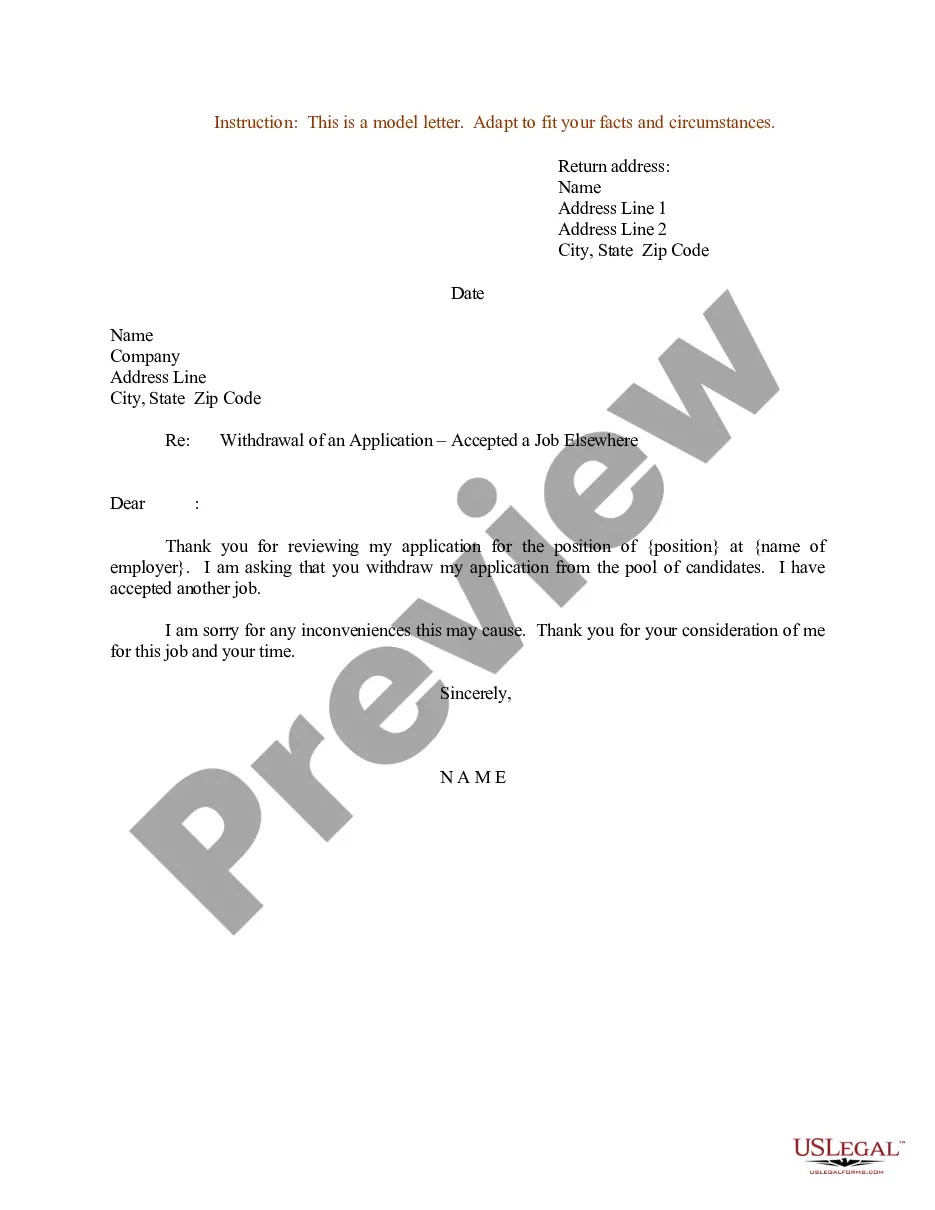
How to fill out Sample Letter For Withdrawal Of Job Application?
Regardless of whether it's for professional objectives or personal matters, everyone must navigate legal matters at some stage in their lifetime.
Filling out legal paperwork requires meticulous care, starting from choosing the appropriate form template.
With an extensive US Legal Forms catalog available, you don't need to waste time searching for the correct template online. Take advantage of the library's user-friendly navigation to find the right template for any scenario.
- Identify the template you require by utilizing the search feature or browsing the catalog.
- Review the description of the form to confirm it suits your circumstance, state, and county.
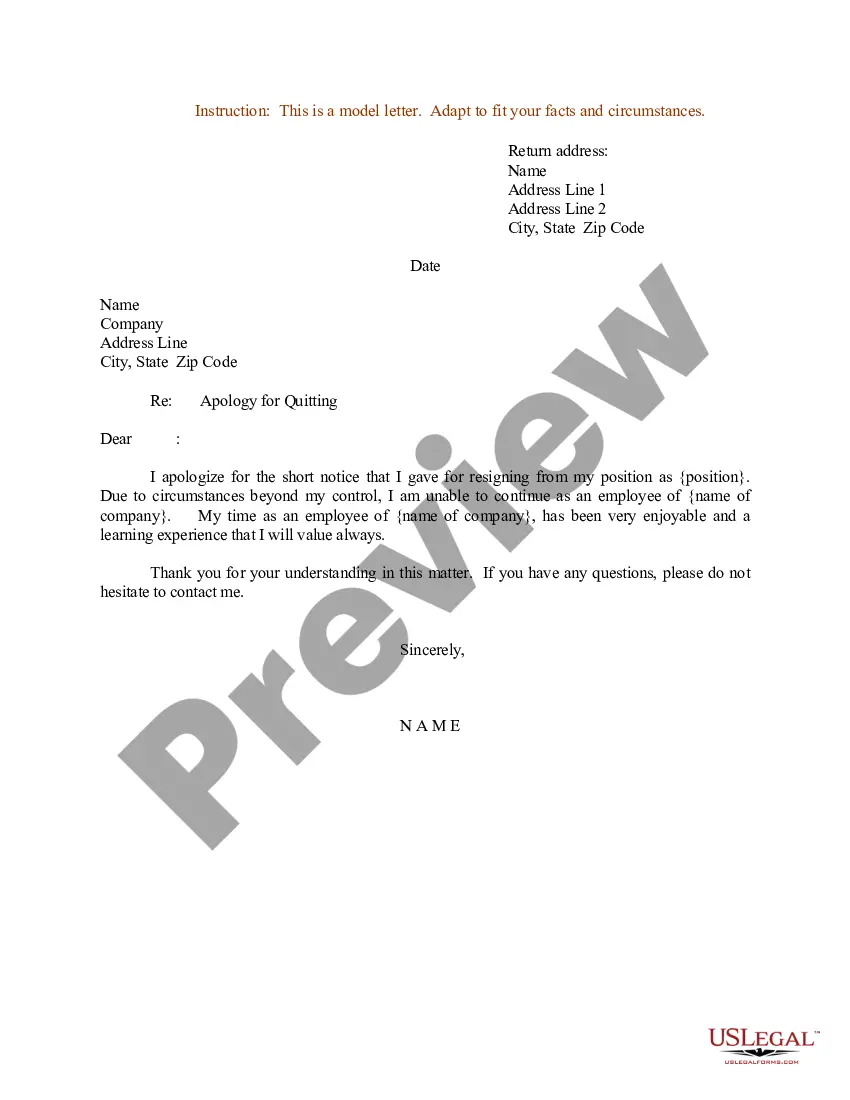
- Click on the form’s preview to inspect it.
- If it turns out to be the wrong document, return to the search option to locate the Application Letter With Reference template you need.
- Acquire the template if it fulfills your criteria.
- If you already possess a US Legal Forms account, simply click Log in to access previously saved templates in My documents.
- If you have yet to create an account, you can purchase the form by clicking Buy now.
- Select the suitable pricing plan.
- Complete the registration form for your profile.
- Choose your payment method: either a credit card or a PayPal account.
- Select the document format you desire and download the Application Letter With Reference.
- Once saved, you can fill out the form using editing software or print it and complete it manually.
Form popularity
FAQ
Frequently Asked Questions. How do you say you've been referred to someone? A brief statement along the lines of ?(Name) has referred me to this role in your esteemed company, which I believe I would be a great fit for?. Keep this introduction brief and positive, before showcasing who you are.
Sometimes, employers may request that you include your job references alongside your job application. Usually, a potential employer will contact the references you provide at the end of the hiring process. It is important that you mention all the right people in your job references.
How to Include References in my CV? Give your reference's full name and job title so the recruiter will know this is an authoritative person. Add the name of their company and work address. Provide the reference's work phone number and email but make sure not to give out any private contact information.
First, put your references on a separate sheet. Add an exclusive reference page, as the last page of your resume. Keep the same format for your reference sheet as your resume and cover letter, meaning use the same font, margins, and color scheme. Start off at the very top with your name, address, and phone number.
Employers want to get to know you as they consider making you a part of their team. Once you get their attention with your resume, you may need to provide one or multiple references. If you don't have any references for a job application , you can still apply and secure your desired position.