Trust (tin Of Grantor)
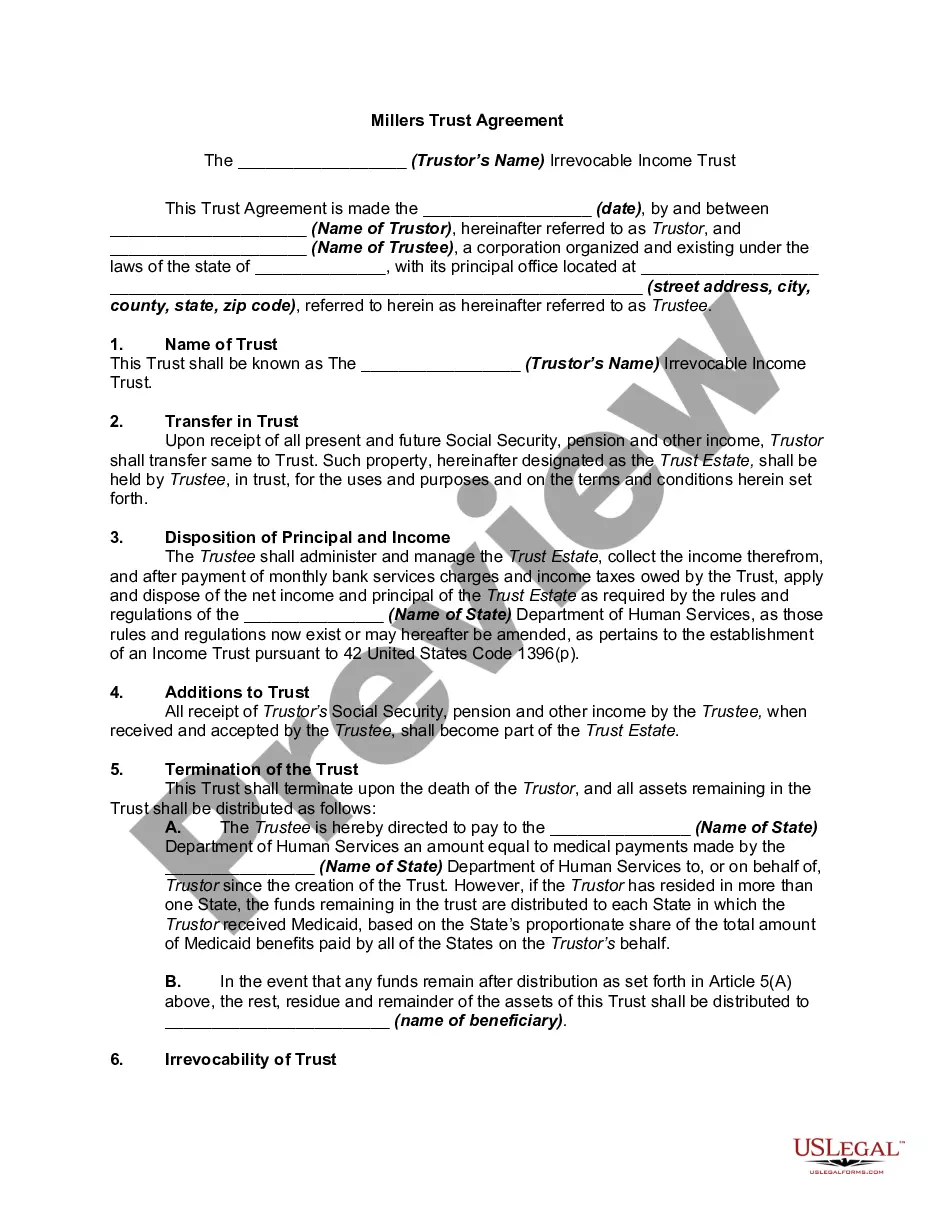
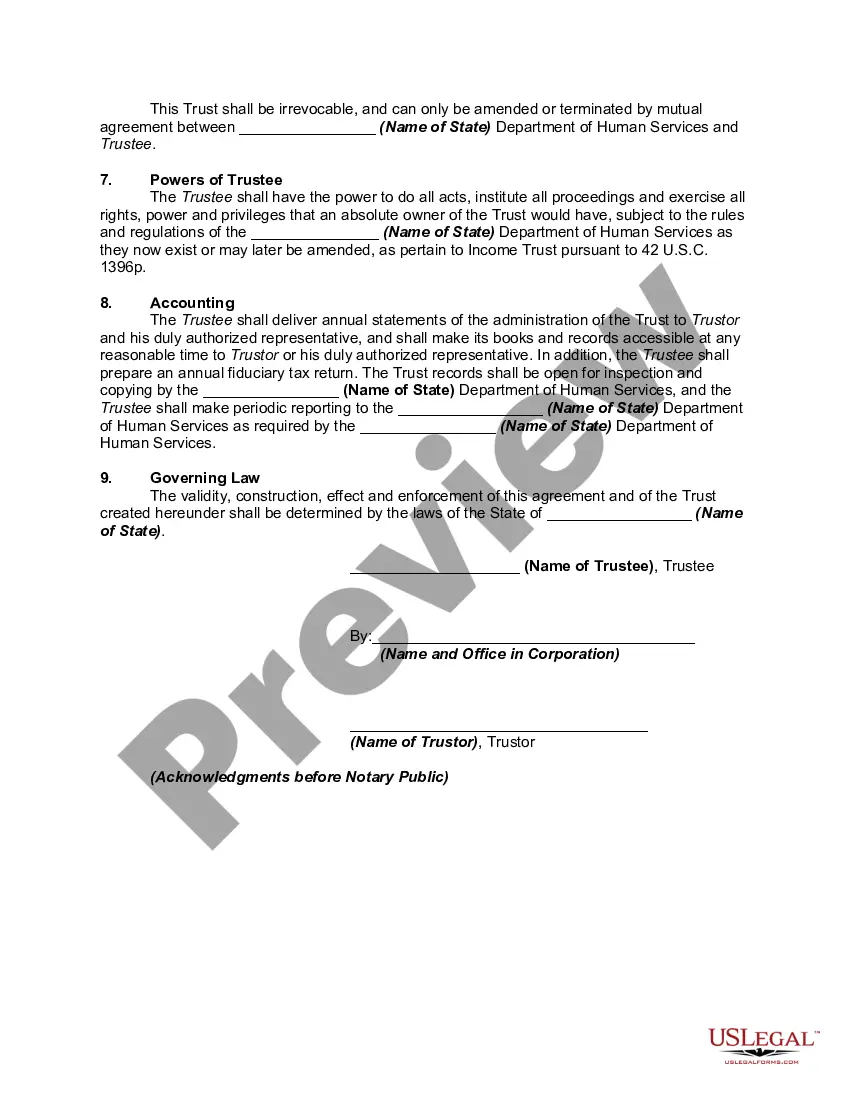
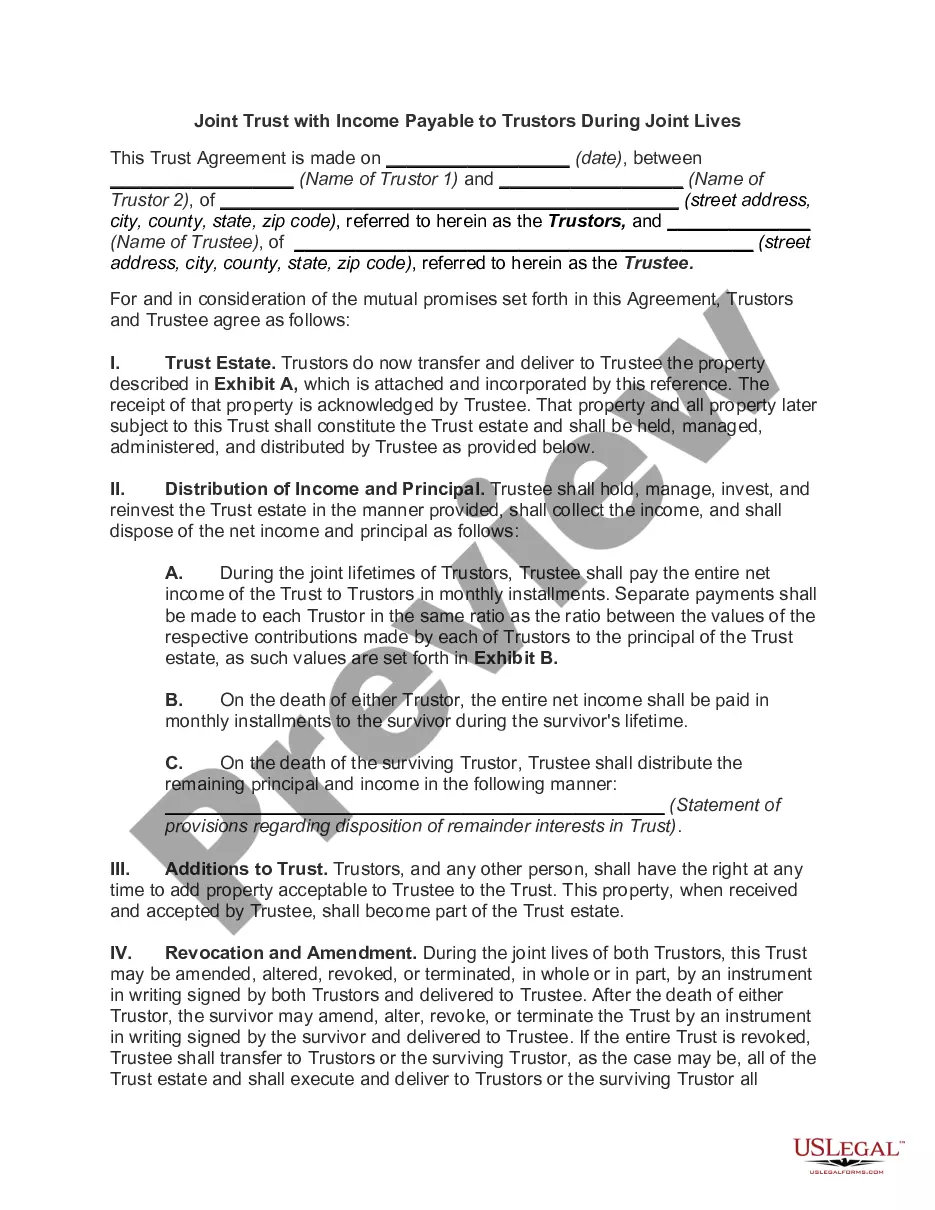
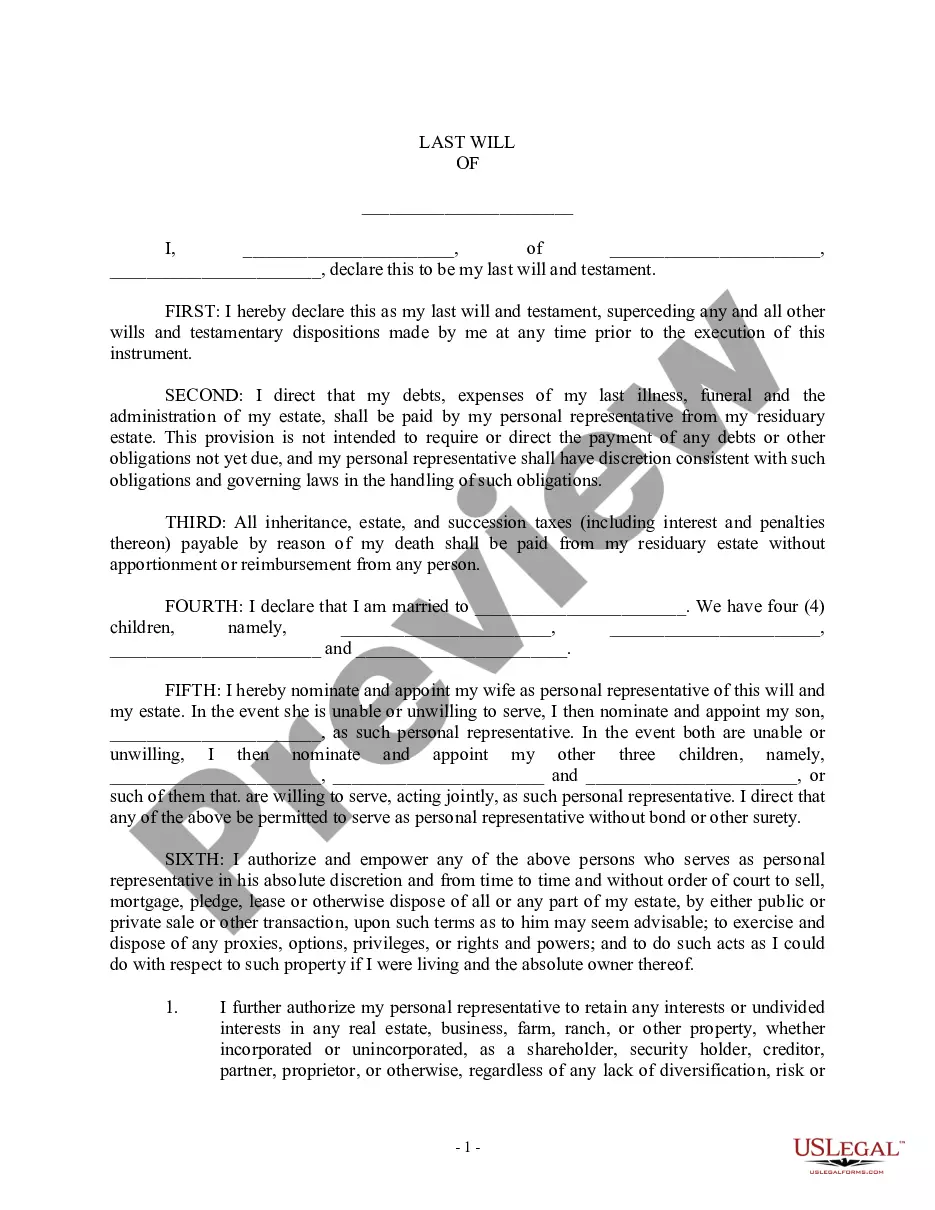
Description
Get your form ready online
Our built-in tools help you complete, sign, share, and store your documents in one place.
Make edits, fill in missing information, and update formatting in US Legal Forms—just like you would in MS Word.
Download a copy, print it, send it by email, or mail it via USPS—whatever works best for your next step.
Sign and collect signatures with our SignNow integration. Send to multiple recipients, set reminders, and more. Go Premium to unlock E-Sign.
If this form requires notarization, complete it online through a secure video call—no need to meet a notary in person or wait for an appointment.
We protect your documents and personal data by following strict security and privacy standards.

Make edits, fill in missing information, and update formatting in US Legal Forms—just like you would in MS Word.

Download a copy, print it, send it by email, or mail it via USPS—whatever works best for your next step.

Sign and collect signatures with our SignNow integration. Send to multiple recipients, set reminders, and more. Go Premium to unlock E-Sign.

If this form requires notarization, complete it online through a secure video call—no need to meet a notary in person or wait for an appointment.

We protect your documents and personal data by following strict security and privacy standards.
Looking for another form?


How to fill out Qualified Income Miller Trust?
- If you're a returning user, log in to your account, ensuring your subscription is active. Select the necessary form template and click the Download button.
- For first-time users, start by reviewing the preview mode and form description to select the trust template that aligns with your requirements and local jurisdiction.
- If adjustments are needed, utilize the search tab to find an alternative template that meets your criteria.
- Proceed to purchase the document by selecting the Buy Now button and your preferred subscription plan. Registration is required to access our extensive library.
- Complete your transaction by entering your payment details, either through credit card or PayPal.
- Download your selected form and save it to your device for completion. You can also find it in the My Forms section of your profile at any time.
By harnessing the capabilities of US Legal Forms, individuals and attorneys can streamline their document preparation, ensuring they are prepared for any legal scenario.
Get started now to experience the benefits of having access to a comprehensive legal library!
Form popularity
FAQ
To find your TIN number, start by checking any official tax documents associated with the trust, as the number is often listed there. If you do not have a TIN yet, you can apply for one through the IRS using Form SS-4. Additionally, USLegalForms provides resources that can guide you through this process, ensuring you establish your trust (TIN of grantor) correctly.
A trust TIN number is the unique identifier assigned to a trust for tax purposes, distinct from a personal SSN. This TIN is required when the trust earns income or when it has tax filing requirements. Establishing a trust TIN helps in managing the financial aspects of the trust effectively and ensures that tax obligations are met accurately.
In the context of a trust, TIN refers to the Tax Identification Number assigned to the trust for tax purposes. This number is crucial for the trust (TIN of grantor) as it tracks income generated by the assets within the trust. A TIN allows the IRS to identify the trust and ensures compliance with tax obligations.
Yes, you can use your Social Security Number (SSN) as your Tax Identification Number (TIN) in certain situations. When establishing a trust (TIN of grantor), it may be necessary to apply for a separate TIN for the trust if you plan to have multiple beneficiaries or if it generates income. Using a specific TIN for the trust helps in making tax reporting simpler and more organized.
Generally, a revocable grantor trust does not require its own tax identification number (TIN) as it operates under the grantor's Social Security Number. However, once the trust becomes irrevocable, you will need to obtain a separate TIN for tax purposes. Understanding when to make this transition is crucial for tax compliance. For easy guidance on managing TIN for your trust, consider using resources from US Legal Forms.
To file a tax return for a grantor trust, you typically include its income and expenses on your personal tax return, using your Social Security Number. There’s no separate tax return for a revocable grantor trust as it is treated as a disregarded entity. However, keeping thorough records is important for transparency. If you need more help with your tax filing, consulting US Legal Forms can equip you with the right tools.
For most trusts, you will need to file IRS Form 1041, which is the U.S. Income Tax Return for Estates and Trusts. This form is used to report income generated by the trust, along with deductions and tax payments. Additionally, if the trust distributes income to beneficiaries, they may also need a Schedule K-1. Using platforms like US Legal Forms can provide templates and assistance for completing these forms accurately.
To set up a trust TIN, you need to apply for an Employer Identification Number (EIN) through the IRS. You can complete the application online or by submitting a paper form. This EIN will function as the tax ID for your trust and is crucial for any tax filings. If you are unsure where to start, consider using the resources available on US Legal Forms to guide you through the process.
Revocable trusts typically use the Social Security Number (SSN) of the grantor as the tax identification number while the grantor is alive. This means that the income and expenses of the trust are reported under the grantor’s SSN. However, once the trust becomes irrevocable, it will then require its own TIN. Understanding your trust's tax ID needs is essential, and US Legal Forms can simplify this process for you.
Yes, a trust should have its own tax ID, known as an Employer Identification Number (EIN). This is particularly important for irrevocable trusts, as they are recognized as separate entities for tax purposes. Having a unique TIN for your trust simplifies tax filings and reporting. For guidance in obtaining an EIN, platforms like US Legal Forms can provide you with necessary resources.