Placement Contract Agreement For Services Rendered
Description
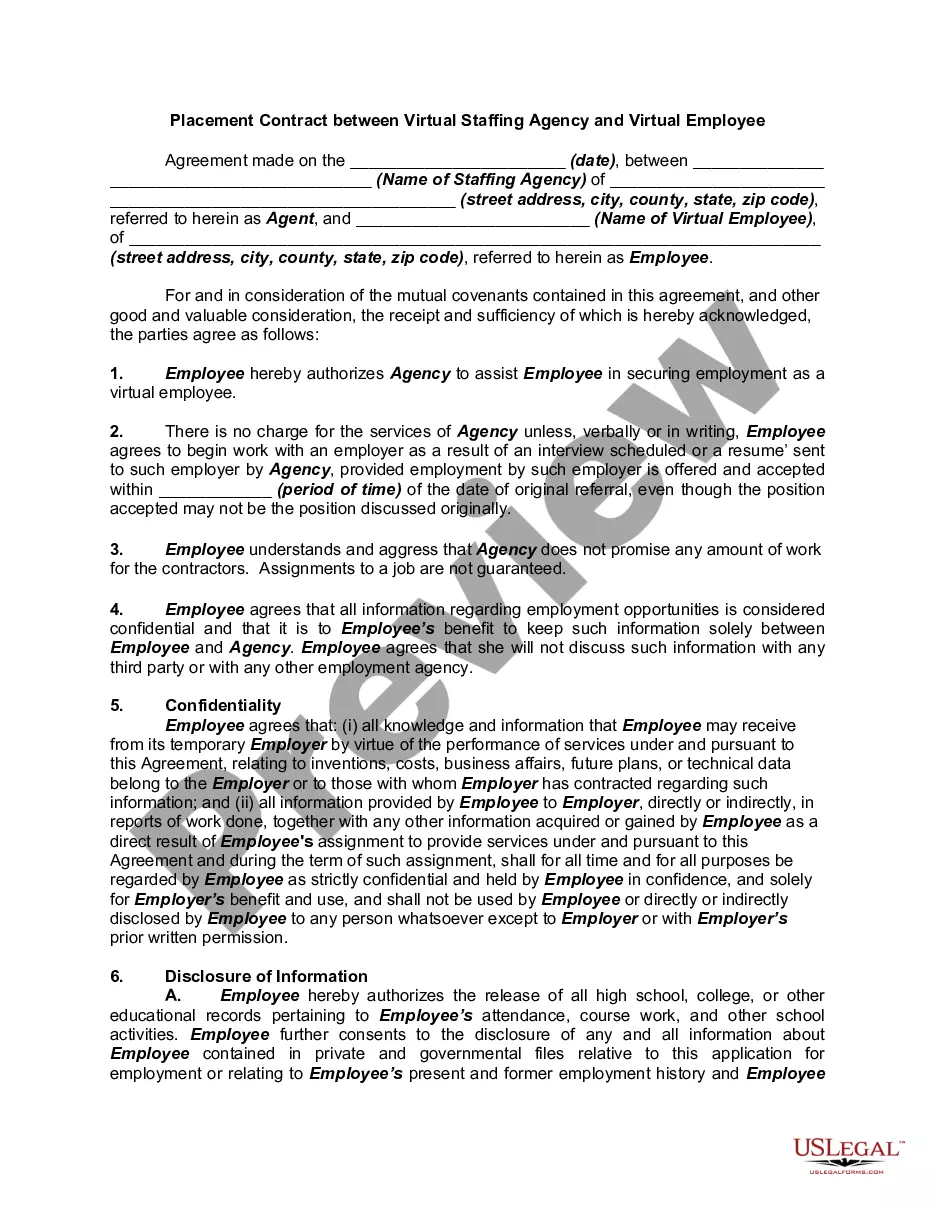
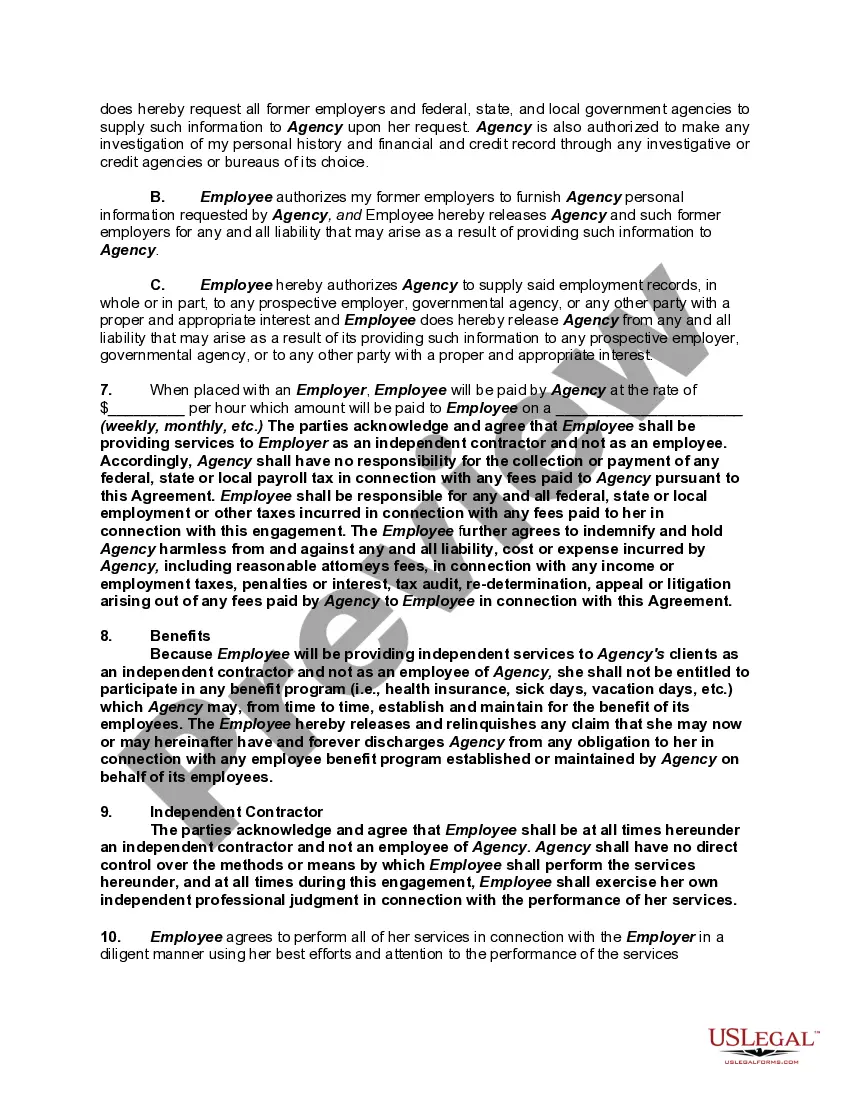
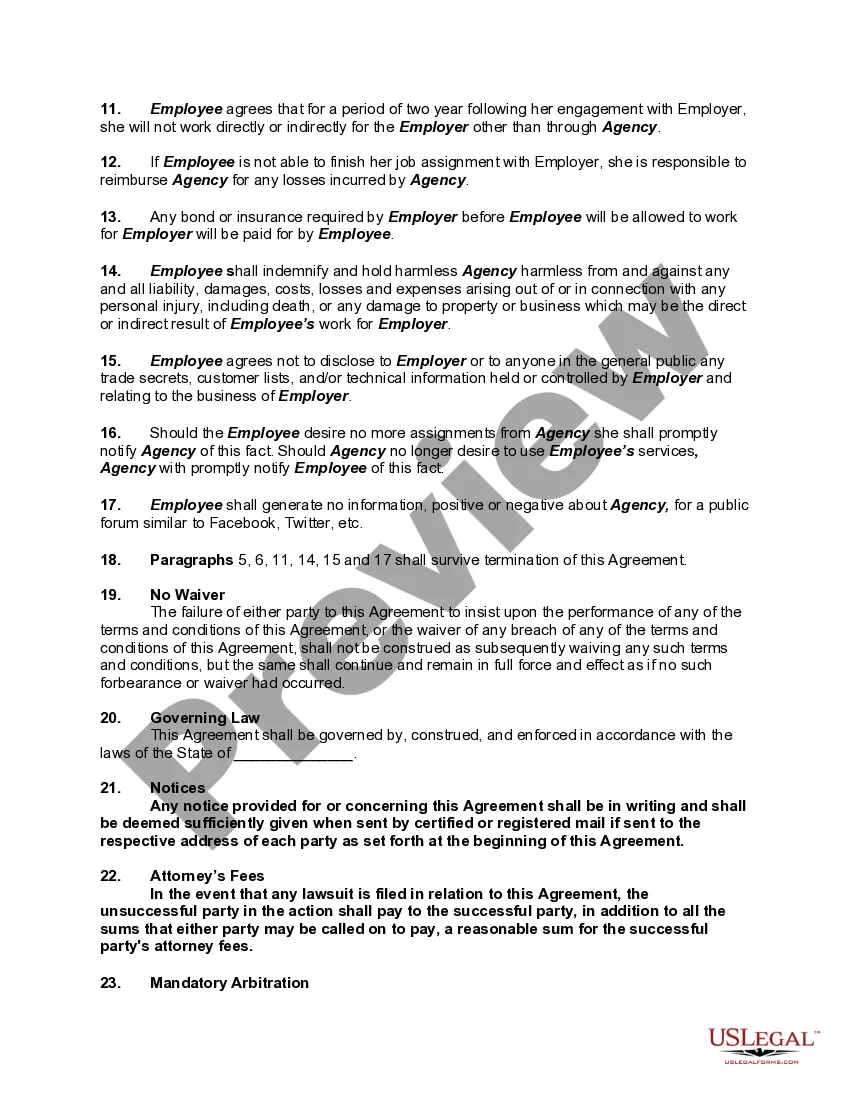
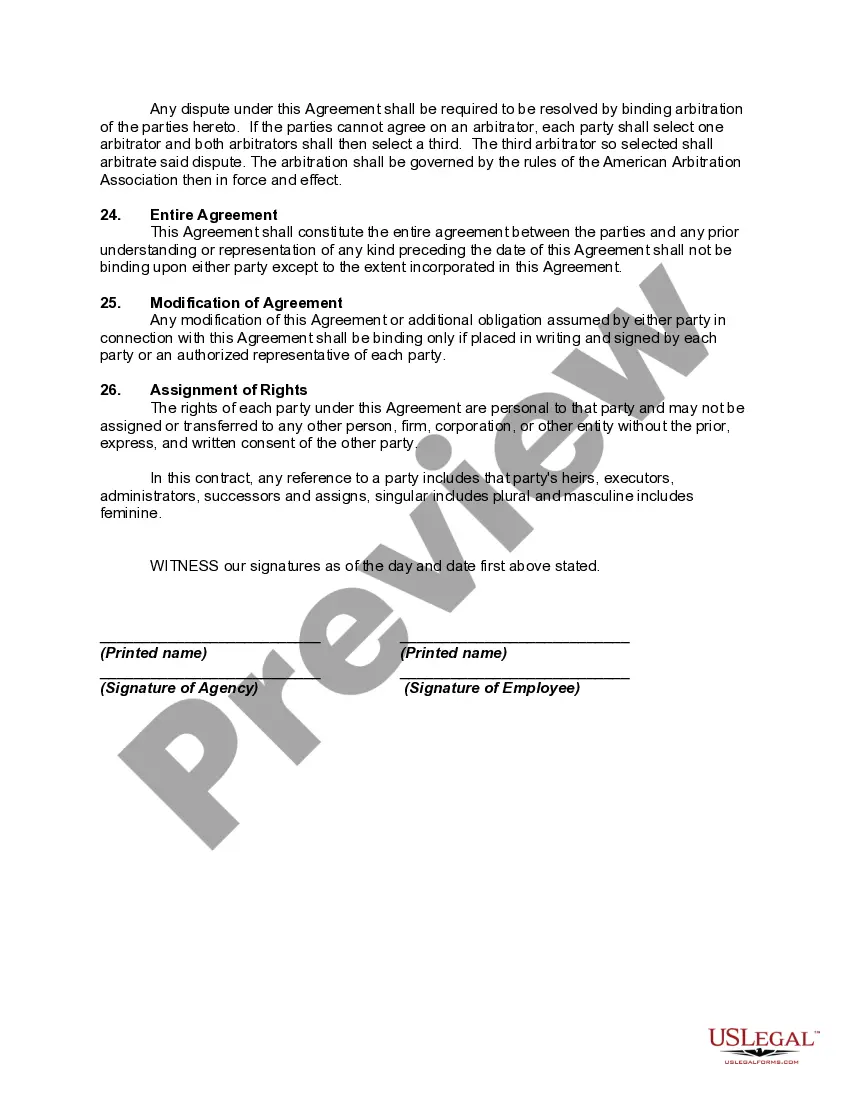
Get your form ready online
Our built-in tools help you complete, sign, share, and store your documents in one place.
Make edits, fill in missing information, and update formatting in US Legal Forms—just like you would in MS Word.
Download a copy, print it, send it by email, or mail it via USPS—whatever works best for your next step.
Sign and collect signatures with our SignNow integration. Send to multiple recipients, set reminders, and more. Go Premium to unlock E-Sign.
If this form requires notarization, complete it online through a secure video call—no need to meet a notary in person or wait for an appointment.
We protect your documents and personal data by following strict security and privacy standards.

Make edits, fill in missing information, and update formatting in US Legal Forms—just like you would in MS Word.

Download a copy, print it, send it by email, or mail it via USPS—whatever works best for your next step.

Sign and collect signatures with our SignNow integration. Send to multiple recipients, set reminders, and more. Go Premium to unlock E-Sign.

If this form requires notarization, complete it online through a secure video call—no need to meet a notary in person or wait for an appointment.

We protect your documents and personal data by following strict security and privacy standards.
Looking for another form?
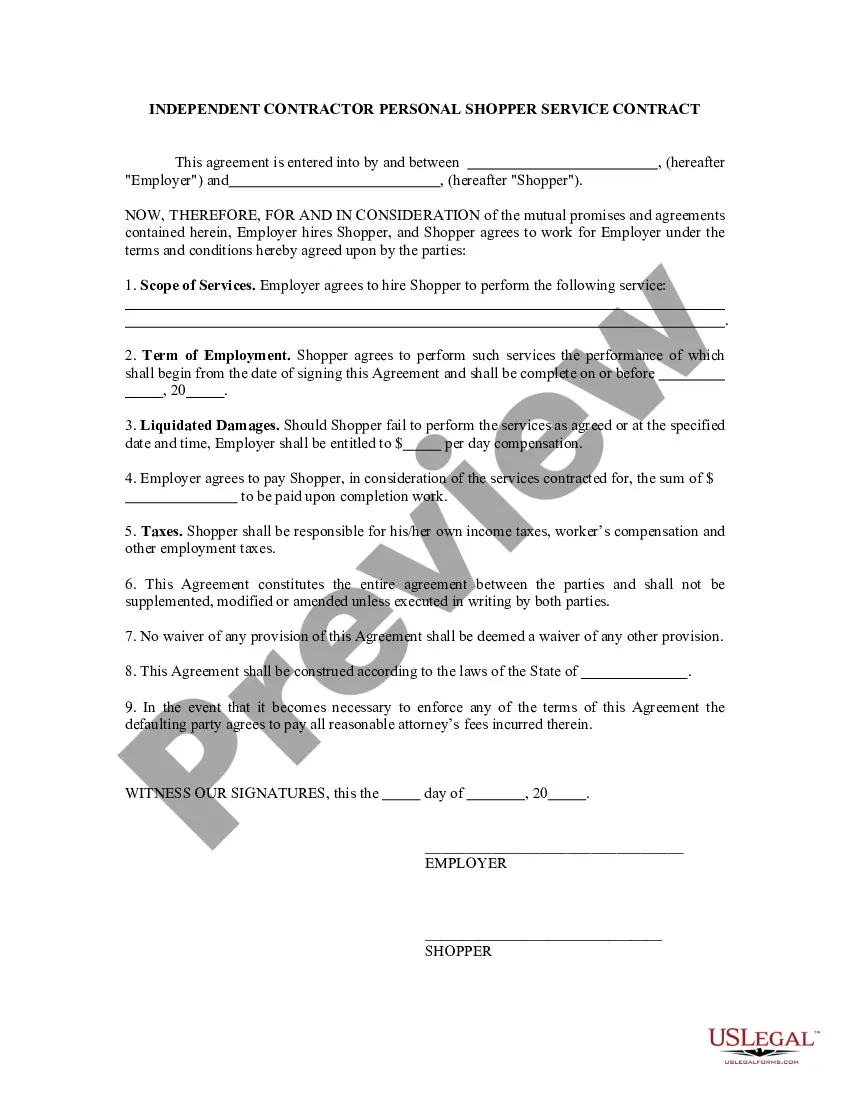
How to fill out Placement Contract Between Virtual Staffing Agency And Virtual Employee?
It’s no secret that you can’t become a legal professional overnight, nor can you grasp how to quickly prepare Placement Contract Agreement For Services Rendered without the need of a specialized set of skills. Creating legal forms is a long process requiring a particular training and skills. So why not leave the creation of the Placement Contract Agreement For Services Rendered to the pros?
With US Legal Forms, one of the most extensive legal document libraries, you can access anything from court documents to templates for internal corporate communication. We understand how crucial compliance and adherence to federal and local laws and regulations are. That’s why, on our platform, all templates are location specific and up to date.
Here’s start off with our platform and get the form you require in mere minutes:
- Find the form you need with the search bar at the top of the page.
- Preview it (if this option available) and read the supporting description to figure out whether Placement Contract Agreement For Services Rendered is what you’re looking for.
- Begin your search again if you need any other template.
- Set up a free account and select a subscription option to buy the form.
- Choose Buy now. As soon as the transaction is complete, you can download the Placement Contract Agreement For Services Rendered, fill it out, print it, and send or mail it to the necessary people or entities.
You can re-gain access to your documents from the My Forms tab at any time. If you’re an existing client, you can simply log in, and find and download the template from the same tab.
No matter the purpose of your documents-whether it’s financial and legal, or personal-our platform has you covered. Try US Legal Forms now!
Form popularity
FAQ
How to draft a contract agreement Check out the parties. Come to an agreement on the terms. Specify the length of the contract. Spell out the consequences. Determine how you would resolve any disputes. Think about confidentiality. Check the contract's legality. Open it up to negotiation.
A service agreement is a written contract between a service provider and a client. It spells out the work to be performed and the responsibilities of both parties in getting the work done and paid for.
What to include in your contract. Description of services. Lay out exactly what professional services you and your company will receive. ... Payment terms. Describe when and how the contractor will be compensated. ... Ownership rights. ... Confidentiality clause. ... Indemnification clause. ... Amendment. ... Termination. ... Dispute resolution.
Those seven elements are: Identification (Defining all the parties involved) Offer (The agreement) Acceptance (Agreement mirrored by other parties) Mutual consent (Signatory consent of all parties) Consideration (The value exchanged for the offer) Capacity (Legal/mental competence of all parties)