Case Statement Examples
Description
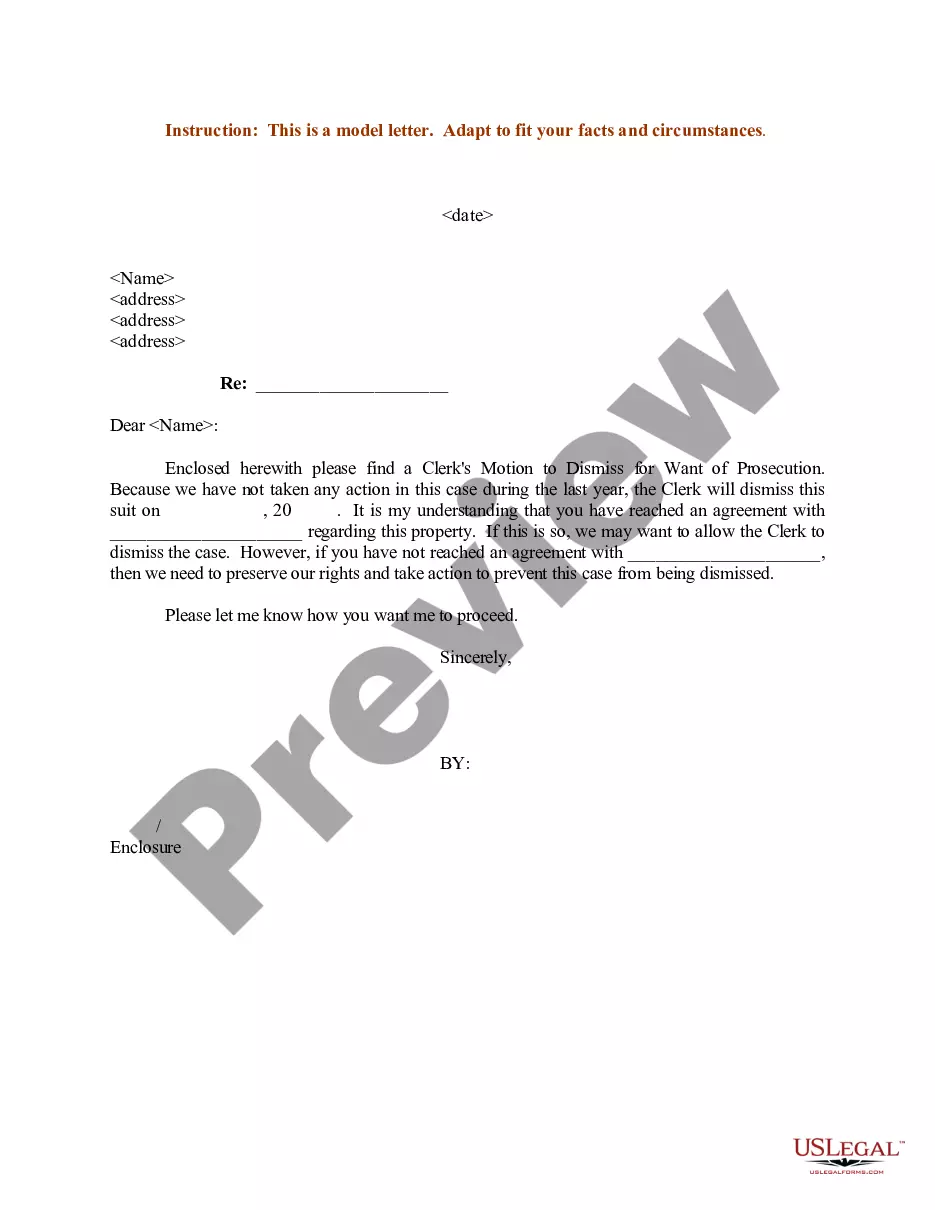
Get your form ready online
Our built-in tools help you complete, sign, share, and store your documents in one place.
Make edits, fill in missing information, and update formatting in US Legal Forms—just like you would in MS Word.
Download a copy, print it, send it by email, or mail it via USPS—whatever works best for your next step.
Sign and collect signatures with our SignNow integration. Send to multiple recipients, set reminders, and more. Go Premium to unlock E-Sign.
If this form requires notarization, complete it online through a secure video call—no need to meet a notary in person or wait for an appointment.
We protect your documents and personal data by following strict security and privacy standards.

Make edits, fill in missing information, and update formatting in US Legal Forms—just like you would in MS Word.

Download a copy, print it, send it by email, or mail it via USPS—whatever works best for your next step.

Sign and collect signatures with our SignNow integration. Send to multiple recipients, set reminders, and more. Go Premium to unlock E-Sign.

If this form requires notarization, complete it online through a secure video call—no need to meet a notary in person or wait for an appointment.

We protect your documents and personal data by following strict security and privacy standards.
Looking for another form?
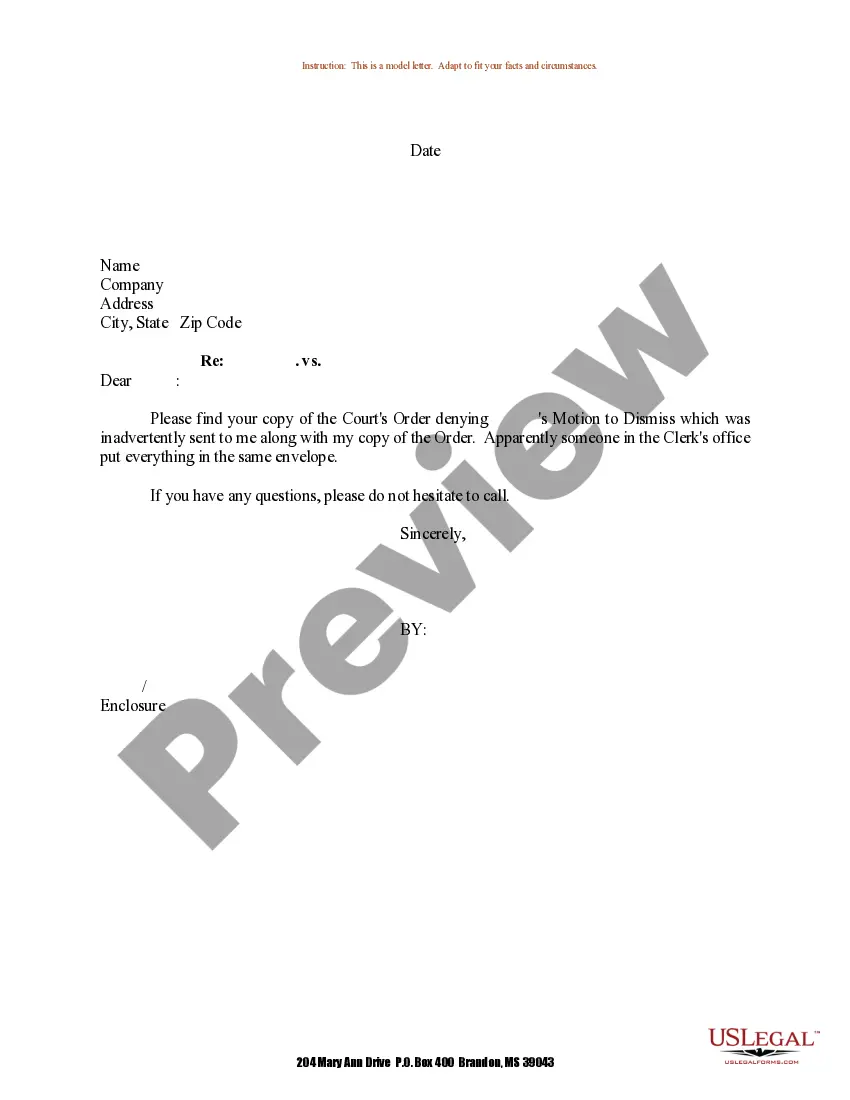
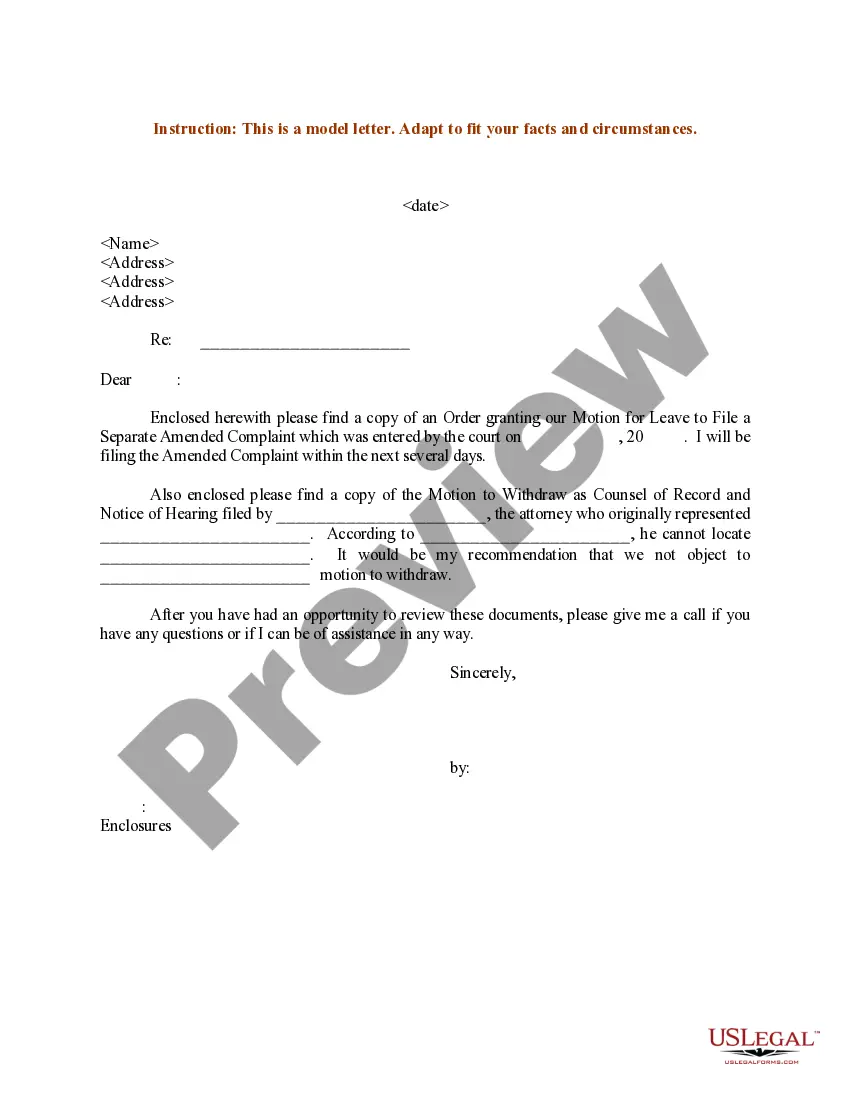
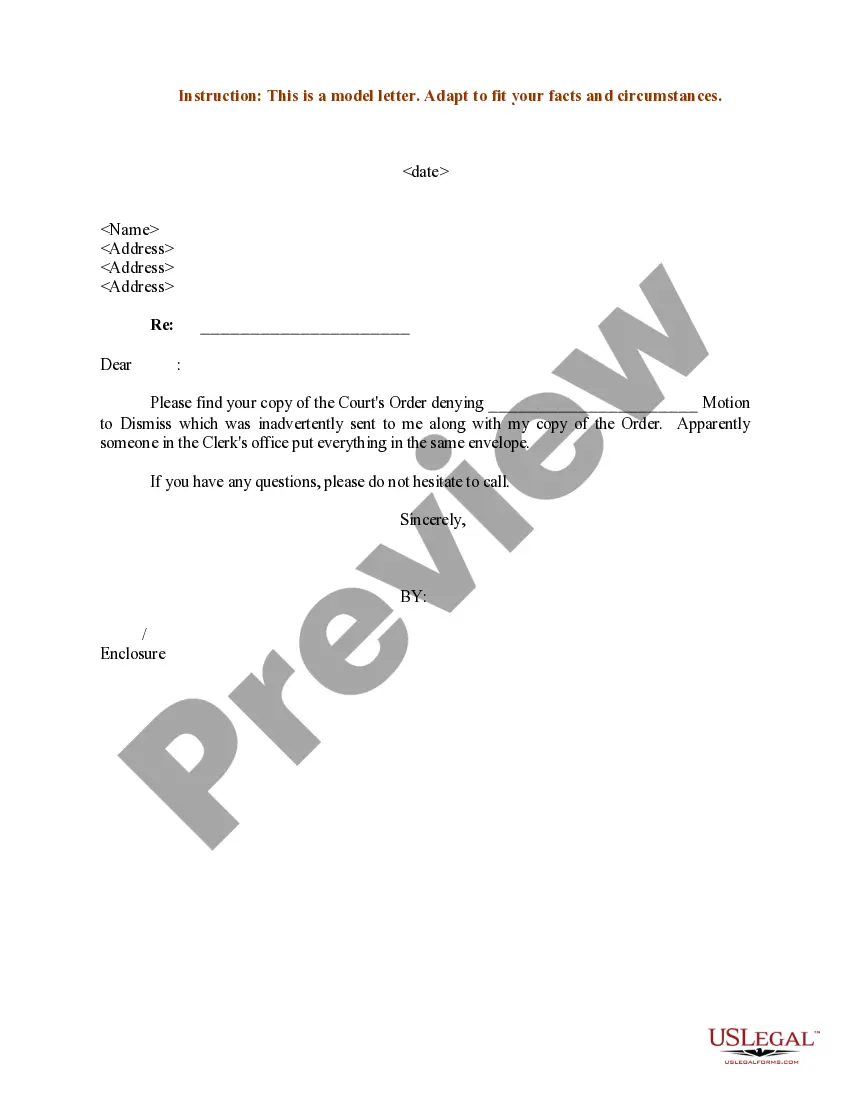
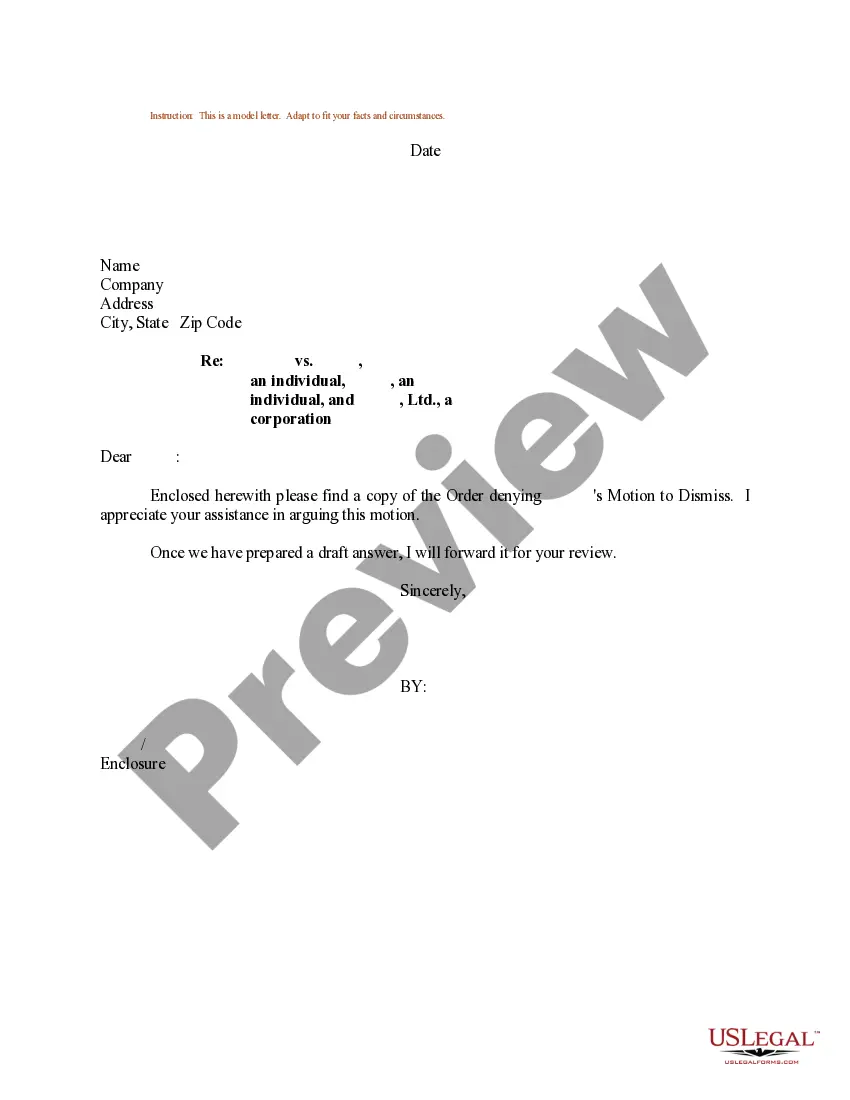
How to fill out Sample Letter For Court Order Denying Motion To Dismiss Case?
Obtaining legal templates that adhere to federal and local laws is vital, and the internet provides numerous choices to select from.
However, what is the benefit of spending time searching for the precisely crafted Case Statement Examples sample online when the US Legal Forms online library already has such templates gathered in one location.
US Legal Forms is the largest digital legal archive with over 85,000 customizable templates prepared by attorneys for any professional and personal circumstance.
Review the template using the Preview feature or via the text description to ensure it meets your requirements.
- They are simple to navigate with all documents organized by state and usage purpose.
- Our experts keep abreast of legislative changes, allowing you to always trust that your form is current and compliant when obtaining a Case Statement Examples from our site.
- Acquiring a Case Statement Examples is swift and straightforward for both existing and new users.
- If you already possess an account with a valid subscription, Log In and download the document example you require in your preferred format.
- If you are a newcomer to our site, follow the steps outlined below.
Form popularity
FAQ
To write a CASE statement, begin by defining the conditions you want to check. Utilize the structure of 'CASE', followed by 'WHEN' for each condition, and 'THEN' for the results. Conclude with 'END' to finish the statement. For more detailed case statement examples, you can visit our platform, which provides various templates and scenarios.
CASE statements are conditional statements used in programming and databases to evaluate specific conditions and return results based on those evaluations. They help streamline decision-making processes in code by allowing multiple conditions to be checked succinctly. Understanding how to use CASE statements effectively can enhance your coding skills. For practical insights, review our case statement examples.
To write a compelling case for support, clearly outline the purpose and urgency of your request. Use data and anecdotes to illustrate the impact of your cause, making it relatable to your audience. Additionally, emphasize the benefits of supporting your cause, and ensure your message is actionable. For more structured guidance, see our case statement examples tailored for support scenarios.
The length of a CASE statement can vary based on the complexity of the conditions being evaluated. Generally, it should be concise enough to maintain clarity while covering all necessary conditions. Ideally, aim for a balance where the statement is straightforward but comprehensive. Check our case statement examples for insights on optimal lengths and structures.
To write a CASE statement, start by identifying the conditions you want to evaluate. Use the 'CASE' keyword, followed by 'WHEN' for each condition, and include 'THEN' to specify the outcome for each condition. Finally, make sure to conclude with 'END' to complete the statement. For additional case statement examples, consider exploring our extensive library.
The correct syntax for a CASE statement consists of a series of conditions followed by corresponding results. Typically, it begins with the keyword 'CASE', followed by 'WHEN' clauses that specify the conditions. Each 'WHEN' must be followed by 'THEN' to indicate the result, and the statement ends with 'END'. For practical examples, you can refer to our resource section on case statement examples.
To check a CASE statement, you can run a query to see how the conditions are evaluated against your dataset. Use the SELECT statement to display the output, checking if the results match your expectations. For example, you can create a test table and insert sample values to observe how each condition in your CASE statement is processed. This practical approach helps you understand case statement examples better and ensures accuracy in your SQL queries.
A CASE statement in SQL allows you to perform conditional logic within your queries. For instance, you can use a CASE statement to categorize data based on specific criteria. An example would be: SELECT name, CASE WHEN score >= 90 THEN 'A' WHEN score >= 80 THEN 'B' ELSE 'C' END AS grade FROM students. This illustrates how CASE statements work, providing clear case statement examples for different scenarios.
Writing two CASE statements involves clear structuring and understanding of your data. Begin by defining the conditions for each CASE statement separately. Ensure each statement includes a case expression, followed by when clauses that specify the conditions, and end with an else clause for any unmatched conditions. Using case statement examples can guide you in crafting the right syntax and ensure accuracy in your results.
The purpose of a CASE statement is to provide a way to handle conditional logic within your database queries. It allows you to evaluate conditions and return specific values based on the results. For example, in your SQL queries, you might use CASE statement examples to categorize data or simplify complex queries. By leveraging these examples, you can enhance your data analysis and reporting efforts effectively.