Contract For Personal Assistant
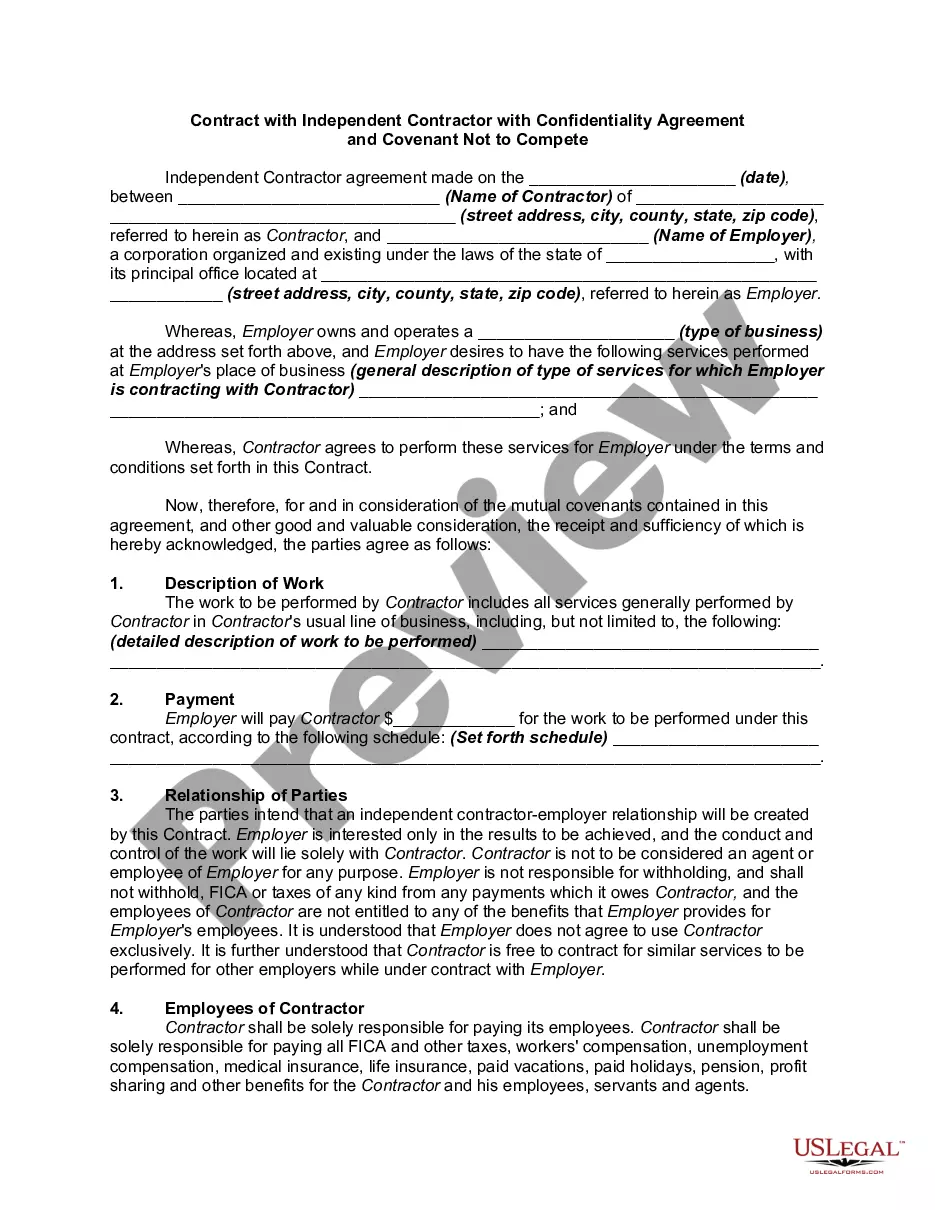
Description
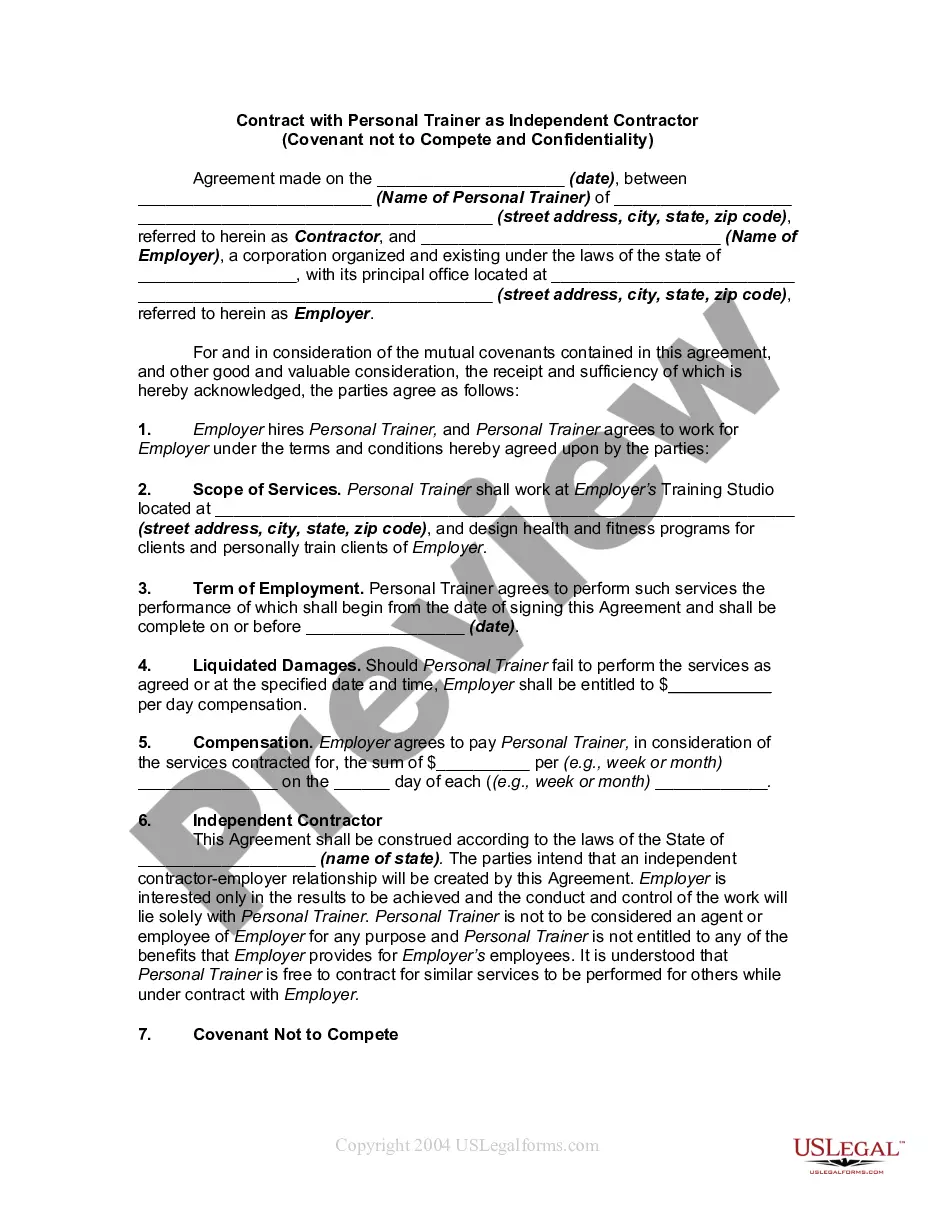
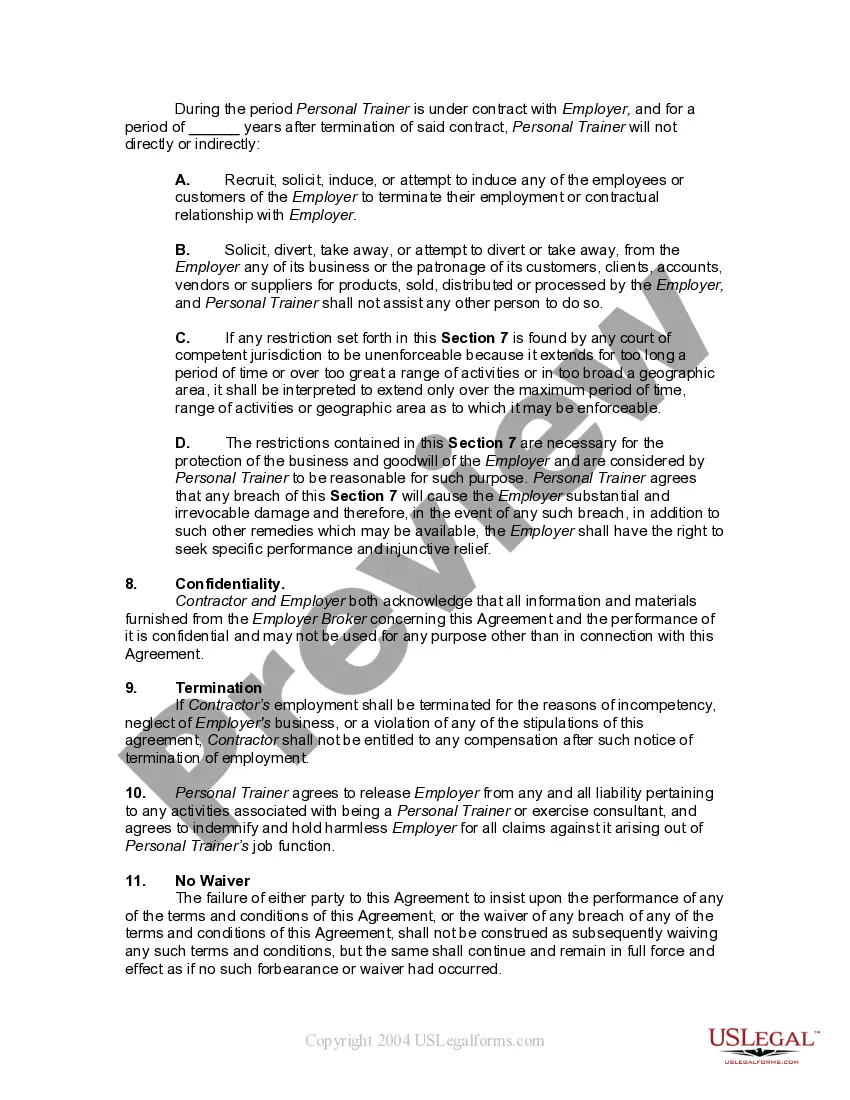
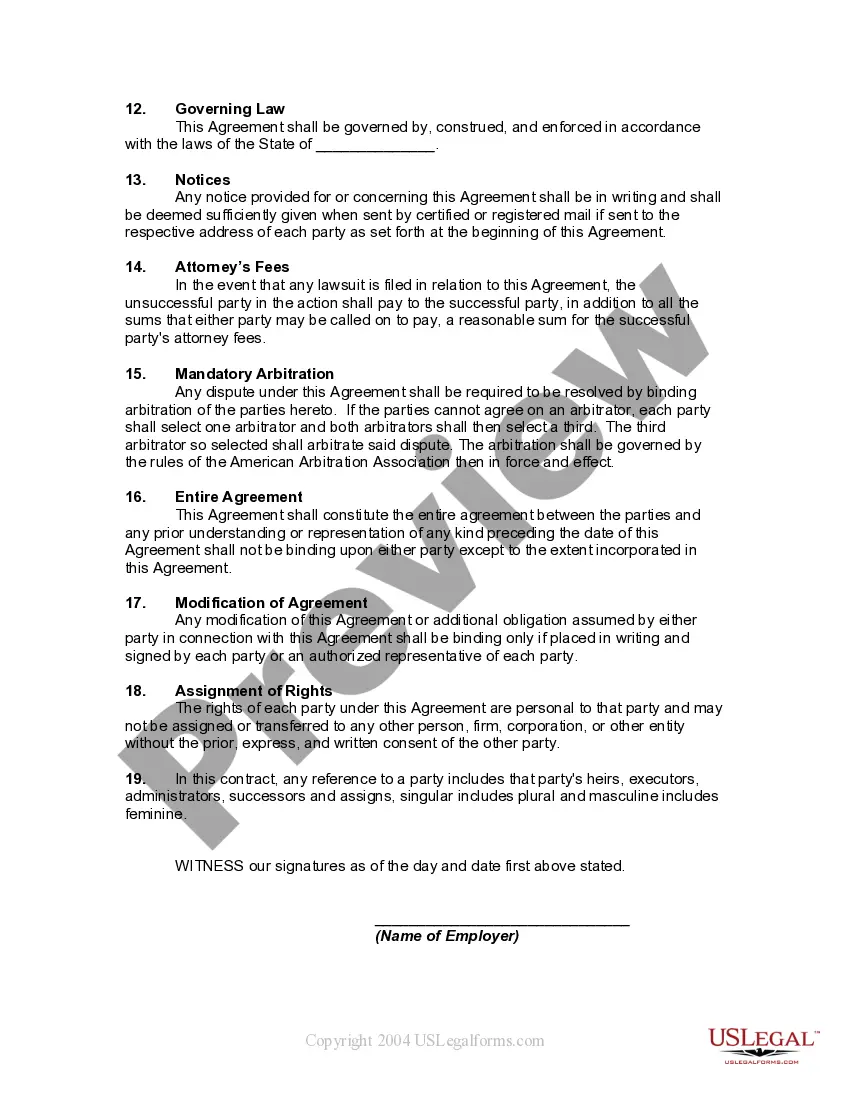

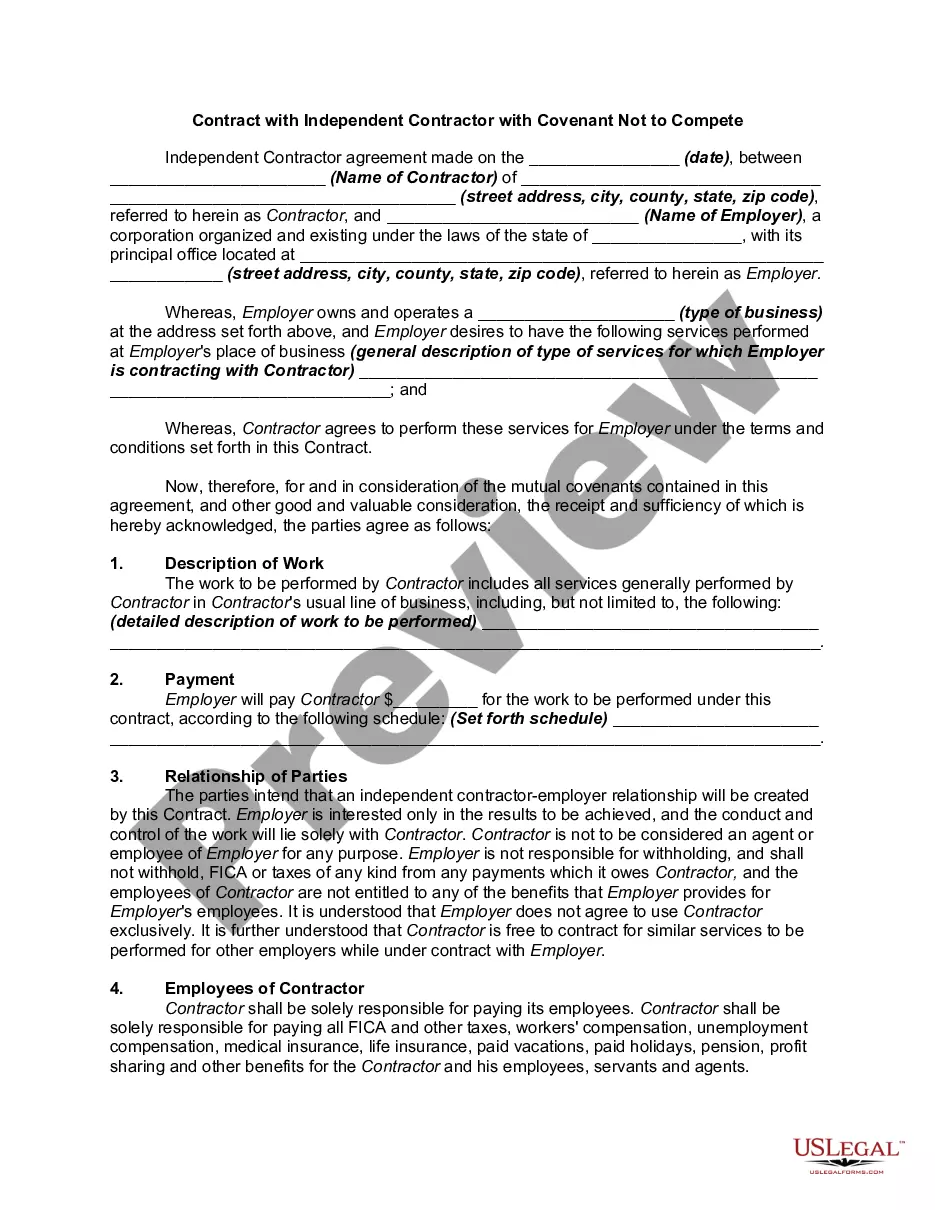
Get your form ready online
Our built-in tools help you complete, sign, share, and store your documents in one place.
Make edits, fill in missing information, and update formatting in US Legal Forms—just like you would in MS Word.
Download a copy, print it, send it by email, or mail it via USPS—whatever works best for your next step.
Sign and collect signatures with our SignNow integration. Send to multiple recipients, set reminders, and more. Go Premium to unlock E-Sign.
If this form requires notarization, complete it online through a secure video call—no need to meet a notary in person or wait for an appointment.
We protect your documents and personal data by following strict security and privacy standards.

Make edits, fill in missing information, and update formatting in US Legal Forms—just like you would in MS Word.

Download a copy, print it, send it by email, or mail it via USPS—whatever works best for your next step.

Sign and collect signatures with our SignNow integration. Send to multiple recipients, set reminders, and more. Go Premium to unlock E-Sign.

If this form requires notarization, complete it online through a secure video call—no need to meet a notary in person or wait for an appointment.

We protect your documents and personal data by following strict security and privacy standards.
Looking for another form?








How to fill out Contract With Personal Trainer Or Training As Self-Employed Independent Contractor - Covenant Not To Compete And Confidentiality?
Whether for business purposes or for personal affairs, everyone has to manage legal situations sooner or later in their life. Filling out legal paperwork requires careful attention, starting with picking the right form sample. For example, when you choose a wrong edition of a Contract For Personal Assistant, it will be turned down once you submit it. It is therefore essential to have a dependable source of legal files like US Legal Forms.
If you have to get a Contract For Personal Assistant sample, stick to these simple steps:
- Find the template you need by using the search field or catalog navigation.
- Examine the form’s information to ensure it fits your situation, state, and county.
- Click on the form’s preview to view it.
- If it is the incorrect form, get back to the search function to find the Contract For Personal Assistant sample you need.
- Download the template if it meets your needs.
- If you already have a US Legal Forms account, simply click Log in to gain access to previously saved files in My Forms.
- If you do not have an account yet, you may download the form by clicking Buy now.
- Pick the correct pricing option.
- Complete the account registration form.
- Choose your transaction method: you can use a credit card or PayPal account.
- Pick the document format you want and download the Contract For Personal Assistant.
- Once it is downloaded, you can complete the form by using editing software or print it and finish it manually.
With a large US Legal Forms catalog at hand, you never need to spend time seeking for the appropriate template across the internet. Utilize the library’s simple navigation to get the correct template for any situation.
Form popularity
FAQ
Write the contract in six steps Start with a contract template. ... Open with the basic information. ... Describe in detail what you have agreed to. ... Include a description of how the contract will be ended. ... Write into the contract which laws apply and how disputes will be resolved. ... Include space for signatures.
Clearly mention each party involved by name. Clearly explain the purpose of the agreement along with the responsibilities and duties of each party involved. Specify the amount of money involved, as well as the mode of payment and the time when payments are due.
An employment contract typically includes the following elements: Duration of employment, if applicable. Salary or wages. General job responsibilities. Work schedule. Benefits. Confidentiality. Non-compete agreement. Severance pay, if applicable.
Write the contract in six steps Start with a contract template. ... Open with the basic information. ... Describe in detail what you have agreed to. ... Include a description of how the contract will be ended. ... Write into the contract which laws apply and how disputes will be resolved. ... Include space for signatures.
For example, if you agree to sell your car to your friend for a certain amount of money, and your friend agrees to pay you that amount, you have a personal contract. If your friend fails to pay you, you can take legal action to enforce the contract. Another example is when you sign a lease agreement with your landlord.