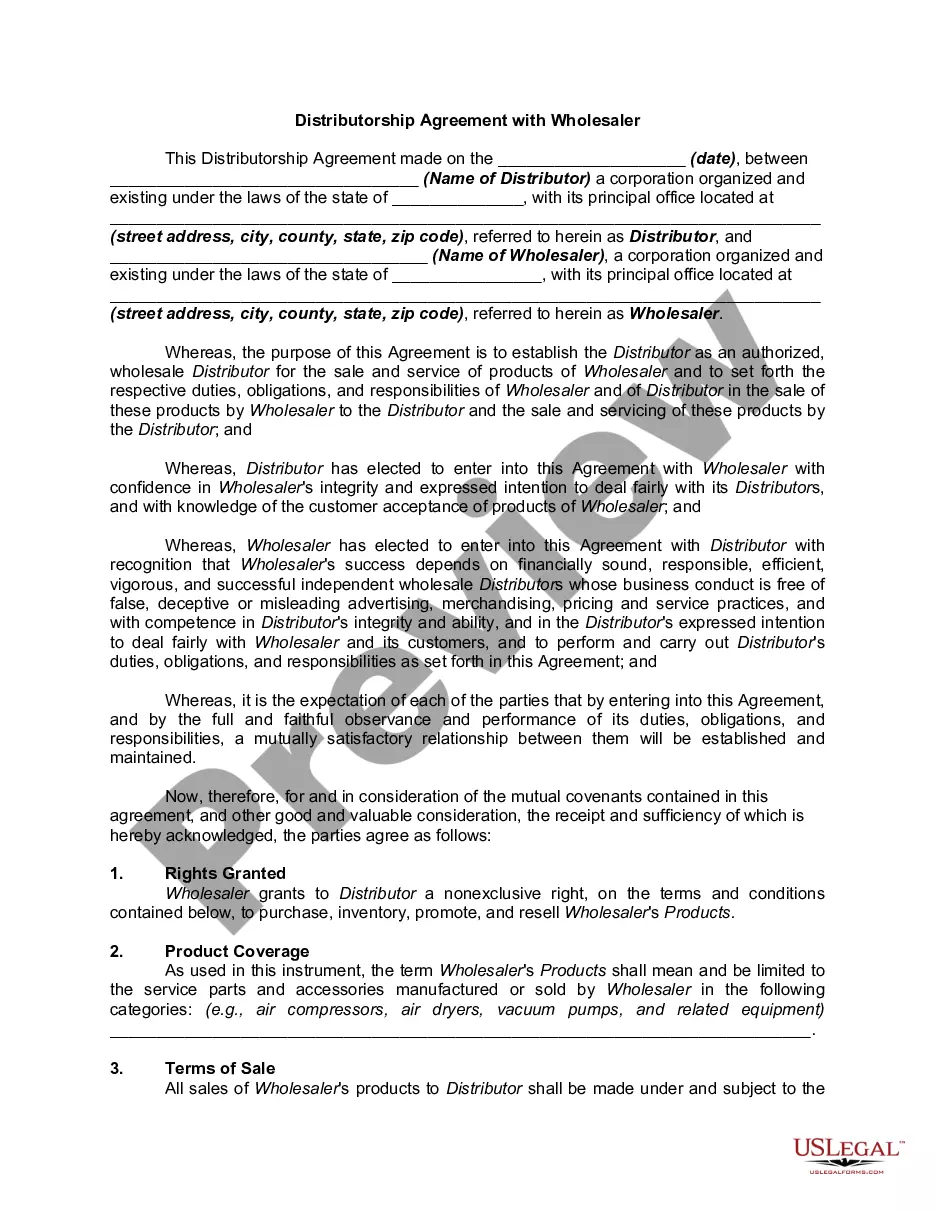
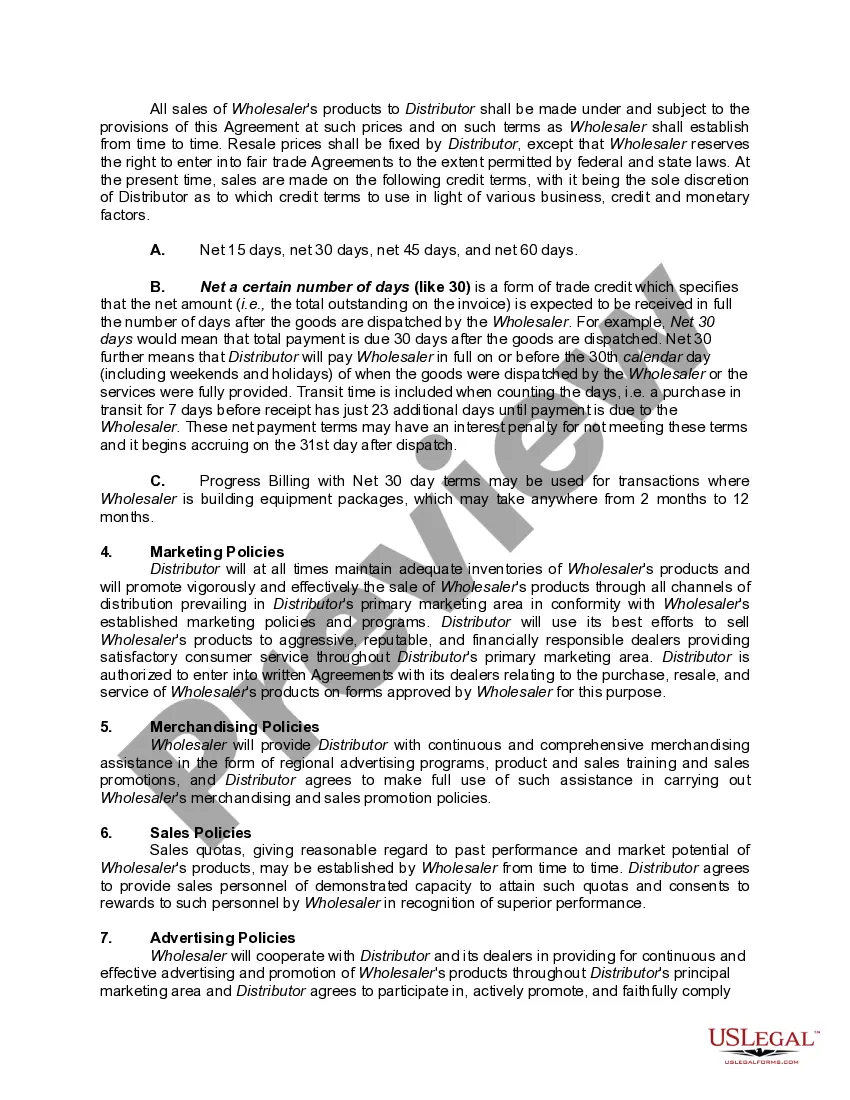
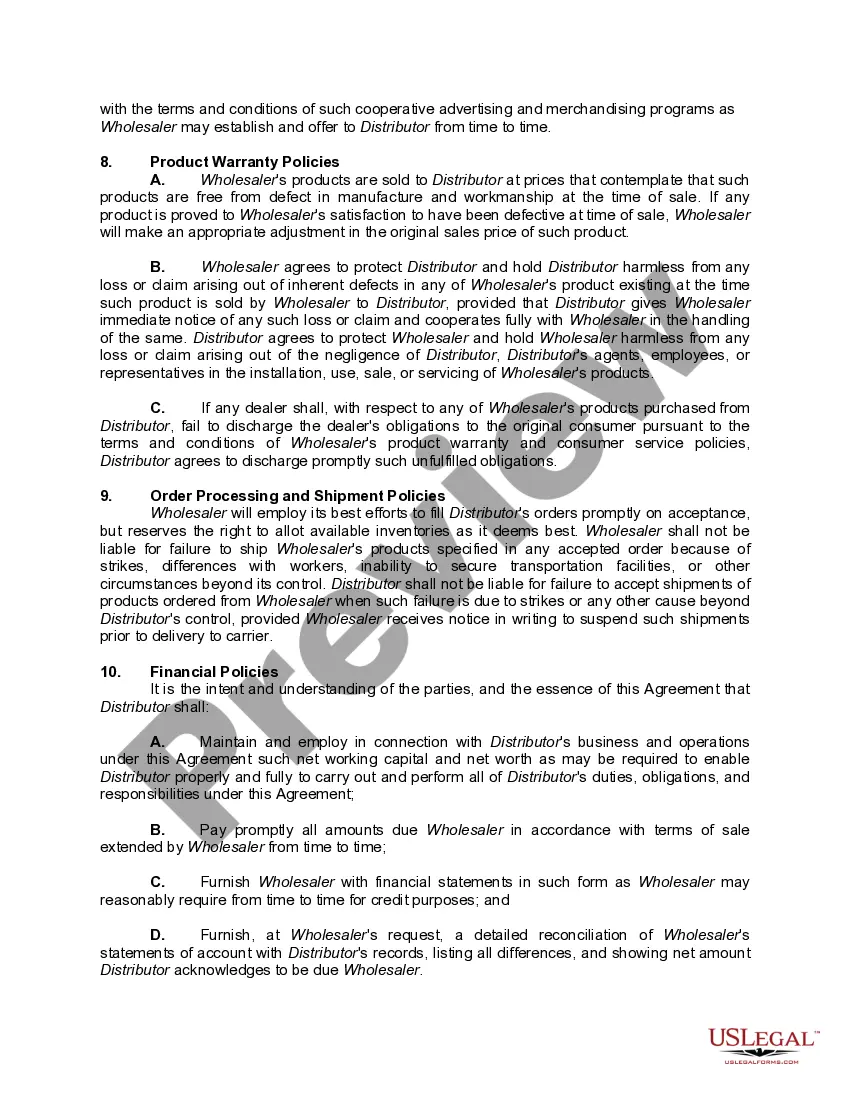
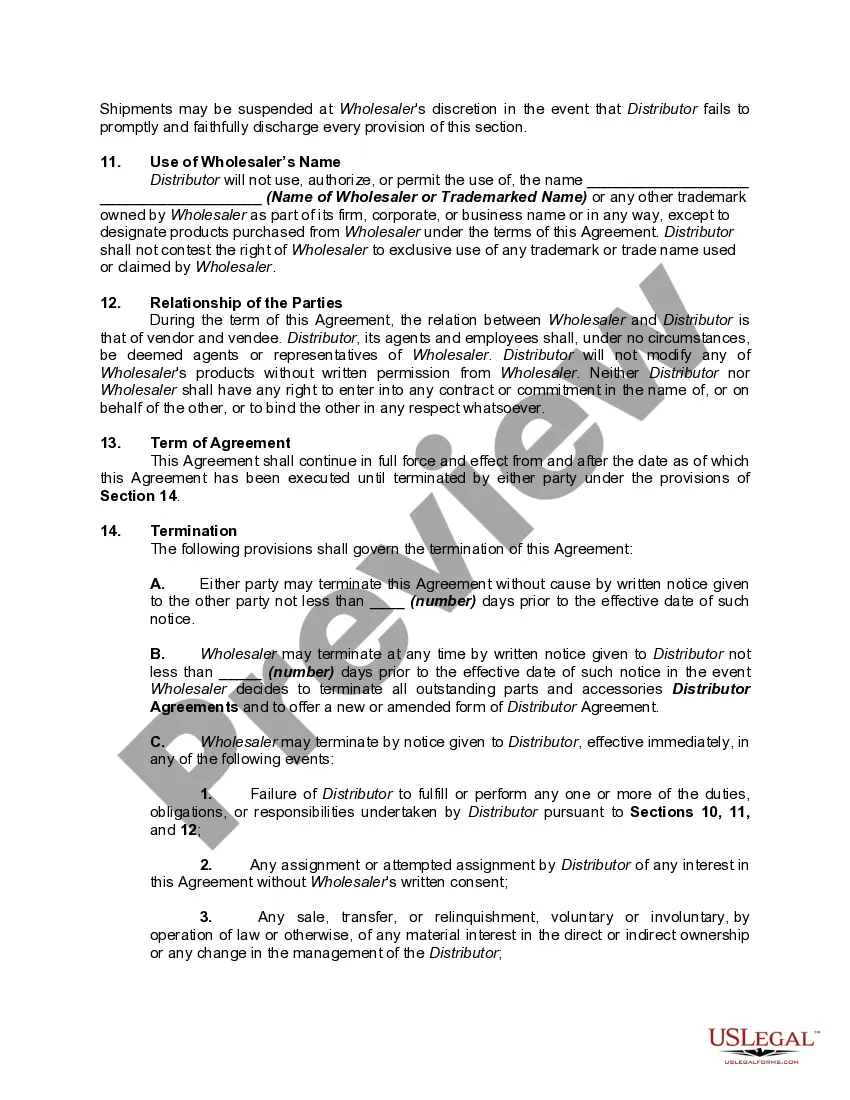
Distributor Agreement With Manufacturer
Description
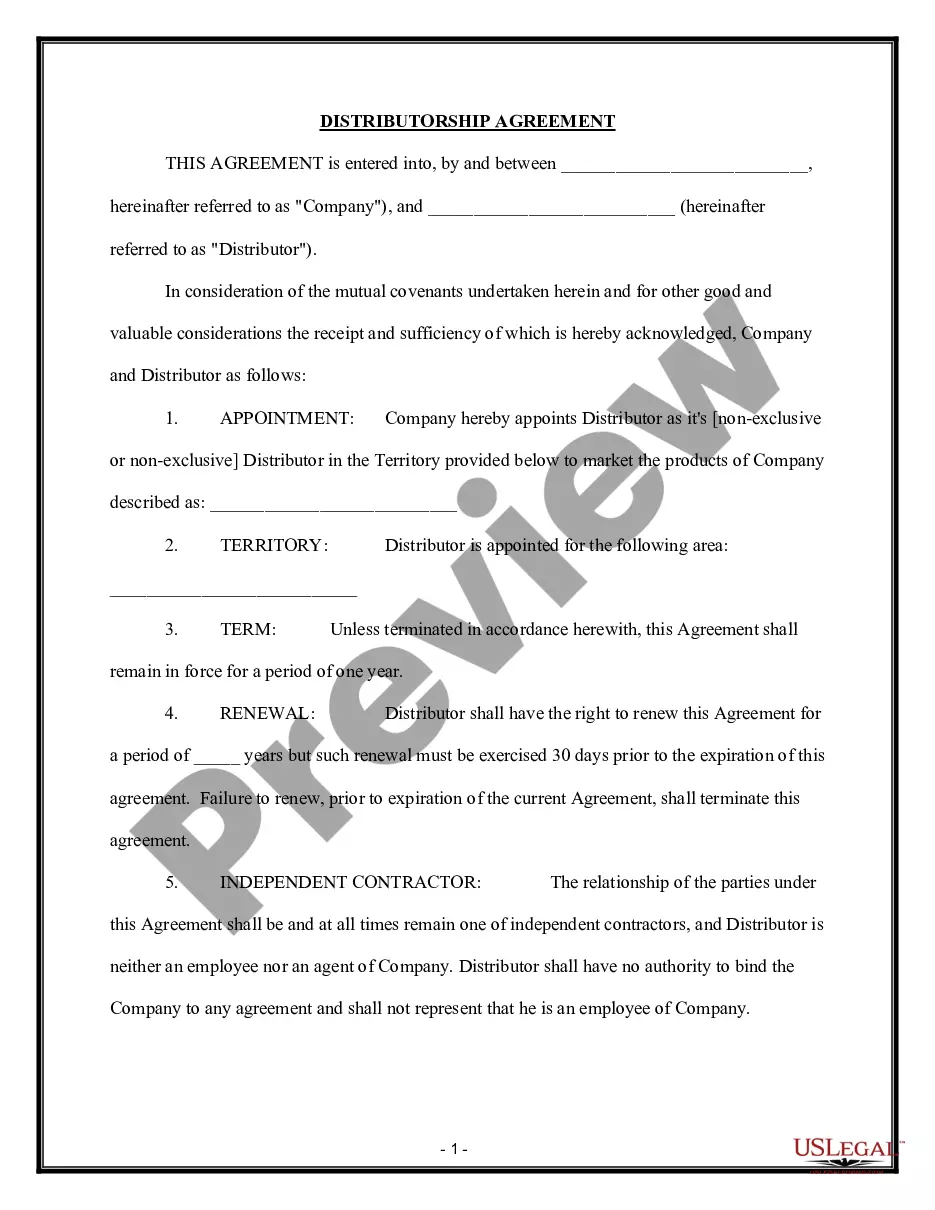
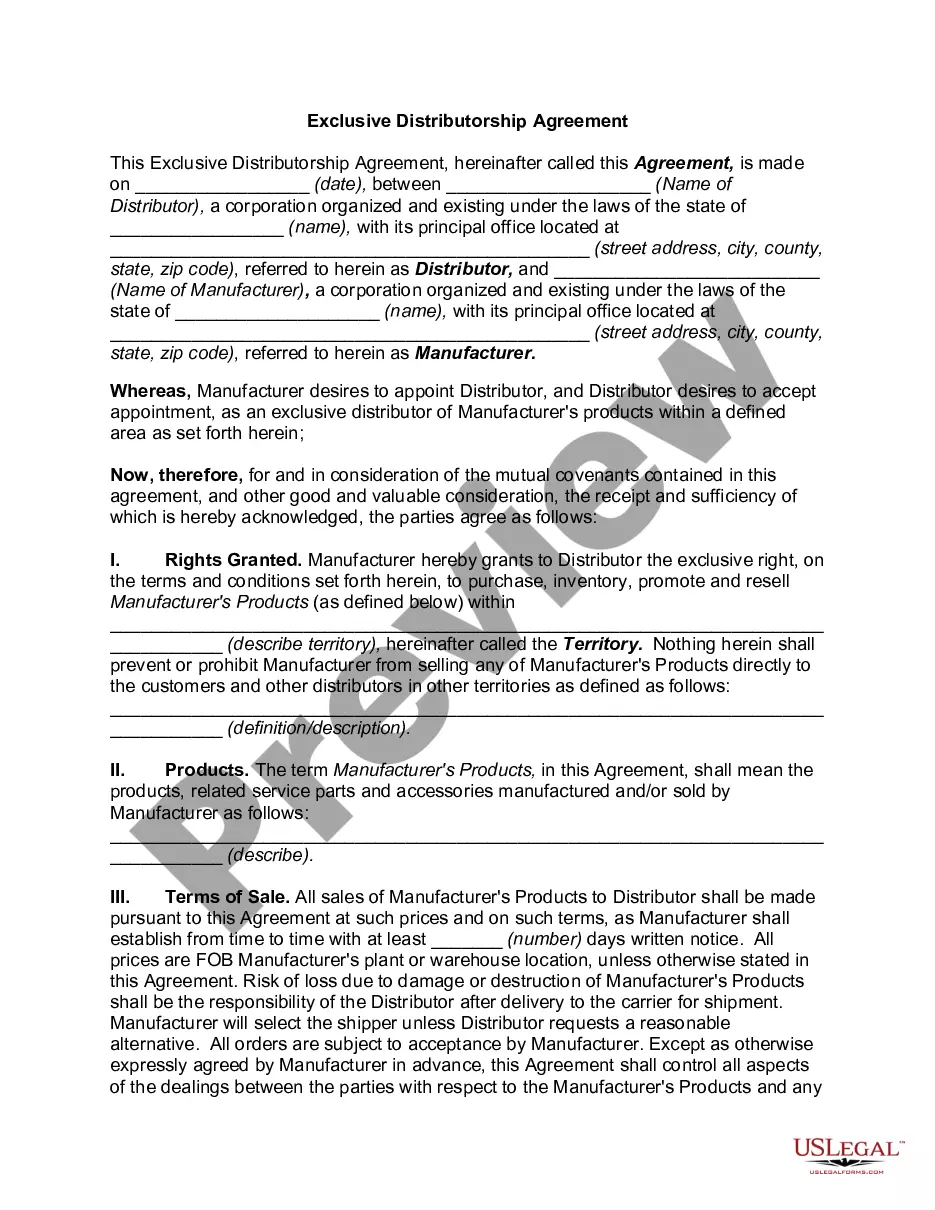
Get your form ready online
Our built-in tools help you complete, sign, share, and store your documents in one place.
Make edits, fill in missing information, and update formatting in US Legal Forms—just like you would in MS Word.
Download a copy, print it, send it by email, or mail it via USPS—whatever works best for your next step.
Sign and collect signatures with our SignNow integration. Send to multiple recipients, set reminders, and more. Go Premium to unlock E-Sign.
If this form requires notarization, complete it online through a secure video call—no need to meet a notary in person or wait for an appointment.
We protect your documents and personal data by following strict security and privacy standards.

Make edits, fill in missing information, and update formatting in US Legal Forms—just like you would in MS Word.

Download a copy, print it, send it by email, or mail it via USPS—whatever works best for your next step.

Sign and collect signatures with our SignNow integration. Send to multiple recipients, set reminders, and more. Go Premium to unlock E-Sign.

If this form requires notarization, complete it online through a secure video call—no need to meet a notary in person or wait for an appointment.

We protect your documents and personal data by following strict security and privacy standards.
Looking for another form?
How to fill out Distributorship Agreement With Wholesaler?
Managing legal documents can be daunting, even for experienced experts.
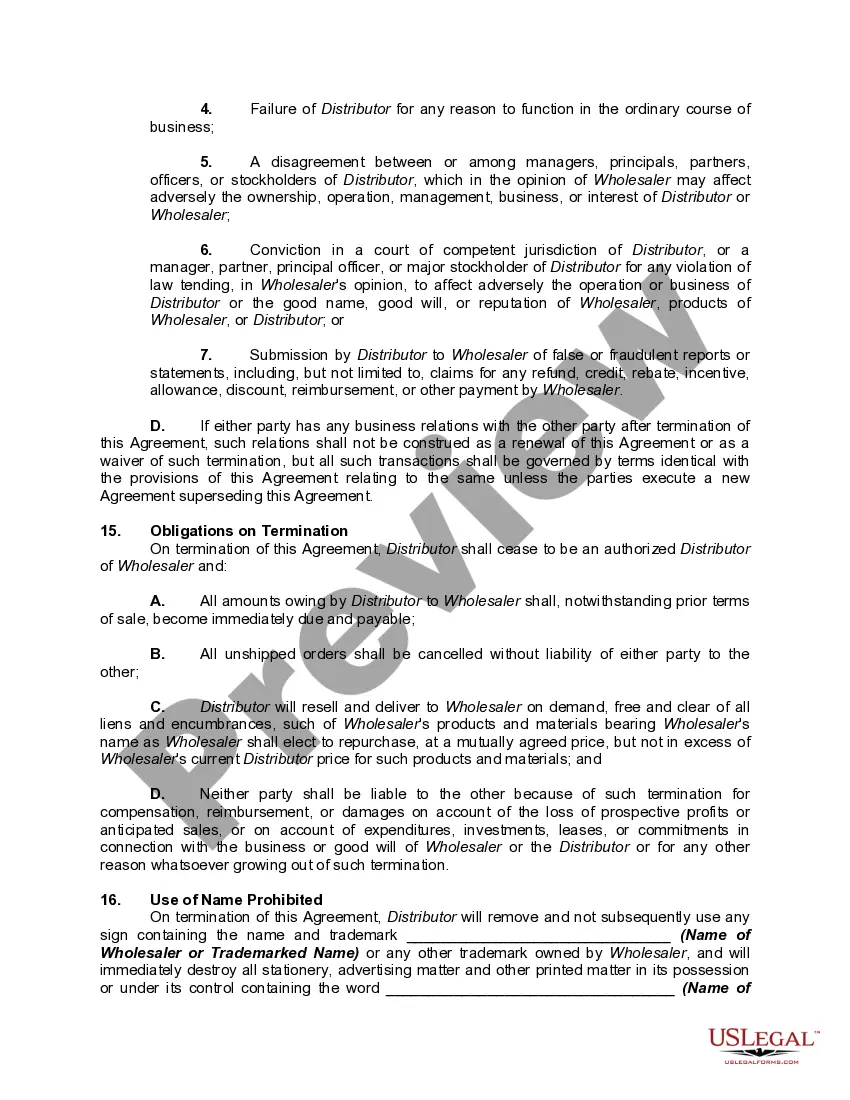
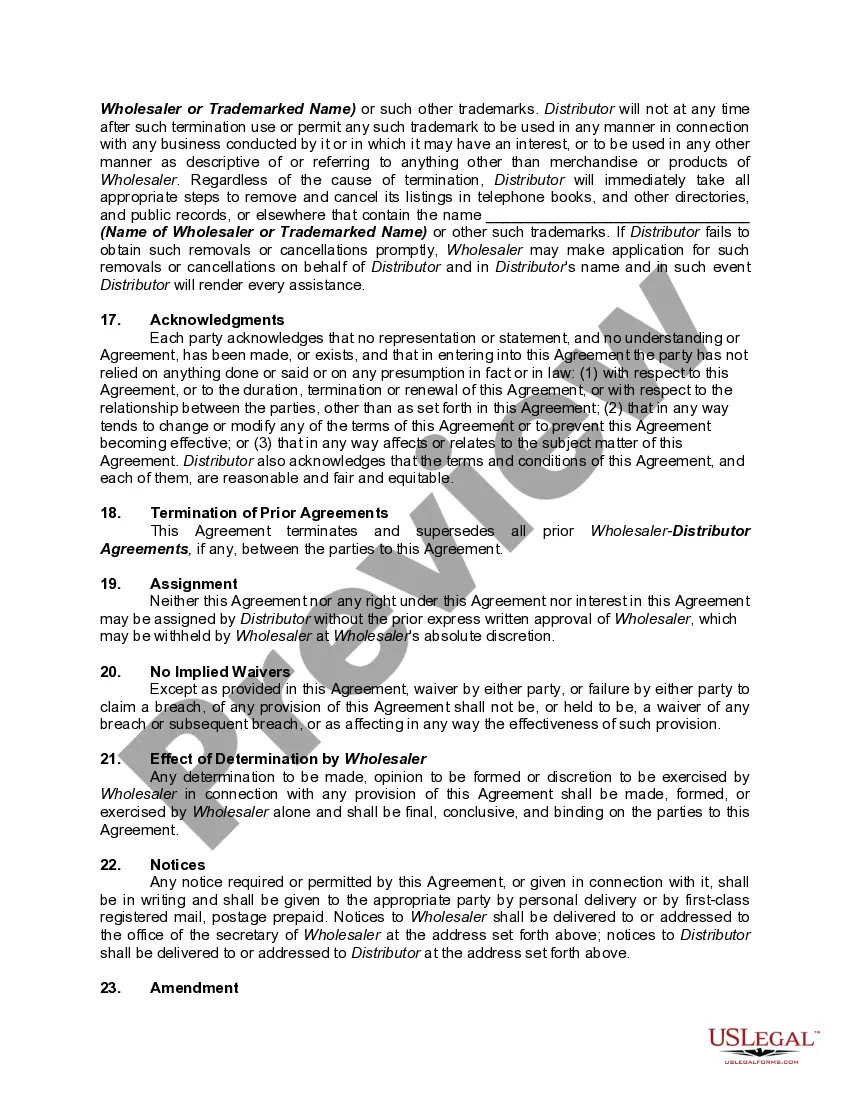
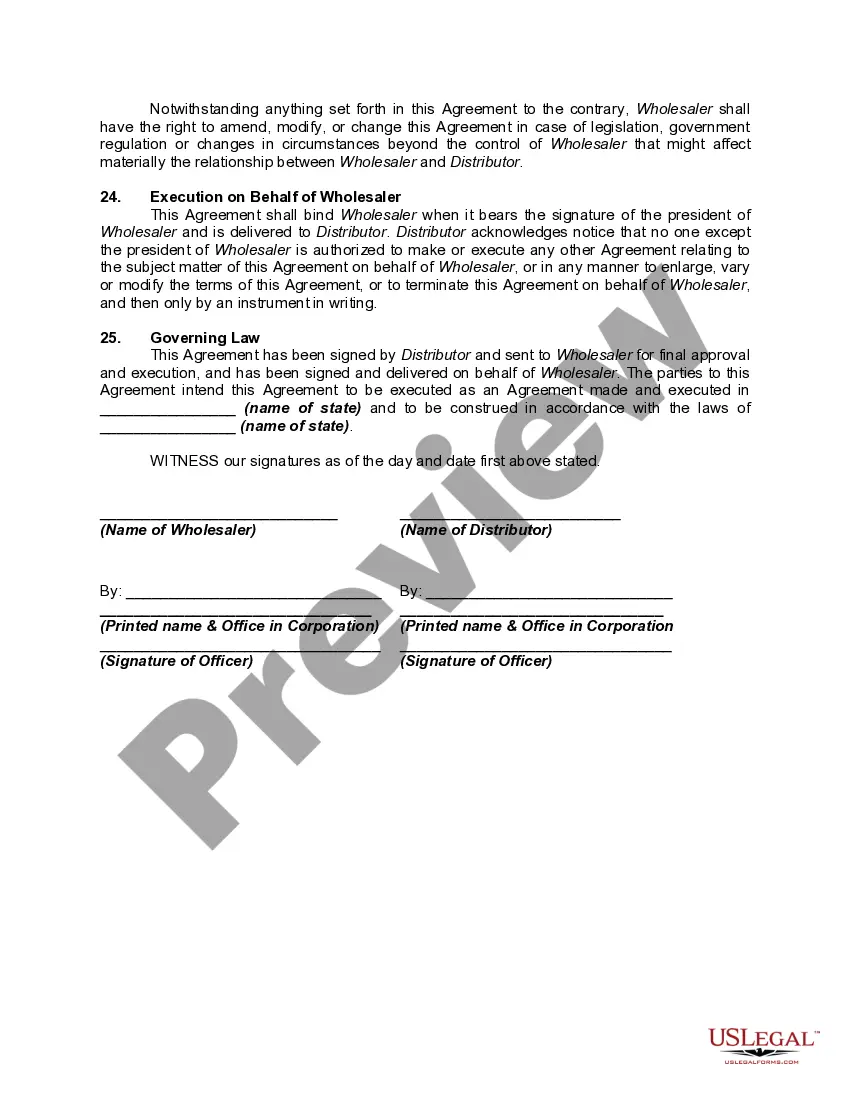
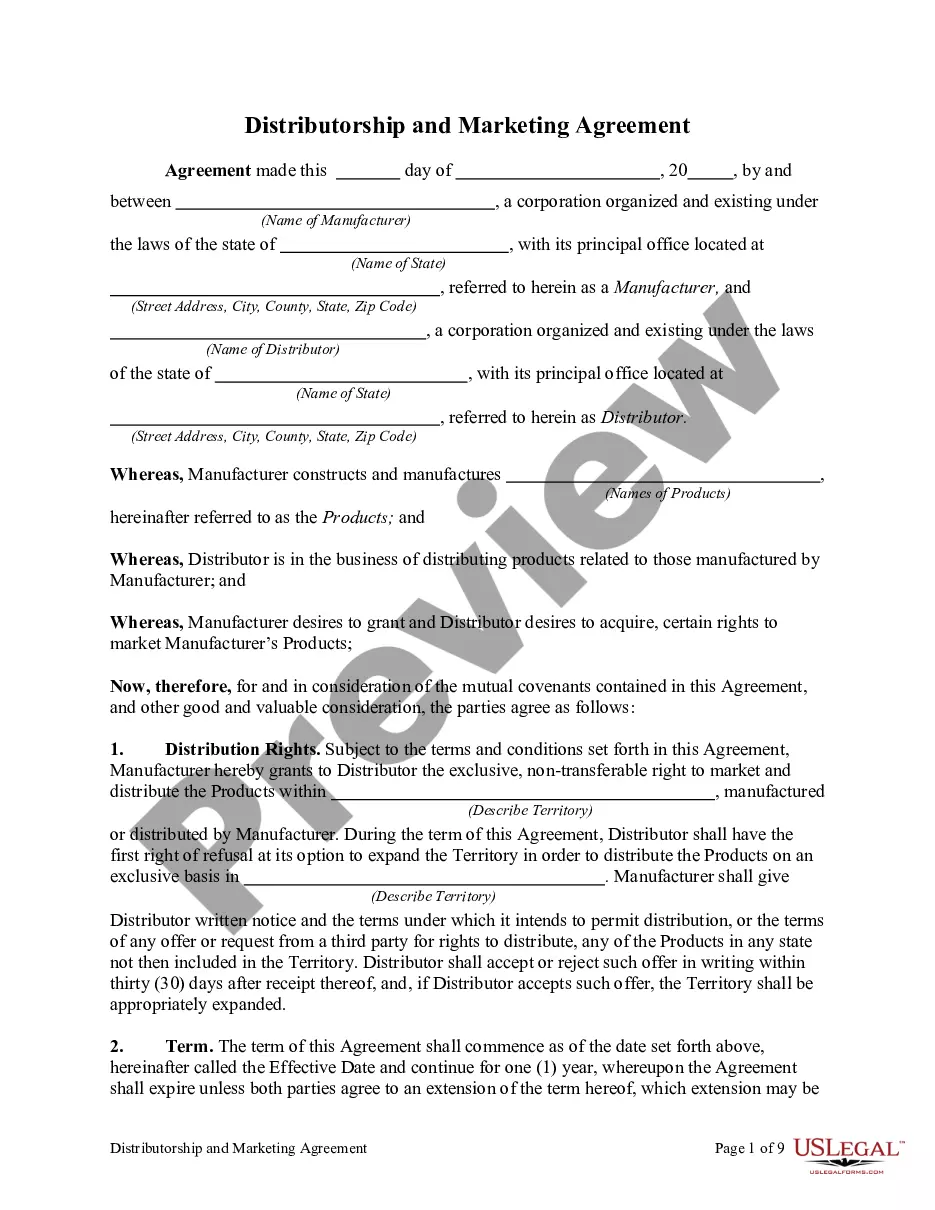
When seeking a Distributor Agreement With Manufacturer and lacking the time to search for the suitable and updated version, the process can become anxiety-inducing.
Access a wealth of articles, guides, and reference materials pertinent to your circumstances and requirements.
Conserve time and energy searching for the documents you require, and utilize US Legal Forms’ sophisticated search and Preview feature to locate Distributor Agreement With Manufacturer and obtain it.
Ensure that the template is accepted in your state or county.
- If you have a subscription, Log In to your US Legal Forms account, search for the document, and retrieve it.
- Check the My documents section to review previously saved documents and manage your folders as desired.
- If it’s your first experience with US Legal Forms, set up a free account and gain unlimited access to all the platform's benefits.
- Follow these steps once you've accessed the form you need.
- Confirm this is the correct form by previewing it and reviewing its details.
- Access legal and business forms specific to your state or county.
- US Legal Forms addresses all your needs, from personal to corporate documentation, all in one location.
- Leverage sophisticated tools to create and manage your Distributor Agreement With Manufacturer.
Form popularity
FAQ
Any person named in a will to act as personal representative shall, within 30 days after he or she has knowledge that he or she is named to act as personal representative, and has knowledge of the death of the testator, file the will in the proper court, unless the will has been otherwise deposited with the court.
The probate court will only allow a copy of the will to be filed if the personal representative proves that the original will could not be found after a thorough and careful search. One common mistake is that the decedent believes the most secure and safe place to keep the original will in is their safe deposit box.
Fabric. To make a will without having to sign up for anything or create an account, you can use Fabric's free online will tool. If you have a basic estate or simple family situation, this service could be a good fit. After answering a few questions, you can print the will and make it legally binding.
If you die without making a new Will, your property will be distributed as if you had died without a Will. If you want to cancel your Will and replace it with another Will, you can do this by writing a new Will because most Wills include a clause near the beginning that says that all earlier Wills are cancelled.
To be valid, your will must be in writing, and you must date and sign it. At least two witnesses also must sign the will. They can do this after they watch you sign it. If they weren't present then, you can state to them that the signature is yours, and then the witnesses can sign.
How Do I Change My Will in Wisconsin? People who have a Will that no longer reflects their intentions can change it. There are two basic ways to change a will: (1) by writing a new Will; or (2) by amending a current Will with a codicil. Creating a new Will has become the preferred way to change an estate plan.
Grounds for Contesting a Will in Wisconsin The Will does not comply with the state's legal requirements by, for example, not having enough witnesses or having a witness that was also a beneficiary. Ambiguous provisions exist. The Will was revoked. A new Will exists.
No, in Wisconsin, you do not need to notarize your will to make it legal. However, Wisconsin allows you to make your will "self-proving" and you'll need to go to a notary if you want to do that. A self-proving will speeds up probate because the court can accept the will without contacting the witnesses who signed it.